Seedream 4.5
From 4 credits · Best for photo-real images
Create a photo-real image from a text prompt with ByteDance's Seedream 4.5, or upload a photo and describe what to change. 4 credits either way.
By uploading, you confirm you have the right to use this photo (see Acceptable Use).


Model: Seedream 4.5 · Usually 20-60 seconds
Eidora's Seedream 4.5 page runs ByteDance's Seedream 4.5, the version before Seedream 5, through kie.ai. Type a prompt to create an image or upload a photo and describe the change; each result uses 4 credits, and a free account's sign-up credits cover your first one. A result usually takes about a minute.
From prompt to image
“A cozy ceramic coffee cup with latte art on a linen cloth beside a window, soft morning light, shallow depth of field, photorealistic”

About this model
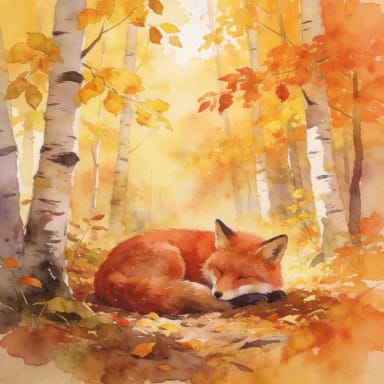
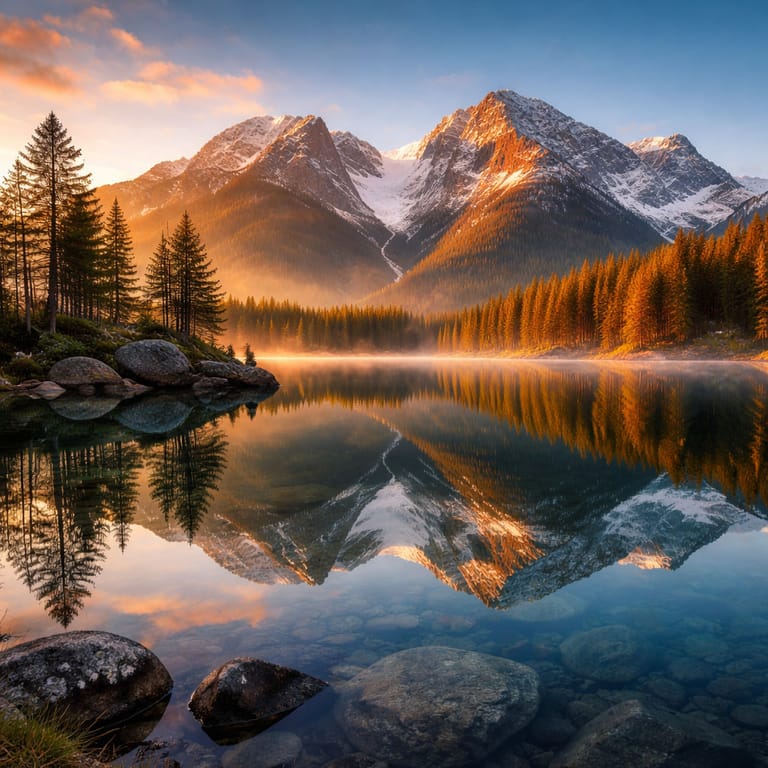
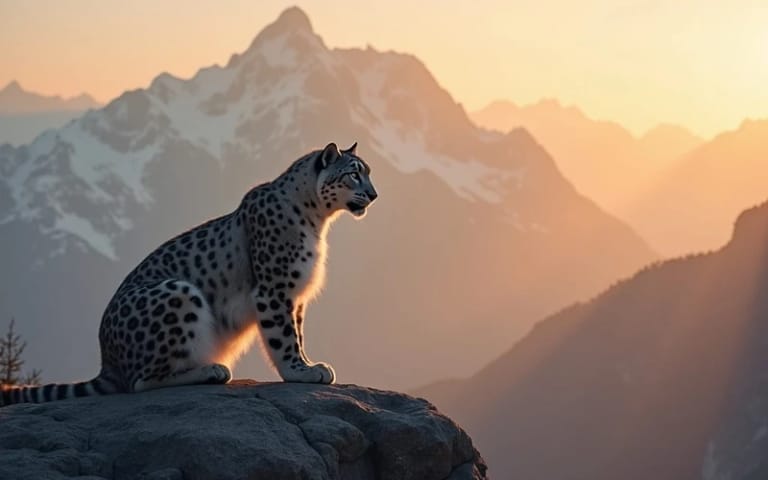
Seedream 4.5 is ByteDance's image generation and editing model, the version before Seedream 5. On this page you can type a prompt to create an image, or upload a photo and say what to change. In our own test runs it made natural-looking photos, a landscape and a watercolor illustration, and it kept a person's face, hair and clothes when we changed only the background. Eidora runs it through kie.ai at its basic quality setting; every result uses 4 credits.
- Photo-real light and detail
- Same price from text or photo
- Keeps the person when the background changes
- Landscapes and illustration too
What you can create

Product and Food Shots
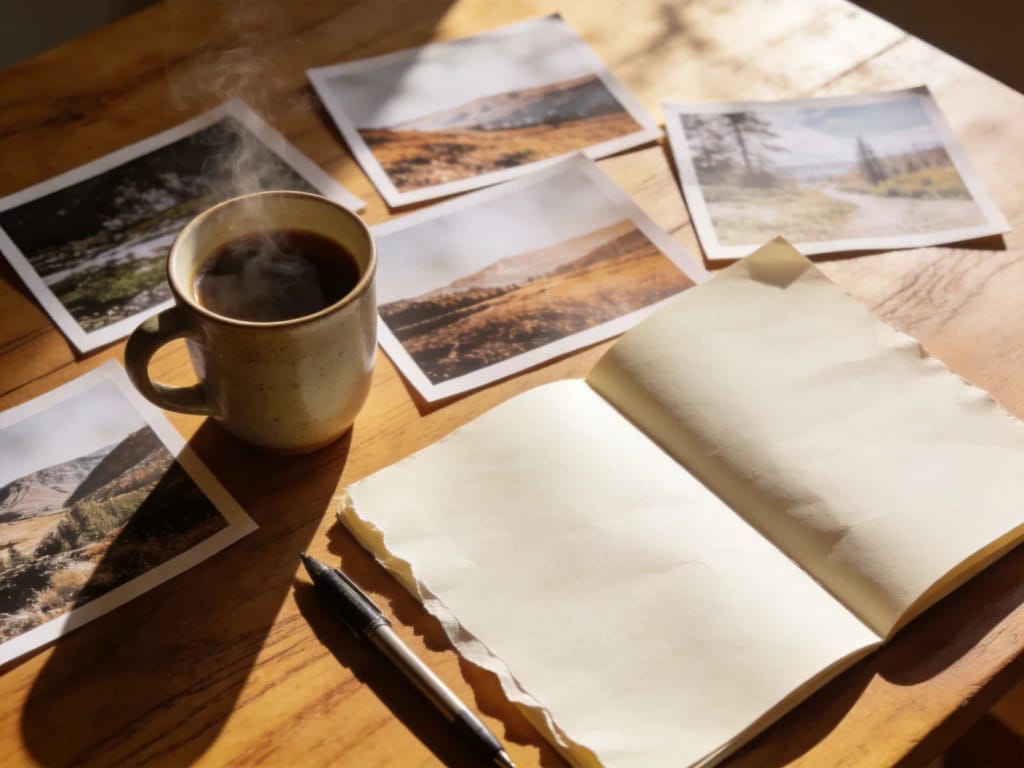
Describe a cup, a bottle or a dish in good light and get a clean, photo-style picture for a menu, a shop page or a post, without a photo shoot.
Landscapes and Wallpapers
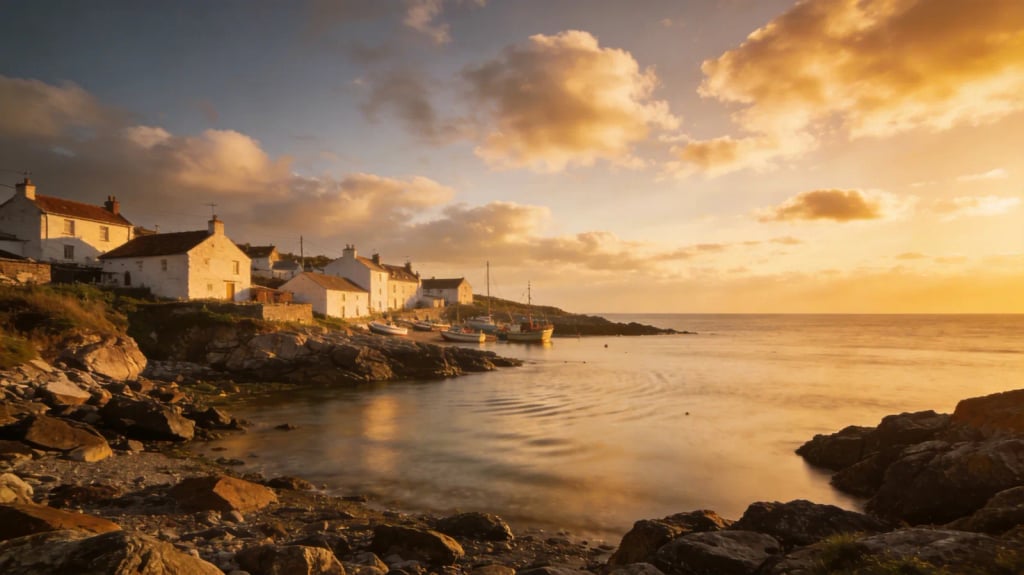
Create a wide coastal, mountain or city scene for a wallpaper, a banner or a travel post, and pick a 16:9 shape before you generate.
New Background for a Photo
Upload a portrait and ask for a park, a studio or a street behind you. In our tests the face, hair and clothes stayed the same.
Built different, built better
Three steps. About a minute.
Enter Your Prompt
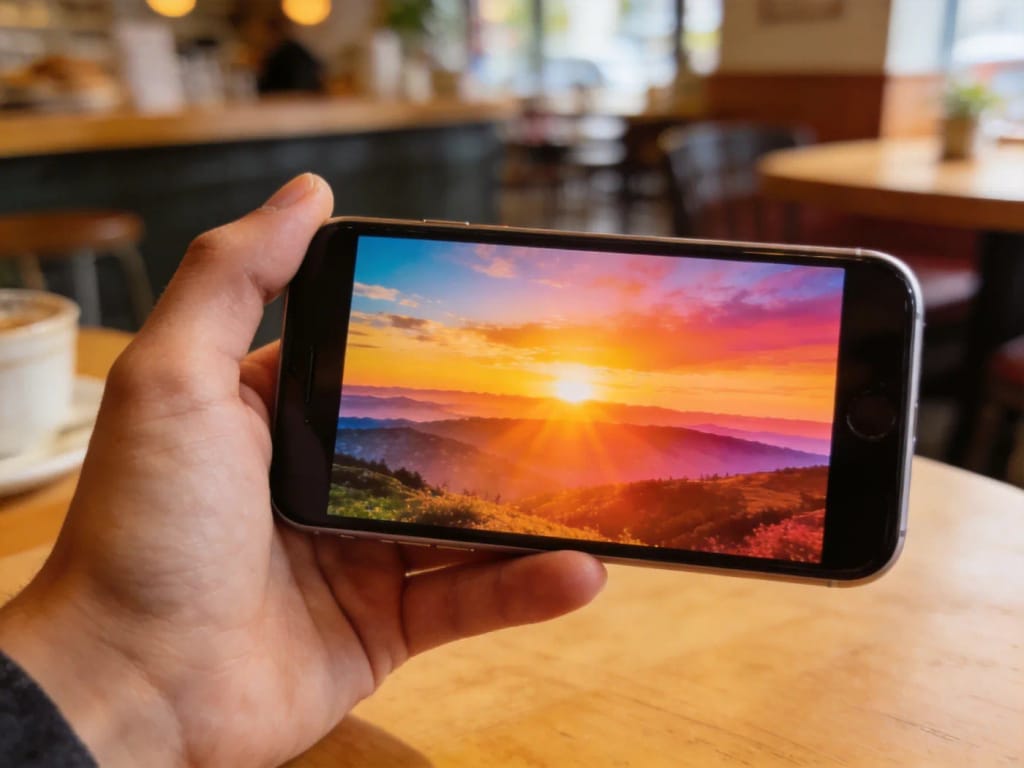
Type what you want to see: the subject, the place, the light and the style. Or upload a photo and describe the change.
Generate Your Image
Press Generate. Seedream 4.5 usually takes about a minute.
Download and Use
Save the image to your device, or change the prompt and generate again.
Frequently asked questions
Everything you need to know. Can't find what you're looking for?




yours?