Text → image
Open the full StudioText to image. Print the frame.
Describe the picture, pick one of 17 image models or let Auto choose, and press Generate. Most pictures take under a minute, and the button shows the credits first.
Input WordsOutput ImageAuto 4 credits
Auto → GPT Image 2.5: Passed 12 of 12 in our blind test of text-to-image, at the lowest price.
6 credits when you sign up.Open the full Studio
01 · Samples and style references
Stills worth printing.
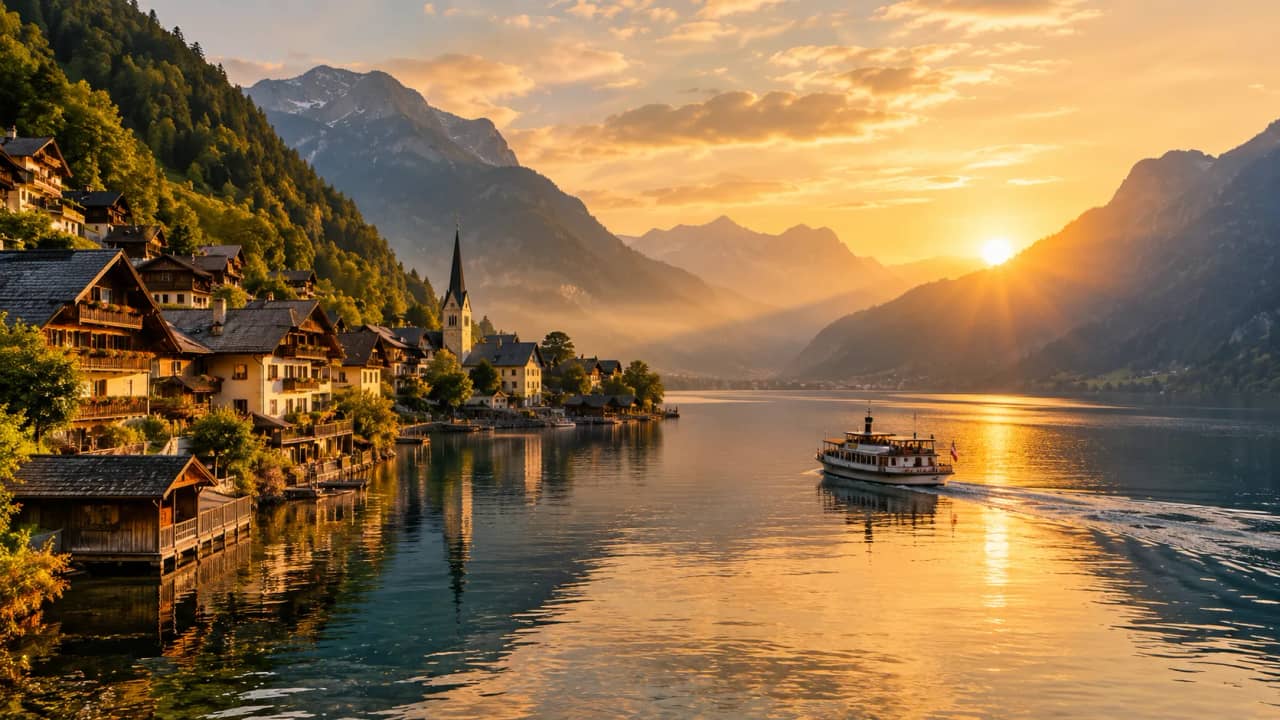
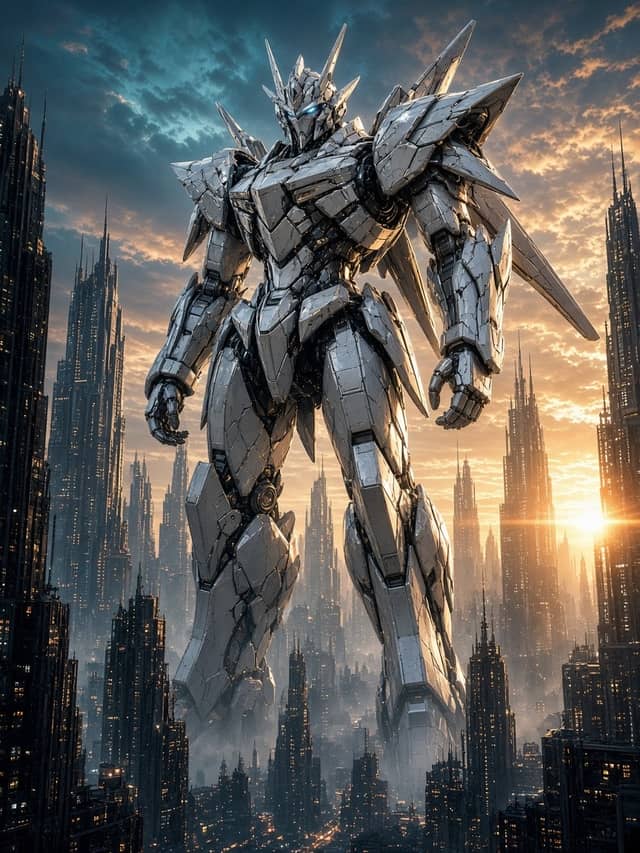
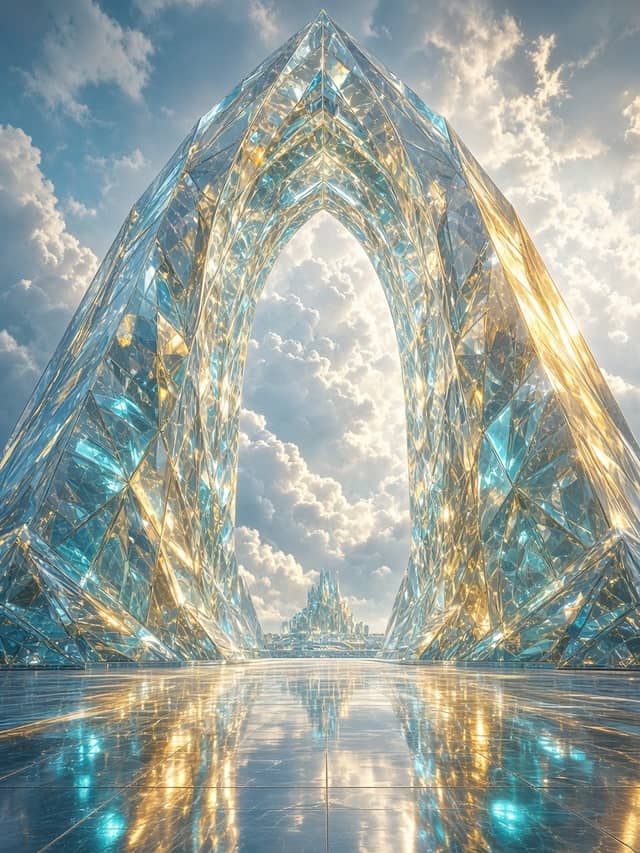
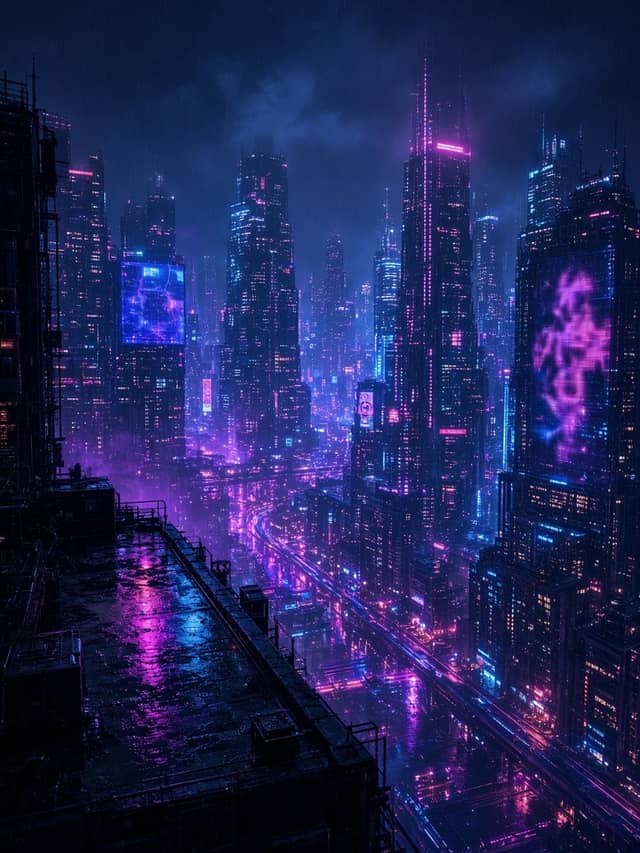
A picture made on Eidora from text, labeled with its model, and style references from our design library. None was made on this page.
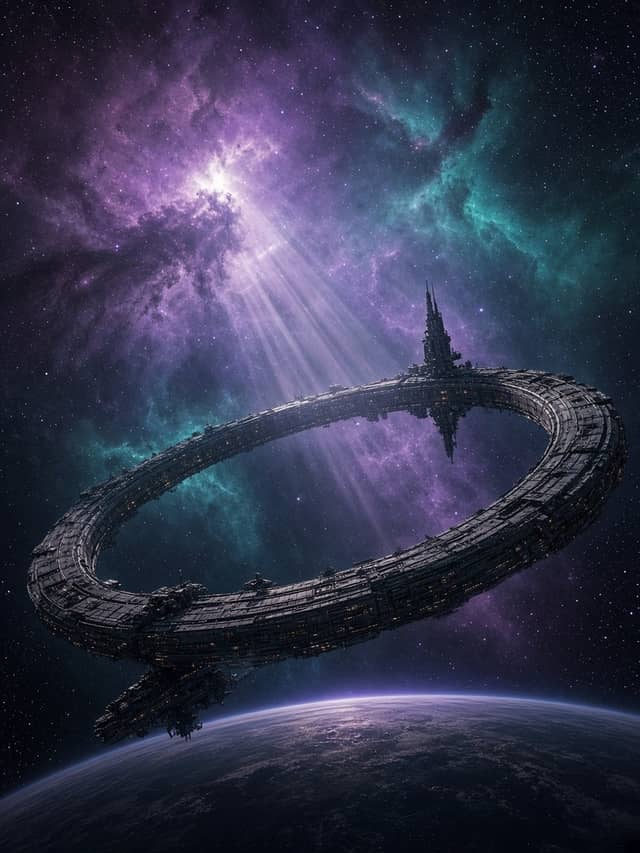
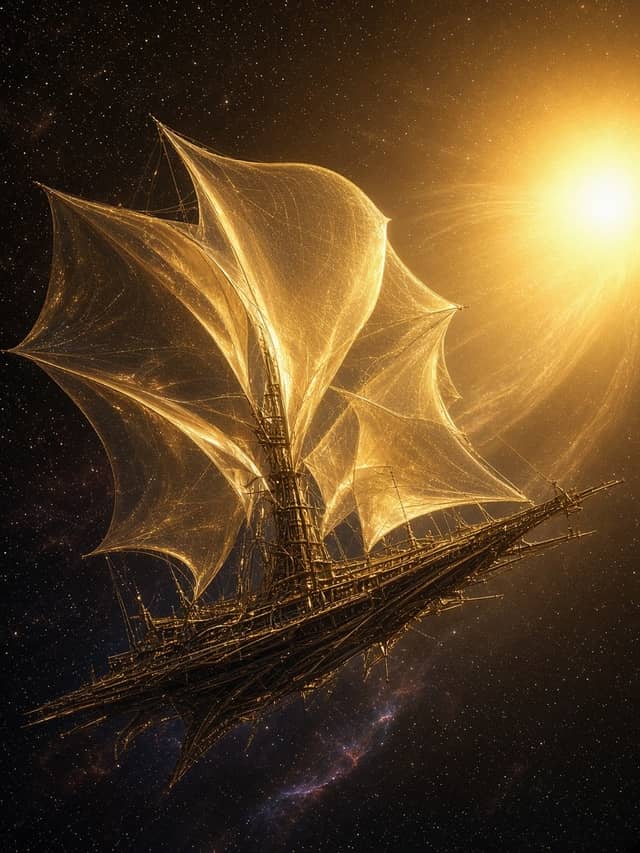
02 · How it works
Prompt. Model. Print.
Three steps, all on this page. The full Studio has the same models, with picture editing next to it.
Write the picture
Subject, setting, light and style in one or two sentences. Put any words that should appear in the picture in quotes.
Pick a model
Auto picks for you, or choose one of 17 models, from 2 to 15 credits a picture. 10 of them run on the free credits.
Generate & keep
Make up to four pictures at once. They land under the box and in your History; a run that fails is refunded.
What it is
What is text to image on Eidora?
Text to image turns a written description into a picture. You say what you want to see, such as a subject, a place, a light and a style, and an image model paints it from scratch. It is the fastest way to get a picture that does not exist yet: a poster idea, a product scene, a character, a background for a video.
Text to image on Eidora runs in the box at the top of this page and in the full image Studio, with the same models and the same prices. Auto is the default: it reads your prompt and picks the model that did best on that kind of picture in our blind tests. You can also pick a model yourself, from quick, low-priced ones to the detailed ones, and make up to four pictures in one run.
A new account gets 6 credits at sign-up, and they do not expire. Models priced at 4 credits or less run on them; the others need a plan or a credit pack. Every price is printed on the Generate button before you press it. Until an account has paid, its pictures carry a small eidora.io watermark; after any plan or pack, they have none, earlier ones included. Pricing has the details.
When you already have a picture to change, image to image edits it with your words instead of starting from nothing. When the picture is ready to move, image to video turns it into a clip.
03 · Use cases
Where text to image earns.
Social posts and thumbnails
Eye-catching pictures for posts, covers and video thumbnails, in the right shape for each platform.
Posters and graphics
Event posters, menus and simple ads with readable text, from a model that handles lettering well.
Product and concept scenes
Show a product in a setting you cannot shoot, or test a look before paying for a photo shoot.
Characters and worlds
Design characters, places and props for stories and games, then keep them for video later.
04 · Models
Models that print stills.
Every model here makes pictures from words. The prices are the ones the Generate button charges per picture.
Image
GPT Image 2.5
Follows your words most closely
4 creditsImage
Nano Banana Pro
Top picture quality, the finest detail
15 credits · Plan or packImage
Seedream 5
Photo-real looks, rich color
8 credits · Plan or packImage
Ideogram 3
Most accurate text: posters, logos
8 credits · Plan or packAll 17 models in this mode
- FLUX 3 Klein2 credits
- Seedream 5 Flash2 credits
- FLUX 2 Pro4 credits
- FLUX Kontext Pro4 credits
- GPT Image 24 credits
- GPT Image 2.54 credits
- Grok Imagine Image 24 credits
- Imagen 4 Fast4 credits
- Nano Banana 2 Lite4 credits
- Seedream 4.54 credits
- FLUX Kontext Max8 credits
- Ideogram 38 credits
- Nano Banana 28 credits
- Nano Banana 2.18 credits
- Qwen Image 38 credits
- Seedream 58 credits
- Nano Banana Pro15 credits
Guide
Creating usable AI pictures from a prompt: craft, credits, privacy
Write a prompt the model can follow
A good text to image prompt is short and concrete. Lead with the subject, then where it is, then the light and the style: “A ceramic teapot on a weathered wooden table, soft morning window light, studio product photo, shallow depth of field.” Every word should describe something you want to see. Long lists of quality words add little; a clear subject and a clear light add a lot.
If the picture needs text, write the exact words in quotes and say where they go: a poster that says “Open Late” across the top. Text is where models differ most. Ideogram 3 is the most accurate with lettering, GPT Image 2 is precise with text, and Qwen Image 3 is good with Chinese and English text.
Choose the model for the picture
Auto is a sensible start: it picks the model that did best on your kind of picture in our tests and tells you which one and why. When you want control, GPT Image 2.5 follows your words most closely, Seedream 5 gives photo-real looks and rich color, and Nano Banana Pro has the finest detail and costs the most. Seedream 5 Flash and FLUX 3 Klein are quick and cheap for drafts. Every model has its own page with a sample under AI models.
Prices run from 2 to 15 credits per picture in this mode, and a run of four pictures costs four times one. A good habit is to explore on a cheaper model, then remake the picture you like on a stronger one with the same words.
Credits, the watermark and refunds
The 6 credits from sign-up do not expire, and they cover the models priced at 4 credits or less. Models above that need a plan or a credit pack, and the picker marks them. If a run fails, its credits go back to your balance automatically.
Free pictures carry a small eidora.io watermark. Once an account has paid for any plan or pack, new pictures have no watermark and earlier pictures still in your History download without it. Plans and packs are on Pricing; questions are answered in Help.
Privacy and where your pictures go
Every picture is saved to your History, where you can view and download it; how long it stays depends on your plan. Pictures you upload elsewhere on Eidora are deleted 30 days after upload and are never used to train AI models. The Privacy policy has the details.
For a single job with a fixed recipe, such as a headshot, a background change or a cartoon of your photo, the image tools do it in one step. This page is for when you want to describe the picture yourself.
05 · Questions
Mode questions. Straight answers.
Is text to image free on Eidora?
Text to image on Eidora starts with 6 credits for every new account, and they do not expire. Models priced at 4 credits or less run on them, so you can make your first pictures without paying. Higher-priced models need a plan or a credit pack; see Pricing.
How many credits does a picture cost?
Text to image on Eidora costs 2 to 15 credits per picture, depending on the model. Making four at once costs four times one. The total is on the Generate button before you press it, and a run that fails is refunded.
Which model should I use?
Auto picks for you from our blind tests. For control: GPT Image 2.5 follows your words most closely, Seedream 5 is photo-real, Nano Banana Pro has the finest detail, and Ideogram 3 is the most accurate with text. See AI models.
Will my pictures have a watermark?
Until an account has paid, pictures carry a small eidora.io watermark. After any plan or credit pack, they have none, including earlier pictures still in your History.
Can I turn a picture into a video?
Yes. Use image to video: your picture becomes the first frame of the clip. Video needs a plan or a credit pack.
Where do my pictures go?
Every picture is saved to your History, where you can view and download it. Uploaded pictures are deleted after 30 days and are never used to train AI models; see the Privacy policy.
Explore
Keep creating. Same studio.
Ready
Write the still. Print.
The composer is at the top of this page. The price is on the button, and failed runs are refunded.