Toolpublic route

AI Kitchen Planner

Instantly visualize new kitchen layouts and styles by transforming your existing kitchen photos. Perfect for homeowners, renovators, and interior design enthusiasts planning their next project.

Instant resultsFree downloadWorks on mobile

Preset route

Choose the public starting point before you open Studio

Open Studio →

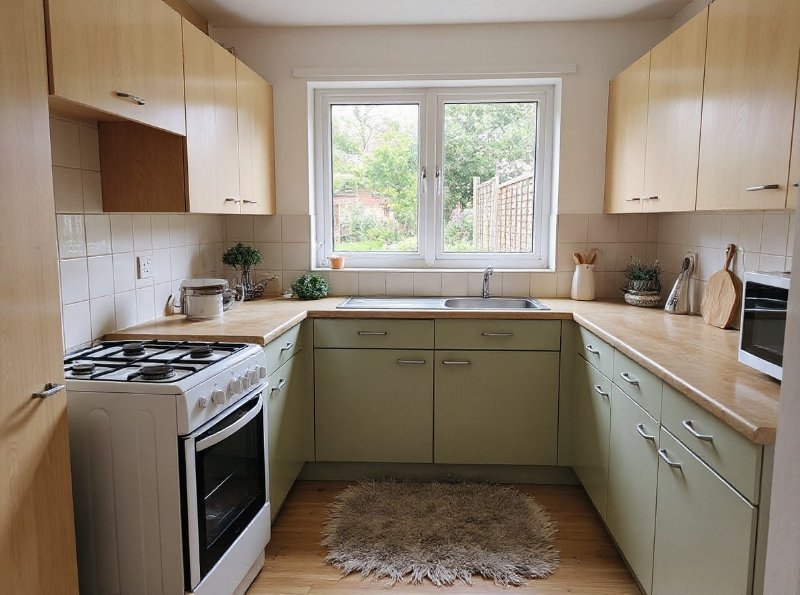
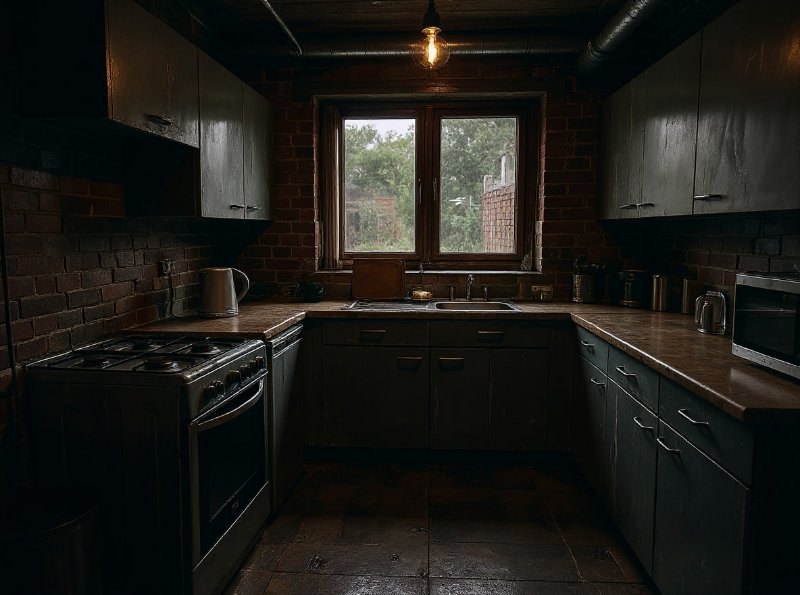
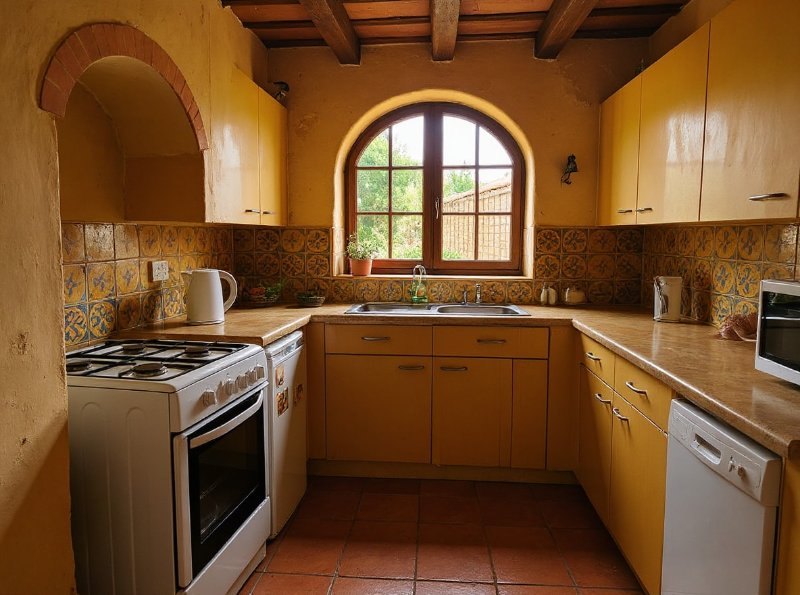
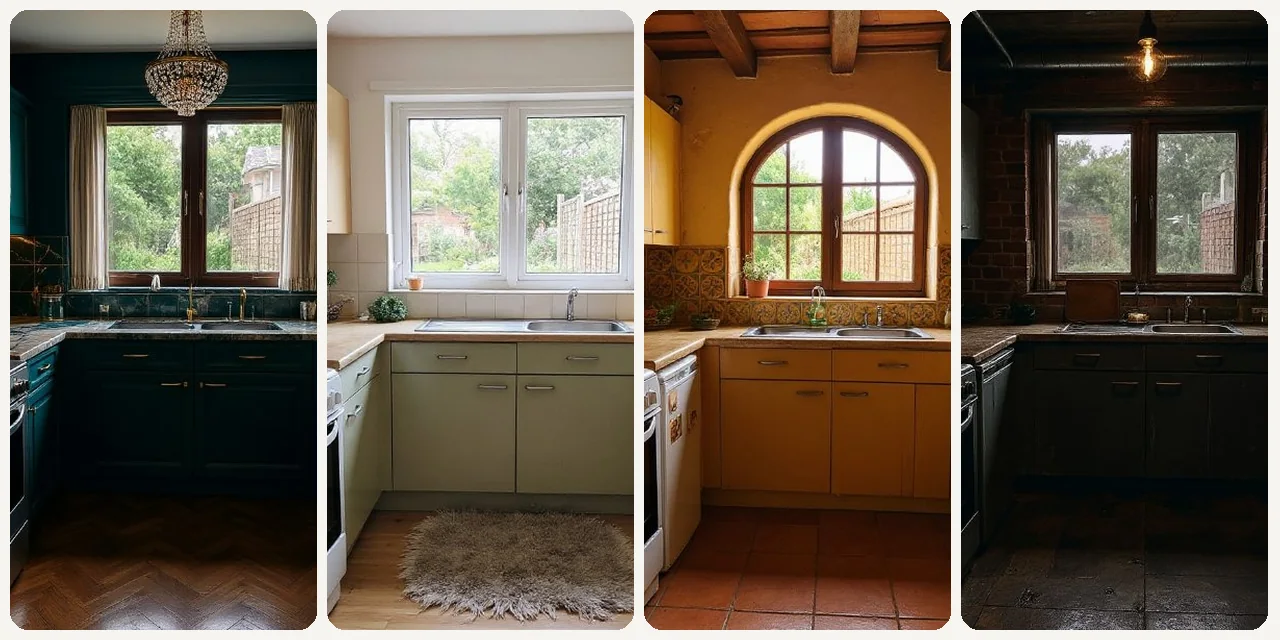
Or choose a popular preset:

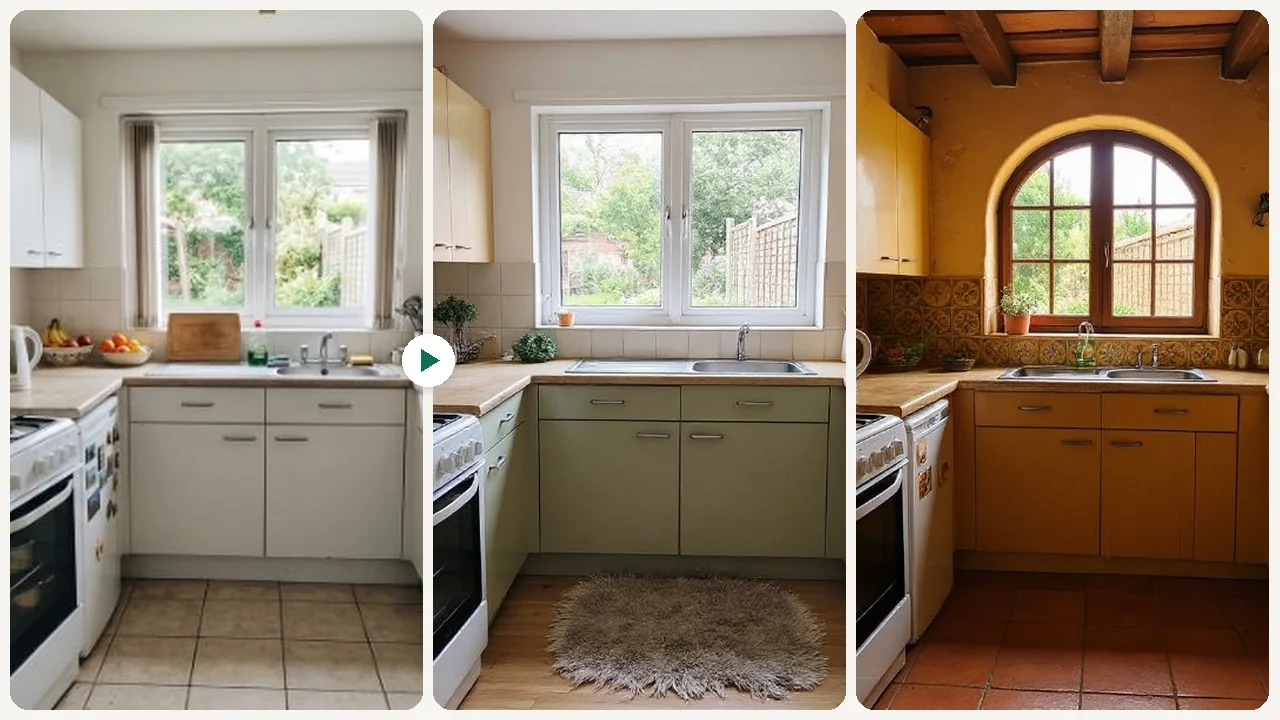
Sample compare

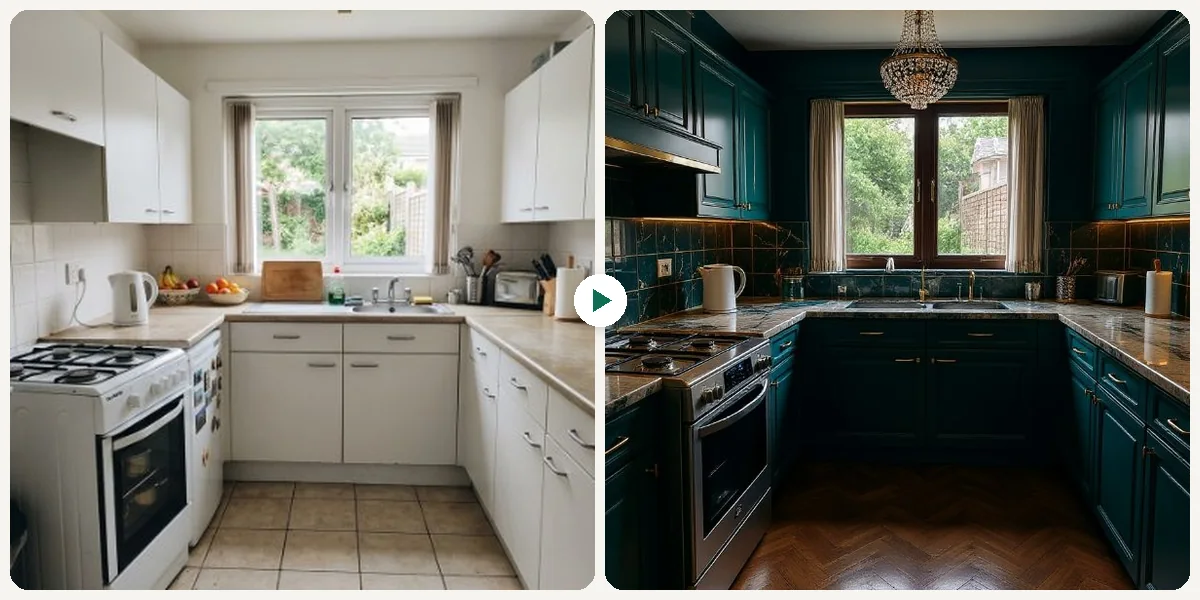
See the promise before you move into execution

AI Kitchen Planner example result beforeBefore
AI Kitchen Planner example result afterAfter

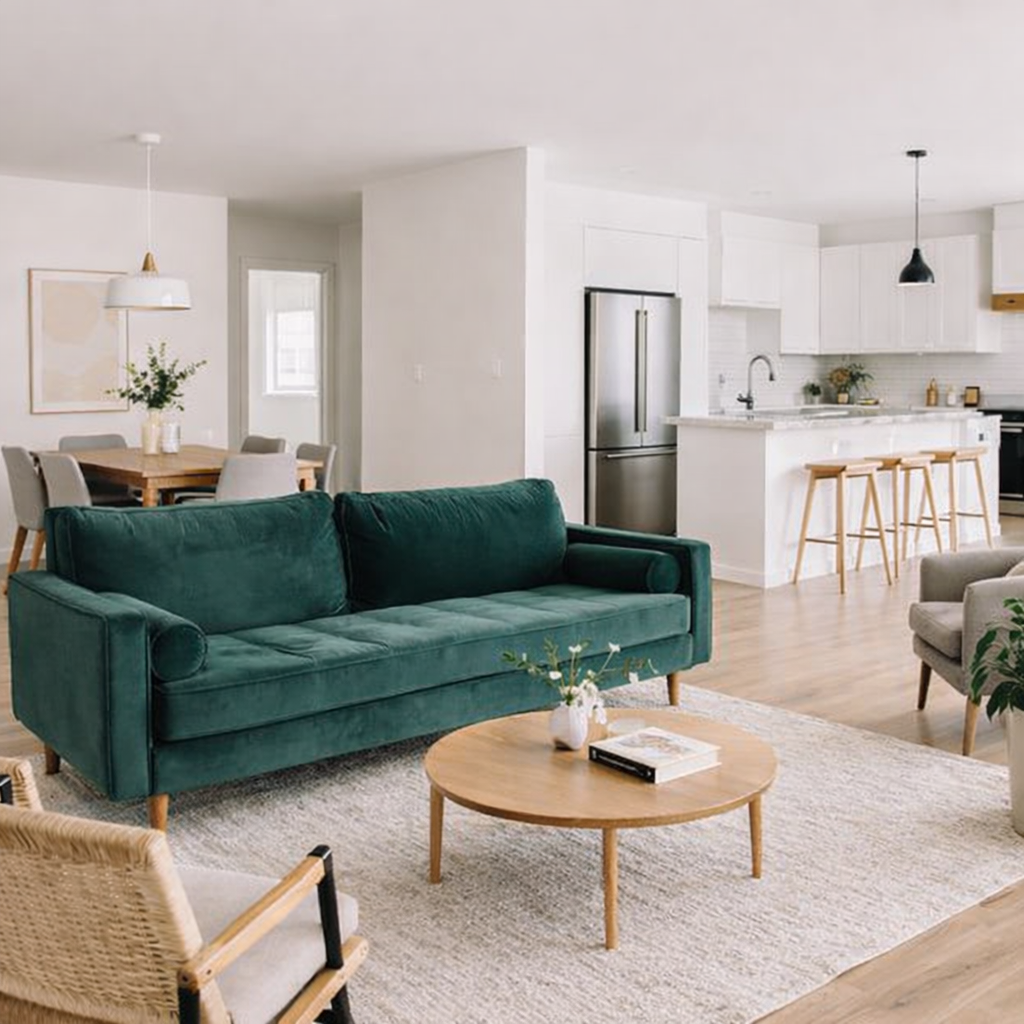
AI Kitchen Planner example result

The public page explains the workflow. `/studio` remains the execution layer.

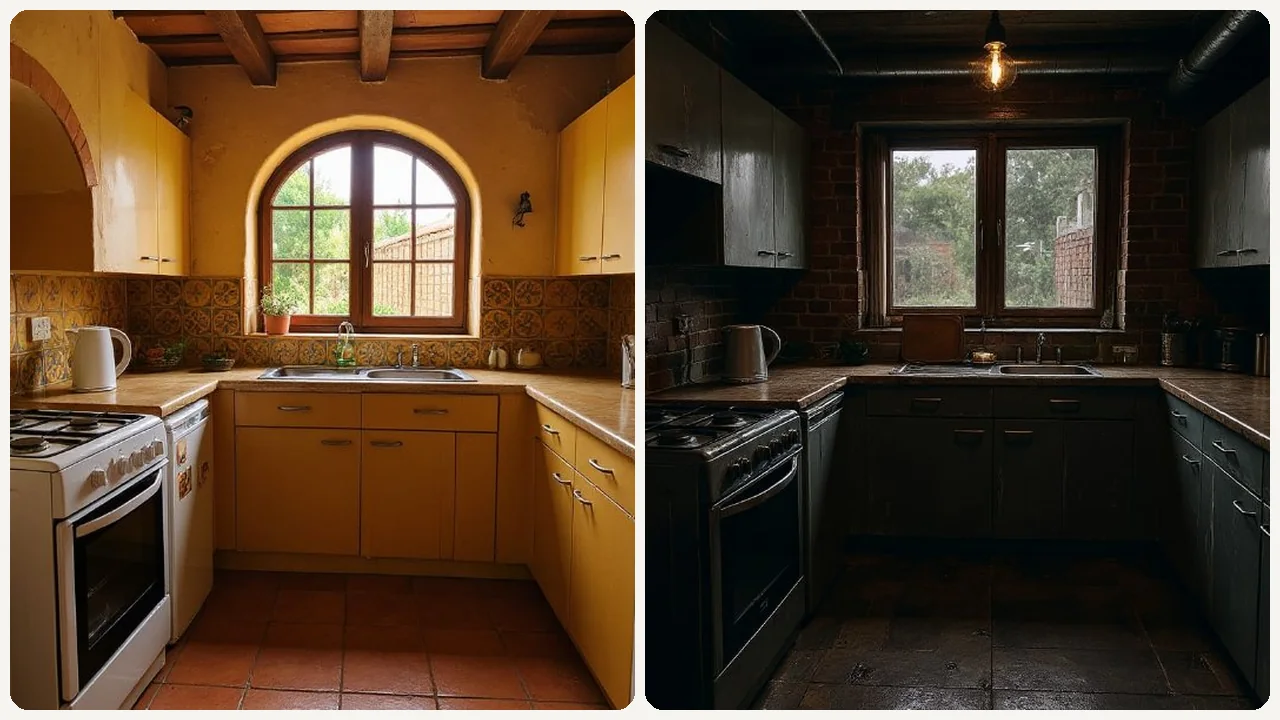
Sample Results

See what this tool can do with real photos.

Before - AI Kitchen Planner example resultBefore
After - AI Kitchen Planner example resultAfter

AI Kitchen Planner example result

User Reviews

4.9

Based on 397 reviews

5 stars
81%
4 stars
12%
3 stars
4%
2 stars
2%
1 stars
1%
R.B.

Robert B.

Renovation Contractor

"I render the finished bathroom before tearing out tile. Cut my change orders by 60% because clients approve the design upfront."

L.D.

Laura D.

Airbnb Host

"Tested boho, minimalist, and coastal decor for my beach rental. Went with coastal and my booking rate jumped 25% after redecorating."

J.C.

Jennifer C.

Interior Designer

"Showed a client their living room in 3 different styles in one meeting. They signed the design contract on the spot."

What Is AI Kitchen Planner?

The AI Kitchen Planner transforms your current kitchen photos into stunning new designs, helping you explore different layouts, materials, and aesthetics without expensive software or lengthy design consultations. Simply upload an image of your kitchen, and our AI will generate realistic design options, from modern minimalist to cozy farmhouse. This tool is ideal for anyone considering a kitchen remodel, whether you're a DIY enthusiast trying out new cabinet colors, a homeowner deciding on a new island placement, or a professional designer seeking quick inspiration for clients. It simplifies the initial planning stages, allowing you to iterate on ideas quickly and confidently before making any commitments.

Why Choose This Tool

Visualize Design Ideas Instantly

See how new cabinets, flooring, or layouts would look in your actual kitchen space, eliminating guesswork.

Explore Styles Effortlessly

Experiment with various kitchen aesthetics, from contemporary to classic, to find the perfect match for your home.

Save Time and Money

Avoid costly design mistakes and lengthy consultations by previewing changes before any physical work begins.

No Design Skills Needed

Create professional-looking kitchen plans without needing complex CAD software or prior design experience.

Iterate on Layouts Easily

Quickly test different kitchen configurations, such as island placement or L-shaped vs. galley kitchens.

Personalize Your Space

Tailor designs to your specific needs and preferences, ensuring your new kitchen reflects your unique lifestyle.

Frustrated with Kitchen Planning Guesswork?

Traditional kitchen planning involves endless Pinterest boards, expensive 3D software, or hiring designers before you even have a clear vision. It's hard to truly imagine how new elements will look in your unique space, often leading to costly design changes or disappointment later on.

How It Works

1

Upload Your Kitchen Photo

Take a clear picture of your current kitchen space and upload it to our platform.

2

Select Your Desired Style

Choose from a range of design aesthetics, materials, and layout options you wish to explore.

3

Generate Your New Kitchen Design

Our AI will process your image and create realistic visualizations of your transformed kitchen.

Who Is This For?

Popular use cases for this tool.

palette

Homeowners Visualizing Renovations

Homeowners can upload a photo of their existing kitchen to instantly see various design possibilities. This helps them effortlessly compare different cabinet styles, countertop materials, and floorings to find their ideal aesthetic before committing to any changes.

briefcase

Designers Presenting Client Concepts

Interior designers can use the tool to quickly present multiple design options to clients, showcasing various kitchen layouts and finishes. This allows for rapid iteration and feedback, streamlining the initial design phase and ensuring client satisfaction.

camera

Real Estate Agents Staging Kitchens

Real estate agents can upload photos of kitchens in properties they are selling to demonstrate modernization potential to prospective buyers. This helps buyers visualize an updated space, making the property more appealing and potentially speeding up the sales process.

Frequently Asked Questions

What is the AI Kitchen Planner?

The AI Kitchen Planner is an online tool that uses artificial intelligence to redesign your kitchen based on an uploaded photo. You can experiment with different styles, layouts, and materials to visualize your dream kitchen before starting any renovation work.

Is the AI Kitchen Planner truly free to use?

Yes, our AI Kitchen Planner offers a free online experience for basic design visualizations. You can generate multiple design ideas without any upfront cost, making it accessible for everyone planning a kitchen update.

How accurate are the AI kitchen designs?

The AI generates highly realistic and visually compelling designs based on your uploaded image and chosen parameters. While it provides an excellent visual representation, always consult with a professional for exact measurements and structural considerations.

What kind of images should I upload for best results?

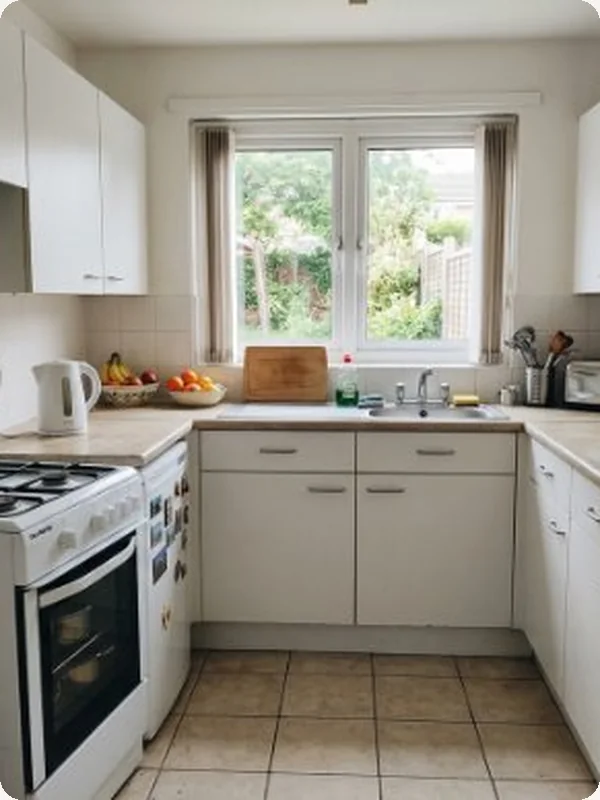
For optimal results, upload a well-lit, clear photo of your kitchen taken from a straight-on angle. Ensure the entire kitchen area you want to redesign is visible in the frame.

Can I customize specific elements like cabinet color or countertop material?

Yes, after uploading your photo, you can select from various options for cabinet styles, colors, countertop materials, flooring, and even wall textures to tailor the design to your preferences.

Do I need any design experience to use this tool?

Absolutely not! The AI Kitchen Planner is designed for ease of use, making it accessible for homeowners, renters, and design enthusiasts of all skill levels. Simply follow the intuitive steps to create your designs.

Can I save or download my generated kitchen designs?

Yes, once you generate a design you like, you will have the option to save or download the image. This allows you to easily share your ideas with family, friends, or contractors.

How long does it take to generate a kitchen design?

The AI typically generates design visualizations within seconds to a minute, depending on the complexity of the request and current server load. You'll get quick results to keep your planning process moving.

What if I don't like the initial designs generated?

No problem! You can easily adjust your chosen styles, materials, or layout preferences and regenerate new designs. The tool encourages experimentation to help you find the perfect look.

Can I use this tool to plan for minor updates, not just full renovations?

Yes, it's perfect for both! Whether you're planning a complete overhaul or just want to see how new paint colors, backsplash tiles, or light fixtures would look, the AI Kitchen Planner can help visualize those changes.

Is my uploaded image secure and private?

We prioritize your privacy and data security. Uploaded images are used solely for generating your kitchen designs and are handled according to our privacy policy. They are not shared or stored indefinitely.

What file formats are supported for image uploads?

Our AI Kitchen Planner supports common image formats such as JPEG, PNG, and HEIC. Ensure your image file size is within the recommended limits for optimal performance.