AI Mind Map Maker
Your messy notes.Crystal-clear diagrams.
Paste any text — meeting notes, an article, a study topic — and AI builds a structured mind map in under 30 seconds. Try it below.
What Is This
AI that turns any text into structured visuals
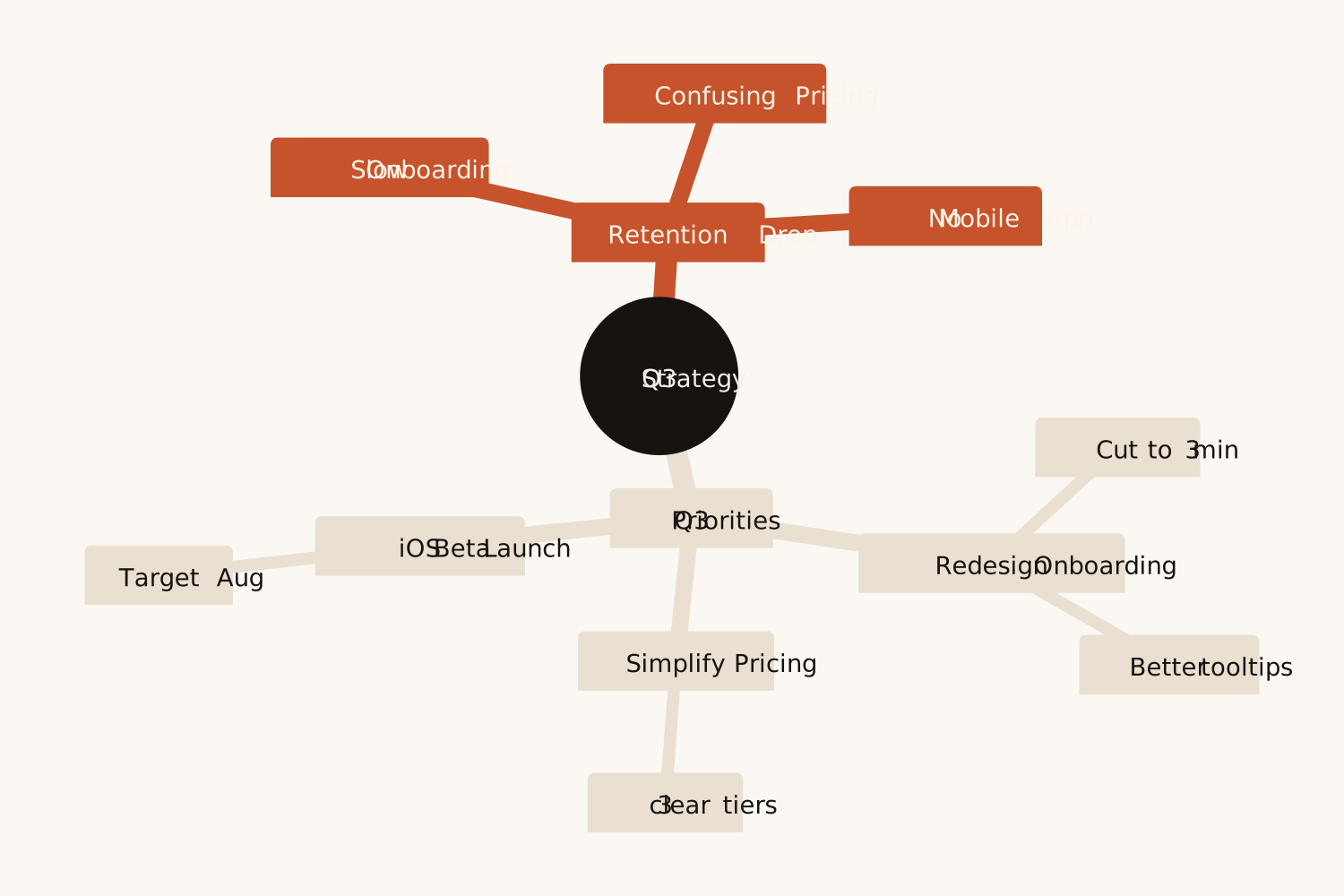
Most people have the ideas — they just can't get them out of their heads and into a clear visual fast enough. The Mind Map Maker bridges that gap: paste your raw text or just a topic, and AI builds a central idea with branches and sub-points in under 30 seconds.
Unlike Miro or Figma where you start from a blank canvas, Eidora starts from your content. It understands context, extracts hierarchy, and produces diagrams that actually match how you think — not just keyword clouds in boxes.
Real Use Cases
Who uses this — and how
Mind Map Maker
Meeting notes →
Action map
Action map
3 pages of meeting notes…
Map of decisions and next steps
Product Managers & Team Leads
Paste messy meeting notes and get a clean map of the problems, decisions and next steps — ready to drop into Notion or Slides as an image.
Mind Map Maker
Study topic →
Revision map
Revision map
Photosynthesis, chapter 4…
Topic, branches and key terms
Students & Teachers
Paste a chapter summary or just a topic and get a revision map of the main ideas and the terms under each — check it against your notes before you study from it.
Mind Map Maker
Project kickoff →
Scope map
Scope map
Paste a project plan…
Workstreams and tasks
Project Managers & Marketers
Turn a wall of project text into a map of workstreams and their tasks — useful for kickoff decks, stakeholder updates and sprint planning.
How It Works
Paste. Generate. Done.
01
Paste or type anything
Meeting notes, research articles, project plans, study material — any text works. The more context, the better the output.
02
AI builds the branches
AI picks the central topic, groups related ideas into 3 to 6 branches and adds sub-points, in under 30 seconds.
03
Download and share
Download the map as a PNG for slides, docs and notes. Not right? Change the text and generate again.
Why Eidora
Built for people who think with diagrams
AI reads meaning, not keywords
Other tools extract keywords. Eidora understands your content and builds structure that reflects how you actually think.
Flowcharts and infographics too
For steps and decisions, use the Flowchart Generator; for numbers, the Infographic Generator. Same text box, same credits.
Drops into your workflow
A PNG drops into slides, docs, Notion and chat. No new tools to learn.
Common
questions
About the visualization tools.
Any text — meeting notes, articles, outlines, project descriptions. The more context and detail in your input, the richer the diagram. Even rough bullet points produce good results.
Miro and Figma require you to build diagrams manually from scratch — hours of work. Eidora builds the whole map from your text in under 30 seconds. You skip the blank canvas problem entirely.
Refine your text and generate again: name the branches you want, or the ones to leave out. The download is a PNG image, so it is not editable node by node.
Permitted uses depend on your input rights, applicable law, and the selected third-party model or provider terms. Verify those terms before publishing client presentations or reports.
Up to 30 seconds. The request stops at 30 seconds; if that happens, no credits are used and you can try again.
Every plan gets the same map: one central topic, 3 to 6 main branches and up to three levels. Paid plans add credits, not bigger maps.
PNG, for presentations, docs and notes. There is no SVG, Mermaid or PDF export.
Not to try it. You can make one mind map a day without an account and see the result. To download the map, sign up free: a free account gets 16 credits to start and 4 free credits every day, and each map uses 4 credits. Download the map when it is ready; it is not saved to your history.
Save hours every week
Paste your notes.
Get a diagram.
Get a diagram.
Free to try · No design skills needed · Download as PNG