ESRGAN Upscaling
Leverages a trained ESRGAN network to reconstruct high-frequency detail from low-resolution or blurry inputs, recovering textures traditional filters cannot restore.
sharpen blurry photo ai free
Upload a soft-focus photo, a compressed screenshot, or a downscaled scan. The ESRGAN network reconstructs edge detail and texture that conventional filters cannot recover.
Recover lost detail from soft-focus or compressed photos with ESRGAN super-resolution. No halos, no ringing — just sharper images in seconds.
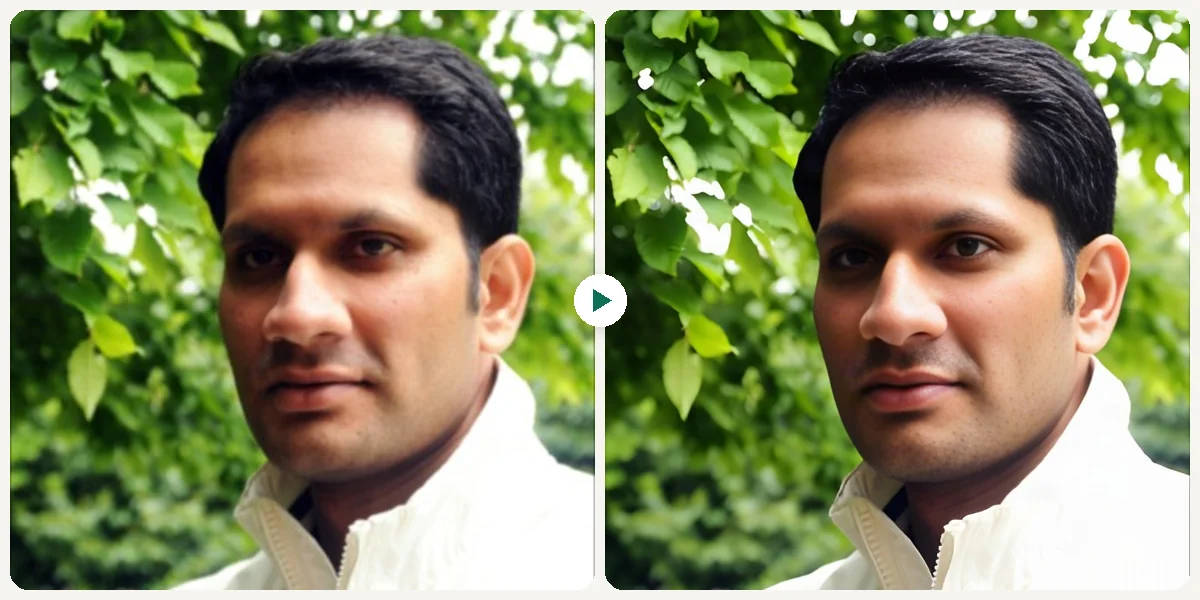
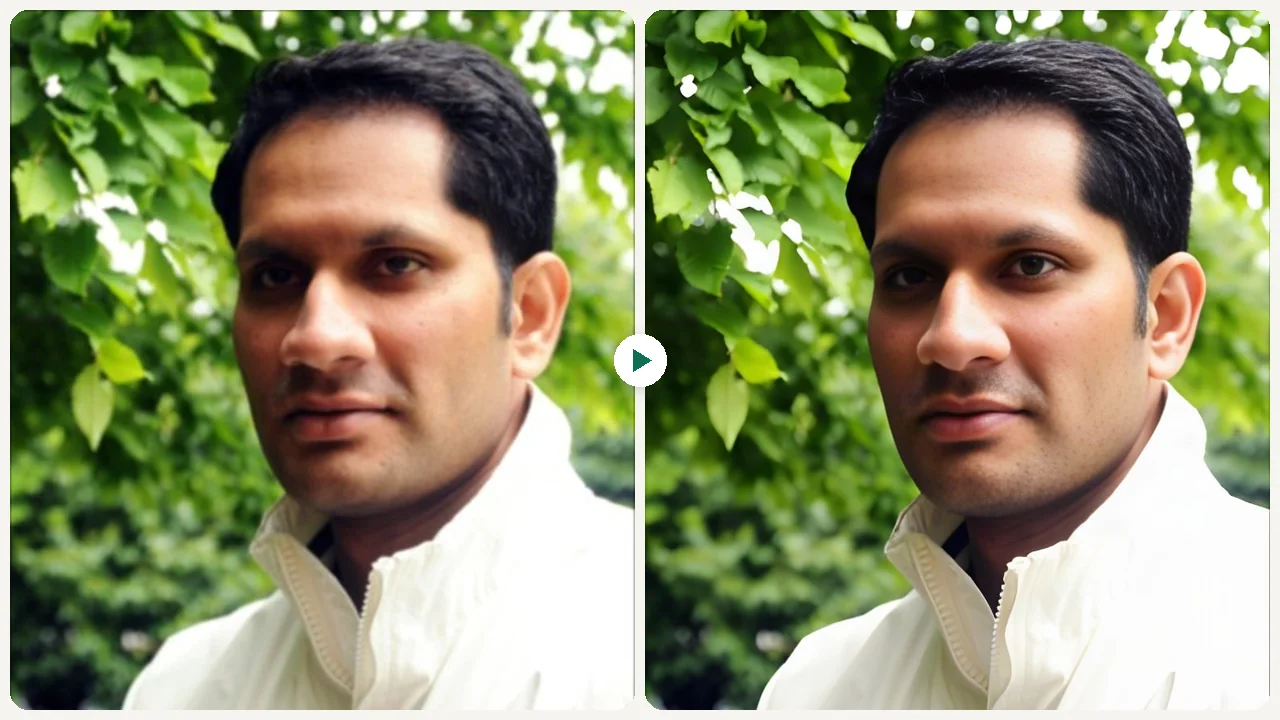
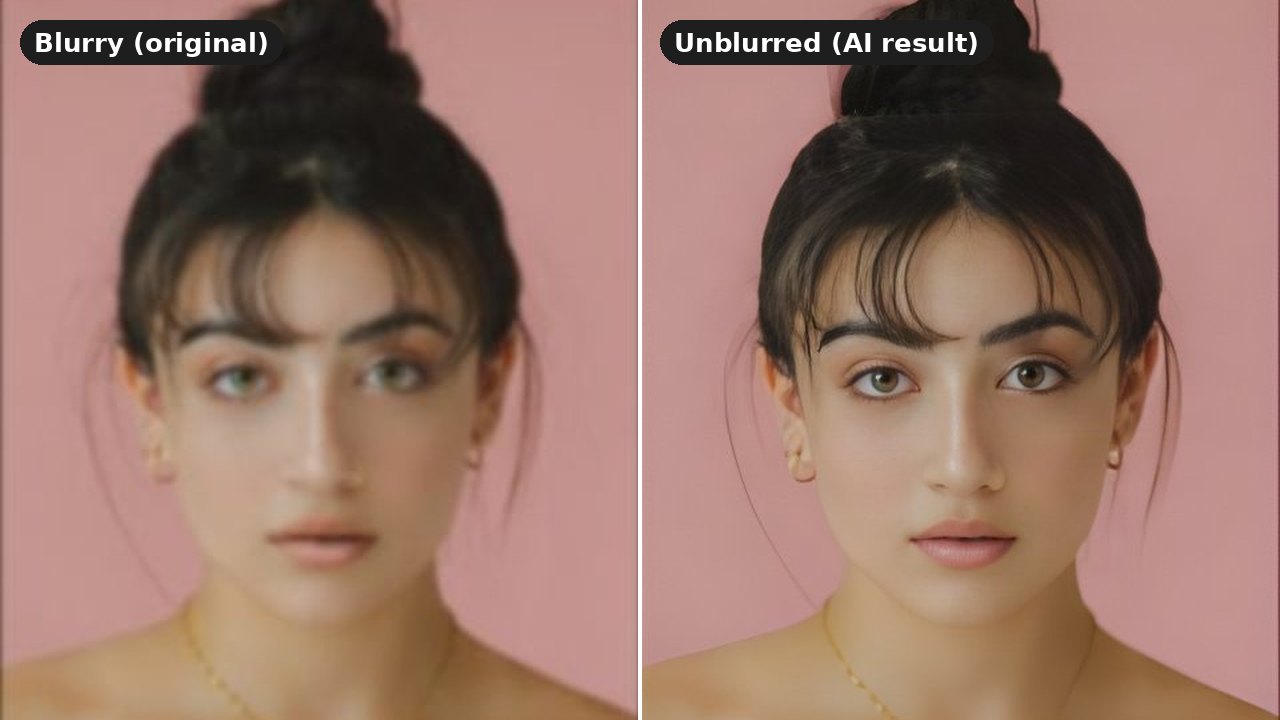
Sample results

What can this tool do?
The AI Image Sharpener uses ESRGAN super-resolution to recover fine detail lost to blur, compression, or soft focus. Unlike conventional unsharp-mask filters, ESRGAN reconstructs high-frequency edge information through a learned residual network, enhancing textures and contours without introducing ringing artifacts or halo effects. It handles diverse image types equally well: photographs regain facial detail and natural texture, text in screenshots becomes crisp and legible, and illustrations preserve clean line work. Upload any JPG, PNG, or WebP and receive an artifact-free, perceptibly sharper result in seconds.
Photoshop's unsharp mask amplifies noise and rings edges. Re-saving a compressed JPEG at higher sharpness just bakes in more blocking artifacts. ESRGAN sidesteps both problems by hallucinating plausible high-frequency detail from the low-resolution input, producing a genuinely sharper file rather than a louder one.
Why choose this tool?
Leverages a trained ESRGAN network to reconstruct high-frequency detail from low-resolution or blurry inputs, recovering textures traditional filters cannot restore.
Sharpens edges and contours through learned super-resolution rather than contrast manipulation, eliminating the ringing and halo artifacts common in unsharp-mask workflows.
Processes photos, text screenshots, and illustrations alike without introducing noise, color shifts, or JPEG blocking, preserving the original tonal quality of your image.
Handles photographs, digital illustrations, scanned documents, and UI screenshots equally well, adapting its sharpening model to each content type automatically.
How to use
Select and upload the photo you want to sharpen from your device.
Our AI automatically analyzes your image and applies intelligent sharpening to restore clarity.
Once processed, download your newly sharpened, high-quality image instantly.
Use cases
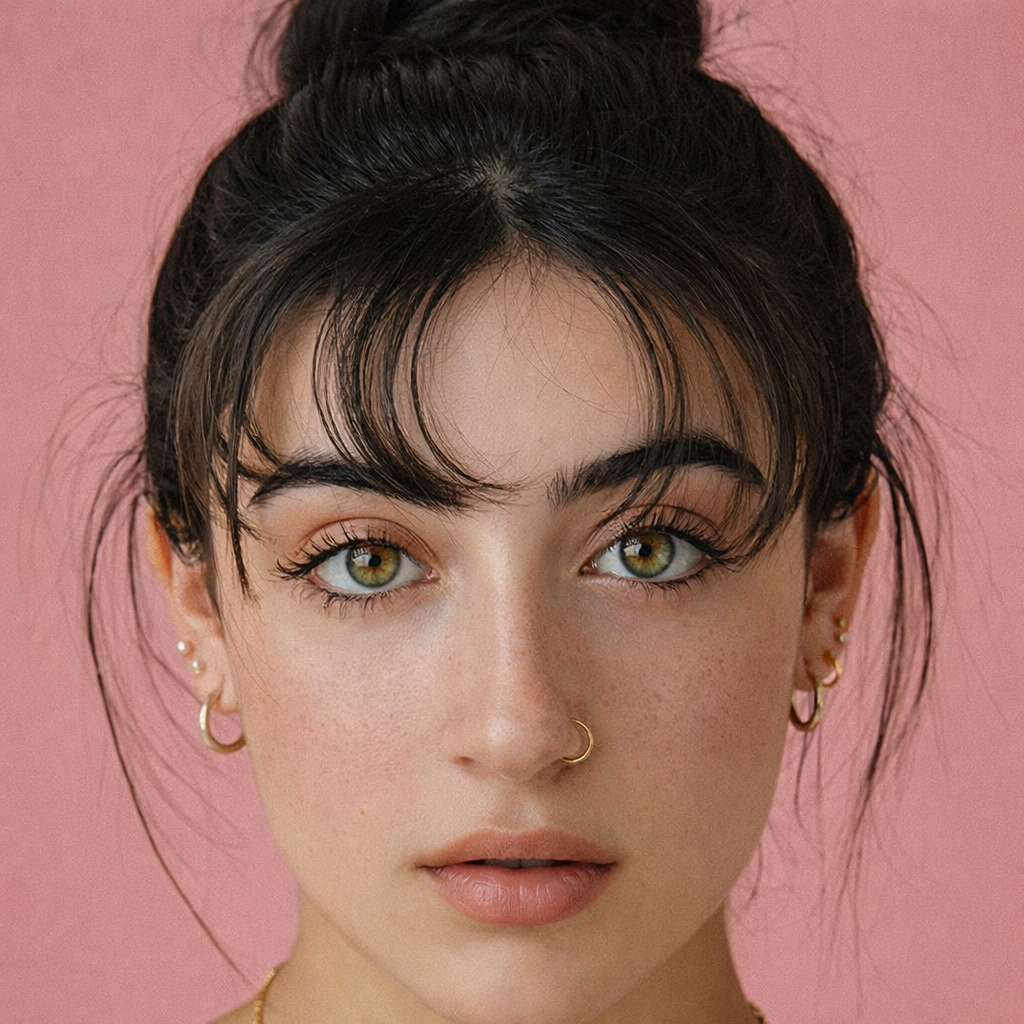
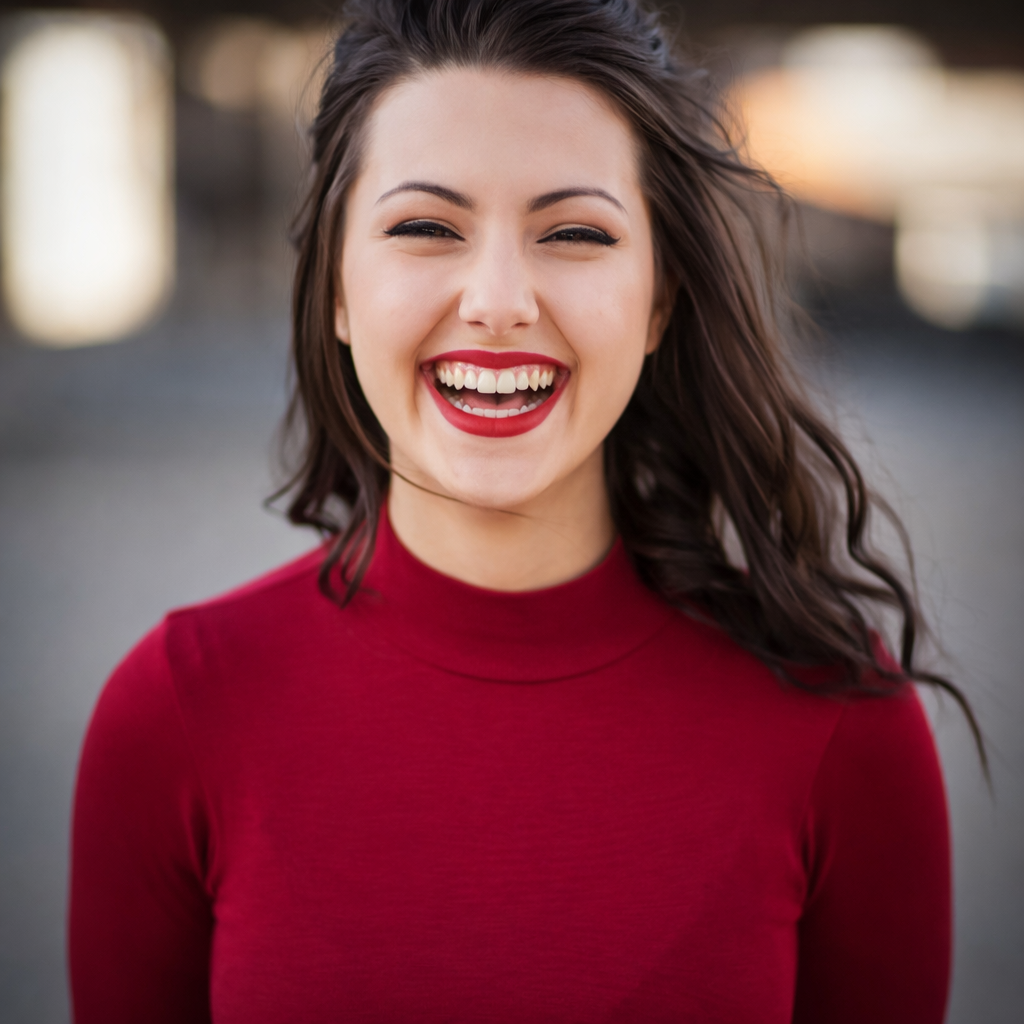
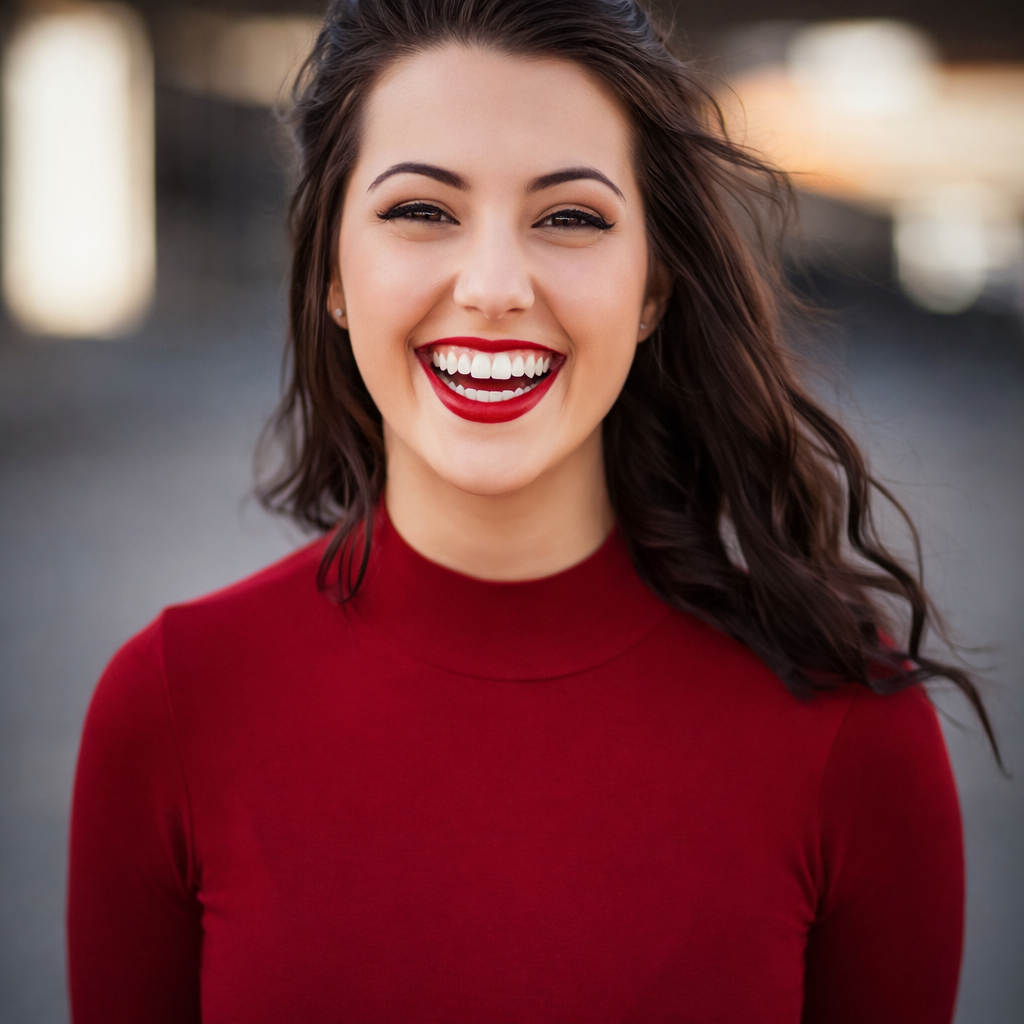
ESRGAN reconstructs eyelash strands, iris texture, and lip contours that a slight mis-focus turned to mush — salvaging a portrait that unsharp-mask would just make noisier.
Product thumbnails re-saved at low JPEG quality develop blocking and ringing. ESRGAN replaces 8×8 tile boundaries with smooth gradients, restoring a crisp listing shot from a compressed source.
Cropping a UI screenshot loses pixel density. ESRGAN hallucinates sub-pixel edge detail, turning a fuzzy crop into a readable, presentable slide insert.
FAQ
Unsharp mask increases local contrast around edges, which can produce halos on high-contrast boundaries and amplify JPEG noise. ESRGAN is a generative super-resolution network: it predicts what the high-resolution version of each patch should look like based on patterns learned from millions of sharp/blurry pairs, then writes new pixel detail rather than merely boosting existing contrast.
Free users get 6 credits per day. Paid plans start at $9.9/month for more credits and HD export.
This tool is effective against various types of blur, including slight motion blur from camera shake, soft focus, and general out-of-focus issues. While it works wonders on many images, extreme blur where no detail is present might have limited recovery.
Our AI Image Sharpener supports common image formats such as JPG, PNG, and WebP. You can upload images in these formats and receive a sharpened output in a high-quality format suitable for your needs.
No. Because ESRGAN synthesizes detail from a learned distribution of real image textures, it avoids the noise amplification and color fringing typical of convolution-based sharpening. The output maintains the original color gamut and tonal range while adding only plausible high-frequency content.
While there isn't a strict hard limit, very large images may take longer to process. For optimal performance, we recommend images up to a certain resolution, which will be clearly indicated if any specific constraints apply during the upload process. Most standard photo sizes are handled efficiently.
Yes, your privacy is a priority. Images uploaded for sharpening are processed securely and are not stored on our servers longer than necessary to complete the sharpening task. We do not use your images for any other purpose or share them with third parties.
Most images are sharpened within a few seconds. The processing time can vary slightly depending on the image's size, complexity, and current server load, but our system is optimized for speed and efficiency.
Start now