AI Exterior
Home Design

Upload a photo of your house and see it in one of 6 styles, from Modern to Mediterranean, usually in 10 to 30 seconds.

Upload your room photo
Choose design style
4 credits per image · 1 free try, sign up free to download
Model: FLUX.1 Kontext Pro · Usually 10-30 seconds
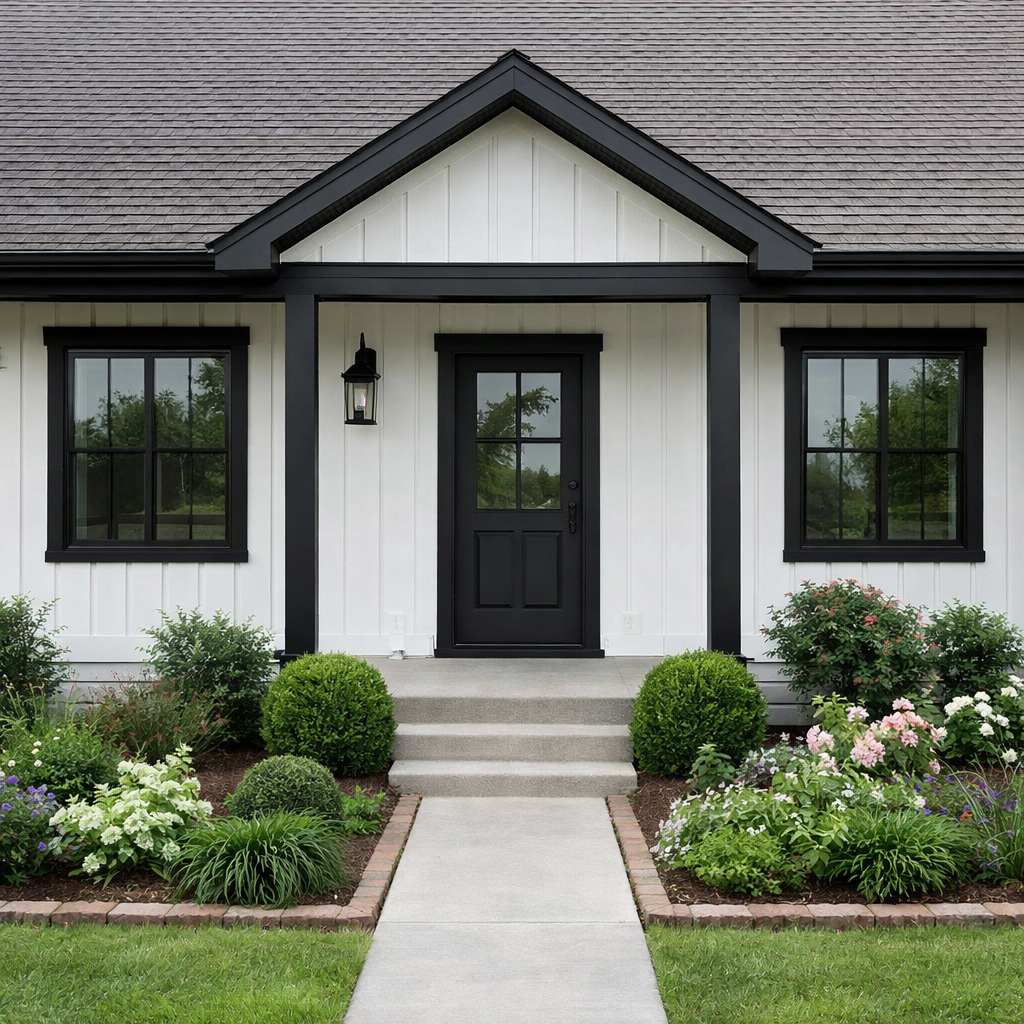
AI Exterior Home Design result
AI result
After
Modern Style
Before & After

See the transformation

Original photo before AI Exterior Home Design - Modern style
Original photo
Before
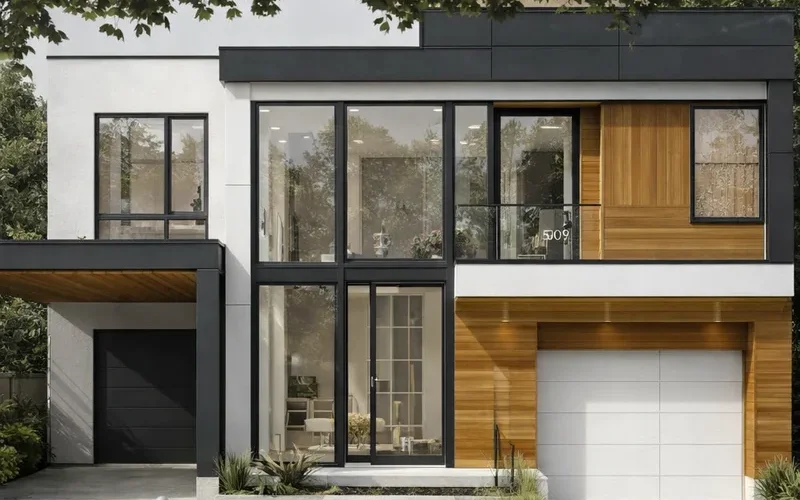
AI result in Modern style - AI Exterior Home Design
AI result
After
Modern Style
AI Exterior Home Design · Eidora AI
What Is This Tool
AI Exterior Home Design overview

What Is AI Exterior Home Design?

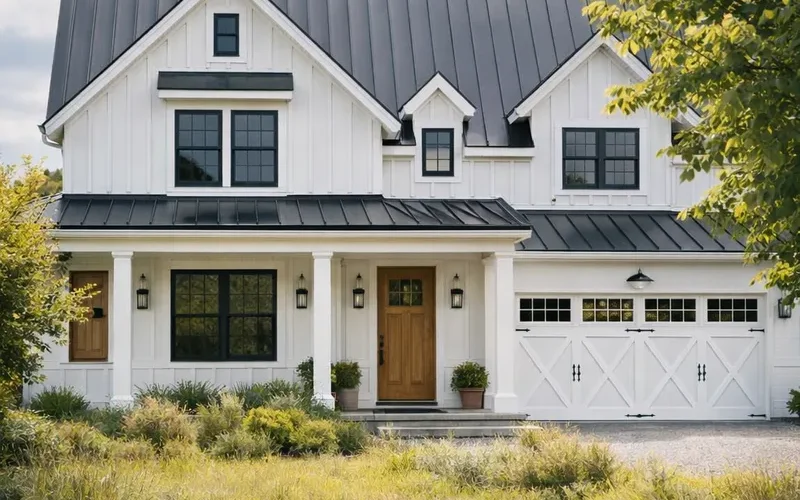
This AI Exterior Home Design tool lets you upload an existing photo of your house and generate new exterior designs in under 30 seconds. Imagine seeing your home with a modern farmhouse facade, a classic brick finish, or a sleek contemporary look before any construction begins. It's ideal for homeowners planning renovations, real estate professionals staging properties, or even architects presenting initial concepts. Each of the 6 styles (Modern, Contemporary, Farmhouse, Colonial, Mediterranean and Zen) changes the siding, roof, windows, colors and planting together, so you compare whole looks without the cost or commitment of physical changes; there are no separate controls for single materials. This helps you make confident design decisions and communicate your vision clearly to contractors.

Use Cases

What you can create

AI Exterior Home Design use case - Home Renovation Planning

Home Renovation Planning

Homeowners planning renovations can upload a photo of their current house to explore various design styles. This helps them visualize potential changes like new siding, windows, or a completely different architectural style before committing to any expensive work.

Property Listing Enhancement

Real estate agents can use this tool to generate updated exterior designs for properties with outdated facades. This allows potential buyers to envision the home's improved look, making listings more appealing and potentially increasing interest.

Client Design Presentation

Contractors and designers can quickly present multiple exterior design options to clients based on an existing photo of their home. This streamlines the initial design phase, helping clients make informed decisions and speeding up project approvals.

Why Eidora

Built different, built better

Visualize Before You Build
See exactly how new siding, roofing, or landscaping will look on your home before making any costly commitments.
Explore Design Styles
Try 6 styles on your own house: Modern, Contemporary, Farmhouse, Colonial, Mediterranean and Zen.
Save Time & Money
Avoid expensive mistakes and countless hours spent on physical samples by previewing designs virtually.
How it works

Three steps. About a minute.

AI Exterior Home Design: Upload Your Home Photo
  1. Upload Your Home Photo

    Simply upload a clear picture of your house's exterior.

  2. Choose a Style

    Pick one of the 6 styles (Modern, Contemporary, Farmhouse, Colonial, Mediterranean, Zen), then press Generate.

  3. Generate & Download

    Download the image. Want a different look? Pick another style and run it again.

Try AI Exterior Home Design Now
✦ Try It Free Now
FAQ

Frequently
asked questions

Everything you need to know. Can't find what you're looking for?
Still have questions?
Our support team is happy to help.
Contact Support
For optimal results, upload a clear, well-lit photo of your home's exterior taken from a straight-on angle. Avoid extreme close-ups or wide-angle shots that distort proportions. Ensure there are no major obstructions like cars or trees directly in front of the house to allow the AI to work effectively.
No. There are no options for specific materials like brick, stucco, wood siding, or paint colors. You pick one of the 6 styles (Modern, Contemporary, Farmhouse, Colonial, Mediterranean or Zen), and each style sets the materials and colors together. To compare, try another style or run the same style again for a new take.
Yes. You can try one design without signing up. A free account gets 16 credits to start and 4 free credits every day, and each design uses 4 credits. Paid plans start at $9.9/month for 300 credits.
The AI generates highly realistic renderings based on your input image and chosen styles. While it provides an excellent visual representation, minor variations might occur in real-world application due to lighting, material finishes, and construction specifics. Always consult with professionals for final plans.
Not separately. Each style changes the planting around the house along with the facade, for example a rock garden and raked gravel in Zen, or olive trees and bougainvillea in Mediterranean. There are no controls for landscaping on its own; to redesign the yard itself, try the AI Landscape Design tool.
There are six styles: Modern, Contemporary, Farmhouse, Colonial, Mediterranean and Zen. Other styles, such as Tudor or Craftsman, are not offered yet.
No. Upload a photo of your house, pick one of the 6 styles and press Generate.
Yes. Each design is saved privately to your history, kept for 3 days on Free, 30 days on Pro and in full on Ultra and Max. You can download it and share the image however you like; there is no built-in share button.
Usually 10 to 30 seconds, a little longer at busy times.
Run it again or try another style; each run gives one new design. There are no controls for details such as roof color or materials; each style sets them together.
Your uploads, prompts and results are saved privately to your history so you can view and download them later, and only you can open them (if you are not signed in, they are tied to your browser session). To create a result, your input is sent to the AI model provider that runs the generation. We do not sell your content or use it to train AI models.
Many people use the renders as concepts for listings, staging ideas or client talks. In a listing, label them as AI concepts, since they show changes that are not built. Permitted uses depend on your rights in the photo, applicable law and the model provider's current terms; an Eidora plan does not grant extra intellectual-property rights.
Start with daily credits
Ready to create
your masterpiece?
6 styles · 4 credits per image · Free to try · 4 free credits daily
Free to try · 4 free credits daily
~10–30 seconds
Instant download