AI Flowchart Generator
Describe any process.Get a clean flowchart.
Type or paste any workflow, decision tree, or process — and AI draws a professional flowchart. No diagramming tools, no blank canvas.
What Is This
AI that turns any process into a professional flowchart
Most flowchart tools give you a blank canvas and expect you to drag boxes around for hours. Eidora does the opposite — you describe your process in plain language, and AI builds the structure for you in seconds.
It works for any process: onboarding flows, decision trees, software logic, approval chains, support escalations. If you can write it out in sentences, AI can turn it into a clean, professional diagram ready to share or embed.
Real Use Cases
Who uses this — and how
Flowchart Generator
Onboarding doc →
Step-by-step flow
Step-by-step flow
Describe the onboarding steps…
Visual onboarding flowchart
Engineering & Product Teams
Paste a wall of onboarding steps or system logic and get a clean flowchart for documentation, Notion wikis, or team handoffs — in under 30 seconds.
Flowchart Generator
Approval process →
Decision tree
Decision tree
Describe approval rules…
Decision tree with branches
Operations & Finance Teams
Describe any approval chain — purchase requests, expense sign-offs, content reviews — and get a decision tree to share with your team.
Flowchart Generator
Support script →
Escalation flow
Escalation flow
Describe support tiers…
Visual escalation diagram
Customer Success & Support
Turn your support playbook into a visual escalation flowchart for agent training — so everyone follows the same process without reading a 10-page doc.
How It Works
Describe. Generate. Share.
01
Describe your process
Type or paste any workflow in plain language — onboarding steps, decision logic, approval chains. The more detail, the better the output.
02
AI builds the flowchart
AI identifies steps, decisions, and branches — then draws a structured, professional flowchart in under 30 seconds.
03
Export and use anywhere
Download PNG or SVG for decks and docs, or copy the Mermaid code to embed directly in Notion, GitHub, or any Markdown tool.
Why Eidora
Built for teams who document processes
No blank canvas problem
Miro and Visio start with an empty screen. Eidora starts from your content — the structure is already built before you even see it.
Branches and loops
Linear flows, decision trees and retry loops — write the conditions in plain words and AI draws the decision points. If a step comes out wrong, say it more precisely and generate again.
Fits where you already work
PNG for slides, SVG for Figma, Mermaid for Notion and GitHub. No extra tools, no exports-to-imports — it drops straight into your workflow.
Common
questions
About the flowchart generator.
Any sequential process — onboarding flows, approval chains, decision trees, software logic, support escalations. The more clearly you describe the steps and conditions, the better the flowchart. Even rough bullet points work well.
Those tools start with a blank canvas — you drag and drop boxes for hours. Eidora starts from your text description and draws the structure in under 30 seconds. You skip the blank canvas problem entirely.
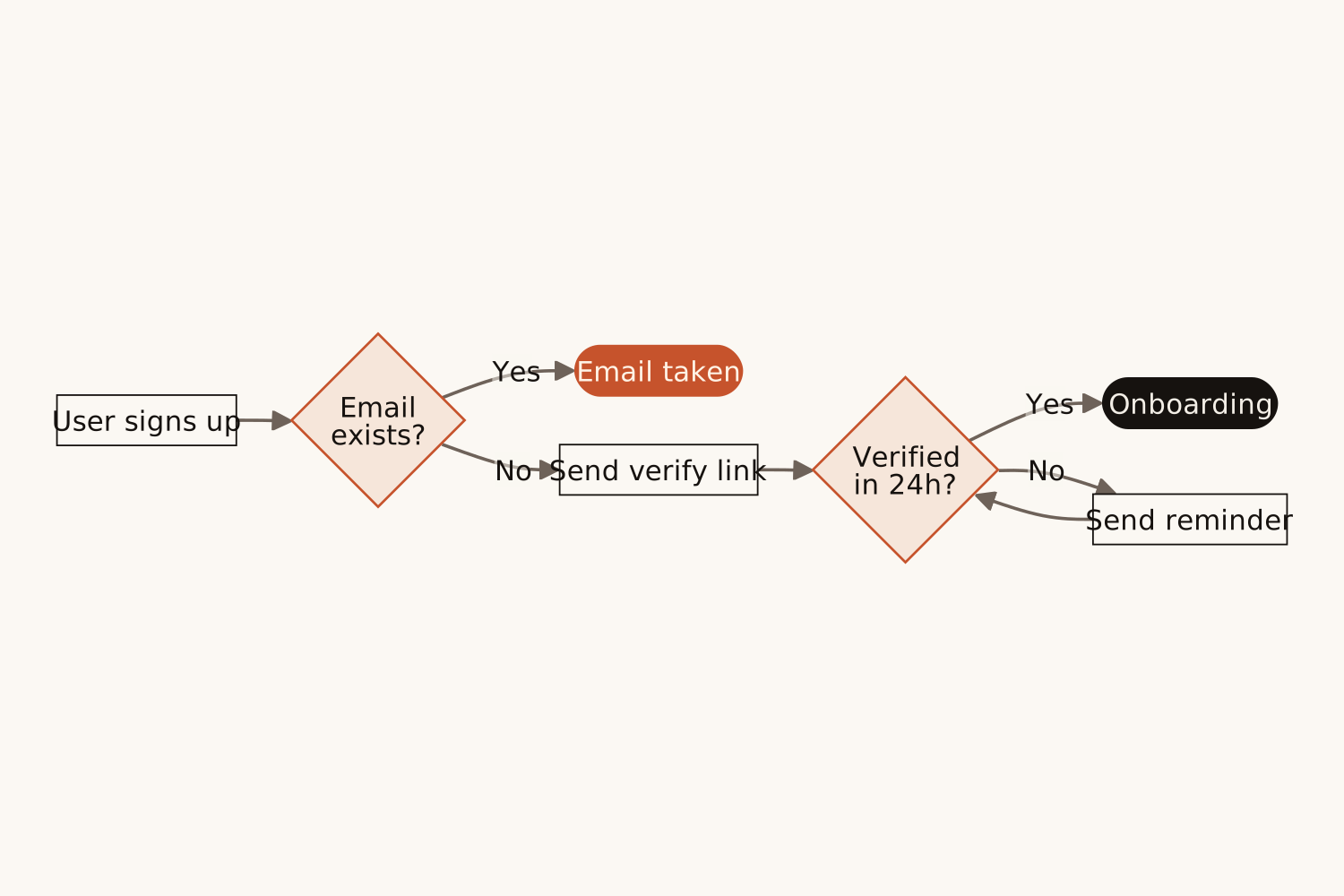
Yes. Just describe the conditions in your text — "if the user is verified, go to step X, otherwise send a reminder." AI will create proper decision diamonds with branching paths.
Yes. Press "Edit in draw.io" to open the chart in draw.io as shapes you can move, restyle and add to. You can also refine your text and generate again, or copy the Mermaid code into Mermaid Live, Notion or any Markdown editor that supports it.
PNG for presentations and documents, SVG for scalable graphics and Figma, and Mermaid code for Notion, GitHub, and any Markdown editor that supports it.
Up to about 20 steps per chart, on every plan, including branches and loops. For a bigger process, split it into parts and make one chart for each.
Permitted uses depend on your input rights, applicable law, and the selected third-party model or provider terms. Verify those terms before publishing client deliverables or documentation.
Not to try it. You can make one flowchart a day without an account and see the result. To download the chart, copy the Mermaid code or open it in draw.io, sign up free: a free account gets 16 credits to start and 4 free credits every day, and each flowchart uses 4 credits. Download the chart when it is ready; it is not saved to your history.
No blank canvas, ever again
Describe your process.
Get a flowchart.
Get a flowchart.
Free to try · No Miro needed · PNG, SVG or Mermaid