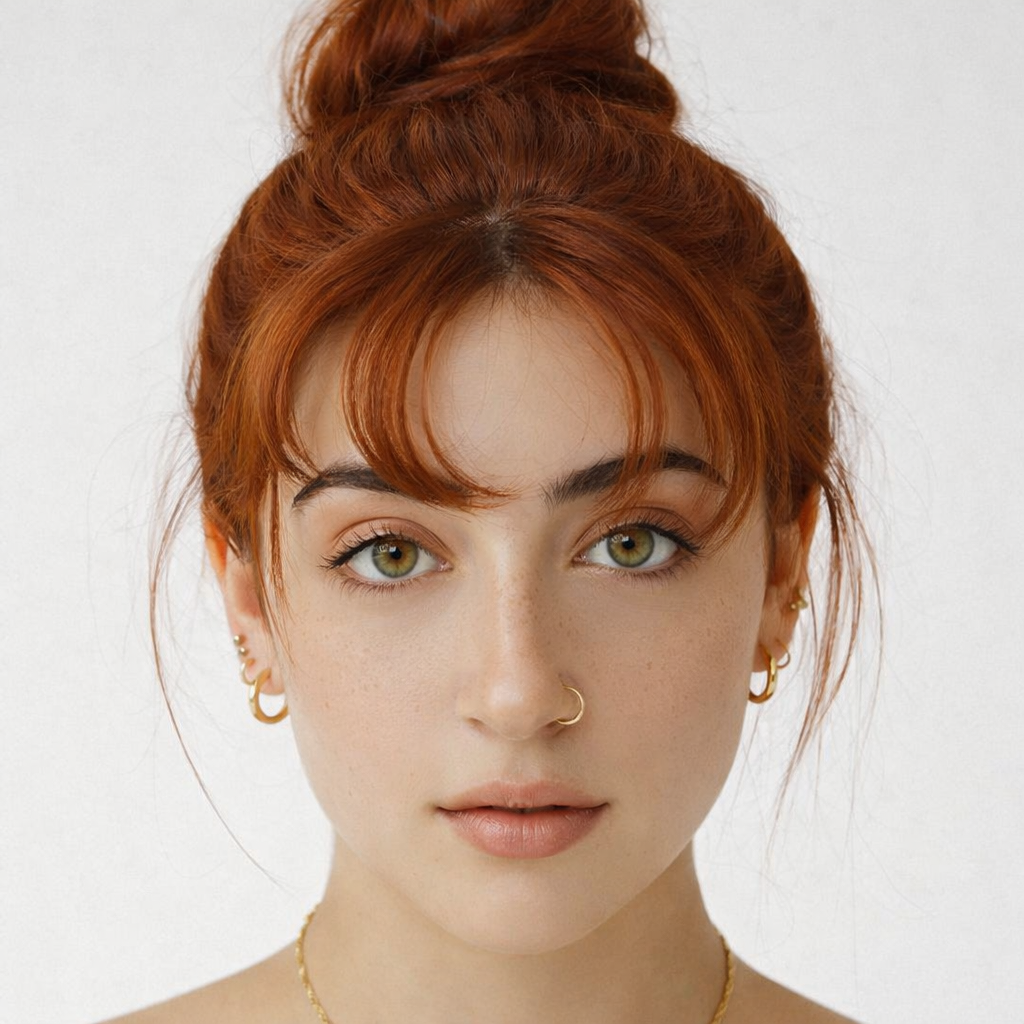
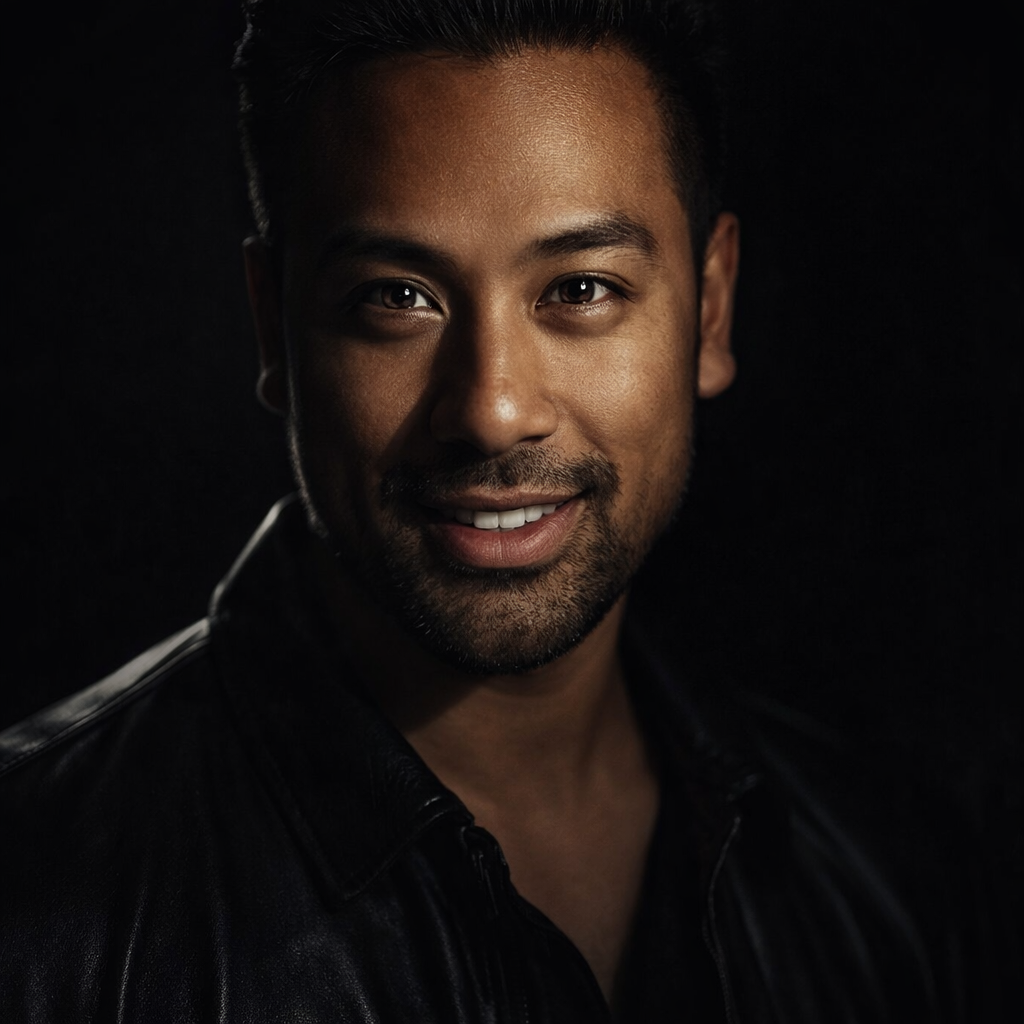
Virtual Try On Glasses

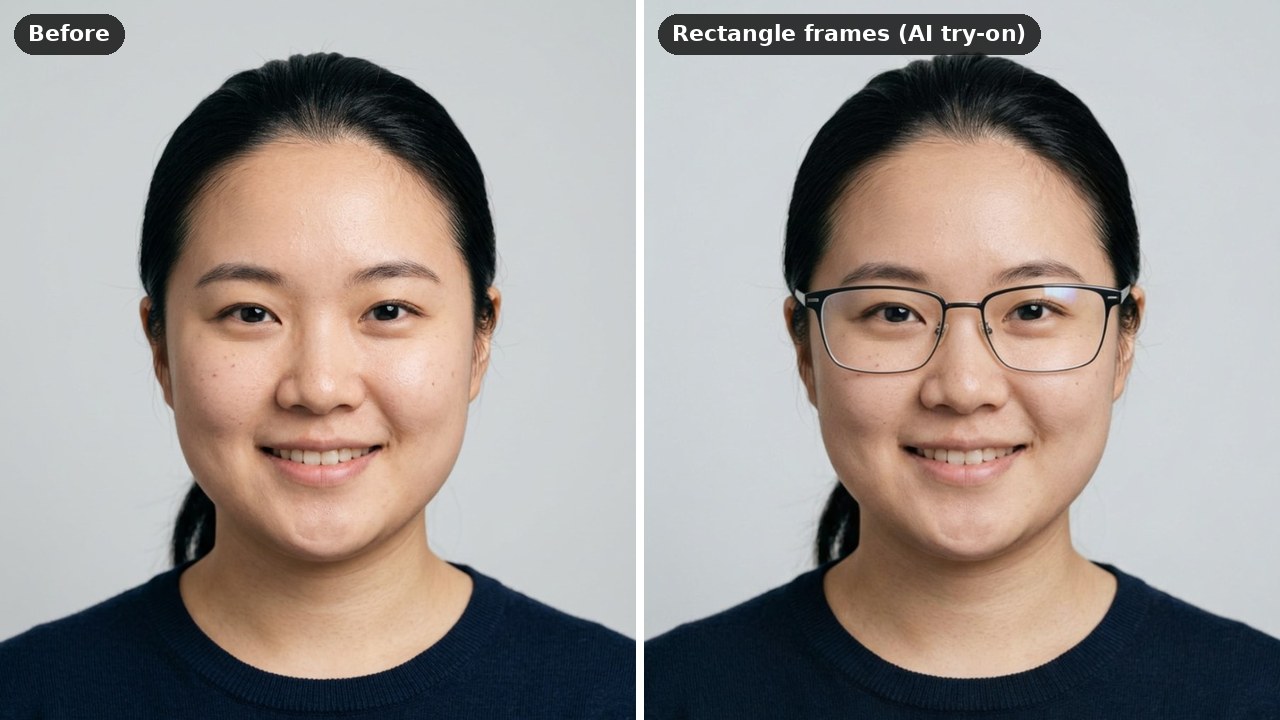
Try round, square, rectangular, cat-eye, and metal frames on your selfie to find the frame that actually fits your face shape.

Free to try · 4 free credits daily
6 styles
~20–60 seconds
Sign in after your first result
✦ Try On Glasses Now
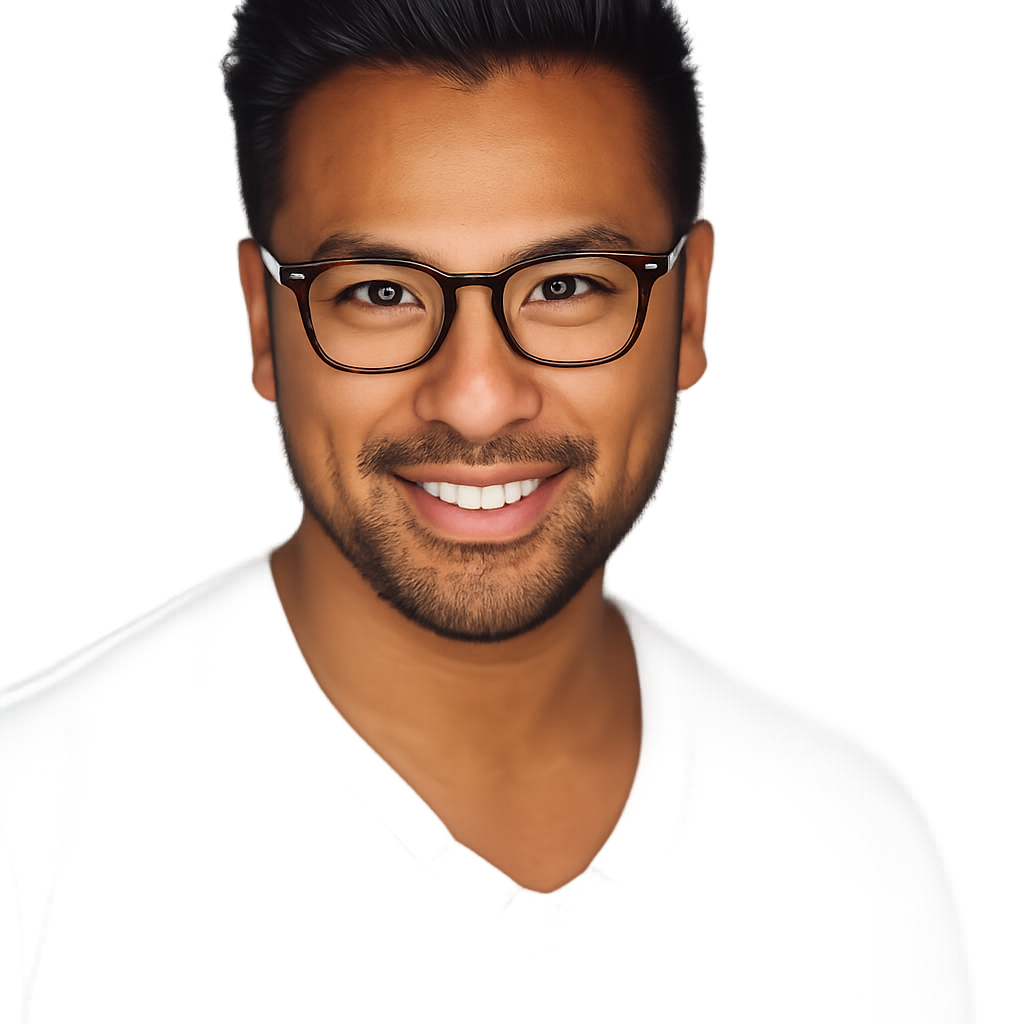
Virtual Try On Glasses AI result example✦ AI Result
Upload your photo
Try with an example:
Example photo 1
Choose style
4 credits per image · 1 free try, sign up free to download
Model: Seedream 4.5 · Usually 20-60 seconds
Before & After

See the transformation

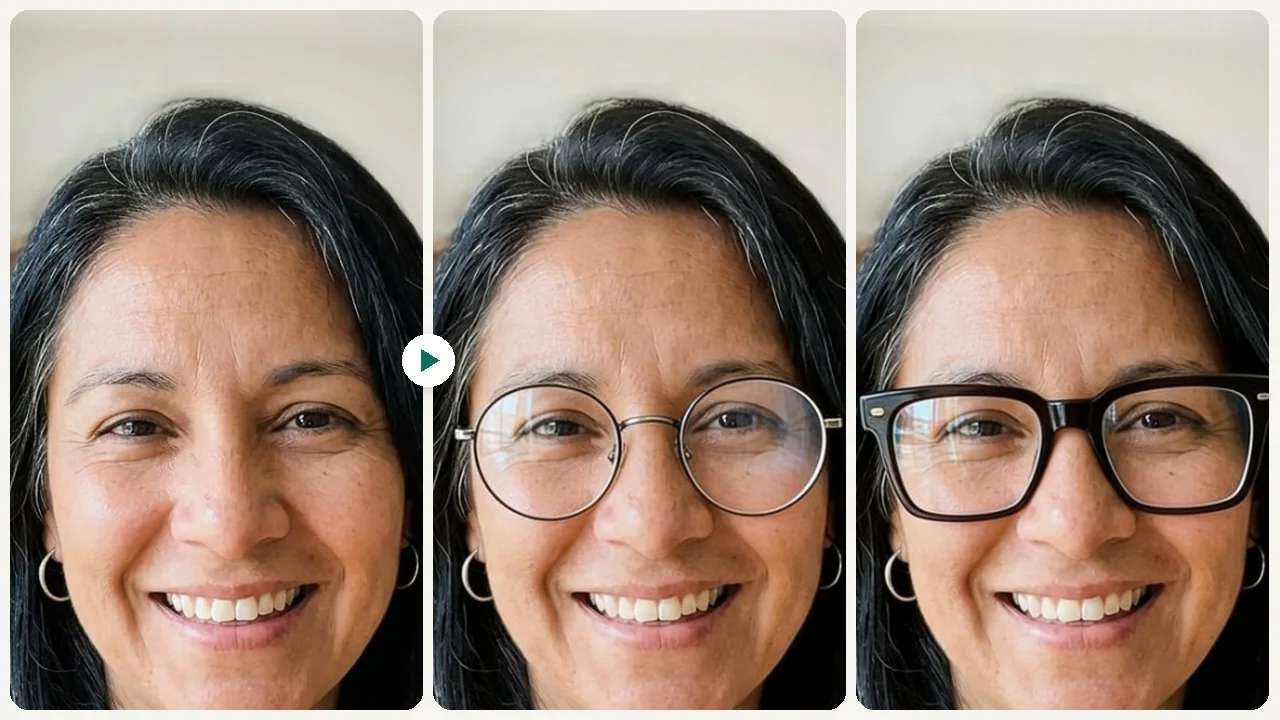
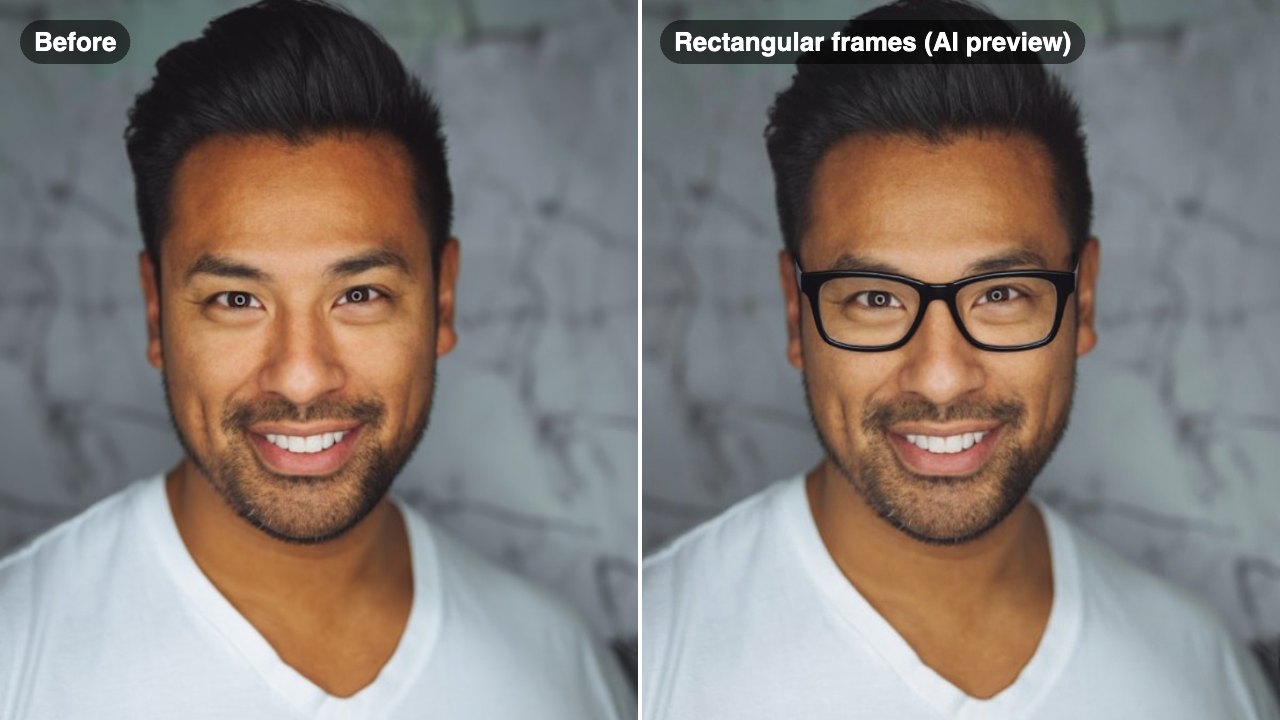
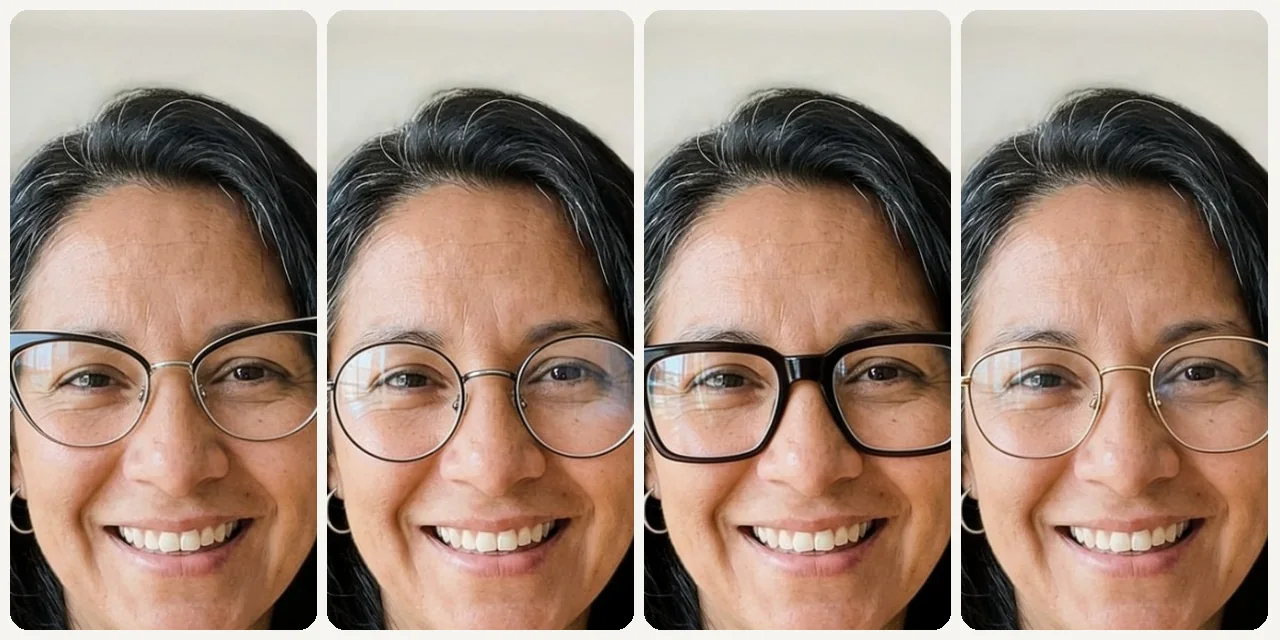
Original photo before Virtual Try On Glasses - Round styleOriginal photo before Virtual Try On Glasses - Square styleOriginal photo before Virtual Try On Glasses - Cat-Eye styleOriginal photo before Virtual Try On Glasses - Metal style
Original photo
Before
AI result in Round style - Virtual Try On GlassesAI result in Square style - Virtual Try On GlassesAI result in Cat-Eye style - Virtual Try On GlassesAI result in Metal style - Virtual Try On Glasses
AI result
After
Round Style
Virtual Try On Glasses · Eidora AI
What Is This Tool
Virtual Try On Glasses overview

What Is Virtual Try On Glasses?

A virtual glasses try-on tool lets you upload a selfie and preview how different eyeglass frames look on your face before purchasing — from bold acetate to thin metal, round to cat-eye — so you buy frames that genuinely fit your look.

Use Cases

What you can create

Virtual Try On Glasses use case - Online Glasses Shopping

Online Glasses Shopping

Preview frames before buying from an online retailer, reducing the risk of a poor fit or style mismatch.
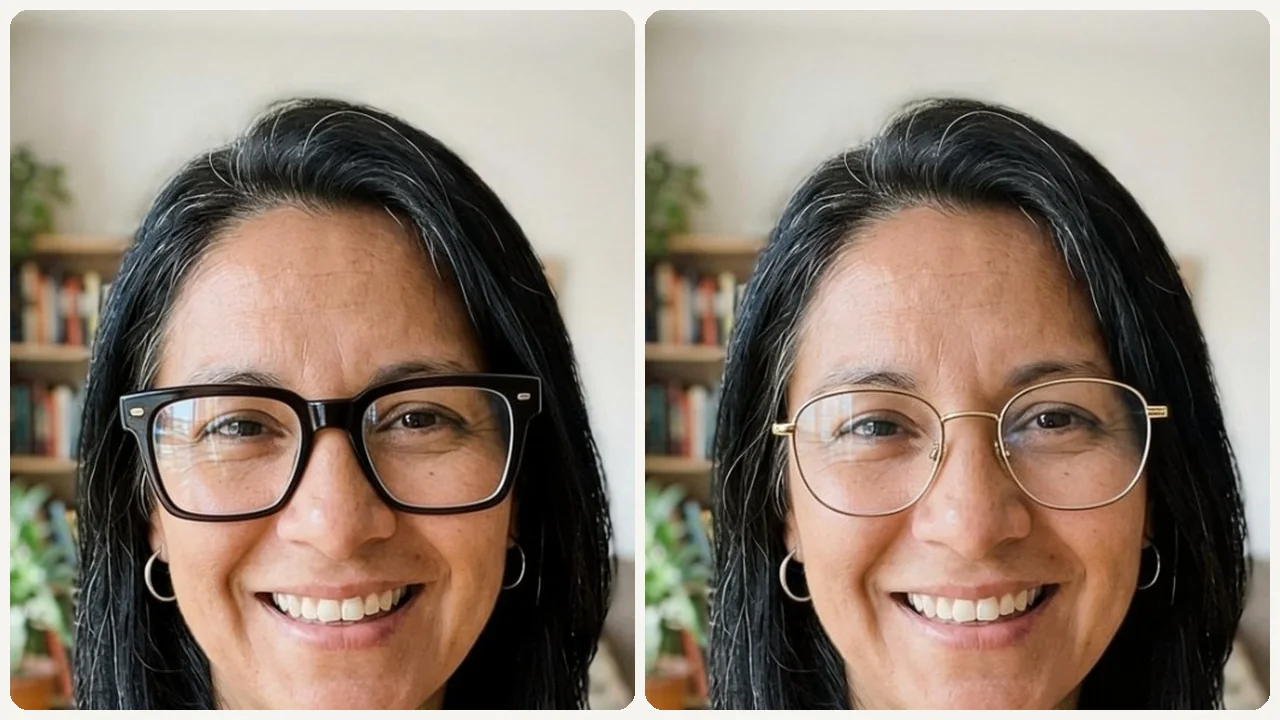
Virtual Try On Glasses use case - Prescription Eyewear Upgrade

Prescription Eyewear Upgrade

Test bold new frames when updating your prescription so you can commit to a fresh look confidently.
Virtual Try On Glasses use case - Sunglasses Selection

Sunglasses Selection

Pick a frame shape and add 'dark tinted lenses' in the Custom tab to get a rough idea of which sunglass shape suits your face.

Why Eidora

Built different, built better

Buy With Confidence, Not Guesswork
Glasses are expensive and returns are a hassle. See exactly how each frame shape looks on your face before ordering online or visiting a store.
Match Frames to Your Face Shape
Different frame shapes flatter different face types. Round frames soften angular faces; square frames add structure to rounder ones. Find your match on your own photo.
Get Input Before You Buy
Share the preview with a friend or post it for reactions — much easier than bringing someone to the store or waiting for a return policy.
How it works

Three steps. About a minute.

Virtual Try On Glasses: Upload Your Selfie
  1. Upload Your Selfie

    Upload a clear front-facing photo with your face fully visible.

  2. Pick a Frame Style

    Select a frame shape like round, square, cat-eye, or metal.

  3. Compare & Decide

    Preview, compare multiple styles, and save or share your favorites.

Try Virtual Try On Glasses Now
✦ Try It Free Now
FAQ

Frequently
asked questions

Everything you need to know. Can't find what you're looking for?
Still have questions?
Our support team is happy to help.
Contact Support
Upload a front-facing selfie, pick a frame style and press Try It Free. The AI adds a pair of glasses in that shape to your photo and returns one image per run; pick another style to compare.
Six: Default (a classic frame that suits your face), Round, Square, Rectangle, Cat-Eye and Metal. In the Custom tab you can add details such as a color or 'tortoiseshell'; they are added to the selected style, and the AI tries to follow them, but results can vary.
That is the aim. The AI is told to keep your face, expression, hair, clothing and background and only add the glasses. The result is a newly generated image, so small details can shift slightly.
A front-facing selfie with your full face visible, no other glasses on, and even lighting works best. Avoid strong shadows across the face.
Usually 20 to 60 seconds per try-on.
Yes, within the free credits: your first try-on needs no account, and a free account then starts with 16 credits and gets 4 free credits a day. Each try-on uses 4 credits. Free results carry a small eidora.io badge; paid plans are clean.
Your uploads, prompts and results are saved privately to your history so you can view and download them later, and only you can open them (if you are not signed in, they are tied to your browser session). To create a result, your input is sent to the AI model provider that runs the generation. We do not sell your content or use it to train AI models.
You must have the necessary rights to the original photo. Permitted uses of the result also depend on applicable law and the selected third-party model or provider terms.
Not directly: the presets show clear-lens frames in general shapes, not a specific brand's model, and the tool can't check size or fit. For sunglasses, pick a shape and add 'dark tinted lenses' in the Custom tab; for a brand frame, pick the closest shape. The AI tries to follow your note, but results can vary.
Start with daily credits
Ready to create
your masterpiece?
6 styles · 4 credits per image · Free to try · 4 free credits daily
Free to try · 4 free credits daily
~20–60 seconds
Instant download