AI Room Cleaner

Upload a room photo and see it emptied of furniture and clutter, with the same walls, floor, windows and light. Useful for real estate listings, virtual staging and planning a redesign.

Upload your room photo
4 credits per image · 1 free try, sign up free to download
Model: FLUX.1 Kontext Pro · Usually 10-30 seconds
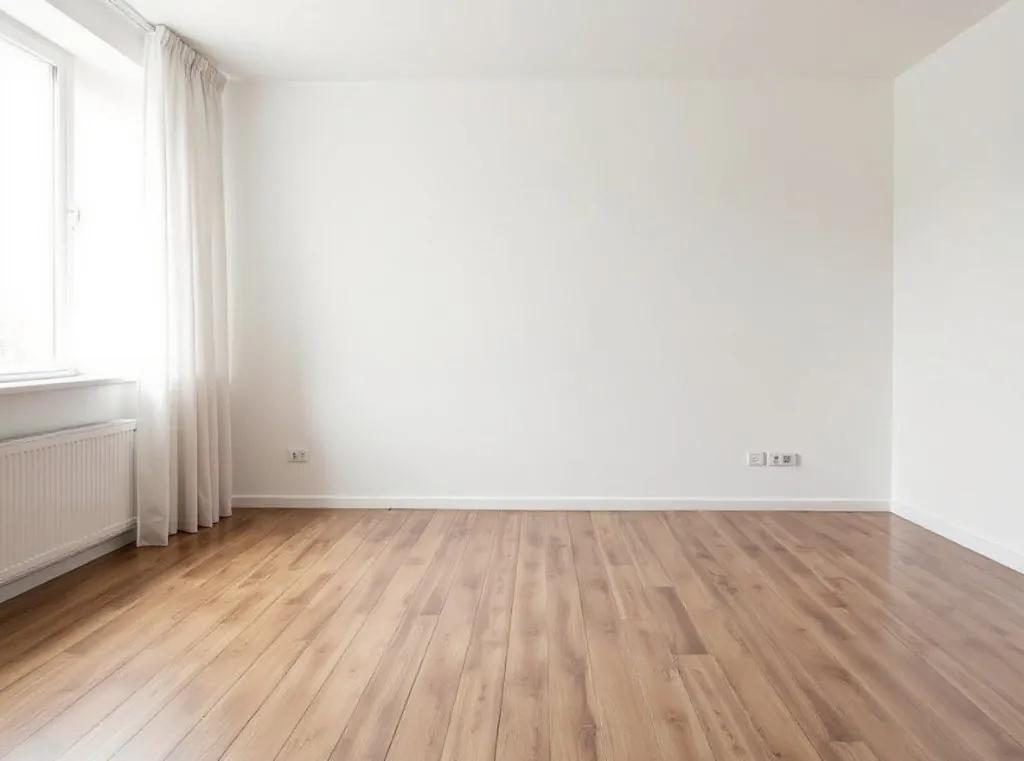
AI Room Cleaner result
AI result
After
Before & After

See the transformation

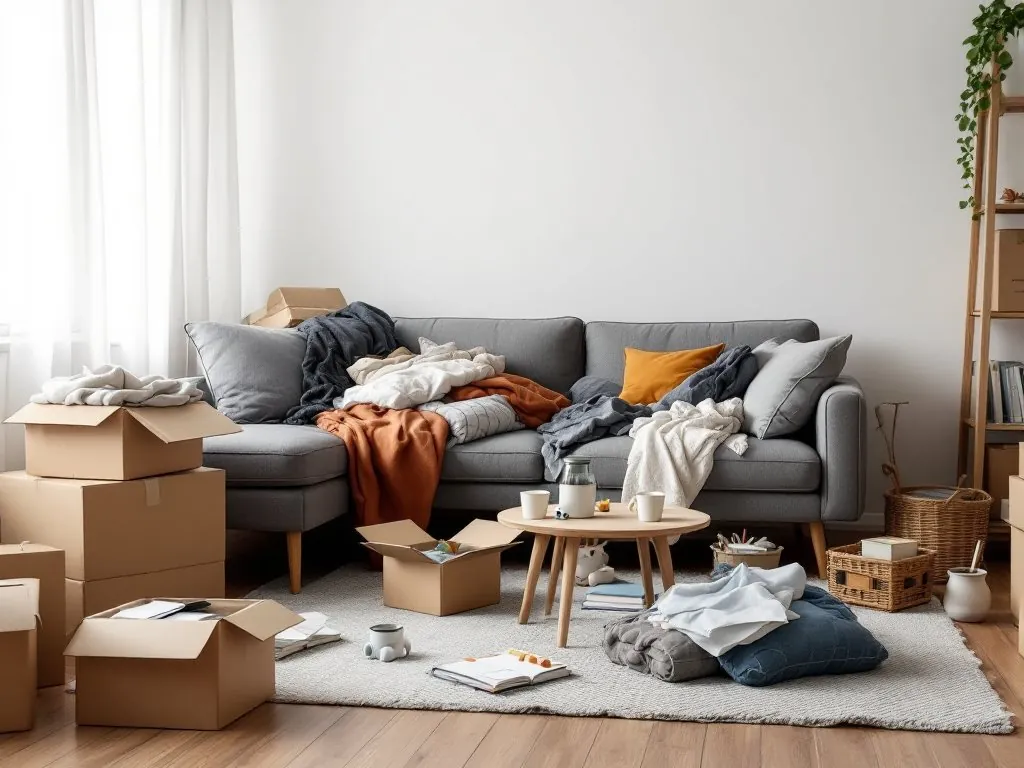
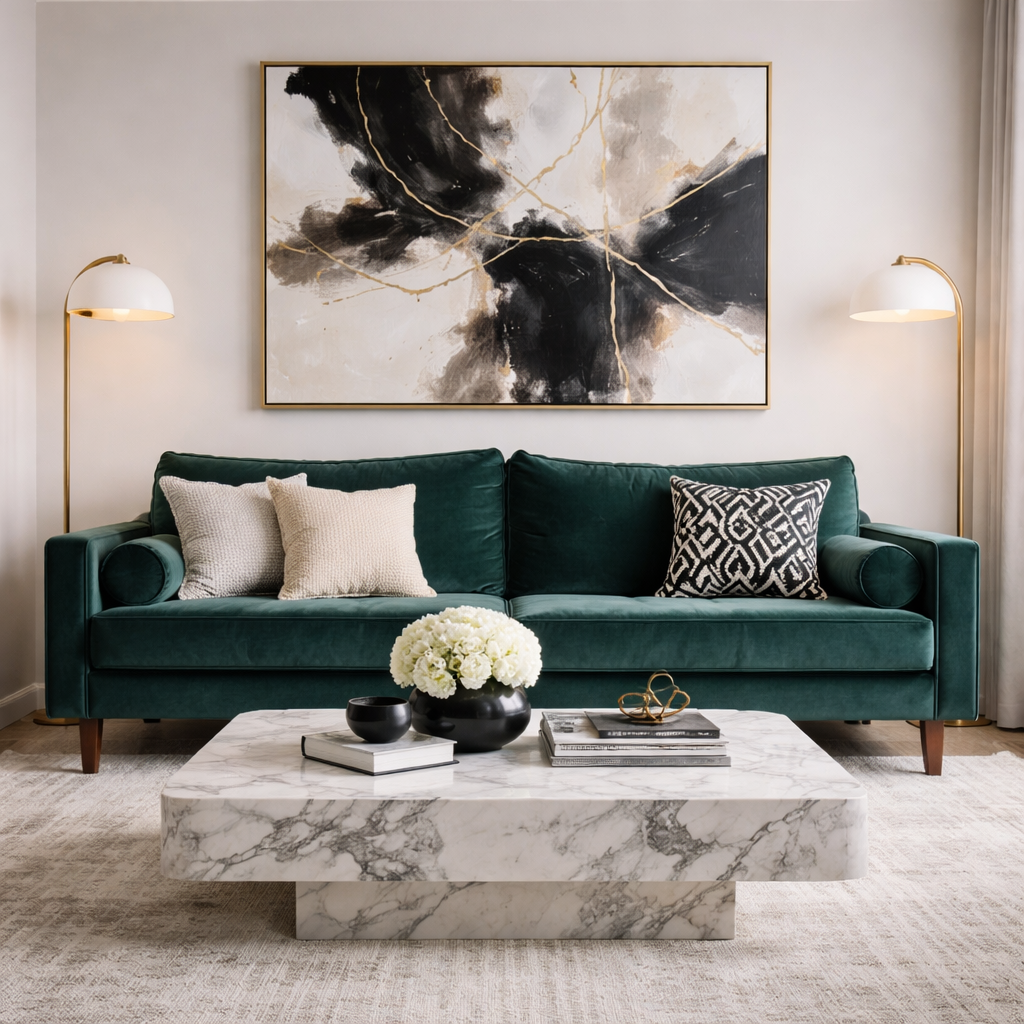
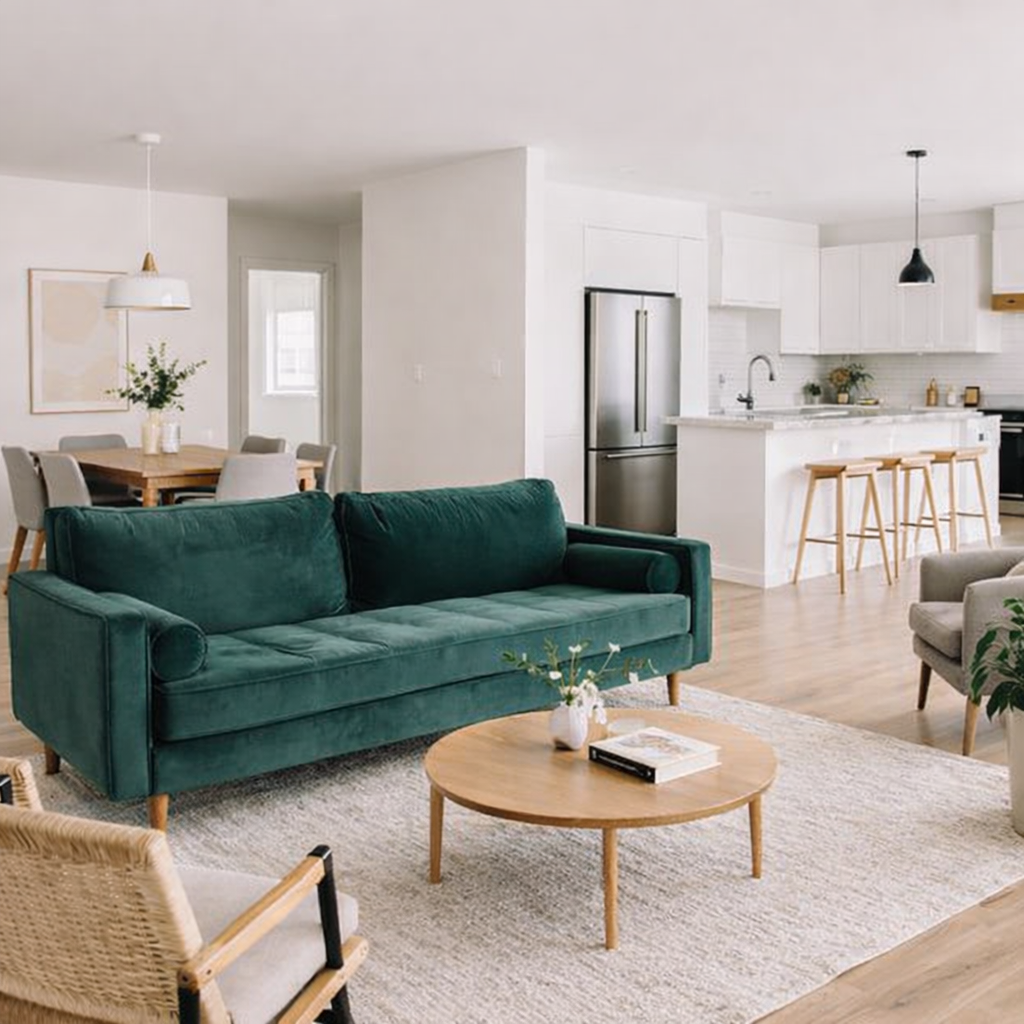
A messy living room with boxes, clothes and a cluttered sofa, and the same room shown empty by the AI Room Cleaner (before)
Original photo
Before
A messy living room with boxes, clothes and a cluttered sofa, and the same room shown empty by the AI Room Cleaner
AI result
After
What Is This Tool
AI Room Cleaner overview

What Is AI Room Cleaner?

Furniture and clutter make it hard to see a room's real size and potential. Upload a photo of a room and the AI Room Cleaner removes the furniture, rugs, decor and clutter and shows the same room empty: same walls, floor, windows, doors, built-ins, light and camera angle. The edit is made by FLUX.1 Kontext Pro. It is a visual preview for planning, virtual staging and listings; where your local rules require it, say that a photo was digitally edited.

Use Cases

What you can create

AI Room Cleaner use case - Pre-Listing Tenant Turnover Prep

Pre-Listing Tenant Turnover Prep

Property managers can photograph an occupied unit before the tenant moves out and preview each room empty for planning or virtual staging. Where listing rules require it, label the image as digitally edited.

Showing a Room Before a Redesign

Designers and contractors can show clients the room without its furniture as a starting point for a redesign concept. The areas behind the removed furniture are AI-generated, so they do not show real wall or floor conditions; use the original photos and a site visit for the survey.

Planning a New Layout

Before buying new furniture, see the room empty so it is easier to picture a different layout. Measure the real room before you buy, since the areas behind the old furniture are generated, not recorded.

Why Eidora

Built different, built better

Furniture and Clutter Removed
Sofas, tables, rugs, decor and loose items are taken out so the room reads as an empty space.
Same Room, Same Angle
Walls, floor, windows, doors and built-in fixtures stay where they are, and the removed areas are filled with matching wall and floor surfaces.
Natural Light Kept
The room keeps its original lighting and camera angle, so the empty version still looks like a photo of the same space.
How it works

Three steps. About a minute.

AI Room Cleaner: Upload Your Room Photo
  1. Upload Your Room Photo

    Upload a photo of the cluttered room. JPG, PNG, WebP or GIF up to 10MB; a clear, well-lit photo works best.

  2. Clean with AI

    Our AI will automatically detect and remove furniture and clutter, leaving an empty room.

  3. Download Your Empty Room

    Save your newly decluttered, empty room photo, ready for listings or virtual staging.

Try AI Room Cleaner Now
✦ Try It Free Now
FAQ

Frequently
asked questions

Everything you need to know. Can't find what you're looking for?

Still have questions?
Our support team is happy to help.
Contact Support
The AI Room Cleaner is a specialized tool that uses artificial intelligence to automatically detect and remove objects like furniture, personal items, and general clutter from your uploaded room photographs. It then intelligently fills in the background, creating a clean, empty room image ideal for various applications.
The edit is made by FLUX.1 Kontext Pro, a general image-editing model. It works well on typical living rooms, bedrooms and kitchens; large furniture in front of windows or busy patterned floors may need a second try. Check the result before you use it.
You must have the necessary rights to the original photo. Permitted uses of the result also depend on applicable law and the selected third-party model or provider terms. Where listing rules require it, say that the photo was digitally edited.
It works best on common indoor spaces such as living rooms, bedrooms, kitchens and dining areas. Rooms with clear architectural lines and good lighting give the cleanest results.
The AI Room Cleaner is specifically optimized for indoor room scenes. While it may attempt to process other types of images, its effectiveness will be significantly reduced, and the results may not meet your expectations compared to its performance on actual room photos.
You can upload JPG, PNG, WebP or GIF images up to 10MB. A clear, well-lit photo that shows the whole room gives the best result.
Usually, yes: removed areas are filled with matching wall and floor surfaces, and the light and angle stay the same. Check the edges around windows, doors and built-ins, and run it again if something looks off.
There is no separate limit; it works on credits. Each photo uses 4 credits. A free account gets 16 credits to start and 4 free credits every day, and Pro, Ultra and Max add 300 to 2,000 credits a month.
Currently, the AI Room Cleaner is designed for automatic, comprehensive object removal to create an entirely empty room. It does not offer selective removal of individual items. The goal is to provide a complete blank canvas for staging or clear presentation.
Usually 10 to 30 seconds per photo, a little longer at busy times.
The result is a newly generated image whose size is set by the model, not a copy at your original resolution. It suits web listings and virtual staging previews; check the size before printing.
Using an AI room cleaner saves significant time, effort, and often cost compared to manual editing. Manual removal can be complex and time-consuming, requiring advanced photo editing skills. Our AI offers a fast, automated solution, making professional-looking empty room photos accessible to everyone without extensive graphic design knowledge.
Start with daily credits
Ready to create
your masterpiece?
4 credits per image · Free to try · 4 free credits daily
Free to try · 4 free credits daily
~10–30 seconds
Instant download