Remove People from Photos

Paint over the people you don't want, such as tourists, passers-by or a photobomber, and AI fills the space with the scene behind them.
Free to try · 4 free credits daily
Paint or describe
~10–30 seconds
Sign in after your first result
✦ Remove People Now
Remove People from Photos AI result example✦ AI Result
Upload your photo
Try with an example:
Example photo 1Example photo 2Example photo 3
Pick what to remove
  1. Upload a photo.
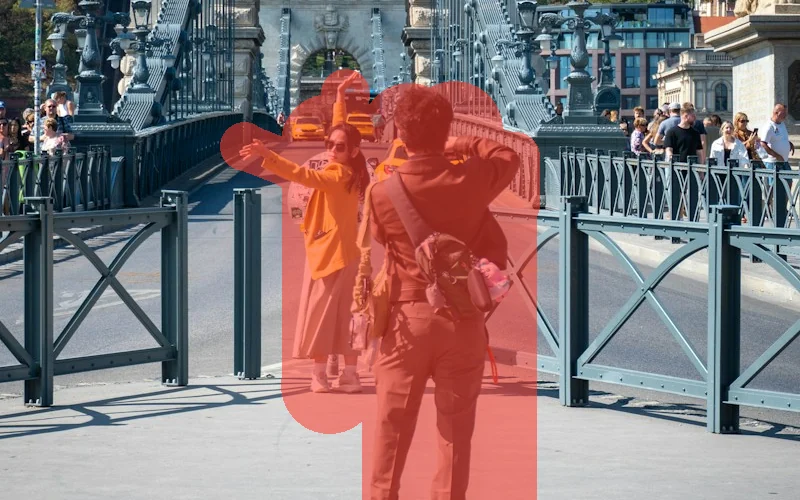
  2. Paint over everything you want gone: people, objects, text. Cover the whole thing and its shadow.
  3. Press the button below. The painted areas are filled in to match the rest of the photo.
4 credits per image · 1 free try, sign up free to download
Model: Bria Eraser · Usually 10-30 seconds
Before & After

See the transformation

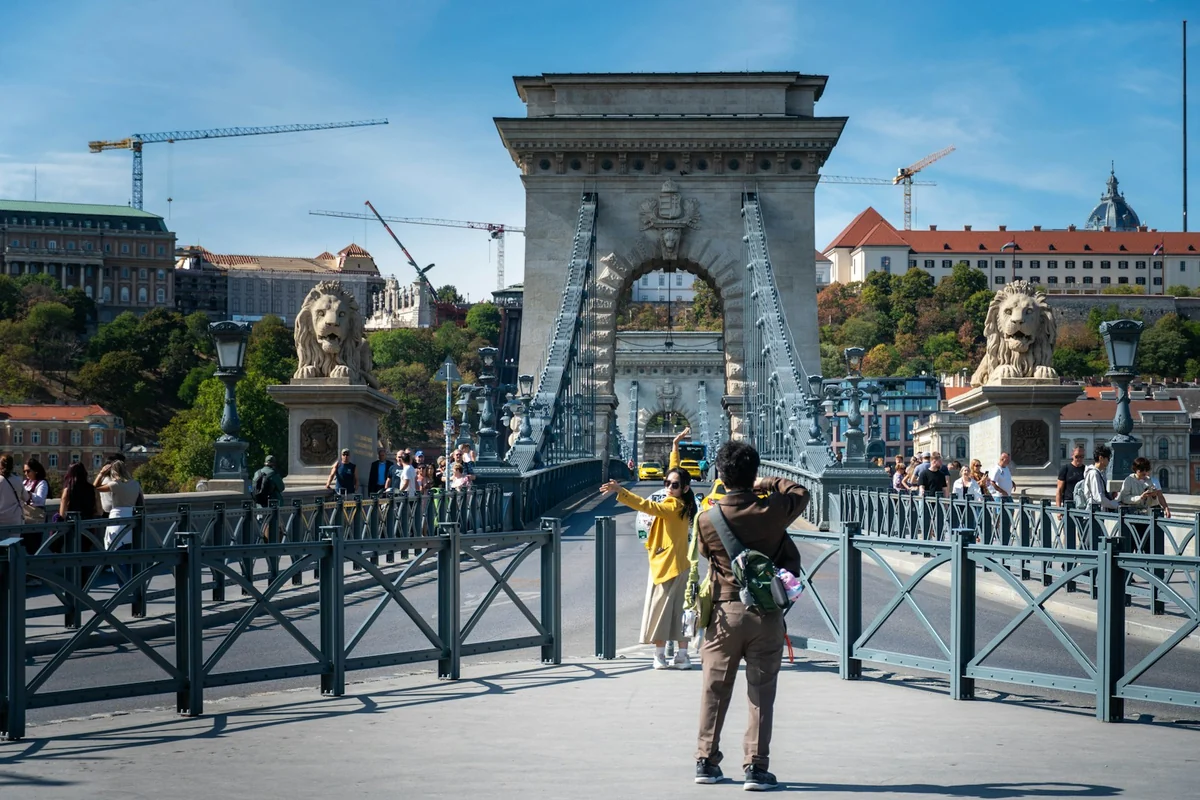
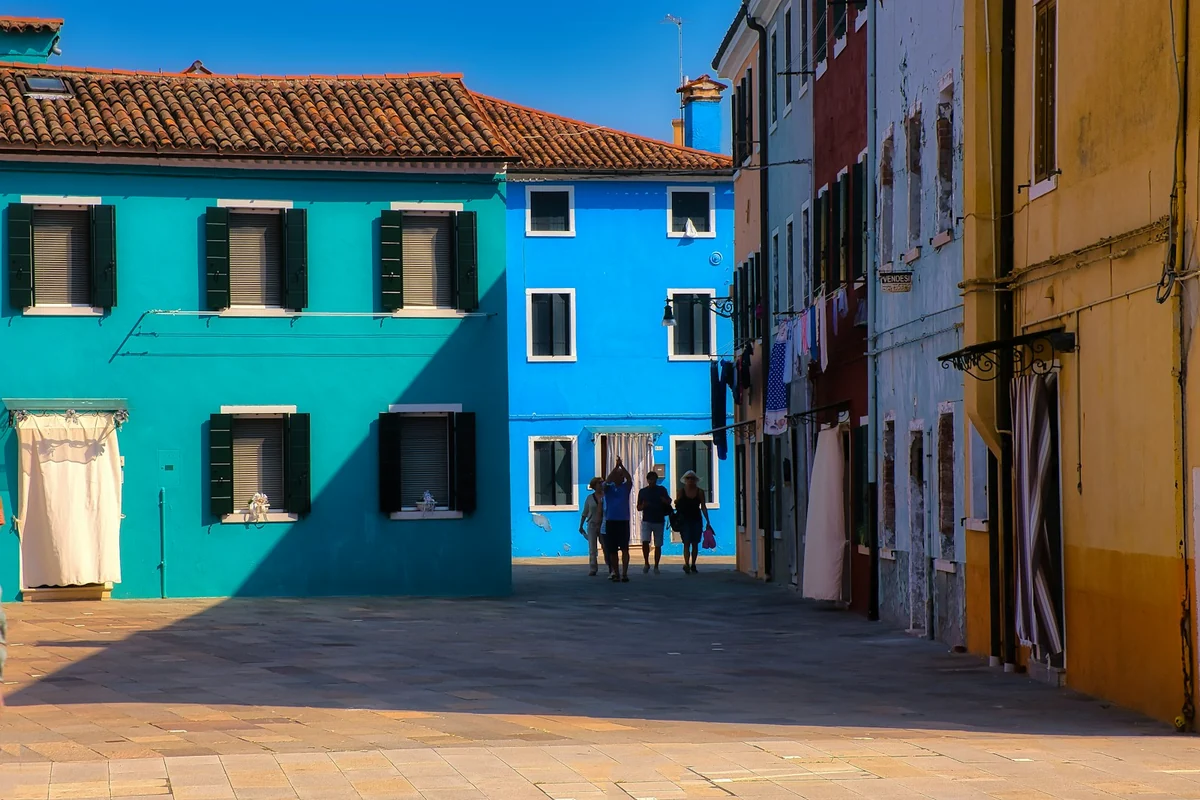
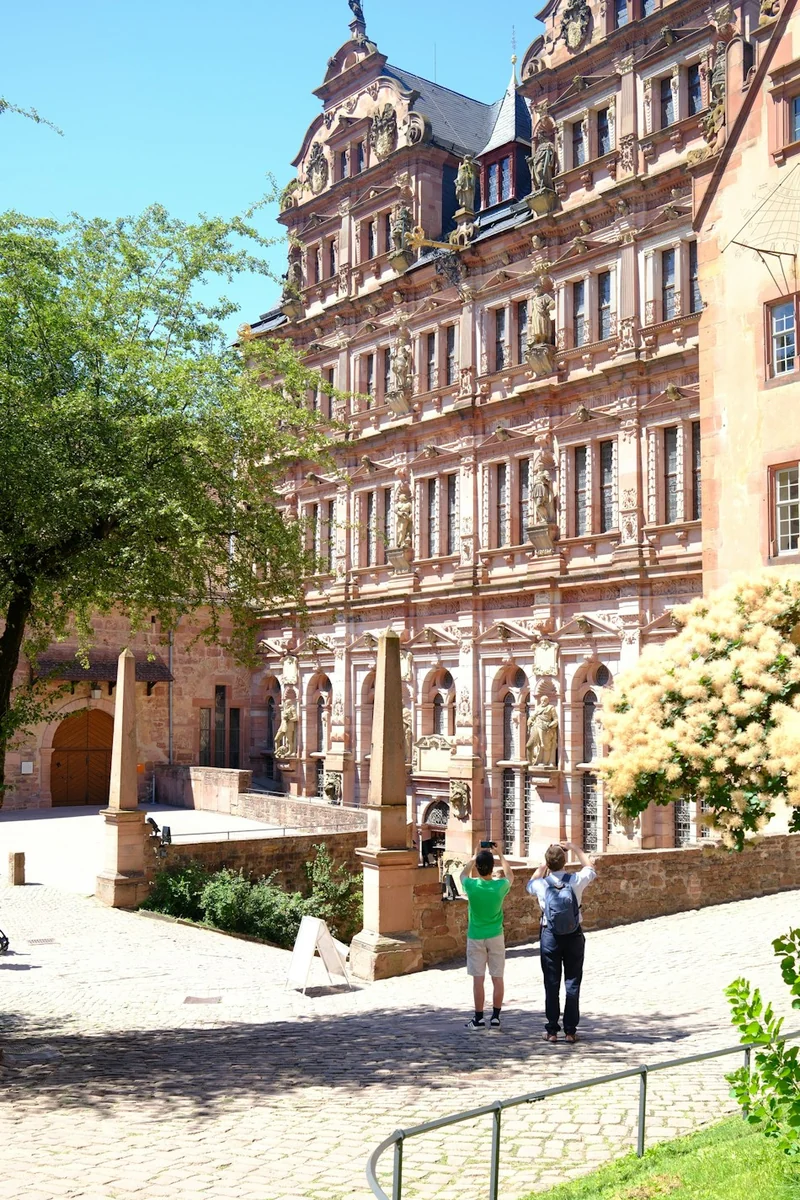
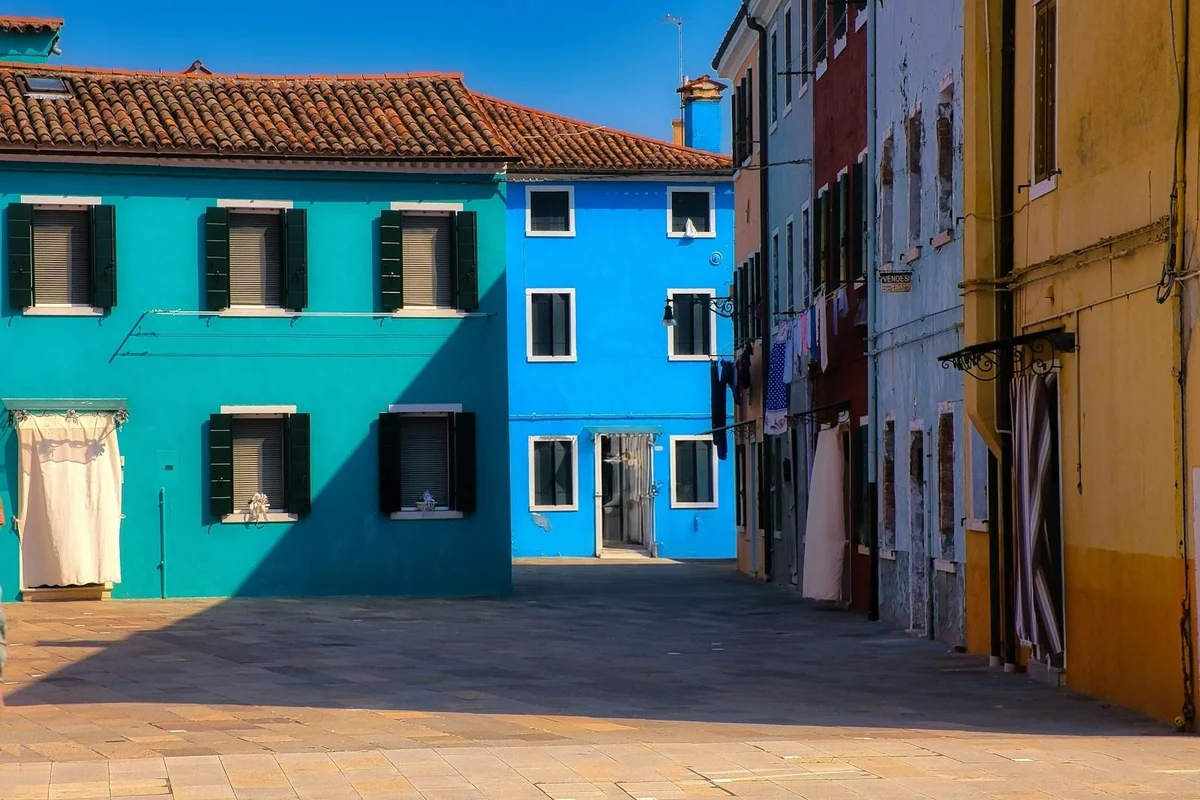
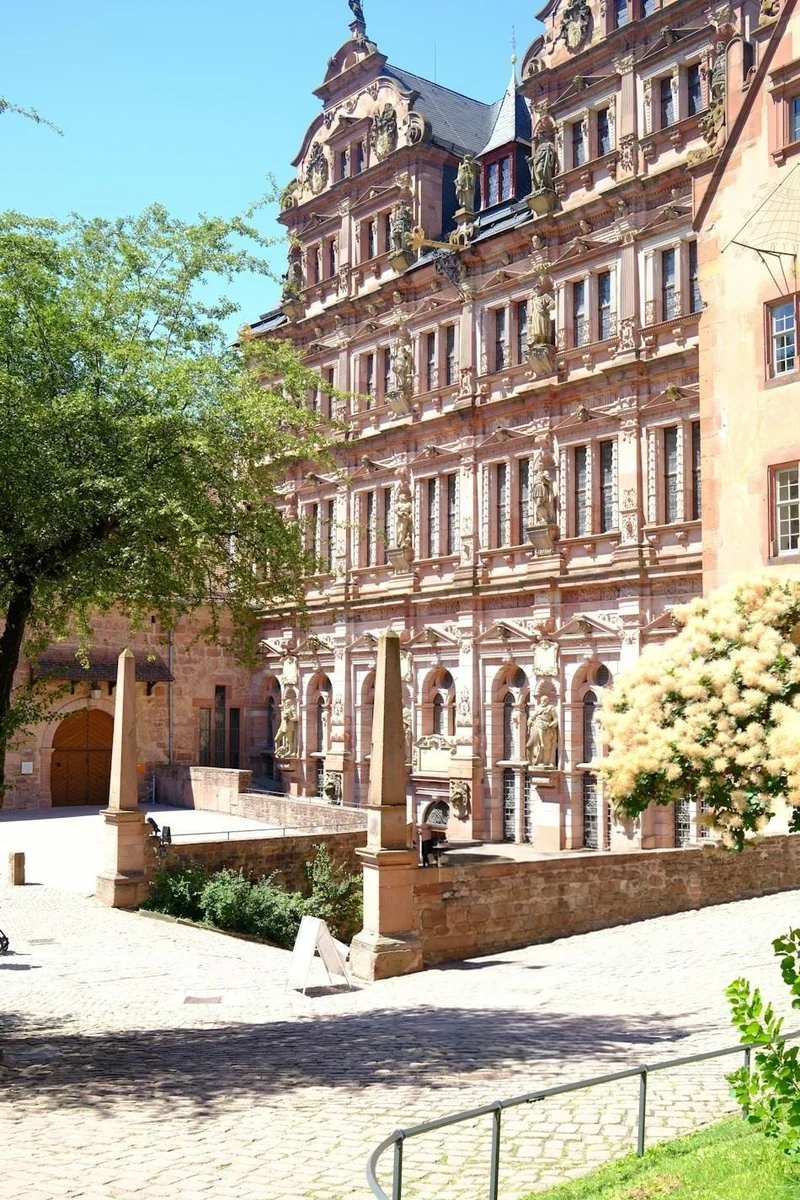
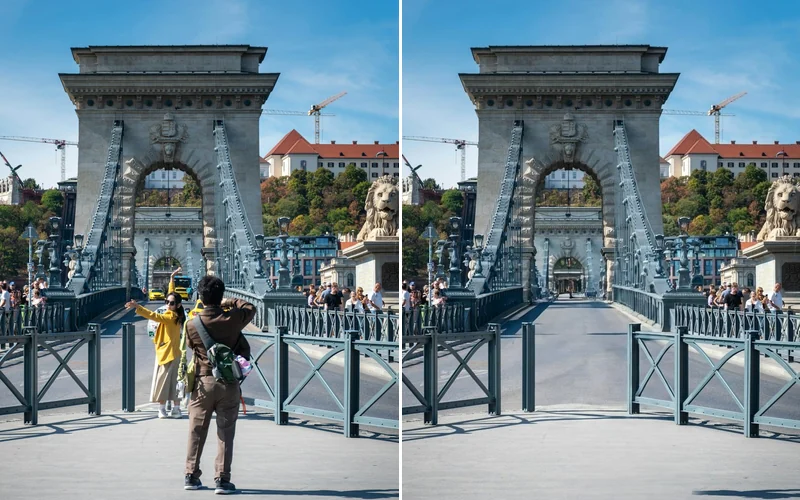
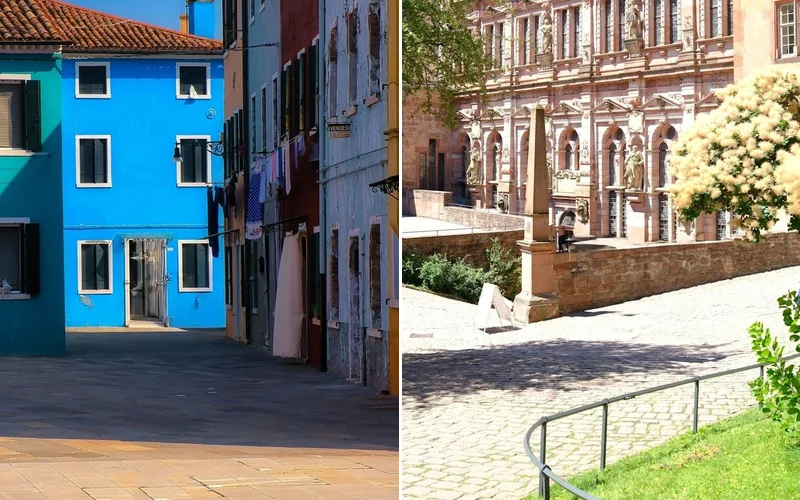
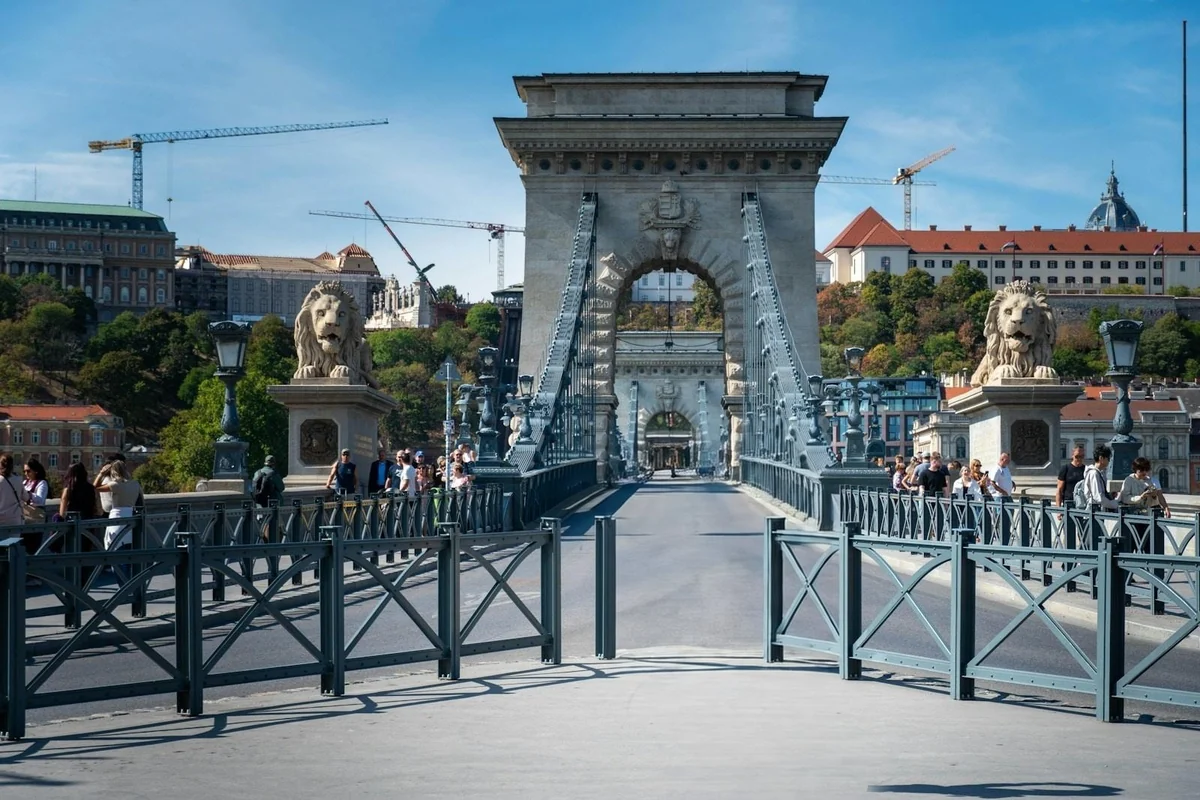
Two tourists in front of the Chain Bridge in Budapest, removed from the photo (before)Four people walking past the coloured houses of Burano, removed from the photo (before)Two visitors photographing a castle courtyard, removed from the photo (before)
Original photo
Before
Two tourists in front of the Chain Bridge in Budapest, removed from the photoFour people walking past the coloured houses of Burano, removed from the photoTwo visitors photographing a castle courtyard, removed from the photo
AI result
After
Landmark
A tourist posing and the friend taking her picture, right in front of the Chain Bridge in Budapest, painted over and removed. The road and railings behind them are filled in.
What Is This Tool
Remove People from Photos overview

What Is Remove People from Photos?

Remove People from Photos takes strangers out of your pictures: the tourist in front of the landmark, the group walking through the square, the person who stepped into your shot. Upload the photo, paint over each person you want gone, including their shadow, and Bria Eraser fills the area with the scene behind them. The rest of the photo stays as it was, at its own size (photos over 4 megapixels are scaled down to 4). You can also switch to Describe and write who to remove, such as "the people in the background".

Use Cases

What you can create

Remove People from Photos use case - Travel Photos Without Crowds

Travel Photos Without Crowds

Remove the tourists standing between you and the landmark, so the place looks the way you remember it.

Clean Shots of Places

Hosts, estate agents and venue owners can clear passers-by out of street, lobby and garden photos before they post them.

Photobombers Out of Your Photos

Keep your own portrait and remove the stranger who walked into the frame behind you.

Why Eidora

Built different, built better

You Pick Who Goes
Paint over exactly the people you want removed and leave everyone else. There is no guessing which person a sentence meant.
The Background Comes Back
The painted area is rebuilt from what surrounds it: roads, paving, railings, walls and building fronts.
Nothing Else Changes
Only the painted area is replaced. The rest of the photo keeps its colours, framing and size.
How it works

Three steps. About a minute.

Remove People from Photos: Upload Your Photo
  1. Upload Your Photo

    JPG, PNG, WebP or GIF up to 10MB. A sharp photo gives the cleanest result.

  2. Paint Over the People

    Cover each person you want removed, with their shadow and any reflection. Undo and three brush sizes help you get it right.

  3. Download the Clean Photo

    Check the result and download it. Missed a spot? Press Try another; your painting is still there to adjust.

Try Remove People from Photos Now
✦ Try It Free Now
FAQ

Frequently
asked questions

Everything you need to know. Can't find what you're looking for?
Still have questions?
Our support team is happy to help.
Contact Support
Upload the photo, paint over the person with the brush, including their shadow, and press Remove People Now. The painted area is filled with the scene around it.
Yes. Paint over everyone you want removed before you press the button; all painted areas are removed in one run.
Only the painted area is replaced. The rest of the picture keeps its look, framing and size. Photos larger than 4 megapixels are scaled down to 4 megapixels.
Paint a little wider than the person, including feet, shadow and any reflection, and run it again. Your painting stays after a result, so you only add what was missed.
Yes. Switch to Describe and write it, for example "remove the people in the background". Painting is more precise when you want to keep some people and remove others.
Yes. You can try one result without signing up. A free account gets 16 credits to start and 4 free credits every day, and each photo uses 4 credits. Paid plans start at $9.9/month for 300 credits.
Yes. Open the page in your phone's browser and paint with your finger; the page does not scroll while you paint on the photo.
JPG, PNG, WebP or GIF up to 10MB. The result downloads as an image.
Your uploads and results are saved privately to your history so you can view and download them later, and only you can open them (if you are not signed in, they are tied to your browser session). To create a result, your photo is sent to the AI model provider that runs the edit. We do not sell your content or use it to train AI models.
Start with daily credits
Ready to create
your masterpiece?
Paint or describe · 4 credits per image · Free to try · 4 free credits daily
Free to try · 4 free credits daily
~10–30 seconds
Instant download