Toolpublic route

AI Menu Generator

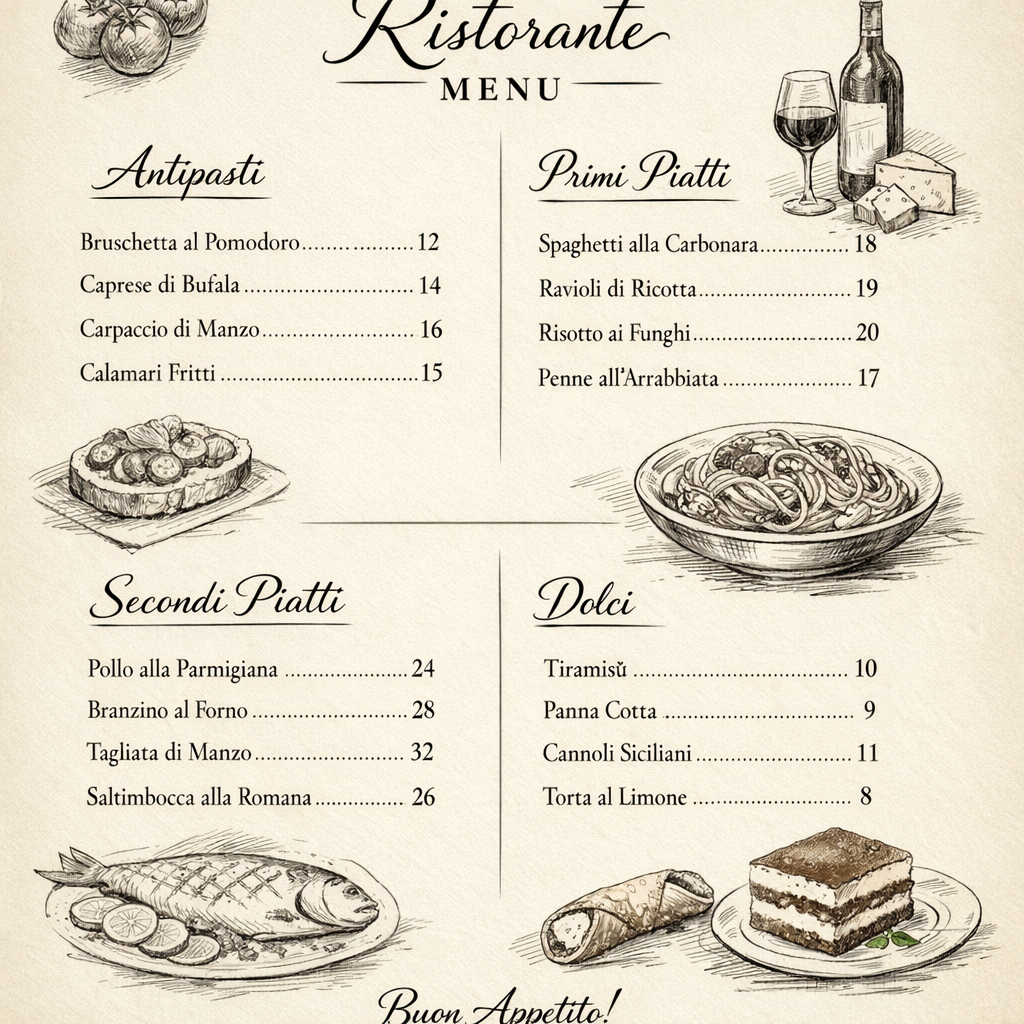
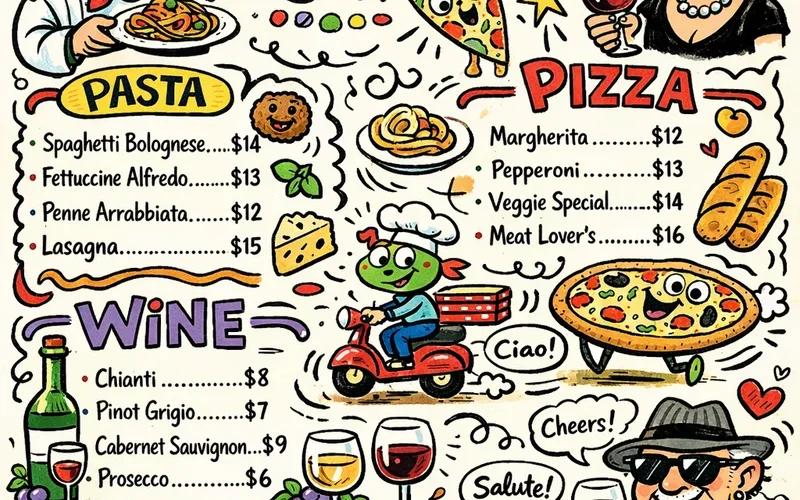
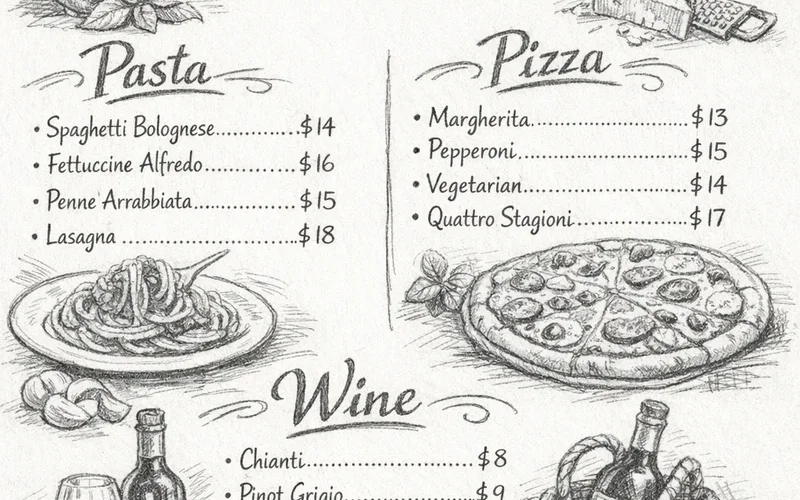
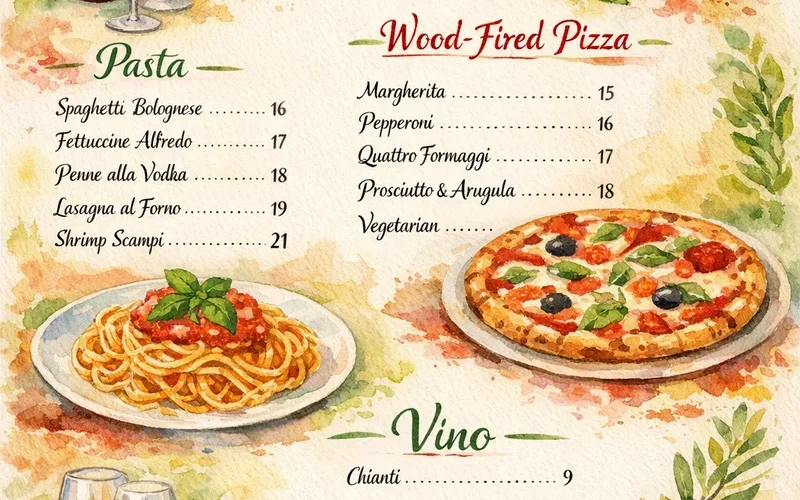
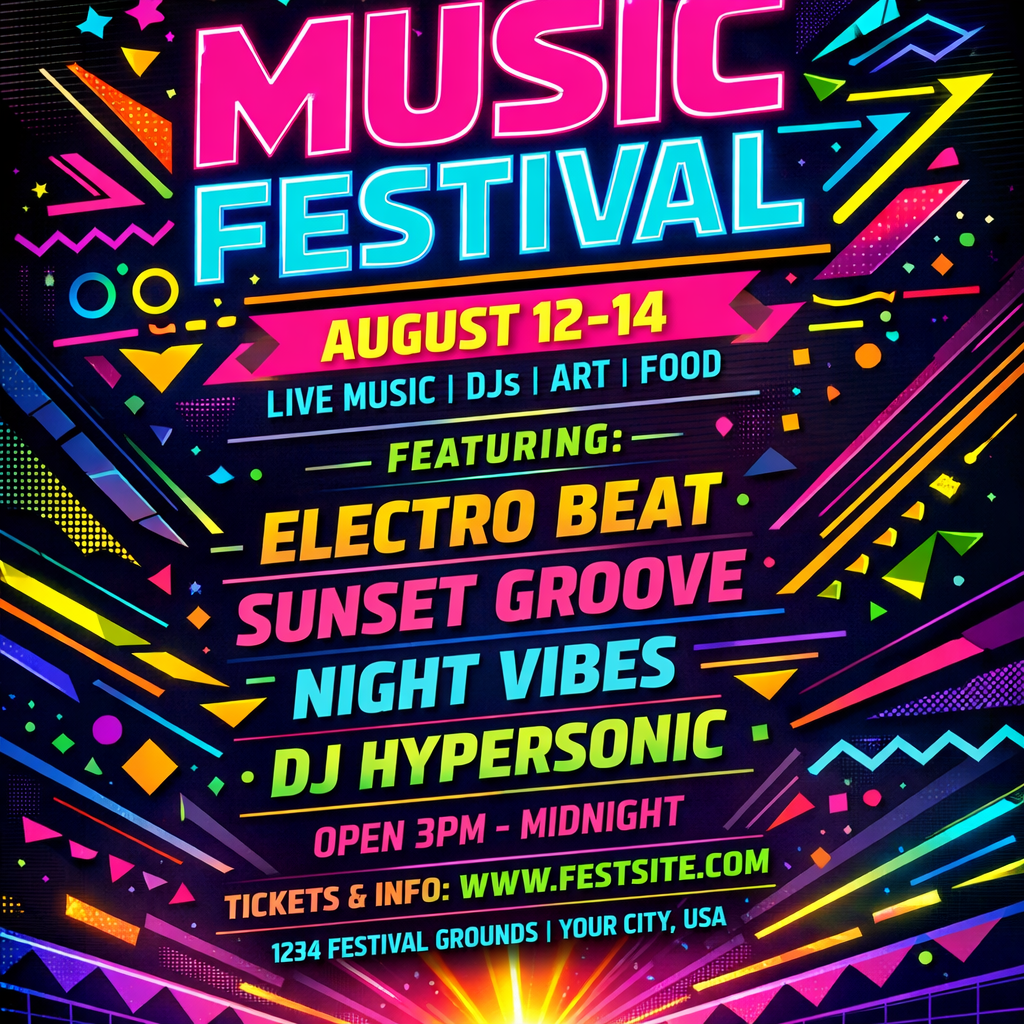
Effortlessly design custom menus for your cafe, restaurant, or food truck in minutes. This tool empowers small business owners and managers to create stunning, on-brand menus without needing design skills or a large budget.

Instant resultsFree downloadWorks on mobile

Preset route

Choose the public starting point before you open Studio

Open Studio →

Or choose a popular preset:

Sample compare

See the promise before you move into execution

AI Menu Generator example result beforeBefore
AI Menu Generator example result afterAfter

AI Menu Generator example result

The public page explains the workflow. `/studio` remains the execution layer.

Sample Results

See what this tool can do with real photos.

Before - AI Menu Generator example resultBefore
After - AI Menu Generator example resultAfter

AI Menu Generator example result

User Reviews

4.9

Based on 773 reviews

5 stars
78%
4 stars
17%
3 stars
6%
2 stars
3%
1 stars
0%
P.L.

Peter L.

E-Commerce Owner

"Used this for my Etsy shop product photos. Backgrounds come out clean on the first try and I list items 3x faster now."

W.H.

Will H.

Marketing Coordinator

"Our Instagram needs 5 edited images per day. I batch-process them here in 20 minutes instead of waiting for the design team."

G.N.

George N.

Etsy Seller

"White background removal on jewelry photos used to take me 20 minutes per item. Now it's instant and the edges around chains are clean."

What Is AI Menu Generator?

The AI Menu Generator is a specialized tool designed to solve the common headache of menu creation and updates for food service businesses. Whether you're launching a new cafe, refreshing seasonal offerings, or need a quick update for daily specials, this tool lets you generate visually appealing menus by simply describing your vision or uploading an inspiration image. It's perfect for independent restaurant owners, food truck operators, and small bistro managers who need professional results without the cost and time of hiring a graphic designer. Focus on your food, and let the tool handle the design.

Why Choose This Tool

Save Time and Money

Eliminate expensive design fees and hours spent on manual layout. Generate multiple menu options in moments, freeing up resources for your core business.

Ensure Brand Consistency

Maintain your establishment's unique aesthetic. The tool helps incorporate your style, ensuring every menu reflects your brand's personality and atmosphere.

Update Menus Rapidly

Quickly adapt to new specials, seasonal changes, or price adjustments. No more waiting for designers; make updates on demand to keep your offerings current.

Boost Visual Appeal

Present your dishes beautifully with professionally designed layouts. A well-designed menu enhances customer experience and can influence ordering decisions.

No Design Experience Needed

Create polished, attractive menus without any graphic design background. The intuitive interface guides you through the process, making it accessible for everyone.

Explore Creative Options

Experiment with various styles and layouts quickly. Generate diverse menu designs to find the perfect fit for your restaurant's unique ambiance and cuisine.

Struggling with Menu Design and Costly Updates?

Hiring a graphic designer is often prohibitively expensive and leads to slow turnaround times for urgent menu changes. Relying on generic online templates makes your establishment look uninspired and fails to capture the unique essence of your brand, leaving customers unimpressed.

How It Works

1

Describe Your Menu or Upload Inspiration

Enter a text prompt detailing your desired menu style, cuisine, and items, or upload an image that sets the visual tone.

2

Generate Your Custom Menus

Click 'Generate' and let the tool create several unique menu designs based on your input within seconds.

3

Review, Refine & Download

Browse the generated options, make any final tweaks, and download your chosen menu in a ready-to-print format.

Who Is This For?

Popular use cases for this tool.

briefcase

New Restaurant Menu Creation

New Restaurant Owners can quickly generate a comprehensive menu for their grand opening without extensive design work. This saves significant time and resources during a busy launch phase.

sparkles

Seasonal Menu Updates

Restaurant Managers can effortlessly update seasonal offerings or daily specials with fresh, appealing designs. This tool streamlines the process of keeping menus current and engaging for customers.

palette

Themed Event Menus

Cafe & Bistro Owners can easily design unique menus for special events or themed evenings. This helps create a cohesive dining experience and enhances customer engagement for specific occasions.

Frequently Asked Questions

Is the AI Restaurant Menu Generator truly free to use?

Yes, our AI Restaurant Menu Generator offers a free tier that allows you to create and download custom menus. You can experiment with various designs and generate professional-looking menus without any upfront cost, making it accessible for all businesses.

What kind of information should I include in my text prompt?

For best results, include details like your restaurant's name, cuisine type (e.g., 'Italian bistro,' 'vegan cafe'), ambiance (e.g., 'rustic,' 'modern minimalist'), specific menu sections (e.g., 'Appetizers,' 'Main Courses,' 'Desserts'), and a few key dish names. The more descriptive you are, the better the tool can tailor the design to your vision.

Can I upload an image to influence the menu design?

Absolutely! You can upload an image, such as your restaurant's logo, interior photo, or a specific design element you like. The AI will analyze the image's colors, fonts, and overall style to inspire the generated menu's aesthetic, ensuring brand consistency.

Can I edit the generated menu after it's created?

While the initial generation provides complete menu designs, you can typically refine text content and make minor adjustments within the tool before downloading. For extensive post-generation editing, you can often download the menu as a file type compatible with common design software.

What if I don't like the first set of generated menus?

If the initial results aren't quite what you envisioned, you can easily adjust your text prompt or upload a different inspiration image and generate new options. Experimenting with different inputs often leads to discovering the perfect design for your needs.

Is this tool suitable for specific cuisines or dietary needs?

Yes, the AI Menu Generator can be guided for any cuisine. By specifying 'sushi restaurant menu,' 'gluten-free bakery menu,' or 'Mexican street food menu' in your text prompt, the AI will adapt its design suggestions to match the appropriate style and content for your specific offerings.

Does the AI Menu Generator support multiple languages?

Currently, the tool primarily processes inputs and generates content in English. However, if you provide your menu items and descriptions in another language within your text prompt, it will integrate that text into the generated design, allowing for multilingual menus.

Can I add my restaurant's logo to the generated menu?

Yes, you can often upload your restaurant's logo as an image during the input phase. The tool will then incorporate your logo into the menu design, ensuring your branding is prominently featured and consistent across all your materials.

What file formats are supported for downloading the menus?

Typically, you can download your generated menus in common, print-ready formats such as PDF. Some tools may also offer PNG or JPG for digital use, making it easy to share your menu online or send it to a professional printer.

How long does it take to generate a menu?

The generation process is remarkably fast. Once you've provided your text prompt or image, the AI can produce several unique menu designs within seconds, allowing for rapid iteration and quick decision-making.

Do I need any special software to use this AI menu generator?

No, you do not need any special software. Our AI Menu Generator is a web-based tool, meaning you can access and use it directly from your internet browser on any device. Simply open your browser, visit the page, and start creating.

Will my uploaded images and text prompts be kept private?

We prioritize user privacy. Any images or text prompts you upload are used solely for generating your menu designs and are not shared publicly or used for training purposes without explicit consent. Your data remains confidential.