remove object from photo ai free

Object Remover

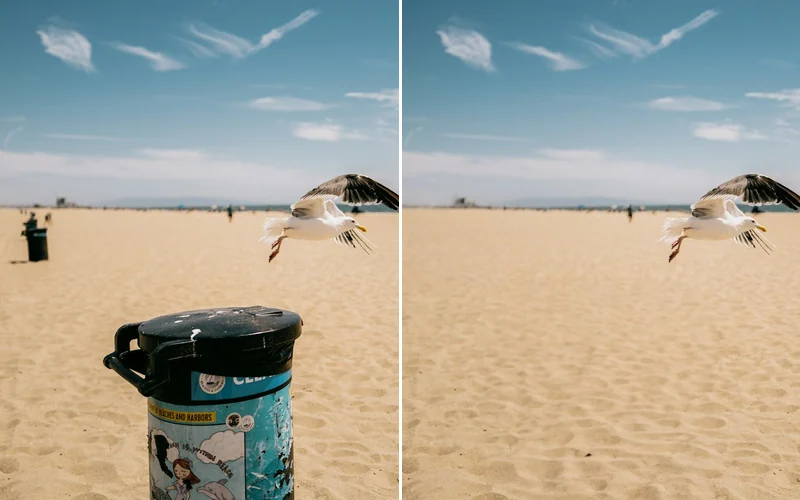
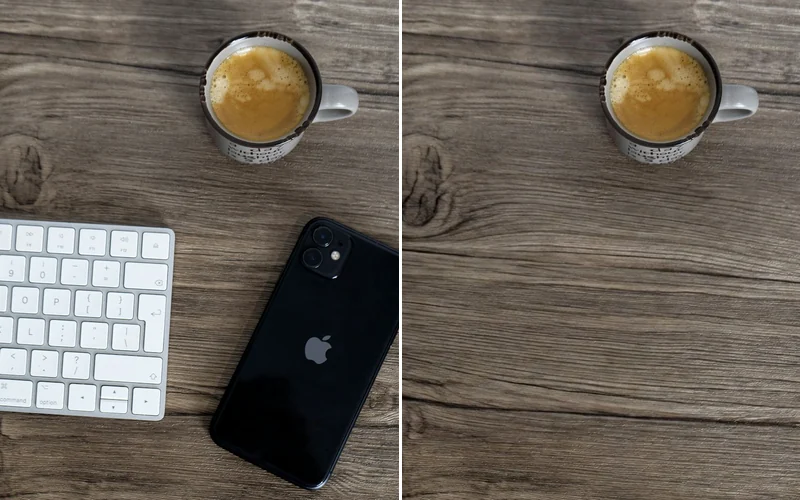
This tool helps anyone quickly erase unwanted items, people, or imperfections from their pictures, making them look perfect without complex editing skills.

Easily remove unwanted objects from your photos using our free AI tool. Get a clean, distraction-free image in seconds. Remove object from photo AI free...

Instant resultsInstant downloadWorks on mobile
Try Object Remover Now

Sample results

See Examples

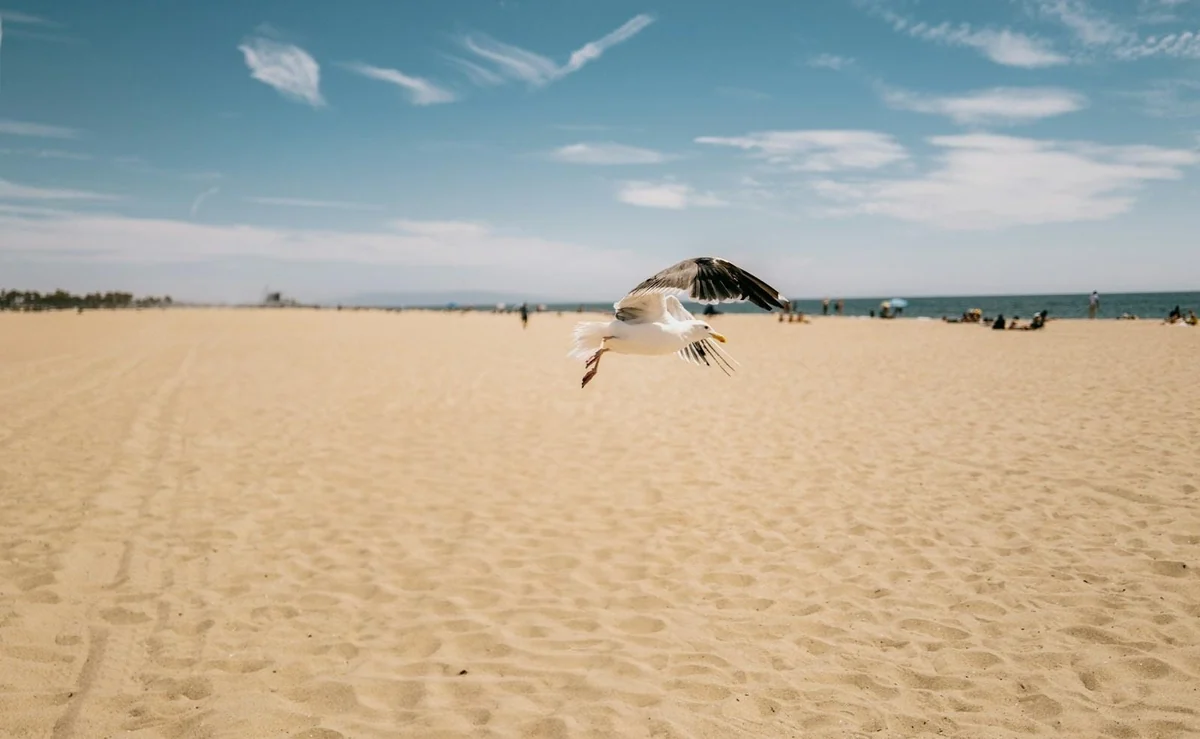
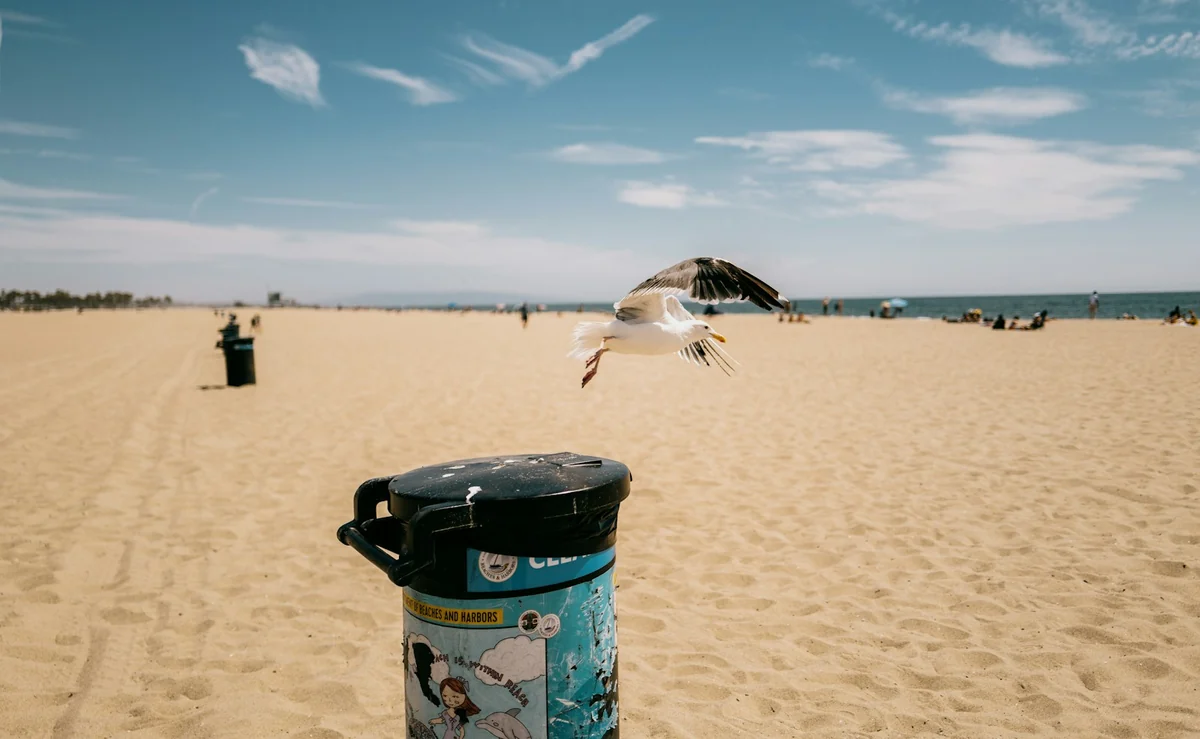
Object Remover example result
Object Remover

What can this tool do?

Tired of Imperfect Photos?

The Object Remover uses inpainting-based neural networks to analyze surrounding textures, lighting, and perspective before reconstructing the area behind a removed element. Unlike simple clone-stamp or blur-based erasers, it considers the full scene context — reconstructing complex patterns like brick walls, grass textures, or water reflections that span the erased region. The tool processes images at their native resolution and supports masked selection, letting you precisely define what stays and what goes. Common applications include cleaning product shots for e-commerce catalogs, removing photobombers from travel photos, and stripping watermarks or date stamps from scanned images.

Manually editing out distractions is time-consuming and often leaves noticeable smudges. Other tools require complex skills or expensive subscriptions just to clean up a simple photo, leaving you frustrated with cluttered images.

Why choose this tool?

Key benefits

Context-Aware Inpainting

The AI reconstructs textures, patterns, and lighting behind removed objects — not just blurring or smudging the area.

Mask-Based Precision

Paint over exactly what you want gone. Fine-tune edges with adjustable brush size for pixel-level control.

Full Resolution Output

Processed at native resolution with no downscaling. The exported image matches your original file dimensions.

How to use

How to use Object Remover

  1. 1

    Upload Your Image

    Select and upload the photo you want to edit from your device into the tool.

  2. 2

    Highlight Object to Remove

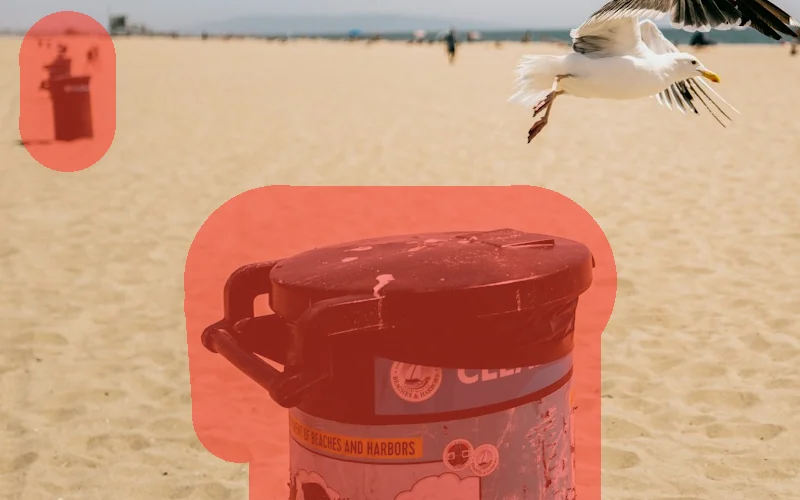
    Use the brush tool to paint over the unwanted object or area in your picture.

  3. 3

    Download Your Clean Photo

    Click 'Remove' and once processed, save your perfectly cleaned image to your device.

Use cases

Built for real workflows

Clean Product Shots

E-commerce sellers often struggle with cluttered product photos that distract potential buyers. Use the Object Remover to effortlessly clear away unwanted items, ensuring your product takes center stage and looks professional.

Flawless Social Content

Social media managers and influencers need visually perfect content to maintain their brand aesthetic. Easily erase photobombers, stray objects, or imperfections to create captivating images that resonate with your audience.

Perfect Vacation Memories

Travelers often capture beautiful moments, only to find unwanted people or objects in the background. Effortlessly remove distractions from your vacation photos, preserving the beauty and focus of your treasured memories.

FAQ

Frequently asked questions

How accurate is the object removal?

Our Object Remover uses advanced algorithms to analyze the surrounding pixels and intelligently fill in the removed area. For most common objects and backgrounds, it provides highly accurate and natural-looking results, often making it difficult to tell anything was ever there. Complex textures or very intricate backgrounds may require a second pass or minor touch-ups.

What types of objects can I remove?

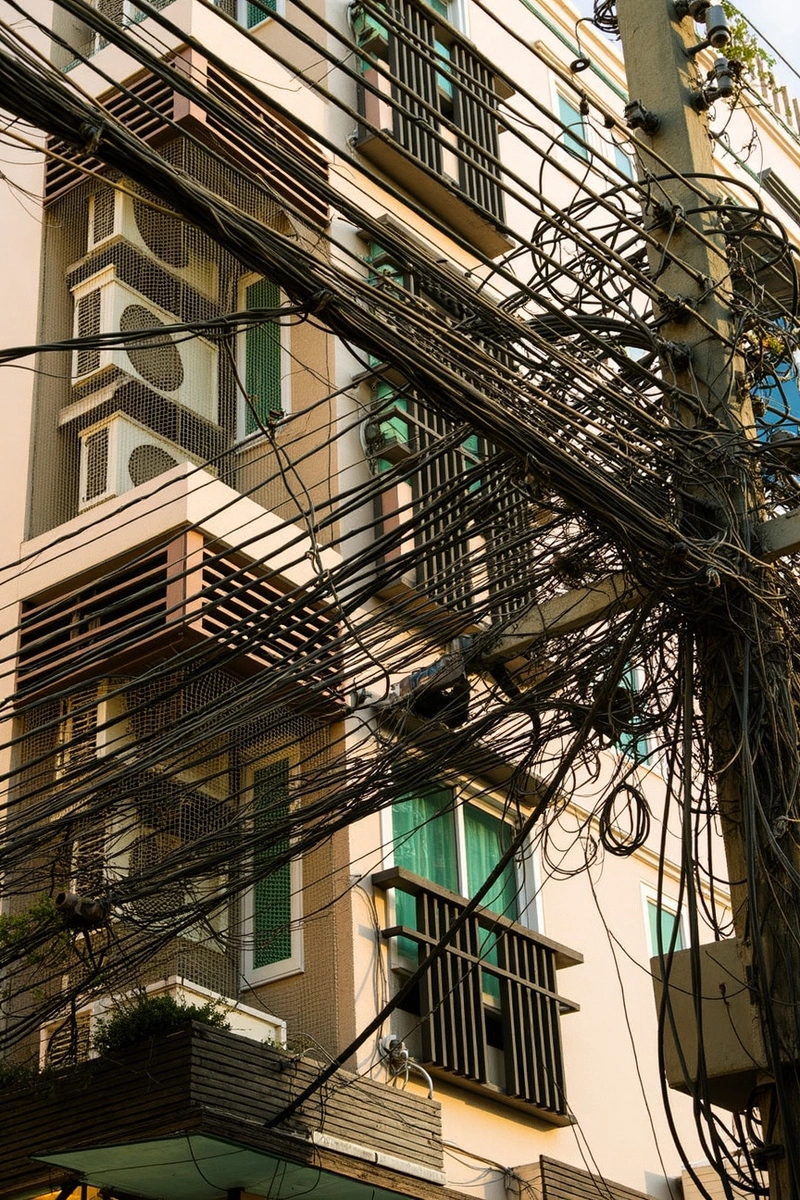
You can remove a wide variety of objects, including people, animals, text, logos, power lines, trash, blemishes, watermarks, and other distracting elements. If it's a distinct object in your photo, our tool is designed to help you erase it seamlessly.

Is the 'remove object from photo ai free' tool really free to use?

Free users get 6 credits per day. Paid plans start at $9.9/month for more credits and HD export.

What image formats are supported?

The tool supports common image formats such as JPG, PNG, and HEIC. We recommend using high-quality images for the best removal results, as more detail in the original photo allows for more precise editing.

Will removing an object affect the photo's background quality?

The tool aims to intelligently reconstruct the background area where the object was removed, attempting to blend it naturally with the surrounding pixels. In most cases, the background quality will be preserved, providing a smooth and consistent look. For very complex or blurred backgrounds, the results are generally even more seamless.

Can I remove multiple objects from a single photo?

Yes, you can remove multiple objects from the same photo. Simply highlight each unwanted object one after another, or select them all in one go if they are close. The tool will process all marked areas, allowing you to achieve a completely clean image.

Do I need any special skills to use this tool?

Absolutely not. This tool is designed for ease of use, requiring no prior photo editing experience or technical skills. The interface is intuitive: just upload your image, brush over the object, and let the tool do the rest. Anyone can achieve professional-looking results in minutes.

Is there an undo option if I make a mistake?

Yes, our tool includes an undo feature. If you accidentally highlight too much or are not satisfied with the initial removal, you can easily revert your last action and try again. This allows for flexible editing and experimentation until you achieve the perfect result.

Start now

Remove Object From Photo AI Free: Clean Up Your Images Instantly

This tool helps anyone quickly erase unwanted items, people, or imperfections from their pictures, making them look perfect without complex editing skills.
Try Object Remover Now