Toolpublic route

AI Old Photo Restoration

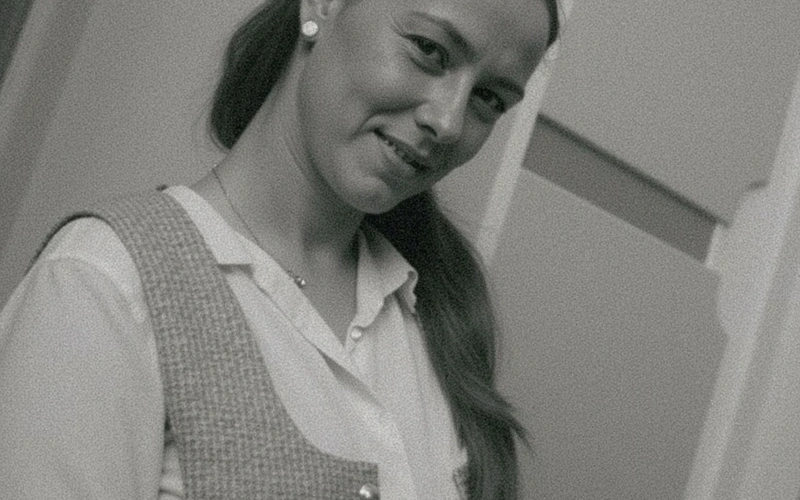
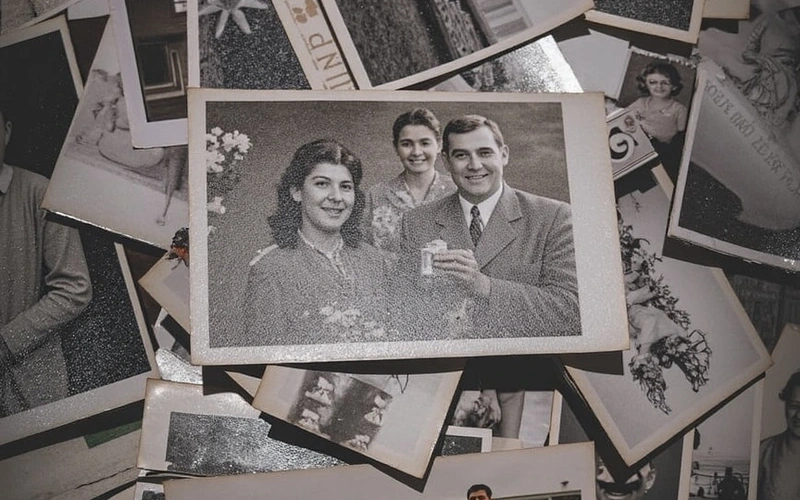
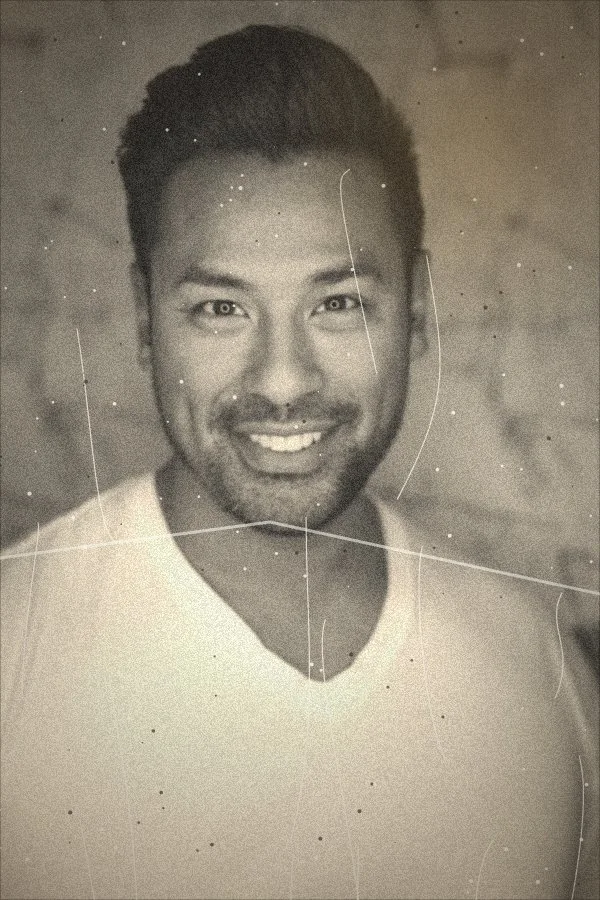
This tool helps anyone revive faded, scratched, or damaged family photos, making them look new again directly in your browser without complex software.
Instant resultsFree downloadWorks on mobile

Preset route

Choose the public starting point before you open Studio

Open Studio →

Or choose a popular preset:

Sample compare

See the promise before you move into execution

AI Old Photo Restoration example result beforeBefore
AI Old Photo Restoration example result afterAfter

AI Old Photo Restoration example result

The public page explains the workflow. `/studio` remains the execution layer.

Sample Results

See what this tool can do with real photos.

Before - AI Old Photo Restoration example resultBefore
After - AI Old Photo Restoration example resultAfter

AI Old Photo Restoration example result

User Reviews

4.6

Based on 631 reviews

5 stars
82%
4 stars
14%
3 stars
5%
2 stars
2%
1 stars
0%
P.L.

Peter L.

E-Commerce Owner

"Used this for my Etsy shop product photos. Backgrounds come out clean on the first try and I list items 3x faster now."

G.N.

George N.

Etsy Seller

"White background removal on jewelry photos used to take me 20 minutes per item. Now it's instant and the edges around chains are clean."

W.H.

Will H.

Marketing Coordinator

"Our Instagram needs 5 edited images per day. I batch-process them here in 20 minutes instead of waiting for the design team."

What Is AI Old Photo Restoration?

Our AI Old Photo Restoration tool is designed for anyone looking to repair and enhance their treasured old photographs. Whether your photos suffer from scratches, tears, water damage, fading, or general degradation over time, this tool can help. It's ideal for family historians, genealogists, or anyone with a box of old prints they wish to digitize and preserve. Simply upload your damaged image, and our system automatically identifies and fixes common imperfections, restoring clarity and color to your precious moments with ease.

Why Choose This Tool

Fix Scratches & Tears

Effortlessly remove unsightly scratches, creases, and tears that mar your old photographs, making them appear smoother and more intact.

Revive Faded Colors

Bring back the original vibrancy and color depth to faded, discolored, or yellowed images, making them look as they did years ago.

Sharpen Blurry Details

Improve the clarity and sharpness of soft or slightly out-of-focus areas, revealing details that were once obscured in your old prints.

Repair Water Damage

Address common signs of water damage, such as stains and distortions, helping to recover the original appearance of affected photos.

Enhance Faces Clearly

Improve the clarity and definition of faces in your old photos, ensuring that your loved ones are recognizable and vibrant.

Preserve Family History

Digitally restore and safeguard your family's visual heritage, ensuring that priceless memories are kept safe for future generations.

Tired of Damaged Memories?

Traditional photo restoration is expensive, time-consuming, and often requires specialized skills or software. Sending precious originals away for repair can also be nerve-wracking, leaving you worried about their safety or the final quality.

How It Works

1

Upload Your Old Photo

Click the 'Upload Image' button and select the faded, scratched, or damaged photo you wish to restore from your device.

2

AI Restores Automatically

Our system will then process your image, automatically detecting and repairing imperfections to bring it back to life.

3

Download Your New Photo

Once the restoration is complete, you can preview the enhanced image and download it in high quality to your device.

Who Is This For?

Popular use cases for this tool.

user

Preserve Family History

Family Historians can bring ancestral photographs back to life, making faded faces clear and preserving precious memories. This allows for better sharing with relatives and inclusion in family trees without the visual distraction of damage.

briefcase

Digitize Historical Archives

Archivists can easily repair and digitize damaged historical photographs, ensuring their longevity and accessibility for future generations. This helps maintain the visual integrity of important documents and images for research and educational purposes.

camera

Revitalize Cherished Memories

Memory Keepers can easily enhance their personal collection of old photographs, removing common flaws like scratches and discoloration. This makes them perfect for printing, sharing online, or gifting to loved ones with improved clarity and color.

Frequently Asked Questions

What kind of damage can this tool repair?

This tool can effectively repair a range of common photo damages including scratches, tears, creases, water stains, fading, color discoloration, and general age-related degradation. It works to restore clarity and vibrancy to your old prints.

Is it truly free to restore old photos AI free online?

Yes, our AI Old Photo Restoration tool is available for free online use. You can upload your images and restore them without any cost or hidden fees. We aim to make photo preservation accessible to everyone.

What image formats are supported for upload?

Our tool supports common image formats such as JPG, JPEG, and PNG. For best results, we recommend uploading the highest resolution version of your old photo available to you.

How long does the restoration process take?

The restoration process is typically very fast, often completing within a few seconds to a minute, depending on the image size and the complexity of the damage. You'll see your restored photo quickly.

Do I need any special software or skills to use it?

No, you do not need any special software or technical skills. Our AI Old Photo Restoration tool is entirely web-based and designed for ease of use. Simply upload your photo, and the tool handles the rest automatically.

Will the restored photo lose quality?

Our tool is designed to enhance and restore quality, not diminish it. While it repairs damage, it also works to improve details and color, providing you with a higher quality, restored version of your original image.

Is my uploaded photo kept private?

Yes, we prioritize your privacy. Uploaded images are processed securely and are not stored permanently on our servers after the restoration is complete and you've downloaded your result. Your personal memories remain private.

Can I use this tool on a mobile device?

Absolutely. Our online tool is fully responsive and can be accessed and used from any device with an internet connection, including smartphones and tablets. Restore photos on the go.

How does this compare to manual photo restoration?

This AI tool offers a fast, accessible, and often free alternative to traditional manual restoration, which can be expensive and time-consuming. While AI excels at common damage, complex or artistic repairs might still benefit from professional human touch, but for most users, AI provides excellent results.

Are there any limits to how many photos I can restore?

Our free online tool allows for regular use. While there might be fair usage policies in place to prevent misuse, you can generally restore multiple photos. Check the tool's interface for any specific daily limits.

Can it fix photos that are very blurry or out of focus?

While the tool can sharpen some soft details and improve overall clarity, extremely blurry or severely out-of-focus images may only see limited improvement. It works best on photos with existing detail that needs enhancement.

What if my restored photo isn't perfect?

While our AI strives for the best results, the outcome can vary depending on the original damage. If you're not fully satisfied, you might try uploading a different scan of the original or adjusting the input quality. We continuously improve our algorithms.