Hair style toolpublic route

Bangs Filter

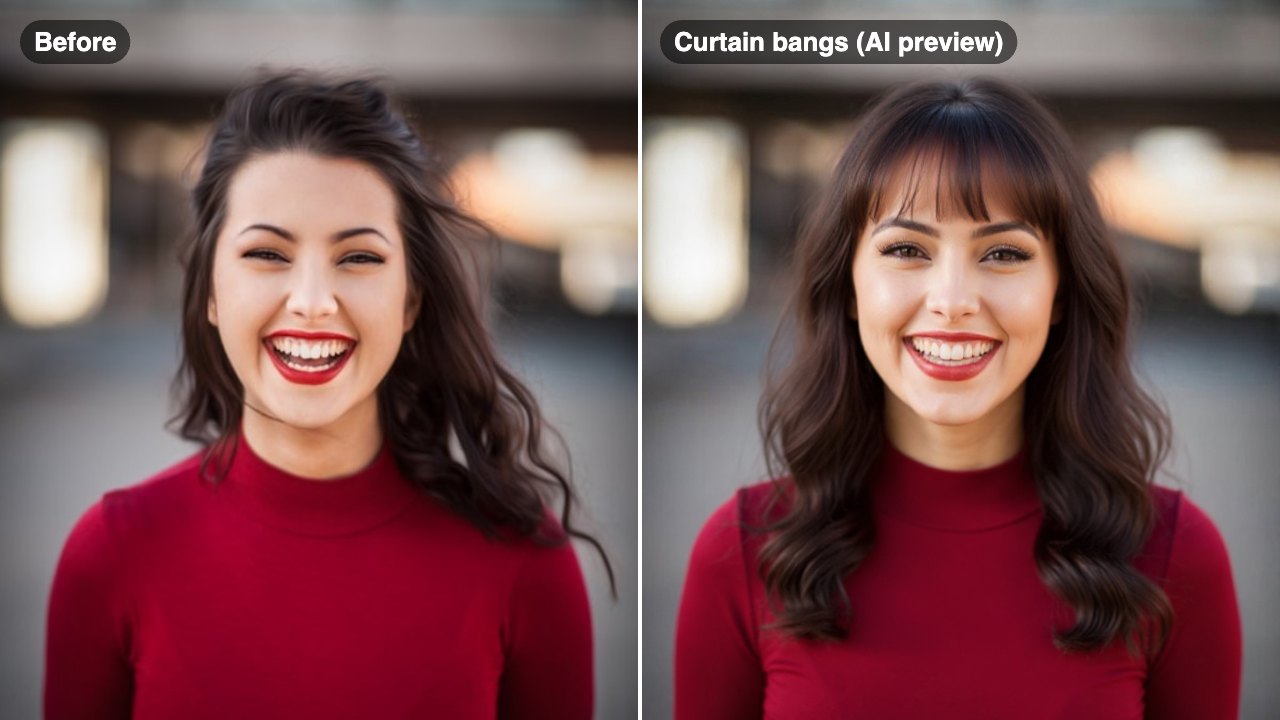
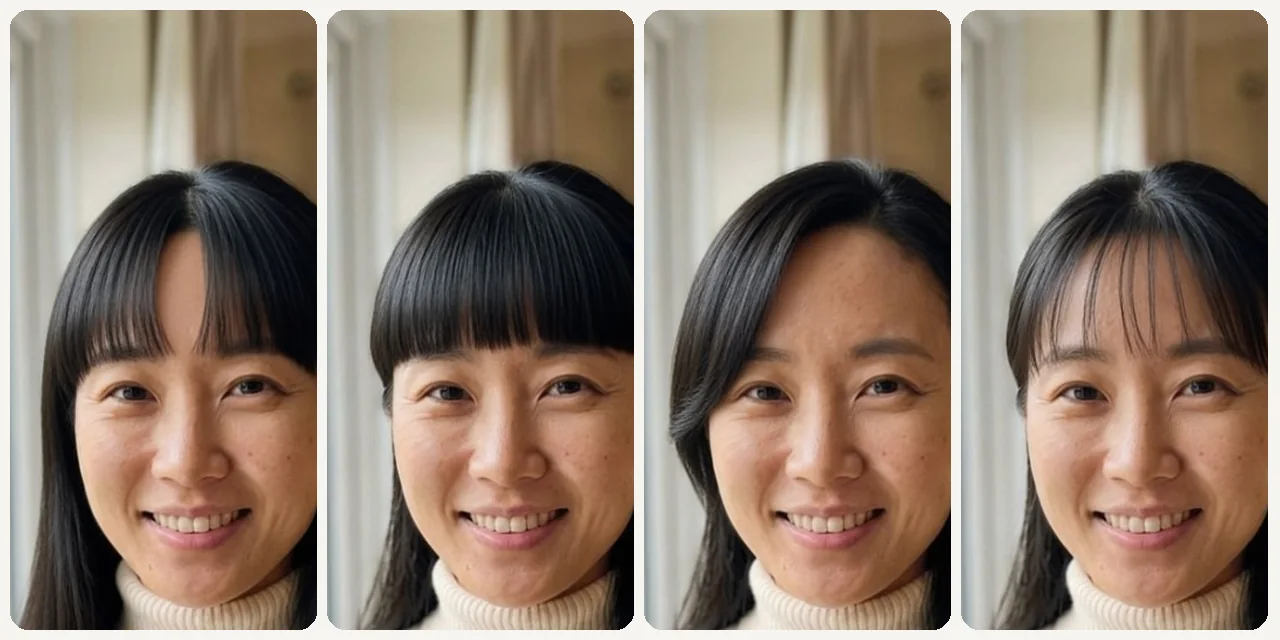
Try curtain bangs, blunt bangs, wispy bangs, and side bangs on your own photo before making the cut.
No installFast previewWorks on mobile

Preset route

Choose the public starting point before you open Studio

Open Studio →

Or choose a popular preset:

Sample compare

See the promise before you move into execution

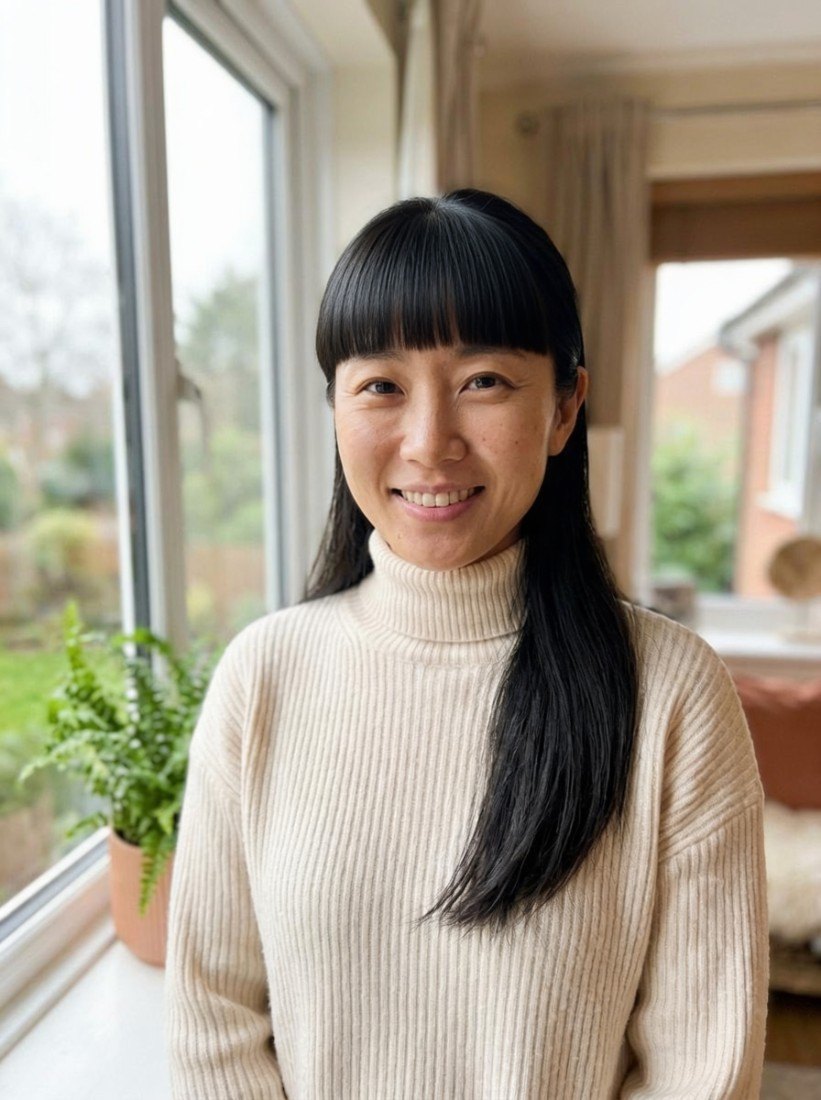
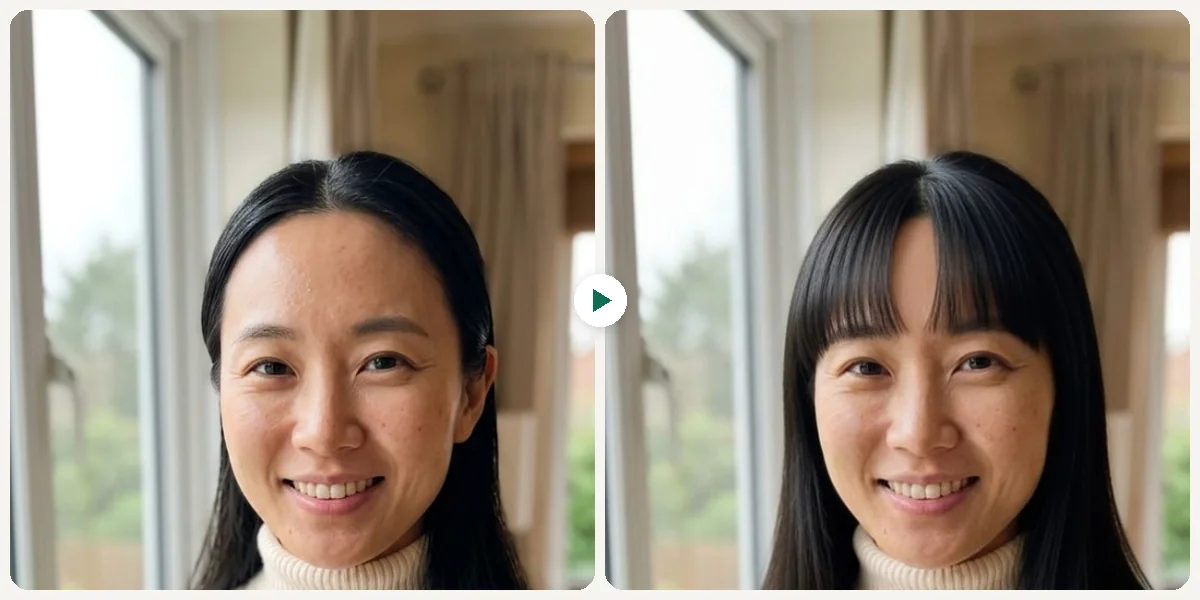
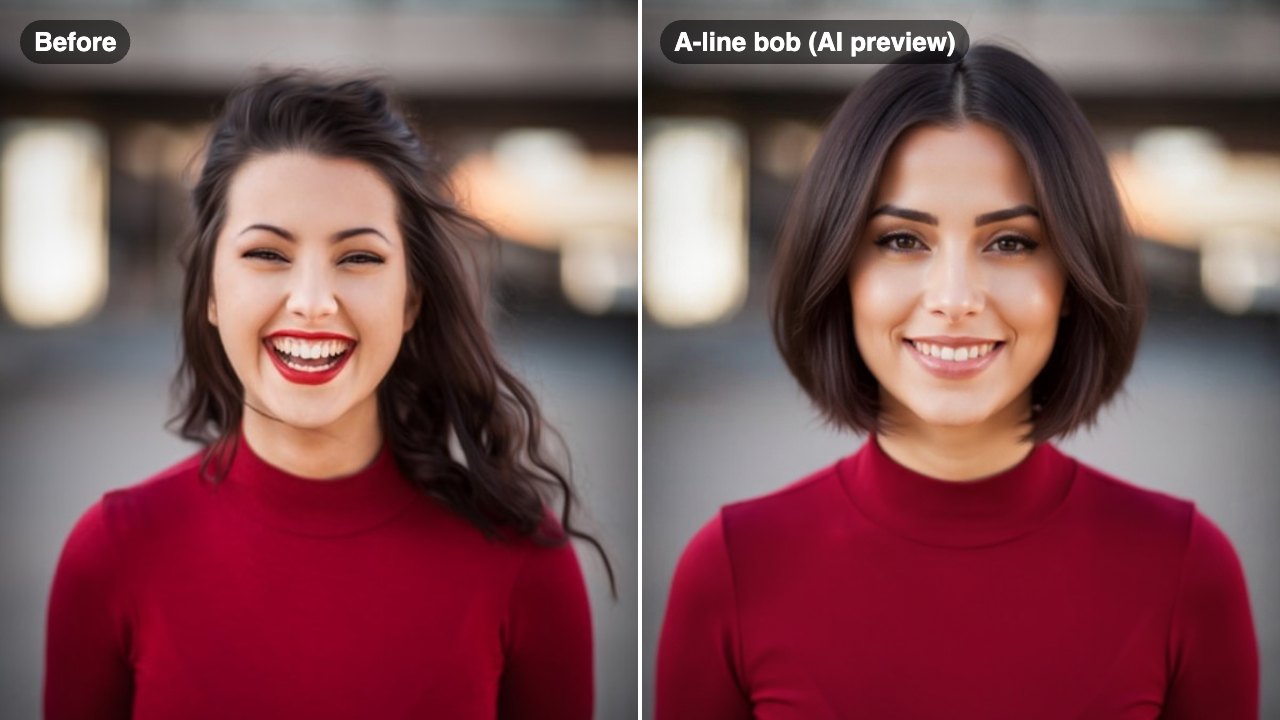
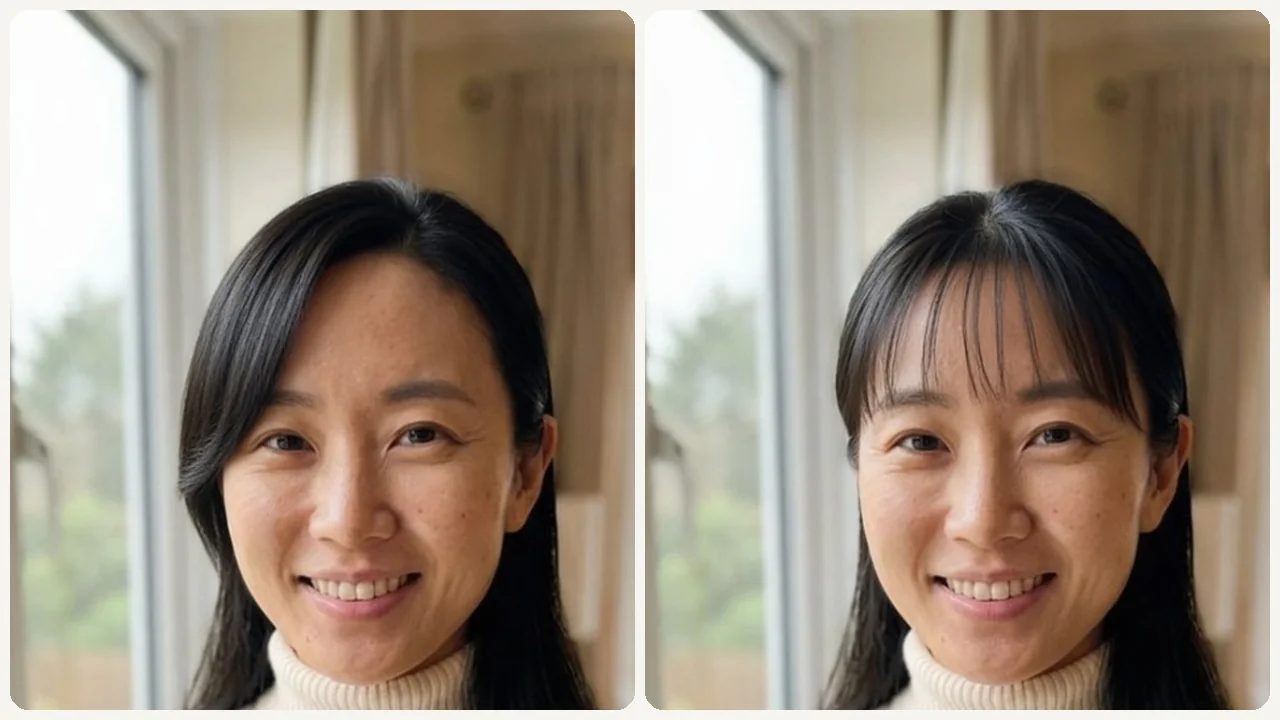
See How You Look with Bangs — Before You Cut example result beforeBefore
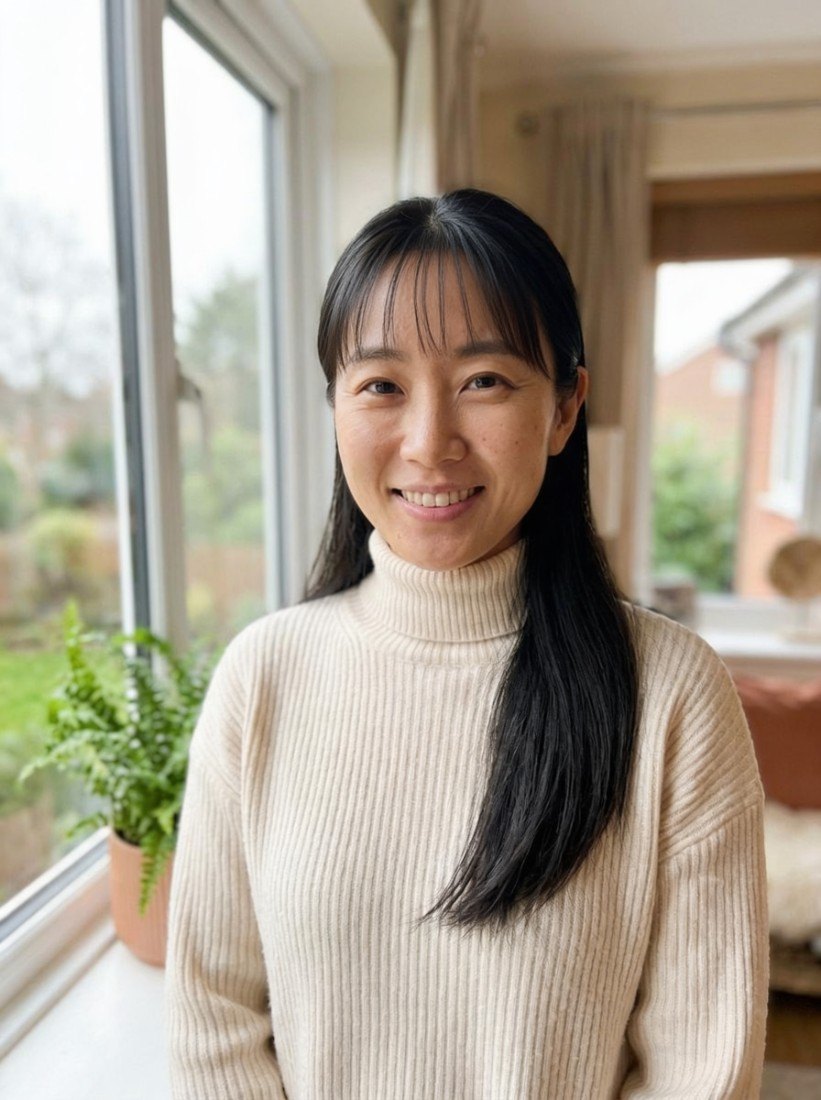
See How You Look with Bangs — Before You Cut example result afterAfter

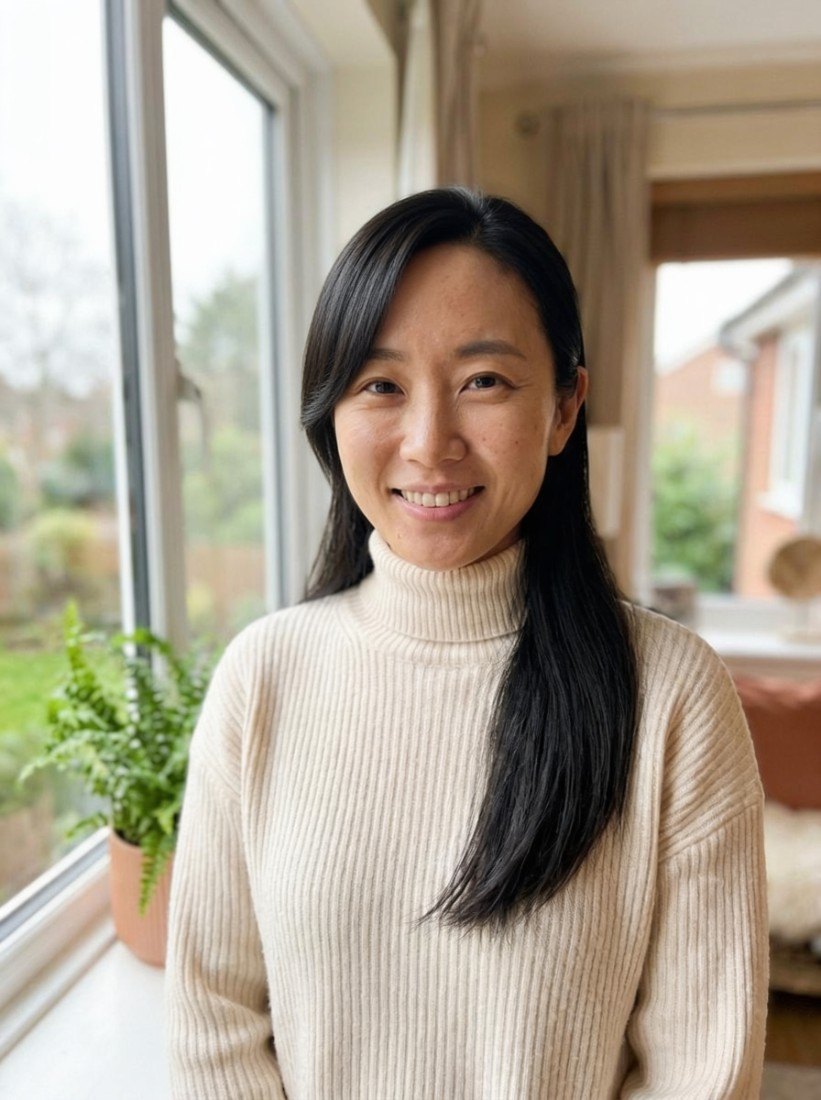
See How You Look with Bangs — Before You Cut example result

The public page explains the workflow. `/studio` remains the execution layer.

Sample Results

See what this tool can do with real photos.

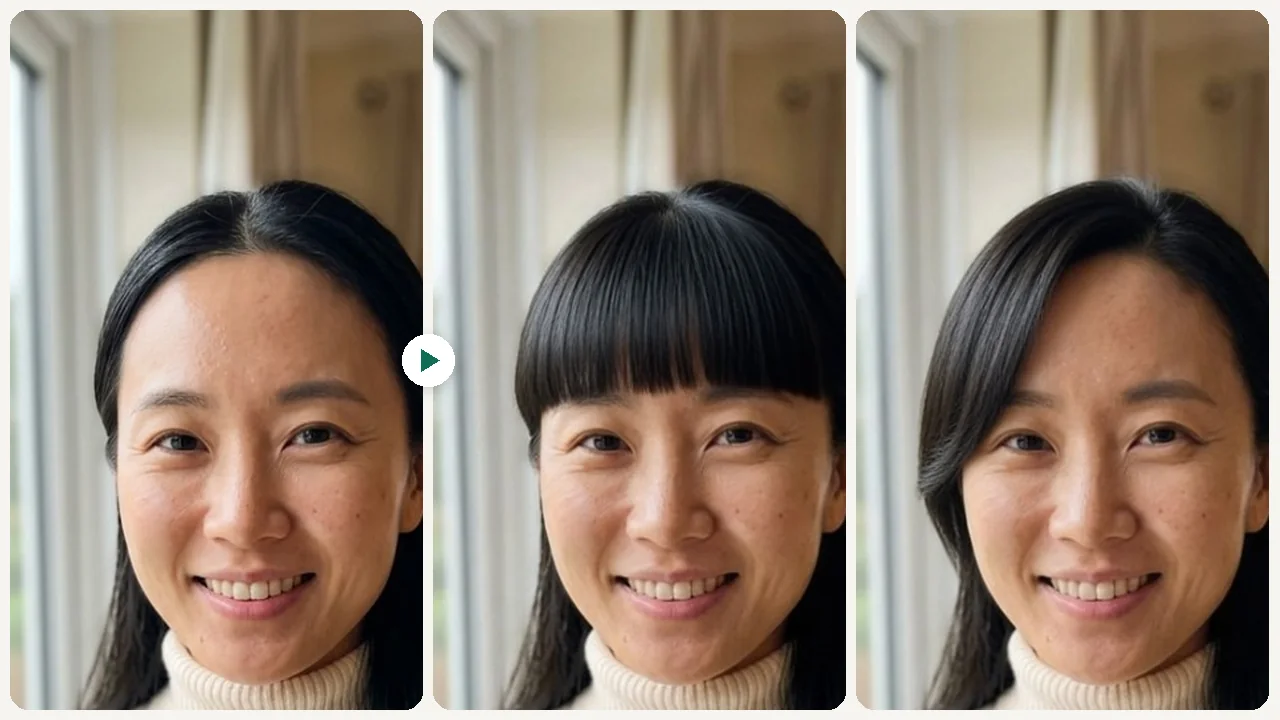
Before - See How You Look with Bangs — Before You Cut example resultBefore
After - See How You Look with Bangs — Before You Cut example resultAfter

See How You Look with Bangs — Before You Cut example result

User Reviews

4.9

Based on 1,659 reviews

5 stars
72%
4 stars
15%
3 stars
5%
2 stars
3%
1 stars
5%
B.T.

Brandon T.

Graphic Designer

"The blending around the hairline is what impressed me. Other apps look like a helmet but this one matches your forehead shape."

M.A.

Maria A.

Beauty Blogger

"Screenshotted 10 different bob variations and brought them to my stylist. She said it was the clearest reference a client ever gave her."

R.J.

Ryan J.

College Student

"Convinced myself to get the undercut after seeing the preview. The AI version looked close enough to the real thing that I trusted it."

What Is Bangs Filter?

A bangs filter lets you upload a selfie and instantly preview how different types of bangs look on your face — from soft curtain bangs to sharp blunt cuts — so you can decide before committing to the scissors.

Why Choose This Tool

Test Every Bangs Style Risk-Free

Try curtain, blunt, wispy, and baby bangs to find the one that suits your face shape without a single snip.

See the Real Impact on Your Face

Bangs dramatically change how your forehead and features appear. Preview the actual change on your photo before committing.

Share and Get Feedback

Send the before/after result to friends or your stylist so you both agree on the look before your appointment.

Bangs Are Easy to Cut, Hard to Undo

Everyone has seen the regret story — someone gets bangs on impulse and spends six months growing them out. The problem is you can't really visualize bangs on your own face from a celebrity photo. A bangs filter lets you place the actual style on your exact features, so you decide with confidence instead of impulse.

How It Works

1

Upload Your Selfie

Upload a clear front-facing selfie with your forehead visible.

2

Pick a Bangs Style

Choose from curtain, blunt, wispy, side bangs, or baby bangs.

3

Compare & Decide

Review the preview, compare styles, and save your favorite.

Who Is This For?

Popular use cases for this tool.

scissors

Before a Haircut Appointment

Show your stylist the exact bangs style you want and avoid miscommunication at the salon.
sparkles

Considering a Big Change

Test dramatic bangs like blunt or baby bangs before you commit to a look that will take months to grow out.
share

Social Media Try-On Content

Create shareable before/after bangs content that gets genuine reactions from your audience.

user

Profile Photo Planning

See if bangs improve your look for dating, LinkedIn, or social profile photos before a full-on cut.

Frequently Asked Questions

Do I need to sign up to try the bangs filter?

No. You can start without signing up and get a result first. Free usage follows the current credit limits, and login only appears after the result when you want to save history, use HD export, or keep generating.

Which photo works best for the bangs filter?

A front-facing selfie with a clear forehead and even lighting produces the most realistic bangs preview. Avoid hats or hair covering the forehead area.

Can I test multiple bangs styles on the same photo?

Yes. You can run the tool multiple times with different styles and compare results side by side before deciding.

Related Tools

Explore more AI photo tools you might like.