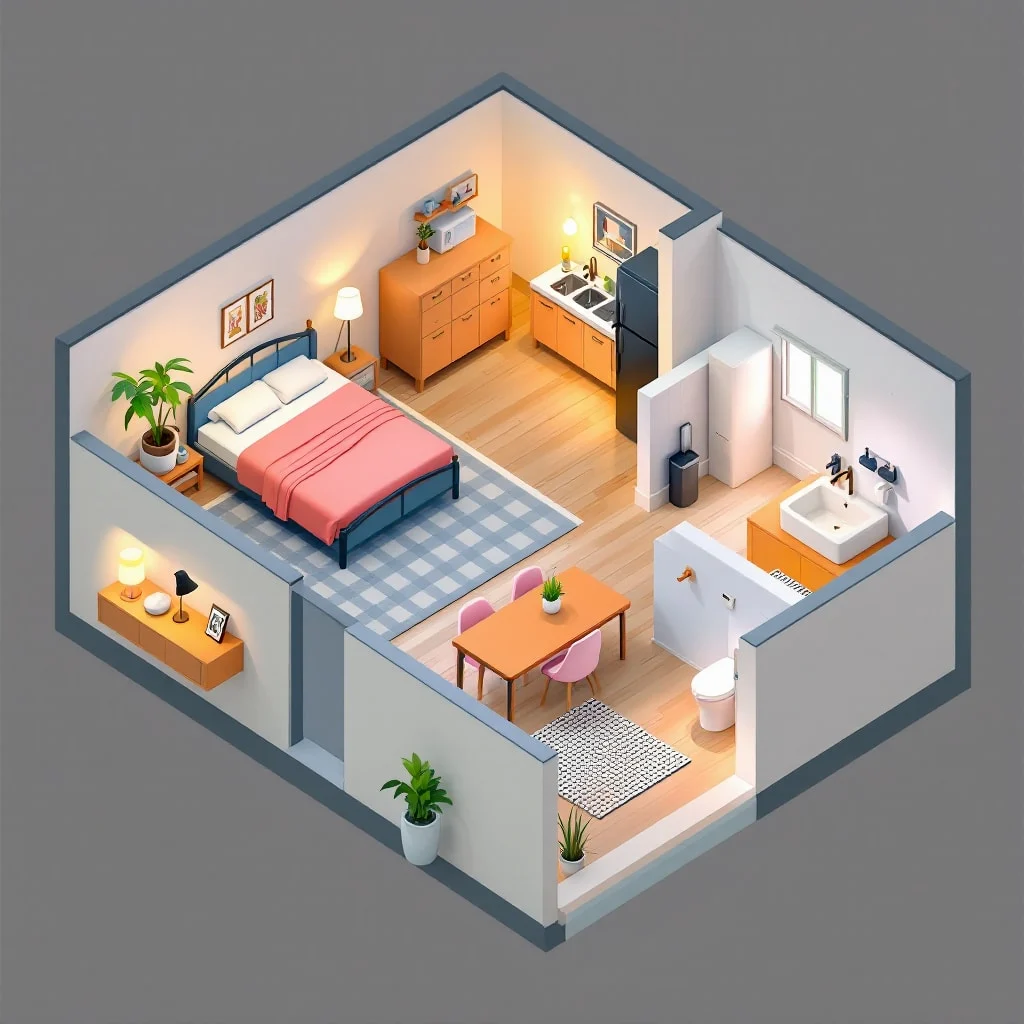
Floor Plan Generator
Design and visualize your spaces with ease. This tool generates detailed floor plans from your descriptions or uploaded images, perfect for homeowners, designers, and real estate agents.
Preset route
Choose the public starting point before you open Studio
Or choose a popular preset:
Sample compare
See the promise before you move into execution
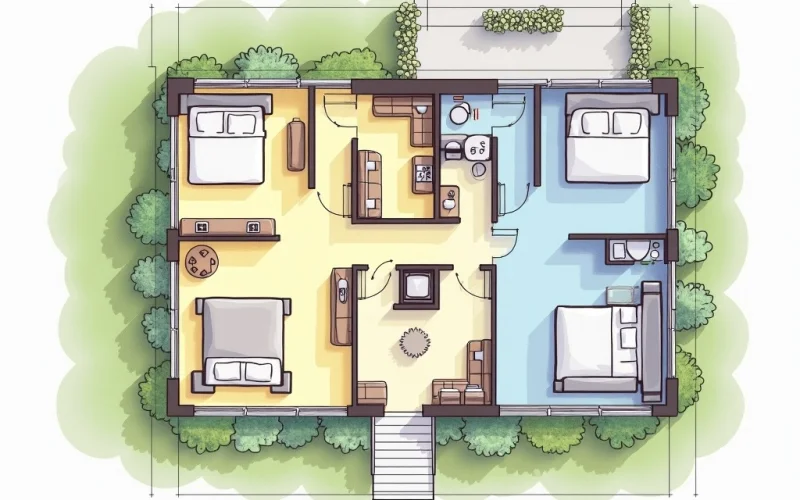
AfterFloor Plan Generator example result
The public page explains the workflow. `/studio` remains the execution layer.
Sample Results
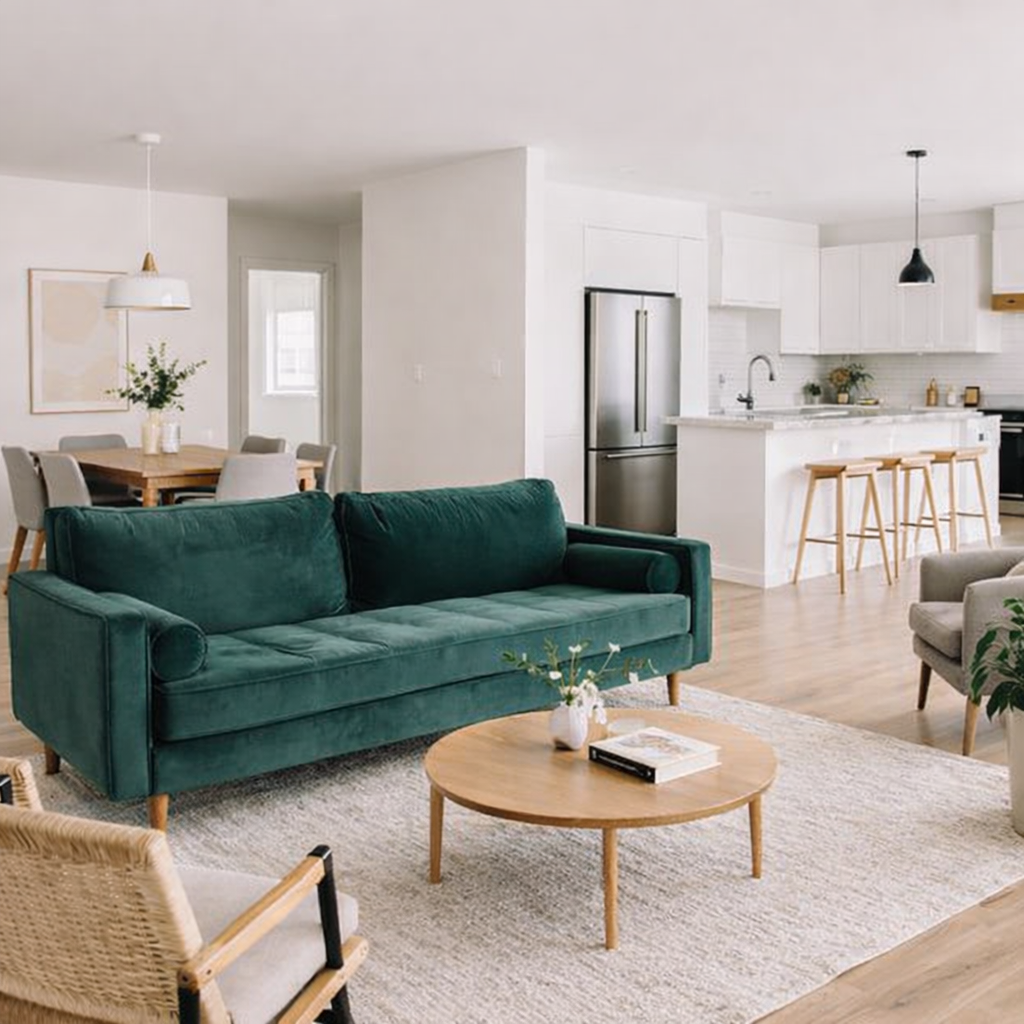
See what this tool can do with real photos.
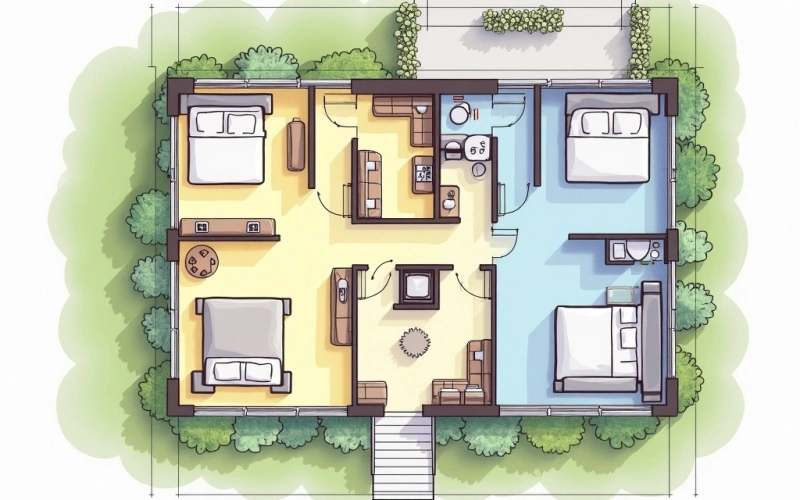
AfterFloor Plan Generator example result
User Reviews
Based on 260 reviews
Jennifer C.
Interior Designer
"Showed a client their living room in 3 different styles in one meeting. They signed the design contract on the spot."
Amy F.
Homeowner
"Took a photo of my dated kitchen and tried modern white vs. dark cabinets. My husband finally agreed on the renovation direction."
Laura D.
Airbnb Host
"Tested boho, minimalist, and coastal decor for my beach rental. Went with coastal and my booking rate jumped 25% after redecorating."
What Is Floor Plan Generator?
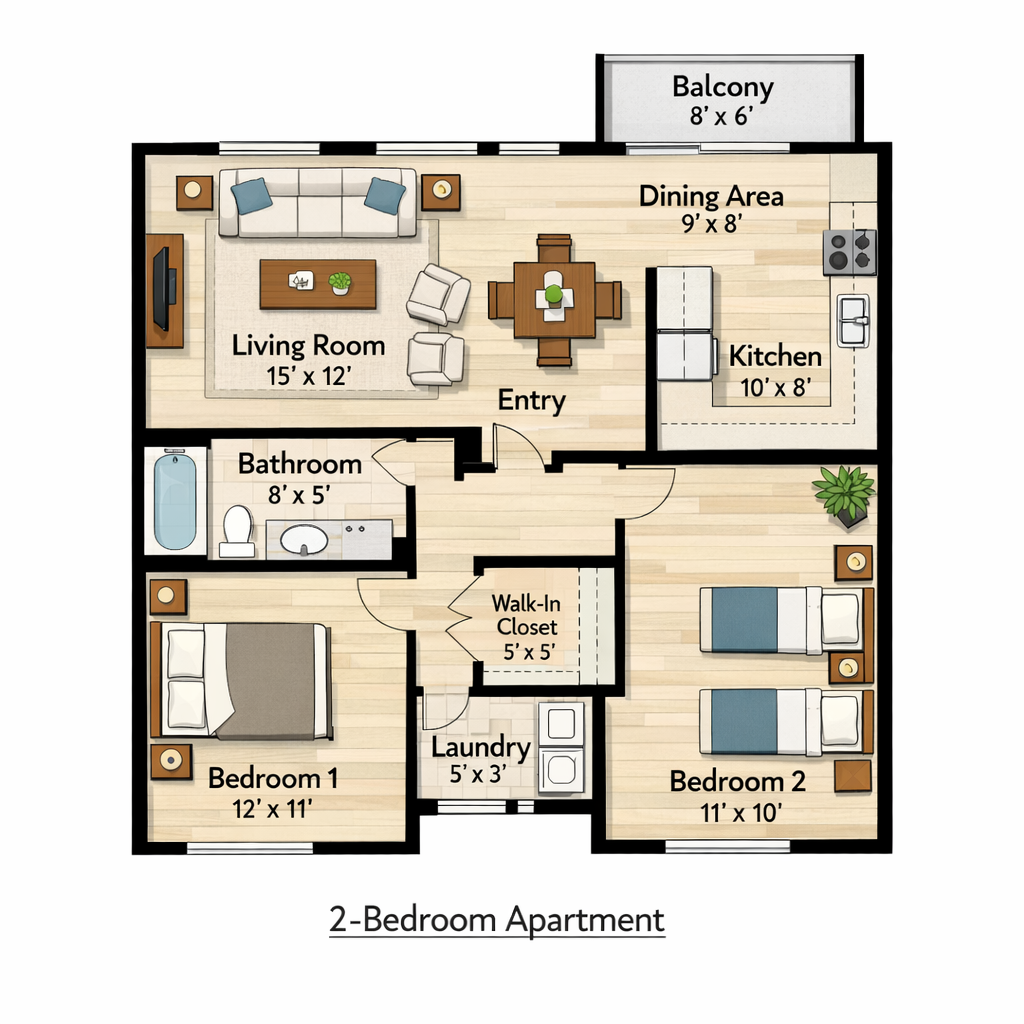
The Floor Plan Generator is an intuitive tool that transforms your ideas into clear, actionable floor plans. Simply describe the room you envision or upload an existing sketch or photo, and watch as it generates a comprehensive layout. This is invaluable for anyone looking to quickly visualize renovation projects, stage a property, or experiment with different room configurations without needing expensive software or specialized drafting skills. Homeowners can plan furniture placement, interior designers can present initial concepts to clients, and real estate professionals can showcase property potential effortlessly.
Why Choose This Tool
Visualize Layouts Instantly
Quickly see how different room configurations and furniture arrangements could look in a clear, professional floor plan.
Save Time and Money
Avoid the lengthy process and high costs of traditional drafting services or complex CAD software for initial design concepts.
Easy Design Iteration
Experiment with countless layouts and room divisions in minutes, making adjustments until you find the perfect design.
No Drawing Skills Needed
Input your ideas through simple text descriptions or by uploading an image, eliminating the need for manual sketching.
Perfect for Presentations
Generate polished floor plans that are ideal for client meetings, property listings, or personal project planning.
Explore Creative Ideas
Unleash your creativity by quickly testing unconventional layouts and innovative space utilization concepts.
Struggling with Complex Design Software or Hand-Drawn Sketches?
Traditional drafting tools are expensive and have a steep learning curve, while sketching by hand is time-consuming and often lacks clarity. Getting professional-looking floor plans for initial concepts usually involves waiting days and paying significant fees, delaying your projects and ideas.
How It Works
Describe Your Space or Upload
Type a detailed description of your desired room or property, or upload an existing image, sketch, or blueprint.
Generate Your Floor Plan
Our tool processes your input and creates a detailed, easy-to-understand floor plan based on your specifications.
Review and Download
Examine your generated floor plan, make any necessary adjustments, and download it in your preferred format.
Who Is This For?
Popular use cases for this tool.
Home Renovation Planning
Homeowners can upload a photo of their current room or sketch out a new vision for an extension or redesign. This tool helps in visualizing different layouts and ensures all elements fit before any construction begins.
Real Estate Property Listings
Real estate agents can quickly generate professional floor plans from a simple photo of a room or a rough sketch. This provides potential buyers with a clear understanding of the property layout, enhancing online listings.
Interior Design Proposals
Interior designers can input text prompts describing a client's desired room arrangement or upload initial sketches. This allows for rapid development of layout proposals and effective communication of design concepts to clients.
Frequently Asked Questions
Is this AI floor plan generator truly free to use?
Yes, our ai floor plan generator free online offers core functionality without any cost. You can generate multiple floor plans to visualize your spaces and ideas. Additional advanced features or higher resolution downloads might be available through premium options, but basic generation is always free.
What kind of input works best for generating floor plans?
You can achieve excellent results by providing either a detailed text prompt describing the room's dimensions, features, and desired layout, or by uploading a clear image, photo, or even a hand-drawn sketch. The more specific your input, the more accurate and tailored the generated floor plan will be.
Can I edit the floor plan after it's generated?
While the tool generates a complete plan, direct editing within our platform is currently limited to certain parameters you can adjust before regenerating. For extensive post-generation editing, you can download the plan and use third-party design software to make further modifications as needed.
How accurate are the dimensions in the generated floor plans?
The accuracy of dimensions heavily relies on the precision of your input. If you provide exact measurements in your text prompt or a scaled image, the output will reflect those dimensions closely. For conceptual designs, it provides a realistic spatial representation, but always verify for construction.
What file formats can I download my floor plans in?
You can typically download your generated floor plans in common image formats like JPG or PNG, which are suitable for sharing and viewing. Depending on the complexity and platform updates, PDF or even basic SVG formats may also be supported for easier integration into other design tools.
Is this tool suitable for professional use, like real estate or interior design?
Absolutely. This ai floor plan generator free online is an excellent resource for professionals to quickly create initial concepts, client presentations, or property listings. It helps visualize potential layouts and communicate ideas effectively, serving as a powerful initial drafting tool before detailed architectural plans.
Can I generate floor plans for multiple rooms or an entire house?
Yes, you can generate floor plans for individual rooms or segment your input to create layouts for multiple interconnected spaces. For an entire house, you might generate plans room by room and then combine them, or provide a comprehensive text prompt detailing the overall structure and room flow.
What if my uploaded image isn't very clear or is a rough sketch?
Our generator is designed to interpret even rough sketches or less-than-perfect images. While clearer inputs yield better results, the AI will do its best to infer the layout and create a coherent floor plan. You can always refine your text prompt to clarify any ambiguities in the image.
Are there any limitations on the number of floor plans I can generate?
For free users, there might be a daily or hourly limit on the number of generations to ensure fair usage and server stability. Premium users typically enjoy higher or unlimited generation capacities. These limits are in place to maintain a high-quality service for all users of our ai floor plan generator free online.
Does the tool save my generated floor plans?
Currently, our platform does not store your generated floor plans long-term for privacy reasons. We recommend downloading your plans immediately after generation. You can always re-input your descriptions or images to regenerate a similar plan if needed.
Can I specify furniture or fixtures in my floor plan?
Yes, you can include details about furniture, fixtures, and even appliances in your text prompt. For instance, you could specify 'a living room with a large L-shaped sofa and a fireplace' or 'a kitchen with an island and four bar stools.' The generator will attempt to incorporate these elements into the layout.
What kind of details should I include in my text prompt for best results?
For optimal results, include specific details like room dimensions (e.g., '12x15 foot living room'), desired features (e.g., 'two windows on the north wall'), room purpose (e.g., 'master bedroom with en-suite bath'), and any specific furniture placements. The more descriptive you are, the better the output.