ai wrinkle remover

AI Wrinkle Remover

Reduce wrinkles and fatigue in portraits while maintaining a realistic, professional result for headshots and profile images.
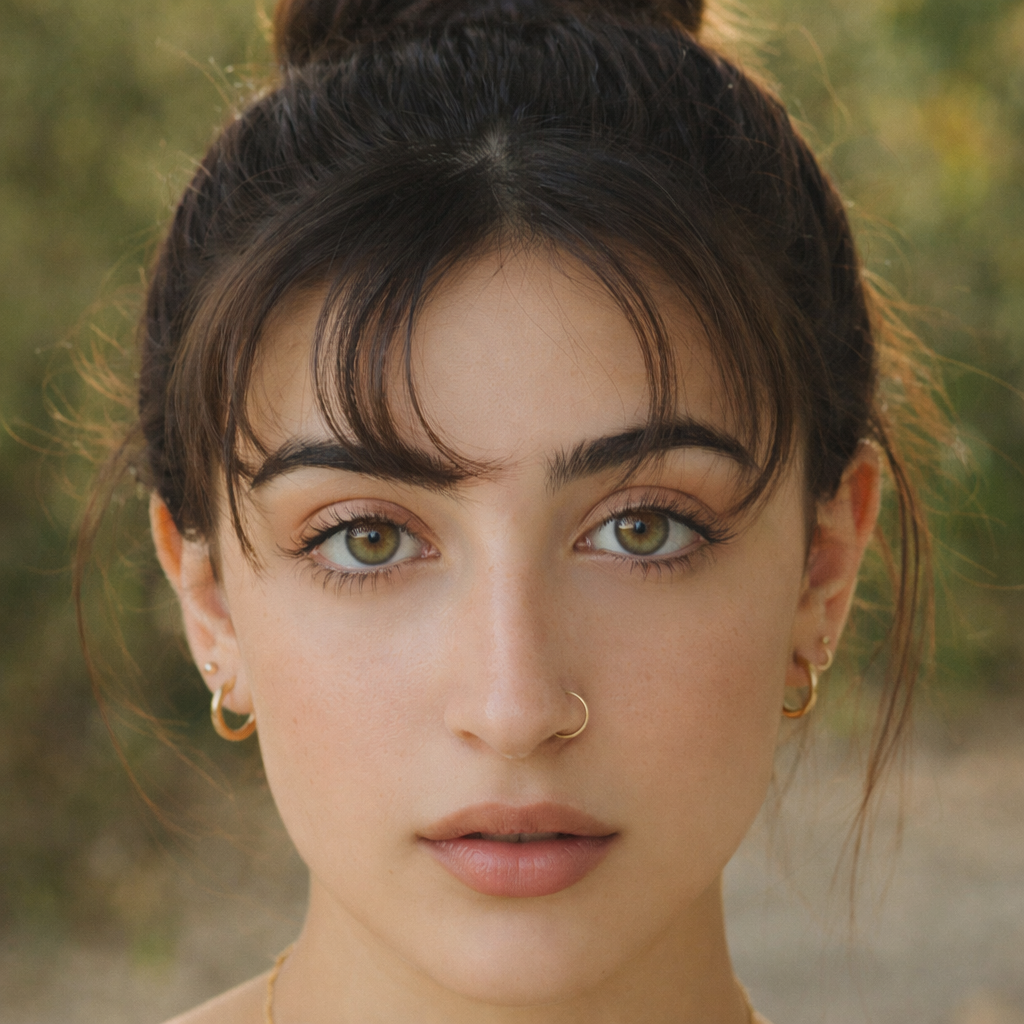
Reduce wrinkles and fatigue in portraits while keeping a realistic professional look for headshots and profile images.

No installFast previewWorks on mobile
Try It Free

Sample results

See Examples

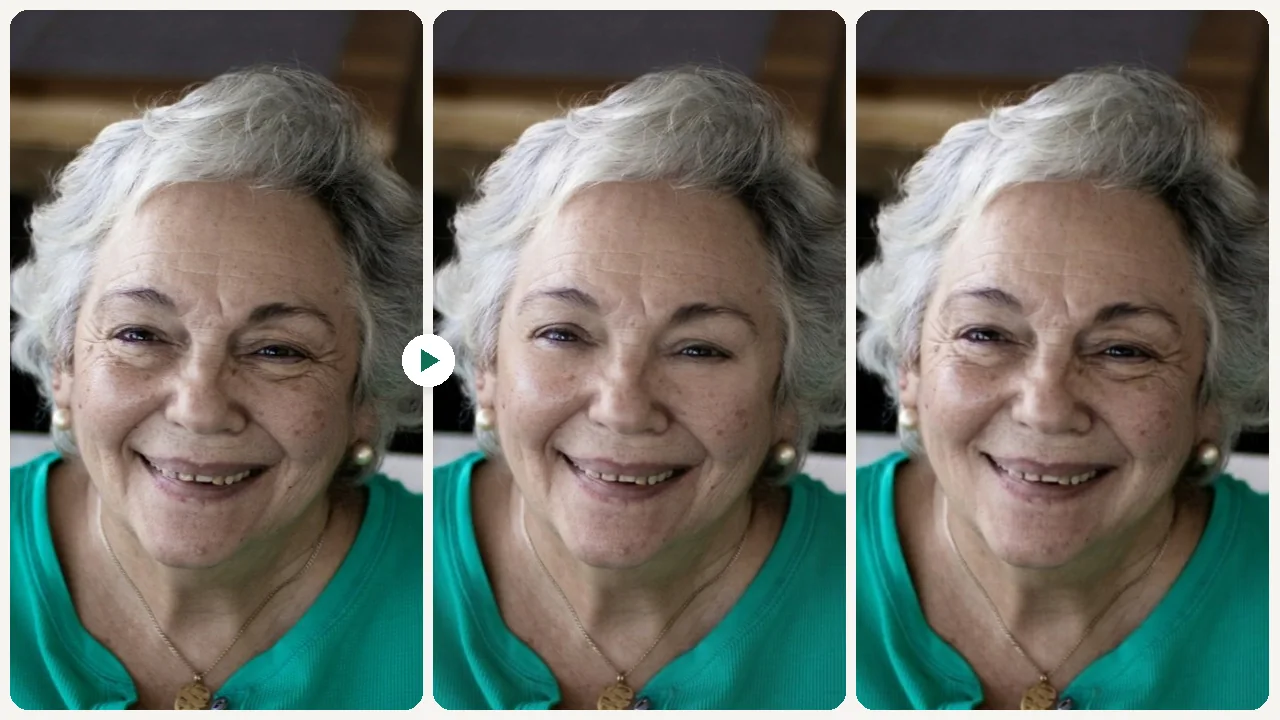
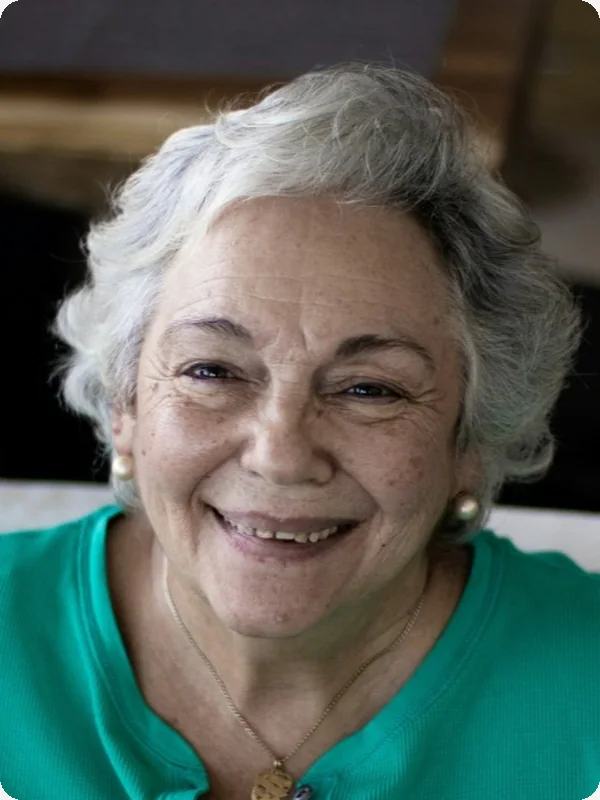
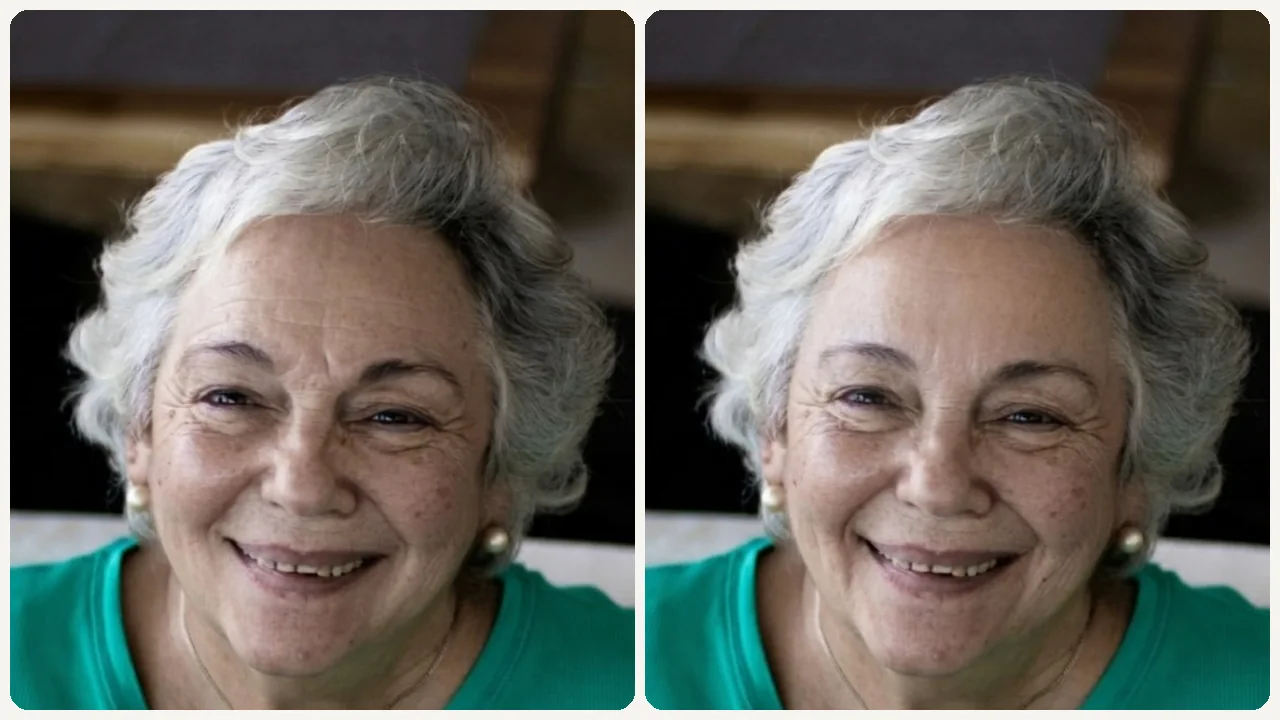
Smooth Portrait Wrinkles While Keeping a Natural Look example result
AI Wrinkle Remover

What can this tool do?

Camera Lighting Makes Wrinkles Look Worse Than They Are

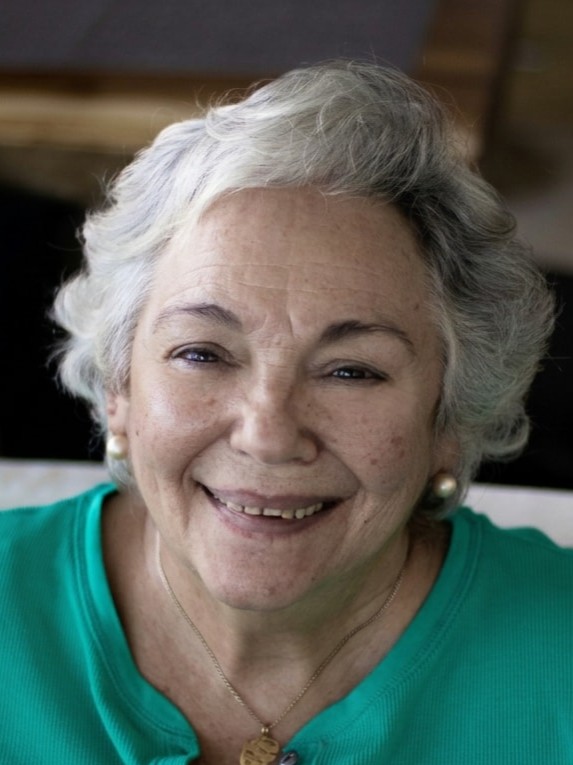
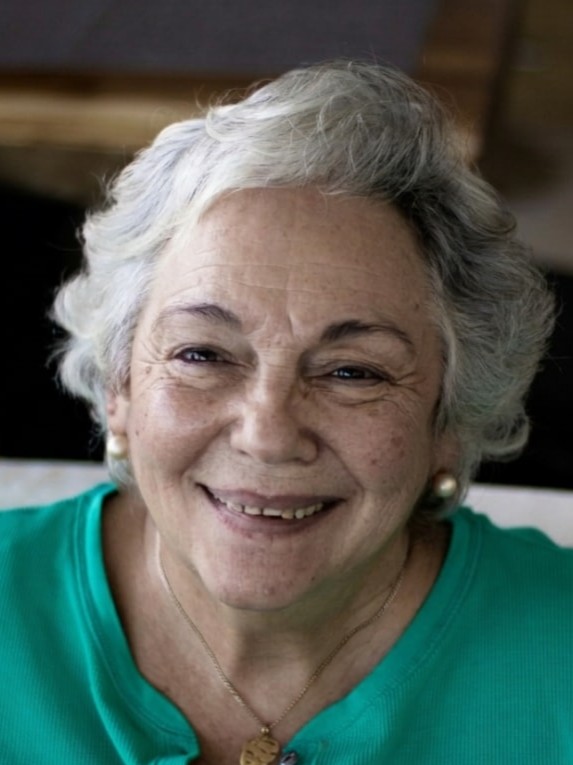
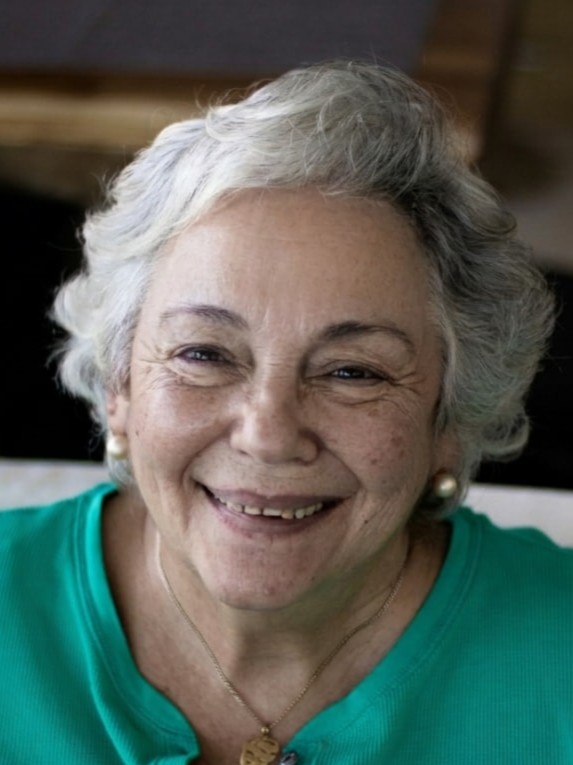
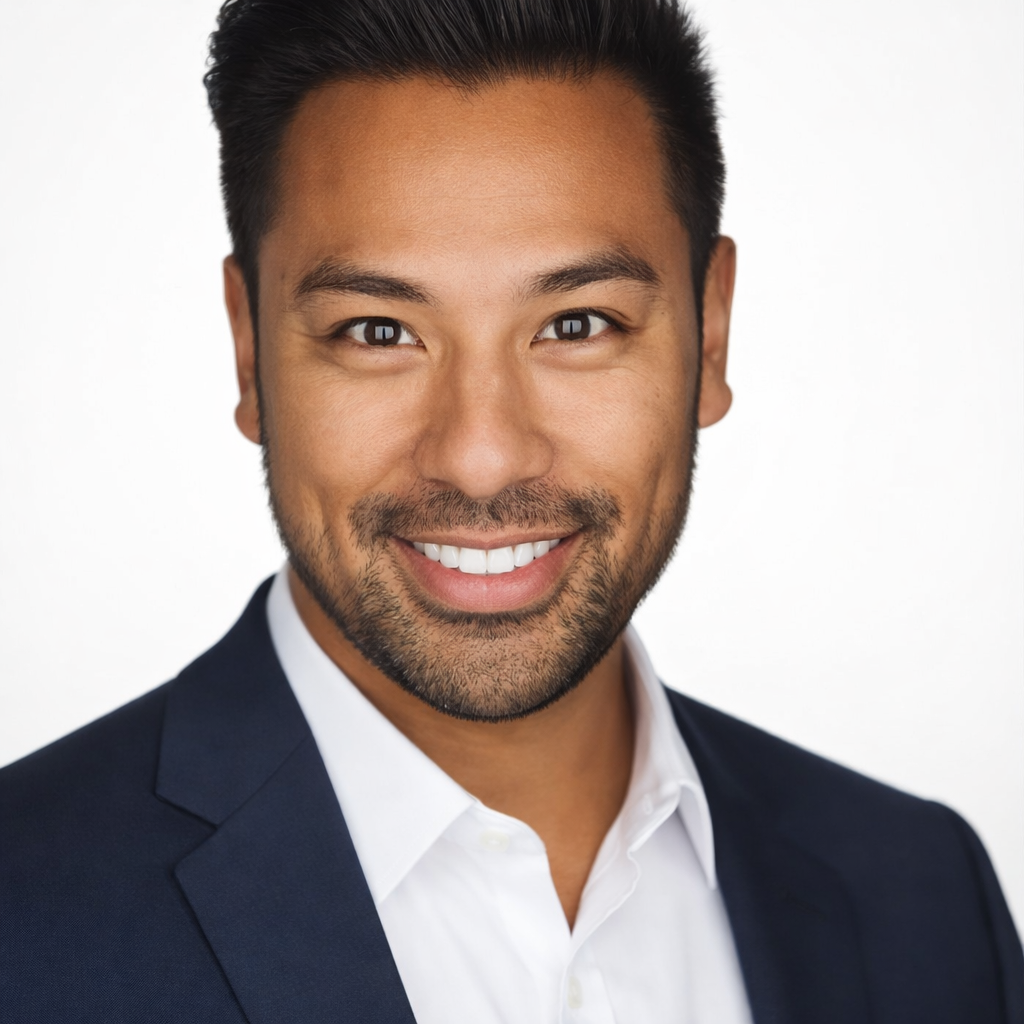
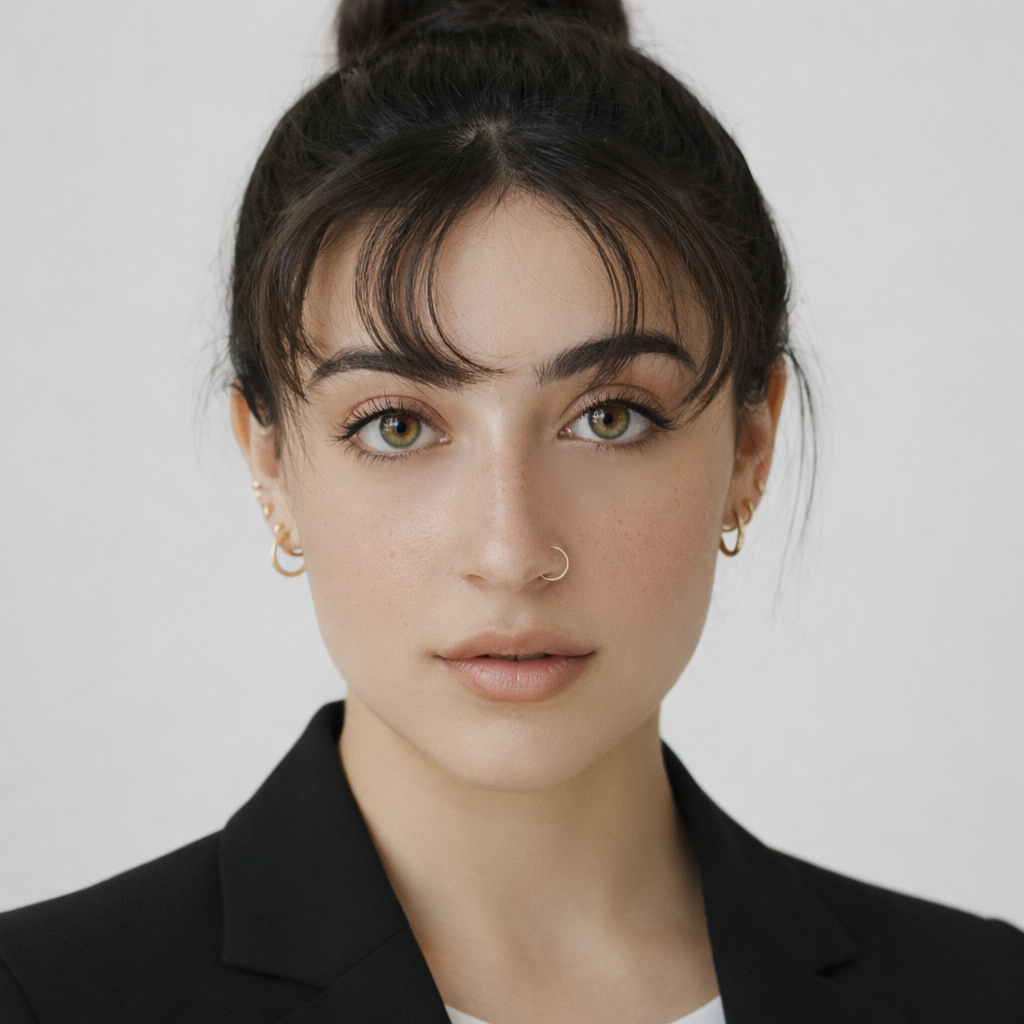
An AI wrinkle remover reduces the appearance of fine lines, wrinkles, and tired-looking skin in portrait photos — delivering a refreshed, professional result that looks natural rather than over-processed, ideal for headshots and executive profile images.

Professional cameras, harsh studio lighting, and high-resolution lenses make skin texture appear more pronounced than it does in person. Many executives and professionals look significantly better in person than in their official headshots. The AI wrinkle remover adjusts the photo to match the real-world impression — without making you look like someone else.

Why choose this tool?

Key benefits

Professional Photos That Reflect Your Best Self

Wrinkles and fatigue lines are amplified by camera lighting. Subtle reduction creates a portrait that looks like you on a good day — not an airbrushed stranger.

Keep Character, Remove Distraction

The goal is not to erase age — it is to remove the distracting fatigue markers that photography exaggerates without changing how recognizably you the result looks.

Instant Result, No Editor Needed

Professional retouchers charge by the hour for this kind of skin work. Get a comparable result in seconds without Photoshop skills.

How to use

How to use AI Wrinkle Remover

  1. 1

    Upload Your Portrait

    Upload the headshot or portrait you want to improve.

  2. 2

    Choose a Retouch Level

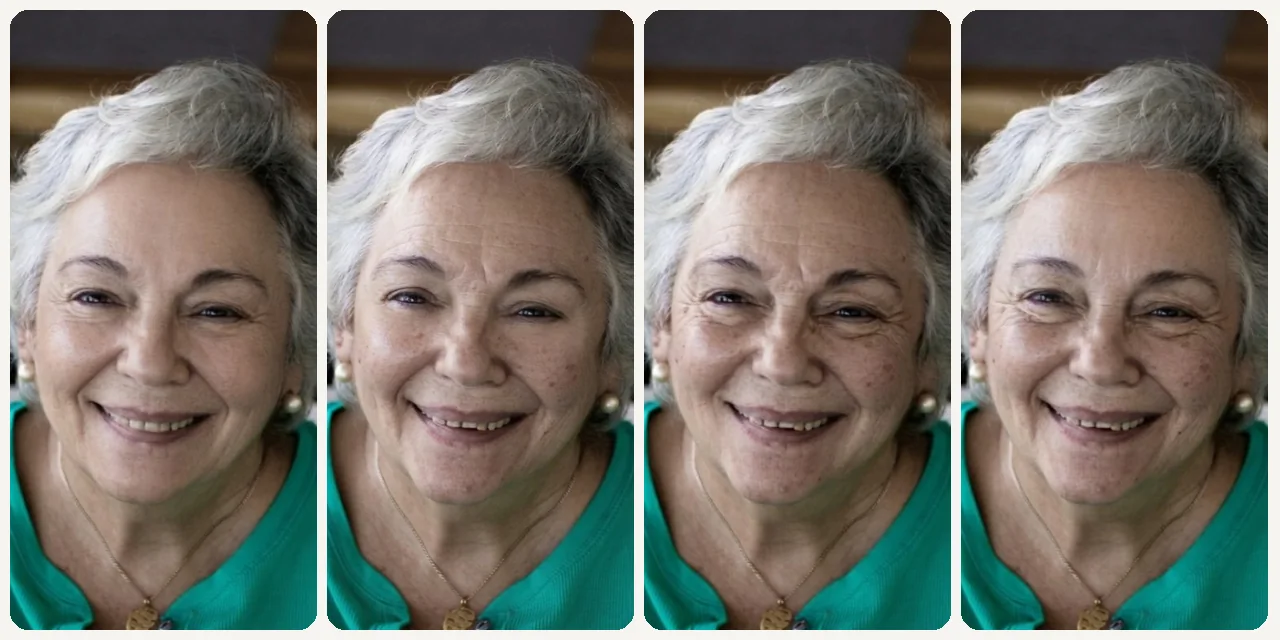
    Select light smooth, executive, natural, refresh, or soft retouch.

  3. 3

    Download Your Improved Photo

    Review the result and download the professionally retouched portrait.

Use cases

Built for real workflows

Executive and C-Suite Headshots

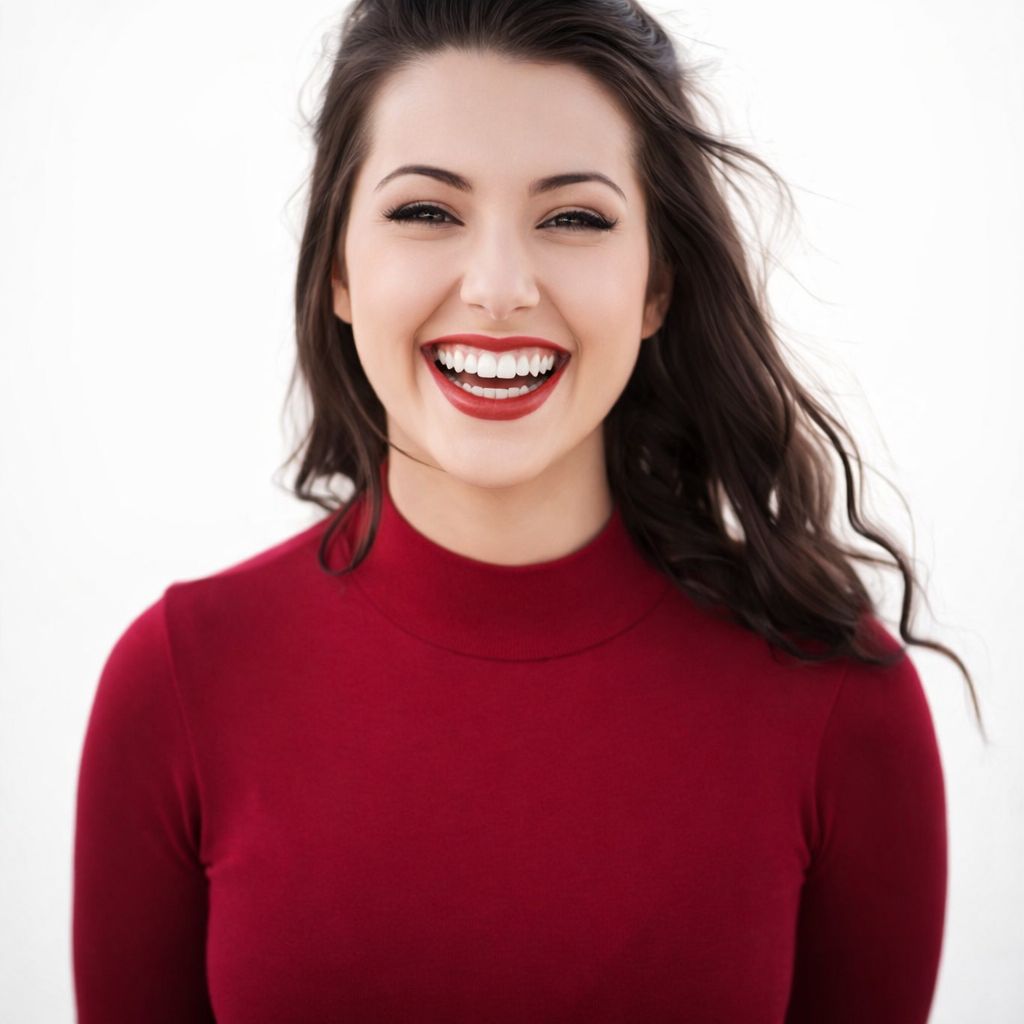
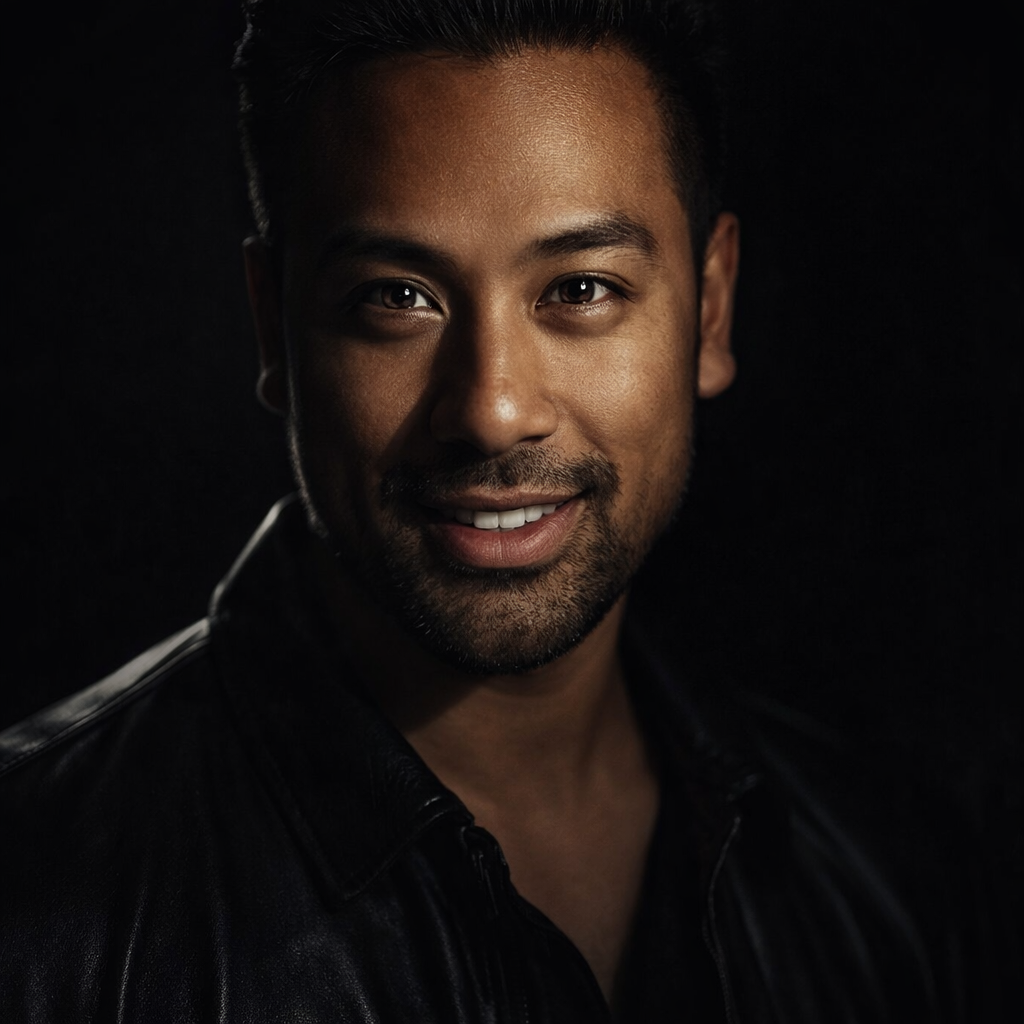
Produce polished professional headshots for board bios, annual reports, and press materials that look appropriately refined.
LinkedIn and Company Profile Updates

Refresh an older professional photo that is still your best likeness but shows more fatigue than you currently feel.
Speaker and Conference Bios

Provide a fresh, energetic photo for conference programs and speaker pages that projects confidence and vitality.

Media Kit Photo Refresh

Update press and media kit photos without a full photography session whenever your existing portrait needs a refresh.

FAQ

Frequently asked questions

Will the wrinkle remover make me look unrecognizable?

No. The tool uses subtle, targeted adjustments that reduce fatigue and prominent lines without changing your core facial structure or making you look artificially young.

How is this different from a beauty filter?

Beauty filters apply blanket smoothing that looks fake in professional contexts. This tool uses targeted retouching at professional retouch levels — suitable for business use.

Can I control how much smoothing is applied?

Yes. The preset options range from very light (light smooth, natural) to more pronounced (executive, refresh) so you can choose the intensity that feels right.

Start now

Smooth Portrait Wrinkles While Keeping a Natural Look

Reduce wrinkles and fatigue in portraits while maintaining a realistic, professional result for headshots and profile images.
Try It Free