AI Living Room
Design Generator

Upload a photo of your current living room and see it redesigned in a new style, with new furniture and decor ideas. Perfect for homeowners, renters, and interior design enthusiasts looking for inspiration.

Upload your room photo
Choose design style
4 credits per image · 1 free try, sign up free to download
Model: FLUX.1 Kontext Pro · Usually 10-30 seconds
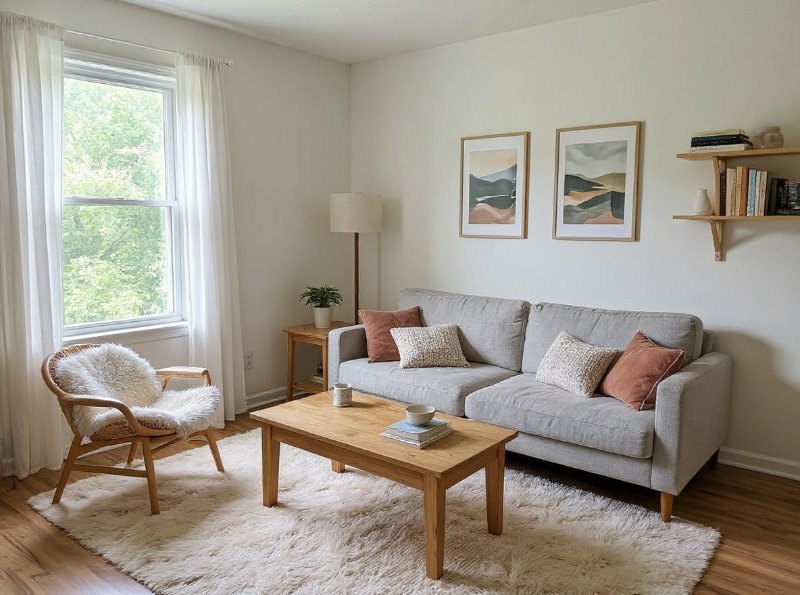
AI Living Room Design Generator result
AI result
After
Modern Style
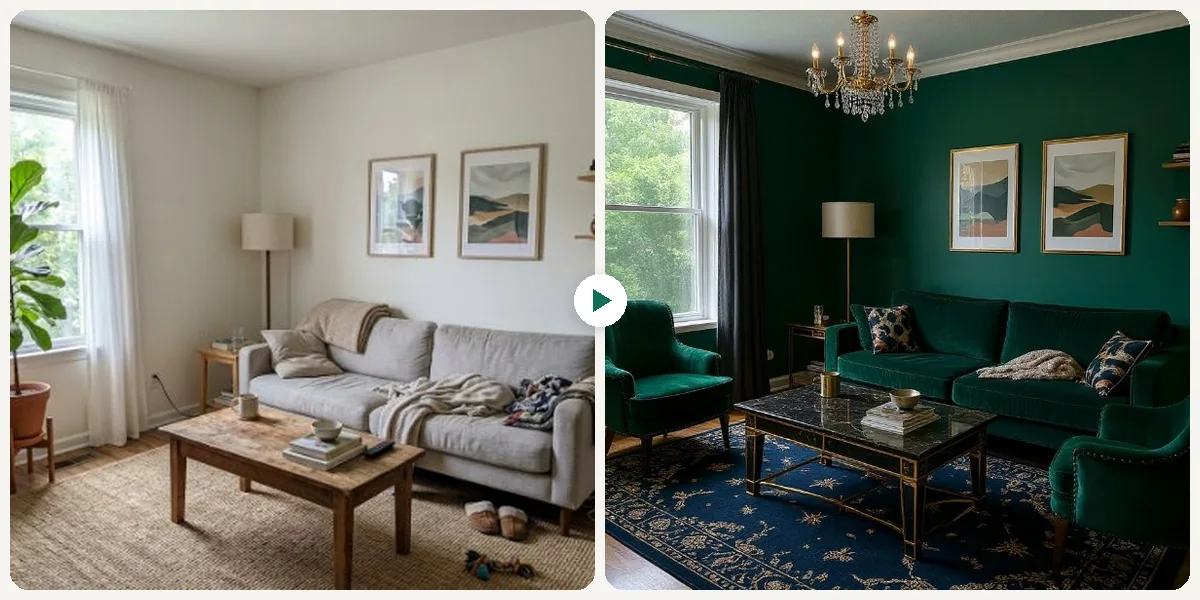
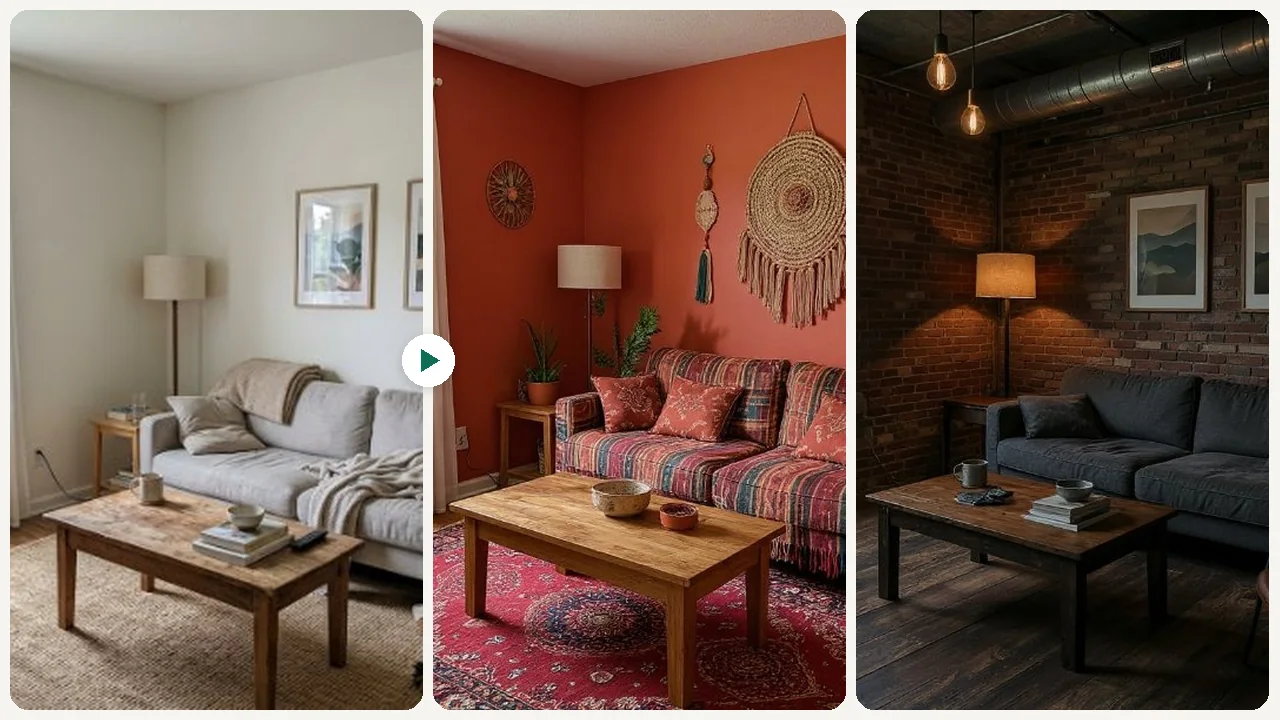
Before & After

See the transformation

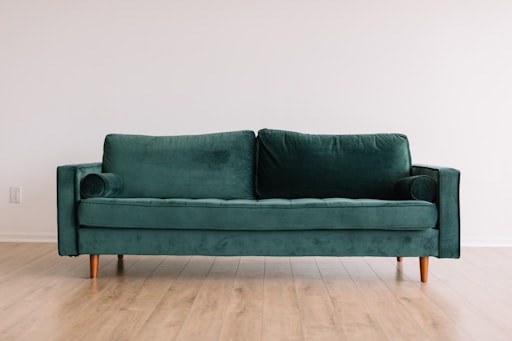
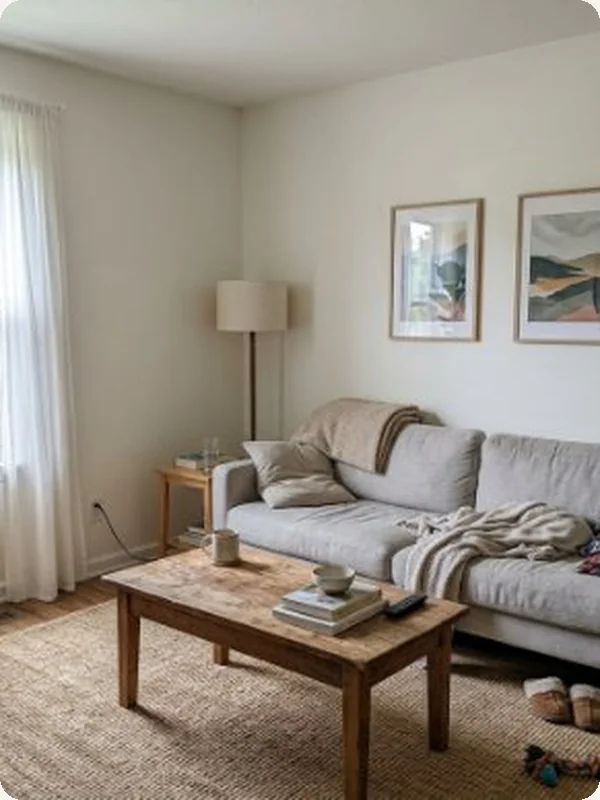
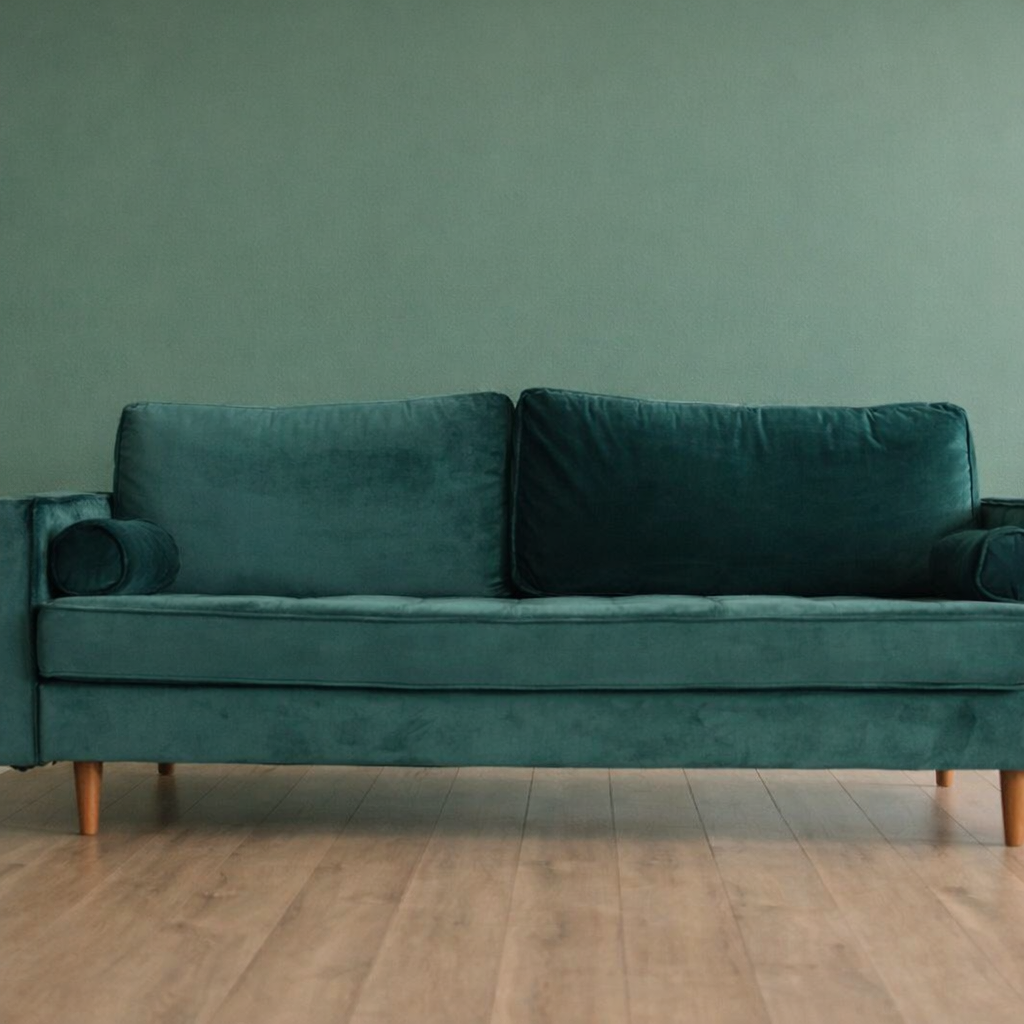
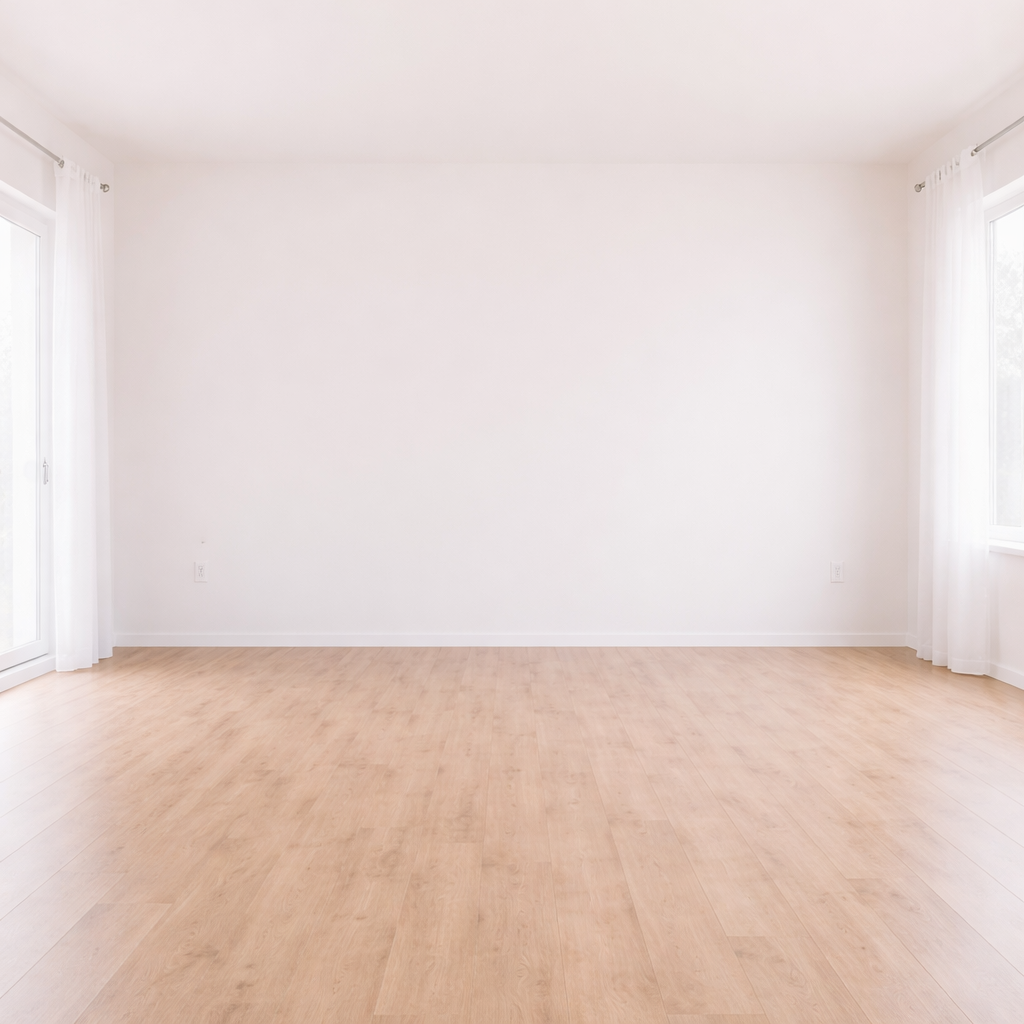
Original photo before AI Living Room Design Generator - Scandinavian styleOriginal photo before AI Living Room Design Generator - Industrial styleOriginal photo before AI Living Room Design Generator - Bohemian styleOriginal photo before AI Living Room Design Generator - Luxury style
Original photo
Before
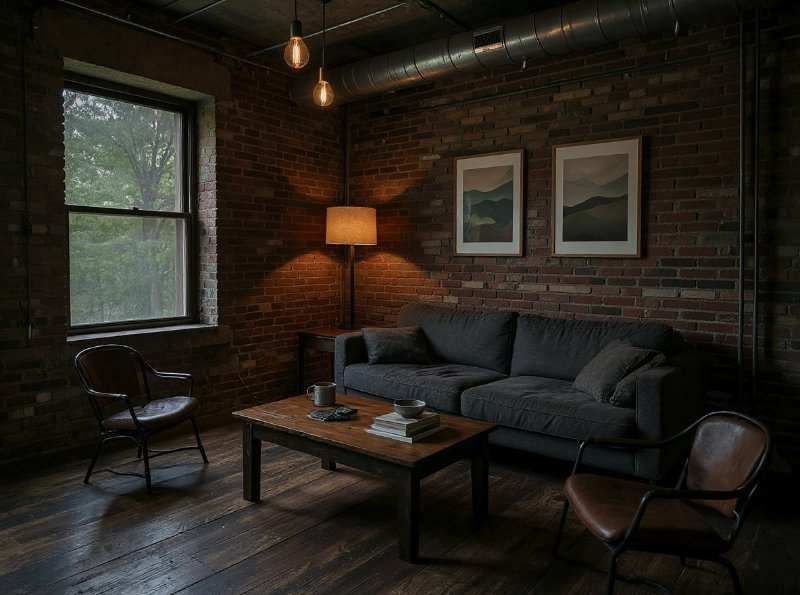
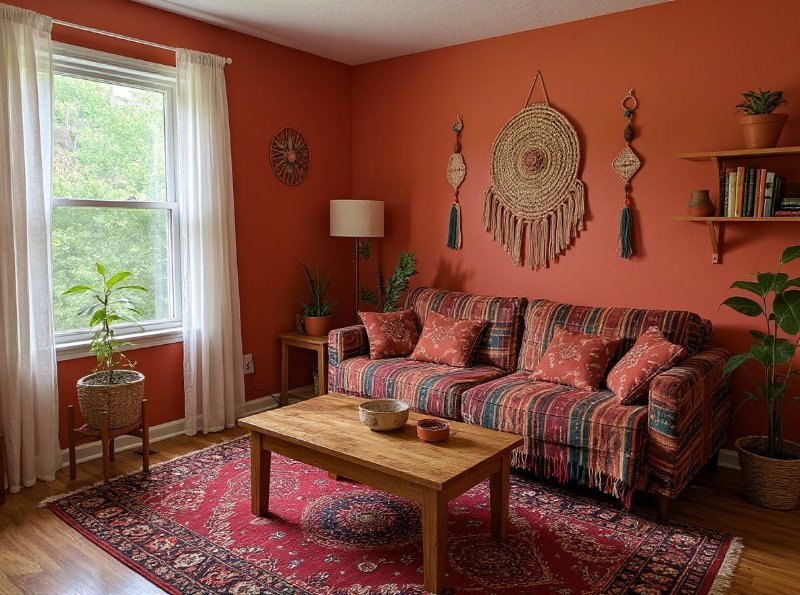
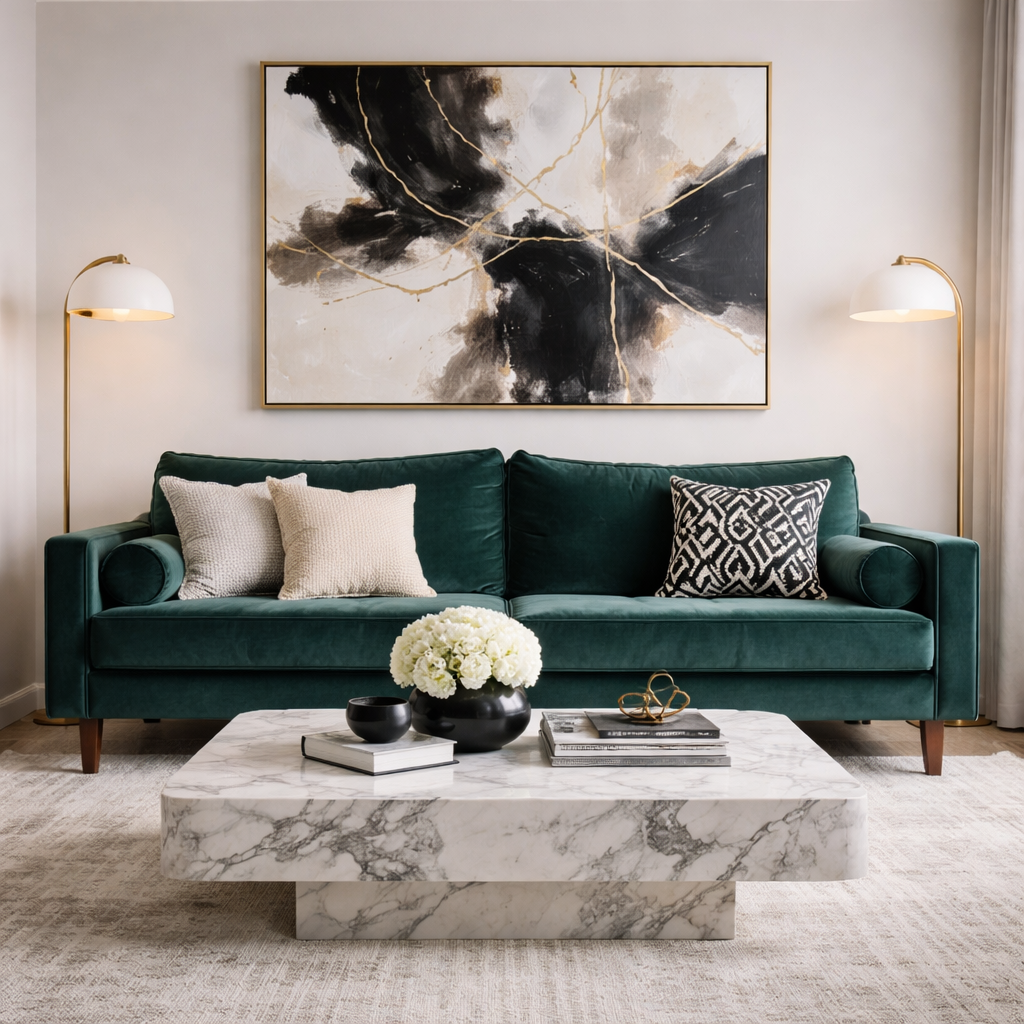
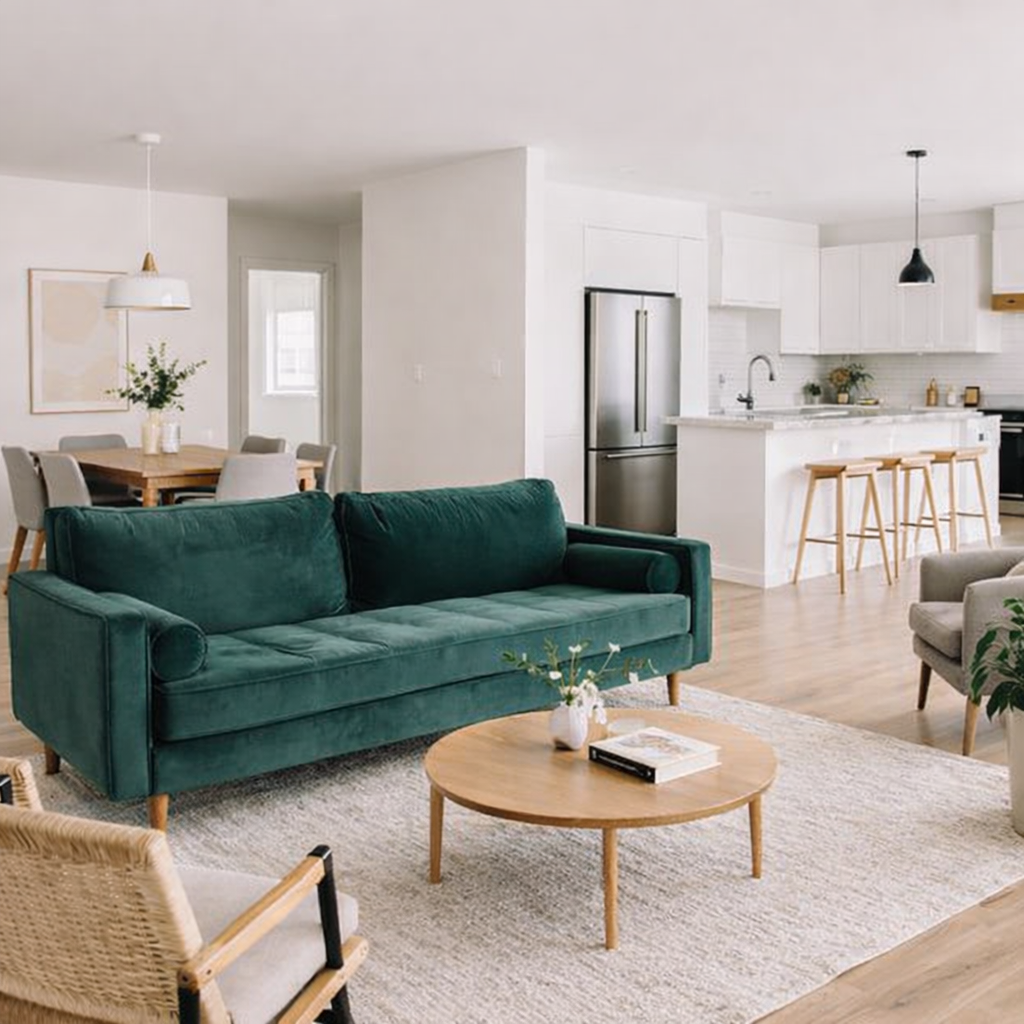
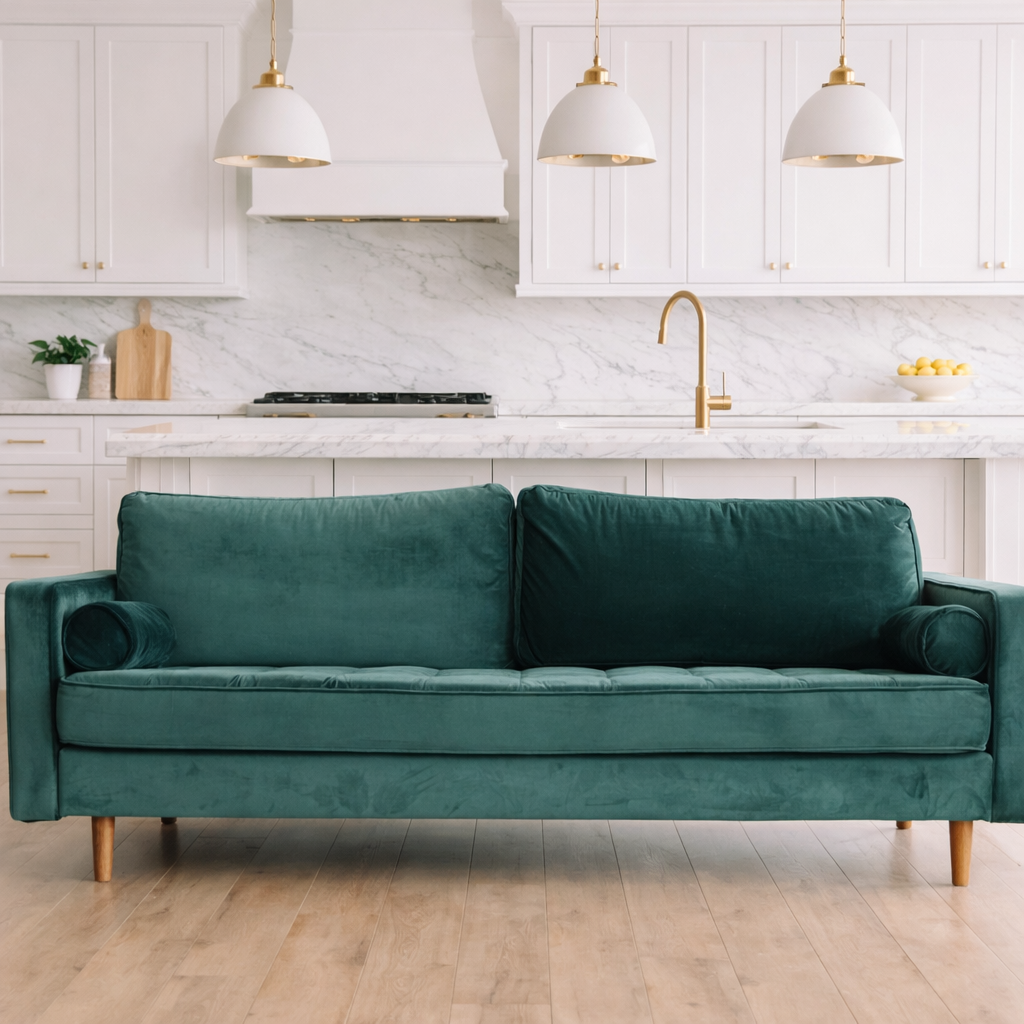
AI result in Scandinavian style - AI Living Room Design GeneratorAI result in Industrial style - AI Living Room Design GeneratorAI result in Bohemian style - AI Living Room Design GeneratorAI result in Luxury style - AI Living Room Design Generator
AI result
After
Scandinavian Style
AI Living Room Design Generator · Eidora AI
What Is This Tool
AI Living Room Design Generator overview

What Is AI Living Room Design Generator?

Our AI Living Room Design Generator turns your existing space into a canvas for new ideas. Upload a picture of your living room, pick one of 9 styles, and the AI redesigns the room in that style, with new furniture, decor and colors, while keeping the room's dimensions. Each run makes one image, usually in 10 to 30 seconds. This is ideal for anyone struggling to envision how a new sofa or a whole new style might look in their space. Homeowners planning renovations, renters wanting to personalize their space, and real estate agents staging properties can explore options by trying several styles one after another. It is a style preview, not a layout planner: you can't move furniture or choose where things go. Seeing ideas virtually before any physical changes helps you make confident design decisions and avoid costly mistakes.

Use Cases

What you can create

AI Living Room Design Generator use case - Visualize New Home Decor

Visualize New Home Decor

Homeowners planning a refresh can upload a photo of their current living room to see how different styles like Modern, Bohemian or Scandinavian would look. This helps in making confident decisions before purchasing furniture or committing to a design theme.
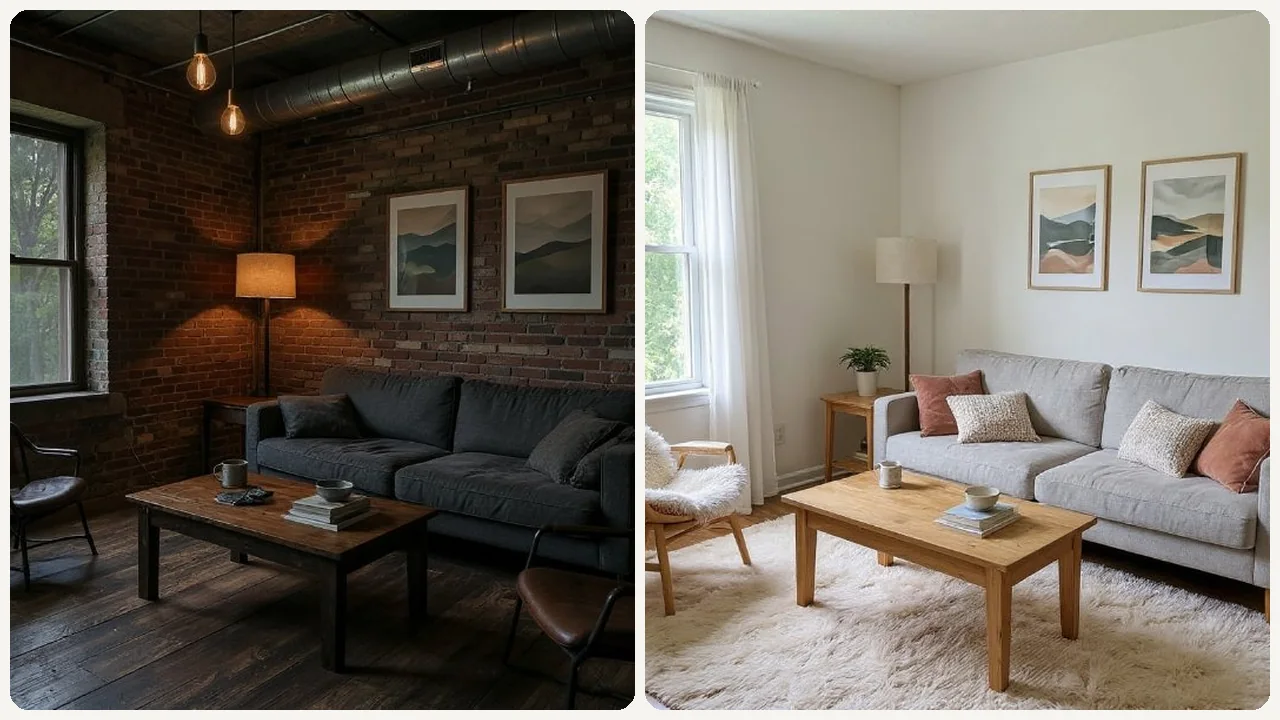
AI Living Room Design Generator use case - Experiment with Styles

Experiment with Styles

DIY decorators can test bold ideas or subtle changes on a photo of their real living room without buying anything. Each run shows one redesign in a single style, so running a few styles helps find the right look for comfort and aesthetics.
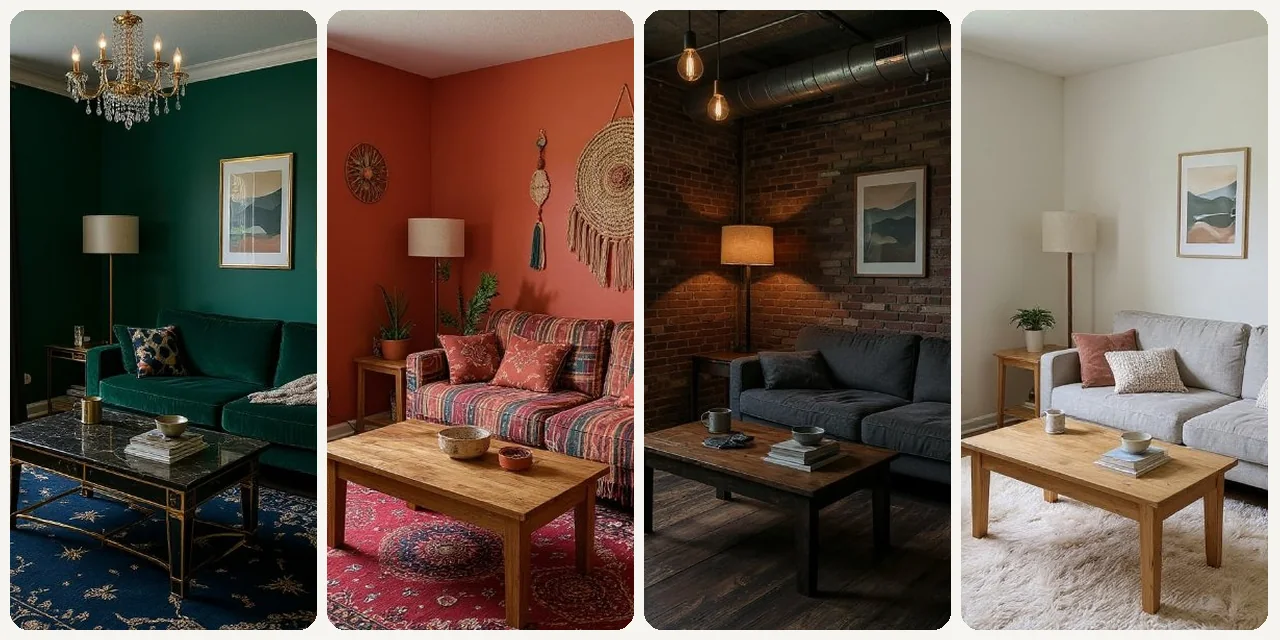
AI Living Room Design Generator use case - Stage Homes Virtually

Stage Homes Virtually

Real estate agents preparing a listing can use this tool to show potential buyers how an empty or outdated living room could appear with modern styling. This helps buyers envision the space's full potential, making properties more appealing.

Why Eidora

Built different, built better

Visualize New Styles
See how different aesthetics, such as Modern, Scandinavian, Industrial or Bohemian, would look in your exact living room.
Same Room, New Style
The redesign keeps your room's dimensions, so you see each style in the space you actually have. There is no layout editor, so you can't choose where furniture goes.
Save Time & Money
Avoid expensive design mistakes by virtually testing ideas before purchasing furniture or starting renovations.
How it works

Three steps. About a minute.

AI Living Room Design Generator: Upload Your Photo
  1. Upload Your Photo

    Upload a photo of your living room. JPG, PNG or WebP up to 10MB; a clear, well-lit photo works best.

  2. Choose Your Style

    Pick one of the 9 styles (Modern, Scandinavian, Christmas, Industrial, Bohemian, Luxury, New Chinese, European, Mediterranean), then press Generate.

  3. Download Your Result

    Download the image. Want a different look? Pick another style and run it again.

Try AI Living Room Design Generator Now
✦ Try It Free Now
FAQ

Frequently
asked questions

Everything you need to know. Can't find what you're looking for?
Still have questions?
Our support team is happy to help.
Contact Support
You upload a photo of your living room and pick one of the 9 styles. The AI redesigns the room in that style, with new furniture and decor, while keeping its dimensions, and returns one image, usually in 10 to 30 seconds.
For optimal results, upload a well-lit, clear photo of your living room taken from a straight-on perspective. Ensure the entire room is visible and not obstructed by objects in the foreground.
Each style comes with its own furniture, materials and colors, so switching styles is how you try different ones. You can't pick individual pieces or ask for something specific, such as a green velvet sofa, but you can run the same style again for a new take.
Yes. You can try one design without signing up. A free account gets 16 credits to start and 4 free credits every day, and each design uses 4 credits. Paid plans start at $9.9/month for 300 credits.
The tool primarily focuses on applying design styles and furniture. While it doesn't simulate real-time lighting changes, the generated designs will show how different elements appear under consistent, good lighting.
They are realistic-looking previews of a style, not plans: the furniture and decor are the AI's suggestions, so use them for direction before you buy anything.
Absolutely! Once you're happy with a design, you can easily save it to your account or download the image to your device for future reference, sharing, or planning.
Our AI is designed to adapt to various room shapes and sizes. While complex architectural features might be simplified, it will still provide valuable design ideas tailored to your unique space.
Not at all! This tool is user-friendly and designed for everyone, regardless of their interior design experience. Just upload your photo and let the AI do the heavy lifting.
Permitted uses depend on your rights in the source photo, applicable law, and the selected third-party model or provider terms. Verify those terms before using an output for staging, client presentations, or a portfolio.
Usually 10 to 30 seconds, a little longer at busy times. Each run makes one design, so you can try another style right after.
There are 9 styles: Modern, Scandinavian, Christmas, Industrial, Bohemian, Luxury, New Chinese, European and Mediterranean. Each style sets the furniture, colors and materials together; you can't add a style of your own.
Start with daily credits
Ready to create
your masterpiece?
9 styles · 4 credits per image · Free to try · 4 free credits daily
Free to try · 4 free credits daily
~10–30 seconds
Instant download