AI Mockup Generator

Transform your product photos or ideas into realistic, professional mockups in under a minute. Perfect for designers, marketers, and e-commerce sellers needing quick visual assets.
Free to try · 4 free credits daily
9 products
~10–30 seconds
Sign in after your first result
AI Mockup Generator AI result example✦ AI Result
Upload your photo
Try with an example:
Example photo 1
Choose style
4 credits per image · 1 free try, sign up free to download
Model: FLUX.1 Kontext Pro · Usually 10-30 seconds
Before & After

See the transformation

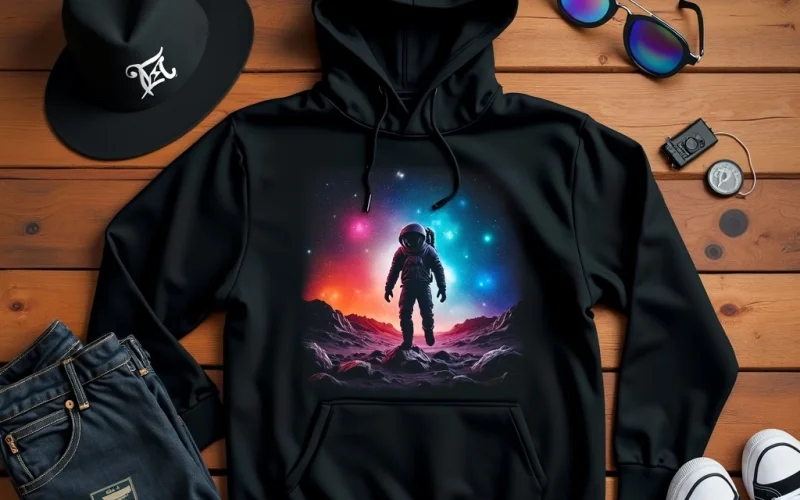
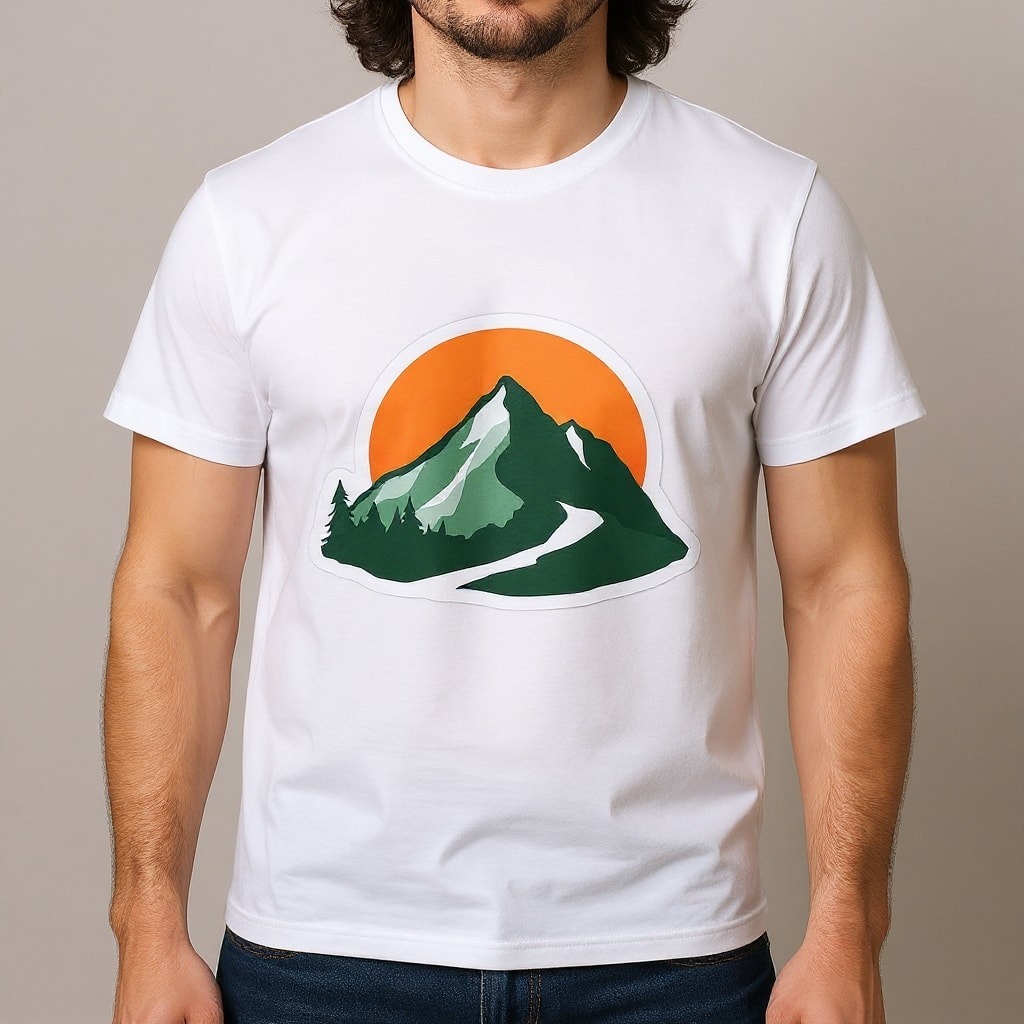
Original photo before AI Mockup Generator - T-shirt style
Original photo
Before
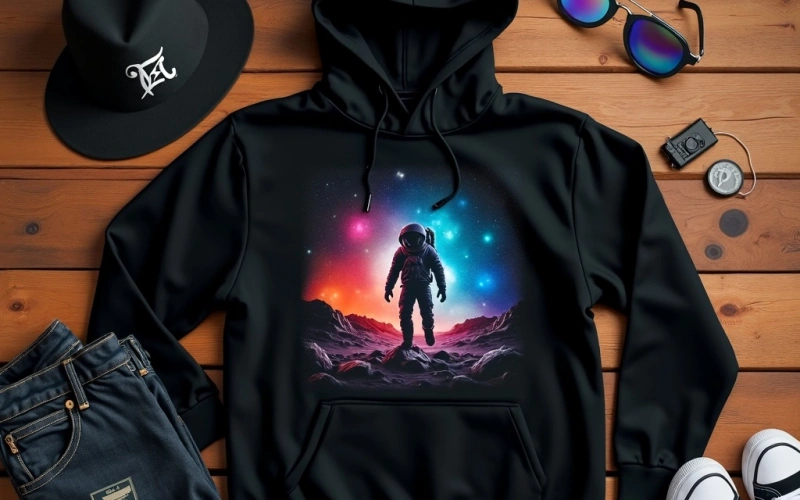
AI result in T-shirt style - AI Mockup Generator
AI result
After
T-shirt Style
AI Mockup Generator · Eidora AI
What Is This Tool
AI Mockup Generator overview

What Is AI Mockup Generator?

Product photography for every design idea gets expensive. Upload a logo, pattern or label and choose where it should go: a T-shirt, hoodie, tote bag, can, box, cosmetic bottle, cushion, tube or storefront. FLUX.1 Kontext, an image-editing model from Black Forest Labs places your design on the product in a realistic scene. It is ideal for quick previews, listings and pitch decks; check fine details such as small text, since the model redraws your artwork.

Use Cases

What you can create

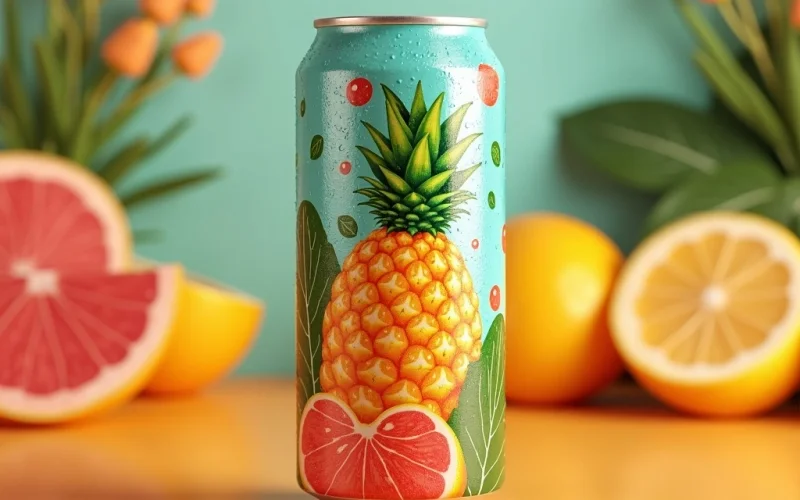
AI Mockup Generator use case - Product Display for E-commerce

Product Display for E-commerce

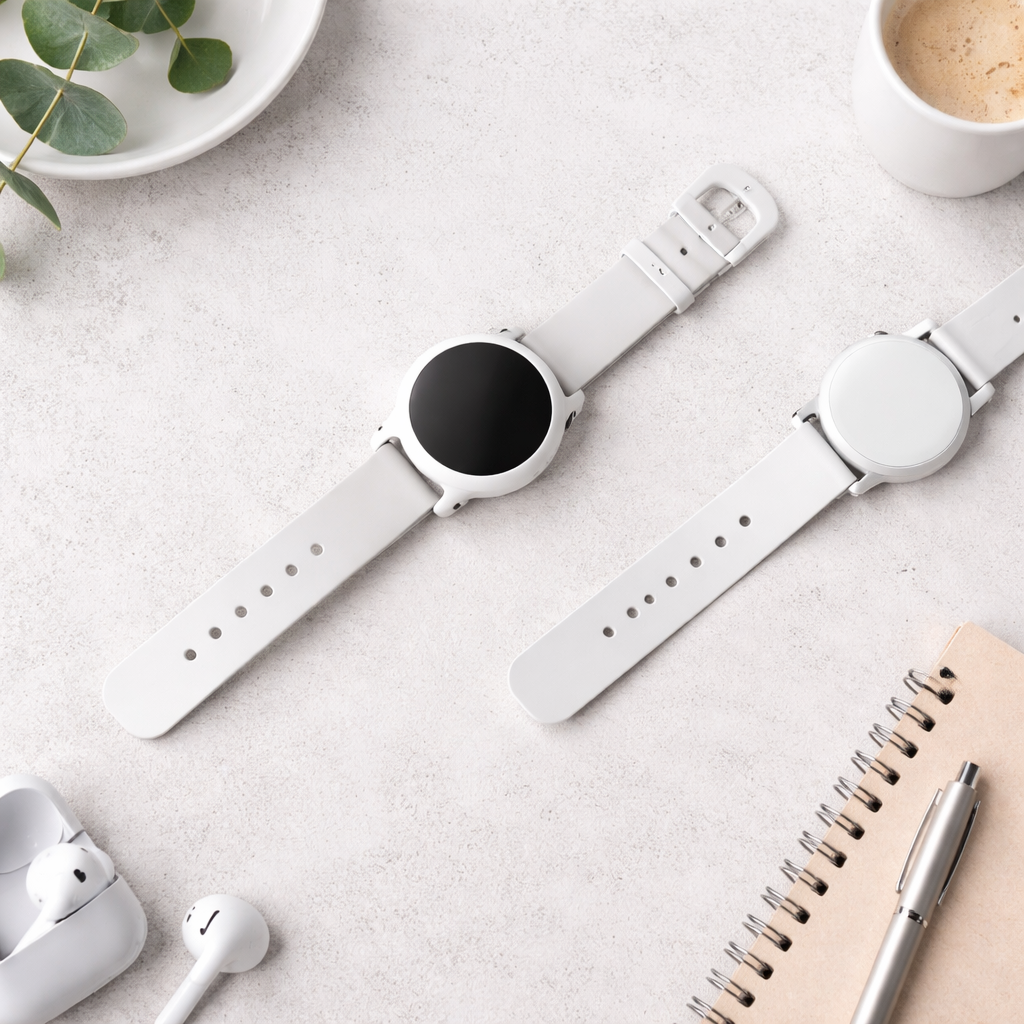
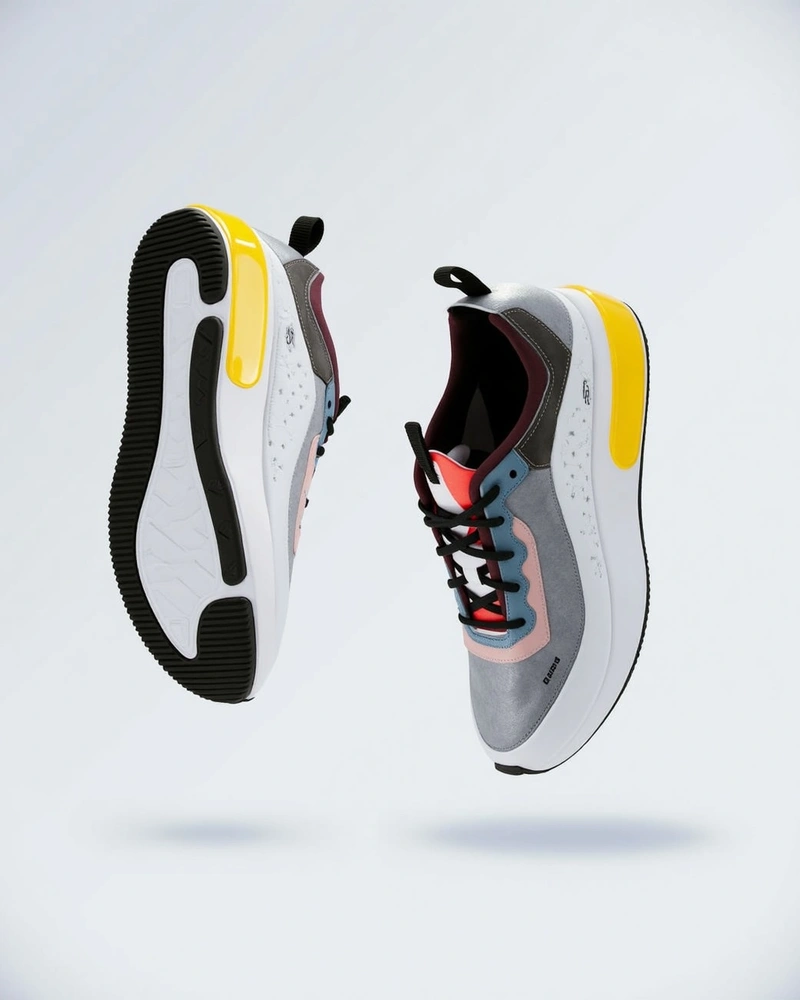
E-commerce sellers can put a design on T-shirts, hoodies, tote bags, cushions and packaging to create listing images without a photo shoot.

Marketing Campaign Visuals

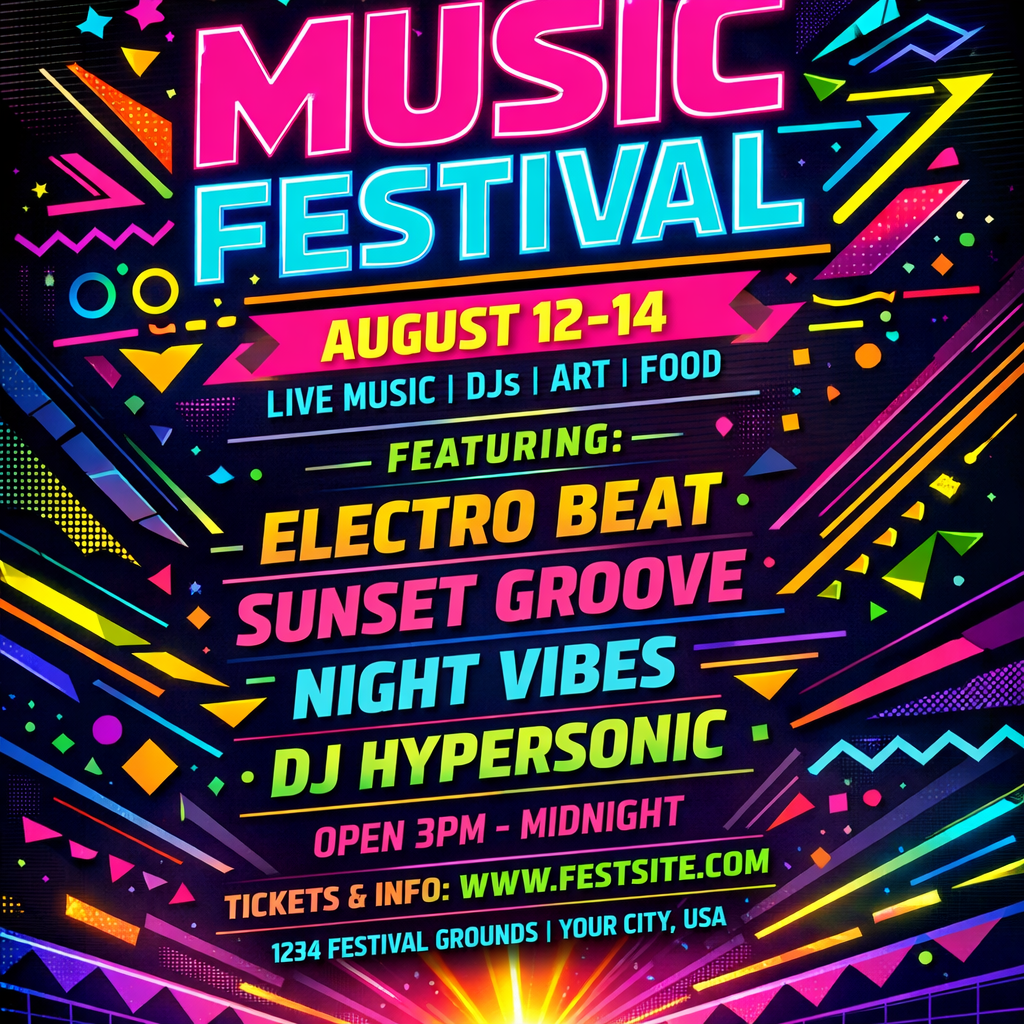
Social media managers can show a brand logo or campaign artwork on merchandise, packaging or a storefront sign for quick, on-brand posts.

Client Presentation Mockups

Graphic designers can present their logo, branding, or packaging designs to clients in realistic settings. This helps clients visualize the final product's impact, leading to clearer feedback and faster project approvals.

Why Eidora

Built different, built better

Nine Surface Types, One Upload
Pick a T-shirt, hoodie, tote bag, can, box, cosmetic bottle, cushion, tube or storefront and the AI places your artwork on it with matching light and shadow.
Skip the Product Shoot
Get listing and pitch images without booking a studio, setting up lights or retouching. Check fine details, since the model redraws your artwork.
A/B Test Before You Print
Preview label variations on boxes, cosmetic jars, or tote bags before committing to a print run. Catch design issues early and iterate in minutes instead of weeks.
How it works

Three steps. About a minute.

AI Mockup Generator: Upload or Describe
  1. Upload or Describe

    Upload your product image, design, or type a text prompt describing your desired mockup scene and elements.

  2. Generate Mockup

    Pick one of the 9 products (T-shirt, Hoodie, Tote Bag, Can, Box, Cosmetic, Cushion, Tube, Storefront) and press Generate; usually 10 to 30 seconds.

  3. Download & Share

    Download the image. Want a different look? Pick another product and run it again.

Try AI Mockup Generator Now
✦ Try It Free Now
FAQ

Frequently
asked questions

Everything you need to know. Can't find what you're looking for?
Still have questions?
Our support team is happy to help.
Contact Support
An AI Mockup Generator is an online tool that uses artificial intelligence to place your design, logo, or product image onto a realistic scene or item. It automatically adjusts lighting, perspective, and shadows to create a photorealistic presentation, saving you from manual graphic design work or expensive photoshoots. This allows you to visualize your products in real-world contexts effortlessly.
You either upload an image of your design (e.g., a logo, t-shirt graphic, book cover) or describe the type of mockup you want using a text prompt. Our AI then takes your input and generates a realistic image where your design is seamlessly integrated into the chosen scene or product. It handles the complex visual adjustments automatically, delivering a polished result quickly.
Yes. You can try one result without signing up. A free account gets 16 credits to start and 4 free credits every day, and this tool uses 4 credits per image. Paid plans start at $9.9/month for 300 credits.
Nine products are ready to use: T-shirt, hoodie, tote bag, can, box, cosmetic bottle, cushion, tube and storefront. Without an upload, you can also describe another mockup scene in words, for example a laptop on a desk.
Absolutely not. This AI Mockup Generator is designed for users of all skill levels. You simply need your design or a clear idea of what you want to create. The AI handles all the complex graphic design work, ensuring your mockups look professional without any manual editing expertise on your part.
Yes, you can upload your own images. Whether it's a logo, a pattern, a product photo, or a specific graphic, our tool will integrate it into the chosen mockup scene. This gives you full control over the visual elements and ensures your brand's unique assets are showcased effectively.
No problem! Our AI Mockup Generator supports text prompts. You can describe the product, the scene, and even the style you envision, and the AI will generate a corresponding mockup. This feature is incredibly useful when you're brainstorming or don't have a specific image ready, allowing you to quickly visualize concepts.
A mockup usually takes 10 to 30 seconds, a little longer at busy times.
They are clear enough for websites, social media and client presentations. Resolution is the same on every plan, and there are no resolution options. For large prints, run the mockup through an image upscaler first.
Permitted uses depend on your rights in uploaded designs, applicable law, and the selected third-party model or provider terms. Verify brand, product, and model terms before publishing a mockup for business or client work.
You can upload a JPG, PNG, WebP or GIF up to 10MB, or skip the upload and describe the scene. The result downloads as an image.
There is no separate limit; it works on credits. Each mockup uses 4 credits. A free account gets 16 credits to start and 4 free credits every day, and Pro, Ultra and Max add 300 to 2,000 credits a month.
Start with daily credits
Ready to create
your masterpiece?
9 products · 4 credits per image · Free to try · 4 free credits daily
Free to try · 4 free credits daily
~10–30 seconds
Instant download