Remove Backgrounds Instantly
Get a transparent background in seconds, saving valuable time compared to manual editing.
make image background transparent ai
Effortlessly remove backgrounds from any image, ideal for e-commerce, graphic design, and social media creators who need clean, professional visuals.
Effortlessly make image background transparent AI for product photos, designs & more. Remove backgrounds online instantly with precision. Get clean cut-...
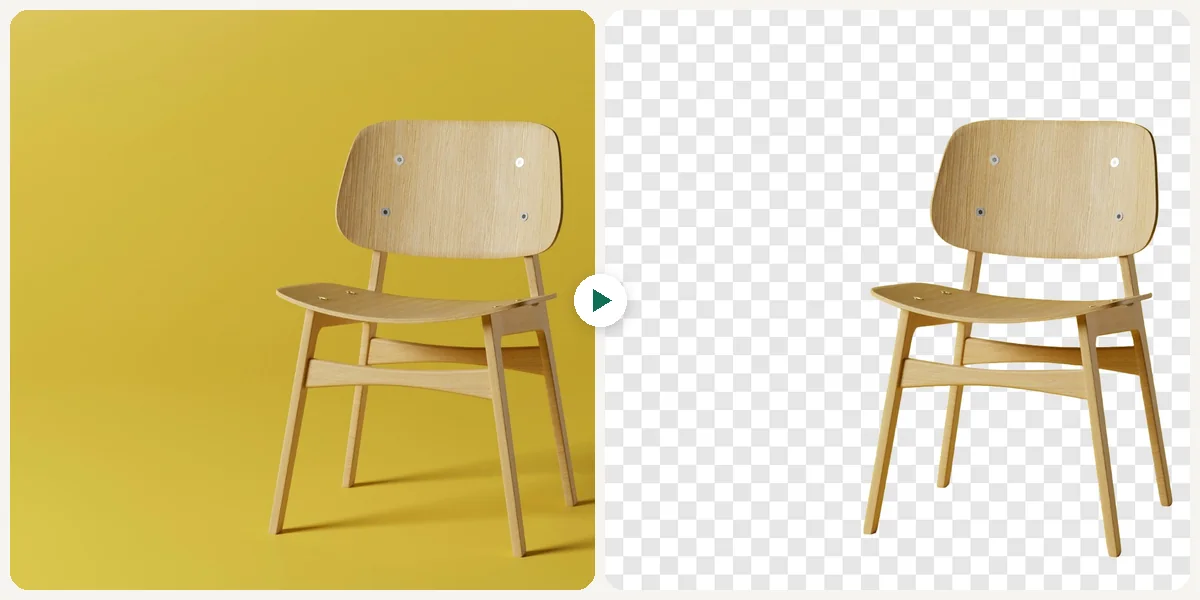
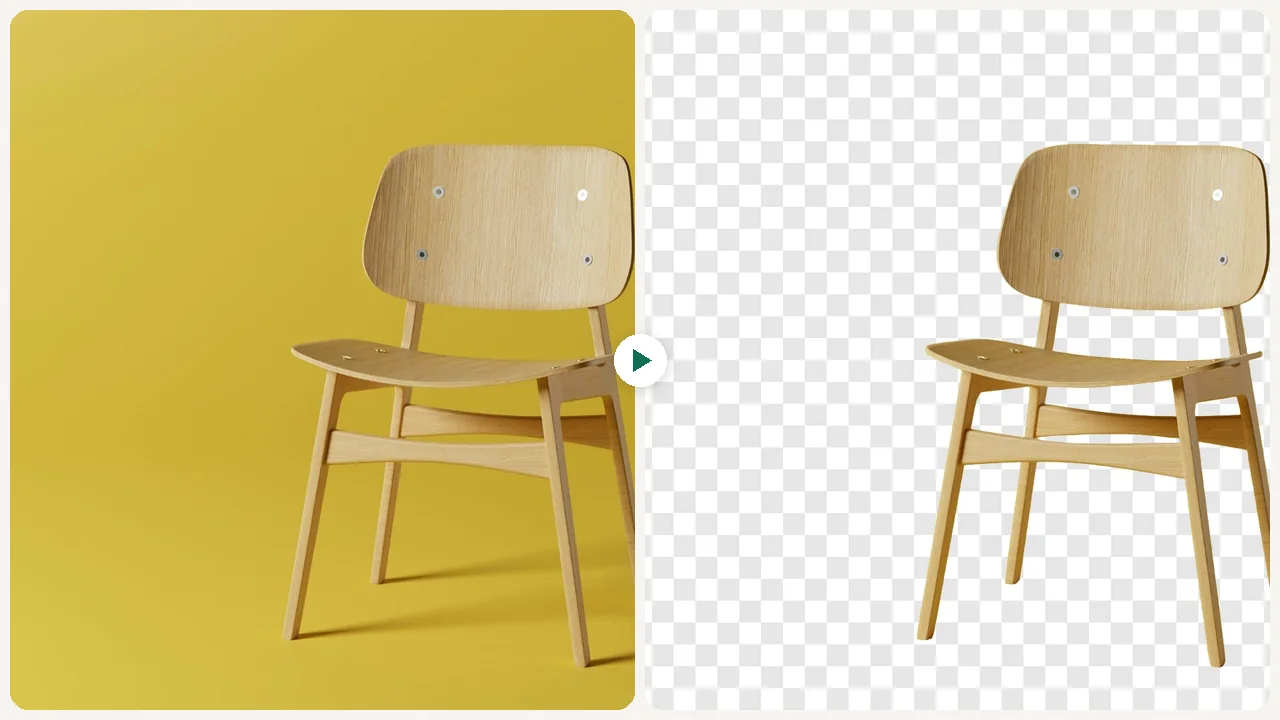
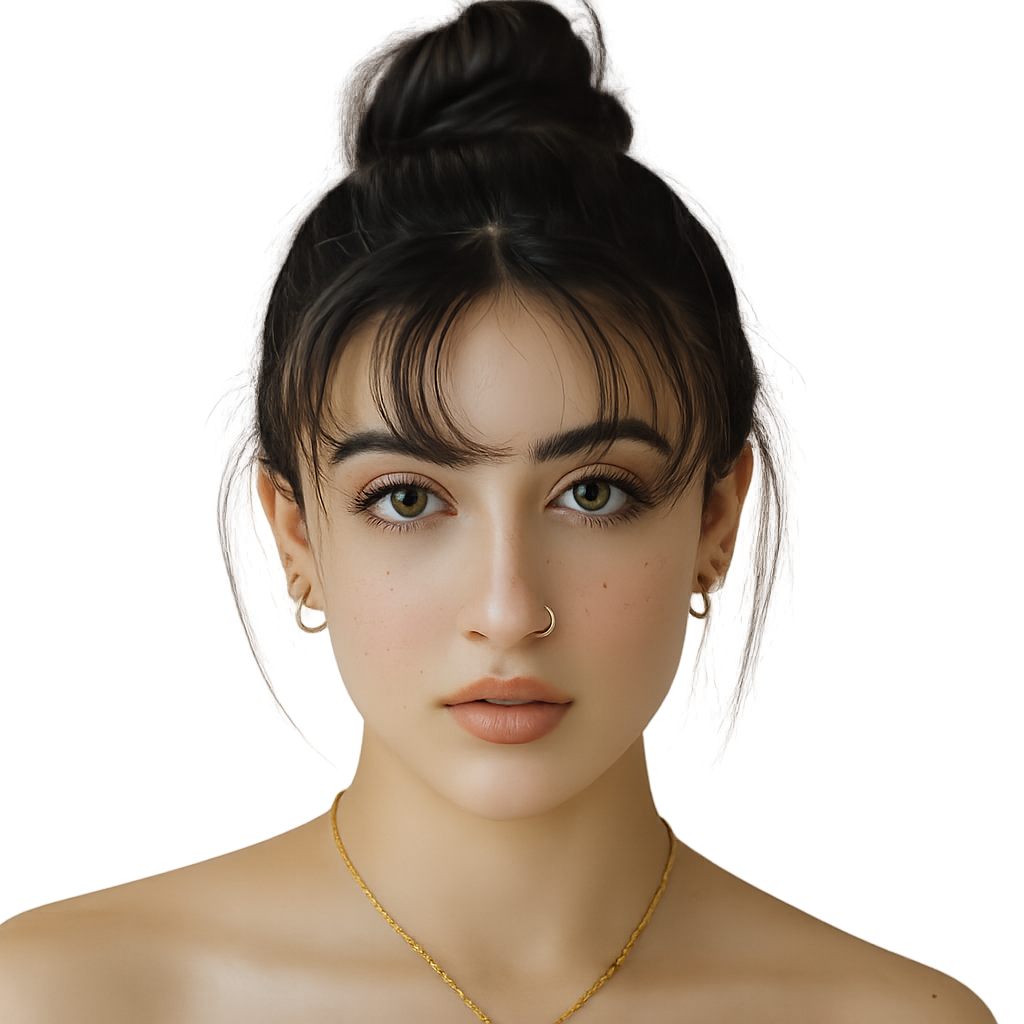
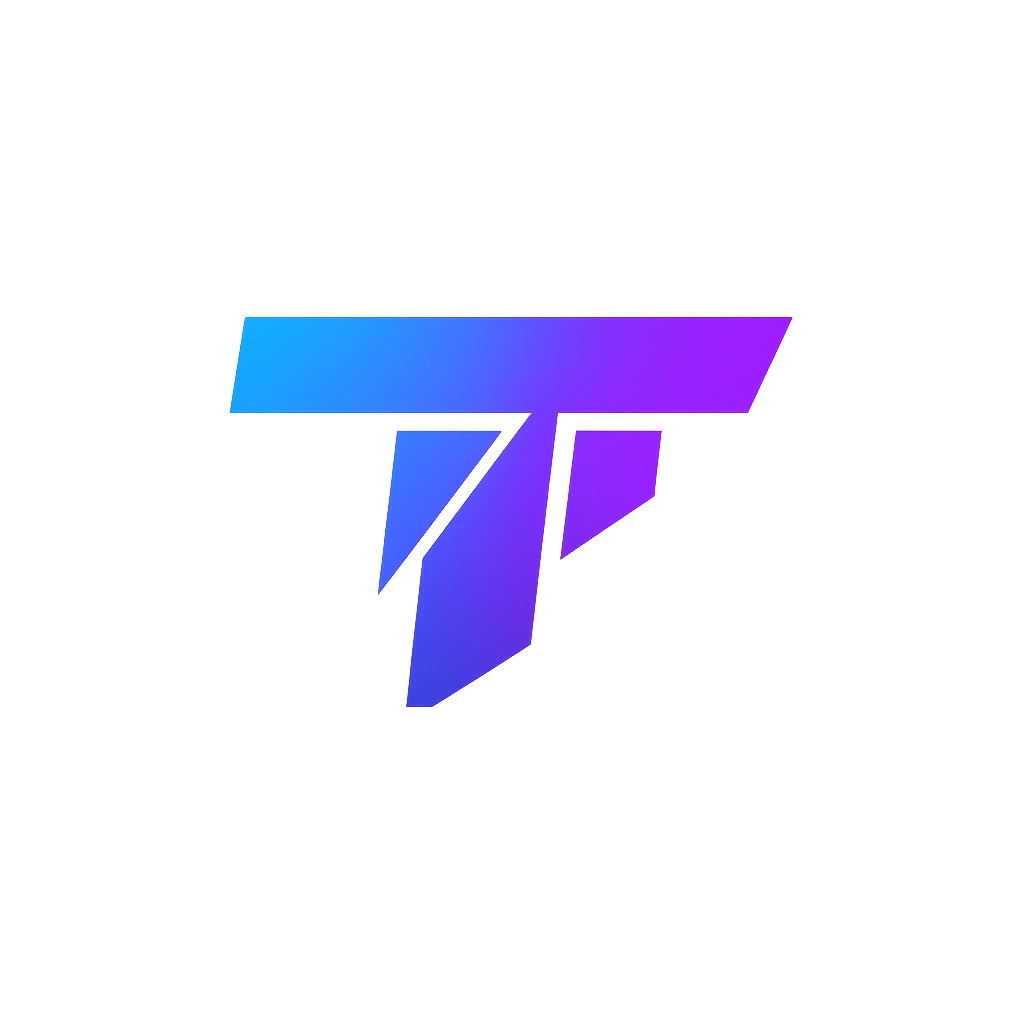
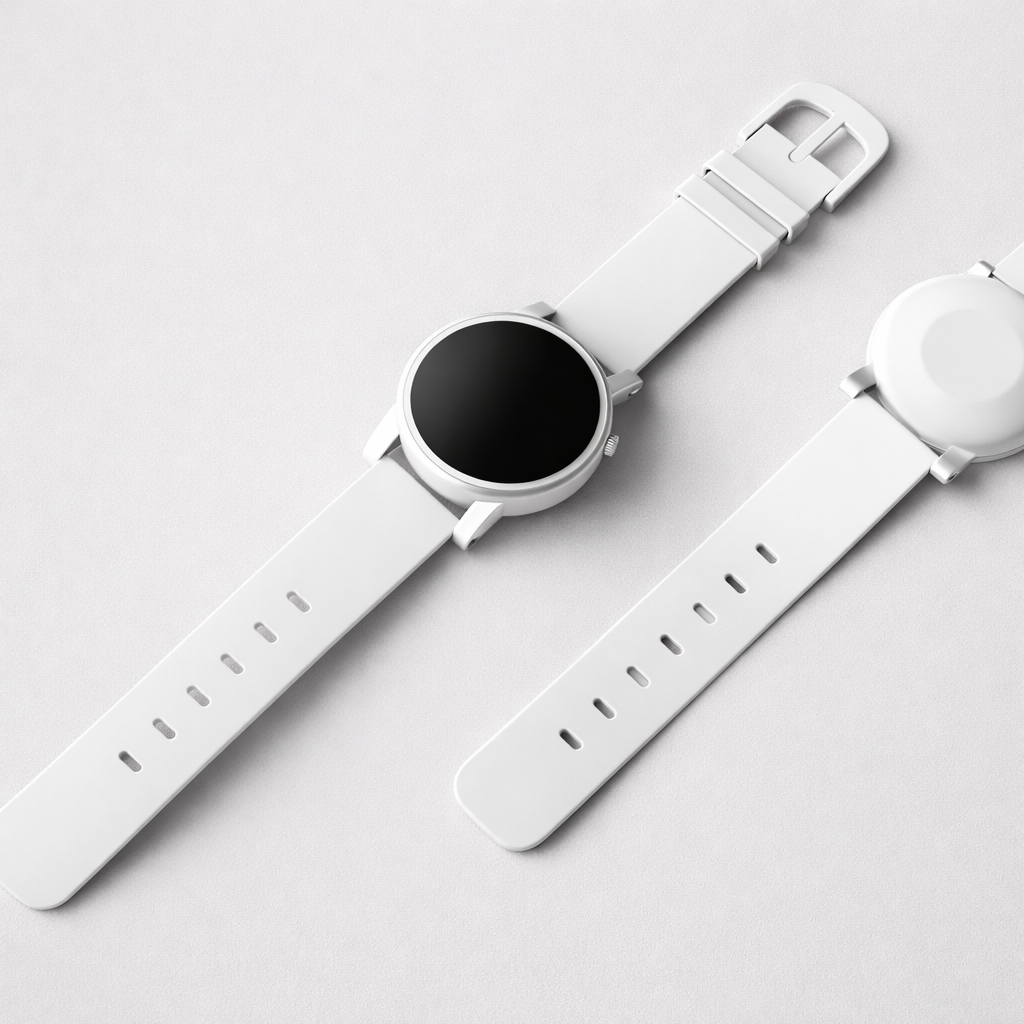
Sample results

What can this tool do?
Our AI Transparent Background Maker automatically detects and isolates the main subject in your uploaded image, then removes the surrounding background with precision. This tool is perfect for online sellers needing clean product photos for listings, graphic designers creating layered compositions, and marketers preparing visuals for ads or social media posts. It eliminates the tedious manual selection process, allowing you to quickly get a professional-looking image ready for any use, without needing complex software or advanced editing skills. Whether you're showcasing merchandise, designing a new logo, or creating compelling social media content, this tool ensures your subject stands out.
Manually selecting subjects in photo editors is time-consuming and frustrating, often leaving jagged edges or missed details. Hiring a designer for every image is expensive and delays your workflow, especially when you need quick, clean results.
Why choose this tool?
Get a transparent background in seconds, saving valuable time compared to manual editing.
The AI accurately distinguishes subjects from complex backgrounds, handling intricate details like hair or fine edges.
Present your products cleanly on any backdrop, enhancing their appeal and professionalism for e-commerce listings.
Easily layer subjects onto new backgrounds for marketing materials, website design, or creative projects.
Access this tool directly in your browser without downloading or learning complicated photo editing applications.
Your subject remains sharp and high-resolution after background removal, ready for professional use.
How to use
Simply drag and drop or select the photo you want to edit from your device.
Our AI automatically identifies the main subject and expertly removes the background.
Save your new image with a transparent background, ready for immediate use.
Use cases
E-commerce sellers frequently need product images with clean, white, or transparent backgrounds. This tool quickly removes cluttered backgrounds, making products stand out professionally for online stores like Shopify or Etsy.
Graphic designers and marketers often need to combine subjects from different images onto new backgrounds for ads, flyers, or website banners. This tool isolates subjects, allowing for seamless integration into various design projects.
Social media users can easily create engaging posts or profile pictures by removing distracting backgrounds from their photos. This helps in making custom stickers or placing themselves in new virtual scenes without complex editing software.
FAQ
This tool works best with images where the subject is clearly distinguishable from the background. It handles a wide range of subjects, from products and people to animals and objects, even with complex edges like hair or foliage.
Yes, our AI is designed to handle busy or complex backgrounds. It uses advanced algorithms to accurately separate the foreground subject from intricate details, providing a clean transparent cut-out.
The AI Transparent Background Maker supports common image formats such as JPG, JPEG, and PNG. For best results and to preserve transparency, we recommend downloading your final image as a PNG.
While we aim to accommodate various image sizes, very large files might take longer to process or have specific size limitations to ensure optimal performance. Please refer to the upload interface for any specific file size guidelines.
This AI tool automates the entire process, saving hours compared to manual selection and masking in traditional photo editing software. It offers consistent, high-quality results without the need for advanced editing skills.
Yes, the tool focuses on maintaining the original quality and resolution of your foreground subject after the background is removed. The output image will retain the sharpness and detail of your original subject.
Currently, the AI provides an automatic background removal. For minor refinements or specific needs, you might need to use an additional editor. Our goal is to deliver a precise cut-out requiring minimal further adjustments.
We prioritize your privacy and data security. Uploaded images are processed securely and are not stored indefinitely or used for any purpose other than providing you with the transparent background image.
Start now