OCR-Guided Region Upscaling
Detects text bounding boxes via optical character recognition, then applies 4x super-resolution only to those regions, recovering glyph detail lost to compression or low capture resolution.
enhance text in image ai free
Our AI Text Enhancer tool clarifies blurry, low-contrast, or hard-to-read text within any image, making documents, screenshots, and photos perfectly legible for everyone.
Quickly enhance text in image AI free with our online tool. Clarify blurry text, improve readability, and make any document or screenshot legible instan...
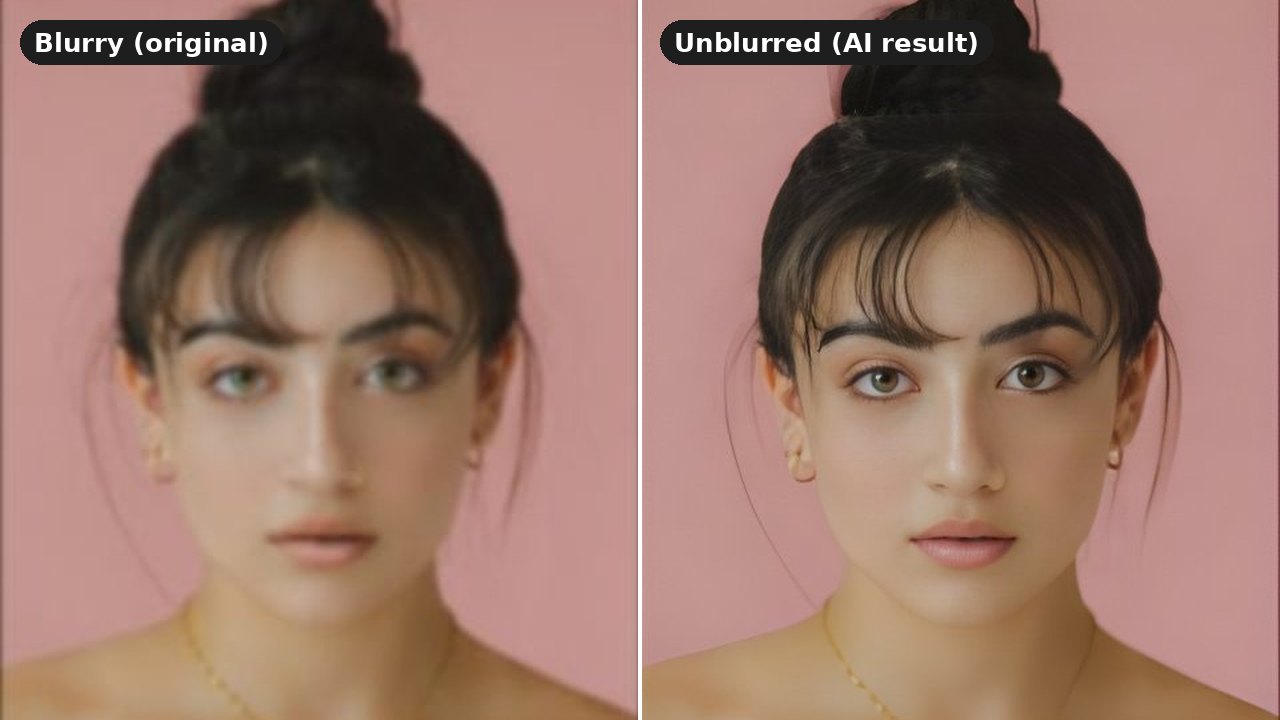
Sample results

What can this tool do?
AI Text Enhancer applies OCR-guided region detection to isolate text layers within any uploaded image, then runs targeted super-resolution exclusively on those regions. A contrast-normalization pass equalizes stroke weight and background separation, while adaptive denoising removes JPEG and motion artifacts without softening letterforms. The pipeline preserves surrounding photo content untouched, outputting a composite where every character meets WCAG AA legibility thresholds. Ideal for scanned receipts, whiteboard photos, compressed screenshots, and degraded document captures.
Manually trying to decipher blurry text in a photo or screenshot is frustrating and time-consuming. Traditional photo editing tools often require advanced skills to make text legible, and re-typing everything from scratch is prone to errors and wastes valuable time.
Why choose this tool?
Detects text bounding boxes via optical character recognition, then applies 4x super-resolution only to those regions, recovering glyph detail lost to compression or low capture resolution.
Measures local luminance around each text cluster and adjusts stroke-to-background ratio, ensuring consistent legibility across mixed-lighting conditions like flash-lit whiteboards or shadowed pages.
Identifies and removes JPEG block artifacts, motion blur, and moire patterns in text zones without softening sharp edges, preserving serif detail and thin strokes that generic filters destroy.
How to use
Drag and drop or click to upload the image containing the text you want to enhance.
Our AI will automatically detect and clarify the text within your uploaded image.
View the improved text and download your new, clear image instantly.
Use cases
Crumpled point-of-sale rolls fade within weeks. OCR-guided 4x upscaling resurrects vanishing merchant IDs, tax breakdowns, and timestamps from a phone snapshot — feeding expense-management pipelines with near-zero manual re-keying.
Glare hotspots and dry-erase marker bleed degrade post-standup captures. Adaptive luminance equalization flattens lighting gradients, then per-stroke super-resolution recovers diagram labels, sprint tallies, and action-item bullets for direct pasting into Confluence or Notion.
Slack-recompressed browser grabs and terminal dumps lose sub-pixel hinting detail. Glyph-outline reconstruction restores monospaced alignment, making stack traces, kubectl output, and CI log excerpts presentation-grade for incident postmortems.
FAQ
You can upload any image file containing text, such as screenshots, photos of documents, scanned pages, or images with embedded graphics. The tool is designed to work best on text that is blurry, pixelated, or has low contrast.
While the AI Text Enhancer primarily focuses on printed or digital text for optimal results, it may offer some clarity improvements for very neat, legible handwriting. However, its main strength is in enhancing machine-generated text.
We support common image file formats and reasonable file sizes. For very large images, processing might take slightly longer. If you encounter issues, try compressing your image slightly before uploading.
The enhanced image will be provided in the same format as your uploaded image (e.g., JPG, PNG). The goal is to return an image with significantly clearer text, ready for your use.
Currently, the AI Text Enhancer processes the entire image for text clarity. It automatically identifies and improves all text areas it detects, rather than allowing selection of specific regions.
Our system is trained to intelligently differentiate between text and background elements. It applies targeted algorithms to sharpen text edges and adjust contrast specifically within text regions, preserving the integrity of non-textual parts of your image.
Yes, you can try it for free.
No, this is a web-based tool. You can access and use the AI Text Enhancer directly through your browser on any device, without needing to download or install any software.
Start now