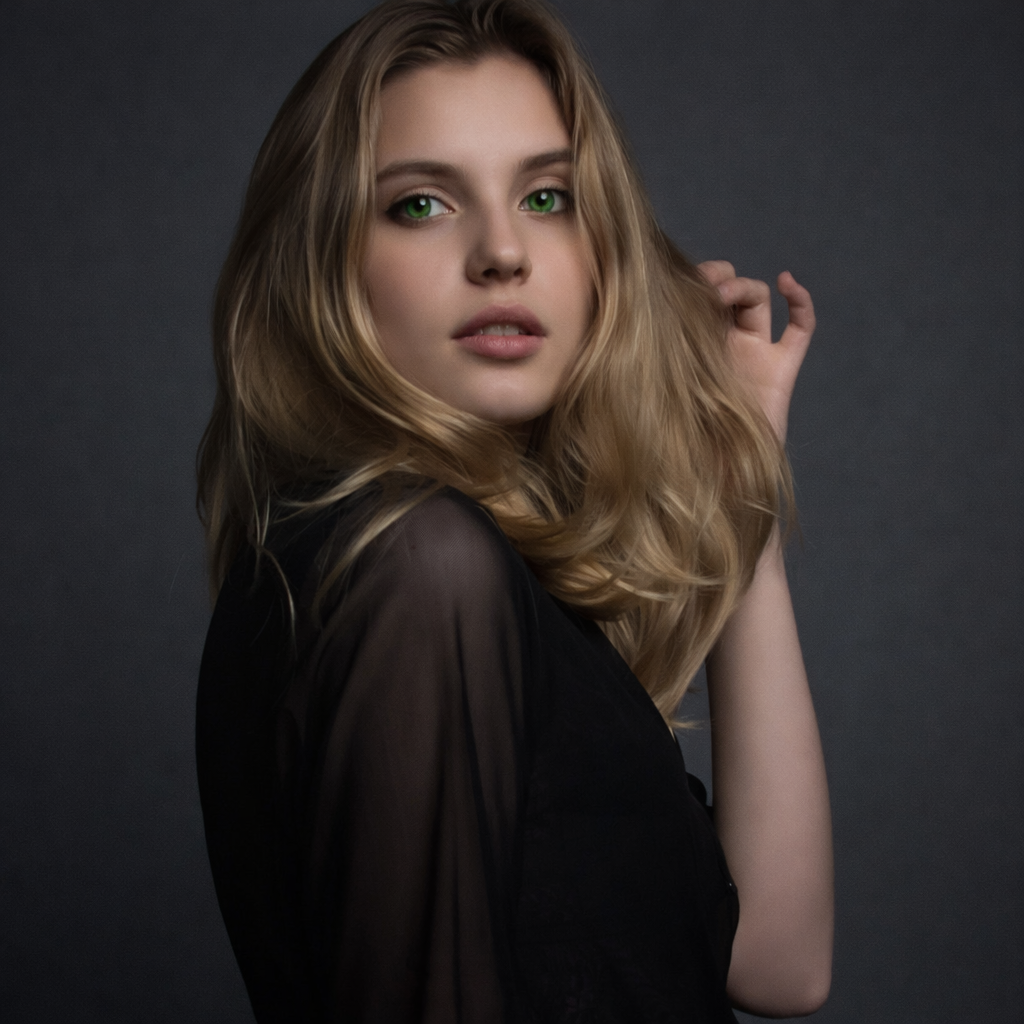
AI Hair Color Changer

Test blonde, brown, copper, black, or creative shades on your own photo and see which tones actually fit your skin and style.
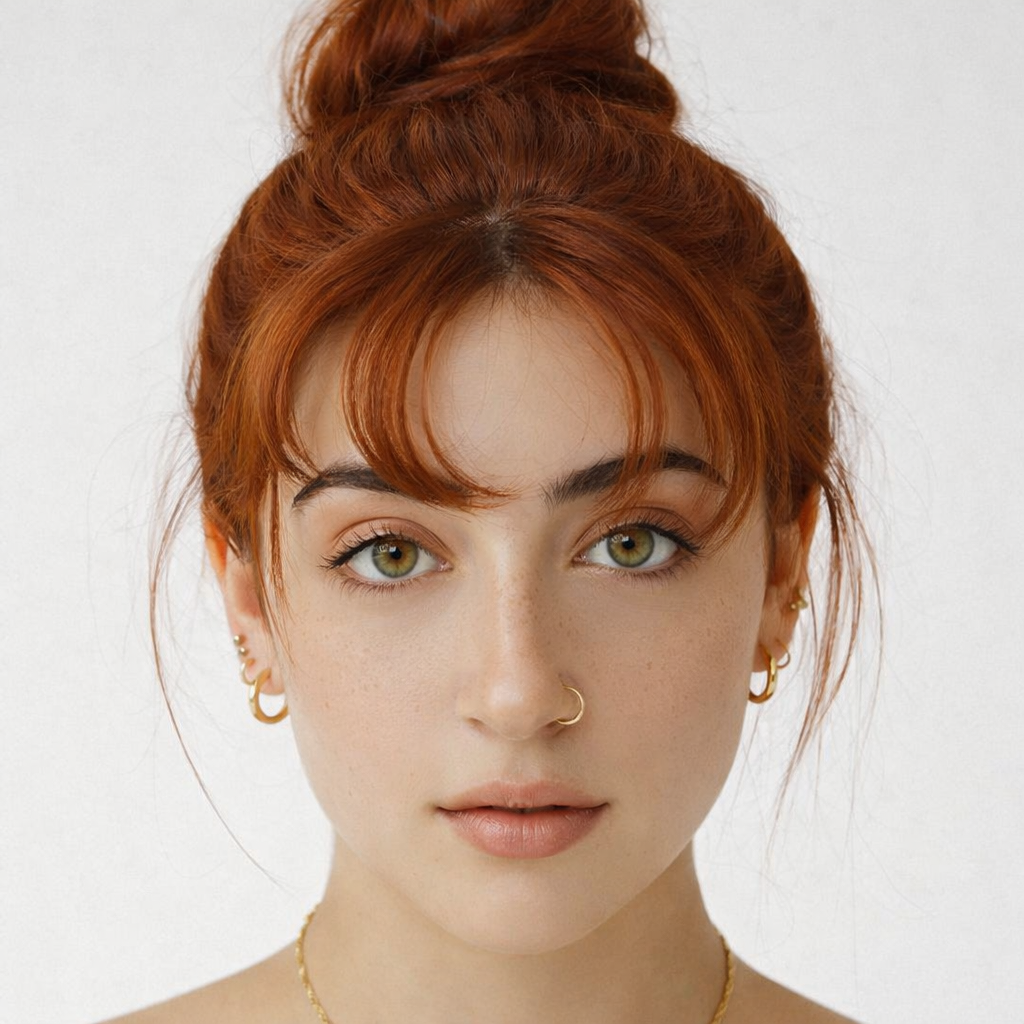
Free to try · 4 free credits daily
6 styles
~10–30 seconds
Sign in after your first result
✦ Try Hair Color Now
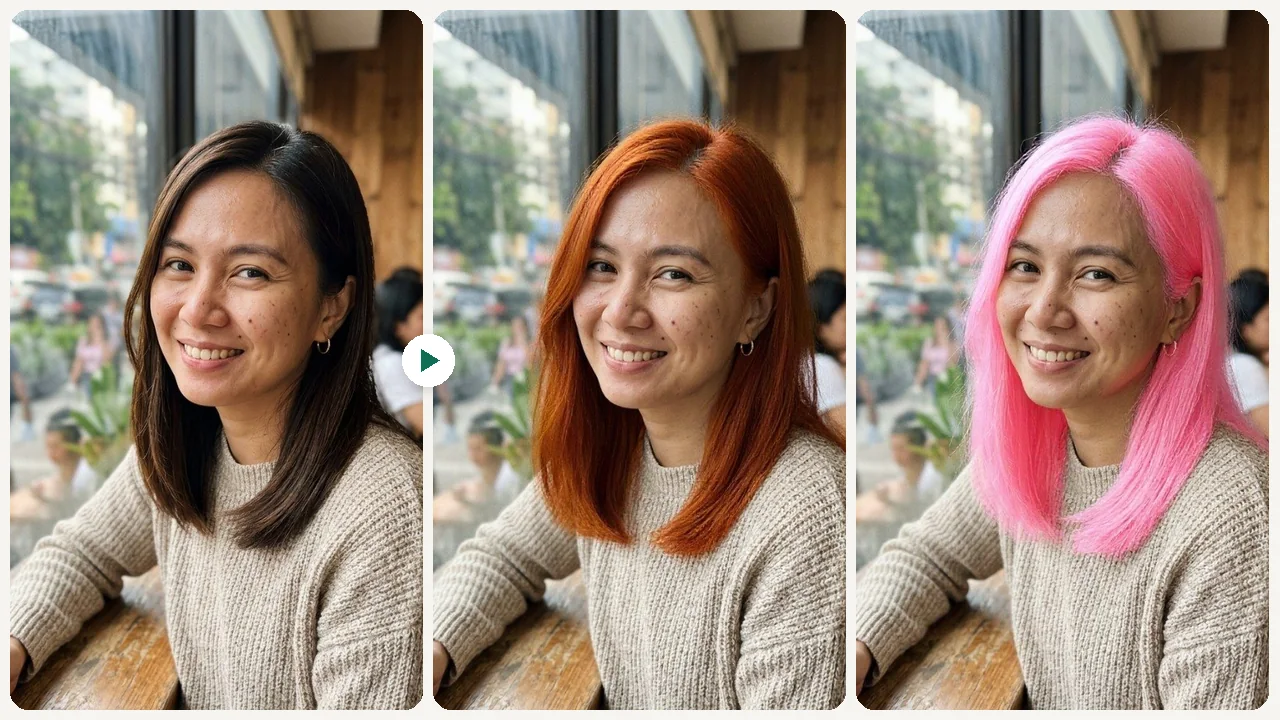
AI Hair Color Changer AI result example✦ AI Result
Upload your photo
Try with an example:
Example photo 1
Choose style
4 credits per image · 1 free try, sign up free to download
Model: FLUX.1 Kontext Pro · Usually 10-30 seconds
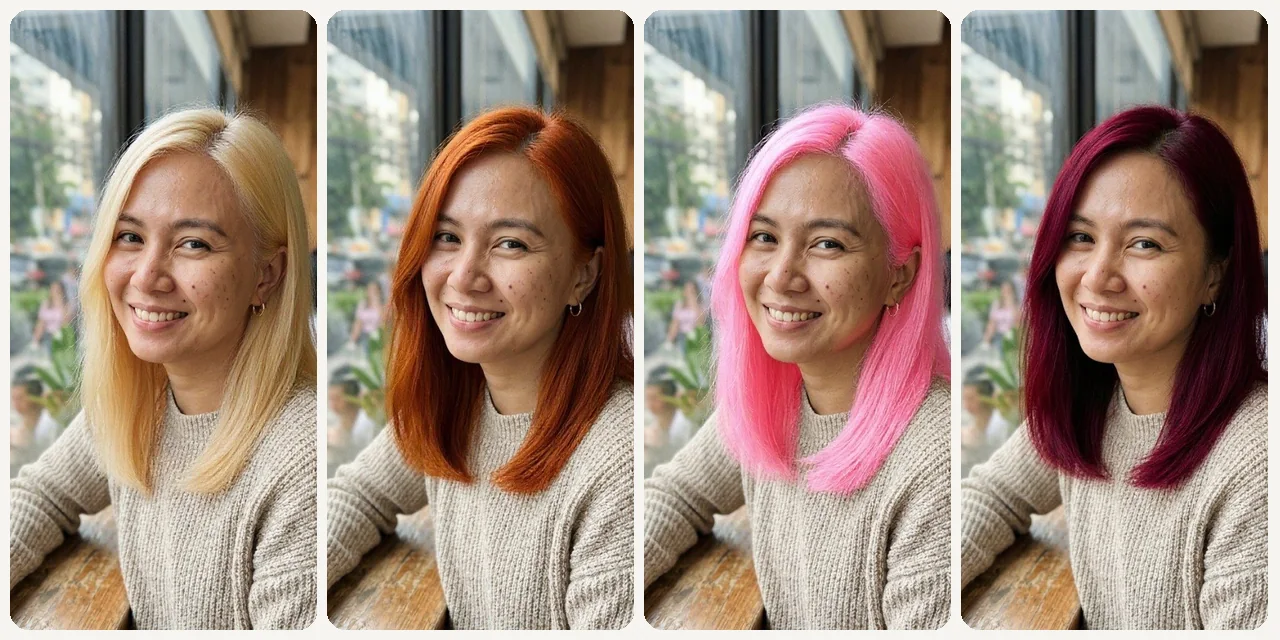
Before & After

See the transformation

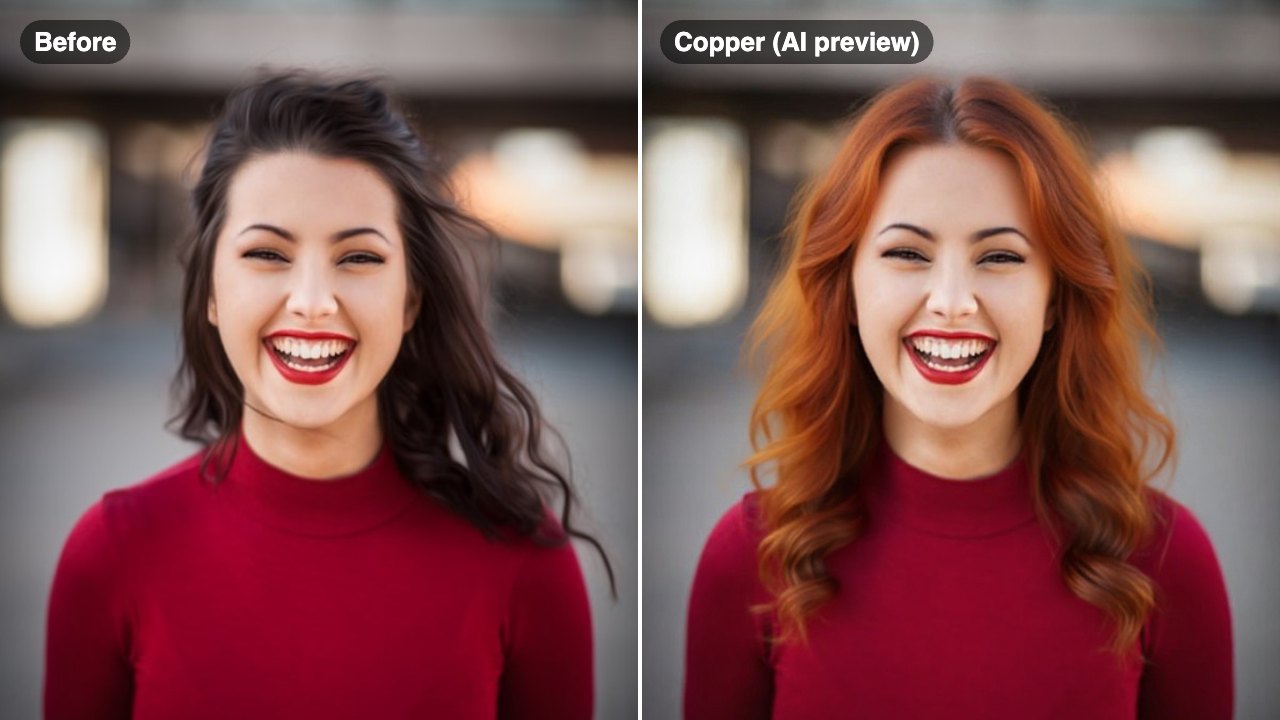
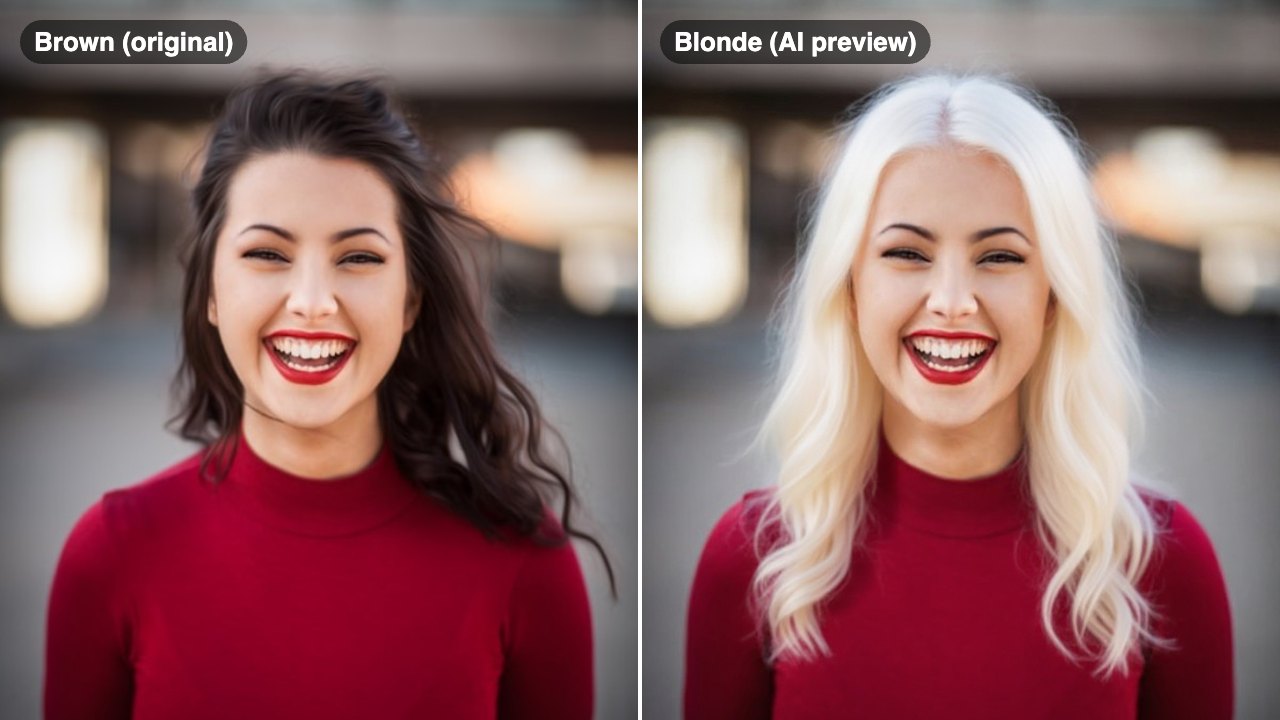
Original photo before AI Hair Color Changer - Blonde styleOriginal photo before AI Hair Color Changer - Copper styleOriginal photo before AI Hair Color Changer - Pastel Pink styleOriginal photo before AI Hair Color Changer - Burgundy style
Original photo
Before
AI result in Blonde style - AI Hair Color ChangerAI result in Copper style - AI Hair Color ChangerAI result in Pastel Pink style - AI Hair Color ChangerAI result in Burgundy style - AI Hair Color Changer
AI result
After
Blonde Style
AI Hair Color Changer · Eidora AI
What Is This Tool
AI Hair Color Changer overview

What Is AI Hair Color Changer?

An AI hair color changer lets you upload a selfie and preview different hair dye colors — from natural shades like blonde and ash brown to creative tones like pastel pink and burgundy — so you can make confident coloring decisions before visiting a salon.

Use Cases

What you can create

AI Hair Color Changer use case - Pre-Salon Color Check

Pre-Salon Color Check

Show your stylist an AI preview to align on tone and shade before booking color work.
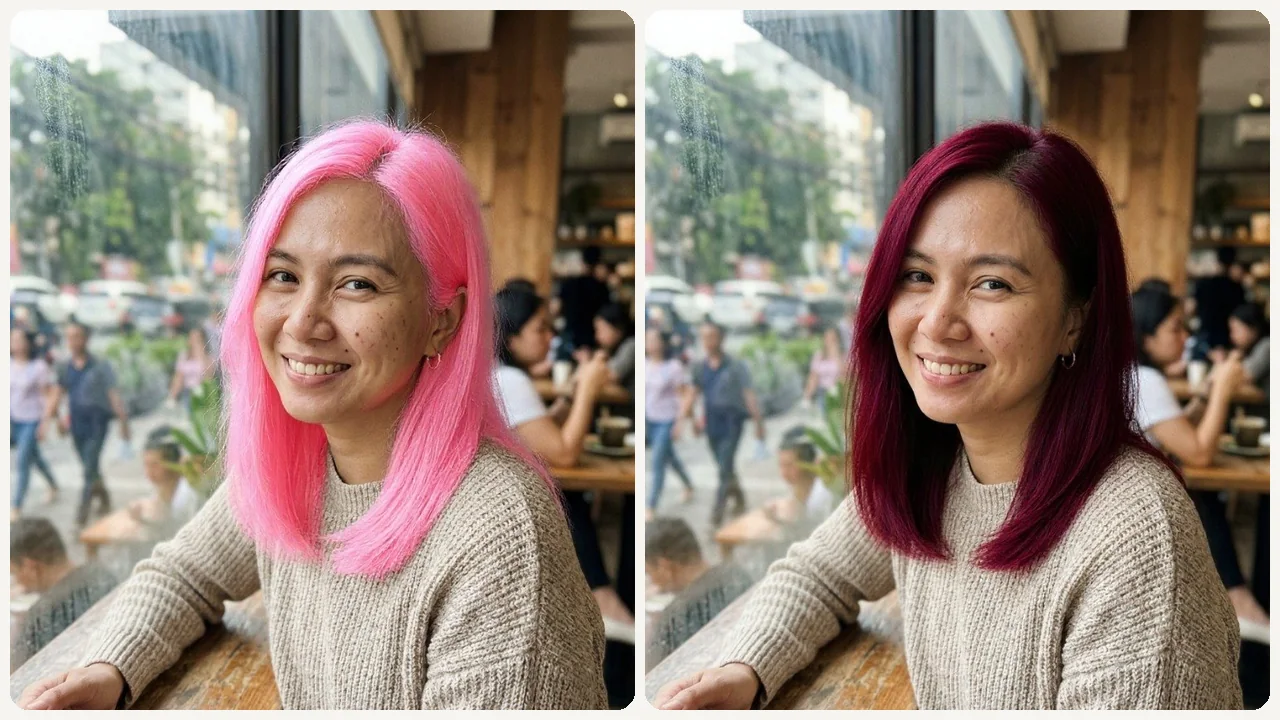
AI Hair Color Changer use case - Fantasy Color Exploration

Fantasy Color Exploration

Try creative colors like Pastel Pink or Burgundy without any commitment, and compare them with natural shades on the same photo.
AI Hair Color Changer use case - Skin Tone Matching

Skin Tone Matching

See how warm vs. cool tones work with your complexion before making a decision.

Why Eidora

Built different, built better

Turn Imagination into Preview
Get a close preview of how a new hair color looks with your skin tone before you book an expensive dye job.
Better Than Generic Color Charts
Instead of guessing from a swatch, see the color on your own hair in your own photo. Your haircut, length, parting and texture stay the same; only the color changes.
Discover Related Looks
Easily explore hairstyle changes, makeup, eye color, and more to see your full transformation.
How it works

Three steps. About a minute.

AI Hair Color Changer: Upload Your Photo
  1. Upload Your Photo

    Upload your current photo.

  2. Pick a Color

    Pick one of 6 colors: Blonde, Ash Brown, Copper, Black, Pastel Pink or Burgundy. In the Custom tab you can add a note to the selected color, such as a lighter shade or darker roots.

  3. Generate & Save

    Generate your preview and save the best version.

Try AI Hair Color Changer Now
✦ Try It Free Now
FAQ

Frequently
asked questions

Everything you need to know. Can't find what you're looking for?

Still have questions?
Our support team is happy to help.
Contact Support
Yes. The presets include natural shades like Blonde, Ash Brown and Black, plus creative colors like Pastel Pink and Burgundy. Other colors, such as violet, are not presets; the Custom tab only adds a note to the color you selected.
Yes, but the preview is most useful for direction-setting. You should still expect real-world dye results to vary by hair condition.
That is exactly the use case. You can show the preview to your stylist and align on tone before booking color work.
Yes, you can try it free: one result without signing up. After that, a free account gets 16 credits to start and 4 free credits every day, and each preview uses 4 credits. Free results carry a small eidora.io badge; paid plans start at $9.9/month for 300 credits.
Usually 10 to 30 seconds per preview. Each run shows one color; pick another and run it again to compare.
Your uploads, prompts and results are saved privately to your history so you can view and download them later, and only you can open them (if you are not signed in, they are tied to your browser session). To create a result, your input is sent to the AI model provider that runs the generation. We do not sell your content or use it to train AI models.
Start with daily credits
Ready to create
your masterpiece?
6 styles · 4 credits per image · Free to try · 4 free credits daily
Free to try · 4 free credits daily
~10–30 seconds
Instant download