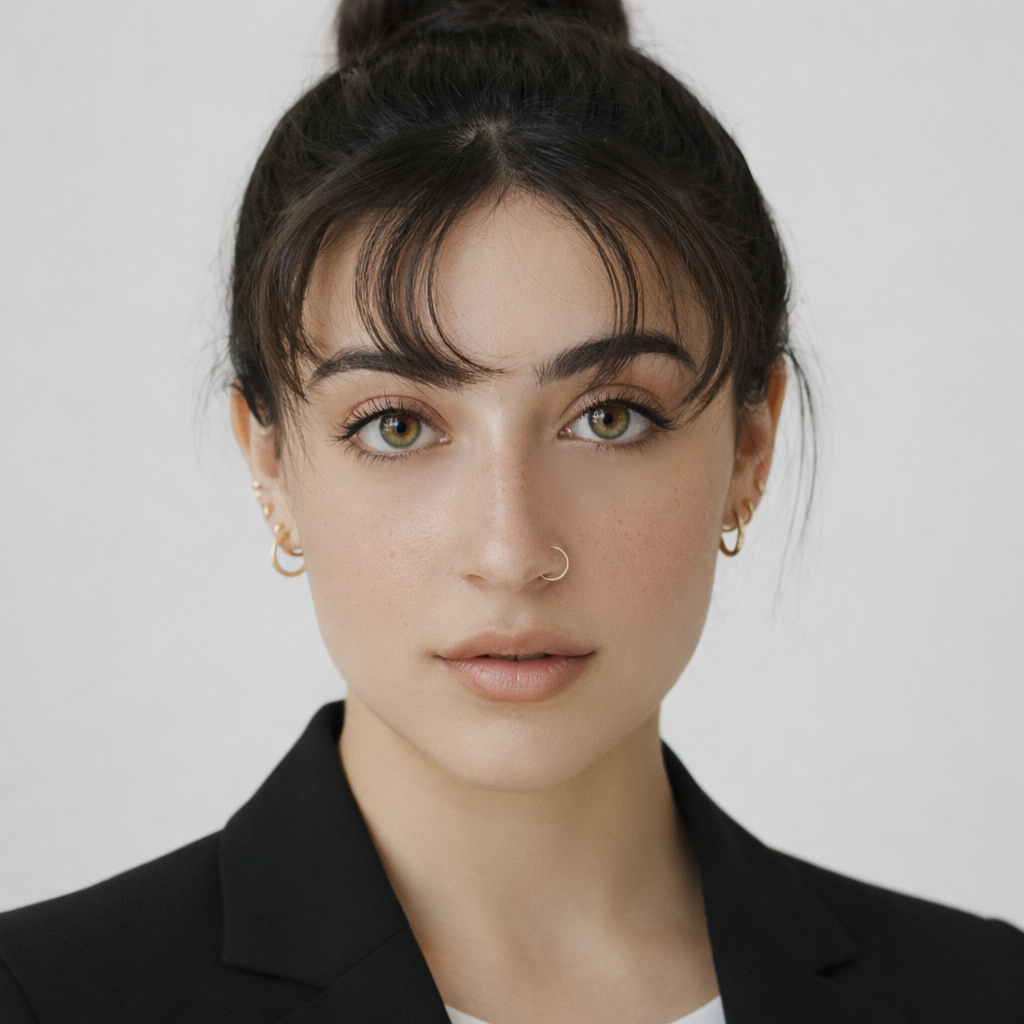
AI Hairstyle Changer

Upload a clear selfie, pick a style such as a pixie, A-line bob, shag or spiral perm, and preview it on your own face before your next cut.

Free to try · 4 free credits daily
9 styles
~10–30 seconds
Sign in after your first result
✦ Try Hairstyle Now
AI Hairstyle Changer AI result example✦ AI Result
Upload your photo
Try with an example:
Example photo 1
Choose style
4 credits per image · 1 free try, sign up free to download
Model: FLUX.1 Kontext Pro · Usually 10-30 seconds
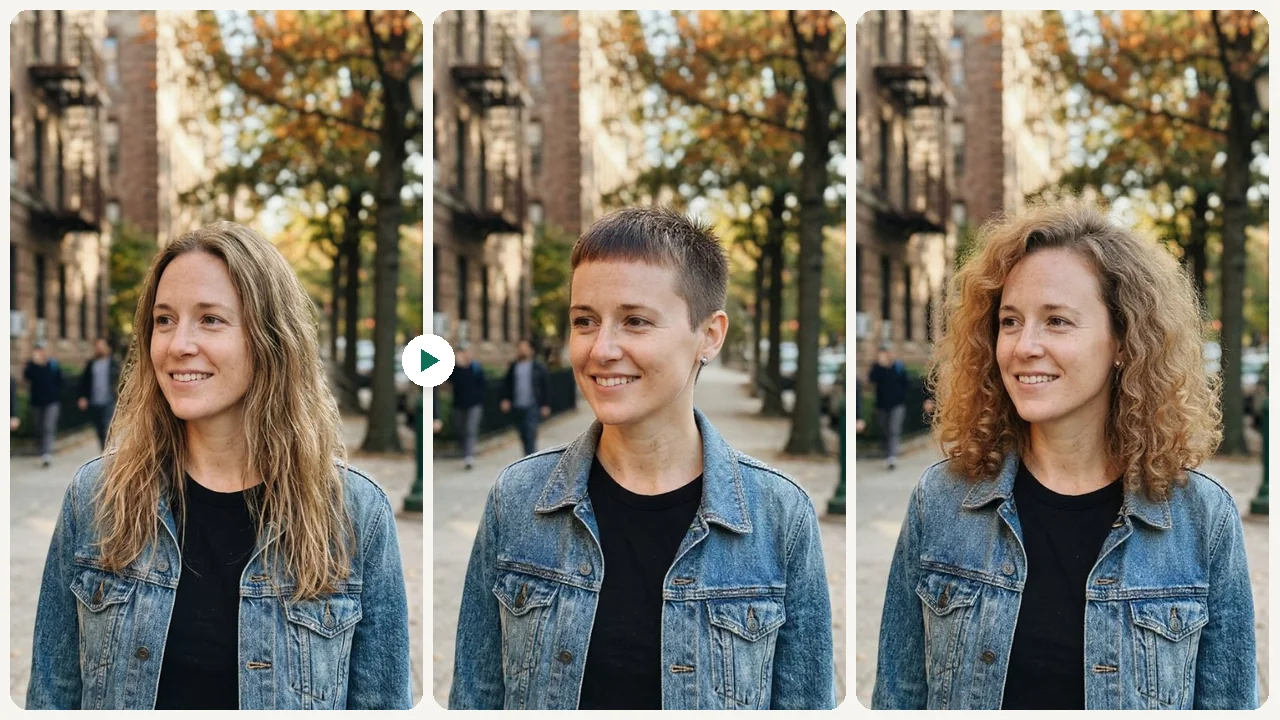
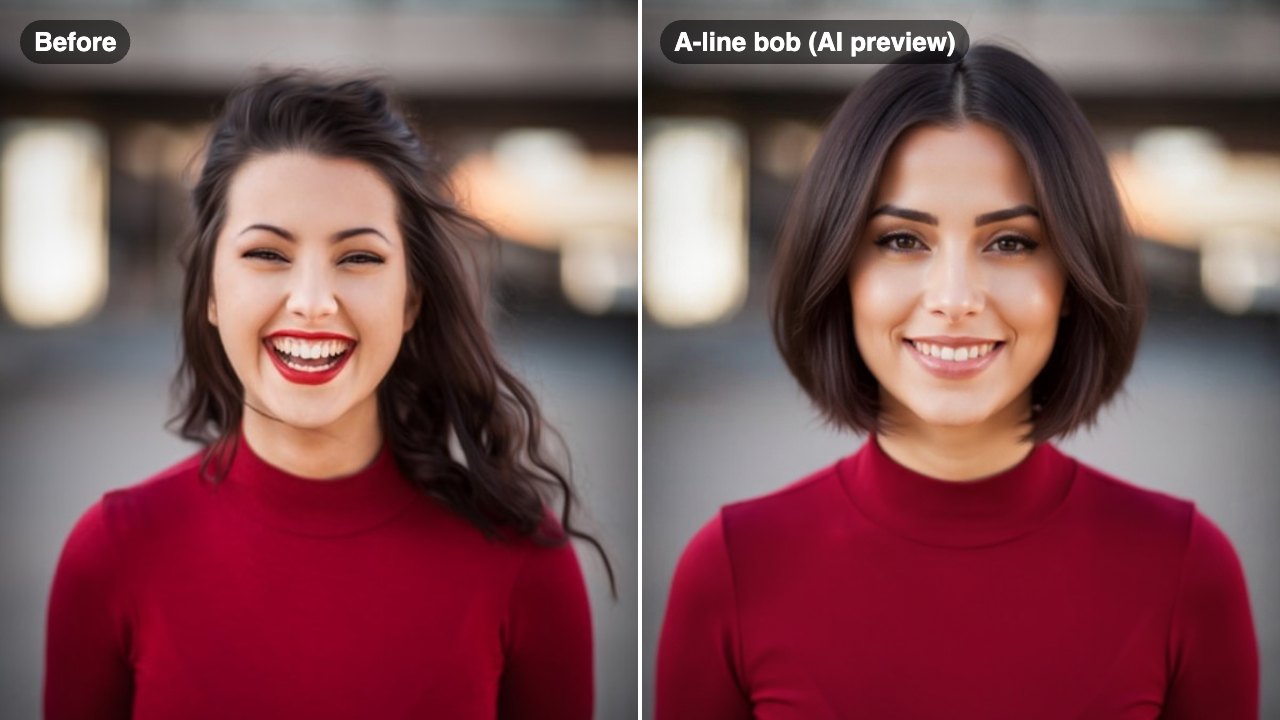
Before & After

See the transformation

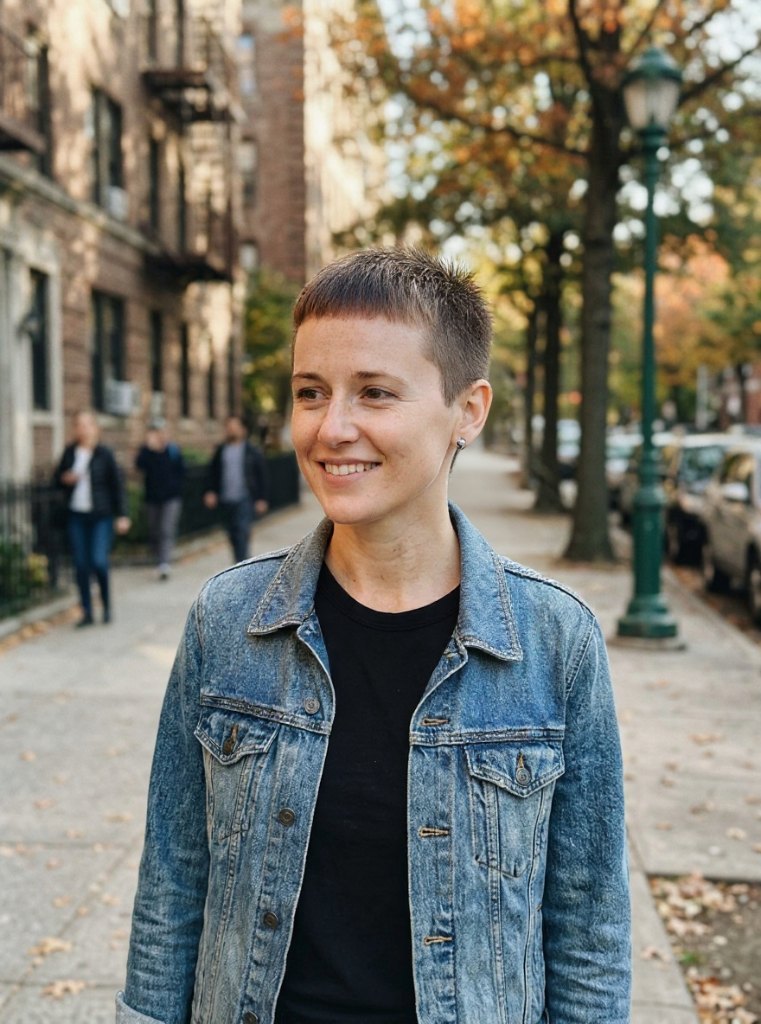
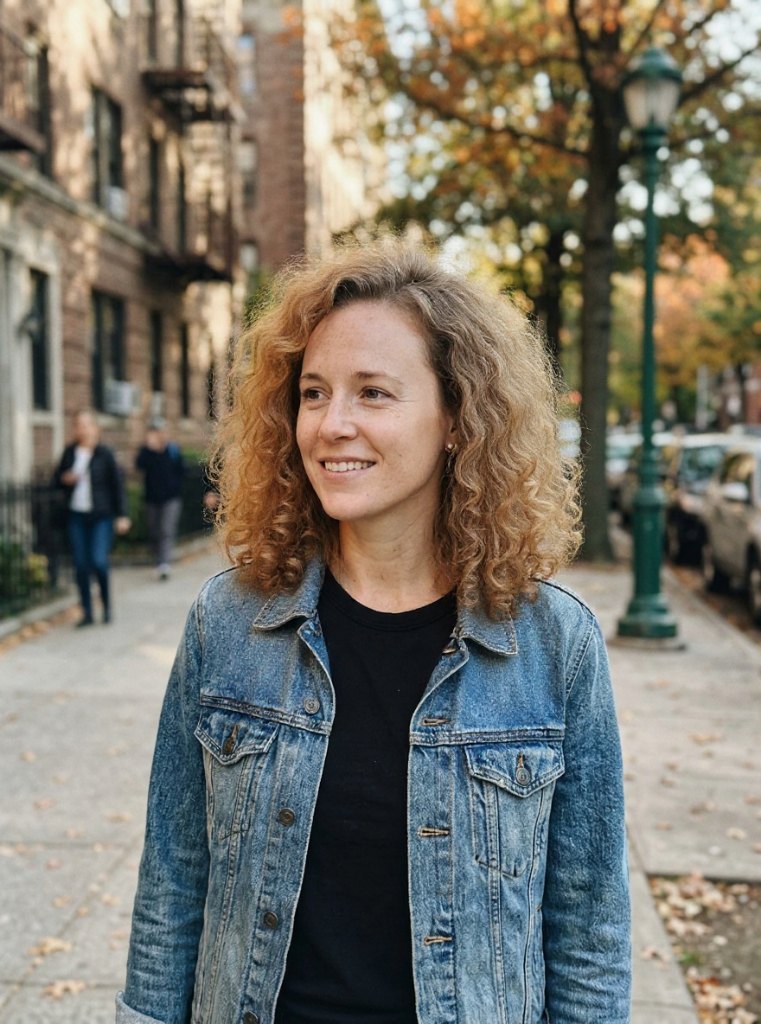
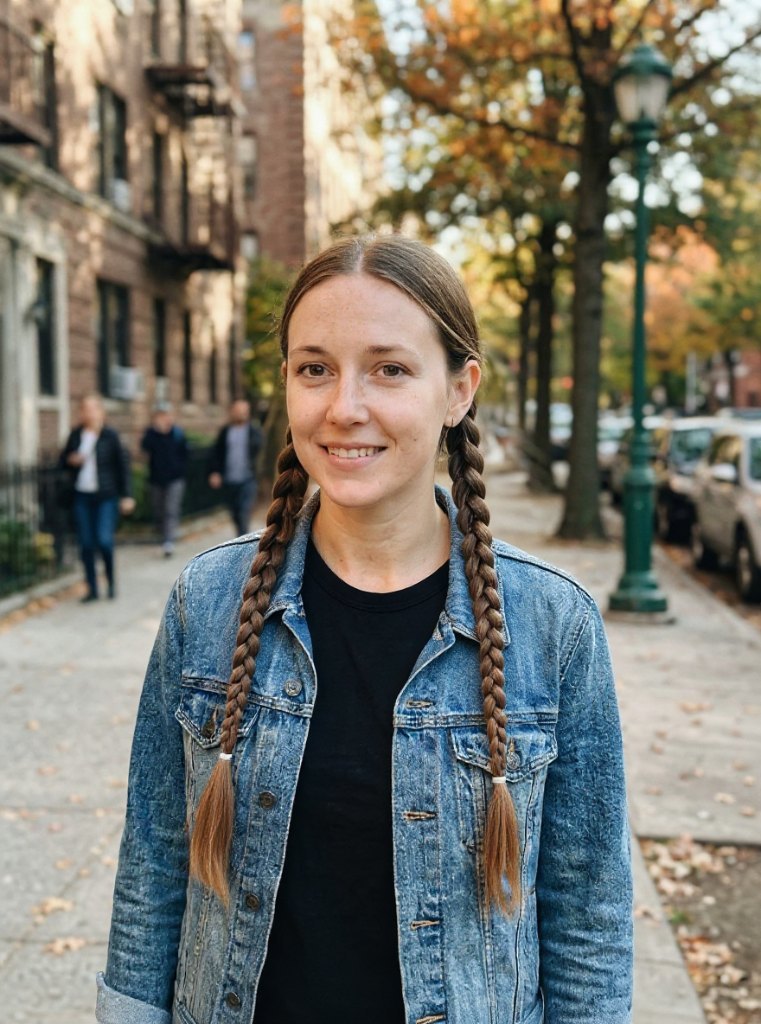
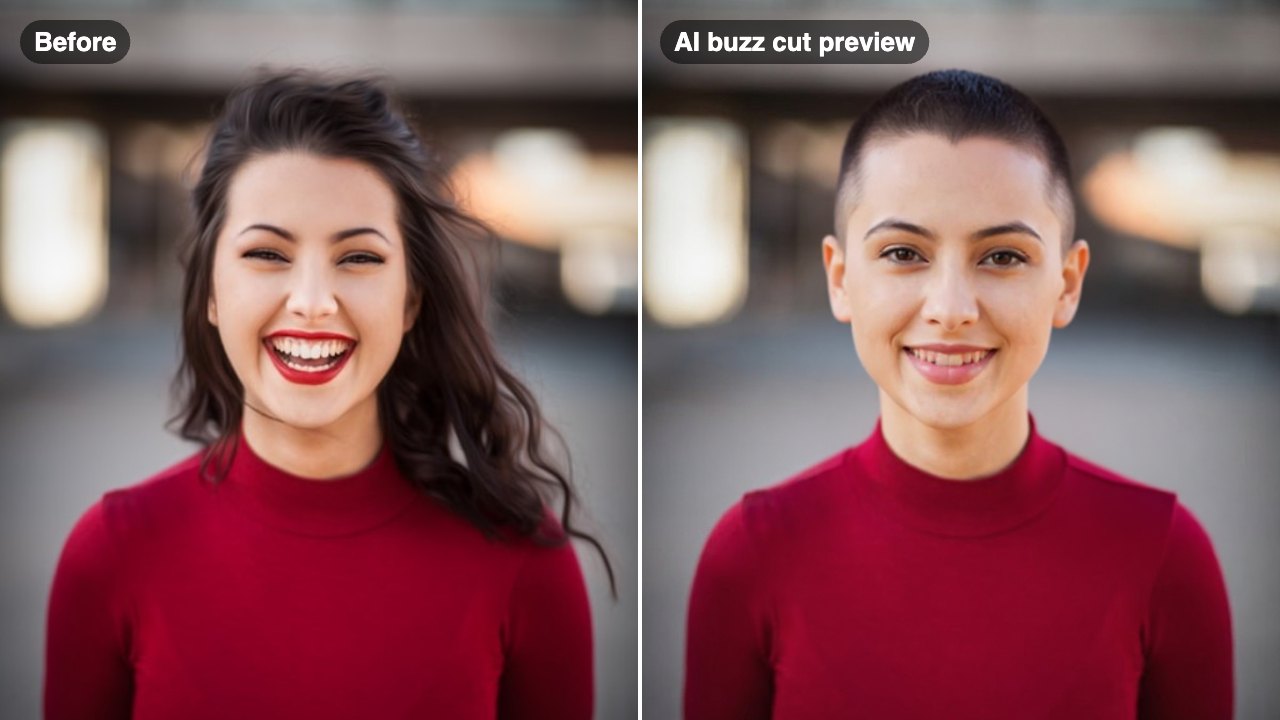
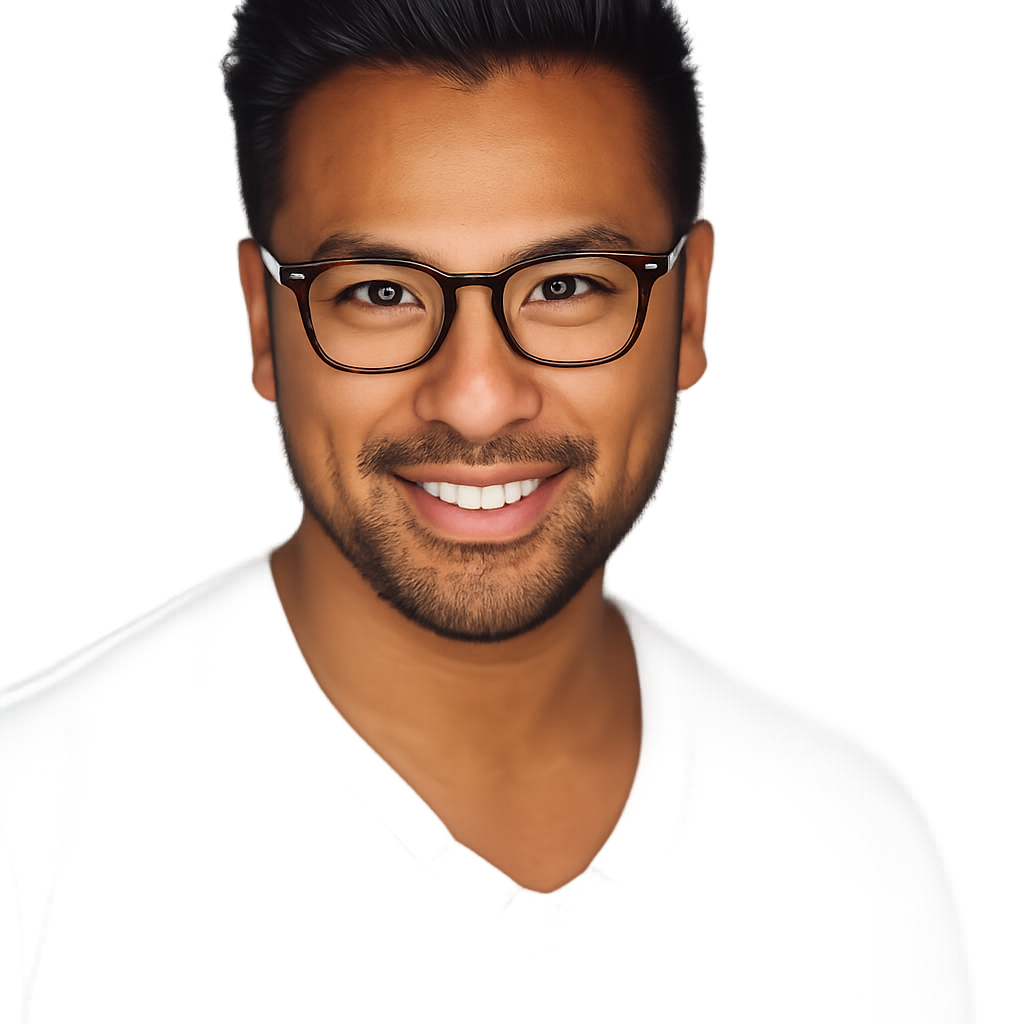
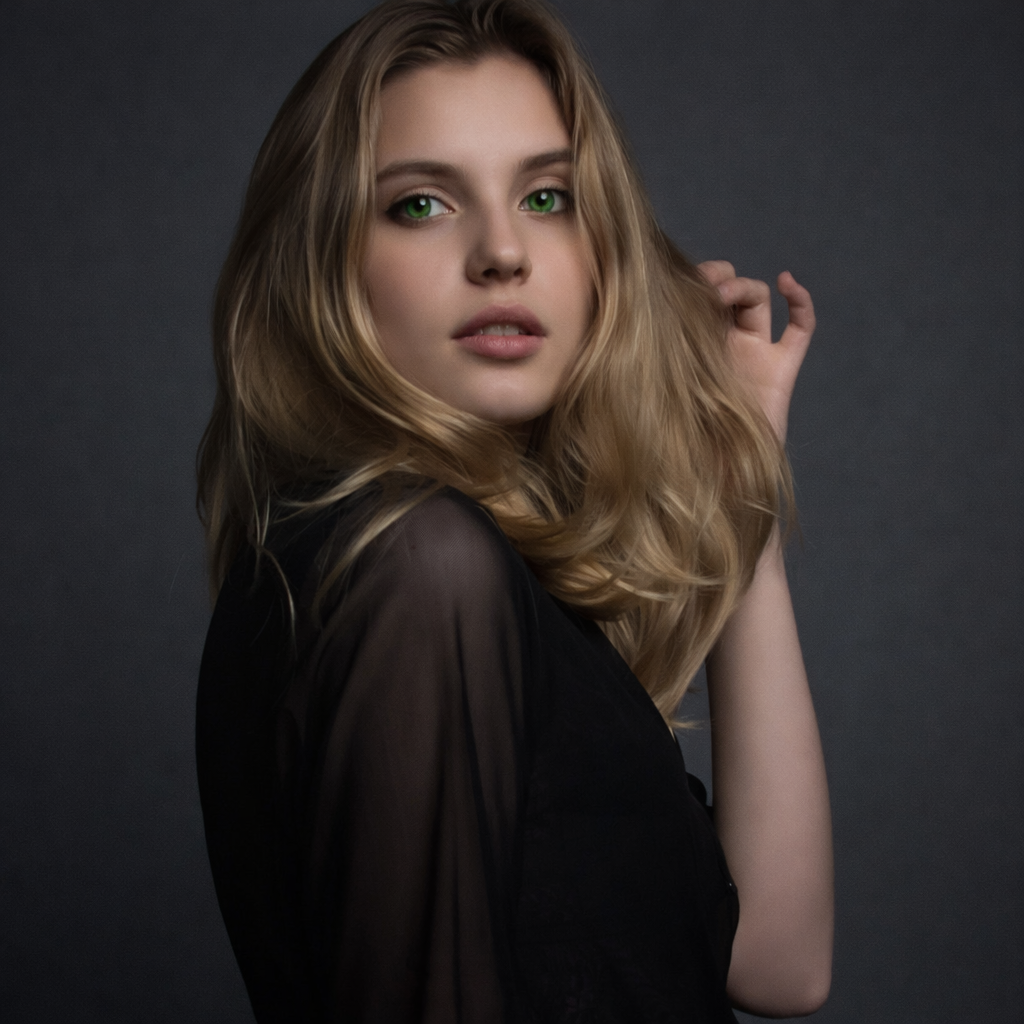
Original photo before AI Hairstyle Changer - A-Line Bob styleOriginal photo before AI Hairstyle Changer - Pixie styleOriginal photo before AI Hairstyle Changer - Spiral Perm styleOriginal photo before AI Hairstyle Changer - Two Braids style
Original photo
Before
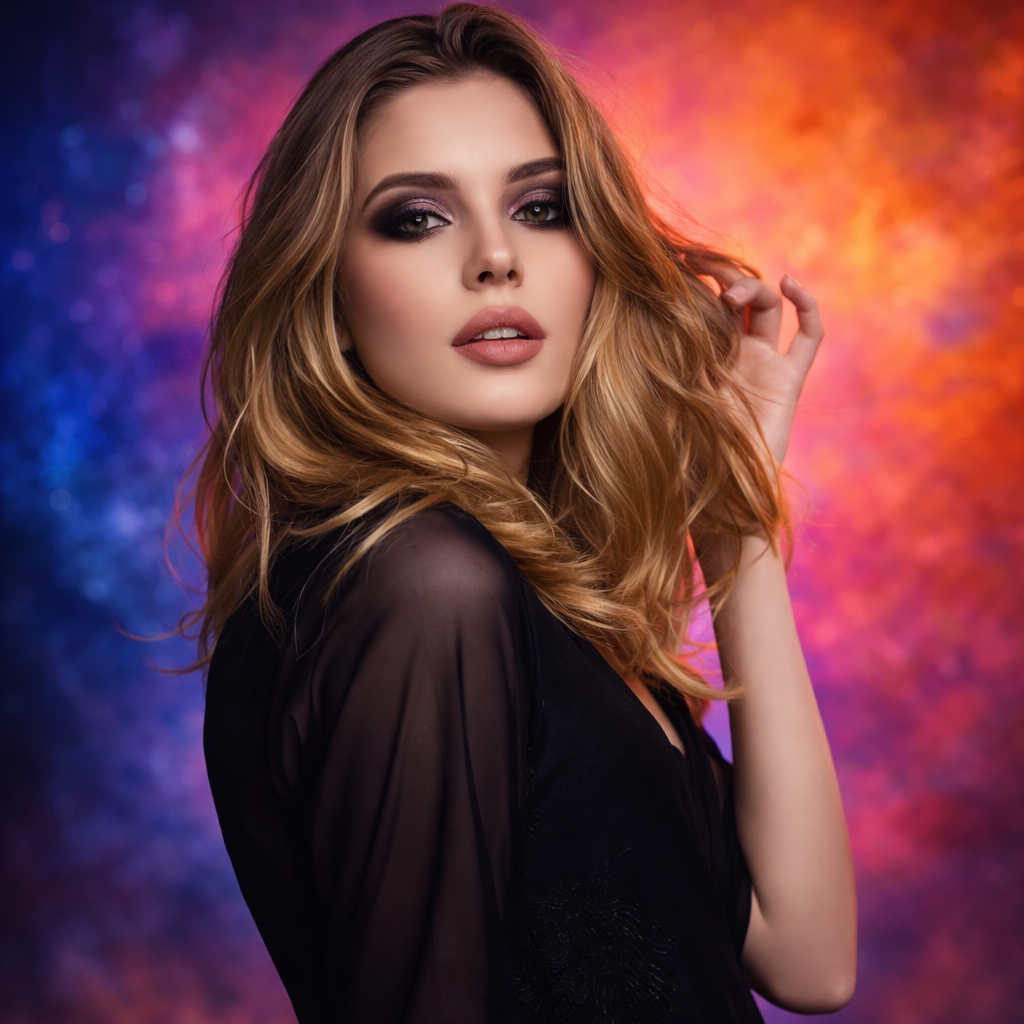
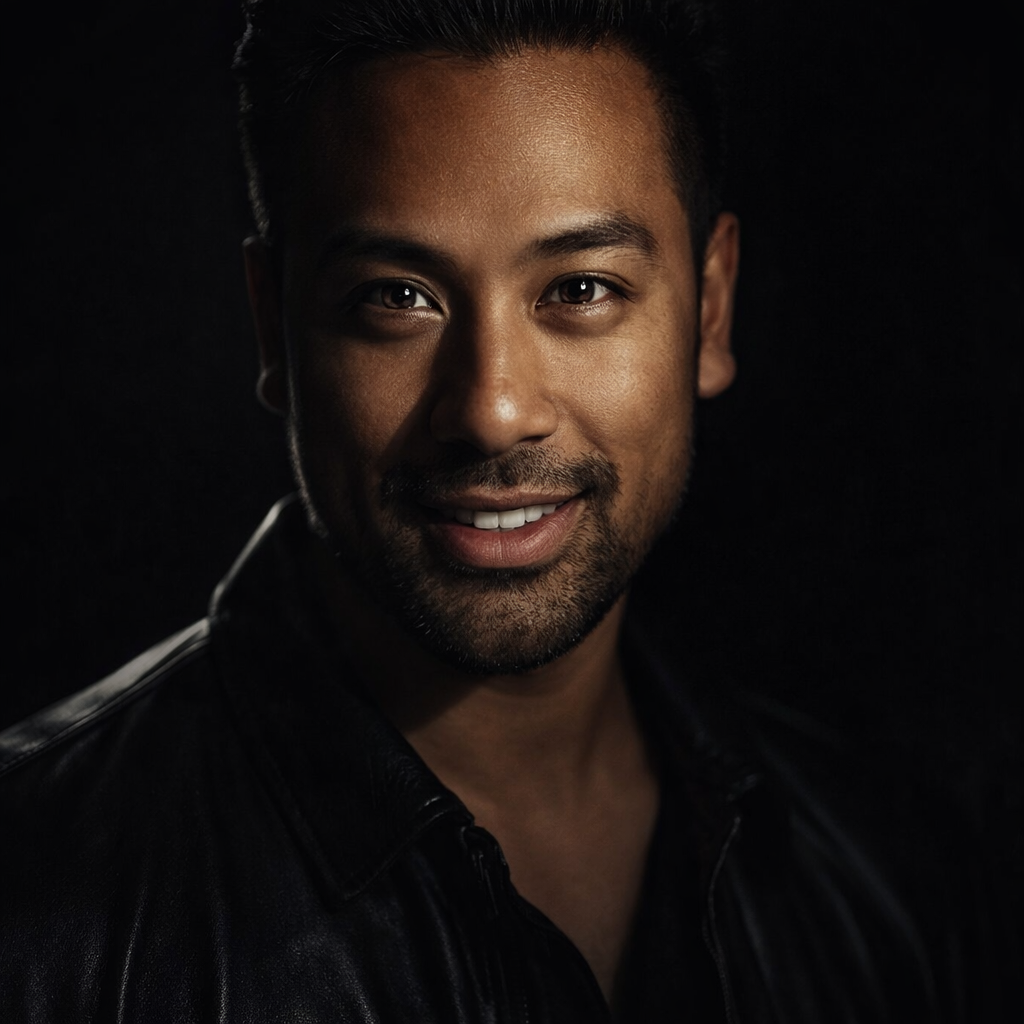
AI result in A-Line Bob style - AI Hairstyle ChangerAI result in Pixie style - AI Hairstyle ChangerAI result in Spiral Perm style - AI Hairstyle ChangerAI result in Two Braids style - AI Hairstyle Changer
AI result
After
A-Line Bob Style
AI Hairstyle Changer · Eidora AI
What Is This Tool
AI Hairstyle Changer overview

What Is AI Hairstyle Changer?

Choosing a new hairstyle blind is risky, and a haircut you regret lasts months. Upload a selfie and preview nine styles on your own face, from a pixie or A-line bob to a shag, waves, a spiral perm, braids or a top bun. Previews are made by image-editing models (FLUX.1 Kontext from Black Forest Labs, and Seedream 4.5 for the Straight style), which are told to keep your face, expression and background the same and change only the hair. Take the one you like to your stylist as a reference.

Use Cases

What you can create

AI Hairstyle Changer use case - Before a Salon Visit

Before a Salon Visit

Preview a bob, a shag or a pixie on your own face and show your stylist the look you want.
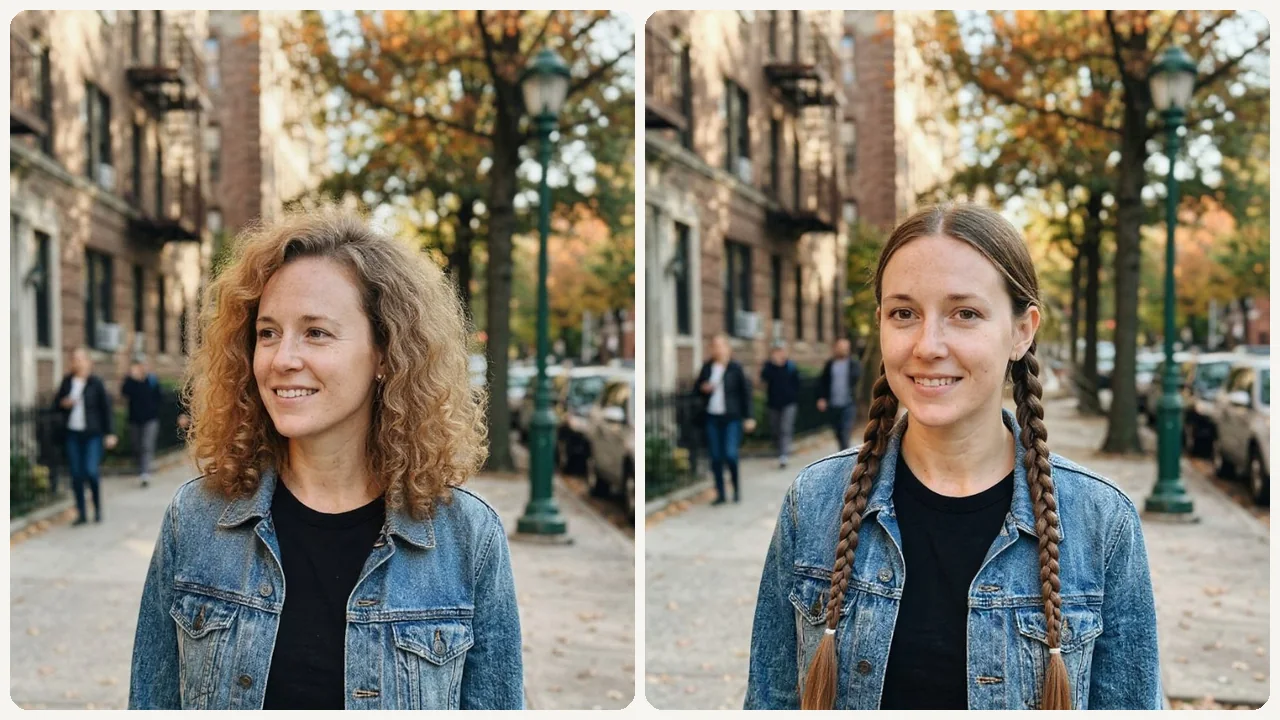
AI Hairstyle Changer use case - Social Media Try-On

Social Media Try-On

Create fun before/after content to share with friends and followers.
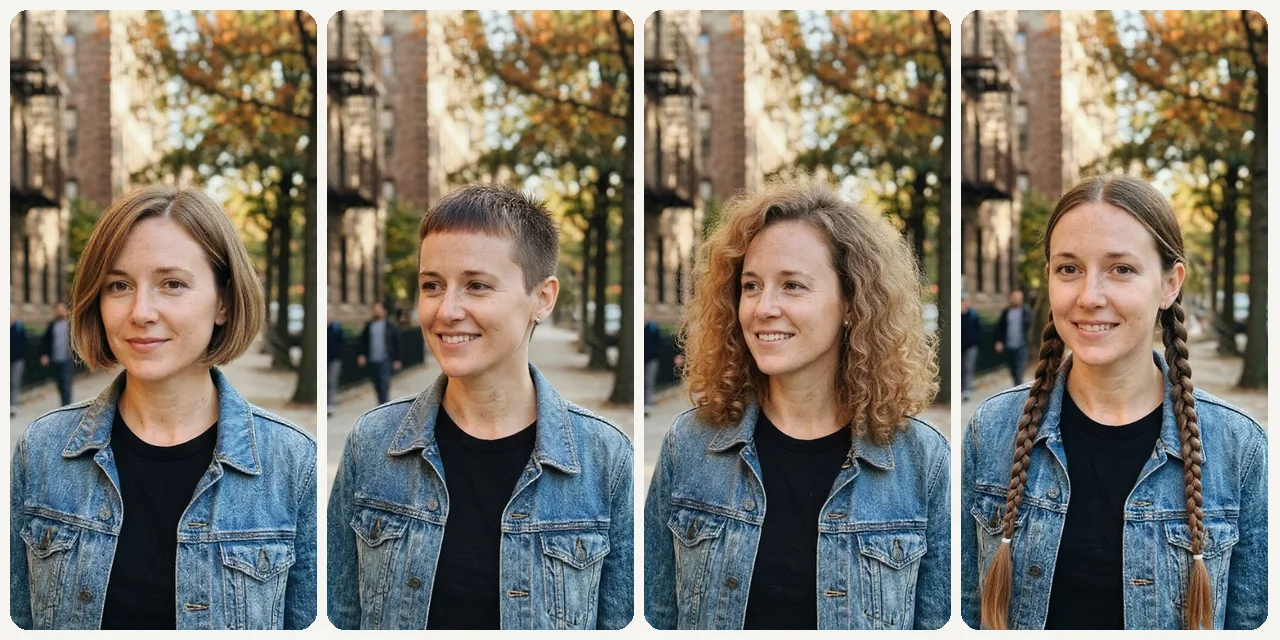
AI Hairstyle Changer use case - Post-Breakup Glow-Up

Post-Breakup Glow-Up

Try a bold change, such as a pixie or a spiral perm, on a photo before you commit to it.

Why Eidora

Built different, built better

Reduce Haircut Trial-and-Error
See how each hairstyle matches your face shape before you commit, so you walk into the salon with confidence.
Share Before & After Comparisons
Natural before/after results are easy to share with friends or your stylist for feedback.
Explore More Looks
Easily jump to hair color, glasses, or headshot tools to complete your new look.
How it works

Three steps. About a minute.

AI Hairstyle Changer: Upload Your Selfie
  1. Upload Your Selfie

    Upload a clear front-facing selfie.

  2. Choose a Style

    Choose a hairstyle preset or describe your look.

  3. Compare & Download

    Generate, compare, and download your favorite version.

Try AI Hairstyle Changer Now
✦ Try It Free Now
FAQ

Frequently
asked questions

Everything you need to know. Can't find what you're looking for?
Still have questions?
Our support team is happy to help.
Contact Support
Upload a selfie, pick one of the 9 hairstyles and press Try Hairstyle Now. The AI redraws only your hair in that style and gives you one image per run; to try another cut, pick another style and run it again.
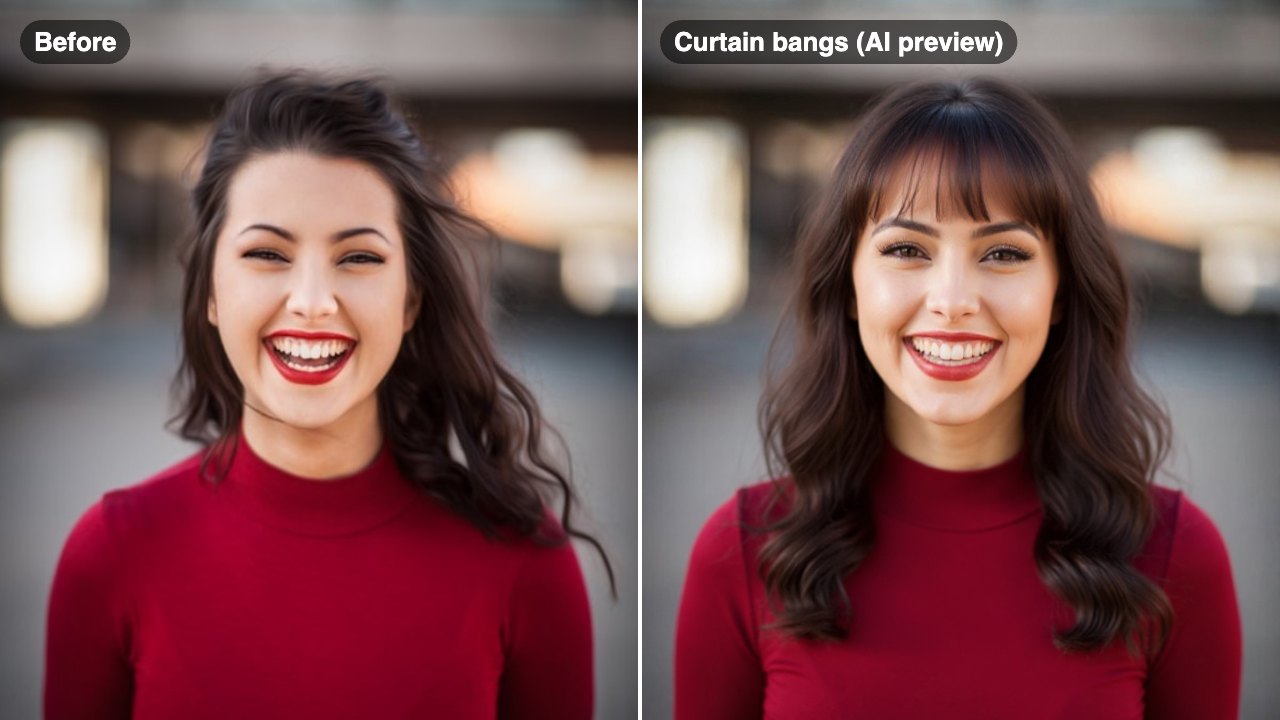
Nine: Wavy Hair, A-Line Bob, Medium Bob, Pixie, Shag Haircut, Spiral Perm, Straight, Top Bun and Two Braids. In the Custom tab you can add details, such as curtain bangs; they are added to the selected style, and the AI tries to follow them, but results can vary.
That is the aim. The AI is told to keep your face, expression, natural hair color, clothing and background and to change only the cut and texture of your hair. The result is a newly generated image, so small details can shift slightly.
Front-facing photos with visible hairline and clean lighting produce the most realistic previews. You can upload a JPG, PNG, WebP or GIF image up to 10MB.
Usually 10 to 30 seconds. The Straight style runs on a different model and usually takes 20 to 60 seconds.
Yes, within the free credits: your first result needs no account, and a free account then starts with 16 credits and gets 4 free credits a day. Each hairstyle preview uses 4 credits, and free accounts keep history for 3 days. Free results carry a small eidora.io badge; paid plans are clean.
Your uploads, prompts and results are saved privately to your history so you can view and download them later, and only you can open them (if you are not signed in, they are tied to your browser session). To create a result, your input is sent to the AI model provider that runs the generation. We do not sell your content or use it to train AI models.
You must have the necessary rights to the original photo. Permitted uses of the result also depend on applicable law and the selected third-party model or provider terms.
It keeps your natural hair color, so use the AI Hair Color Changer for a new shade. Each run makes one image of one style, with no side-by-side view: run the same photo with different styles (4 credits each) and compare them. It also cannot show how your own hair will behave after a real cut, so treat the preview as a reference for your stylist.
Start with daily credits
Ready to create
your masterpiece?
9 styles · 4 credits per image · Free to try · 4 free credits daily
Free to try · 4 free credits daily
~10–30 seconds
Instant download