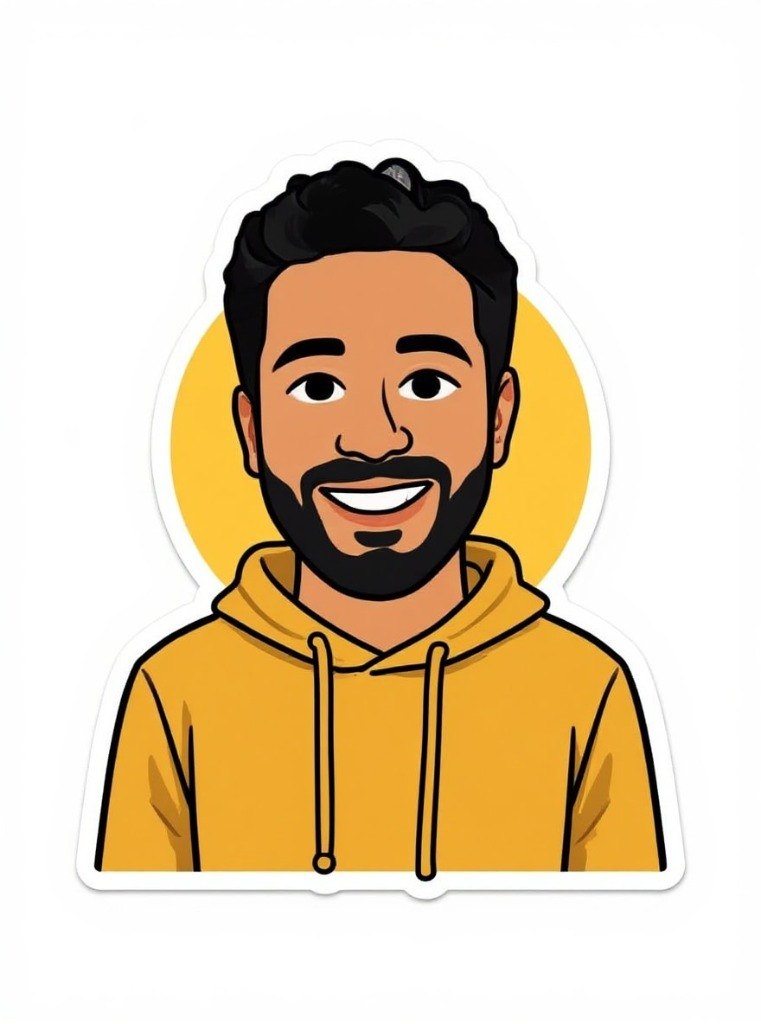
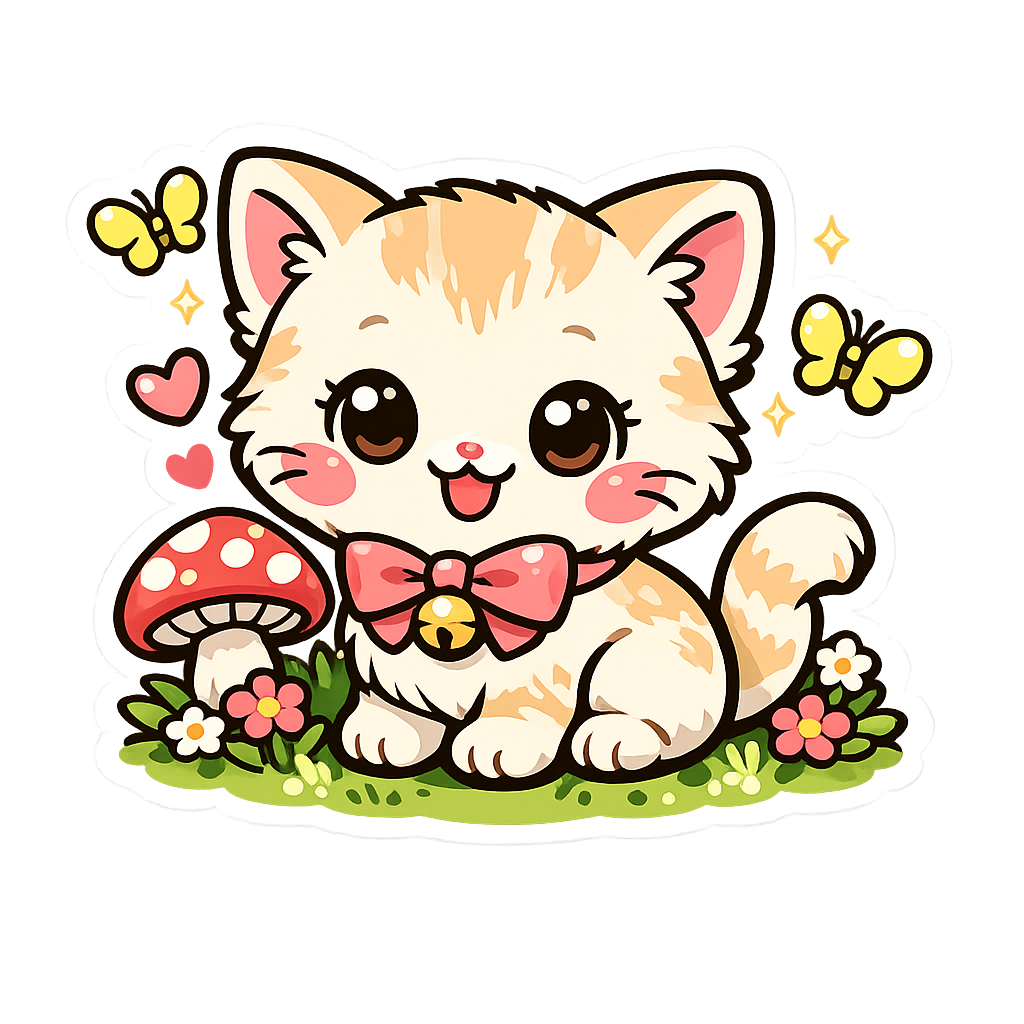
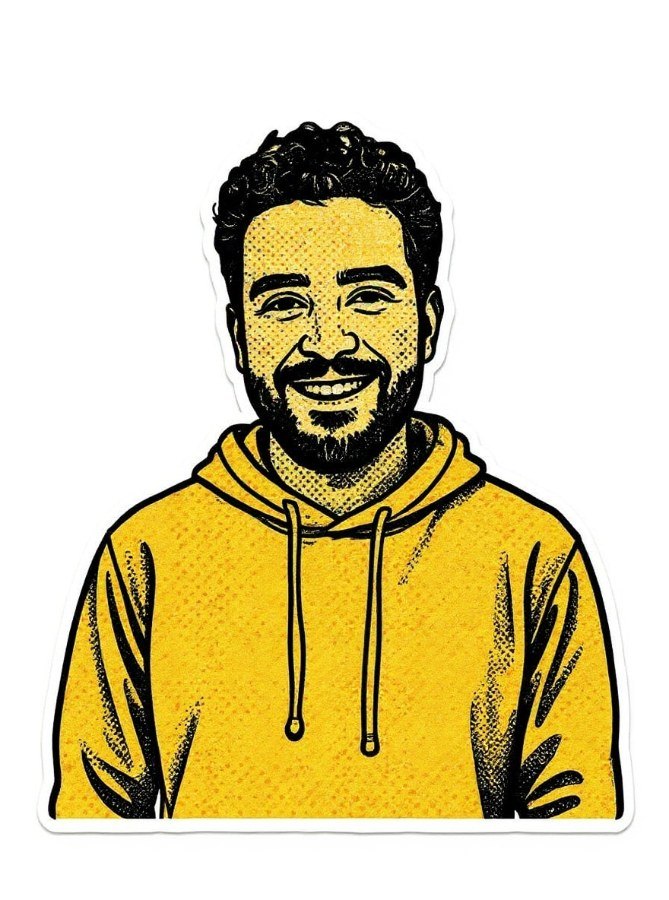
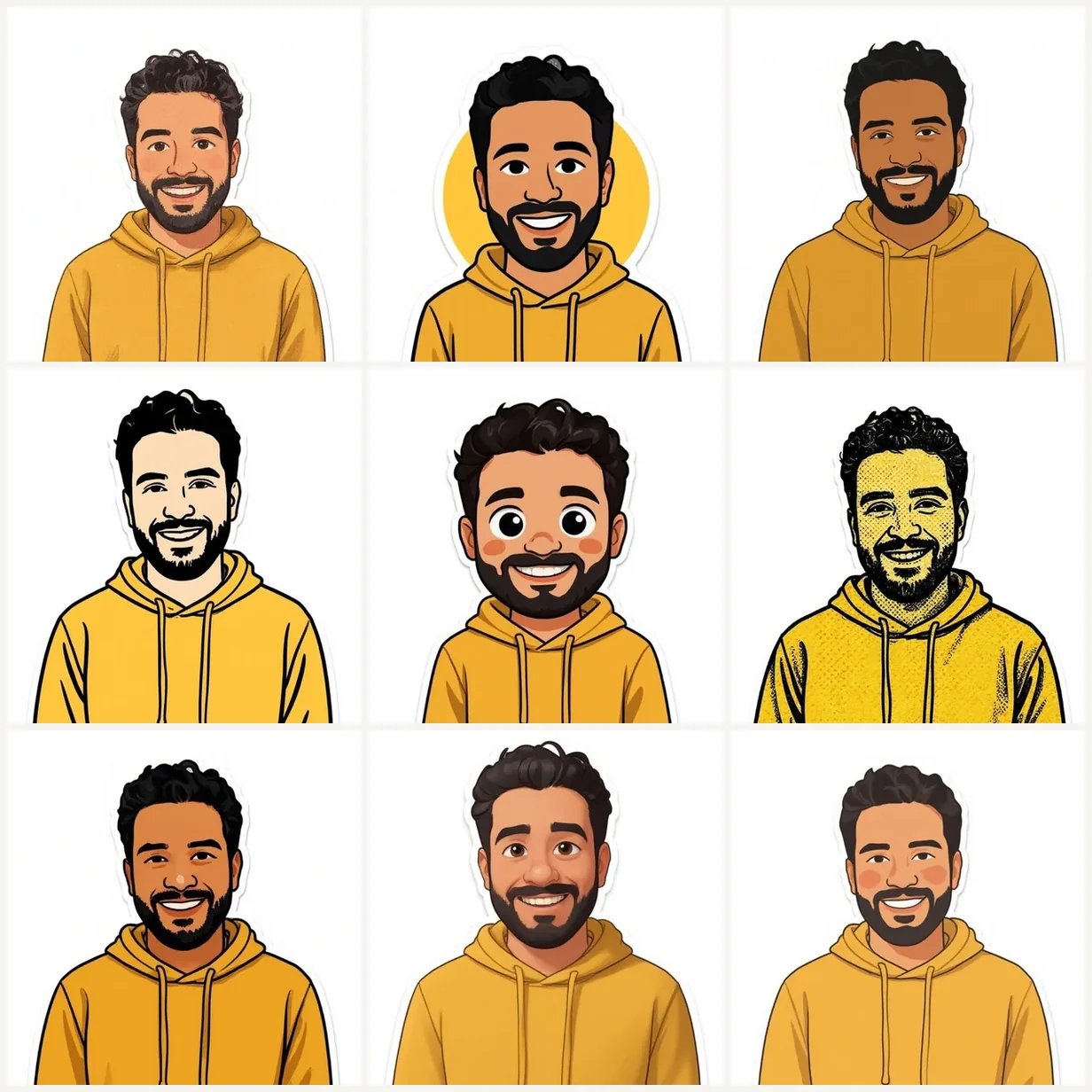
9 Unique Sticker Styles
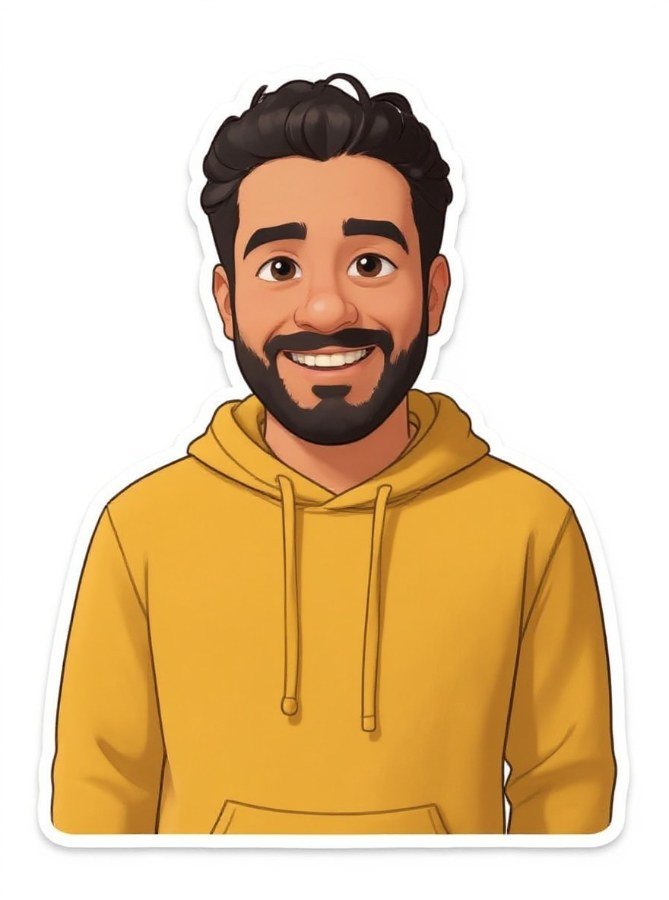
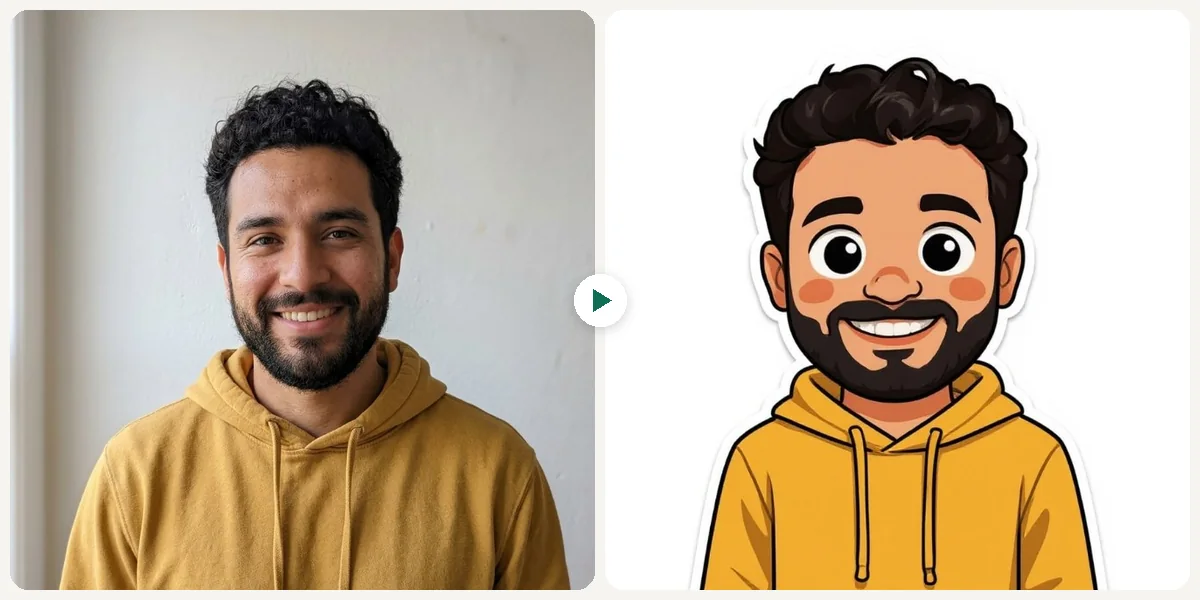
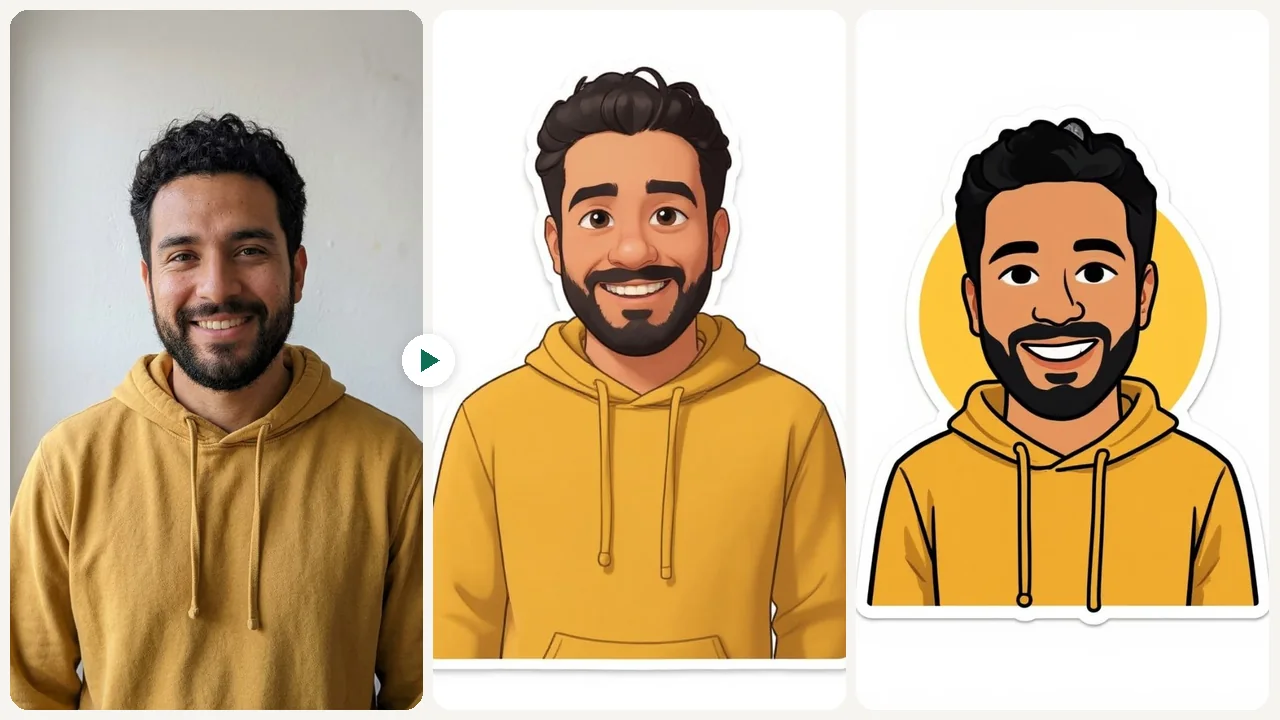
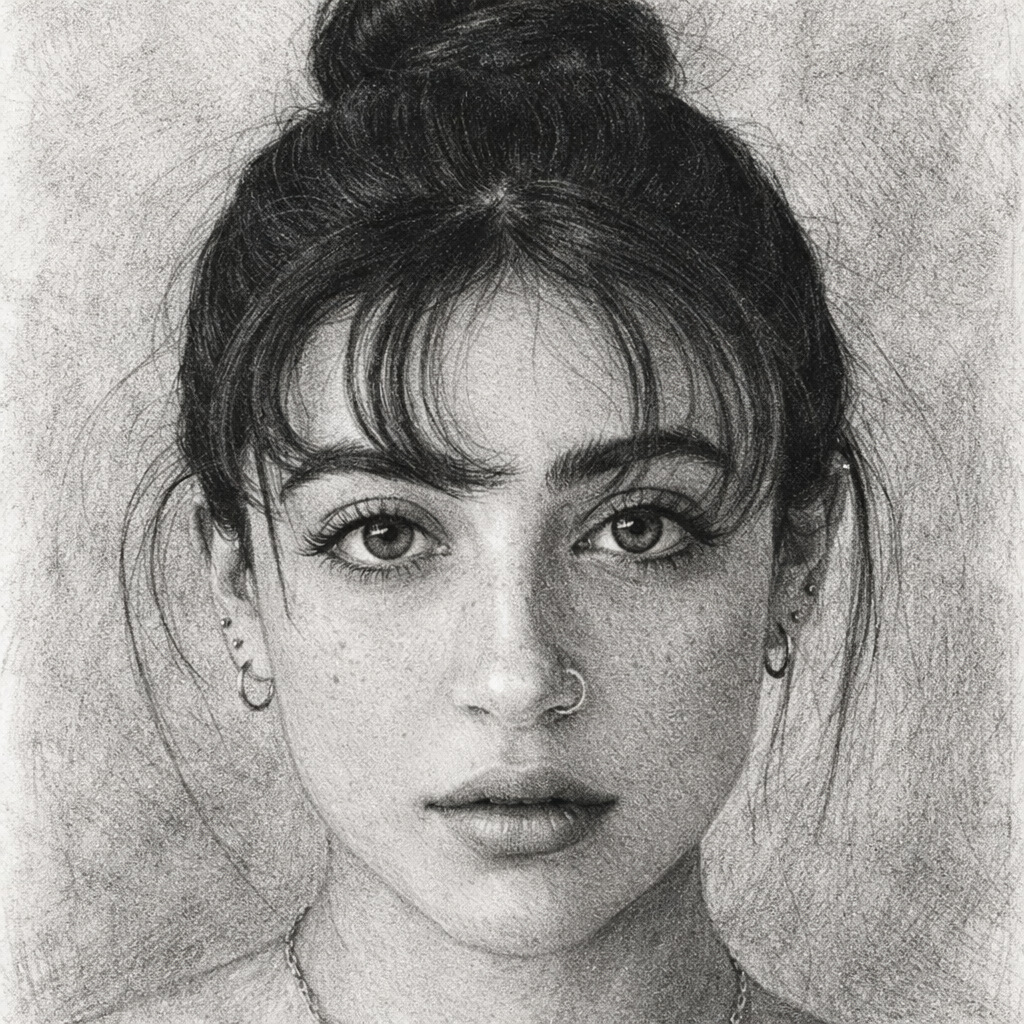
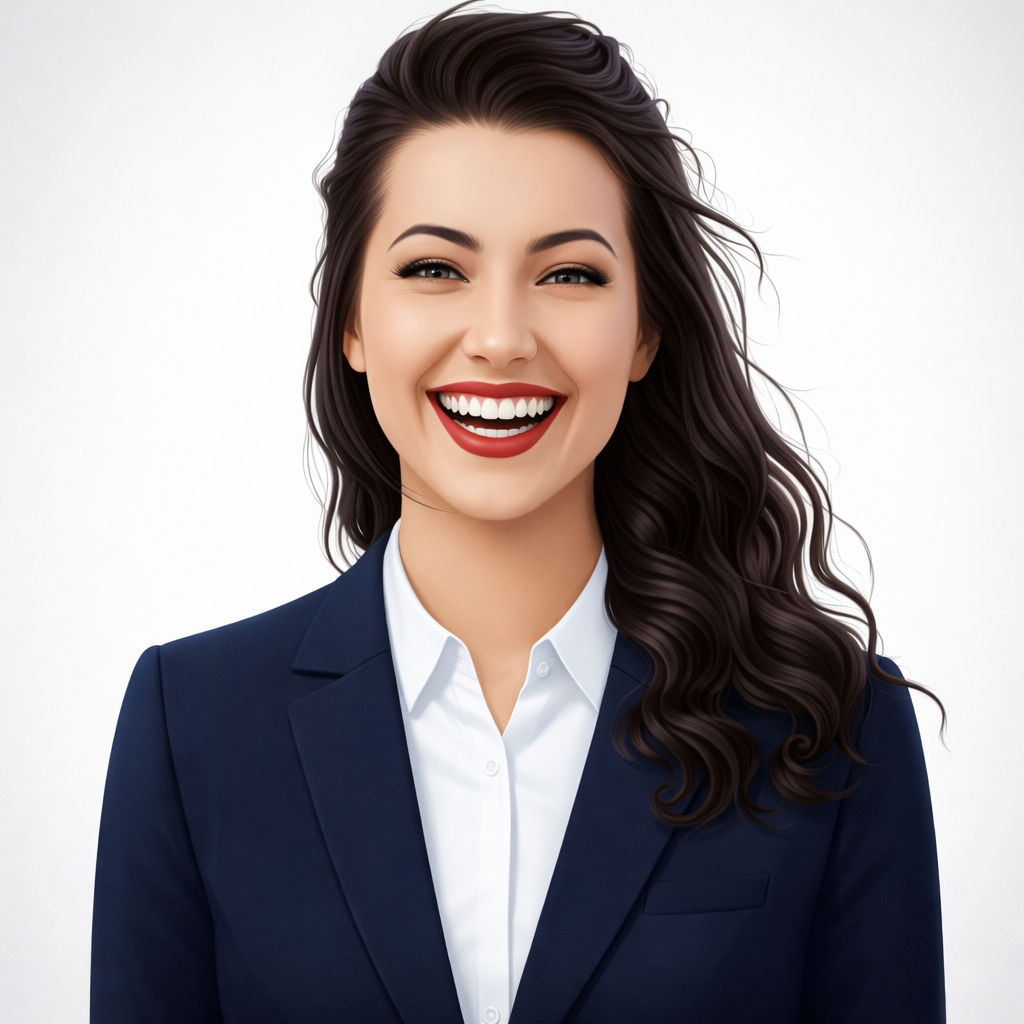
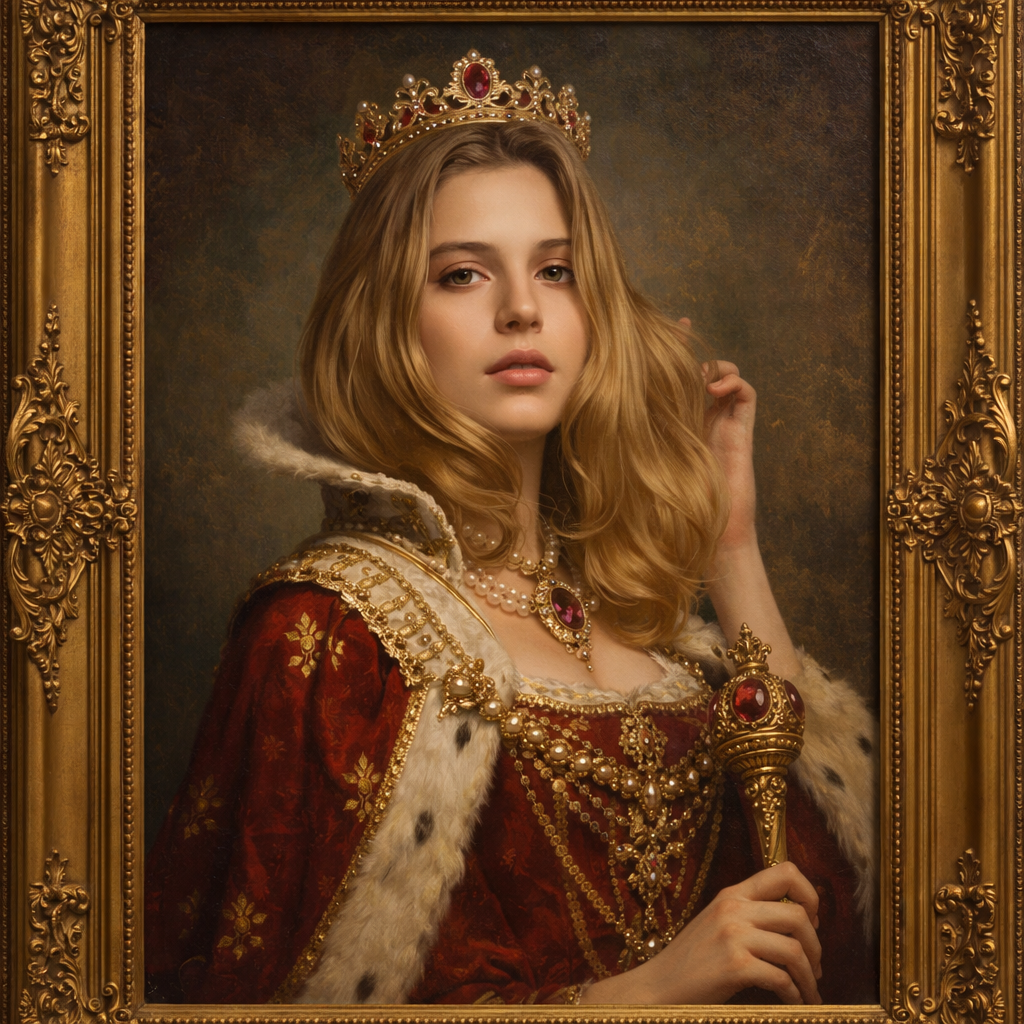
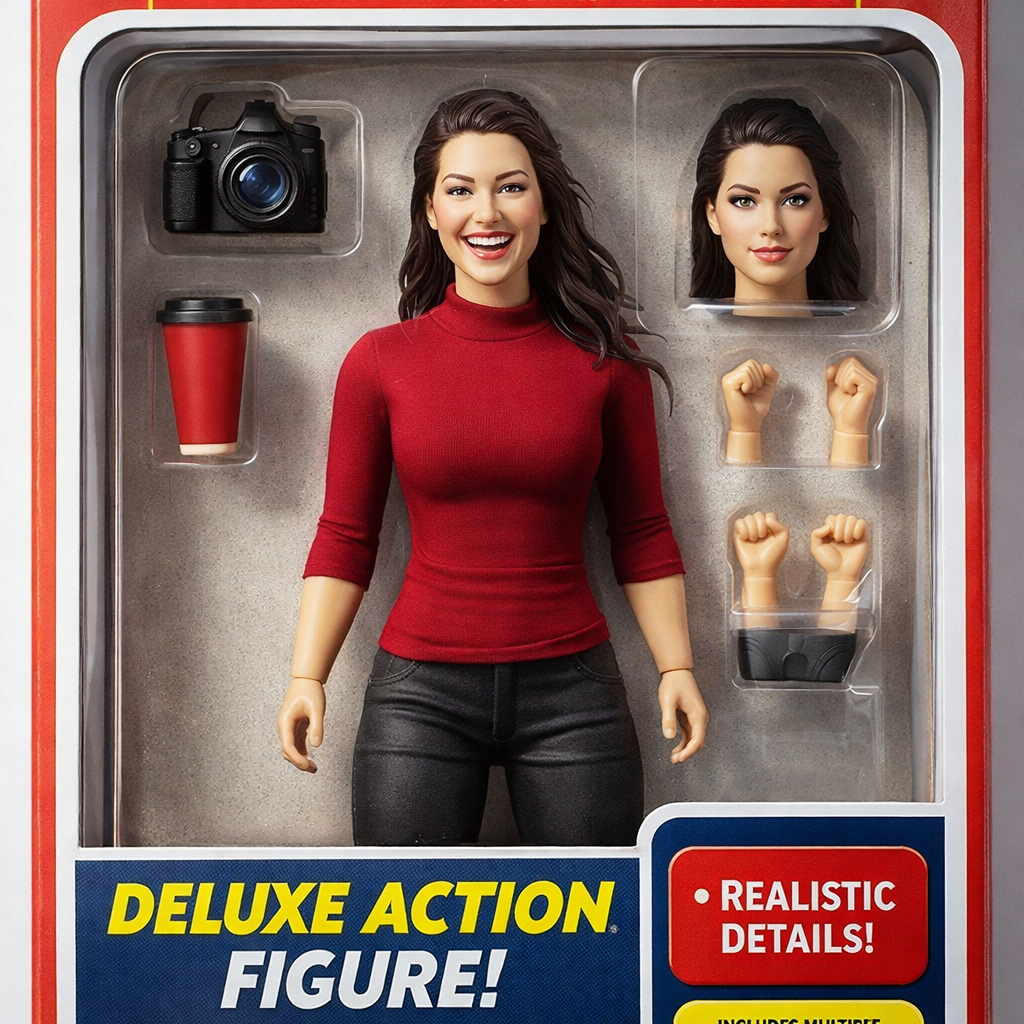
From kawaii and chibi to holographic and pop art, each style produces distinctly different sticker aesthetics.
ai sticker generator free online
Upload a selfie, pet pic, or group photo and get die-cut stickers rendered in Ghibli, Pixar, Chibi, Snoopy, and 5 more styles. Print-ready PNGs with transparent backgrounds, no design tools required.
Turn any photo into custom stickers with AI. 9 styles: kawaii, chibi, die-cut, holographic, 3D puffy & more. Free plan credits are available for testing.
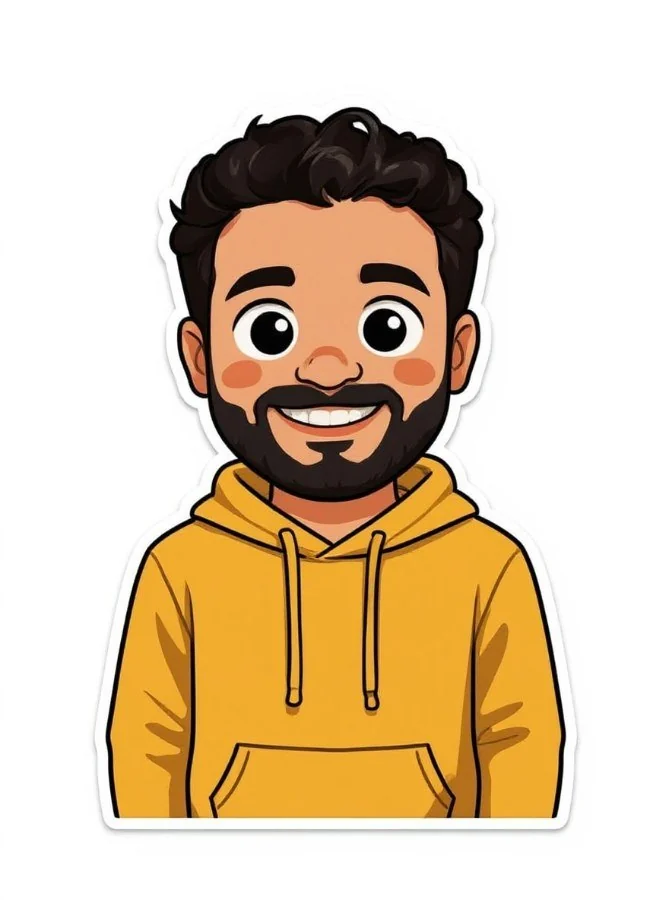
Sample results

Oversized sparkly eyes, rosy cheeks, and pastel colors transform your photo into an irresistibly cute sticker.

Clean white border and crisp edges create a professional print-ready sticker with bold colors.

Bold primary colors, Ben-Day dots, and thick outlines create an eye-catching comic-book style sticker.
What can this tool do?
Most sticker apps slap a white outline on a cutout and call it done. Eidora's sticker engine actually re-renders your photo in the target art style — Ghibli soft-paint strokes, Snoopy flat-ink outlines, Pixar subsurface-scatter shading — then auto-crops a die-cut contour with bleed-safe margins so the result prints cleanly on any kiss-cut sheet. The 9 styles span hand-drawn illustration, Japanese irasutoya flat-colour, comic halftone, and emoji-grade simplification, each with a separate rendering pipeline tuned for that aesthetic. You upload once, switch styles instantly, and get transparent-background PNGs sized for WhatsApp, Telegram, and physical 3-inch circles alike.
Finding the perfect sticker means sifting through thousands of generic options or learning complicated design tools. Hiring a designer for custom stickers is expensive, and DIY attempts rarely match the professional look you want.
Why choose this tool?
From kawaii and chibi to holographic and pop art, each style produces distinctly different sticker aesthetics.
Clean edges and defined borders make every sticker ready to print on vinyl, paper, or use as digital assets.
Create stickers in seconds. Upload a photo, preview the result, then create an account to save or export.
How to use
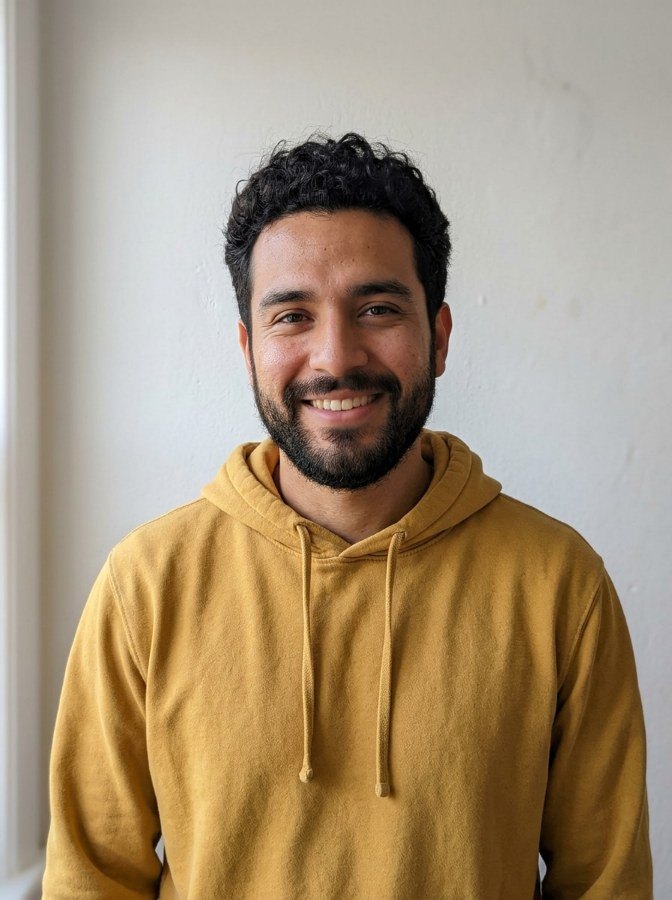
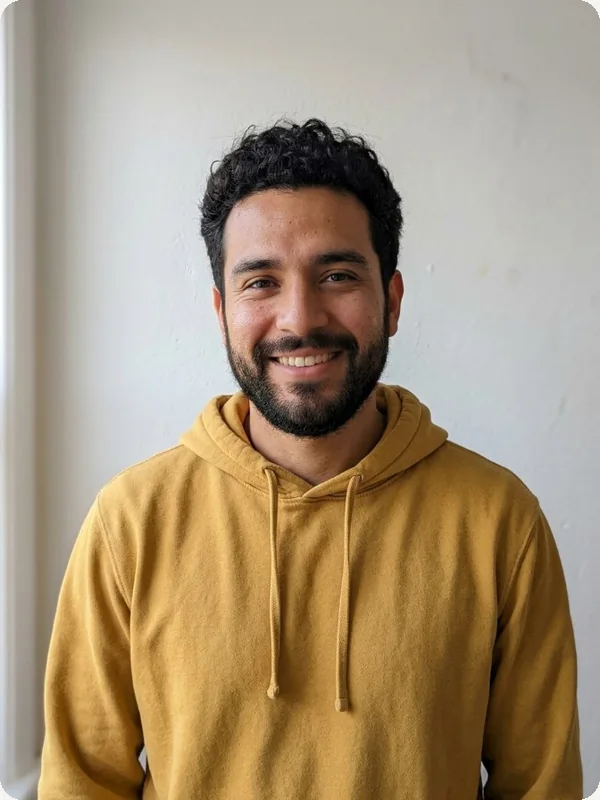
Drag and drop any photo of a person, pet, object, or scene you want to turn into a sticker.
Pick from 9 sticker styles: kawaii, chibi, die-cut, holographic, pop art, 3D puffy, and more.
Get your custom sticker in high quality, ready to share on social media or print on physical products.
Use cases
Create personalized sticker packs from your photos for WhatsApp, Telegram, and iMessage. Turn selfies, pet photos, or inside jokes into unique chat stickers your friends will love.
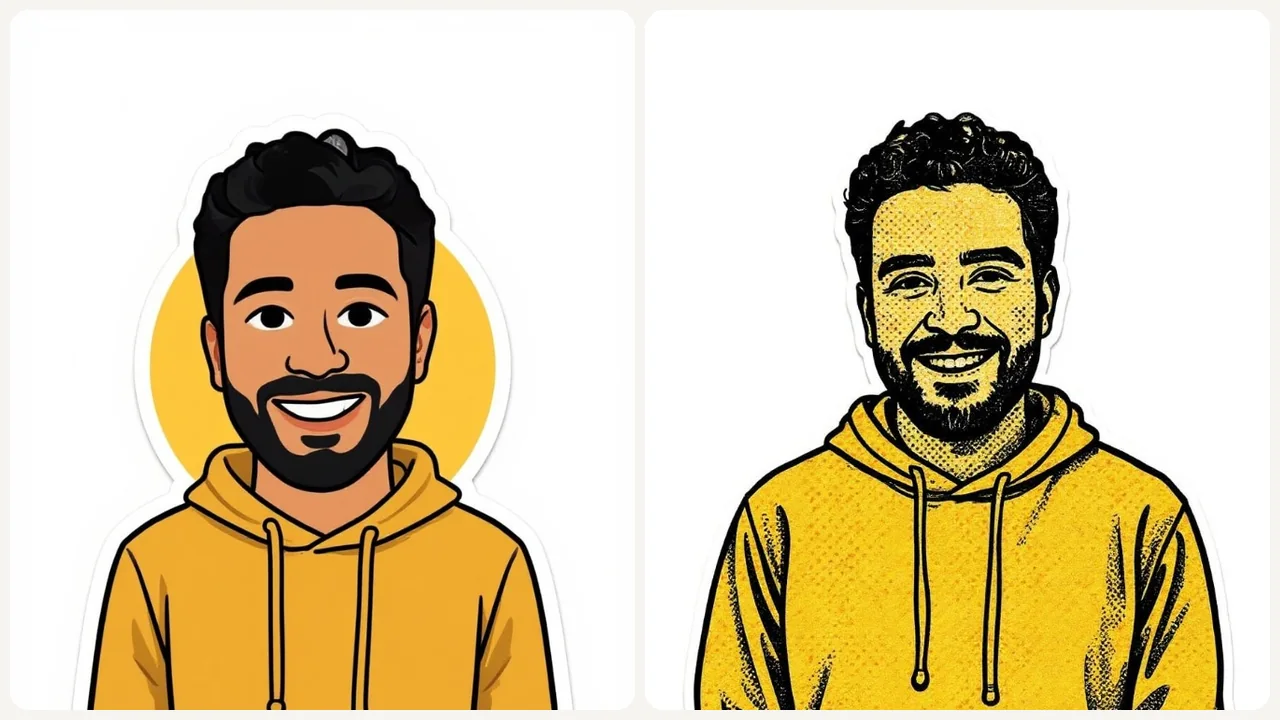
Small businesses can create branded stickers for packaging, social media, and marketing materials. Turn product photos or logos into professional die-cut stickers without a designer.
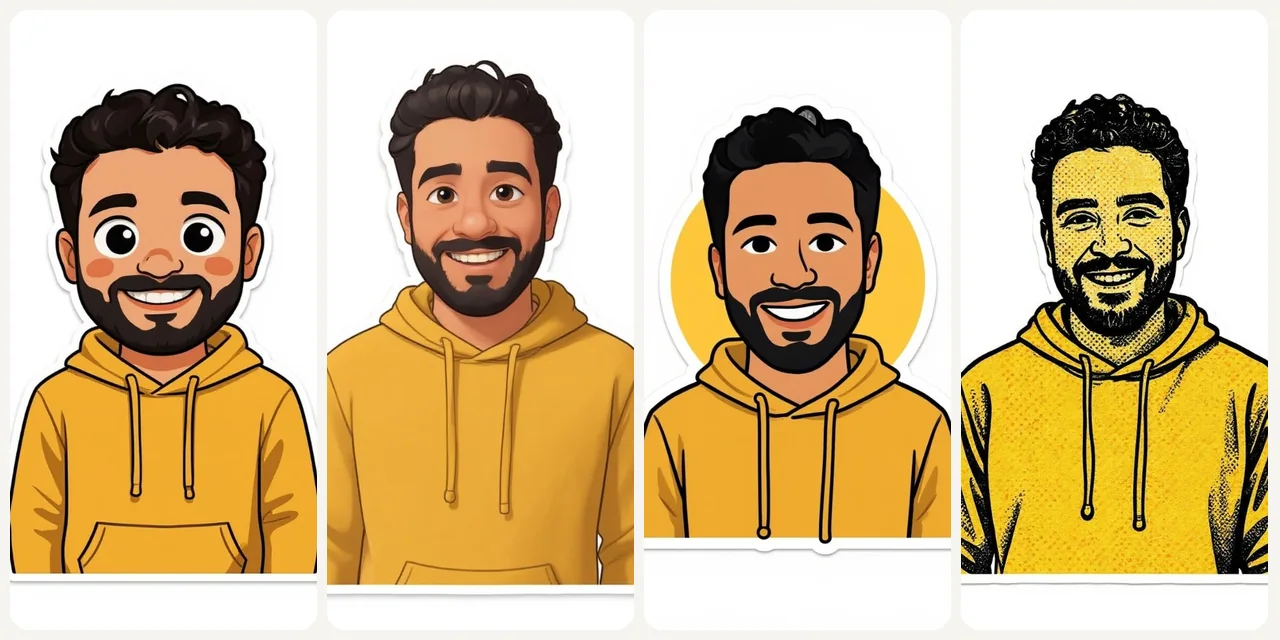
Transform family photos, pet portraits, or travel memories into printable stickers for scrapbooks, greeting cards, water bottles, and personalized gifts for any occasion.
Testimonials
I create custom pet stickers for my shop using this tool. The die-cut style looks exactly like professional vinyl stickers. My best-selling product line.
My Telegram sticker pack made from selfies went viral. The chibi style makes everyone look adorable, and my community loves the custom emoji.
I turn student photos into kawaii reward stickers. The kids are so motivated to earn them. Way cheaper than buying commercial sticker sheets.
FAQ
An AI sticker generator uses artificial intelligence to transform your photos into custom sticker designs. Our tool offers 9 distinct styles from cute kawaii to professional die-cut, creating print-ready stickers instantly.
Free users get 6 credits per day. Paid plans start at $9.9/month for more credits and HD export.
We offer 9 styles: Kawaii, Emoji Style, Chibi, Die-Cut, Vintage, Holographic, Pop Art, Watercolor, and 3D Puffy. Each creates a distinctly different sticker aesthetic.
Yes, stickers are generated at high resolution with clean edges, suitable for printing on vinyl, paper, or other materials. Die-cut and watercolor styles are especially popular for physical prints.
Photos with clear subjects, good lighting, and simple backgrounds work best. Portraits, pets, objects, and logos all convert well. The AI isolates the subject automatically.
Sticker generation typically takes 10 to 30 seconds depending on the style and image complexity. You'll see results almost instantly.
Free plan stickers are for personal use. Pro, Ultra, and Team plans include commercial usage rights for selling merchandise, marketing materials, and product packaging.
Die-cut and several other styles produce stickers with clean edges. The output is optimized for use as digital stickers or physical print stickers.
Start now