The Drake dinner-party trend, with your face
Burning Bridges AI Video
Upload one photo and become the host of the Burning Bridges dinner party, under crystal chandeliers with friends raising silver cups behind you. Get the still free, then turn it into a 4-second widescreen clip.
JPG, PNG or WebP up to 10 MB.
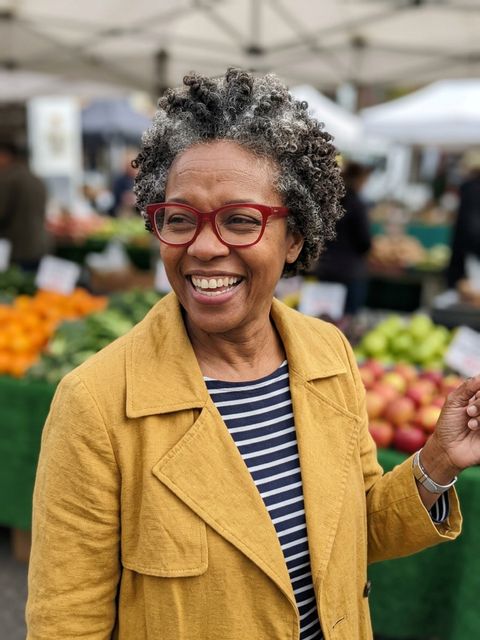 Made from this photo
From one photo to the dinner party
Real results made on this page. Nothing below is retouched.
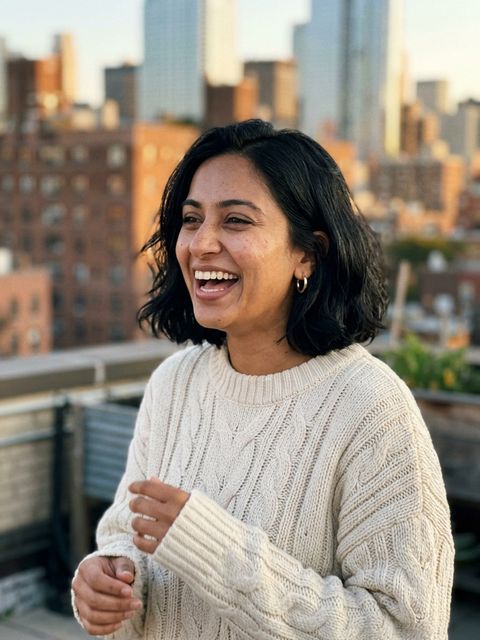 4-sec video
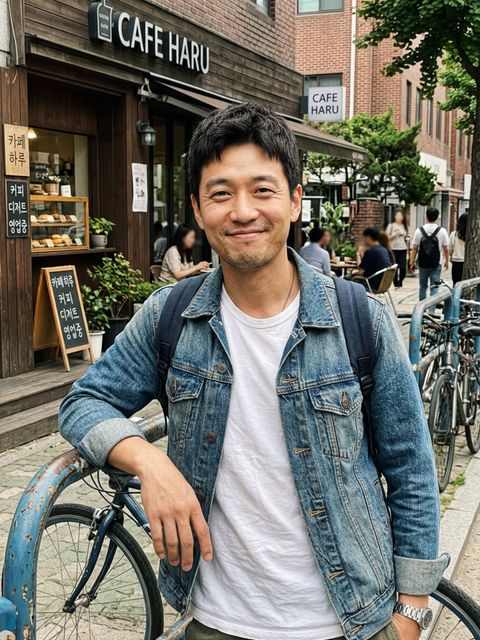 4-sec video4-sec video
How to make your Burning Bridges AI Video
Upload a photo of yourself
A clear, front-facing photo in good light. Waist-up works best, and the clothes you wear in it come with you to the party.
Create your Burning Bridges still
Usually in 20 to 60 seconds you are the host at the head of the table: chandeliers, candles and friends raising silver cups behind you. Free to try once without an account.
Make the party move
Turn the still into a 4-second widescreen clip for 40 credits: the hand over the eyes, the grin, the point at the camera. Add the song when you post.
What is the Burning Bridges AI video trend?
It started with the party scene in the music video for Drake's "Burning Bridges": a private dinner in a restaurant dining room under crystal chandeliers, friends raising silver cups, and the host grinning into a handheld camera, at one point shading his eyes with his hand as if looking for someone.
In late September 2026 AI creators began recasting that scene, putting themselves, their friends, pets and characters such as Shrek in the host's seat. It took off on X, TikTok and Instagram Reels in early October, often captioned "where she at?" after the hand-over-the-eyes moment.
Is it the real music video with my face in it?
No. Most Burning Bridges AI videos online swap a new face into the original footage. Eidora makes a new, original scene instead: a chandelier-lit dinner party built around your photo, with you as the host. No footage or audio from the music video is used and Drake does not appear. What you may do with the result depends on your rights in your photo and the model provider's terms.
How people remix the Burning Bridges trend
The template works because the gesture is universal: everyone has a friend who is always late. People caption the hand-over-the-eyes moment with whoever they are waiting for, cast their pets as the host, or make one clip for every friend in the group chat.
- Caption the search with the friend who is always late.
- Make one clip per friend and post them as a series.
- Download the vertical 9:16 version for TikTok or Reels, then add the song in the app; the videos here are silent.
Tips for the best Burning Bridges AI result
The model keeps the face from your photo, so the photo matters more than anything else.
- Use one person per photo, facing the camera, in good light.
- Skip sunglasses: the gesture needs your eyes.
- Waist-up photos give the most natural host pose.
- Your clothes come with you, so a jacket or a going-out top looks right at the table.
People also search for this as
- burning bridges ai video
- drake burning bridges ai video
- burning bridges ai trend
- burning bridges ai video generator
- where she at ai video
Burning Bridges AI Video questions
Is the Burning Bridges AI video maker free?
The still image is free to try once without an account. After that, a free account starts with 16 credits and gets 4 more every day; each still uses 4 credits. Videos use 40 credits and need a paid plan or a credit pack: the one-time $4.99 Starter pack (100 credits) covers two videos, with no subscription.
What is the Burning Bridges AI trend?
People put themselves, their friends, pets and favourite characters into the party scene from the music video for Drake's "Burning Bridges": a private dinner under crystal chandeliers, friends raising silver cups, and the host grinning into a handheld camera with a hand shading his eyes. It took off on X, TikTok and Instagram Reels in early October 2026.
Is this the real music video with my face swapped in?
No. Eidora does not use footage or audio from the music video, and Drake does not appear. It makes a new, original scene in the same spirit, a chandelier-lit dinner party with you as the host, built from your photo. Eidora is not affiliated with Drake or his label.
Does the video include the song?
No, Eidora videos are silent. Add "Burning Bridges" or any sound from TikTok's or Instagram's audio library when you post.
What kind of photo works best?
One person, facing the camera, face clearly visible and well lit, no sunglasses. Waist-up photos give the most natural host pose. The clothes in your photo carry into the scene, so a jacket or a going-out top reads best.
How long does it take?
Usually 20 to 60 seconds for the still and 30 to 90 seconds for the video. Keep the tab open while the video renders.
Is it vertical for TikTok?
The results are widescreen 16:9 like the music video, and every result has a one-tap "Download vertical 9:16" button that puts the full frame in the middle with soft blurred bars above and below, ready for TikTok, Reels and Shorts. Stills made on a free account or without signing in carry a small eidora.io badge in the corner; paid plans and credit-pack holders get clean results, and videos never carry it.
What happens to my photo?
Your upload and results are kept privately in your history so you can download them again; only you can open them (before you sign in, they are tied to this browser). To make the result, the photo is sent to the AI model provider that renders it. We don't sell your content or use it to train AI models.
Your photo, the Burning Bridges way. About 30 seconds for the still.
Put me at the table