ai age filter

AI Age Filter

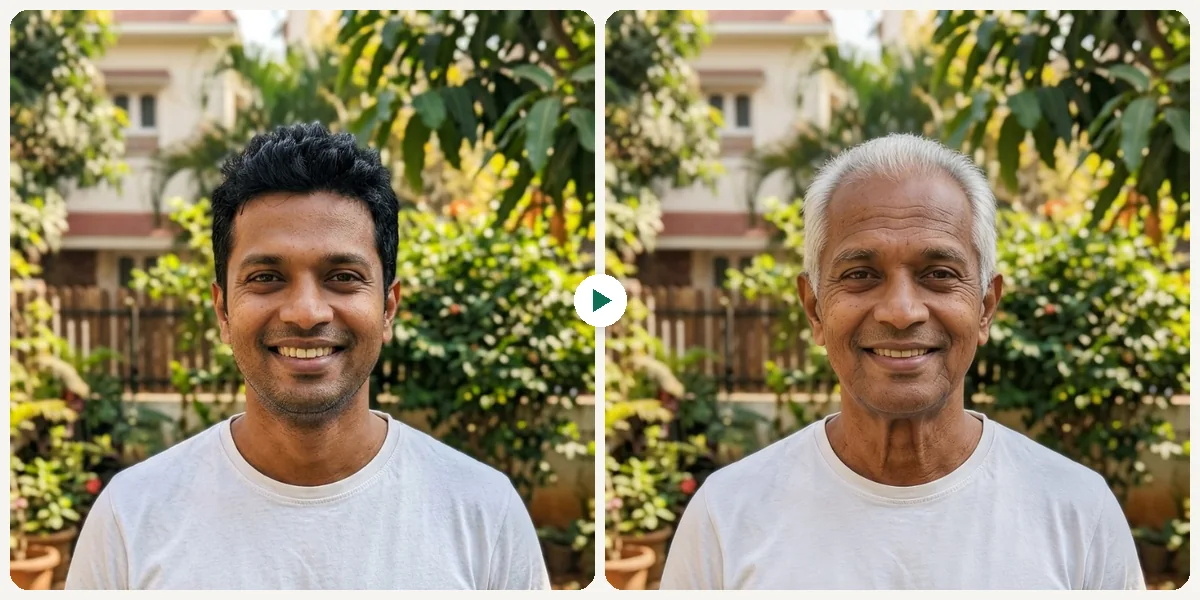
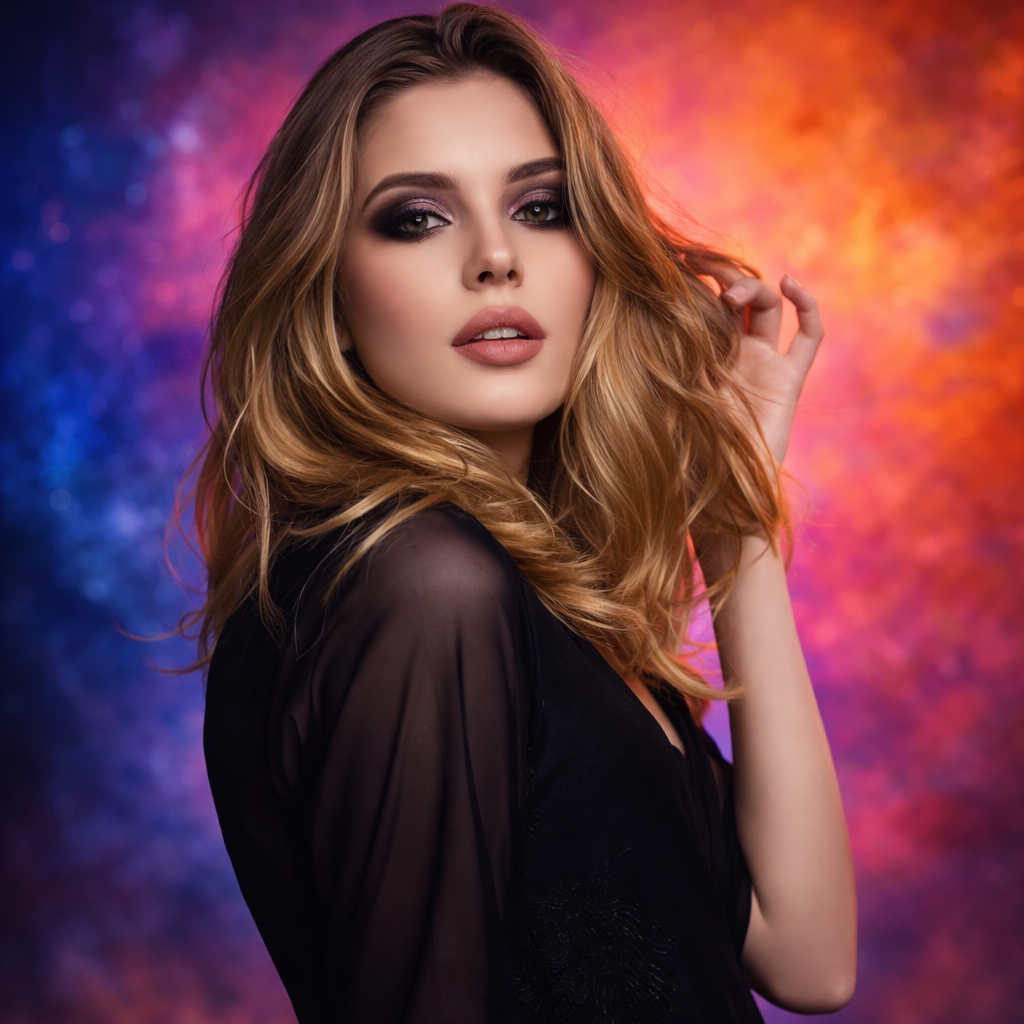
Preview younger, older, teen, middle age, and senior versions of yourself with a fast AI age filter.
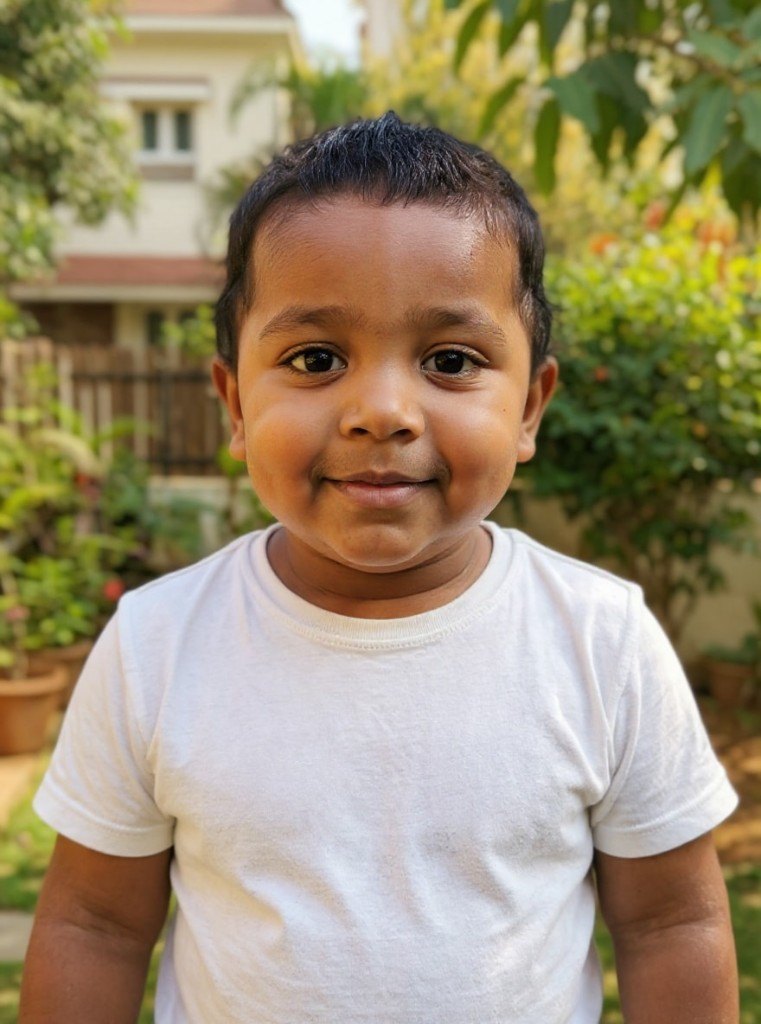
See younger, older, teen, adult, and senior versions of your photo with a fast AI age filter. Great for social sharing.

No installFast previewWorks on mobile
Try It Free

Sample results

See Examples

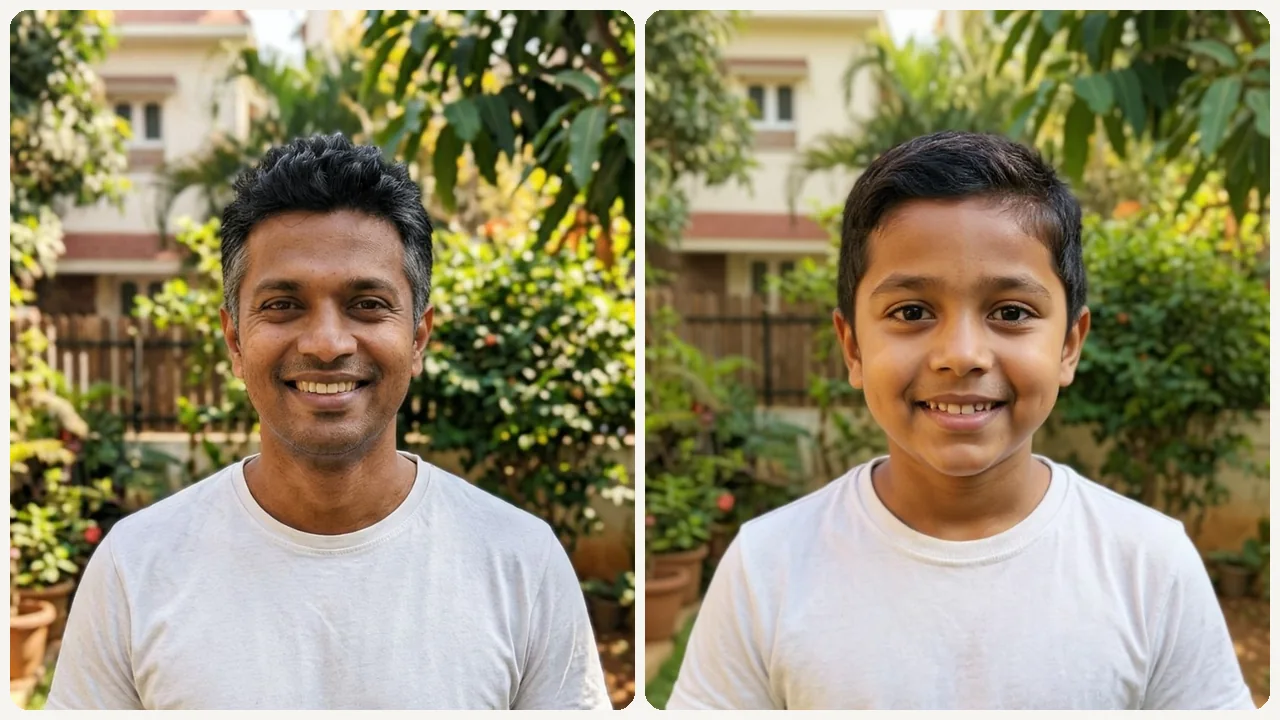
See Yourself Older or Younger in Seconds example result
AI Age Filter

What can this tool do?

Basic Age Filters Just Paste Cartoon Wrinkles on Your Face

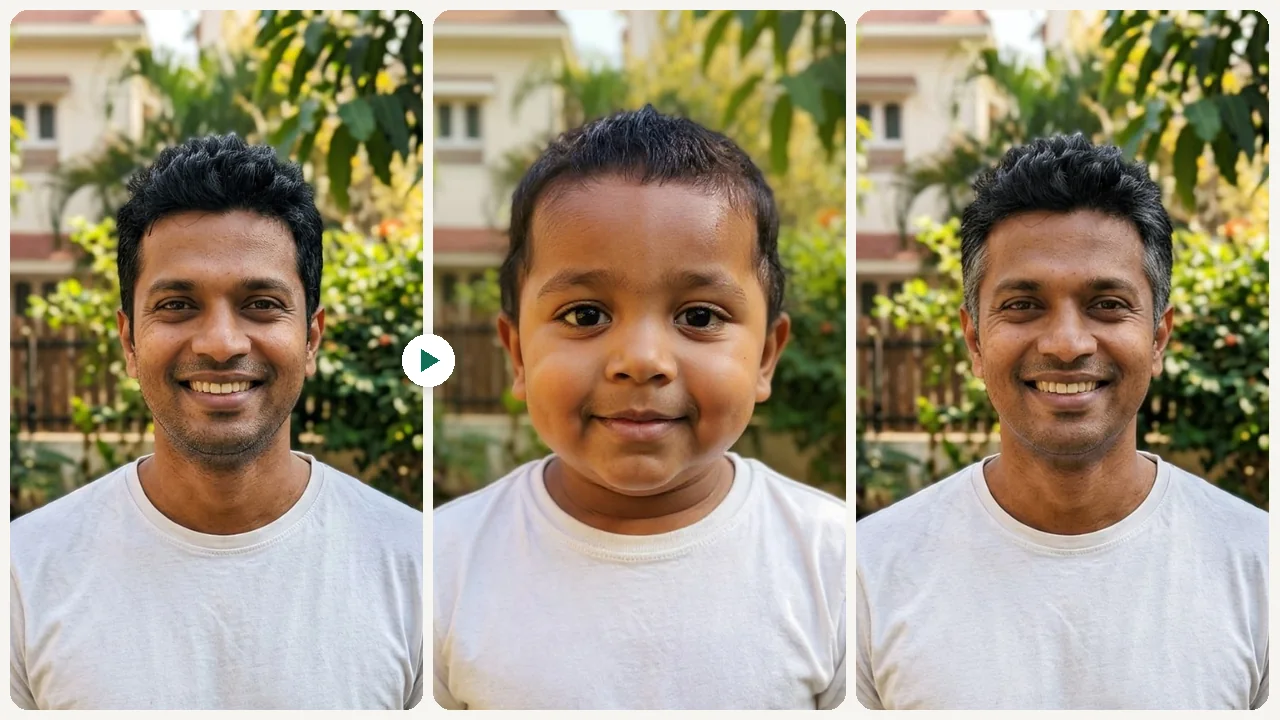
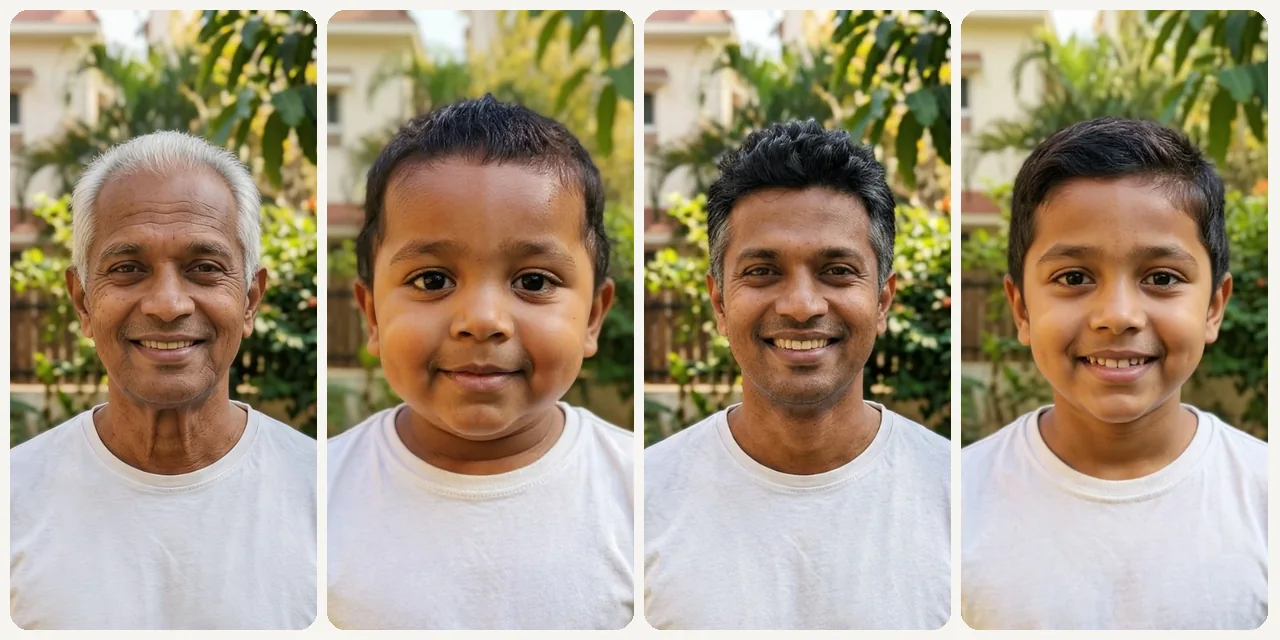
This tool leverages generative diffusion networks trained on longitudinal portrait datasets to produce credible previews of how your face evolves across decades. It goes far beyond the Snapchat-style cartoon wrinkle stamp: the infant preset rebuilds your bone geometry into neonatal proportions (oversized cranium, recessed chin, wide-set orbital sockets), while the elderly preset applies dermatological markers like solar lentigines, periorbital hollowing, and vermilion border thinning that dermatologists associate with UV-cumulative damage. Six presets span the full biographical arc — infant, child, teen, prime adult, mid-life, and elderly — letting you scrub through your entire projected timeline from a single upload. The output format (before/after split) is purpose-built for the TikTok duet and Reels carousel workflows that have made chronological transformation one of the most-saved content categories on short-form platforms.

Most age filter apps apply a flat wrinkle texture over your current photo — the result looks like a Snapchat joke, not a realistic preview. Real facial aging involves structural changes that cheap filters ignore: jawline softening, under-eye hollowing, hairline recession, and skin elasticity loss that follows specific patterns around the eyes, mouth, and forehead. This tool models those actual biological changes using generative AI trained on age-progression data, producing results closer to forensic age-progression techniques used by researchers than to party-trick social media filters.

Why choose this tool?

Key benefits

Duet-Ready Content That Drives Saves

Before/after timelines consistently outperform standard posts on TikTok and Reels. A single carousel showing baby-to-senior progression can generate thousands of saves and comment threads within hours.

Forensic-Level Facial Progression

Powered by generative models trained on longitudinal datasets. Applies collagen depletion curves, malar fat pad descent, temporal hollowing, and follicle pigment loss — not a cartoon wrinkle stamp.

Six Distinct Life Stages in One Session

Covers infant, child, teen, prime adult, middle-aged, and elderly — six presets that let you scrub through an entire biographical arc instead of choosing just 'old' or 'young' like most competitors.

Cross-Generational Comparison Moments

Render yourself at your grandmother's current decade and place the outputs side by side. These family-resemblance reveals spark emotional conversations that no other editing category can replicate.

How to use

How to use AI Age Filter

  1. 1

    Upload Your Selfie

    Upload a clear front-facing photo with your face fully visible.

  2. 2

    Choose an Age Direction

    Select younger, older, teen, middle age, or senior.

  3. 3

    Preview & Share

    Review the age transformation and share the result with friends or family.

Use cases

Built for real workflows

TikTok Duet and Carousel Content

Film a duet reacting to your 80-year-old self, or build a carousel showing baby through senior in one swipe. This format consistently drives high save rates and comment threads on short-form platforms.

Generational Side-by-Side with Parents

Render yourself at your mother's current age and place the images next to each other. Family resemblance comparisons trigger emotional responses and make compelling holiday group-chat content.
Health and Lifestyle Motivation

Seeing a credible preview of your face at 70 can shift perspective on sunscreen habits, sleep routines, and nutrition choices. Some wellness coaches use age previews as accountability tools for clients.

Character Design for Writers and Filmmakers

Develop visual references for characters at different life stages. Screenwriters and comic artists use age-shifted selfies as quick concept sketches before commissioning full illustrations.

FAQ

Frequently asked questions

How realistic is the AI age filter?

The AI applies realistic facial changes like texture, wrinkles, feature softening, and hair adjustments — not a cartoon overlay. The result is significantly more realistic than basic Instagram or TikTok age filters.

Can I make myself look both older and younger in the same session?

Yes. You can run the tool multiple times with different age directions and compare results side by side.

What type of photo works best for the age filter?

A clear front-facing selfie with good lighting and a neutral or slight smile expression produces the most realistic age transformation result.

Start now

See Yourself Older or Younger in Seconds

Preview younger, older, teen, middle age, and senior versions of yourself with a fast AI age filter.
Try It Free