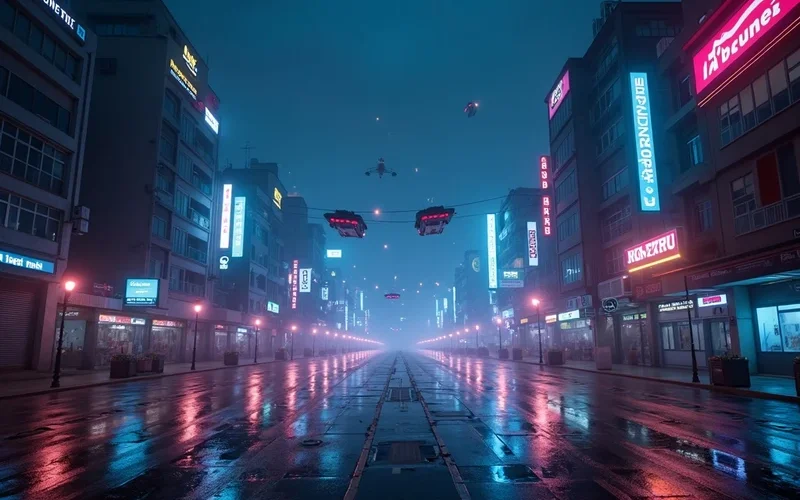
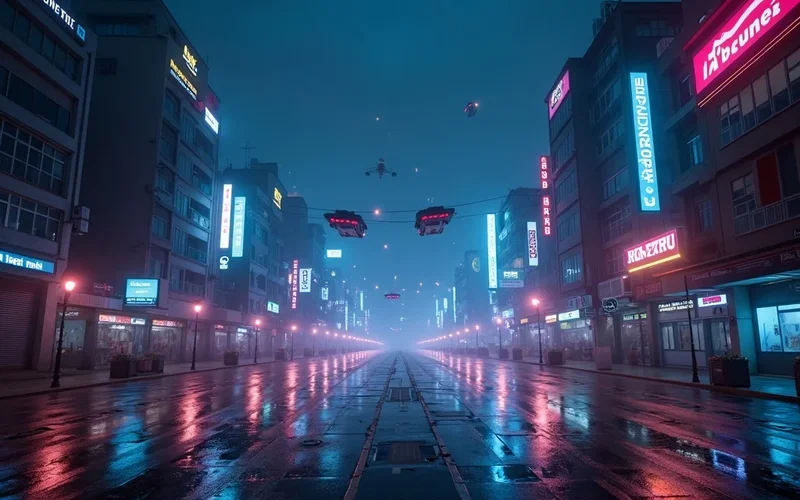
kling 3 ai video generator free

Kling 3.0

Kling 3.0 enables content creators, marketers, and educators to effortlessly convert static images or text prompts into dynamic video content, making visual storytelling accessible to all.

Use Kling 3 AI video generator free to animate your ideas. Convert images or text prompts into compelling videos for social media, marketing, and storyt...

Instant resultsInstant downloadWorks on mobile
Try Kling 3.0 Now

Sample results

See Examples

Kling 3.0 example result
Kling 3.0

What can this tool do?

Struggling to Create Engaging Videos?

Kling 3.0 is a dedicated tool for transforming static images or written prompts into dynamic video content. It addresses the common challenge of creating engaging visuals without extensive video editing skills or expensive software. Marketers can quickly generate social media ads, educators can animate complex concepts, and content creators can bring blog posts to life. Small businesses benefit from affordable, high-quality video production, making visual storytelling accessible to everyone, regardless of their technical background.

Traditional video production is slow, expensive, and requires specialized skills, often leading to significant bottlenecks for content creators. Other tools are frequently complex, limited in their creative scope, or produce generic results, leaving users frustrated when trying to bring their unique visions to life quickly and affordably.

Why choose this tool?

Key benefits

Animate Static Images

Breathe life into your photos and illustrations by transforming them into short, engaging video clips that capture attention.

Text-to-Video Creation

Convert your written concepts, scripts, or ideas directly into compelling videos, eliminating the need for filming or stock footage.

Save Time & Resources

Drastically reduce the time and cost associated with traditional video production, allowing you to create more content faster.

Boost Social Engagement

Generate dynamic videos perfect for social media platforms, increasing viewer engagement and expanding your reach.

Explore Visual Narratives

Experiment with different storytelling styles by quickly prototyping video ideas from simple prompts or images.

Simple Video Production

Produce professional-looking videos without needing complex software or a steep learning curve, making video creation straightforward.

How to use

How to use Kling 3.0

  1. 1

    Upload Your Image or Enter Text Prompt

    Begin by either uploading an image you wish to animate or typing a detailed text description of the video you envision.

  2. 2

    Customize and Refine

    Adjust parameters like video style, movement, and duration to align the generated video with your creative vision.

  3. 3

    Generate and Download Your Video

    Click to generate your video, then review the output and download it in your preferred format once satisfied.

Use cases

Built for real workflows

Social Media Content Boost

Social Media Managers can transform static brand images or promotional text into captivating short videos. This eliminates the need for complex editing software, allowing for rapid content deployment across various platforms.

Product Showcase Videos

E-commerce Sellers can easily generate engaging product videos from existing photos to highlight features and benefits. This helps potential customers visualize products in action, leading to increased interest and conversions.

Blog & Article Visuals

Content Creators can enrich their blog posts and articles by converting static images or written concepts into dynamic video segments. This enhances reader engagement and provides a more immersive experience without requiring video production expertise.

FAQ

Frequently asked questions

What is Kling 3.0?

Kling 3.0 is an innovative tool that converts static images or textual descriptions into dynamic video content. It's designed to make video creation accessible and efficient for users across various industries. Whether you're a content creator or a small business owner, Kling 3.0 helps you produce engaging visuals with ease.

How does Kling 3 AI video generator free work?

Kling 3.0 utilizes advanced algorithms to interpret your uploaded image or text prompt and generate corresponding video sequences. You provide the initial input, and the tool processes it to create animated scenes. This process streamlines video production, allowing for quick creation of visual content.

What kind of videos can I create with Kling 3.0?

You can create a wide range of videos, including short social media clips, animated advertisements, explainer videos, educational content, and visual stories. From product demonstrations to artistic animations, Kling 3.0 supports diverse creative needs. The output is versatile enough for personal or professional use.

Can I use my own images with Kling 3.0?

Yes, Kling 3.0 allows you to upload your own images as a starting point for video generation. This feature is perfect for personalizing your content and maintaining brand consistency. Simply upload your desired image, and Kling 3.0 will help animate it.

Is there a limit to the video length I can generate?

Video clips are currently limited to a short duration (typically under 30 seconds). Free users get 6 credits per day. For more, plans start at $9.9/month.

What if I only have text and no images?

Kling 3.0 is fully capable of generating videos solely from text prompts. Simply describe the scene, characters, actions, and mood you envision. The tool will interpret your textual input to create a corresponding visual narrative, making it ideal for script-to-video conversion.

Is Kling 3 AI video generator free to use?

Yes, Kling 3 AI video generator offers a free tier that allows users to create videos with certain features and limitations. This provides a great opportunity to explore its capabilities and generate content without initial investment. For advanced features or higher usage, premium options may be available.

What file formats does Kling 3.0 support for input?

Kling 3.0 typically supports common image formats like JPEG, PNG, and potentially GIF for image uploads. For text input, any standard text format is acceptable, as you will type directly into the prompt box. The generated video output is usually in popular video formats like MP4.

Start now

Kling 3 AI Video Generator Free: Transform Ideas into Engaging Visual Stories

Kling 3.0 enables content creators, marketers, and educators to effortlessly convert static images or text prompts into dynamic video content, making visual storytelling accessible to all.
Try Kling 3.0 Now