ai pixel art generator free online

AI Pixel Art Generator

Transform your photos or text descriptions into classic pixel art with ease, making retro aesthetics accessible for games, social media, and creative projects.

Transform photos or text into classic pixel art instantly with our AI pixel art generator free online. Perfect for games, NFTs, and social media. Get st...

Instant resultsInstant downloadWorks on mobile
Try AI Pixel Art Generator Now

Sample results

See Examples

AI Pixel Art Generator example result
AI Pixel Art Generator

What can this tool do?

Hand-Pixeling Is a 4-Hour Bottleneck

Pixel art is having a renaissance — indie games like Celeste and Stardew Valley proved that deliberate pixel placement outsells many AAA titles, and pixel avatars dominate Discord, Twitch, and NFT marketplaces. The bottleneck is production speed: a single 64×64 character sprite takes a skilled artist 2-4 hours. Eidora's Pixel Art Generator offers six curated sub-styles — from chunky 8-bit Retro Game sprites to smooth Fine HD pixel illustrations — each enforcing the correct palette constraints, grid alignment, and dithering rules automatically. Upload a photo or describe a scene; the AI maps colors to a limited palette, snaps edges to the pixel grid, and applies style-appropriate shading in seconds.

A 64×64 character sprite takes 2-4 hours to draw by hand in Aseprite. A 10-frame walk cycle multiplies that to a full work day. Indie developers burn weeks on art that players see for seconds. Freelance pixel artists charge $50-200 per sprite. Meanwhile, your game jam deadline is in 48 hours and you have 30 assets left to make. The math doesn't work — you need a way to generate quality pixel art at production speed while keeping authentic style constraints.

Why choose this tool?

Key benefits

Six Authentic Sub-Styles

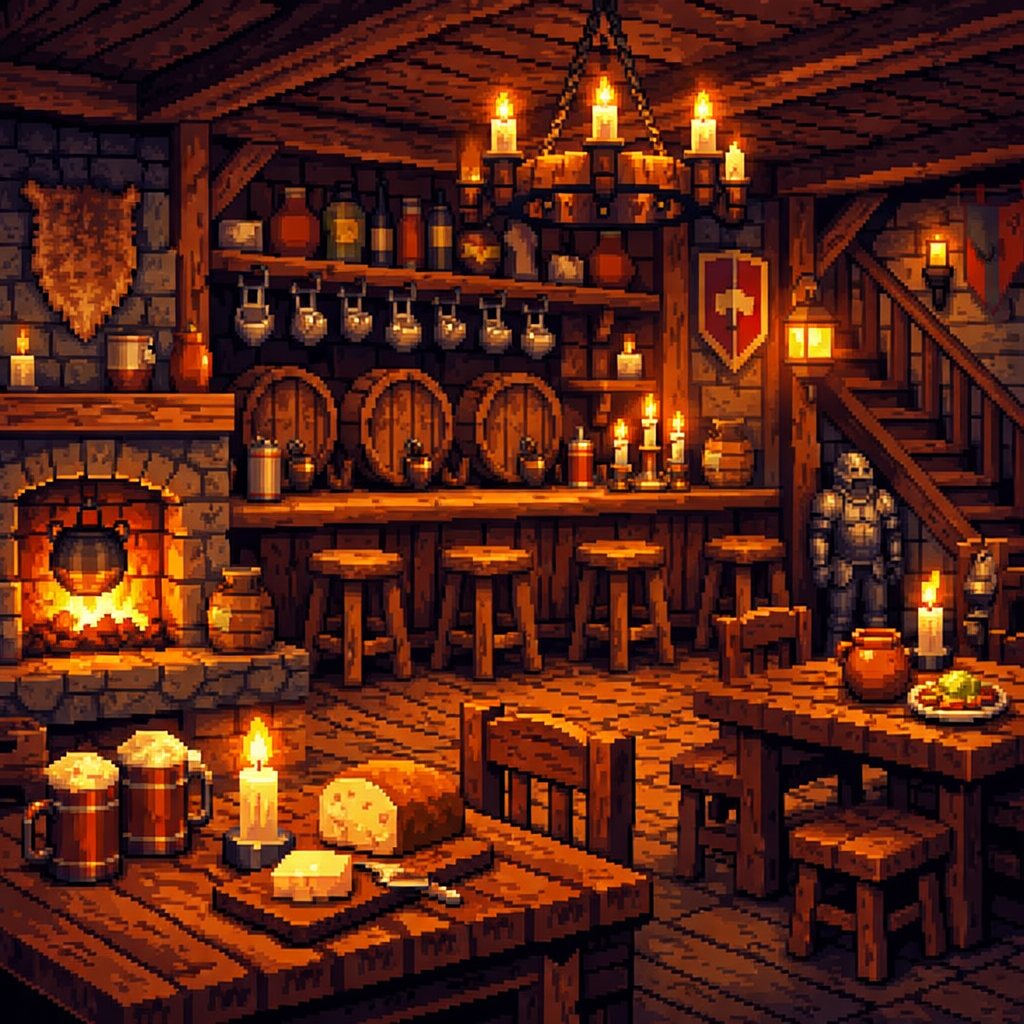
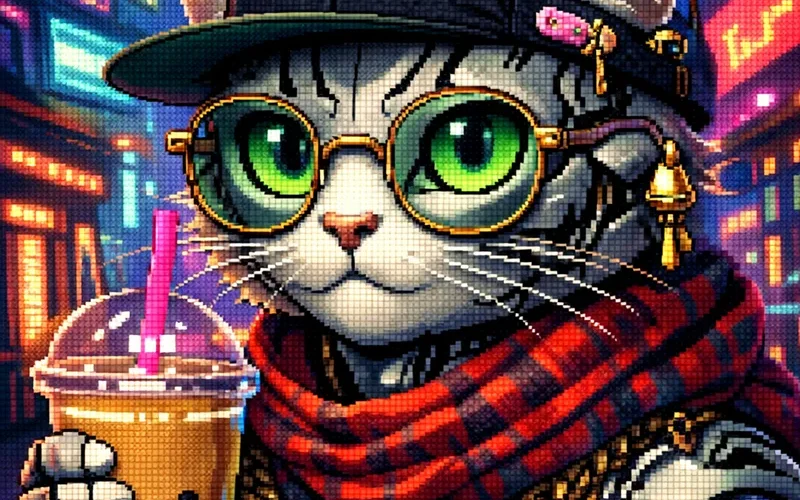
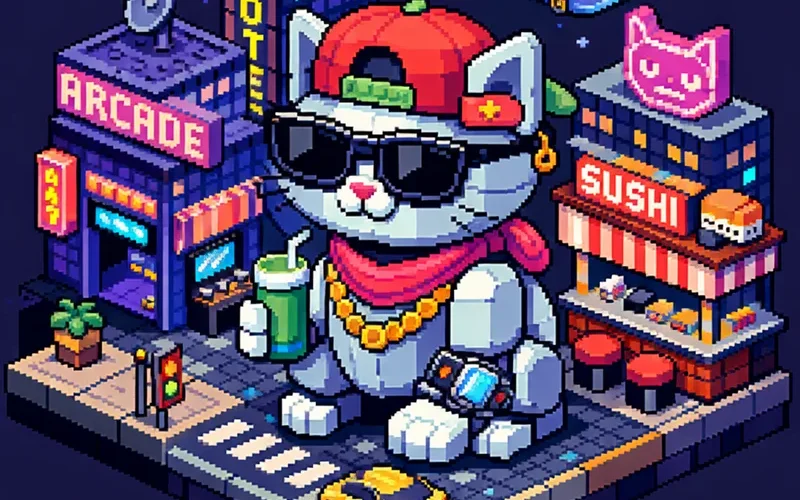
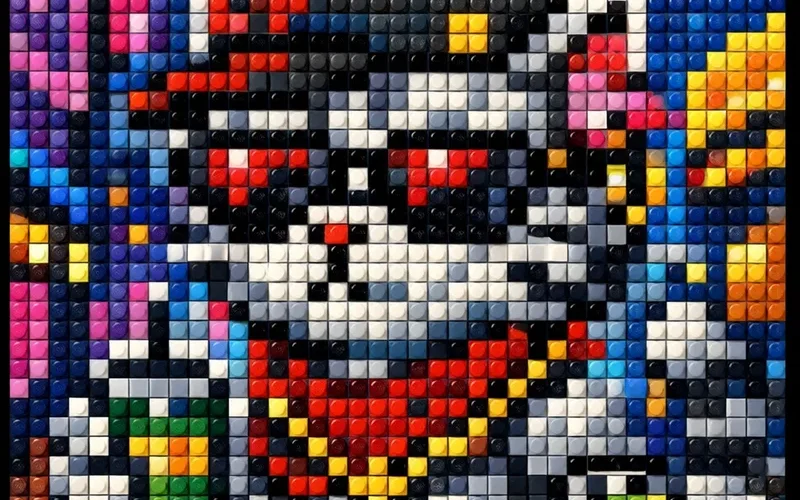
Classic 16-bit, Cute kawaii pastels, Fine HD detail, Isometric diorama, LEGO mosaic, and Retro 8-bit Game — each with enforced palette limits and grid rules that match real pixel art conventions.

Palette-Locked Color Mapping

Each style constrains colors to historically accurate ranges — 12 colors for Retro Game, 32 for Classic, pastel-only for Cute — so output looks hand-crafted, not auto-posterized.

Game-Ready Sprite Output

Generated art snaps to pixel grids with clean anti-alias-free edges, making sprites directly usable in engines like Unity, Godot, or RPG Maker without manual cleanup.

Isometric Scene Building

The Isometric mode enforces strict 2:1 projection angles and consistent light sources, producing tiles and buildings that align perfectly in isometric game worlds.

How to use

How to use AI Pixel Art Generator

  1. 1

    Upload or Describe

    Begin by uploading an image you wish to pixelate or type a text prompt detailing the pixel art you want to generate.

  2. 2

    Adjust Pixelation Settings

    Fine-tune parameters like pixel density and color palette to achieve your desired retro look and feel.

  3. 3

    Generate and Download

    Click 'Generate' to see your pixel art, then download the finished image to use in your projects.

Use cases

Built for real workflows

Generate Game Sprites

Game developers can quickly convert their character designs or environment sketches into pixelated sprites. This accelerates asset creation for retro-themed games, saving significant time on manual pixel work.

Create Unique Social Graphics

Social media managers can transform ordinary photos or brand logos into distinct pixel art visuals. This helps create eye-catching content that stands out on platforms and engages audiences with a nostalgic aesthetic.

Experiment with Art Styles

Digital artists can easily convert their existing artwork or new concepts into a pixel art rendition. This provides a fresh perspective on their creations and allows for exploration of classic 8-bit and 16-bit styles.

FAQ

Frequently asked questions

What kind of images can I convert to pixel art?

You can convert almost any type of image, including photos, illustrations, logos, or sketches. The tool works best with clear, well-defined subjects, transforming them into a blocky, retro aesthetic.

How does the text-to-pixel art feature work?

Simply describe the scene, character, or object you want in pixel art using a text prompt. The system interprets your description and generates a visual representation in a pixelated style, bringing your words to life.

Is this AI Pixel Art Generator free to use?

Free users get 6 credits per day. Paid plans start at $9.9/month for more credits and HD export.

What file formats does it support for input and output?

For input, we support common image formats like JPG, PNG, and WEBP. The generated pixel art can be downloaded in PNG format, which is ideal for maintaining image quality and transparency.

Can I control the level of pixelation or detail?

Yes, the tool offers settings to adjust the pixel density, allowing you to choose between a coarser, more blocky look or a finer pixelated style with more detail. You can experiment to find the perfect balance.

Is the generated pixel art suitable for game development?

Absolutely! Our tool is ideal for game developers looking to create sprites, backgrounds, or UI elements with a consistent pixel art style. It helps you quickly prototype and populate your game worlds.

Do I need an account to use the generator?

No, you do not need to create an account to use our AI Pixel Art Generator free online. You can start creating pixel art immediately upon visiting the page.

Can I use the generated pixel art for commercial projects?

Free plan pixel art is for personal use. Pro, Ultra, and Team plans include commercial usage rights.

Start now

Instantly Create Stunning Pixel Art with Our AI Pixel Art Generator Free Online

Transform your photos or text descriptions into classic pixel art with ease, making retro aesthetics accessible for games, social media, and creative projects.
Try AI Pixel Art Generator Now