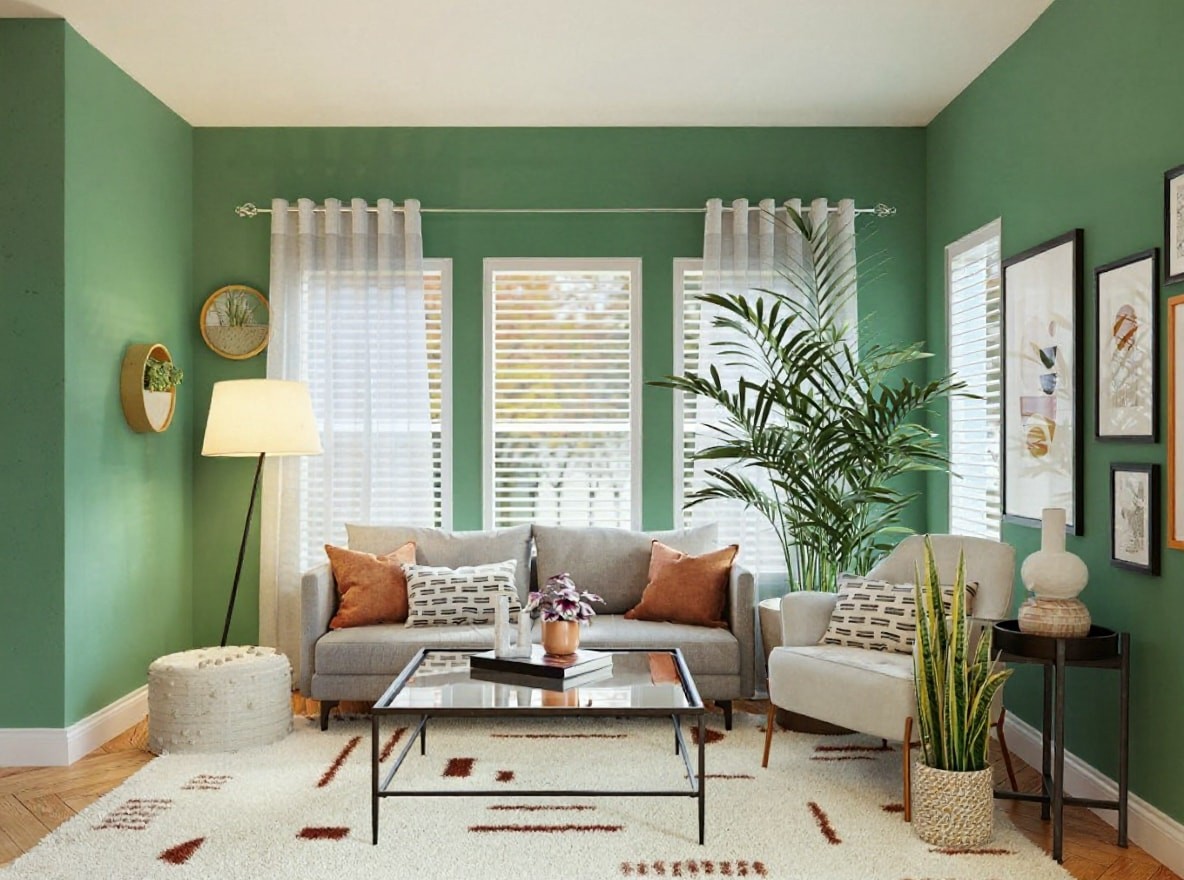
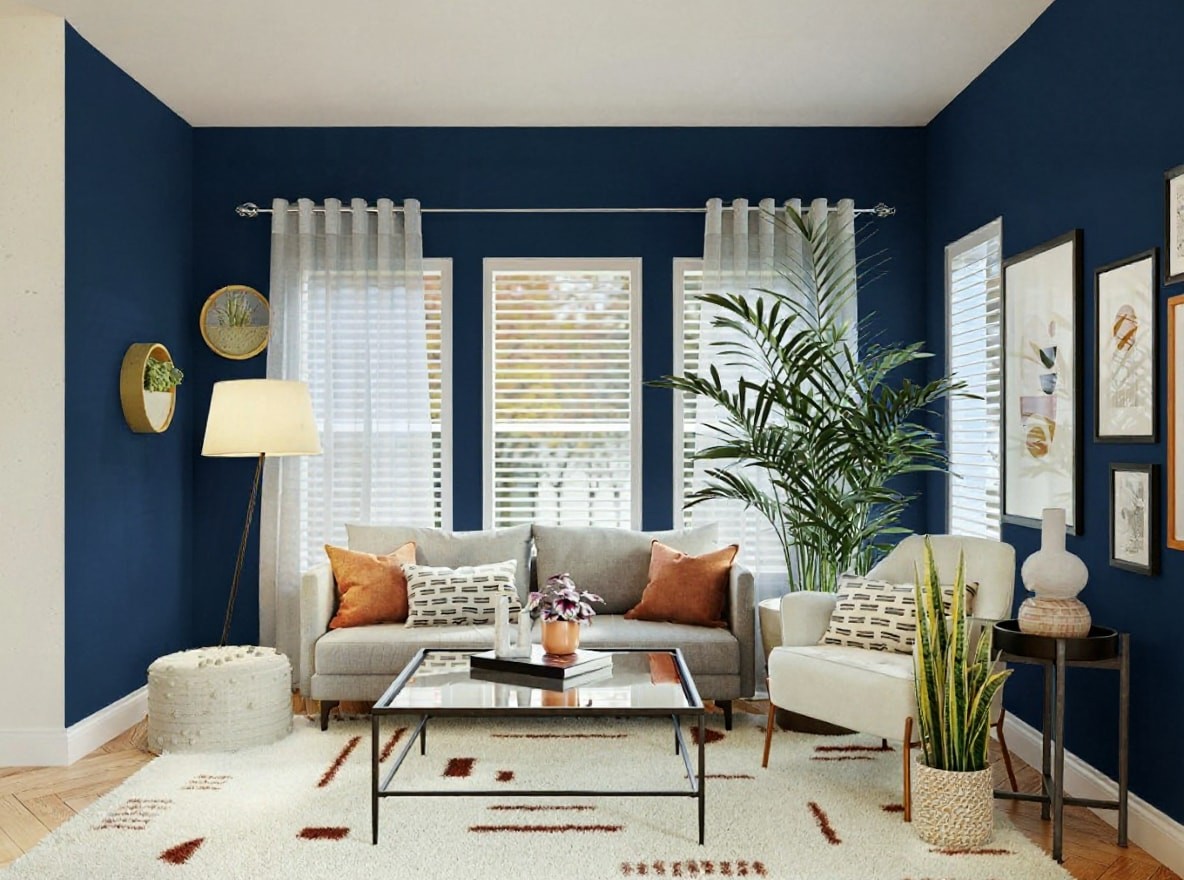
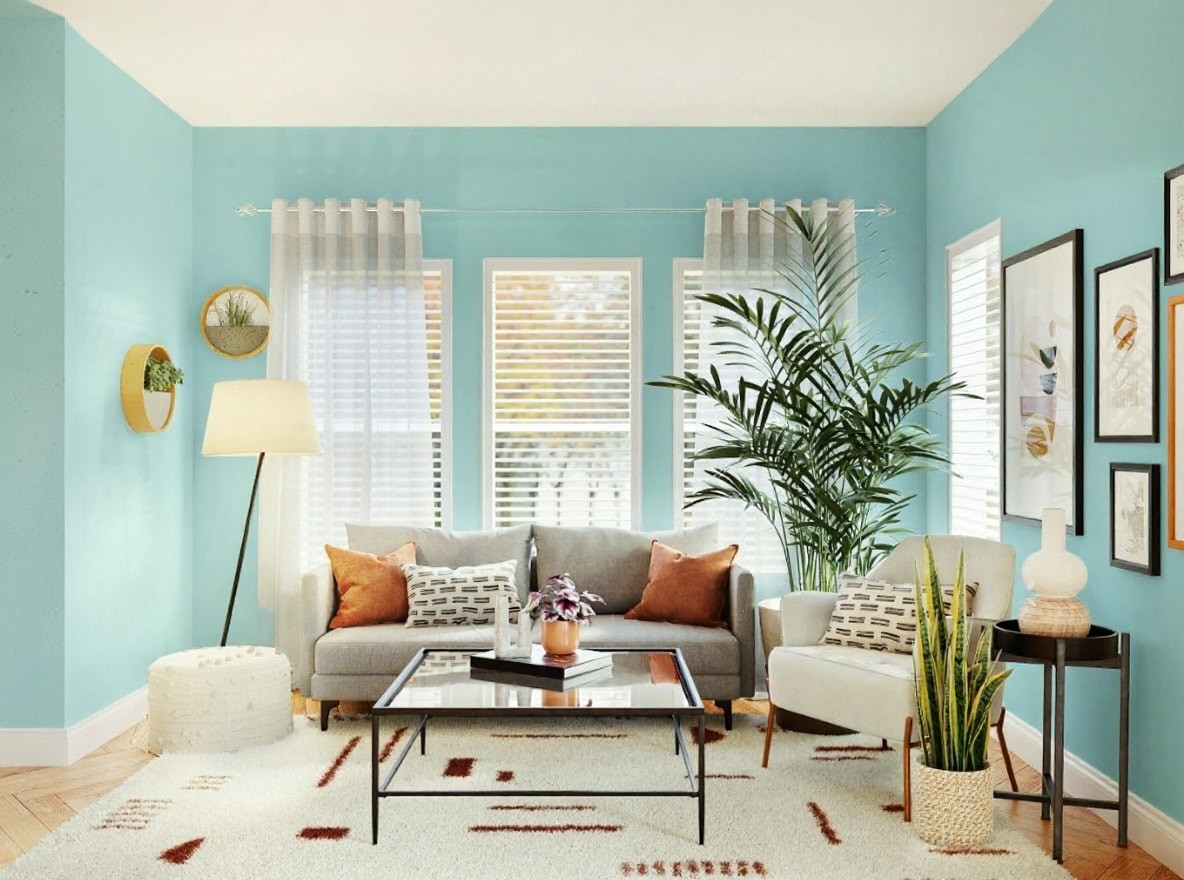
Paint Color Visualizer
Upload a photo of your room and instantly preview countless paint colors on your actual walls, helping you choose with confidence.
Preset route
Choose the public starting point before you open Studio
Or choose a popular preset:
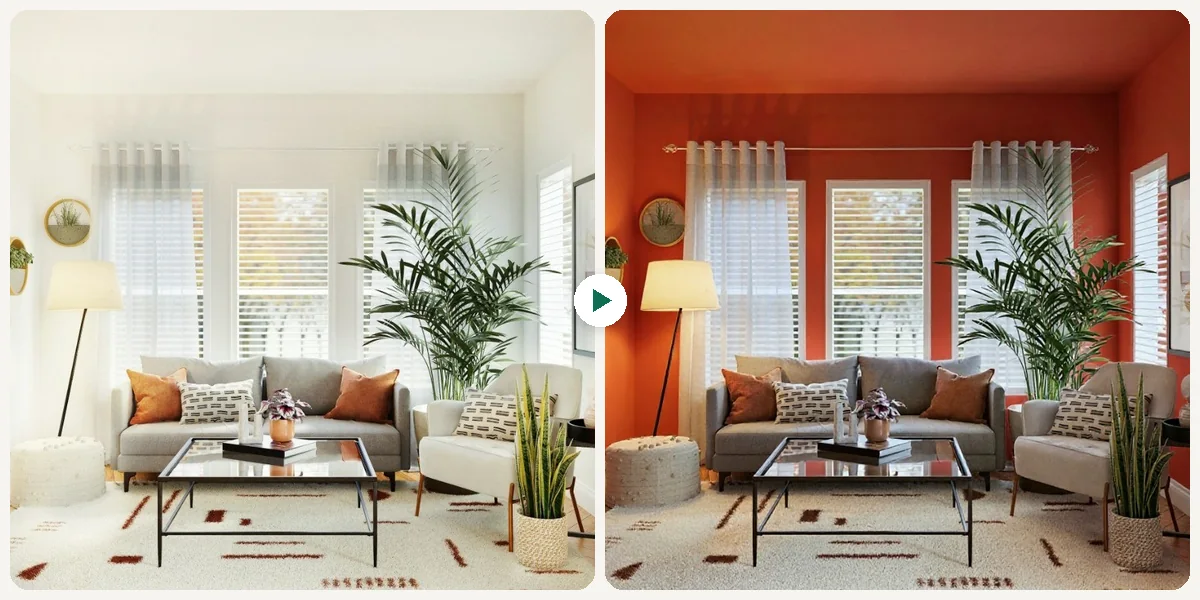
Sample compare
See the promise before you move into execution
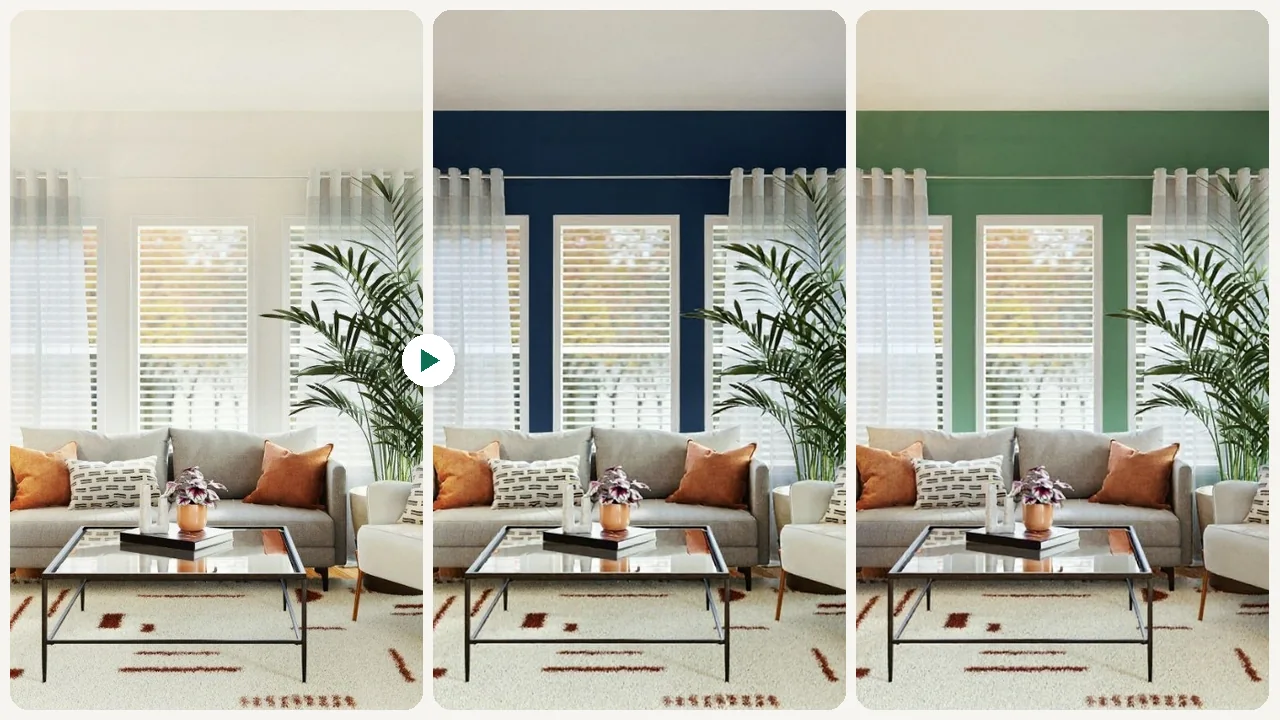
Before
AfterPaint Color Visualizer example result
The public page explains the workflow. `/studio` remains the execution layer.
Sample Results
See what this tool can do with real photos.
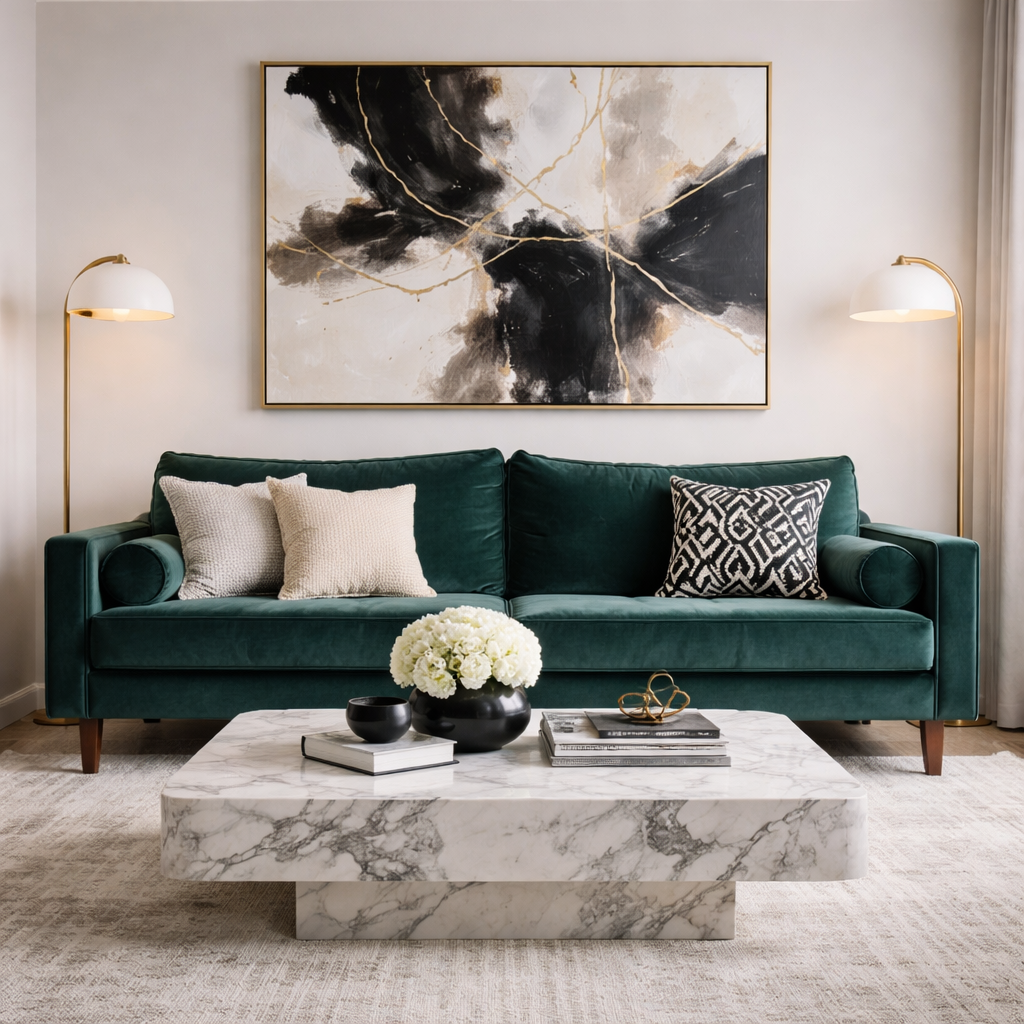
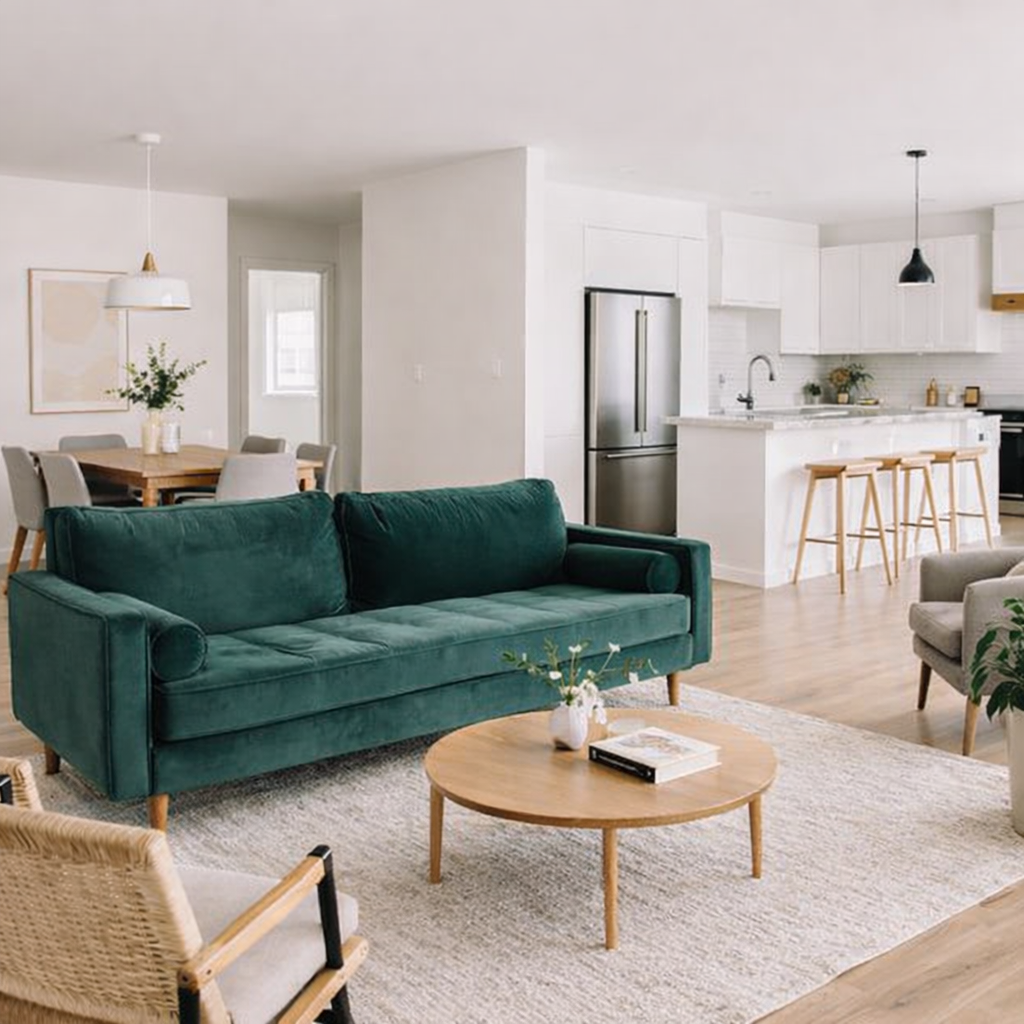
Before
AfterPaint Color Visualizer example result
User Reviews
Based on 611 reviews
Steve G.
Property Manager
"Furnished empty units virtually for listing photos. Leasing velocity improved because tenants could visualize the space."
Jennifer C.
Interior Designer
"Showed a client their living room in 3 different styles in one meeting. They signed the design contract on the spot."
Amy F.
Homeowner
"Took a photo of my dated kitchen and tried modern white vs. dark cabinets. My husband finally agreed on the renovation direction."
What Is Paint Color Visualizer?
This AI Paint Color Visualizer allows homeowners, renters, and interior designers to virtually repaint any room using their own uploaded images. Simply snap a picture of your living room, bedroom, or kitchen, and apply various paint shades directly onto the walls. It eliminates the need for physical paint swatches and messy sample pots, letting you experiment with bold new looks or subtle refinements. See how different colors interact with your furniture and lighting before making any commitment, ensuring your final choice perfectly matches your vision and saves you time and money.
Why Choose This Tool
Instant Color Preview
Quickly see how thousands of paint colors will look on your walls in real-time, without any physical effort or mess.
Eliminate Guesswork
Stop wondering if a color will work. This tool shows you the exact visual impact of any shade in your specific space.
Save Time & Money
Avoid purchasing numerous sample pots and prevent costly repainting mistakes by making an informed decision upfront.
Explore Bold Choices
Confidently experiment with daring or unconventional paint colors that you might hesitate to try with traditional methods.
Share with Confidence
Easily share visualized room images with family or friends to gather opinions and confirm your design choices.
Visualize Before You Buy
Make sure the color complements your existing decor and lighting by seeing it in place before committing to a purchase.
Tired of Paint Color Guesswork?
Choosing the perfect paint color can be incredibly stressful. Traditional paint swatches often look completely different on your walls, and buying numerous sample pots is a wasteful, messy, and time-consuming process. It's frustrating to commit to a color, only to realize it's not quite right after the first brush stroke.
How It Works
Upload Your Room Photo
Start by uploading a clear image of the room you wish to repaint from your device.
Select Paint Colors
Browse through a wide range of paint colors and click to instantly apply them to your room's walls.
See Your New Look
Review the transformed image, compare different shades, and save your favorite designs.
Who Is This For?
Popular use cases for this tool.
Homeowner Color Confidence
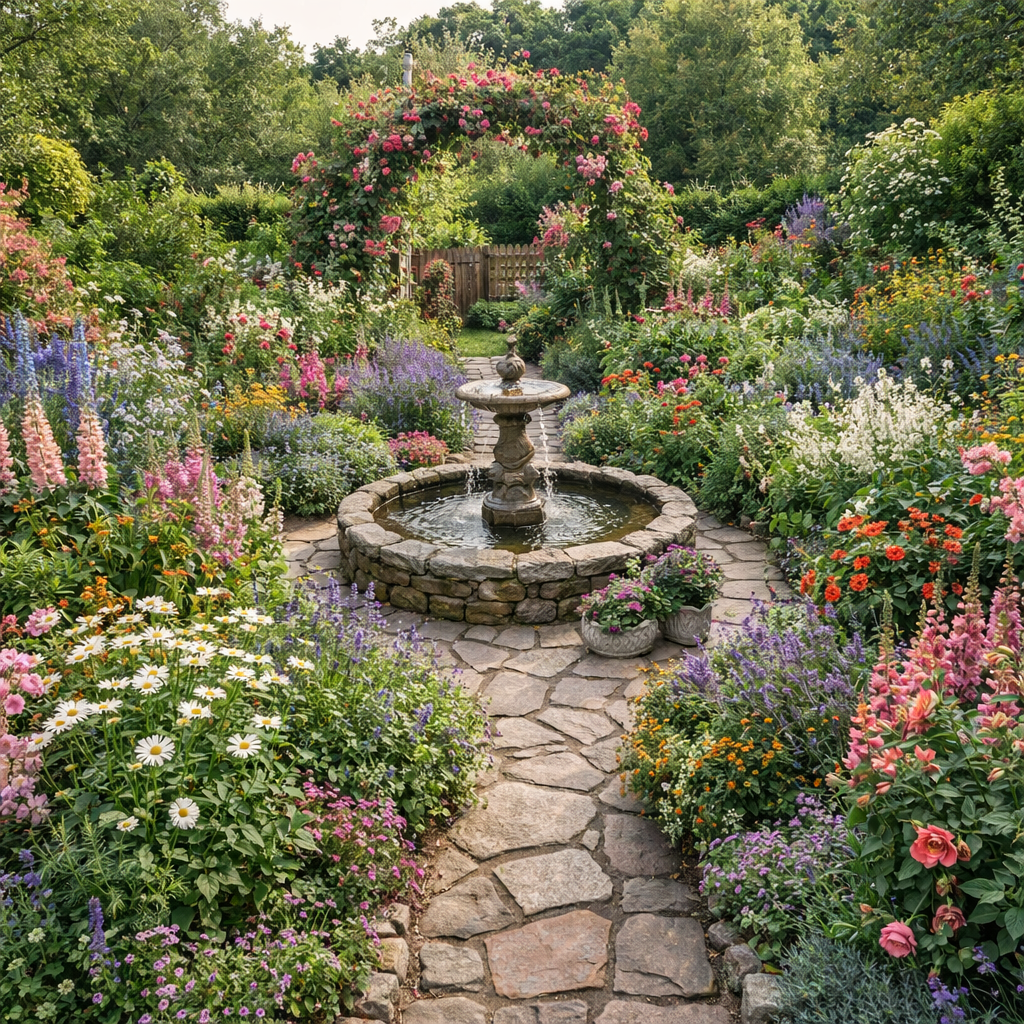
Homeowners can upload a photo of their living room to instantly see how different paint colors transform the space. This helps them confidently choose the perfect shade without the hassle of physical samples or repainting mistakes.
Designer Client Presentations
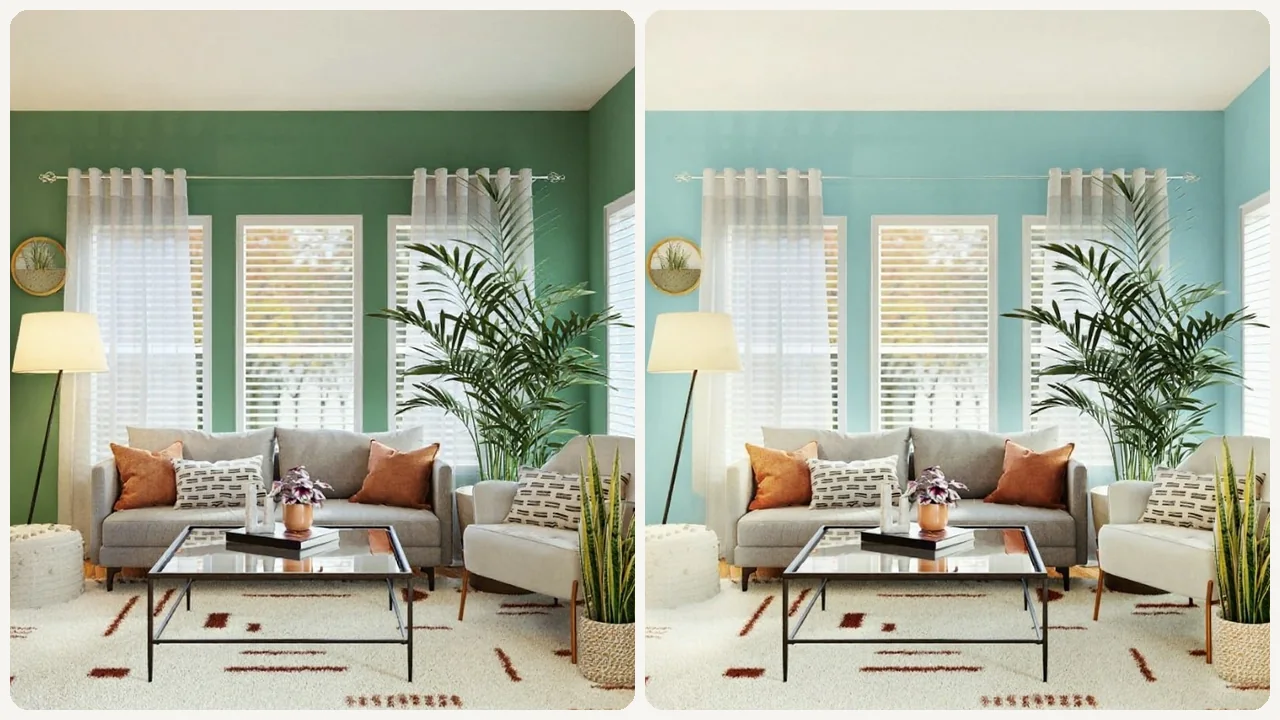
Interior Designers can upload client room photos to quickly generate multiple color scheme options. This allows them to present visual mock-ups, helping clients make informed decisions and speeding up project approvals.
Renter Style Exploration
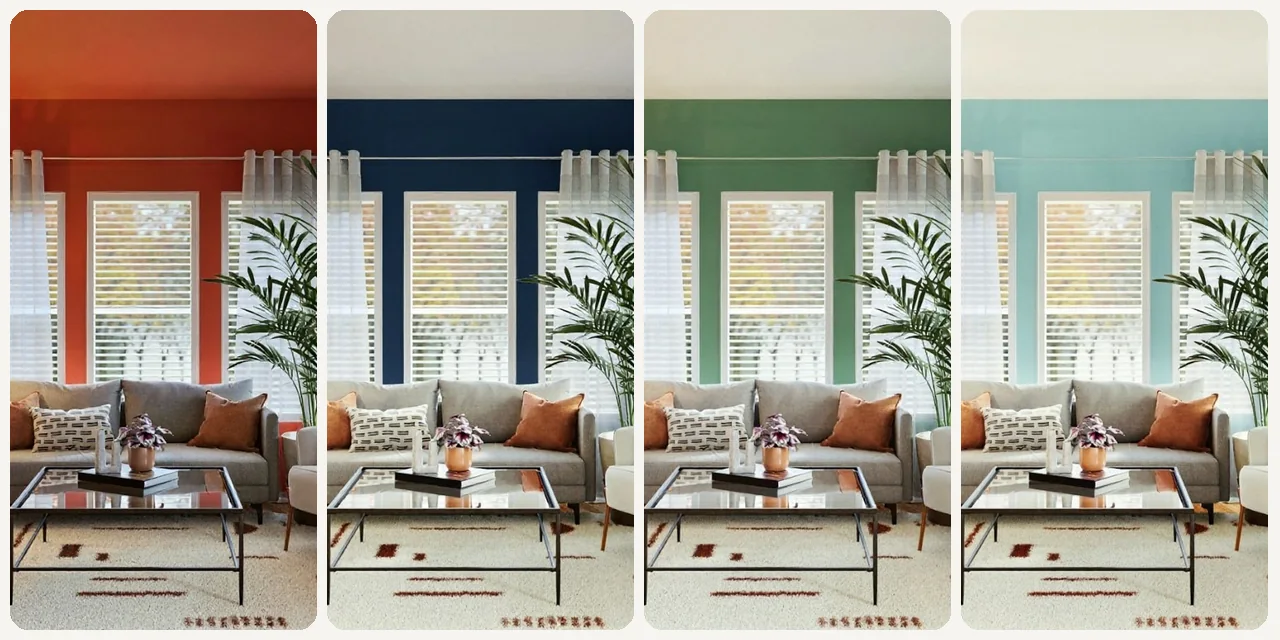
Renters can upload images of their current living spaces to explore how various temporary paint colors might look. This allows them to visualize personalized decor changes without violating lease agreements or making permanent alterations.
Frequently Asked Questions
Is the AI Paint Color Visualizer truly free to use?
Yes, our ai paint color visualizer room free tool is completely free for all users. You can upload as many images as you like and experiment with an unlimited number of paint colors without any hidden costs or subscriptions.
What kind of images can I upload to the visualizer?
You can upload clear, well-lit photos of any indoor room. High-resolution images taken in good lighting conditions will yield the best and most accurate visualization results for your ai paint color visualizer room free experience.
How accurate is the color representation?
While our tool provides a highly realistic visualization, actual paint colors can vary slightly depending on your screen settings, room lighting, and wall texture. It’s always a good idea to confirm your final choice with a physical paint swatch.
Can I save or share the visualized images?
Absolutely! Once you've found the perfect look with our ai paint color visualizer room free tool, you can easily save the transformed images to your device or share them directly with others via social media or email to get feedback.
Does it work for both interior and exterior walls?
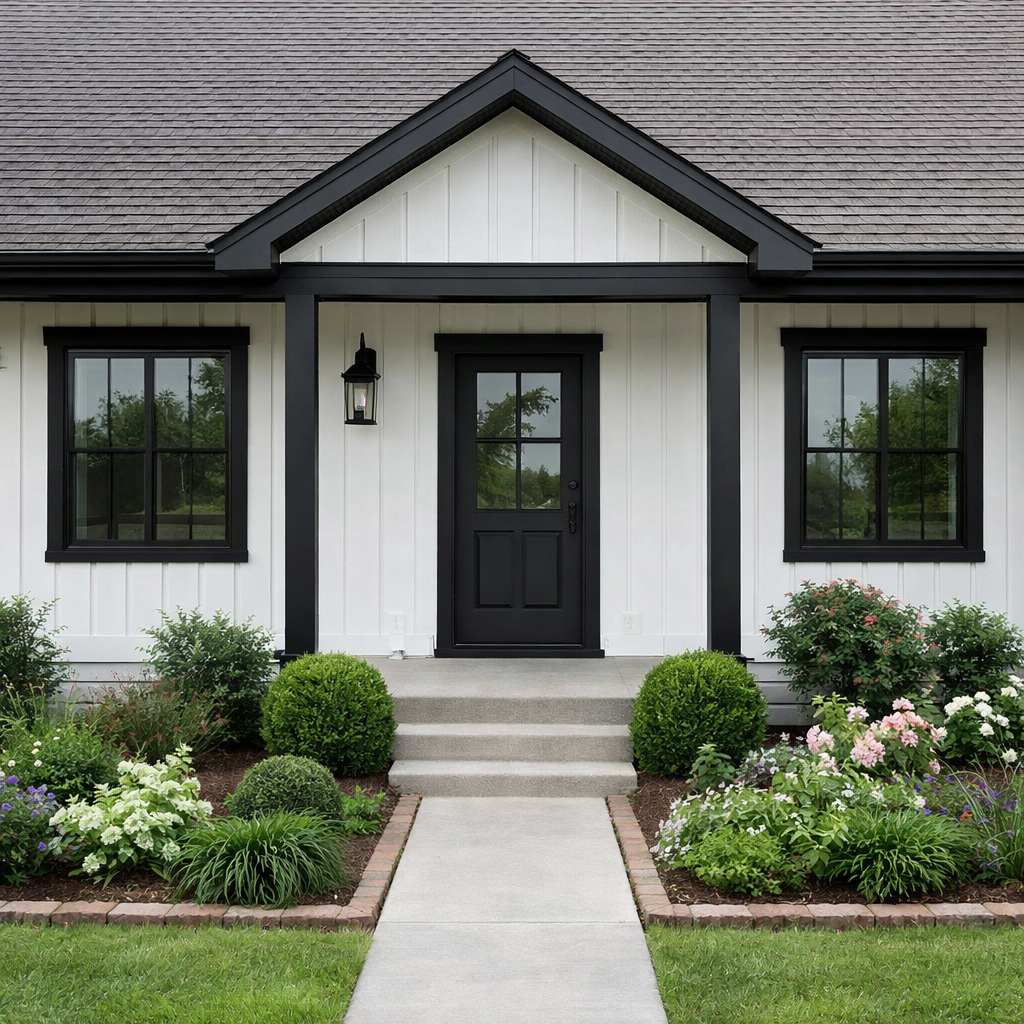
This specific tool is optimized for interior room visualization, helping you see paint colors within your home. While it might work for simple exterior walls, results are best for indoor spaces.
Are specific paint brands included in the color palette?
Our visualizer offers a vast palette of generic colors designed to represent a wide spectrum of shades. While we don't currently list specific brand names, you can easily match the visualized color to a brand's closest equivalent.
What if my room has complex architectural features?
The ai paint color visualizer room free tool is designed to handle various room complexities. For very intricate details or highly unusual wall shapes, the visualization might be less precise in those specific areas, but it will still provide a strong overall impression.
Do I need to create an account to use the tool?
No, you do not need to create an account to use our ai paint color visualizer room free tool. It's designed for quick, hassle-free use, allowing you to get started immediately without any sign-up process.
Can I compare multiple colors on the same wall?
You can apply one color at a time to your walls. To compare multiple colors, you can save different versions of your room with various paint choices and then view them side-by-side.
What file formats are supported for image uploads?
Our ai paint color visualizer room free tool supports common image formats such as JPG, JPEG, and PNG. Ensure your image file is not excessively large to facilitate a faster upload and processing time.
How does the tool handle shadows and varying light conditions in my photo?
The tool intelligently analyzes your uploaded image to apply paint colors realistically, taking into account existing shadows and light sources. This helps provide a more accurate representation of how the new color will appear in your room's natural environment.
Can I undo or change a color once applied?
Yes, our ai paint color visualizer room free tool includes an undo feature, allowing you to easily revert to previous color choices or select a new shade at any point during your visualization process.