AI Room Planner
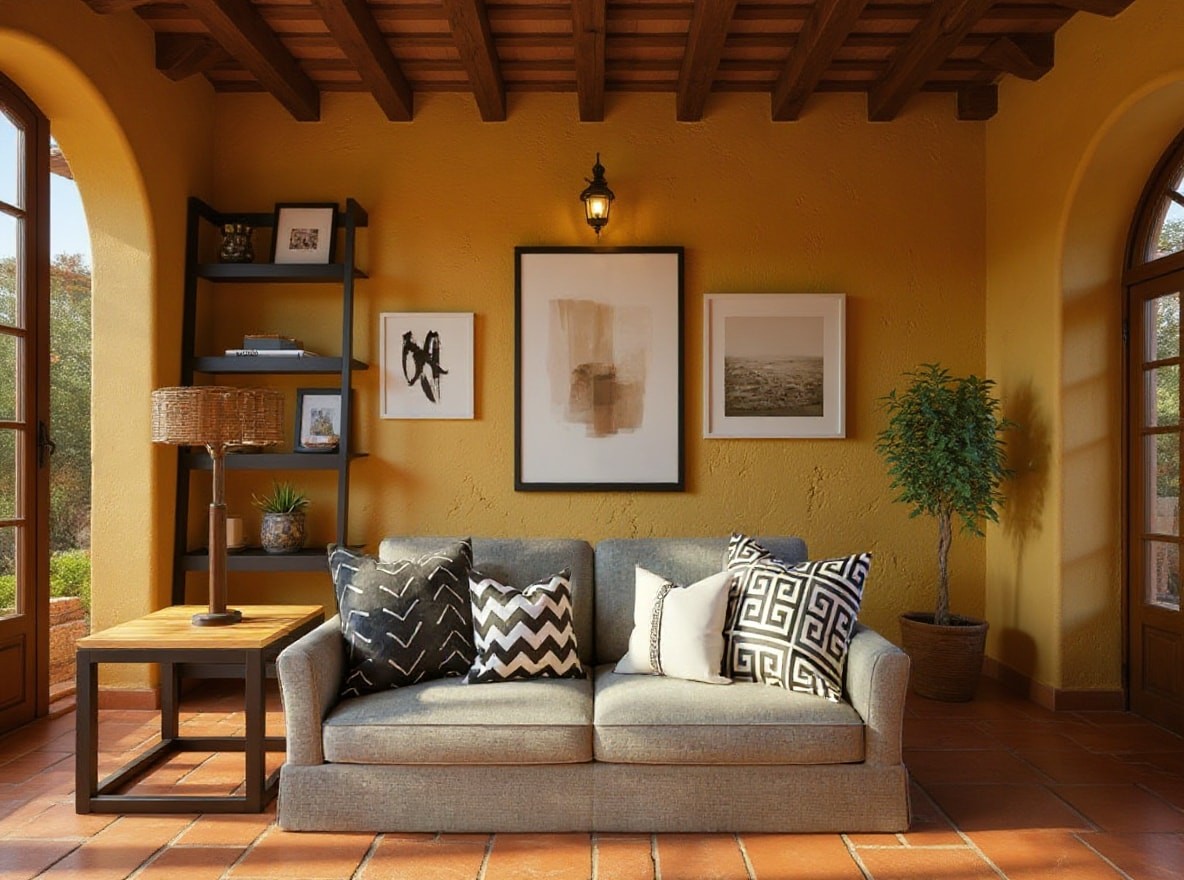
Transform your existing room photos into beautifully redesigned spaces in minutes. Perfect for homeowners, renters, and interior design enthusiasts looking for fresh ideas.
Preset route
Choose the public starting point before you open Studio
Or choose a popular preset:
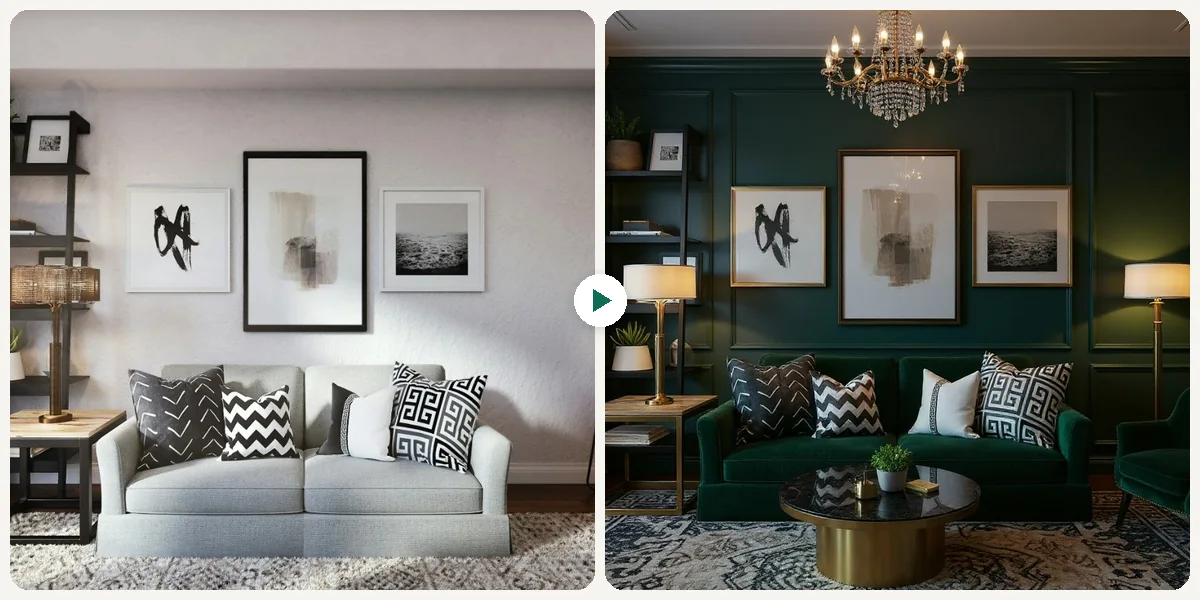
Sample compare
See the promise before you move into execution
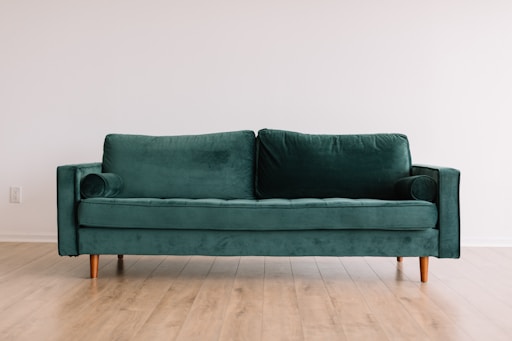
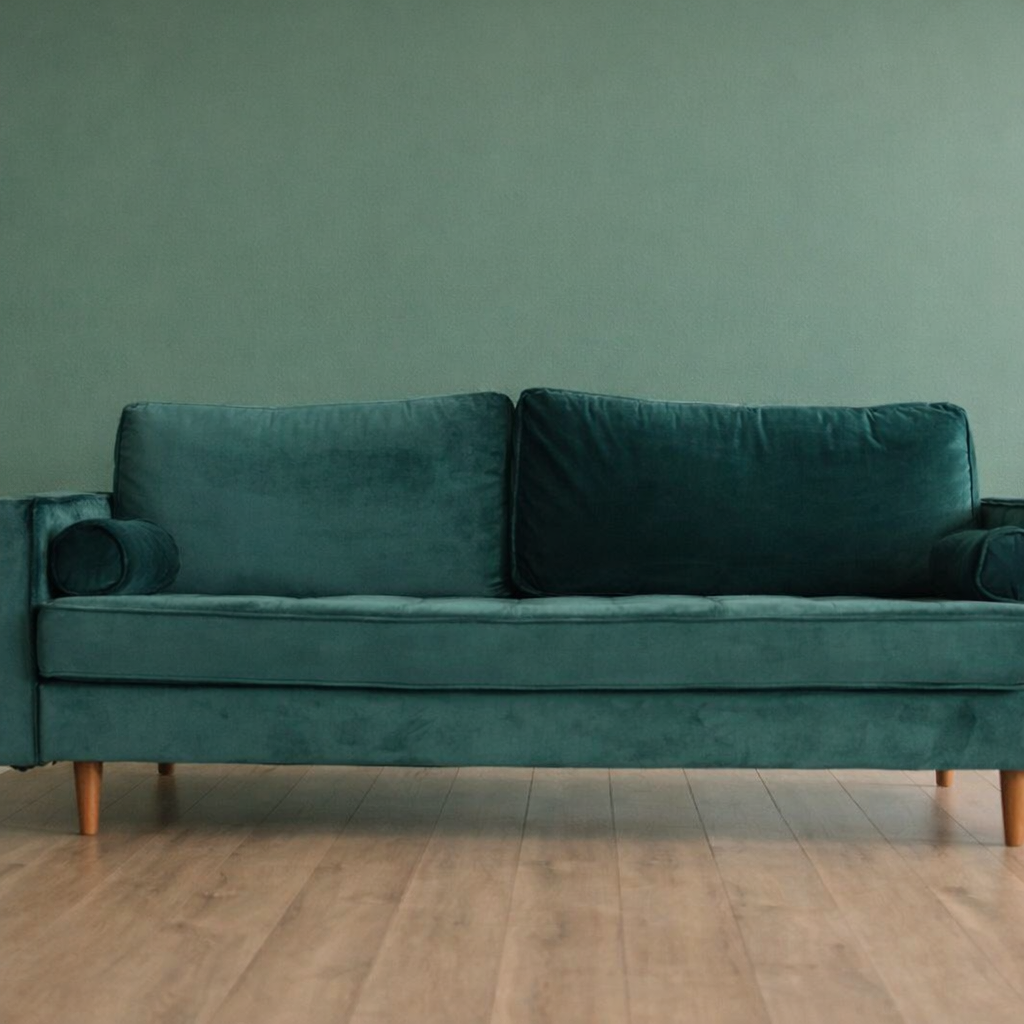
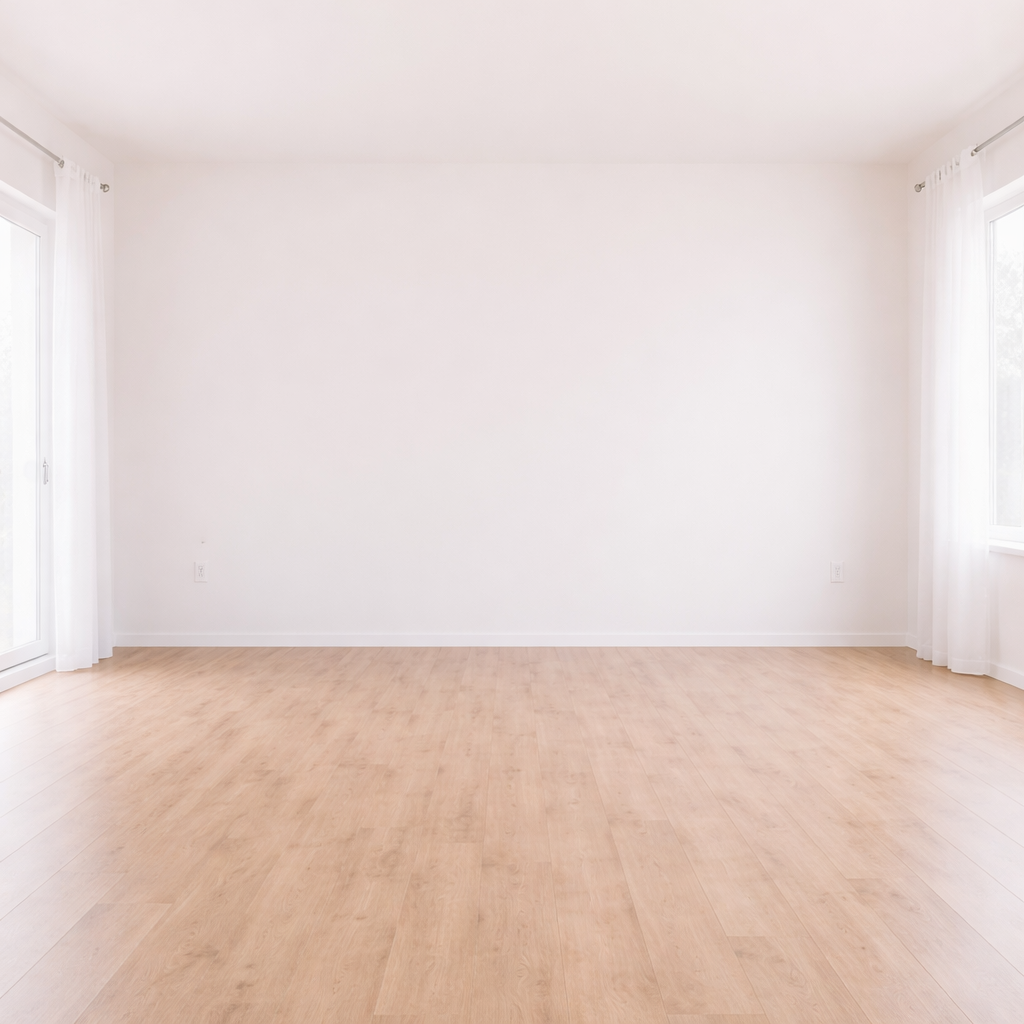
Before
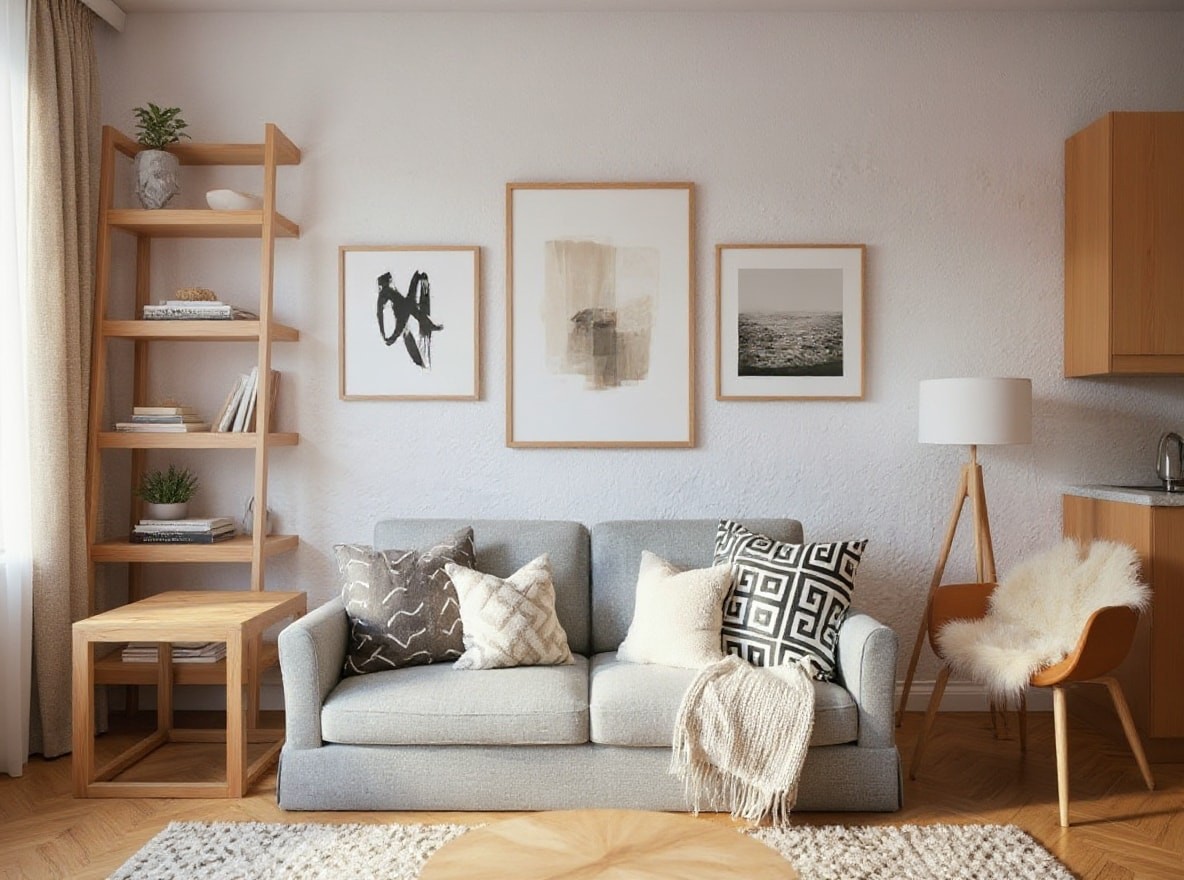
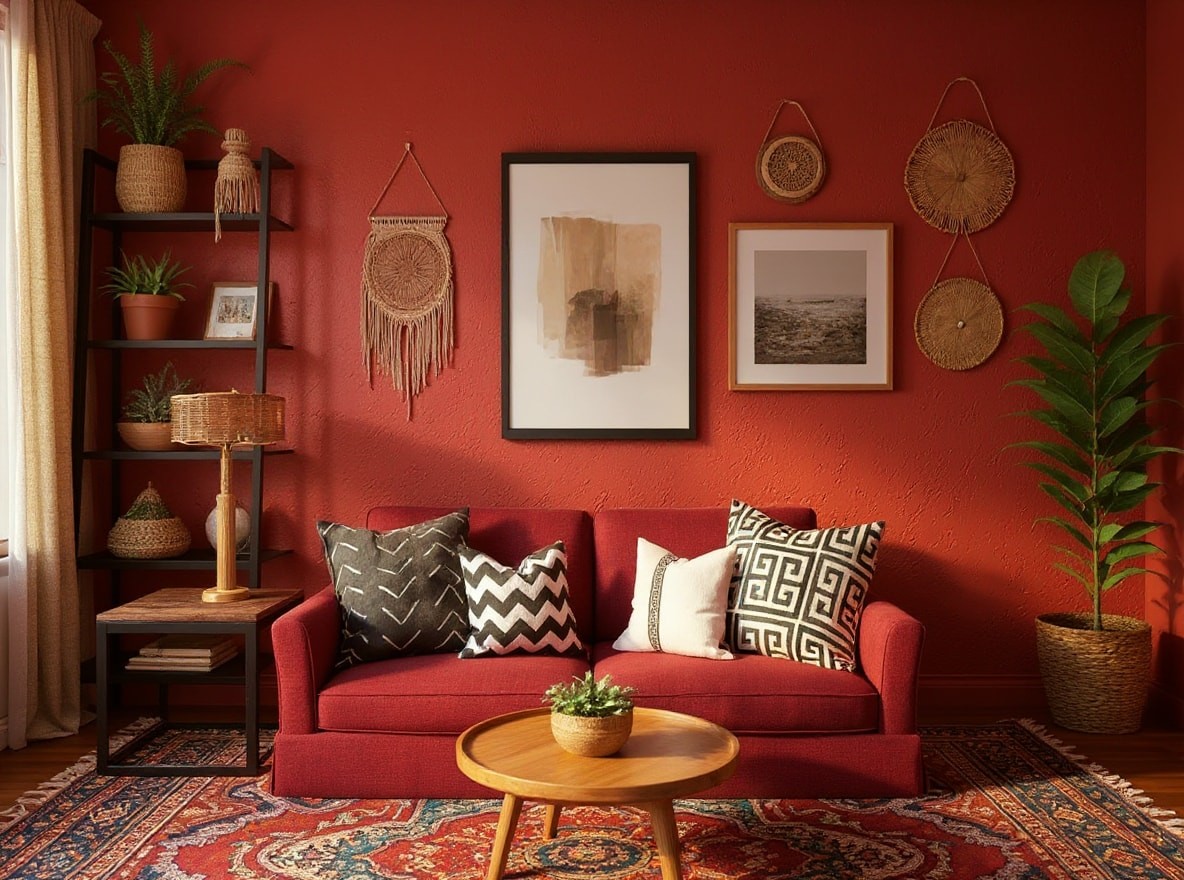
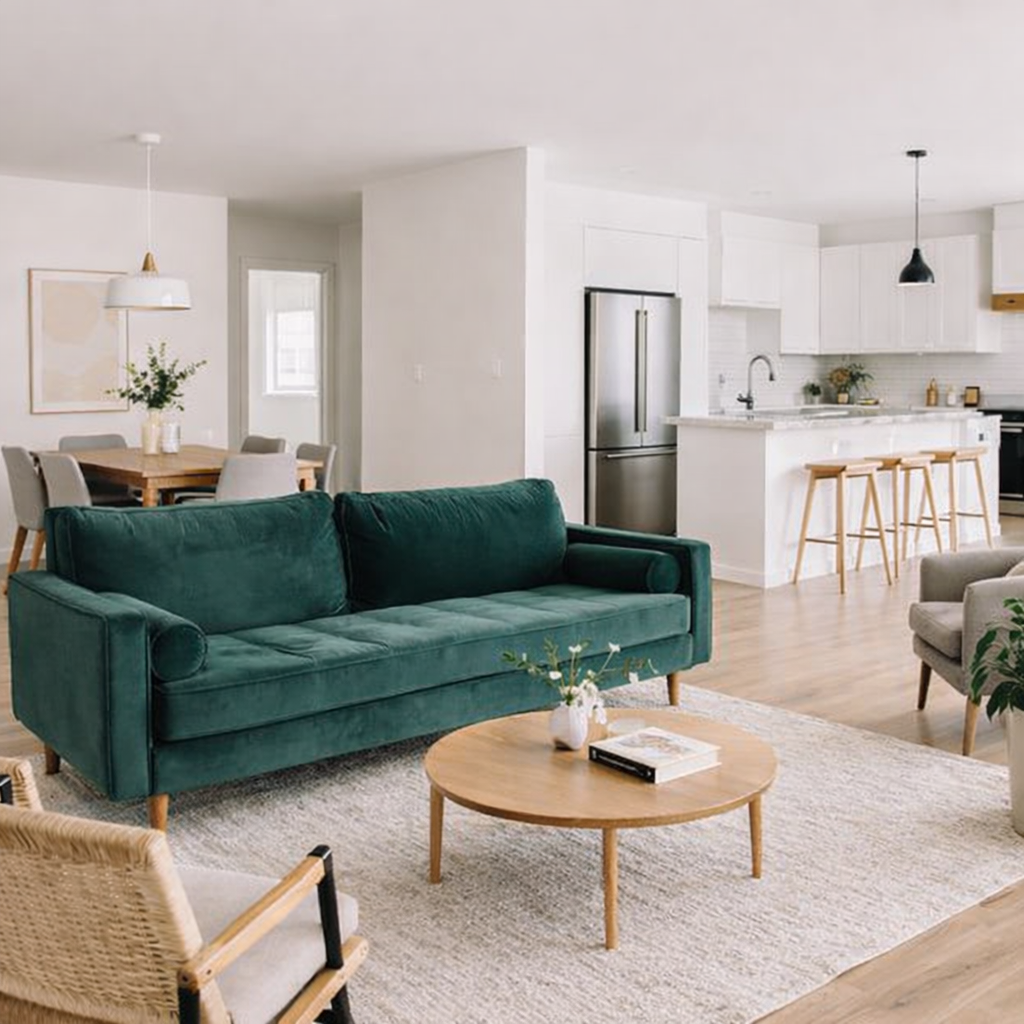
AfterAI Room Planner example result
The public page explains the workflow. `/studio` remains the execution layer.
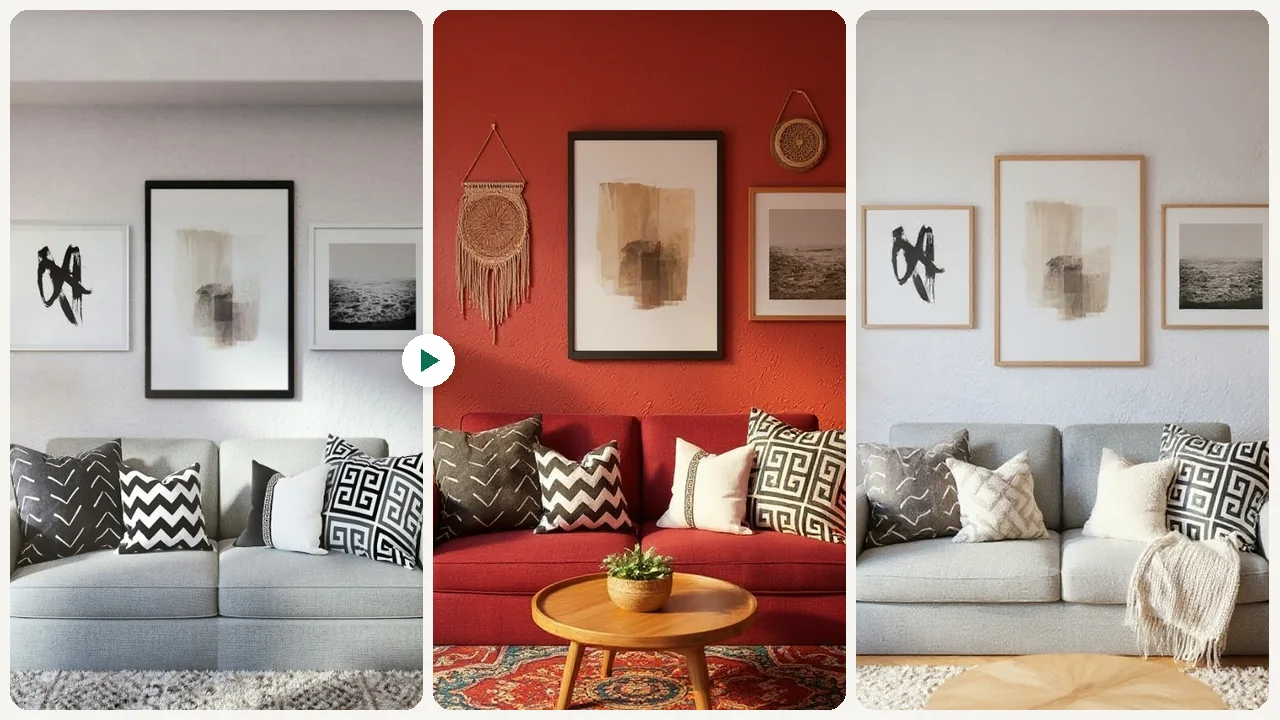
Sample Results
See what this tool can do with real photos.
Before
AfterAI Room Planner example result
User Reviews
Based on 593 reviews
Jennifer C.
Interior Designer
"Showed a client their living room in 3 different styles in one meeting. They signed the design contract on the spot."
Laura D.
Airbnb Host
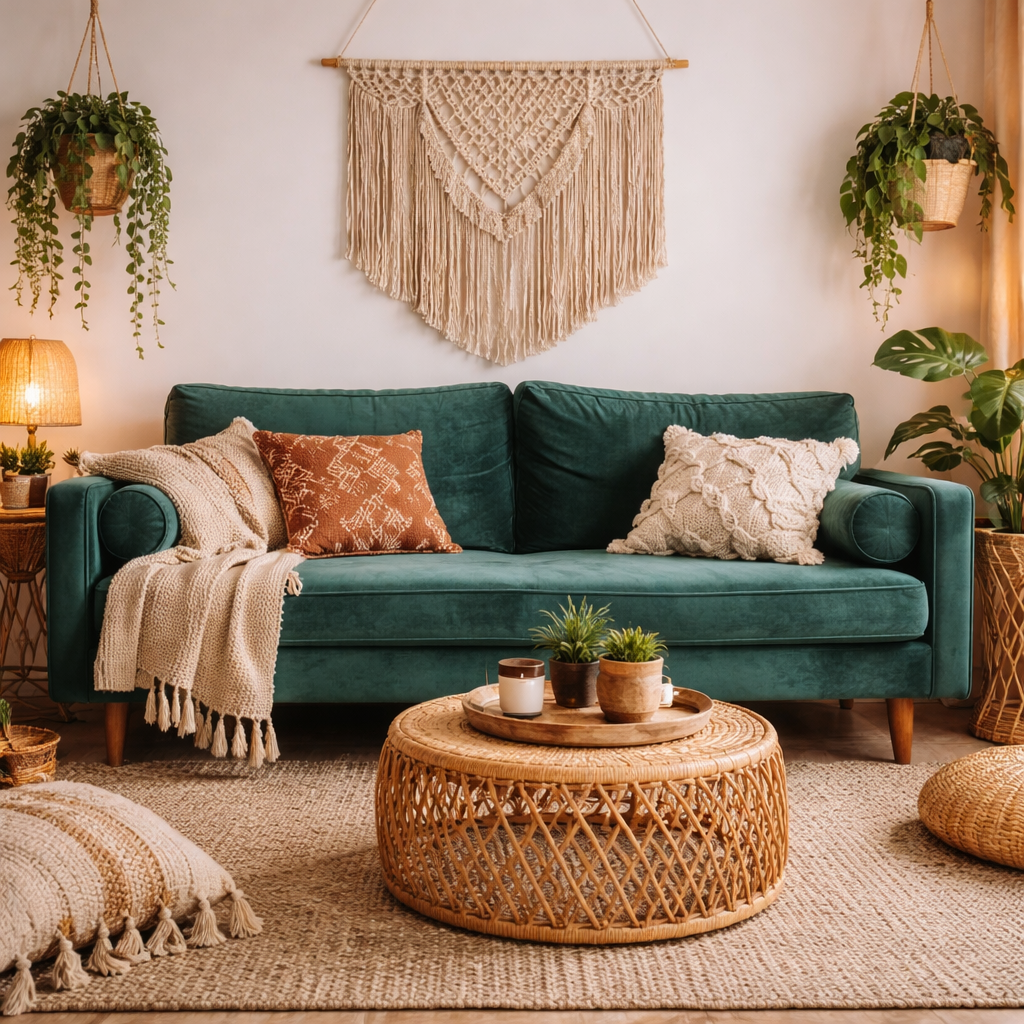
"Tested boho, minimalist, and coastal decor for my beach rental. Went with coastal and my booking rate jumped 25% after redecorating."
Amy F.
Homeowner
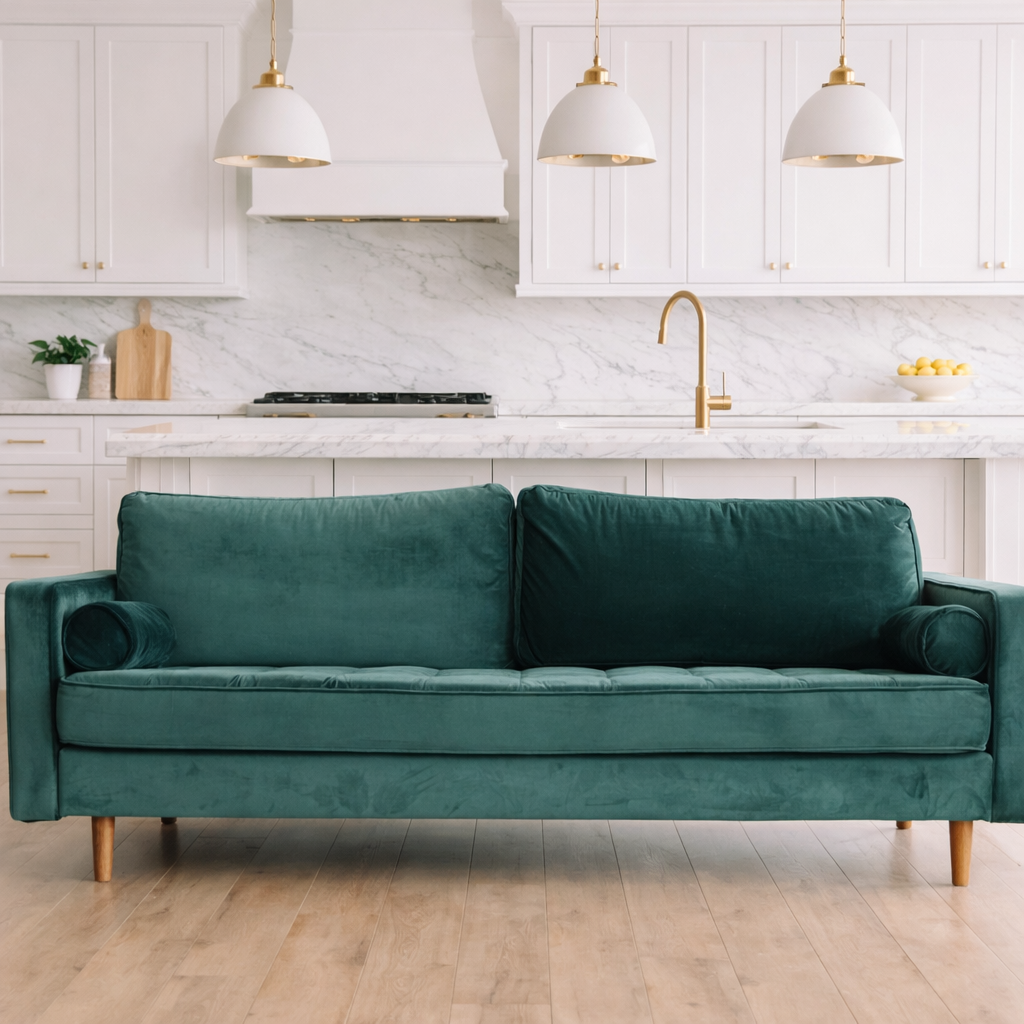
"Took a photo of my dated kitchen and tried modern white vs. dark cabinets. My husband finally agreed on the renovation direction."
What Is AI Room Planner?
The AI Room Planner is an intuitive online tool that helps you visualize design changes for any room in your home. Simply upload a photo of your current space – be it a living room, bedroom, kitchen, or office – and let our AI transform it into a fresh, new look. Experiment with various interior design styles, furniture arrangements, and color schemes without moving a single piece of furniture or spending on costly consultations. This tool is ideal for homeowners planning a renovation, renters looking to personalize their space, or even real estate agents staging properties, offering instant design inspiration and practical visualization.
Why Choose This Tool
Instant Visualizations
See your room in different styles and layouts immediately after uploading your photo, saving time and effort.
Explore Design Styles
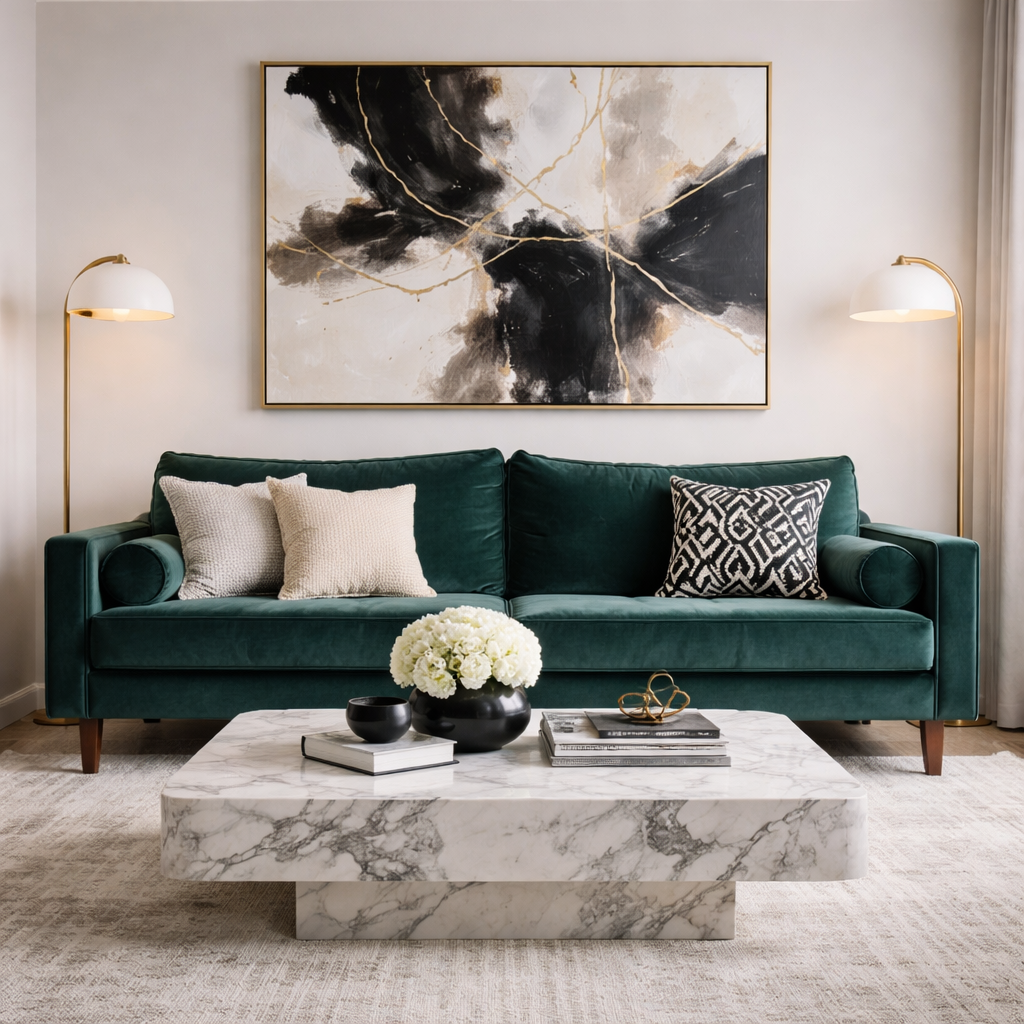
Experiment with various aesthetics like minimalist, bohemian, industrial, or classic to find what truly suits your taste.
Avoid Costly Mistakes
Preview furniture placement, color palettes, and decor choices virtually before making any purchases or commitments.
Easy Space Planning
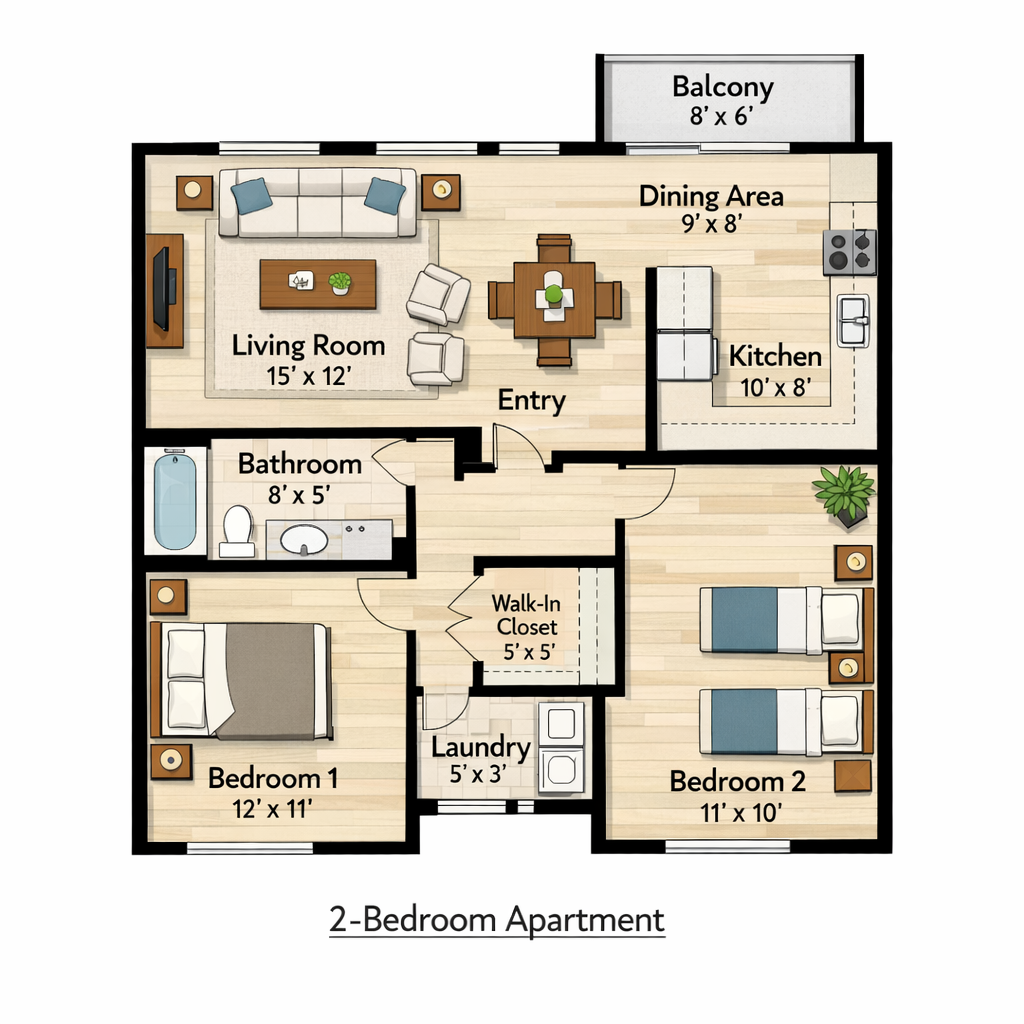
Get a clear idea of how new furniture or decor items will fit and look within your existing room dimensions.
Budget-Friendly Redesigns
Generate multiple design concepts for free, reducing the need for expensive interior design consultations.
Personalize Your Home
Discover unique ways to personalize your living spaces, making them more functional and aesthetically pleasing.
Struggling to Envision Your Room's Potential?
Traditional interior design planning often means expensive software, endless mood boards, or hiring a designer before you're even sure what you want. Trying to picture new furniture or paint colors in your head or with basic apps can be incredibly frustrating and lead to costly mistakes.
How It Works
Upload Your Room Photo
Take a clear picture of your room and upload it directly to the AI Room Planner.
Choose Your Design Style
Select from a wide range of interior design styles or specific room functions you wish to explore.
Get Instant Room Designs
Our AI will generate multiple design variations of your room for you to review and inspire your next project.
Who Is This For?
Popular use cases for this tool.
Visualize Home Redecoration Ideas
Homeowners can upload a photo of their living room or bedroom to instantly see how new furniture layouts, paint colors, or decor styles would look. This helps them make confident design decisions before committing to purchases or physical changes.
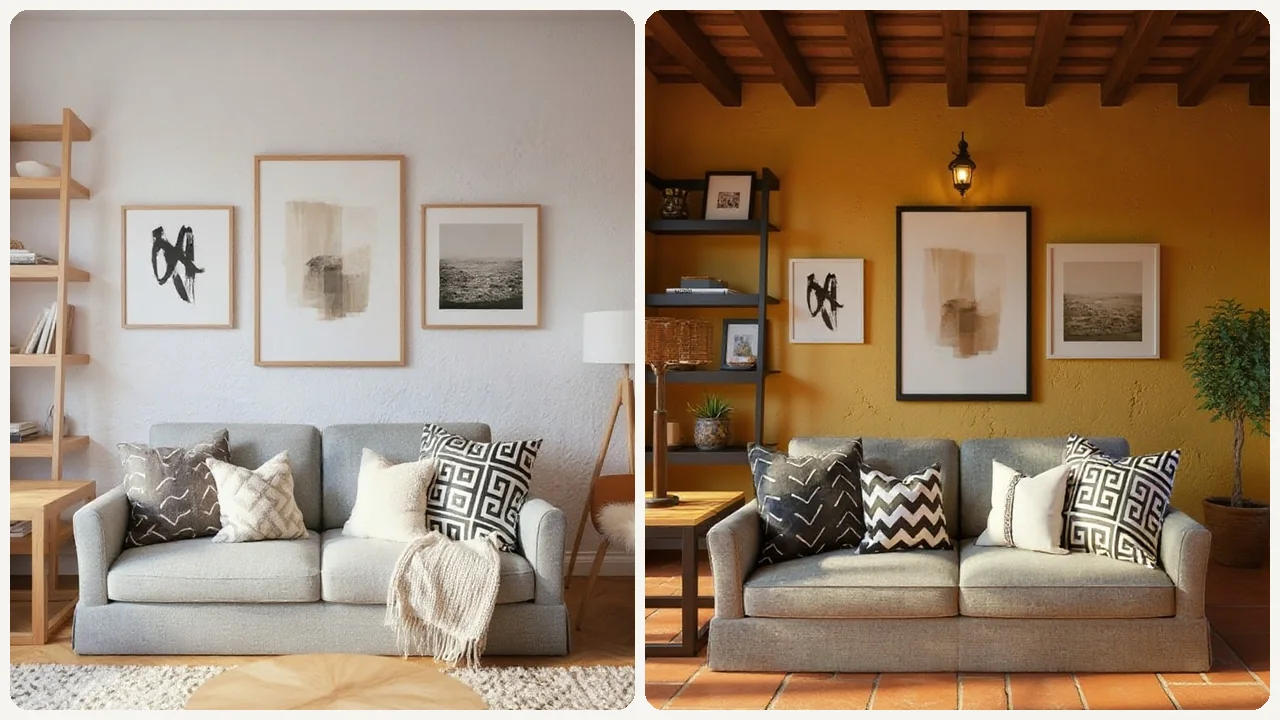
Present Design Concepts to Clients
Interior designers can use this tool to quickly generate multiple design options for a client's space based on an uploaded room photo. It allows clients to visualize proposed changes, like different flooring or furniture arrangements, making the approval process smoother.
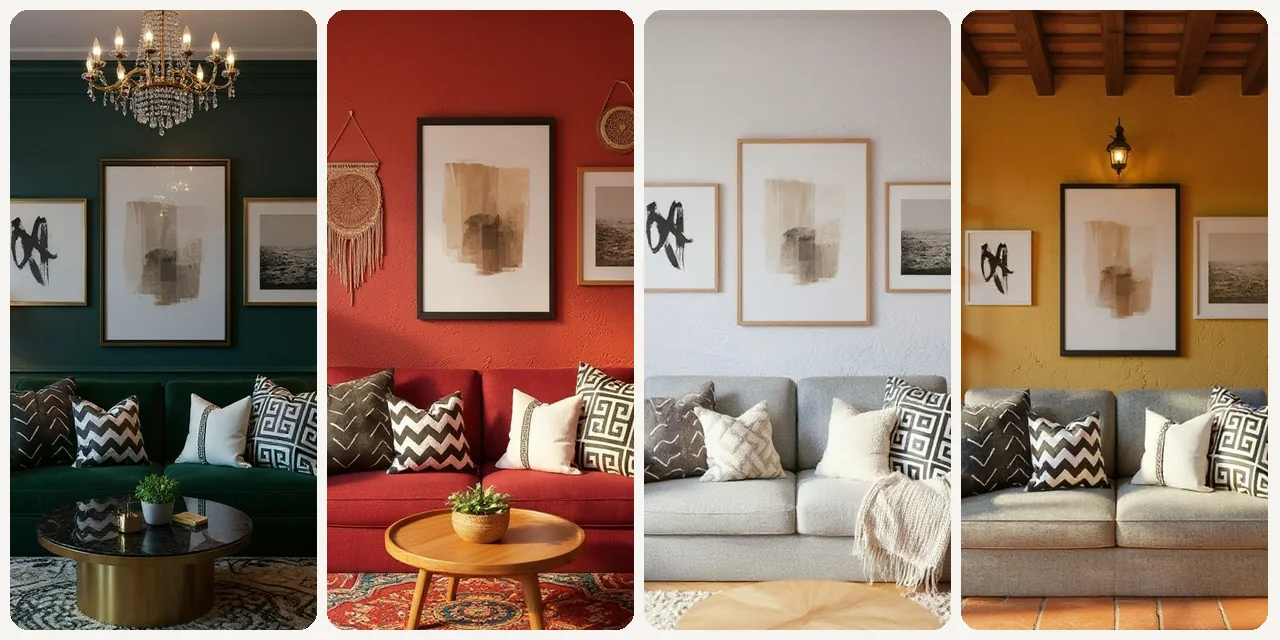
Virtual Staging for Property Listings
Real estate agents can upload photos of empty or outdated rooms from properties they are selling. The tool helps them virtually stage these spaces, showcasing their full potential to prospective buyers and making listings more appealing online.
Frequently Asked Questions
What is the AI Room Planner?
It's an online tool that uses artificial intelligence to redesign your room based on an uploaded photo. You can experiment with different styles and layouts to visualize potential changes before making any real-world alterations.
Is the AI Room Planner really free to use?
Yes, our basic AI Room Planner design free online functionality allows you to upload photos and generate design concepts without any cost. Premium features or higher resolution outputs might be available with a subscription.
What kind of rooms can I design with this tool?
You can design virtually any room, including living rooms, bedrooms, kitchens, dining rooms, home offices, bathrooms, and even outdoor spaces like patios or balconies.
Do I need design experience to use it?
Not at all! The AI Room Planner is designed for everyone, from complete beginners to experienced designers. Its intuitive interface makes it easy to generate stunning room concepts.
How accurate are the generated designs?
The designs provide a realistic visual representation of how your room could look. While precise measurements aren't incorporated, it offers excellent stylistic and spatial inspiration for furniture and decor placement.
Can I try different furniture arrangements?
Yes, the AI can generate designs with various furniture layouts and types, allowing you to explore different functional arrangements within your space.
What design styles are available?
We offer a broad selection of styles, including Modern, Minimalist, Bohemian, Industrial, Scandinavian, Traditional, Rustic, Coastal, and many more to suit diverse tastes.
Can I save my favorite designs?
Absolutely! Once the AI generates designs, you'll have the option to save your preferred layouts and styles to revisit later or share with others.
What image formats does the tool accept?
The AI Room Planner typically accepts common image formats like JPG, PNG, and HEIC. Ensure your uploaded photo is clear and well-lit for the best results.
How long does it take to get a design?
The AI processes your image and generates design concepts almost instantly, usually within a few seconds to a minute, depending on the complexity and server load.
Is my uploaded room photo kept private?
We prioritize user privacy. Your uploaded images are used solely for generating your room designs and are not shared or used for any other purpose.
Can I use this for professional interior design projects?
While it's an excellent tool for inspiration and initial visualization, it's best used as a concept generator. Professional projects may require more precise tools for detailed planning and measurements.