Diffusion-Based Inpainting
The eraser synthesizes new pixels that match lighting, perspective, and texture — not just cloning nearby areas.
magic eraser photo free online
Effortlessly remove distracting elements, photobombers, or blemishes from your images. Perfect for photographers, marketers, and anyone needing clean, professional-looking photos.
Use our magic eraser photo free online tool to effortlessly remove unwanted objects, photobombers, or distractions from your images. Get clean, perfect ...
Sample results

What can this tool do?
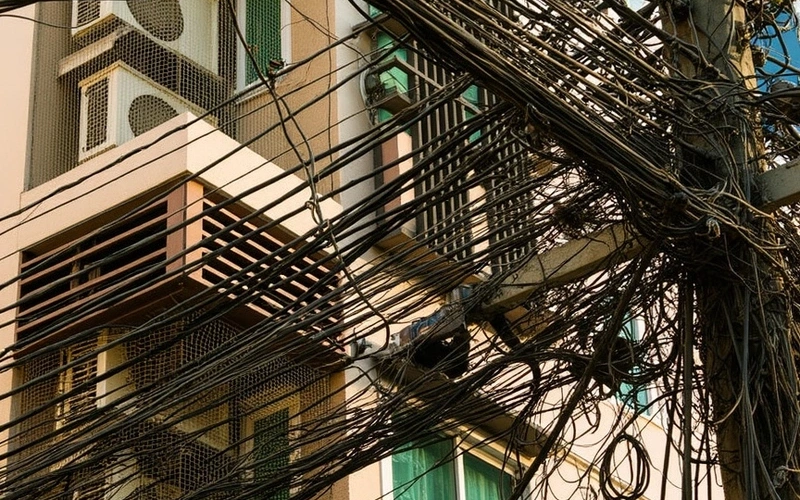
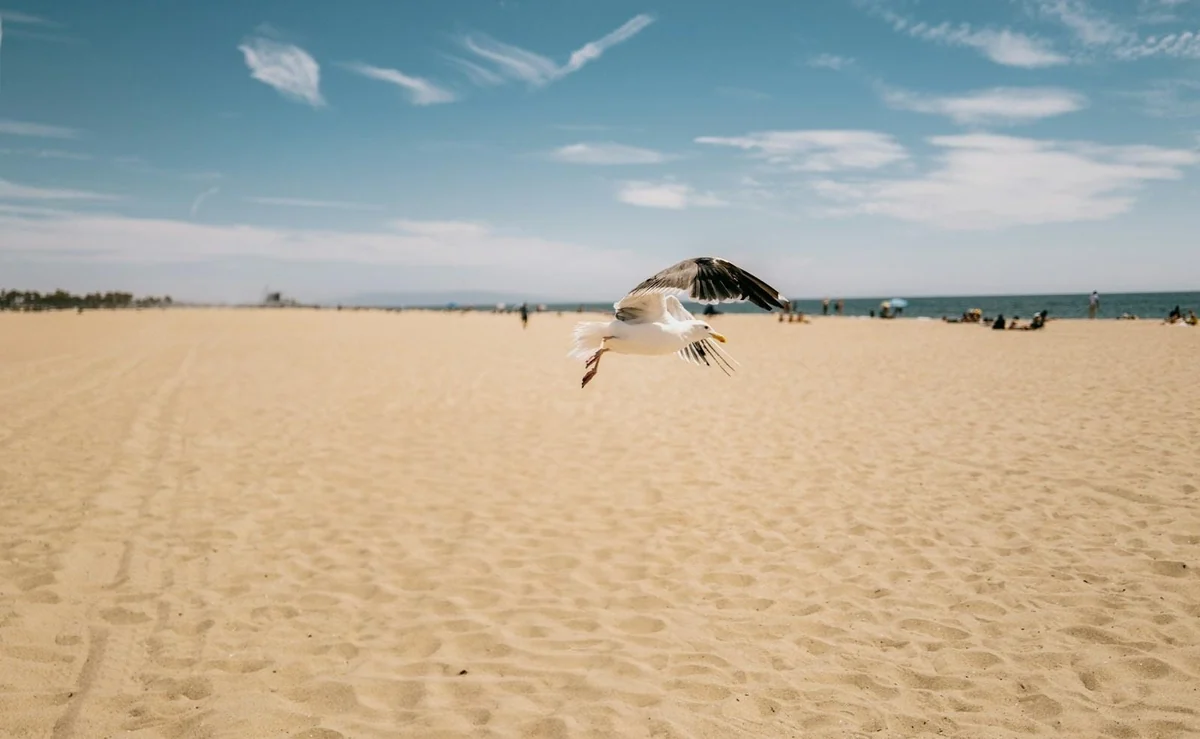
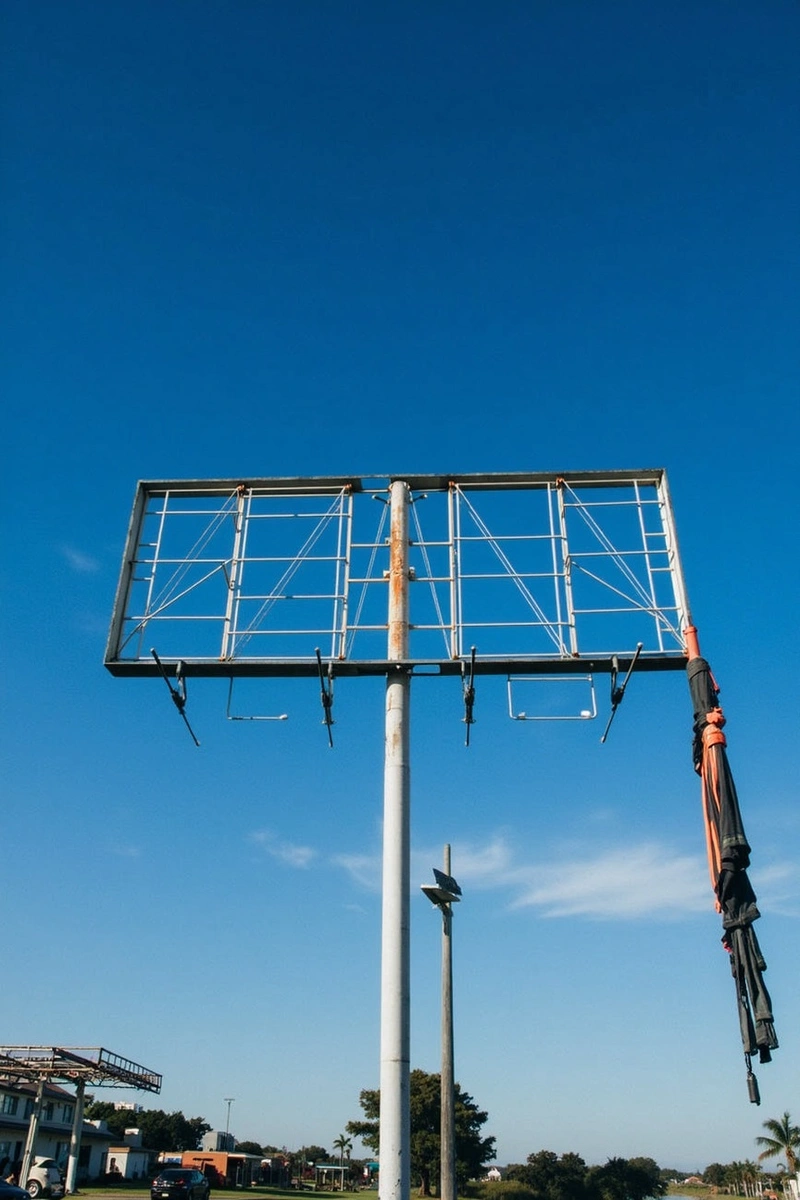
The Magic Eraser uses diffusion-based inpainting to replace brushed-over regions with plausible scene continuations. It reads surrounding textures, vanishing lines, and lighting gradients to reconstruct backgrounds that look physically consistent — handling tile grids, foliage, and reflective surfaces better than legacy clone-stamp tools. Unlike basic fill or blur-based erasers, it synthesizes new image content that respects the perspective and depth of the original scene. Typical use cases include deleting power lines from landscape shots, clearing product photos of price stickers, and removing strangers from street photography.
Manually cloning out unwanted elements in complex photo editors is time-consuming and often yields unnatural results. Hiring a professional editor for simple fixes can be expensive, leaving you with less-than-perfect images that don't capture your vision.
Why choose this tool?
The eraser synthesizes new pixels that match lighting, perspective, and texture — not just cloning nearby areas.
Resize the brush to erase anything from a small blemish to a large foreground object in a single stroke.
Exports at the original file dimensions without downscaling or compression artifacts in the erased area.
How to use
Drag and drop your photo or click to select an image from your device.
Use the magic eraser brush to paint over any unwanted elements you wish to remove.
Once the objects are gone, download your clean, perfected image instantly.
Use cases
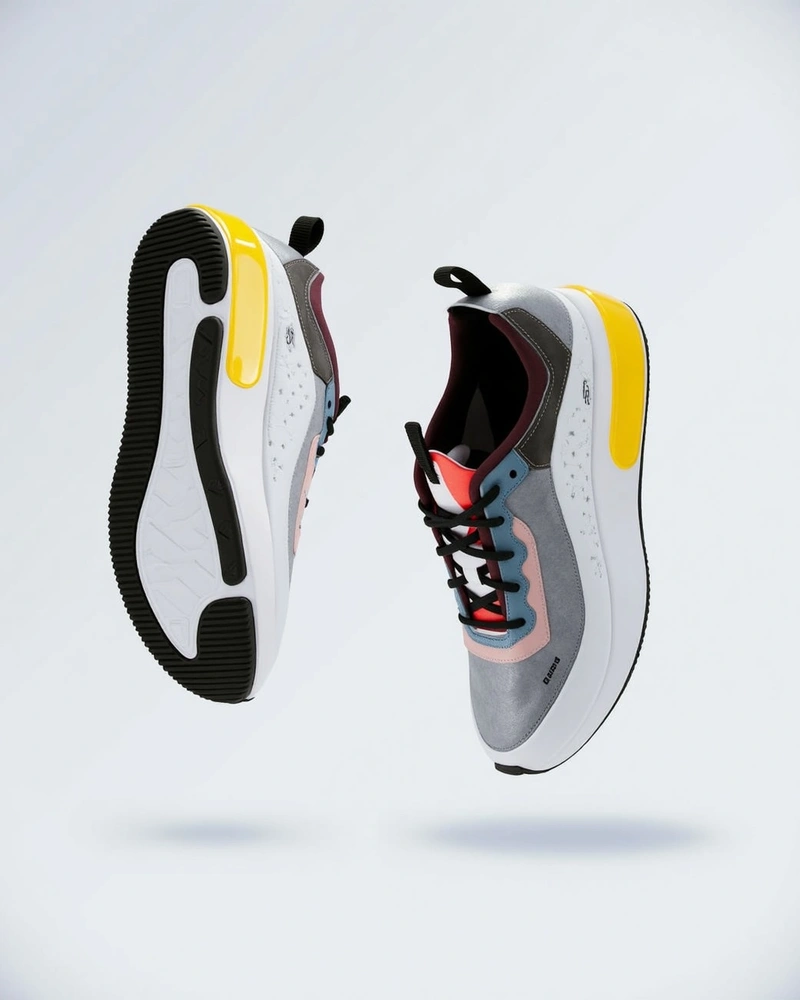
E-commerce Sellers can remove distractions like price tags, dust, or background clutter from product images. This ensures your items are the sole focus, enhancing their appeal to potential buyers.
Social Media Managers can quickly eliminate photobombers or unwanted objects from event and lifestyle photos. Maintain a polished and professional aesthetic across all your platform content.
Amateur Photographers can easily clear power lines, unexpected tourists, or other visual clutter from their cherished travel and landscape shots. Preserve the pristine beauty of your captured moments without distractions.
FAQ
The Magic Eraser is an online image editing tool designed to intelligently remove unwanted objects or distractions from your photos. You simply paint over the area you want to disappear, and the tool uses AI to seamlessly fill the space, making it look as if the object was never there. It's perfect for cleaning up backgrounds, removing blemishes, or deleting photobombers.
Yes, our Magic Eraser tool offers free usage for basic image cleaning. You can remove objects from your photos without any cost or subscription for standard operations. For higher resolution outputs or advanced features, premium options might be available, but essential object removal is free.
You can remove a wide variety of objects, including photobombers, text, logos, power lines, trash, skin blemishes, or any other distracting elements. The tool works best on objects with relatively consistent backgrounds around them, seamlessly blending the erased area with the surrounding pixels.
The tool utilizes advanced algorithms to analyze the pixels surrounding the area you've brushed over. It then intelligently reconstructs the background, filling in the 'erased' space with textures and colors that match the surrounding environment. This process ensures a natural and seamless removal, making the object virtually undetectable.
No, absolutely not. Our Magic Eraser is a web-based tool, meaning you can access and use it directly from your internet browser. There's no need to download or install any software, making it convenient to use on any device, anywhere with an internet connection.
Yes, the Magic Eraser tool is fully responsive and optimized for mobile devices. You can easily upload images, brush over unwanted objects, and download your edited photos directly from your smartphone or tablet browser. It offers a smooth editing experience across all platforms.
The Magic Eraser supports JPEG, PNG, and WebP uploads. We recommend uploading images in these formats for the best results and compatibility. If you have an image in a less common format, you might need to convert it first.
The accuracy of object removal is generally very high, especially for distinct objects against relatively uniform or predictable backgrounds. While it excels at seamless blending, very complex backgrounds or objects that are highly integrated into intricate patterns might require a few tries or minor adjustments to achieve perfection. It's designed for impressive results with minimal effort.
Start now