AI Text Remover
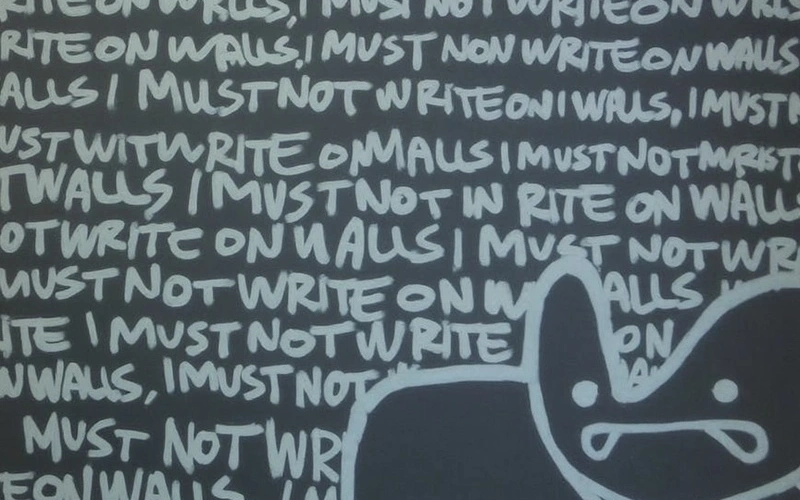
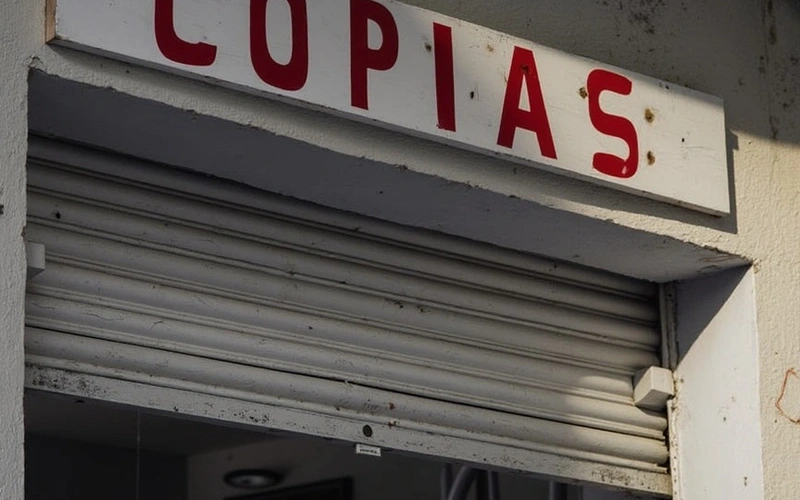
Our AI Text Remover helps designers, marketers, and content creators quickly erase unwanted text from photos, screenshots, and graphics without complex editing software.
Preset route
Choose the public starting point before you open Studio
Or choose a popular preset:
Sample compare
See the promise before you move into execution
Before
AfterAI Text Remover example result
The public page explains the workflow. `/studio` remains the execution layer.
Sample Results
See what this tool can do with real photos.
Before
AfterAI Text Remover example result
User Reviews
Based on 348 reviews
Victoria K.
Social Media Manager
"Managing 4 brand accounts means 40+ images a week. Consistent editing across all of them used to be impossible before this."
Will H.
Marketing Coordinator
"Our Instagram needs 5 edited images per day. I batch-process them here in 20 minutes instead of waiting for the design team."
Peter L.
E-Commerce Owner
"Used this for my Etsy shop product photos. Backgrounds come out clean on the first try and I list items 3x faster now."
What Is AI Text Remover?
The AI Text Remover is a specialized online tool designed to intelligently detect and erase unwanted text from any image. Whether it's a timestamp on a photo, a watermark, a stray caption, or a logo overlay, this tool precisely identifies the text and seamlessly reconstructs the background, making it appear as if the text was never there. This is invaluable for content creators needing to repurpose images, e-commerce businesses cleaning product photos, or anyone looking to restore an image by removing distracting elements. It saves hours compared to manual editing, allowing users to achieve professional-looking results quickly.
Why Choose This Tool
Erase Watermarks Instantly
Remove distracting watermarks from stock photos or personal images, making them suitable for broader use or display.
Clean Product Shots
Get rid of price tags, promotional text, or branding from product images to maintain a clean, consistent look for your online store.
Repurpose Content Easily
Easily adapt existing images by removing old captions or dates, allowing you to update and reuse visuals for new campaigns.
Fix Photo Errors Quickly
Correct accidental text overlays or unwanted timestamps on personal photos, preserving the original scene without distractions.
Save Time & Effort
Avoid tedious manual selection and cloning in photo editing software; our AI handles the complex removal automatically.
Maintain Image Quality
The tool intelligently reconstructs the background, ensuring your image retains its original quality and detail after text removal.
Frustrated by Unwanted Text on Your Images?
Traditional photo editing software requires tedious manual selection, cloning, and intricate brushwork, which is time-consuming and often yields imperfect results. Hiring a professional is costly, and trying to crop out text often ruins the image composition. You need a faster, simpler solution.
How It Works
Upload Your Image
Drag and drop or select the image containing text you wish to remove.
Select Text Area
Use the brush tool to highlight the specific text you want to erase from your image.
Download Clean Image
Instantly download your image with the selected text seamlessly removed, ready for use.
Who Is This For?
Popular use cases for this tool.
Clean Product Photos
E-commerce sellers often receive product images from manufacturers or suppliers that include watermarks, logos, or price tags. This tool helps remove these distractions, allowing sellers to present clean, professional product visuals that align with their own brand identity.
Enhance Social Posts
Social media managers frequently find visually appealing images online that are perfect for their campaigns but contain intrusive timestamps, captions, or logos. By removing this unwanted text, they can adapt images for a polished, on-brand look across all social platforms.
Refine Visuals for Content
Bloggers, educators, and content creators often use screenshots or stock images that may contain irrelevant text, website addresses, or software UI elements. This tool helps them eliminate such text, ensuring their visual aids are clear, focused, and free from distractions for their audience.
Frequently Asked Questions
What kind of text can this tool remove?
Our AI Text Remover can handle various types of text, including watermarks, timestamps, logos, captions, dates, and other overlays. It works effectively on both printed and digitally added text, regardless of font or color, as long as it's distinguishable from the background.
Is this tool really free to use?
Yes, our AI Text Remover offers a free tier that allows you to remove text from a certain number of images per day. This lets you experience its capabilities and achieve clean results without any cost.
How does the AI remove text without leaving marks?
The AI uses advanced inpainting algorithms. When you highlight text, the AI analyzes the surrounding pixels and intelligently reconstructs the background area, filling in the space where the text was with content that matches the original image seamlessly.
Can I remove text from complex backgrounds?
Yes, the AI is designed to work well even with complex or textured backgrounds. It analyzes patterns and colors to generate a coherent fill, aiming to make the removed text area blend naturally with the rest of the image.
What image formats are supported?
Our AI Text Remover supports common image formats such as JPG, PNG, and WebP. You can upload images in these formats, and the tool will process them efficiently.
What is the maximum image size or resolution?
While there might be practical limits, the tool is optimized to handle high-resolution images. We recommend checking the specific limits displayed on the upload interface for the best performance and results.
Does removing text affect image quality?
The tool is engineered to preserve the original image quality as much as possible. The AI reconstructs the background intelligently to ensure the removal process results in a clean image without significant degradation.
Is my uploaded image secure and private?
Yes, we prioritize your privacy. Uploaded images are processed securely and are typically deleted from our servers after a short period once you've downloaded your edited image. Your data is not used for training or shared.
Can I remove multiple text elements at once?
Yes, you can use the brush tool to select multiple distinct text areas within the same image. The AI will then process all selected areas in one go, efficiently removing all unwanted text elements.
What if the removed area doesn't look perfect?
While our AI is highly effective, challenging backgrounds or very large text areas might sometimes require slight adjustments. You can try refining your selection or re-applying the tool if the initial result isn't entirely satisfactory.
Is this tool suitable for professional use?
Absolutely. Many professionals, including graphic designers, marketers, and e-commerce managers, use this tool to quickly clean up images for presentations, product listings, social media, and more, saving valuable time.
Do I need to install any software?
No, our AI Text Remover is a completely web-based tool. You can access it directly from your browser on any device, without the need to download or install any software.