AI Landscape Design

Upload a photo of your outdoor space and transform it in under 30 seconds with diverse landscaping ideas. Perfect for homeowners, gardeners, and designers planning their next project.

Upload your room photo
Choose design style
4 credits per image · 1 free try, sign up free to download
Model: FLUX.1 Kontext Pro · Usually 10-30 seconds
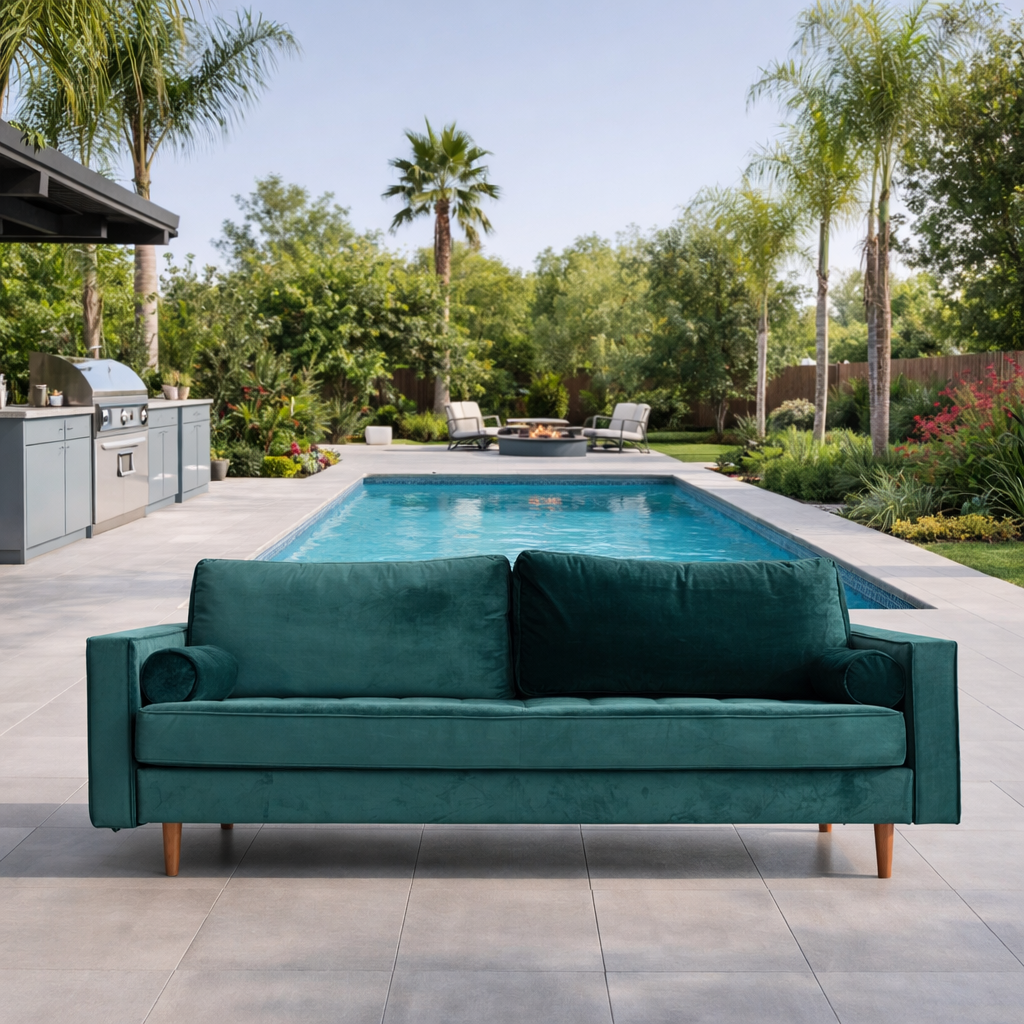
AI Landscape Design result
AI result
After
English Style
Before & After

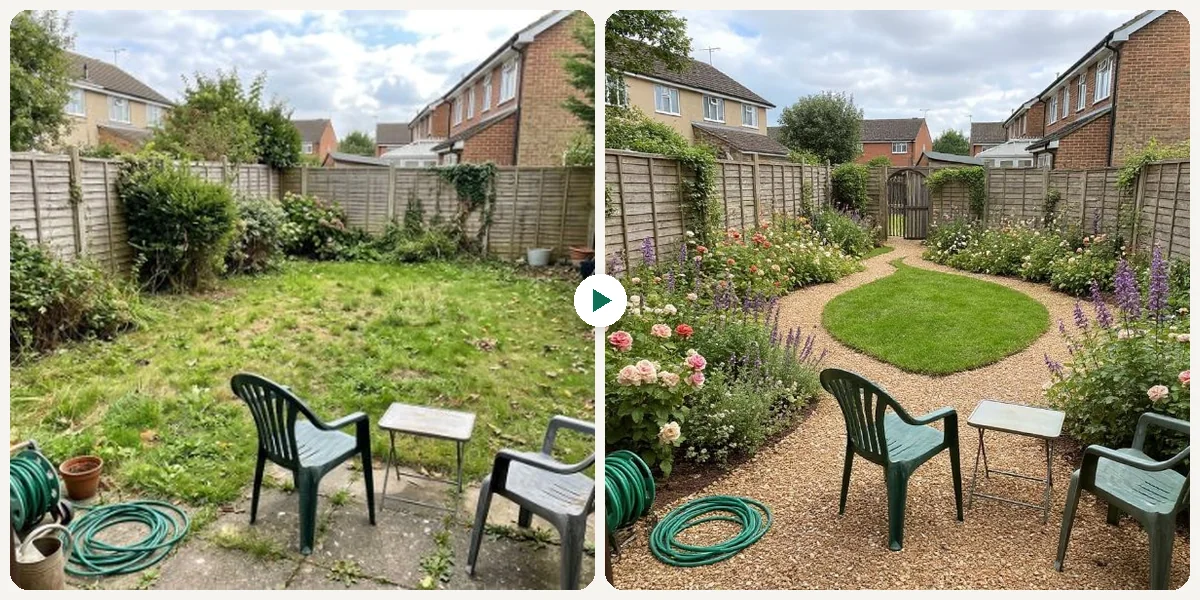
See the transformation

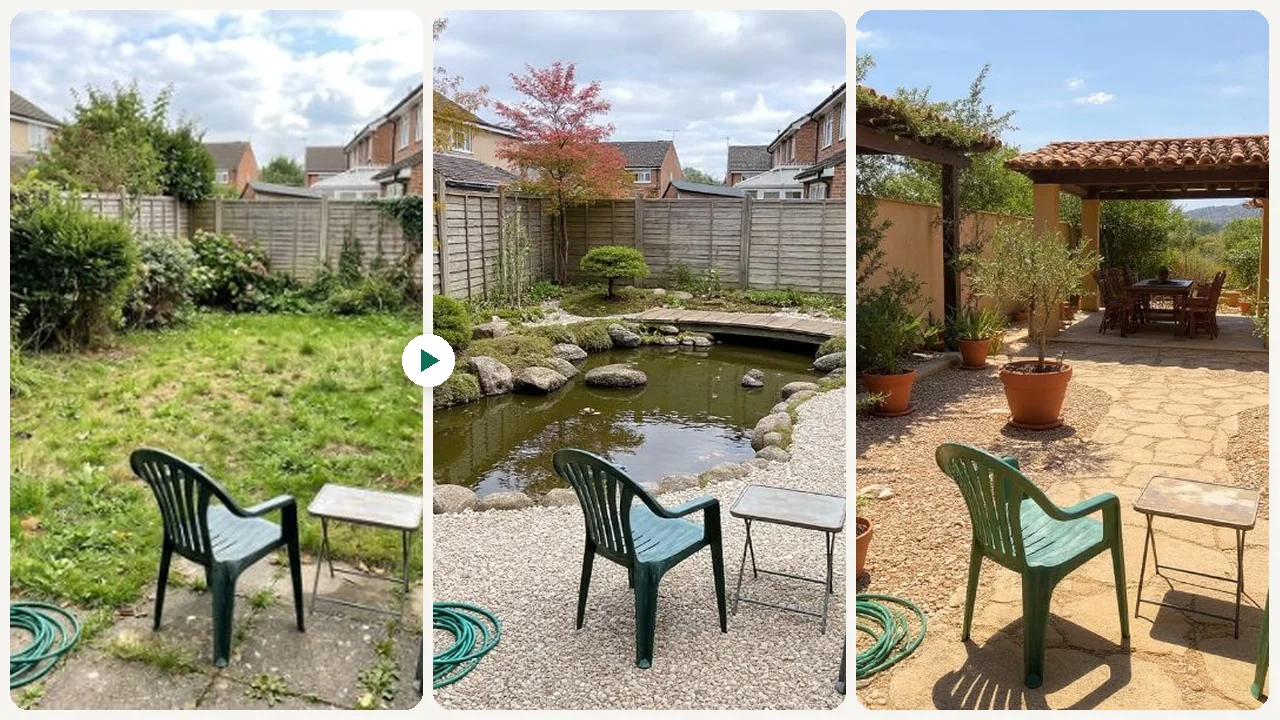
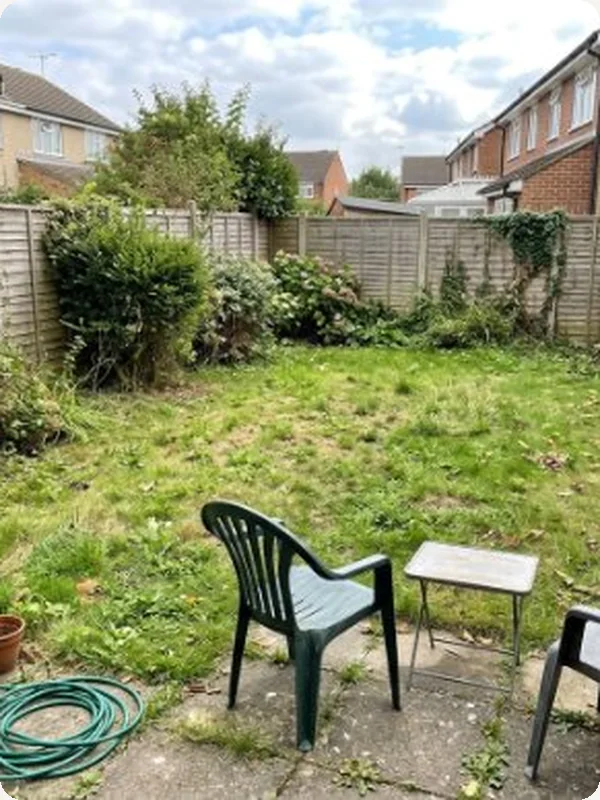
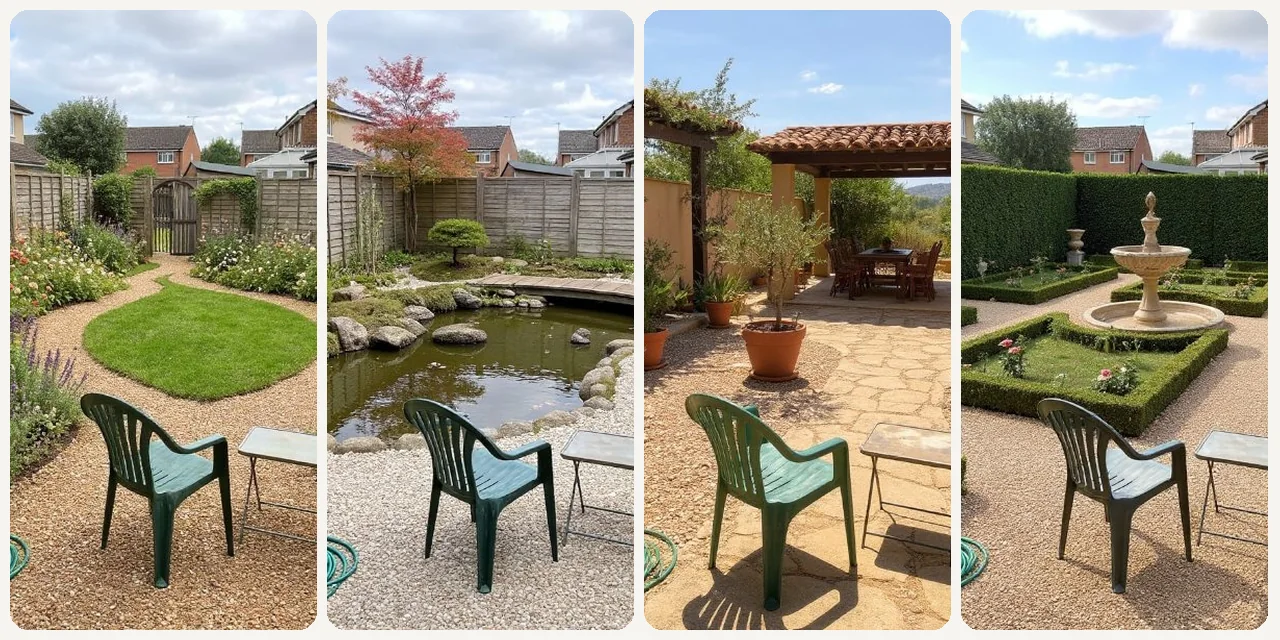
Original photo before AI Landscape Design - English styleOriginal photo before AI Landscape Design - Elegant styleOriginal photo before AI Landscape Design - Japanese styleOriginal photo before AI Landscape Design - Mediterranean style
Original photo
Before
AI result in English style - AI Landscape DesignAI result in Elegant style - AI Landscape DesignAI result in Japanese style - AI Landscape DesignAI result in Mediterranean style - AI Landscape Design
AI result
After
English Style
AI Landscape Design · Eidora AI
What Is This Tool
AI Landscape Design overview

What Is AI Landscape Design?

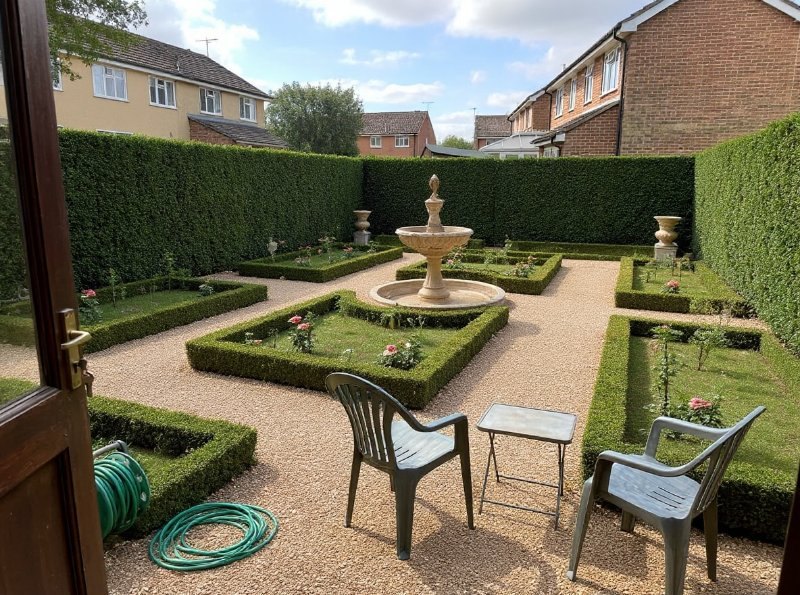
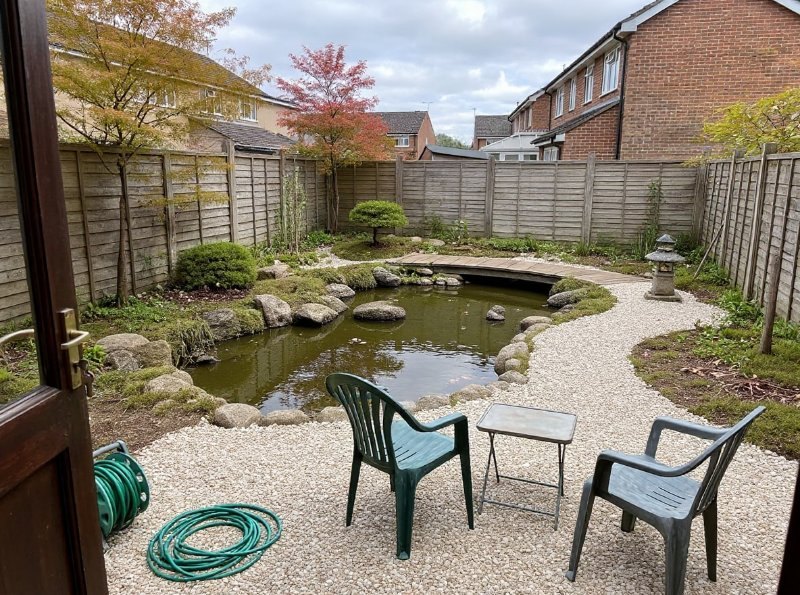
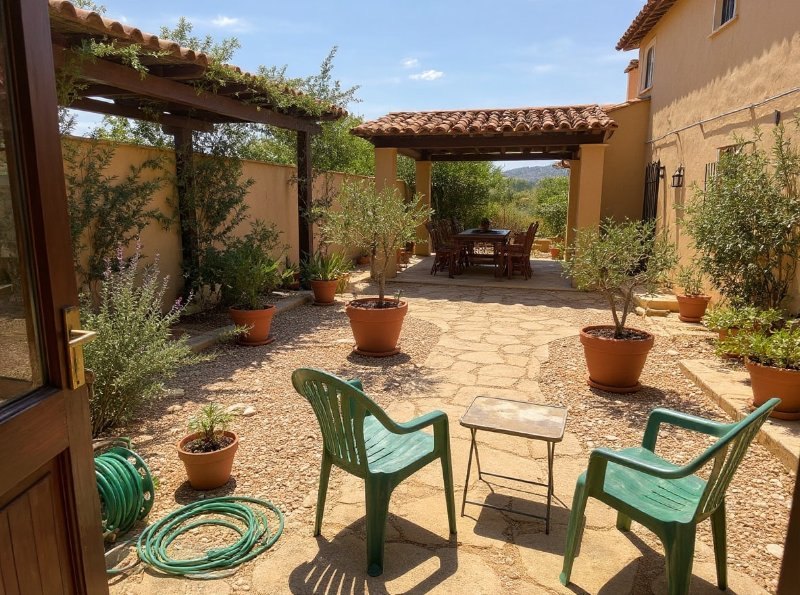
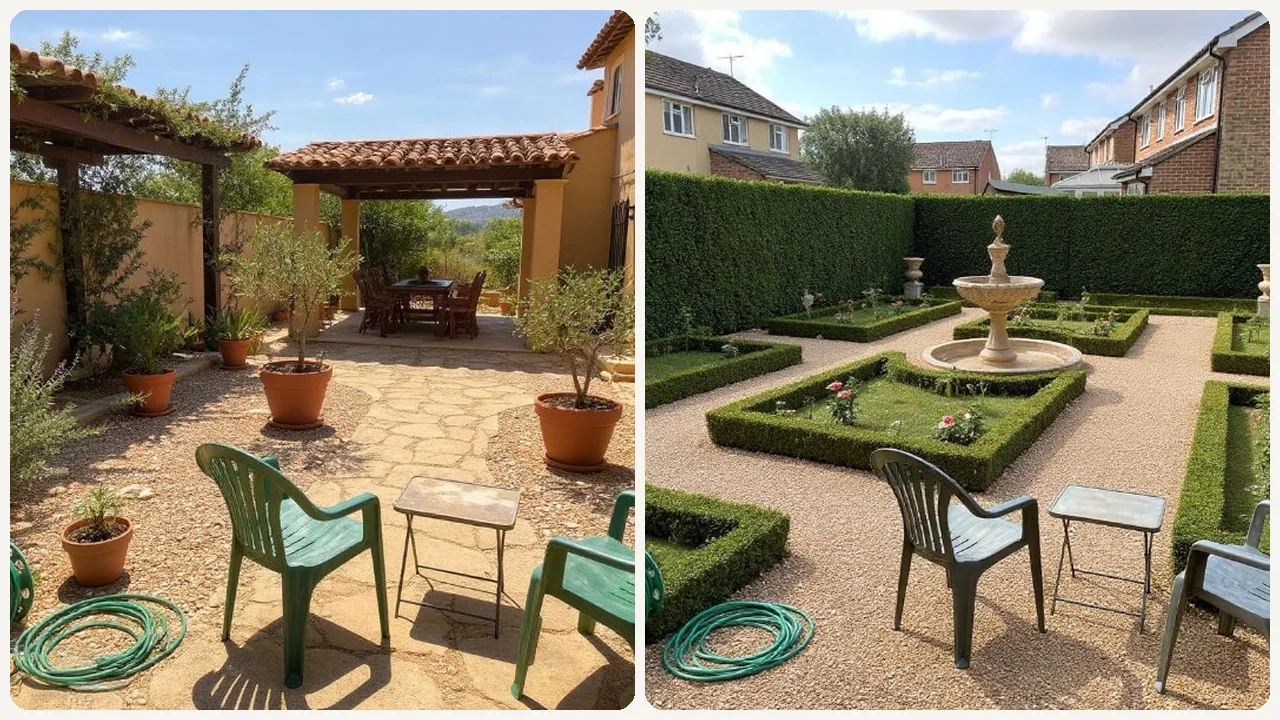
This AI Landscape Design tool lets you reimagine your outdoor living areas. Upload a photo of your current yard, garden, or patio, pick one of 4 styles (English, Elegant, Japanese or Mediterranean), and the AI redesigns the space in that style while keeping its dimensions. Each run makes one realistic image, usually in 10 to 30 seconds. Each style brings its own planting and features, such as a koi pond and stone lanterns in Japanese or a pergola and terracotta pots in Mediterranean. It's useful for homeowners exploring new planting schemes and hardscaping ideas without any commitment. Landscapers can use it for initial client presentations, and real estate agents can showcase property enhancement potential. It is a visual preview, not a layout planner: you can't choose where things go.

Use Cases

What you can create

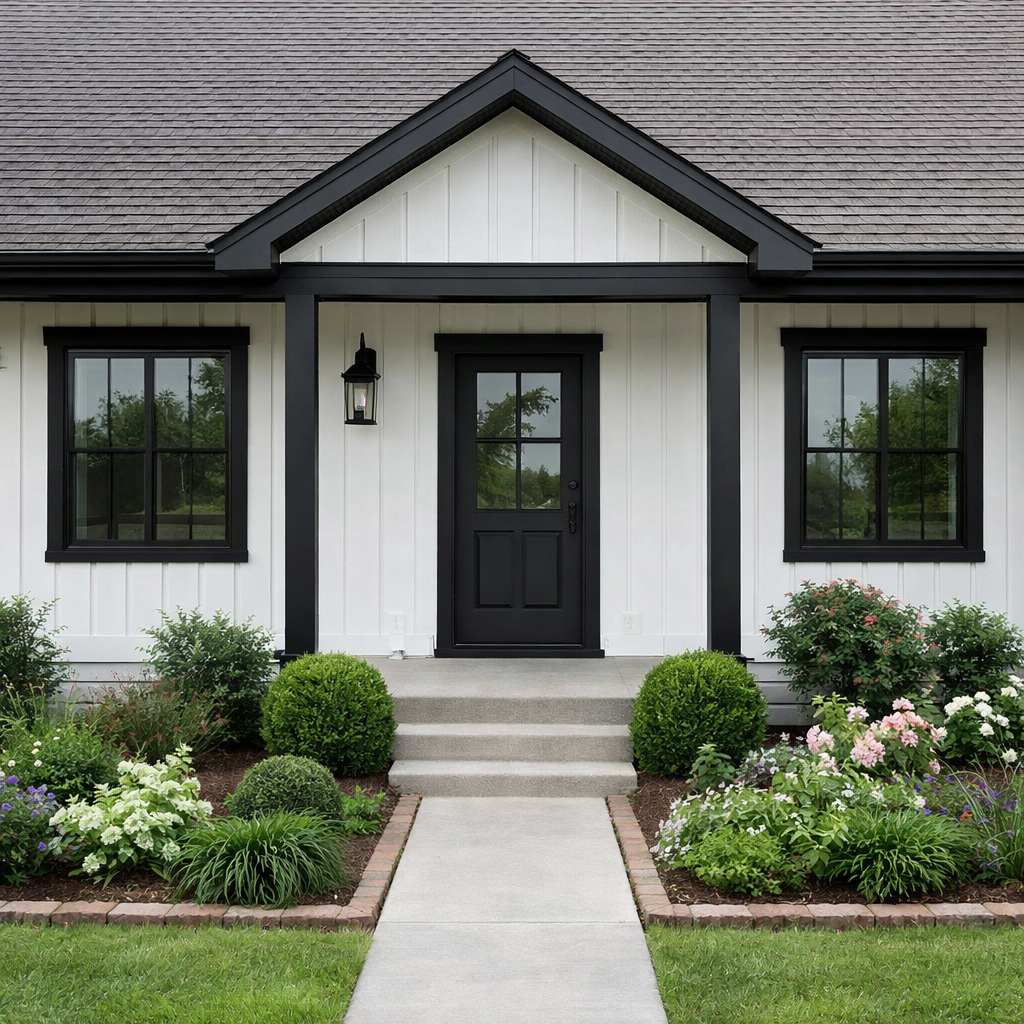
AI Landscape Design use case - Visualize Home Garden Upgrades

Visualize Home Garden Upgrades

Homeowners can upload a photo of their current backyard or patio and try each style on it, one image per run. Comparing the results helps them pick a direction for their outdoor space before starting any work.
AI Landscape Design use case - Enhance Property Listings

Enhance Property Listings

Real estate agents can show potential buyers how a property's outdoor area could look with different landscaping. This helps buyers envision the home's full potential, making listings more appealing.
AI Landscape Design use case - Brainstorm Design Concepts

Brainstorm Design Concepts

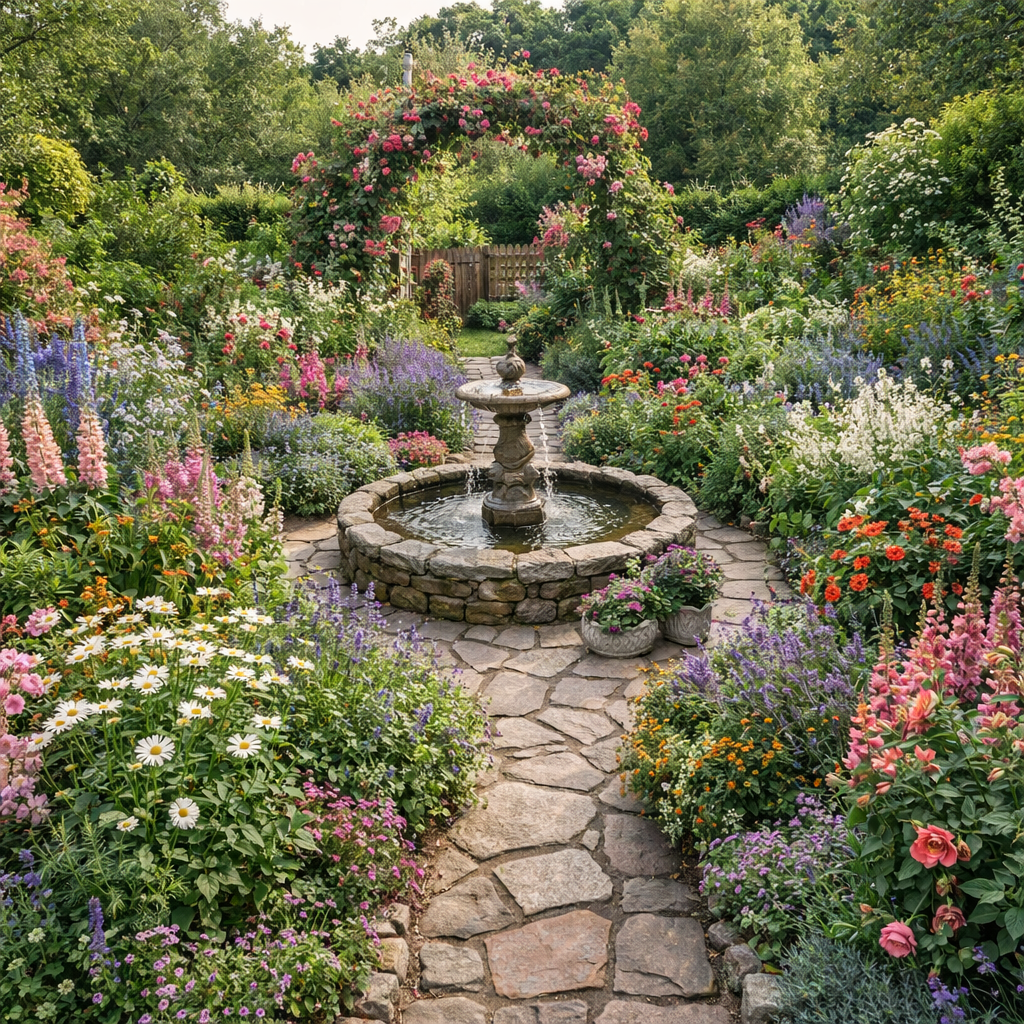
Landscape designers and DIY enthusiasts can quickly generate multiple design concepts for a client's yard or their own project. This provides a broad range of ideas to explore, saving time on initial sketching and planning.

Why Eidora

Built different, built better

Visualize Before You Build
See how new patios, gardens, or paths will look in your actual space without any guesswork or costly trial-and-error.
Explore Design Styles
Experiment with four themes: a romantic English cottage garden, a formal Elegant garden, a Japanese Zen garden, or a sun-drenched Mediterranean garden, to find the right look for your home.
Save Time & Money
Get design ideas in under 30 seconds, eliminating the need for expensive consultations or changes that don't match your vision.
How it works

Three steps. About a minute.

AI Landscape Design: Upload Your Photo
  1. Upload Your Photo

    Take a clear picture of your current yard, garden, or outdoor area and upload it to the tool.

  2. Choose Your Style

    Pick one of the 4 styles (English, Elegant, Japanese, Mediterranean), then press Generate.

  3. Download Your Result

    Download the image. Want a different look? Pick another style and run it again.

Try AI Landscape Design Now
✦ Try It Free Now
FAQ

Frequently
asked questions

Everything you need to know. Can't find what you're looking for?
Still have questions?
Our support team is happy to help.
Contact Support
This tool uses artificial intelligence to transform an uploaded photo of your outdoor space into various landscape design concepts. It allows you to visualize potential changes to your yard, garden, or patio before making any physical alterations, providing a realistic preview of your ideas.
Yes. You can try one result without signing up. A free account gets 16 credits to start and 4 free credits every day, and this tool uses 4 credits per image. Paid plans start at $9.9/month for 300 credits.
They are realistic-looking previews of a style, not plans: sizes, plant choices and placement are the AI's guess, so use them for direction and let a landscaper work out the details.
You can upload photos of virtually any outdoor area, including front yards, backyards, patios, balconies, garden beds, or even commercial outdoor spaces. The AI adapts to various sizes, existing structures, and different types of environments.
There are no options for picking features. Each style brings its own typical elements, such as a koi pond and stone lanterns in Japanese, a central fountain in Elegant, or a pergola in Mediterranean. You can't ask for something specific, such as a deck or a fire pit. To see other features, try another style or run the same style again for a new take.
No. Upload a photo of your yard, pick one of the 4 styles and press Generate.
Run it again with the same style for a new take, or pick another style. Each run makes one image and uses 4 credits, so you can keep trying until you find a design you like.
Yes, you can save your favorite landscape designs to your device or account for future reference. You can also share your yard concepts with family, friends, or professional landscapers for feedback.
You can upload a JPG, PNG, WebP or GIF image up to 10MB. Make sure your photo is clear, well-lit, and shows the entire area you wish to transform for the best results.
Most designs take 10 to 30 seconds, a little longer at busy times.
Many people use the designs as concepts to discuss with clients or contractors. Permitted uses depend on your rights in the photo, applicable law and the model provider's current terms. An Eidora plan changes generation limits and history retention; it does not grant extra intellectual-property rights.
While the AI can suggest various plant types, it typically doesn't automatically factor in your specific climate zone for plant suitability. It's recommended to consult local gardening resources or professionals for plant choices that will thrive in your particular region and conditions.
Start with daily credits
Ready to create
your masterpiece?
4 styles · 4 credits per image · Free to try · 4 free credits daily
Free to try · 4 free credits daily
~10–30 seconds
Instant download