comparisonHair Color
Blonde vs Brown Hair on the Same Face: Which Suits You Better?
Blonde or brown. It is one of the most debated hair color questions and also one of the most personal. Going blonde when you are naturally brunette feels like a reinvention. Staying brown or going darker feels grounded and polished. Both can look incredible, but only one is going to look best on your specific face, and that is what this guide is about.
The truth is, blonde vs brown is not a universal question with a universal answer. It depends on your skin undertone, your eye color, your facial features, your maintenance tolerance, and honestly your personal style identity. A warm honey blonde might make one person look sun-kissed and vibrant while making another person look washed out and tired. A rich chocolate brown might give one person an air of sophistication while another person feels it makes them fade into the background.
What makes this decision especially hard is that you cannot truly know until you see it. And traditionally, seeing it meant committing to it. Going blonde from brown is a multi-session, expensive process. Going back to brown after blonde also takes time and money. The stakes feel high because they are.
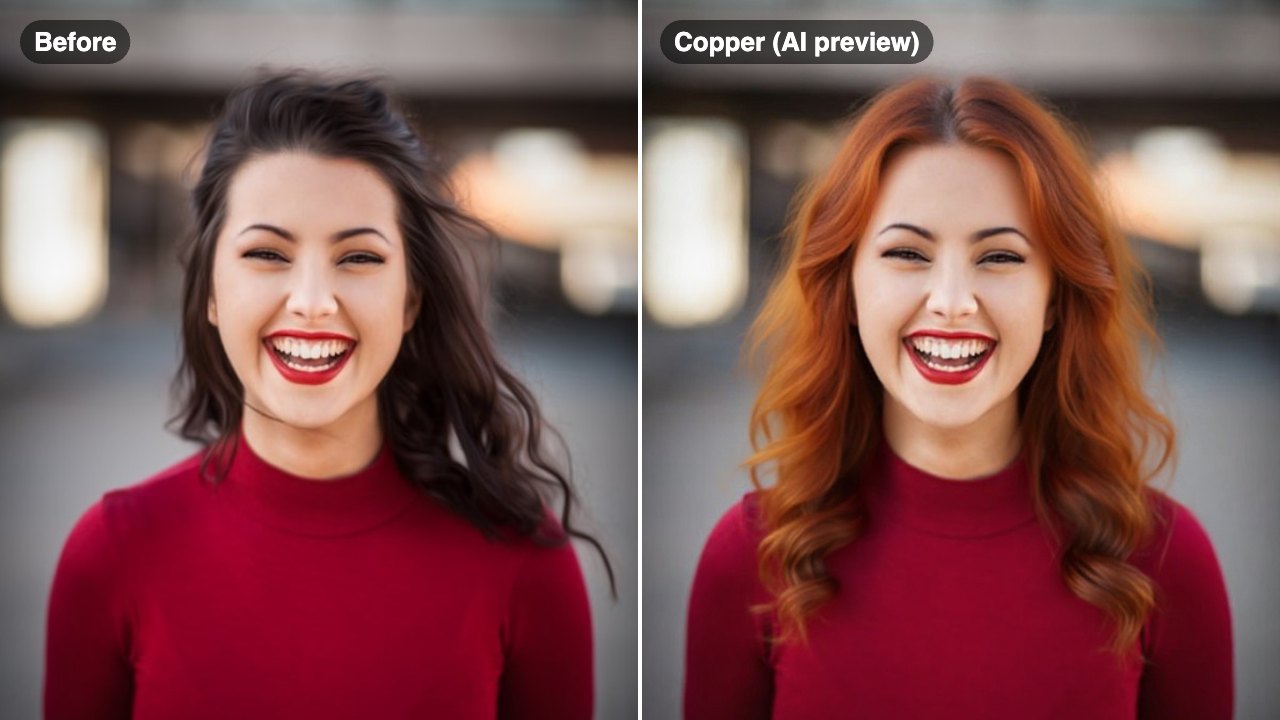
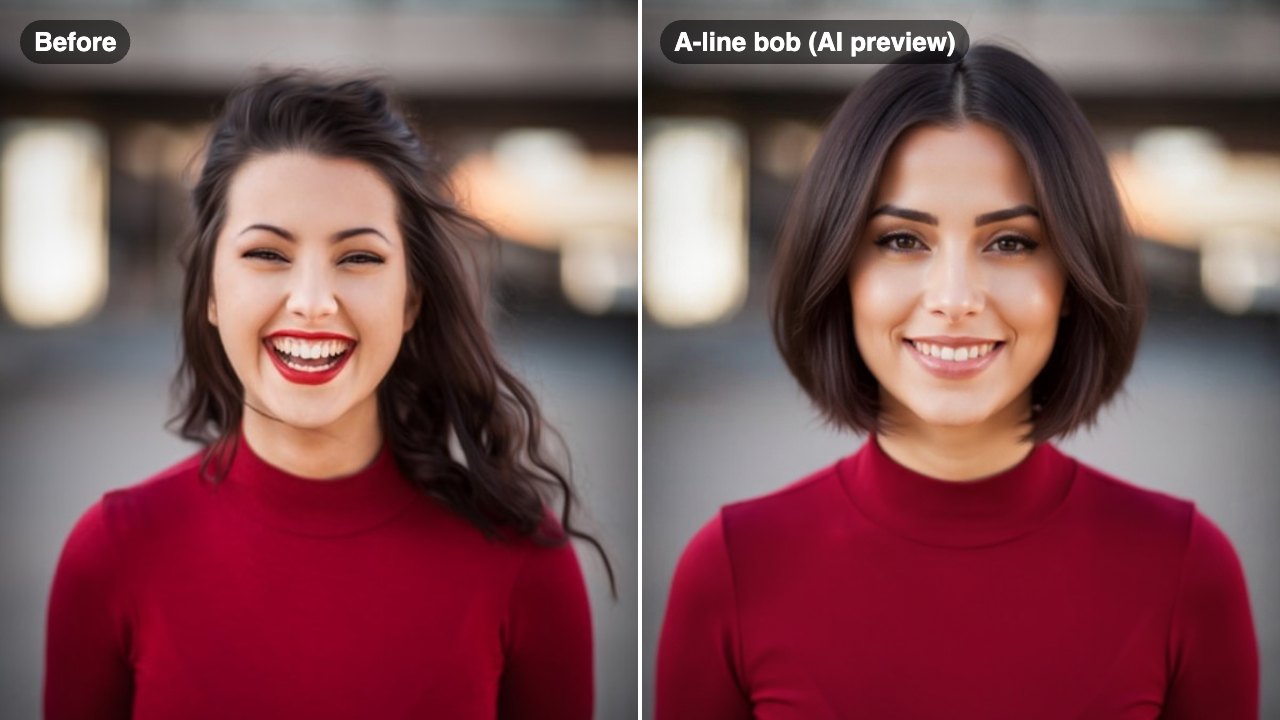
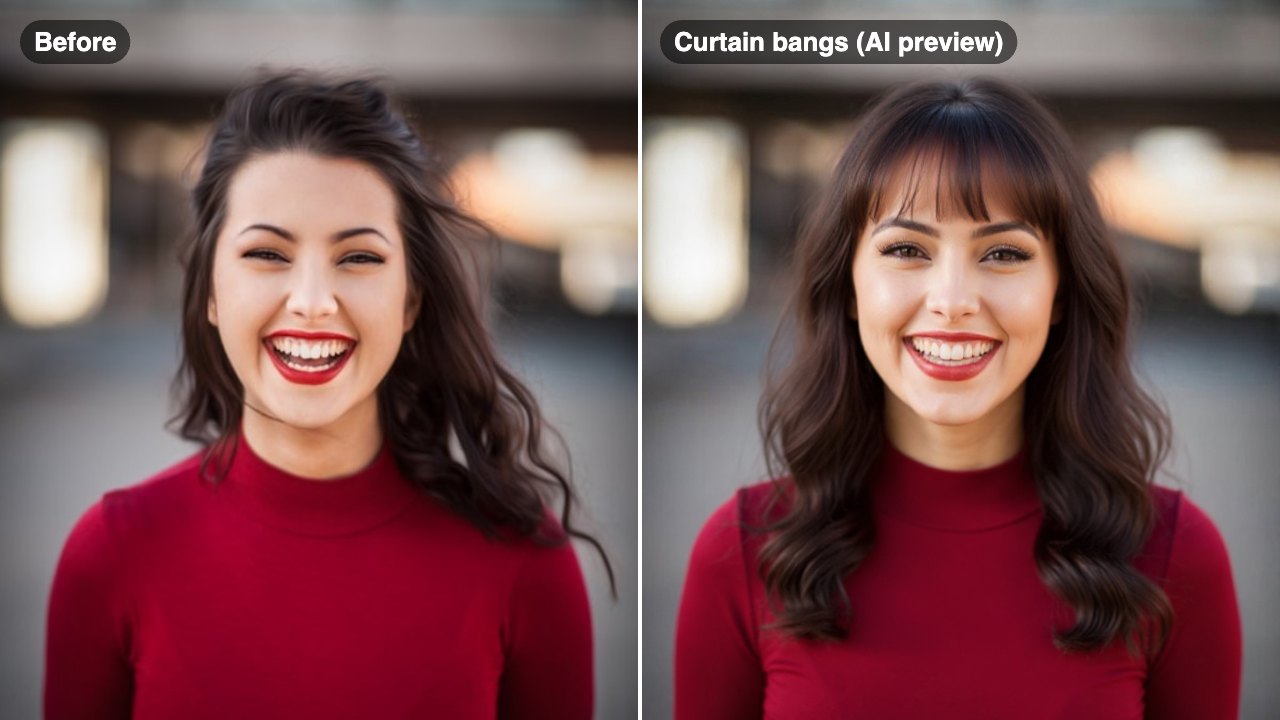
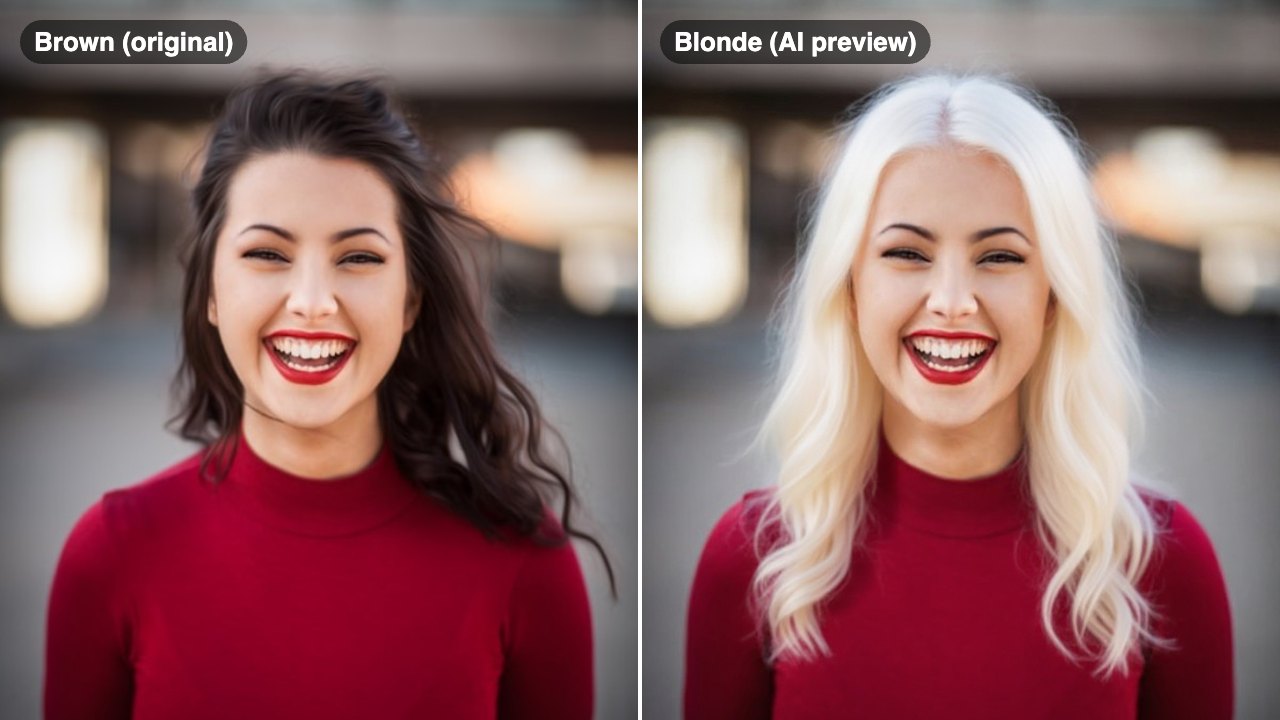
That is where the game has fundamentally changed. AI-powered hair color tools now let you see both blonde and brown on your actual face, in a realistic, side-by-side comparison, in about half a minute. No bleach, no commitment, no risk.
In this guide, we are going to break down the science behind why certain colors work on certain faces, give you a practical framework for evaluating blonde vs brown on yourself, and show you how to generate a side-by-side comparison that takes all the guesswork out of the decision.
Try it on your own photo
Pick a style, choose a photo, and press the button. The Blonde Hair Filter opens and starts with your photo right away.
Style
Free to try — sign in after your first result.
The Color Theory Behind Blonde and Brown
Hair color does not exist in isolation. It interacts with your skin tone and eye color to create an overall impression. Understanding basic color theory helps you predict which direction will flatter you before you even open a filter.
Warm vs Cool Undertones. Every person's skin has an undertone that is either warm (golden, peachy, olive), cool (pink, red, blue), or neutral (a mix). Blonde and brown both come in warm and cool versions, and the undertone of the hair color needs to complement, not clash with, your skin undertone.
Warm skin plus warm blonde (honey, golden, butter) creates a sun-kissed, harmonious look. Warm skin plus cool blonde (platinum, ash, icy) can look striking but risks appearing washed out if the contrast is too extreme. Cool skin plus cool blonde (ash blonde, platinum) looks naturally cohesive and elegant. Cool skin plus warm brown (caramel, chestnut) adds appealing warmth that can brighten pale complexions.
Contrast Level Matters. The relationship between your hair color, skin tone, and eye color creates contrast. High contrast, think dark eyes and light hair, creates a dramatic, attention-grabbing look. Low contrast, like light eyes and light hair, creates a softer, more blended appearance. Neither is better. They are different effects, and you should choose based on the vibe you want.
The Eye Color Factor. Blue and green eyes tend to pop more with lighter hair colors because the contrast draws attention to the eyes. Brown and hazel eyes often look richer and more defined against darker hair. That said, there are gorgeous exceptions in every direction, which is why a visual preview is worth more than any rule.
Natural Coloring as a Guide. Your natural hair color exists for a reason: it evolved to complement your skin and features. Moving one to two shades away from your natural color is almost always flattering. Moving dramatically in either direction can work, but the further you go, the more the result depends on getting the exact right shade.
Face Features That Favor Blonde vs Brown
Beyond undertones and color theory, your specific facial features play a role in how blonde and brown hair affect your overall appearance.
Eyebrow Color and Density. If you have naturally dark, full eyebrows, going very light blonde creates a high-contrast frame around your face that looks intentional and bold. Some people love this editorial effect. Others find it jarring. If your brows are lighter or sparse, very dark brown hair can make your brows seem to disappear, which shifts the balance of your face. Consider whether you are willing to fill in or tint your brows to match a dramatic color change.
Skin Clarity. This is something nobody talks about, but it matters. Lighter hair colors tend to highlight skin imperfections like redness, uneven tone, and acne scarring because there is less contrast to distract the eye. Darker hair creates a stronger frame that can actually draw attention toward your features and away from skin texture. If skin clarity is something you are conscious about, this is worth factoring into your decision.
Facial Structure. Lighter hair tends to soften angular features and can make a face look wider and more open. Darker hair creates more definition and can make features look sharper and more sculpted. If you have a round face and want more definition, darker tones can help. If you have a very angular face and want to soften it, lighter tones can achieve that.
Age and Hair Texture. Lighter hair can be more forgiving with fine lines and gray roots because the contrast is lower. Very dark brown hair against aging skin can sometimes look harsh if the shade is too uniform. On the other hand, rich brown hair adds a youthful density and depth that fine blonde hair sometimes lacks.
Lifestyle Considerations. Blonde requires more maintenance: regular toning, root touch-ups every four to six weeks, and purple shampoo to prevent brassiness. Brown is generally lower maintenance and more forgiving as it grows out. If you are someone who wants to spend less time and money on hair upkeep, brown has a practical edge.
How to Compare Side by Side with AI
The fastest and most reliable way to settle the blonde vs brown debate for your face is to see both colors on yourself simultaneously. Here is exactly how to do it using an AI hair color tool.
Step 1: Prepare Your Photo. Take a clear, front-facing photo in natural daylight. Avoid heavy makeup, filters, or dramatic lighting, as these can distort how the colors appear against your skin. If possible, pull your hair back or use a photo where your face and hairline are clearly visible.
Step 2: Generate a Blonde Preview. Upload your photo to the Blonde Hair Filter and select a blonde shade. Start with a shade that matches your undertone. If you are warm-toned, try honey or golden blonde first. If you are cool-toned, try ash or platinum blonde. Save the result.
Step 3: Generate a Brown Preview. Use the AI Hair Color Changer to generate a brown version. Again, match the undertone. Warm skin goes well with chestnut, caramel, or chocolate. Cool skin looks great in espresso, cool mocha, or ash brown. Save this result too.
Step 4: Put Them Side by Side. Open both previews and your current photo on your phone or computer screen. Look at them together. Which version makes your eyes stand out more? Which one makes your skin look healthier? Which one gives you the emotional reaction you are looking for?
Step 5: Get a Second Opinion. Share your three images, current, blonde, and brown, with a few trusted friends or your stylist. People who see you regularly can often tell immediately which color suits you best because they are not overthinking it the way you are.
Step 6: Explore Variations. If you liked the general direction of blonde but the specific shade was not right, try three different blonde tones. Same with brown. The right shade within the color family makes an enormous difference. Do not stop at one preview per color.
This process takes about ten minutes and gives you more useful information than weeks of scrolling through Pinterest boards of other people's hair.
See Blonde and Brown on Your Face Now
You have the color theory. You understand how your features interact with light and dark hair. Now it is time to stop theorizing and start seeing.
Our Blonde Hair Filter generates a photorealistic preview of you as a blonde in about half a minute. Upload one photo, pick your shade, and see the result. Then head over to the AI Hair Color Changer to preview brown in the same way. Compare them side by side and let your eyes make the decision your brain has been overthinking.
Thousands of people have used this exact process to avoid expensive color corrections and find a shade they genuinely love. Some discovered they were meant to be blonde all along. Others confirmed that their natural brown was already their best look. Both are wins.
The only wrong move is guessing. See both colors on your face and decide with confidence. Try the Blonde Hair Filter now.