AI Photo Grid Maker
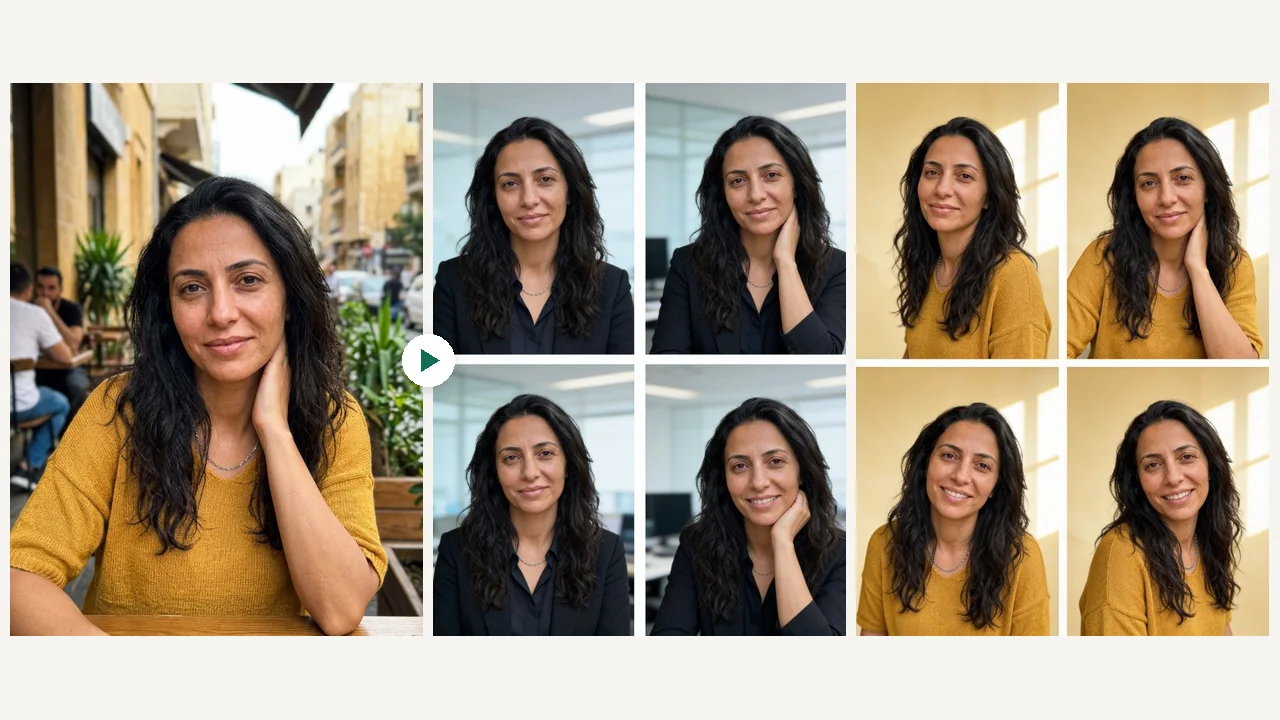
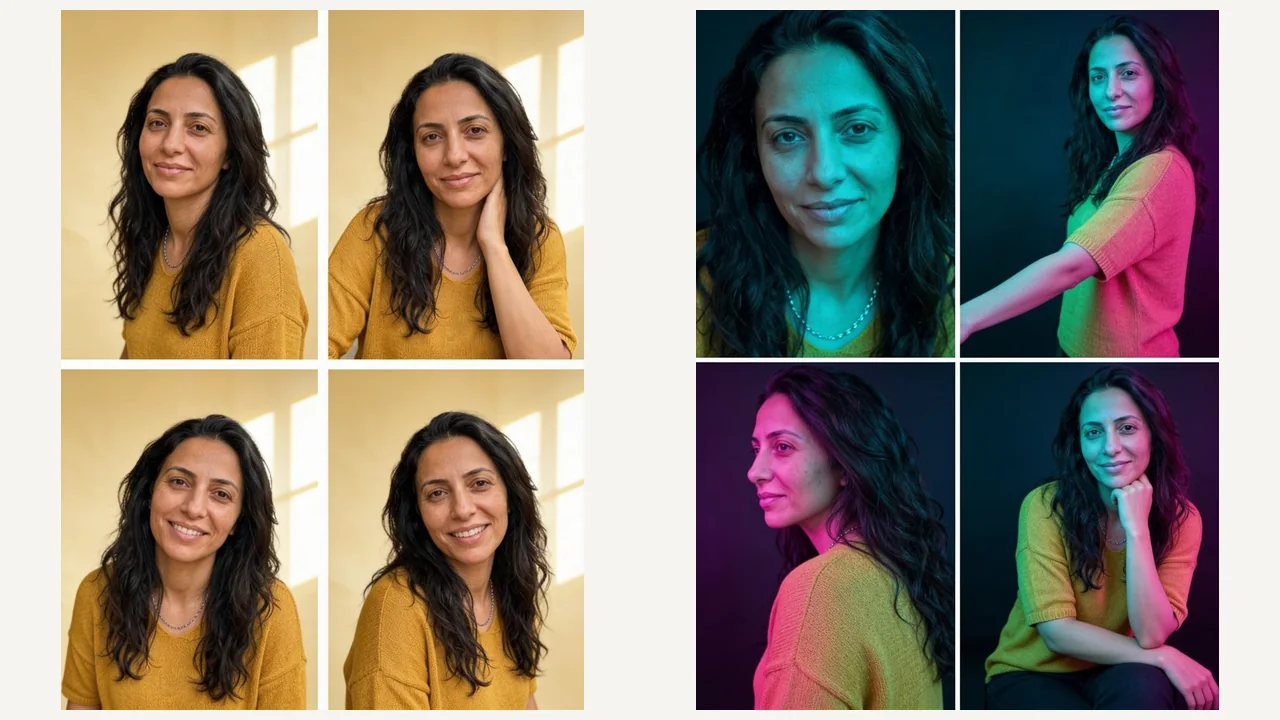
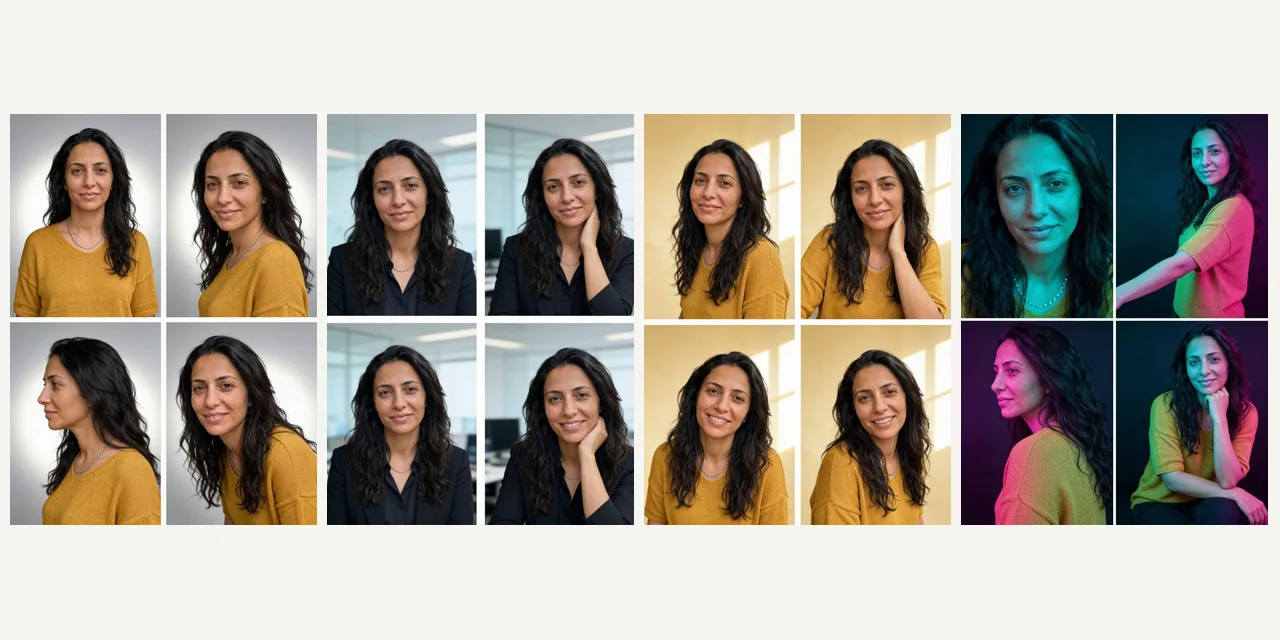
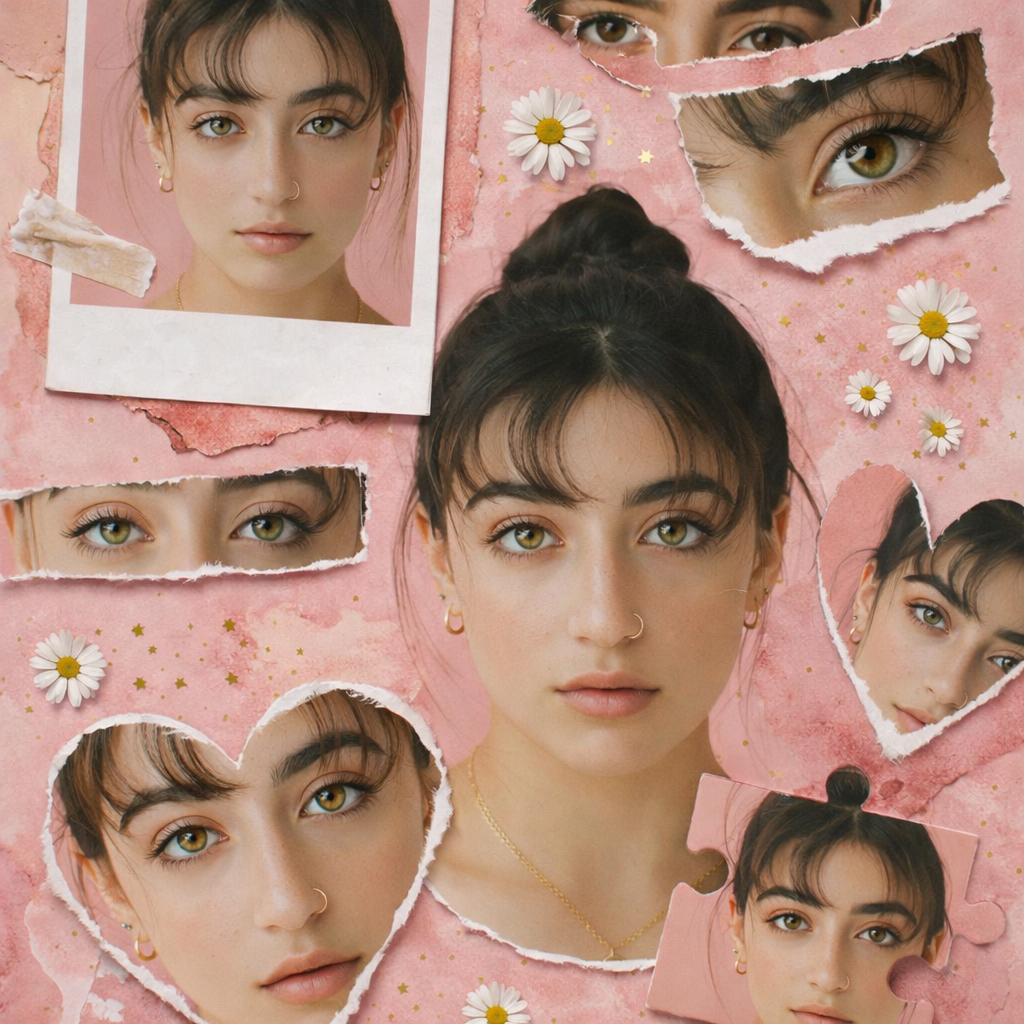
Effortlessly transform your single images into perfectly aligned, shareable photo grids for social media, collages, or print, designed for creators and marketers.
Preset route
Choose the public starting point before you open Studio
Or choose a popular preset:
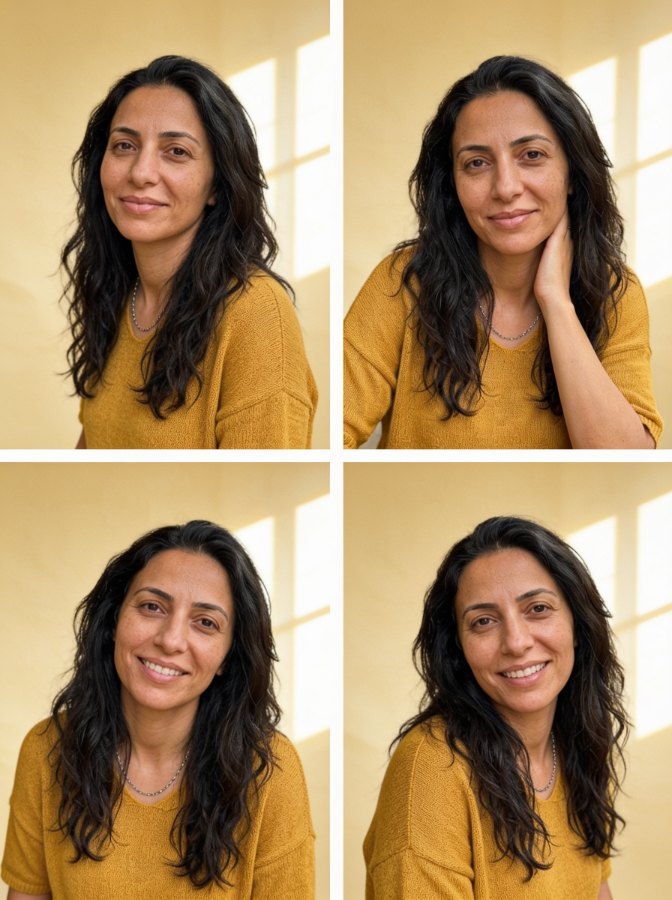
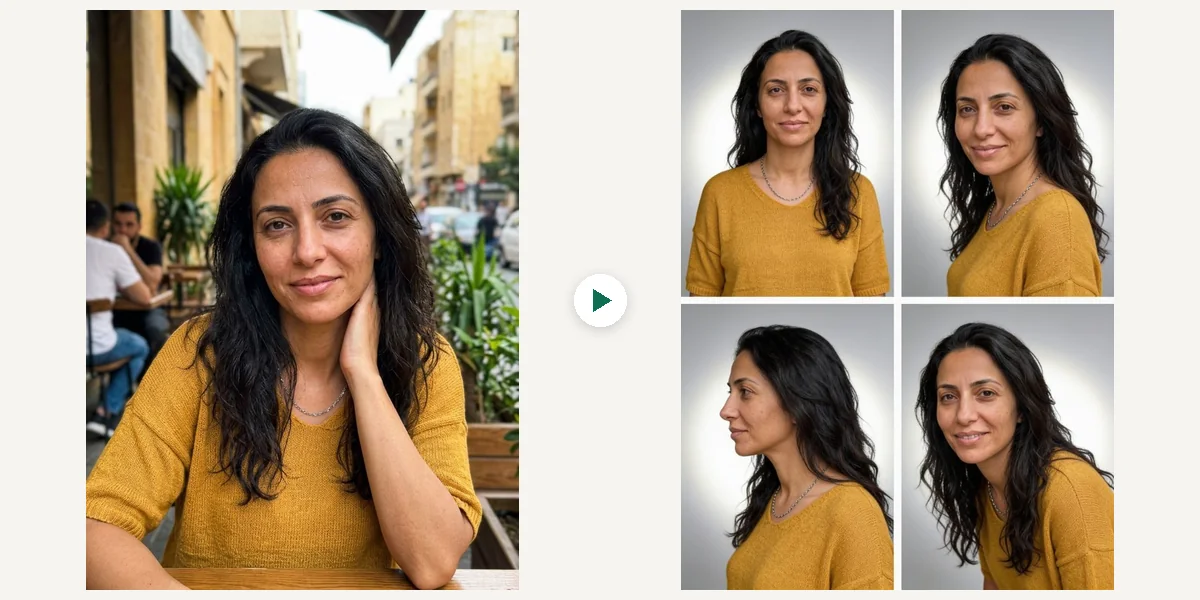
Sample compare
See the promise before you move into execution
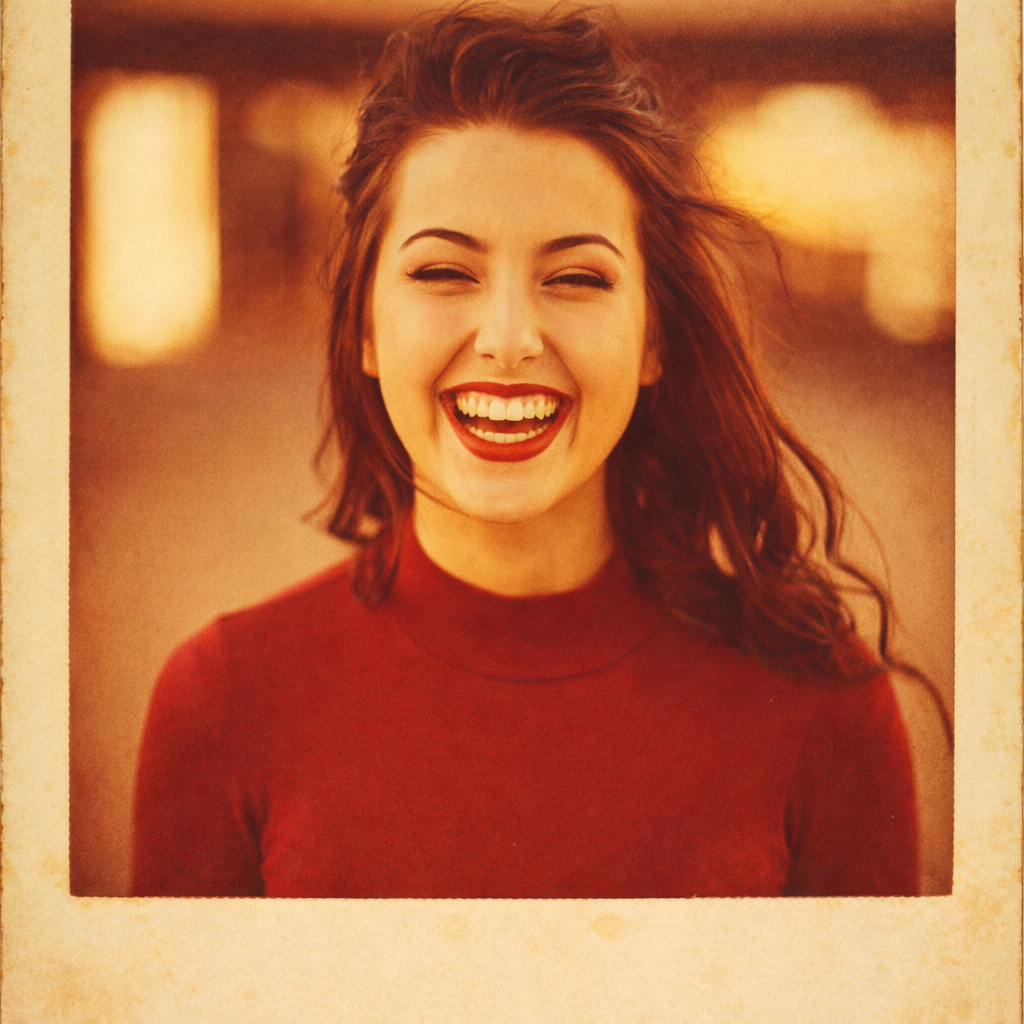
Before
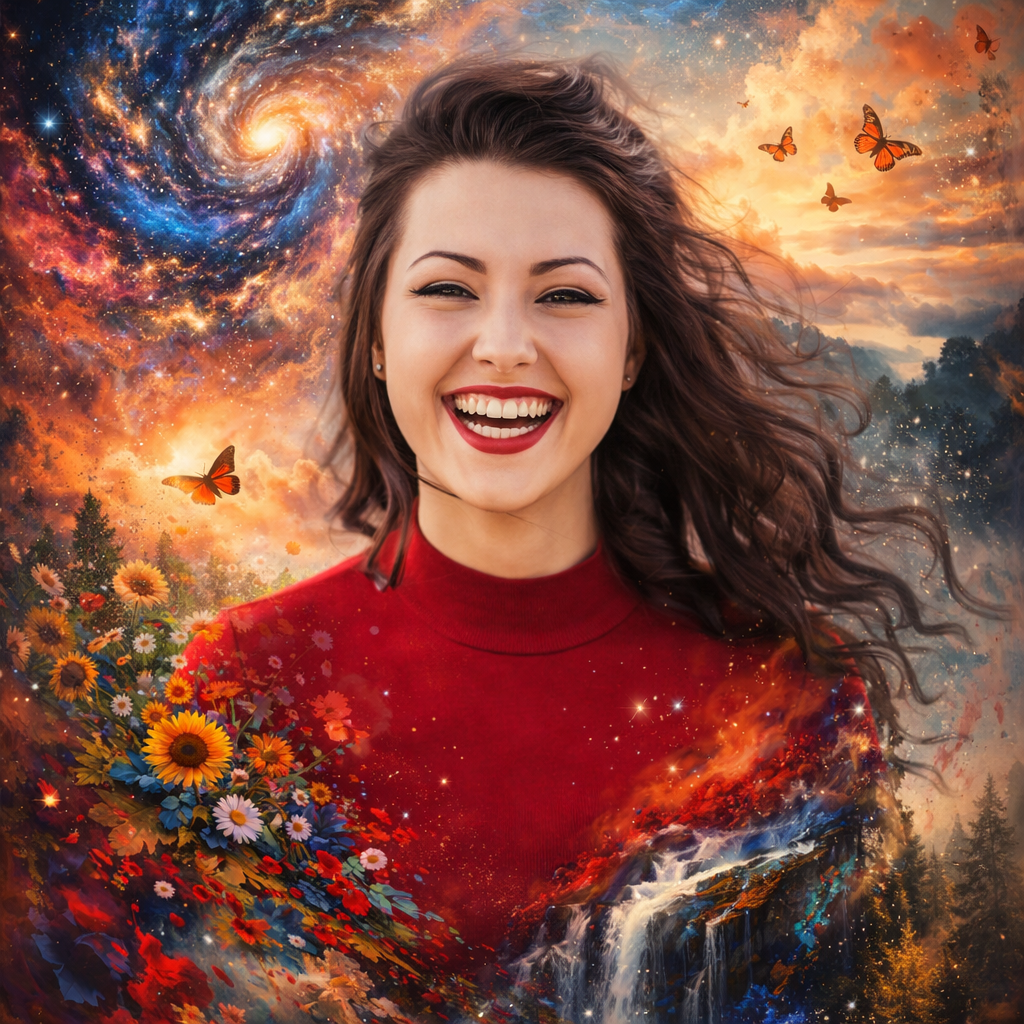
AfterAI Photo Grid Maker example result
The public page explains the workflow. `/studio` remains the execution layer.
Sample Results
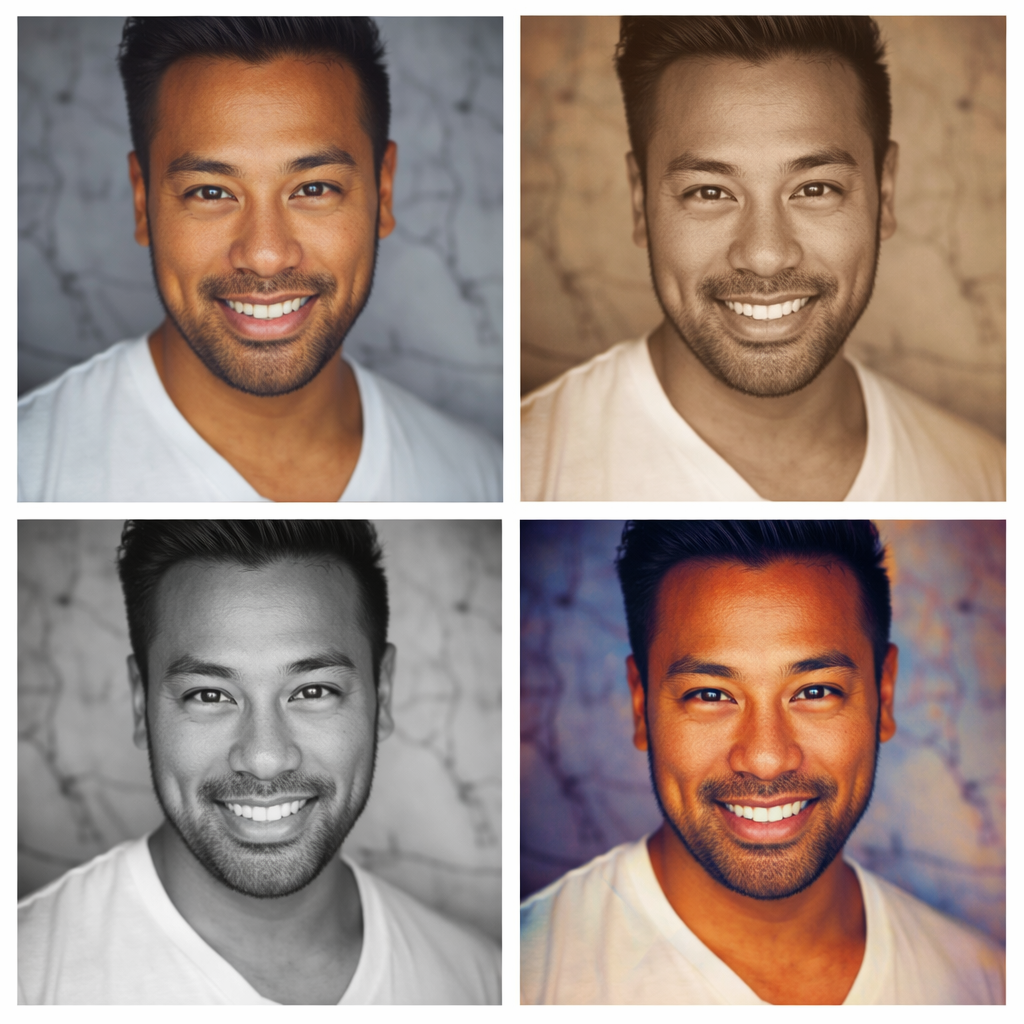
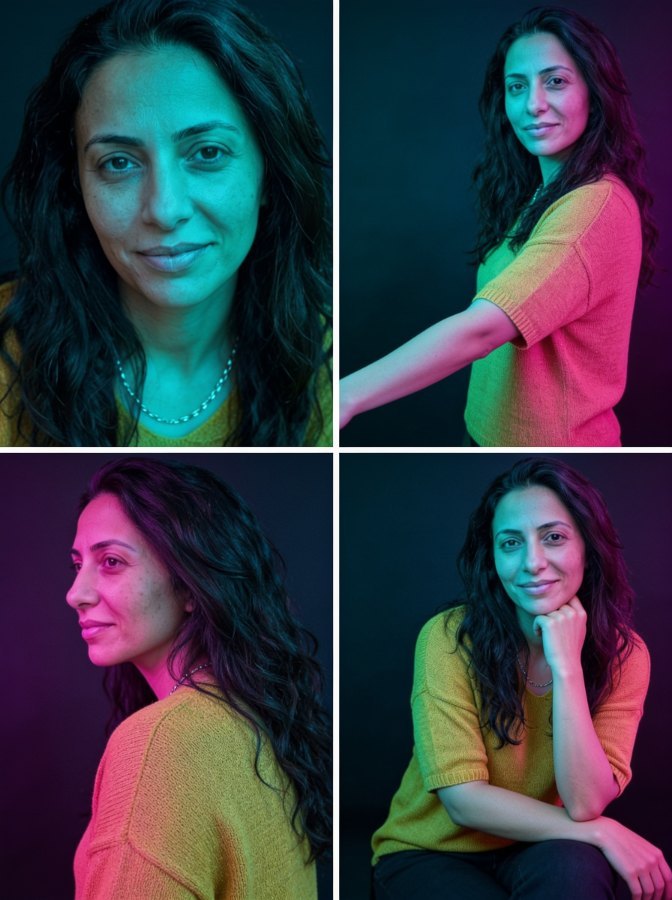
See what this tool can do with real photos.
Before
AfterAI Photo Grid Maker example result
User Reviews
Based on 777 reviews
Marcus K.
Small Business Owner
"I run a bakery and use this for all my Instagram content. The food photos look like I hired a professional photographer."
Jenny W.
Freelance Designer
"Delivered a client project 2 days early because I didn't have to manually edit 30 product images. The AI batch processing is solid."
Sarah L.
Digital Marketer
"Replaced our $200/month stock photo subscription. We generate custom visuals now that actually match our brand colors and style."
What Is AI Photo Grid Maker?
The AI Photo Grid Maker is your go-to solution for breaking down a single image into multiple, uniformly sized grid segments. Whether you're preparing a captivating Instagram carousel, designing a large print collage, or simply want to display a photo in a multi-panel format, this tool simplifies the process. It intelligently divides your uploaded picture into a chosen grid layout, ensuring each piece aligns perfectly when reassembled. Social media managers, photographers, and anyone looking to present their visuals creatively without manual cropping will find this tool invaluable for producing professional-looking grids quickly.
Why Choose This Tool
Seamless Grid Creation
Automatically divides your image into perfectly aligned grid cells, saving manual effort and ensuring precision.
Instant Social Media Ready
Quickly generate multi-post grids ideal for Instagram carousels, panoramic effects, or other visual platforms.
Preserve Image Quality
Ensures your original photo's resolution and details are maintained across all grid segments, delivering a professional output.
Customizable Layouts
Choose from various grid dimensions like 3x1, 3x3, or 2x2 to fit your specific presentation needs and creative vision.
No Cropping Errors
Eliminates the frustration of uneven cuts or misaligned sections common with manual methods, guaranteeing perfect symmetry.
Free & Accessible Online
Access the ai photo grid maker free online from any browser, on any device, with no software download required.
Tired of Cropping Photos Manually for Grids?
Manually splitting images for social media grids or print collages is a tedious and error-prone process. Achieving perfect alignment and consistent sizing across multiple segments can be frustrating, often resulting in uneven cuts or wasted time trying to get it just right.
How It Works
Upload Your Image
Select and upload the photo you wish to transform into a grid from your device.
Choose Grid Layout
Pick your desired grid size and orientation, such as 3x1 for panoramas or 3x3 for square grids.
Download Your Grid
Instantly download all individual grid pieces, perfectly cut and ready for immediate use.
Who Is This For?
Popular use cases for this tool.
Engaging Instagram Carousels
Social Media Managers can effortlessly transform a single wide shot or panoramic photo into a series of perfectly sized grid images. This makes it simple to create captivating Instagram carousels that tell a richer visual story and encourage more engagement.
Large Format Print Design
Graphic designers and artists often need to segment a high-resolution image for multi-panel prints or large-scale installations. This tool ensures precise, uniform division, making it easy to prepare artwork for professional printing without manual cropping errors.
Dynamic Web Galleries
Bloggers and content creators can enhance their articles by breaking down a detailed hero image into a dynamic web gallery. This allows readers to explore different sections of an image individually, improving content readability and visual appeal on any device.
Frequently Asked Questions
What is an AI Photo Grid Maker?
An AI Photo Grid Maker is an online tool that intelligently divides a single uploaded image into multiple, perfectly aligned segments, forming a grid. It automates the process of creating multi-panel images suitable for social media carousels, collages, or unique visual displays, removing the need for manual cropping.
How does this ai photo grid maker free online work?
You upload your image, select the desired grid layout (e.g., 3x3, 2x1), and the tool automatically processes and splits your photo into the specified number of individual image files. These files are then available for download, perfectly sized for reassembly.
Can I use this tool for Instagram grids?
Yes, this AI Photo Grid Maker is specifically designed to create images ideal for Instagram grids and carousels. You can split large panoramas or single images into multiple posts that flow seamlessly on a user's feed.
Is the AI Photo Grid Maker really free to use?
Yes, our ai photo grid maker is completely free online. You can upload images and generate grids without any cost or hidden fees, making professional grid creation accessible to everyone.
What image formats does the tool support for upload?
The AI Photo Grid Maker typically supports common image formats like JPG, PNG, and HEIC. We recommend using high-resolution images for the best grid output quality to ensure clarity in each segment.
Will my image quality be preserved after creating the grid?
Yes, the tool is designed to maintain the original quality of your uploaded image. The grid segments will retain the resolution and clarity of your source photo, ensuring a professional final result without degradation.
Can I customize the grid size or number of cells?
Absolutely. Our AI Photo Grid Maker offers various preset grid options (e.g., 3x1, 3x3) and allows you to specify custom dimensions. This flexibility ensures your grid perfectly fits your creative vision for any project.
Do I need to download any software to use this ai photo grid maker free online?
No, this is an entirely web-based tool. You can access and use the ai photo grid maker free online directly from your browser on any device, without needing to download or install any software or applications.
What are the benefits of using an AI Photo Grid Maker over manual cropping?
Using this tool eliminates tedious manual cropping, ensures perfect alignment across all segments, saves significant time, and prevents errors like uneven cuts or misaligned panels, guaranteeing a professional outcome every time.
Can I create a panoramic Instagram post with this tool?
Yes, you can easily create panoramic Instagram posts. Simply upload your wide image, choose a 3x1 or similar horizontal grid layout, and the tool will split it into perfectly sized segments for a swipeable panorama effect on Instagram.
What if my image isn't perfectly square for a 3x3 grid?
The tool intelligently handles images of various aspect ratios. While it will divide your image into the chosen grid, some cropping might occur to fit the grid cell dimensions. You can preview the result before downloading to ensure satisfaction.
Is there a limit to the number of grids I can create with the ai photo grid maker free online?
Our ai photo grid maker free online allows for unlimited grid creations. Feel free to experiment and create as many photo grids as you need for all your personal and professional projects without any restrictions.