Text-Guided Editing
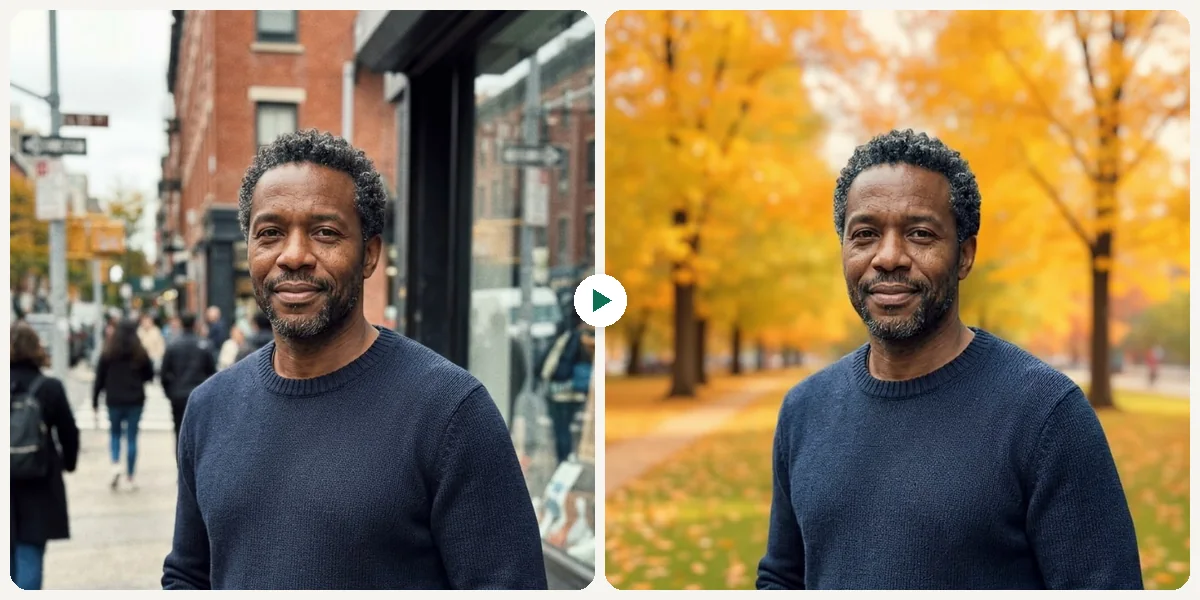
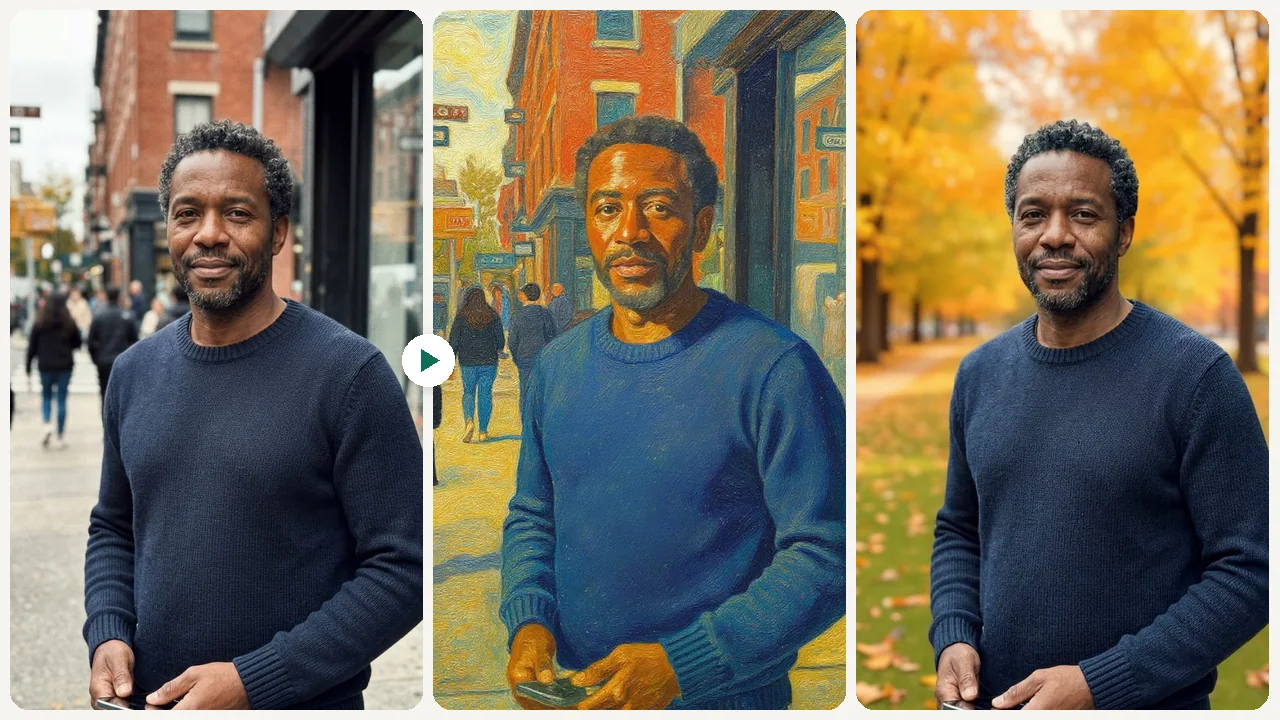
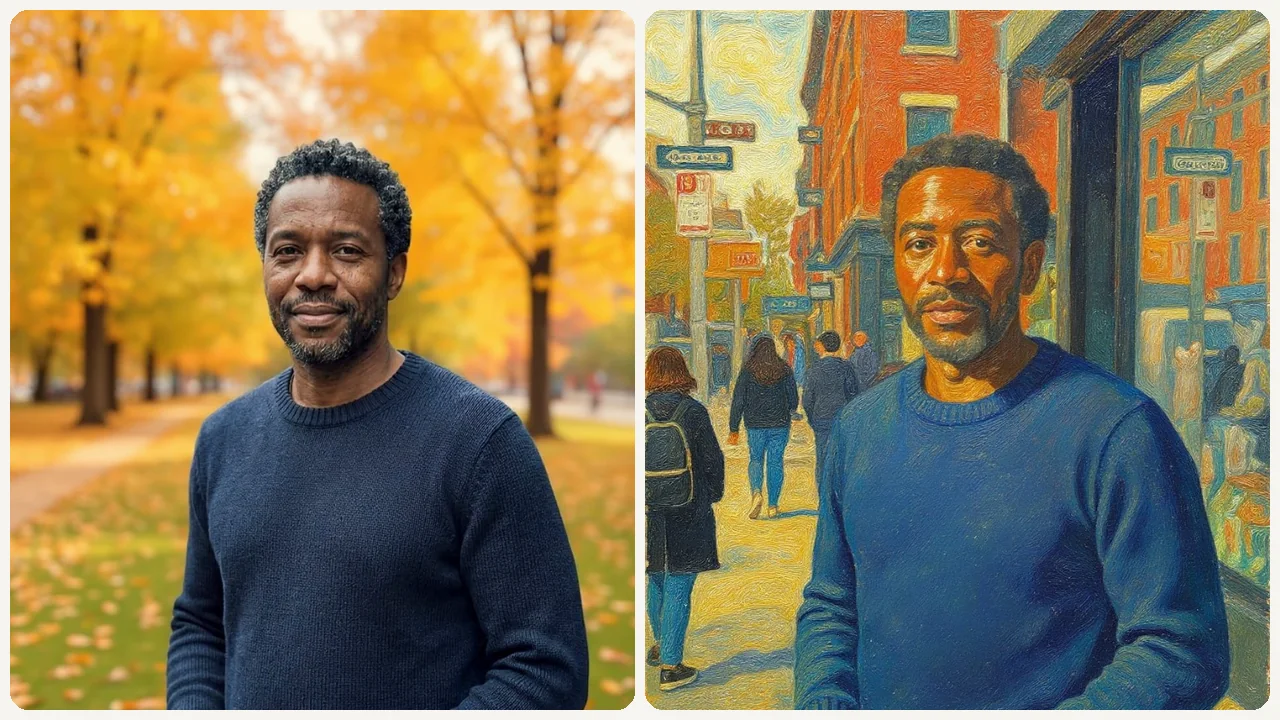
Describe what to change in plain English and AI applies it precisely. Say 'replace the sky with a sunset' or 'remove the person on the left' and get accurate results without touching a single slider.
ai image editor
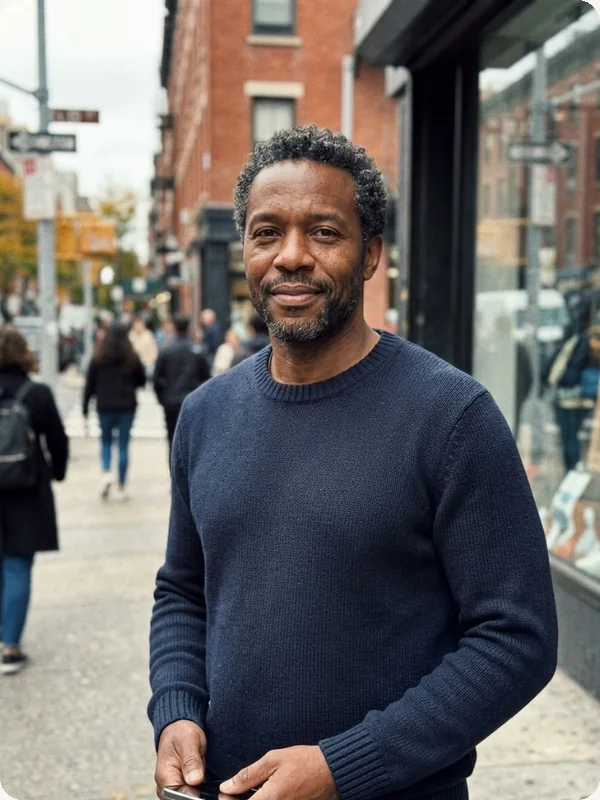
Upload any image and describe what to change. AI applies your edit precisely, preserving the rest of the photo.
Upload any image and describe the change. Our AI image editor applies precise edits from text instructions in seconds.
Sample results

What can this tool do?
An AI image editor that lets you modify photos using natural language instructions instead of complex manual tools. Upload any image, type what you want changed — replace objects, adjust lighting, swap backgrounds, remove unwanted elements, or apply style transfers — and the AI applies your edit precisely while preserving the rest of the photo. No layers, no masks, no selection tools required.
No layers, no masks, no manual selection. Just describe what you want changed and AI does it.
Why choose this tool?
Describe what to change in plain English and AI applies it precisely. Say 'replace the sky with a sunset' or 'remove the person on the left' and get accurate results without touching a single slider.
Only the described area changes — the rest of your photo stays pixel-perfect. AI understands spatial context and preserves lighting, perspective, and color consistency across the image.
Download your edited image at full resolution, ready for print, web publishing, or social media. Clean exports are available on eligible plans.
Most edits complete in under 10 seconds. No waiting for renders or batch queues — describe and get results immediately.
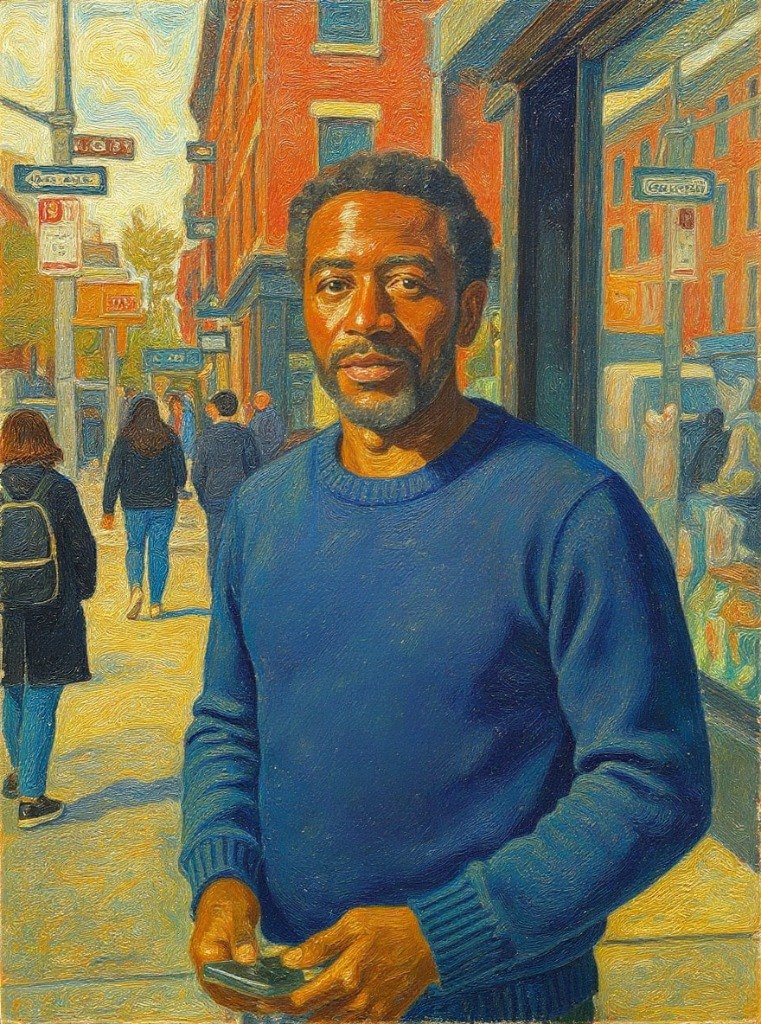
Adjust color grading, apply artistic filters, or transfer the visual style of one photo to another. Fine-tune the mood and tone of any image with a text instruction.
Edit photos from your phone, tablet, or desktop browser. No software installation needed — your edits happen in the cloud and download to any device.
How to use
Drop or select the photo you want to edit.
Type what you want to change, add, or remove.
Get your edited image ready to use.
Use cases
Online sellers upload product photos and instruct the AI to clean up backgrounds, fix lighting, or add contextual settings. A product shot on a kitchen counter becomes a studio-quality image on a clean white background in seconds.
Agents and property managers describe edits like 'remove the clutter from the living room' or 'make the lawn greener' to prepare listing photos without hiring a professional retoucher.
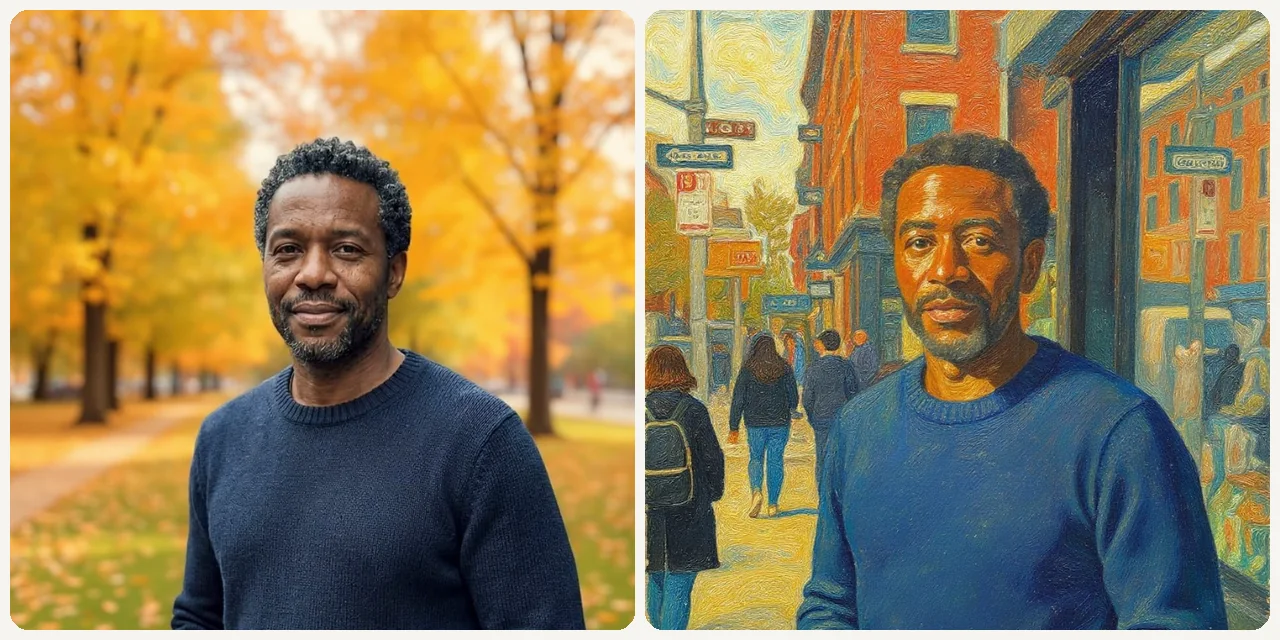
Content creators and social media managers refine photos before posting — adjusting colors, removing photobombers, swapping out backgrounds, or applying consistent brand-aligned visual styles across a batch of images.
FAQ
Be as specific as possible — describe what to change, where in the image, and how it should look. For example, 'replace the blue car in the foreground with a red bicycle' works better than just 'change the car'.
No. The AI preserves the rest of the image and only modifies what you described. Untouched areas remain pixel-perfect, including lighting and color consistency.
Object replacement, background changes, color adjustments, lighting corrections, style transfers, element removal, and adding new objects to a scene. Basically anything you could do in Photoshop, described in plain English.
Try it instantly — no account needed to start. Sign up after you see your result.
Upload JPG, PNG, or WebP files. The AI processes your image and returns a high-resolution result in the same format.
Generally yes, the edited output is yours to use. Review the terms of service for specific commercial use details.
Most edits complete in under 10 seconds. Complex multi-element changes may take up to 30 seconds depending on the image size and edit complexity.
You can always re-upload the original image and try a different prompt. Iterating with slightly different descriptions often produces the exact result you want.
Start now