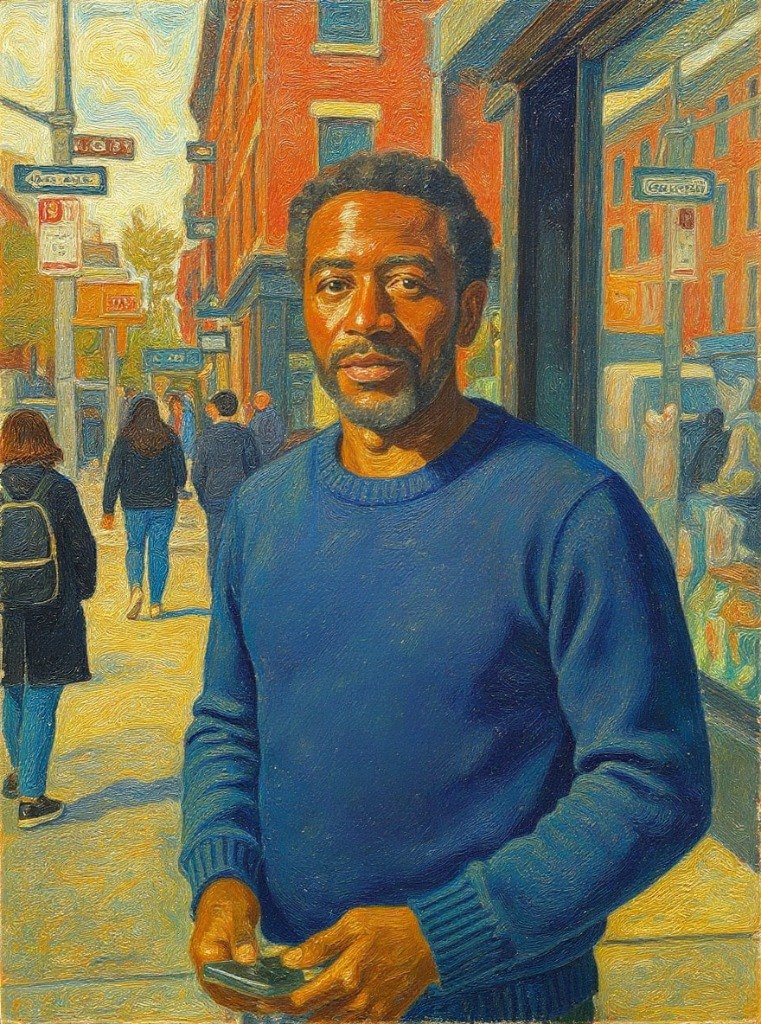
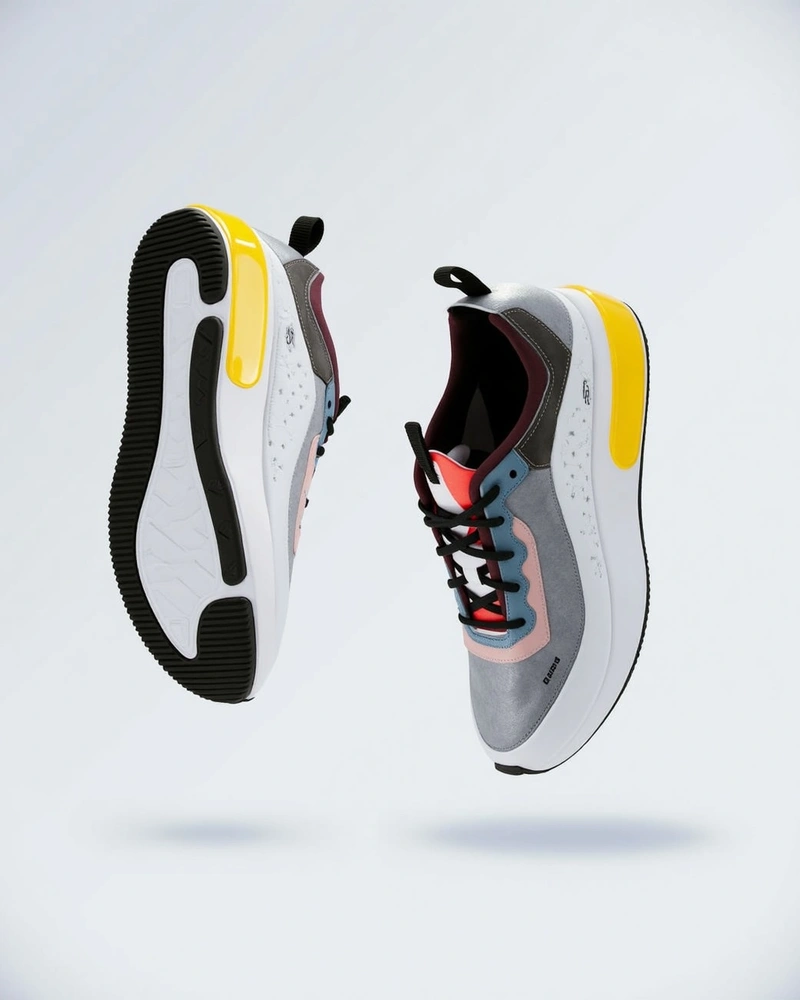
Flux Kontext Pro

Flux Kontext Pro allows anyone to precisely modify uploaded images using simple text commands, perfect for refining visuals without complex software.

Free to try · 4 free credits daily
3 styles
~10–30 seconds
Sign in after your first result
Flux Kontext Pro AI result example✦ AI Result
Upload your photo
Try with an example:
Example photo 1
Describe your edit
Quick inspiration:
4 credits per image · 1 free try, sign up free to download
Model: FLUX.1 Kontext Pro · Usually 10-30 seconds
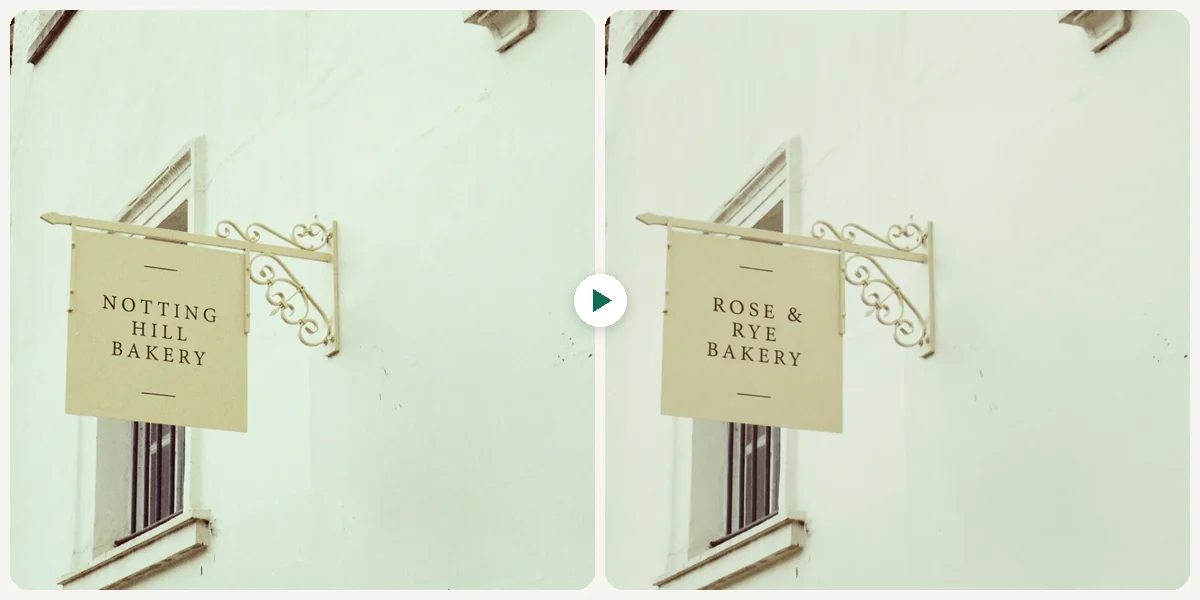
Before & After

See the before & after

Original photo before Flux Kontext Pro - Photo Edit style
Original photo
Before
AI result in Photo Edit style - Flux Kontext Pro
AI result
After
Photo Edit Style
Flux Kontext Pro · Eidora AI
Model positioning
Flux Kontext Pro overview

Where Flux Kontext Pro Fits

Flux Kontext Pro is a context-aware image editing model built for precise, instruction-driven modifications. Unlike generation models, it takes your existing photo and applies targeted changes — background swaps, object removal, color adjustments, style transfers — while preserving everything else in the original image.

  • Precise local and global edits from plain-language instructions
  • Preserves original image context outside the edited region
  • Handles complex requests: remove, replace, recolor, restyle
  • Maintains subject identity and lighting consistency across edits
Best for: Content creators, e-commerce sellers, and marketers who need fast, precise image edits without Photoshop-level expertise.
Use Cases

What you can edit

Flux Kontext Pro use case - Optimize Product Images

Optimize Product Images

E-commerce Sellers often need to adjust product photos to meet platform standards or improve appeal. With Flux Kontext Pro, they can upload a product shot and simply type "change background to a clean white studio look" or "remove the small scratch from the item" to refine their inventory visuals in under 30 seconds.

Flux Kontext Pro use case - Tailor Social Posts

Tailor Social Posts

Social Media Managers frequently need to quickly modify images for different platforms or campaign themes. Flux Kontext Pro allows them to upload an existing visual and describe changes like "make the colors more vibrant" or "add a subtle bokeh effect to the background," ensuring consistent brand messaging with minimal effort.

Flux Kontext Pro use case - Refine Article Graphics

Refine Article Graphics

Content Creators require images that perfectly complement their written pieces, often needing specific adjustments that go beyond basic cropping. Using Flux Kontext Pro, they can upload an image and instruct it to "lighten the shadows in the foreground" or "add a vintage filter," ensuring their visuals align precisely with their article's mood and message.

Why Eidora

Built different, built better

Text-Driven Precision
Describe exactly what you want to change using simple text prompts, giving you unparalleled control over specific image elements.
Effortless Background Swaps
Easily replace or modify image backgrounds with a simple text command, perfect for product shots or portrait adjustments.
Object Removal Made Easy
Seamlessly remove unwanted objects or distractions from your photos without complicated selections or masking tools.
How it works

Three edits. Clear results.

Step 1: Upload Your Image
01

Upload Your Image

Start by uploading the image you wish to edit directly from your device into the Flux Kontext Pro interface.

Step 2: Describe Your Edits
02

Describe Your Edits

Type a clear, concise text description of the changes you want to apply, such as 'change background to a starry night' or 'remove the person on the left'.

Step 3: Download Your Result
03

Download Your Result

Check the result and download the image. Not quite right? Run it again.

Try Flux Kontext Pro Now
✦ Try It Free Now
FAQ

Frequently
asked questions

Everything you need to know. Can't find what you're looking for?
Still have questions?
Our support team is happy to help.
Contact Support
FLUX.1 Kontext Pro is Black Forest Labs' image-editing model. You upload a photo and describe the change; it edits what you asked for and keeps the rest. This page runs the real model for 4 credits per image.
You upload an image, then enter a text prompt describing the desired edit (e.g., 'make the sky sunset orange' or 'add a vintage filter'). The tool processes your request, understanding the image context, and generates the modified version for you to download.
Yes, you can try it free. Your first edit needs no account; a free account then gets 16 credits to start and 4 free credits a day, and each edit uses 4 credits. Paid plans start at $9.9/month for 300 credits.
You can perform a wide range of edits, including changing backgrounds, removing objects, altering colors, adjusting lighting, applying artistic styles, and adding or modifying elements within your image, all through text commands.
No, absolutely not. Flux Kontext Pro is designed for ease of use, requiring no prior design experience or knowledge of complex editing software. If you can describe it, you can edit it.
Yes, you can easily remove unwanted objects, people, or distractions from your photos by simply describing what you want to disappear in your text prompt. The tool will intelligently fill the space.
Changing backgrounds is one of the primary features. You can replace a dull background with a vibrant scene, a solid color, or any environment you can describe, making product shots or portraits stand out.
You can upload JPG, PNG, WebP or GIF images up to 10MB. The edited result downloads as an image.
Yes. You can try one result without signing up. A free account gets 16 credits to start and 4 free credits every day, and this tool uses 4 credits per image. Paid plans start at $9.9/month for 300 credits.
Most edits take 10 to 30 seconds, a little longer at busy times.
You must have the necessary rights to the uploaded image. Permitted uses of an edited result also depend on applicable law and Flux Kontext Pro's current model or provider terms.
Its key differentiator is the text-based editing approach, eliminating the need for manual tools and complex interfaces. It focuses on precise, contextual understanding of your prompts, making sophisticated edits accessible and fast for everyone.
Start with daily credits
Ready to create
your masterpiece?
3 styles · 4 credits per image · Free to try · 4 free credits daily
Free to try · 4 free credits daily
~10–30 seconds
Instant download