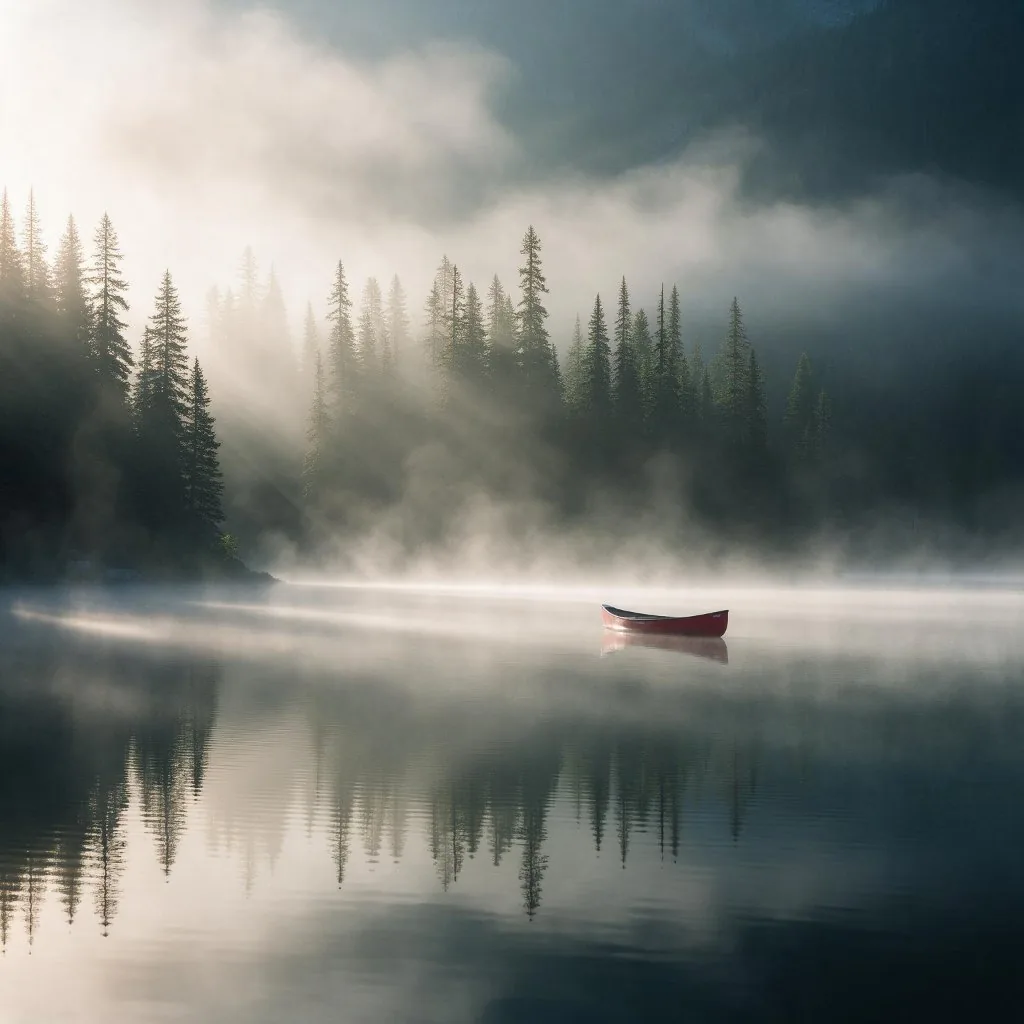
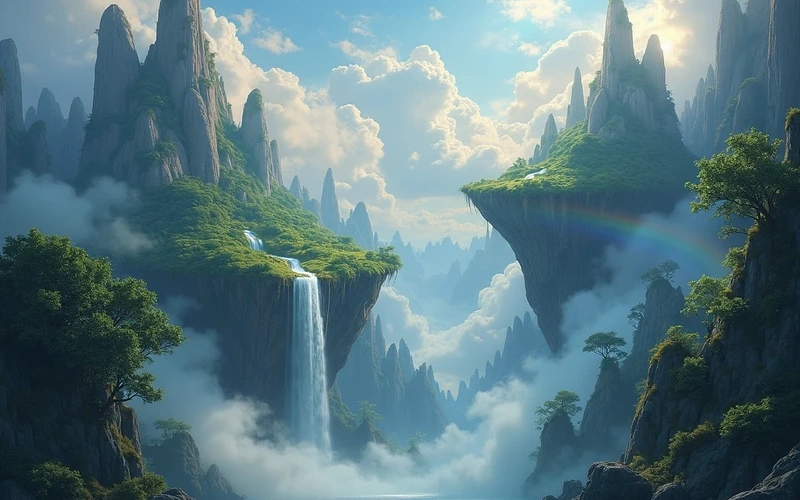
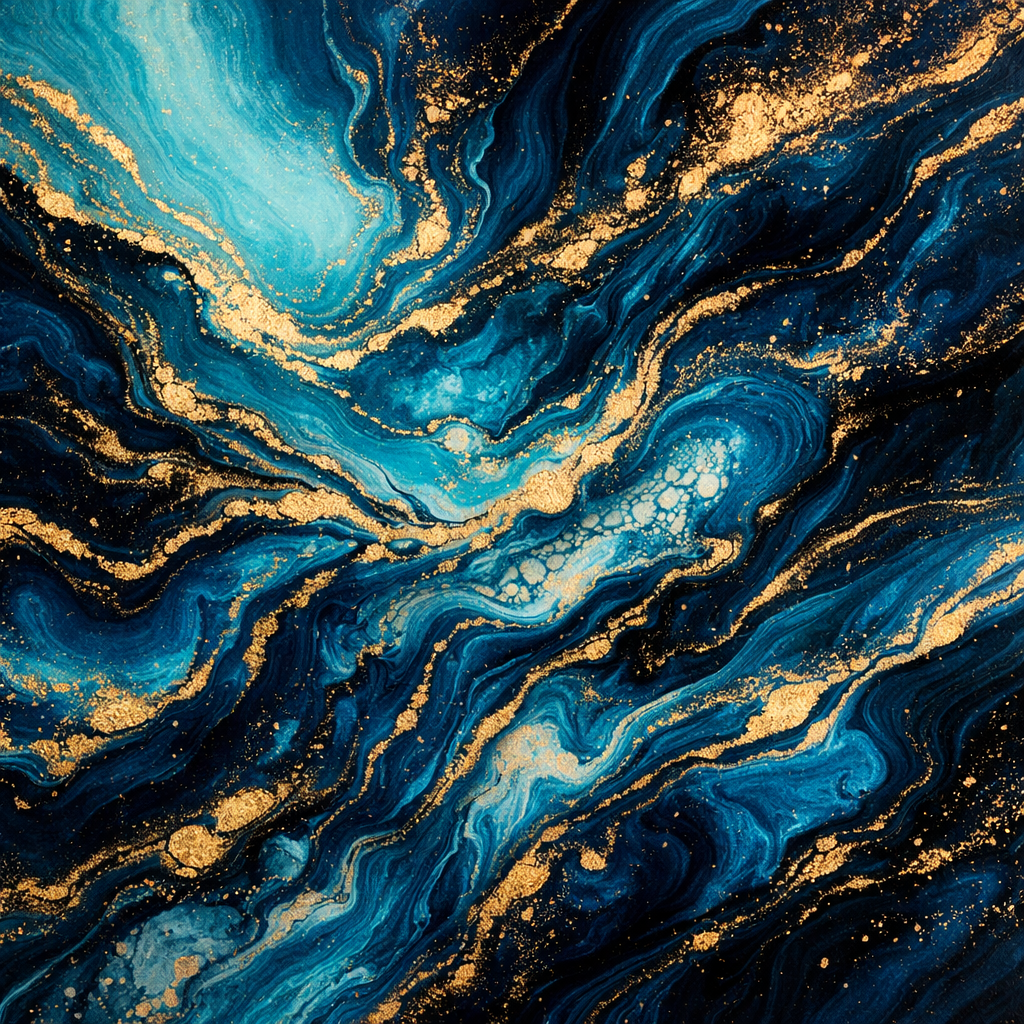
Seedream 5.0
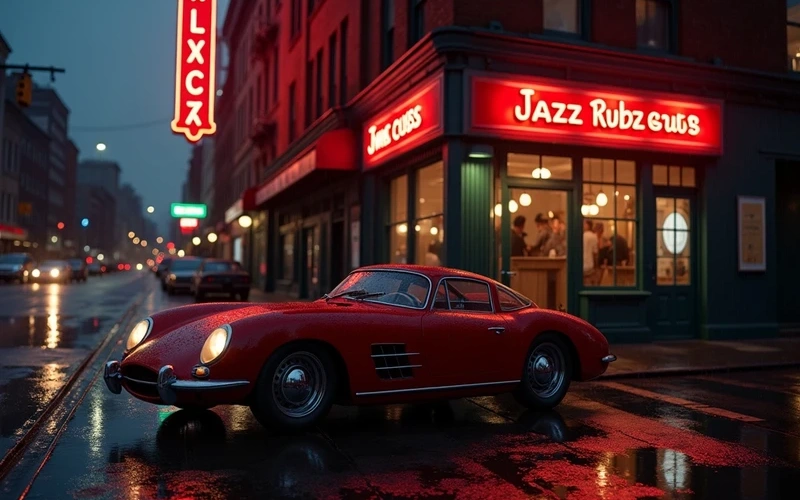
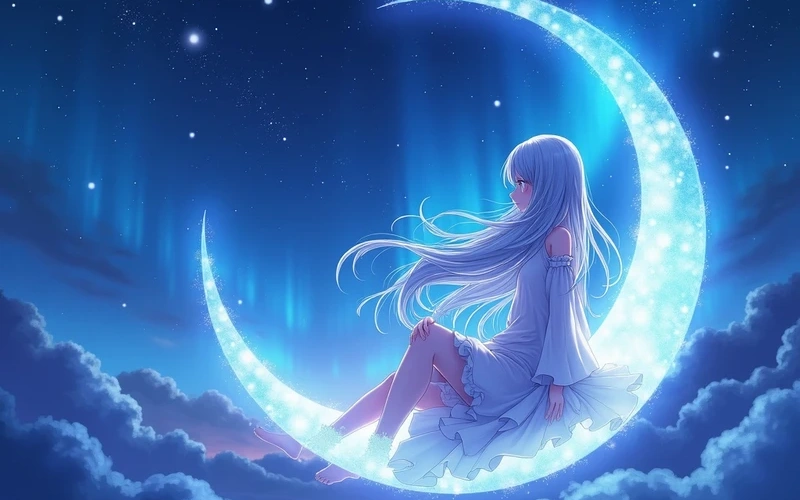
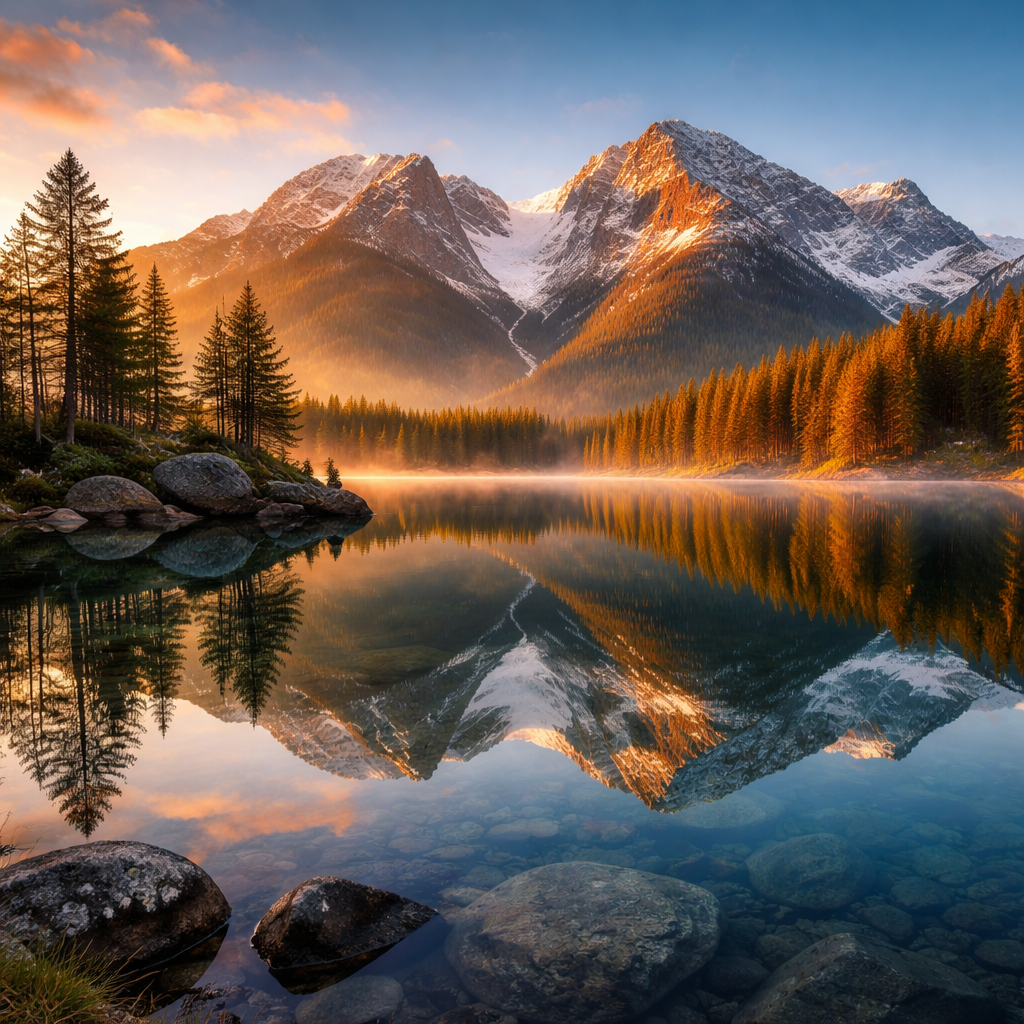
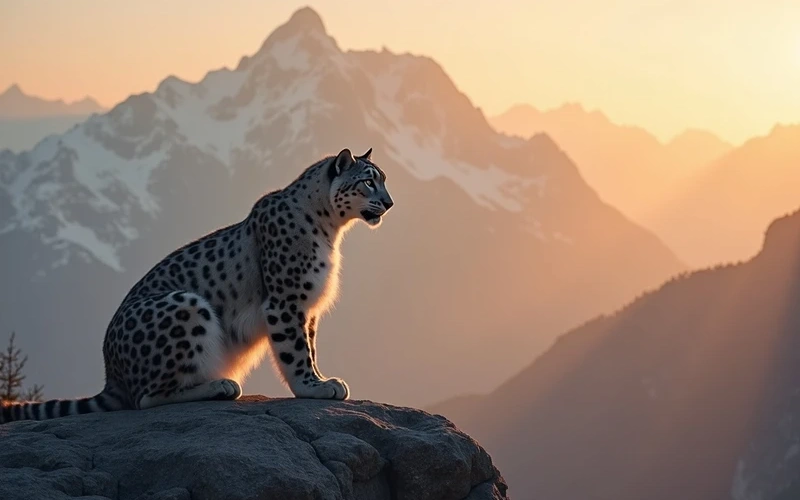
Seedream 5.0 lets anyone transform text descriptions into unique visuals, perfect for artists, marketers, and content creators needing quick, custom imagery. Bring your specific ideas to life without complex software or extensive design skills.
Preset route
Choose the public starting point before you open Studio
Or choose a popular preset:
Sample compare
See the promise before you move into execution
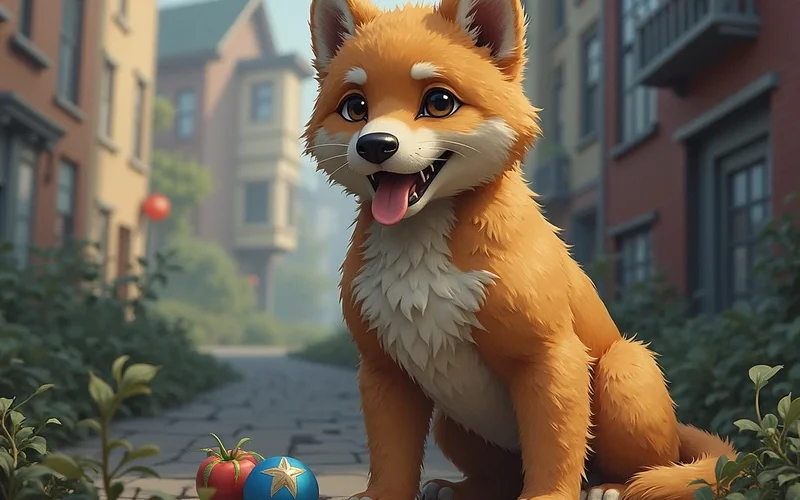
AfterSeedream 5.0 example result
The public page explains the workflow. `/studio` remains the execution layer.
Sample Results
See what this tool can do with real photos.
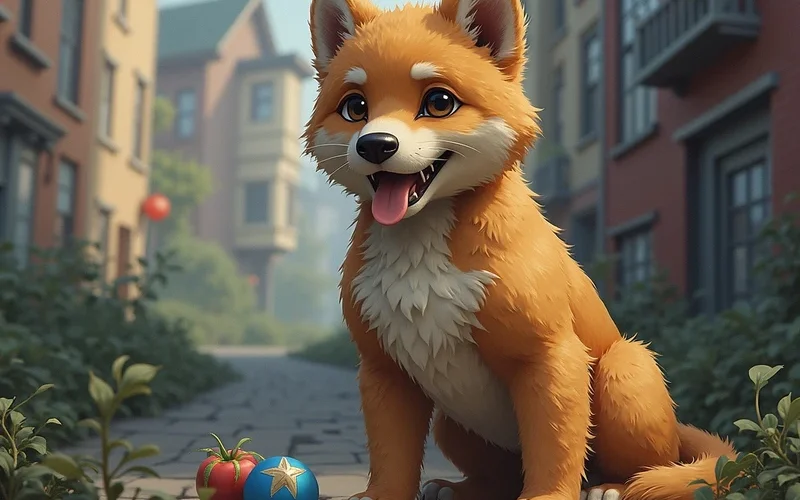
AfterSeedream 5.0 example result
User Reviews
Based on 321 reviews
Anna P.
Project Manager
"Our weekly newsletter images used to be an afterthought. Now the whole team generates polished visuals in minutes."
Jenny W.
Freelance Designer
"Delivered a client project 2 days early because I didn't have to manually edit 30 product images. The AI batch processing is solid."
Sarah L.
Digital Marketer
"Replaced our $200/month stock photo subscription. We generate custom visuals now that actually match our brand colors and style."
What Is Seedream 5.0?
Seedream 5.0 is an advanced text-to-image tool that interprets your written prompts to generate distinct visual art. It's ideal for designers needing mockups, writers visualizing scenes, or small businesses creating social media graphics without complex software or stock photo subscriptions. Instead of sifting through image libraries or hiring a graphic designer for every concept, Seedream 5.0 empowers you to materialize your specific ideas directly from text. Users can quickly experiment with different styles and concepts, making it invaluable for rapid prototyping, concept art, and personalized content creation.
Why Choose This Tool
Instant Visual Creation
Generate unique images in seconds from simple text descriptions, saving valuable time on design work and concept development.
Explore Diverse Styles
Experiment with various artistic aesthetics, from photorealistic to abstract, without needing specialized artistic or software skills.
Overcome Creative Blocks
Quickly visualize ideas and get fresh inspiration when traditional brainstorming methods fall short or you need a visual starting point.
Cost-Free Image Generation
Access a powerful image creation tool without subscription fees or per-image costs, making high-quality visuals accessible to all budgets.
Tailored Content Production
Create highly specific images that perfectly match your brand messaging, story, or project requirements, ensuring unique visual identity.
User-Friendly Interface
Simply type your vision into the intuitive interface and let Seedream 5.0 produce the specific imagery you need with ease.
Tired of Generic Stock Photos and Costly Design?
Relying on repetitive stock images makes your content blend in, not stand out. Hiring designers for every small visual idea is expensive and time-consuming, often leading to compromises on your original vision. You need a way to bring your specific concepts to life without these common hurdles.
How It Works
Enter Your Prompt
Type a clear, descriptive text prompt outlining your desired image, including subjects, styles, and details.
Generate Your Image
Click the 'Generate' button to let Seedream 5.0 interpret your text and produce a unique visual creation.
Download and Use
Save your unique creation to your device and integrate it seamlessly into your projects or content.
Who Is This For?
Popular use cases for this tool.
Product Design Mockups
Product designers can use Seedream 5.0 to quickly visualize early-stage concepts for new products or user interface layouts. This helps in iterating on ideas faster and presenting initial designs to stakeholders without extensive manual rendering.
Story Scene Visualization
Authors and screenwriters can bring their narratives to life by generating images of characters, fantastical landscapes, or key plot moments. This assists in developing storyboards and ensuring consistent visual themes throughout their work.
Marketing Content Creation
Small business owners can generate unique visuals for social media posts, advertisements, or website banners that reflect their brand's message. This eliminates the need for stock photos and provides custom, on-brand imagery for various campaigns.
Frequently Asked Questions
What is Seedream 5.0?
Seedream 5.0 is a text-to-image AI tool that transforms your written descriptions into unique visual art. It's designed to help users, from hobbyists to professionals, create custom imagery quickly and efficiently without needing advanced design skills.
Is Seedream 5 AI image generator free to use?
Yes, Seedream 5.0 offers free image generation. You can create a wide range of visuals from your text prompts without any cost, making it accessible for everyone to explore AI art and generate unique content.
What kind of images can I create with Seedream 5.0?
You can create a vast array of images, from realistic landscapes and character designs to abstract concepts and stylized illustrations. The quality and style depend largely on the specificity and creativity of your text prompt and the details you provide.
Do I need any special software to use Seedream 5.0?
No, Seedream 5.0 is a web-based tool. You only need an internet connection and a standard web browser to access and use the Seedream 5 AI image generator free of charge, making it highly convenient.
How can I get the best results from my prompts?
To get the best results, be specific and descriptive in your prompts. Include details about subjects, styles, colors, lighting, and composition. Experiment with different keywords and phrasing to refine your output and achieve your desired visual.
Can I use the images generated by Seedream 5.0 for commercial purposes?
Please refer to our terms of service regarding commercial use of generated images. Generally, for free tools, usage rights can vary, so it's always best to check the specific licensing details provided on the platform to ensure compliance.
What makes Seedream 5.0 different from other AI image generators?
Seedream 5.0 focuses on intuitive prompt interpretation and diverse stylistic outputs, making it particularly effective for rapid ideation and generating niche concepts. Its free access ensures broad usability for all creators looking for custom visuals.
Is there a limit to how many images I can generate with Seedream 5 AI image generator free?
While Seedream 5.0 is free, there might be daily or hourly limits to ensure fair usage and server stability across all users. These limits are typically generous enough for most casual and professional needs, allowing ample creation.
Can I edit the images after they are generated?
Seedream 5.0 generates static images. You can download the generated image and then use third-party image editing software such as Photoshop or GIMP to make further modifications or enhancements as needed to fit your project.
What if my generated image isn't what I expected?
If an image isn't what you expected, try refining your text prompt. Add more details, change keywords, or specify a different style. Iteration and experimentation with your prompts are key to achieving desired results with AI generation.
Does Seedream 5.0 store my prompts or generated images?
We prioritize user privacy. While some data might be temporarily stored for operational purposes, we do not permanently store your prompts or images beyond what's necessary for your session or account, unless specified otherwise in our privacy policy.
How often is Seedream 5.0 updated?
Seedream 5.0 is continuously refined and updated to improve image quality, generation speed, and prompt interpretation. We regularly implement user feedback and technological advancements to enhance your creative experience and the tool's capabilities.