GPT Image 1.5

GPT Image 1.5

Create images from a text prompt with OpenAI's GPT Image 1.5, or upload a photo and describe the change. It is especially good at following detailed prompts and writing legible text in images.
Paid plans and credit packs
~10–30 seconds
8 credits per image
Aspect ratio
Inspiration — click to try
Inspiration 1
Inspiration 2
8 credits per image · paid plan or credit pack
Model: GPT Image 1.5 · Usually 10-30 seconds
Prompt & Result

From prompt to image

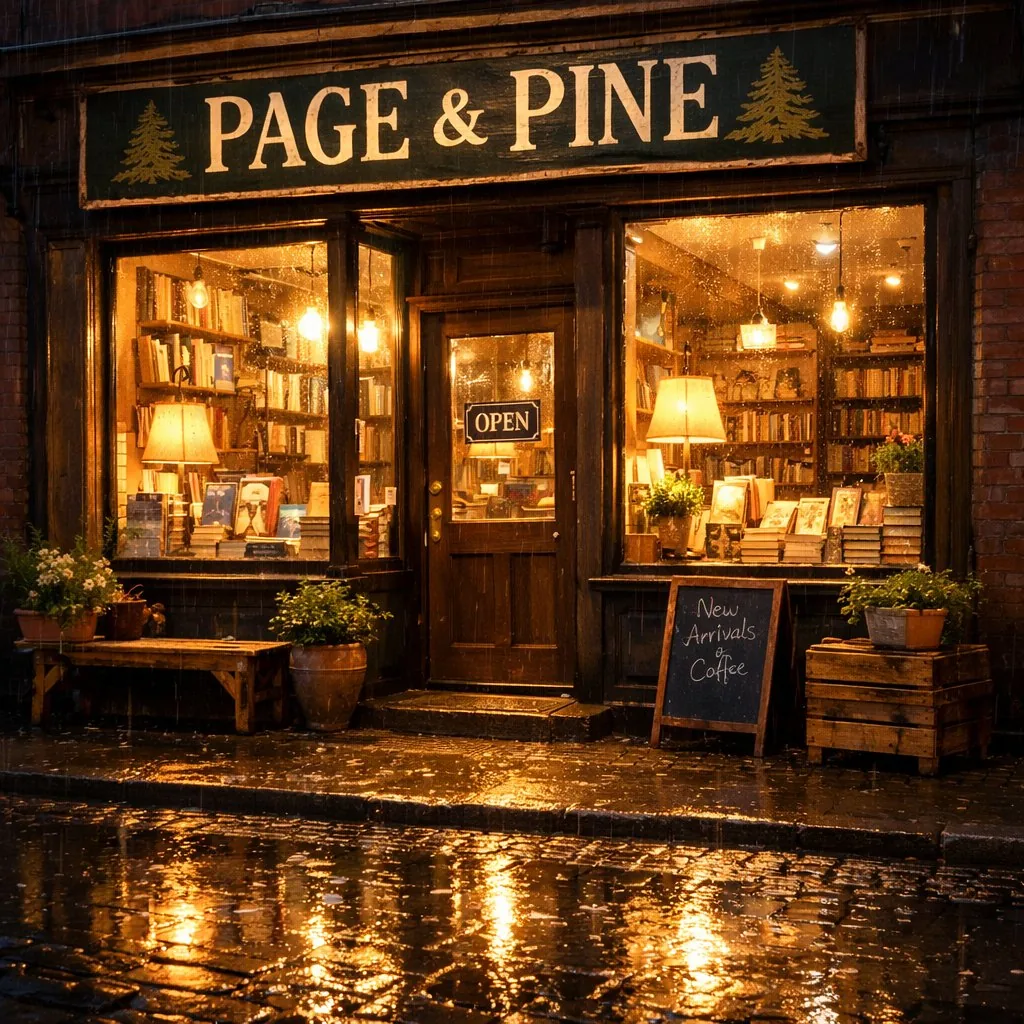
“A cozy independent bookshop on a rainy evening, warm window light spilling onto wet cobblestones, a hand-painted sign above the door that reads "PAGE & PINE", photorealistic”
Prompt
Input
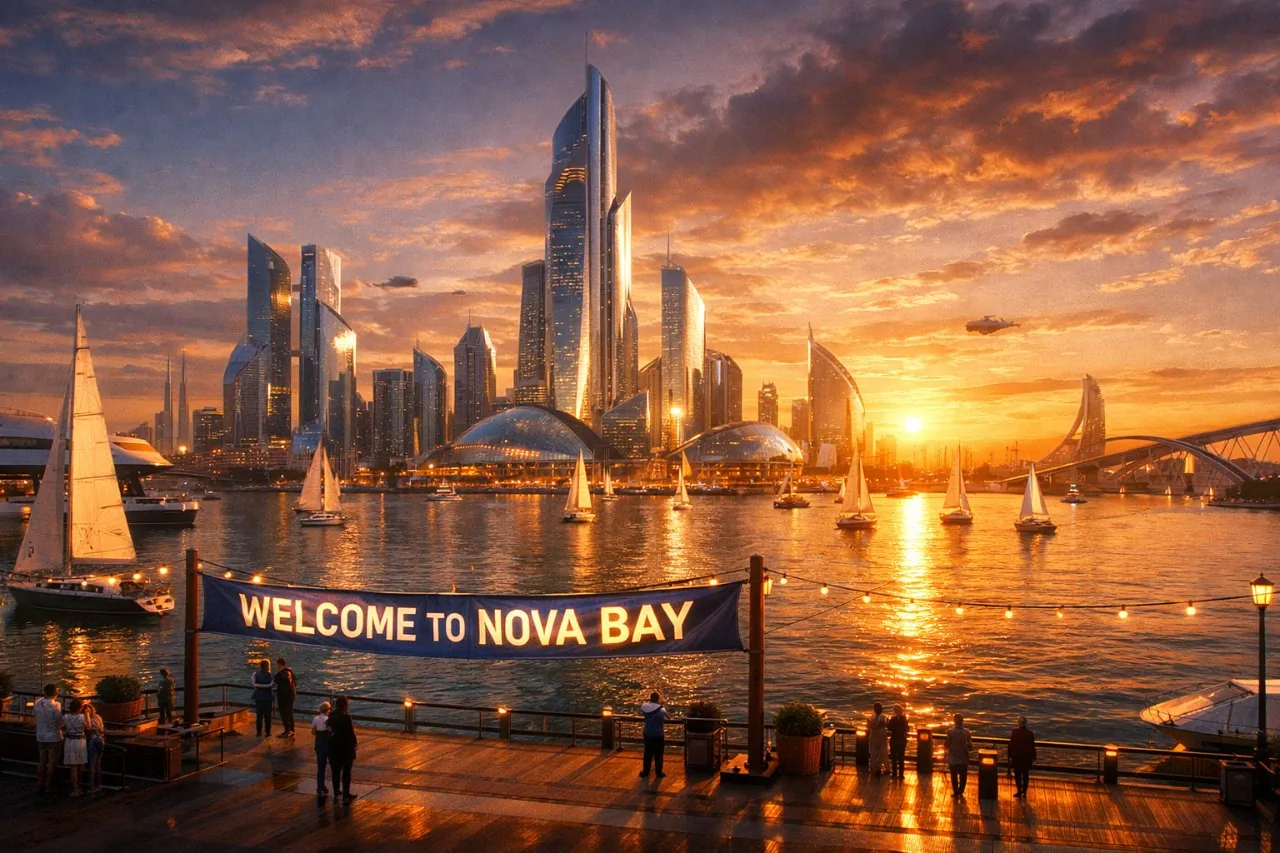
GPT Image 1.5 result: a rainy-evening bookshop with a sign reading PAGE & PINEGPT Image 1.5 result in 16:9: a harbor city with a banner reading WELCOME TO NOVA BAY
AI result
After
Model positioning
GPT Image 1.5 overview

About this model

GPT Image 1.5 is OpenAI's image generation and editing model. It follows long, specific prompts closely and is one of the better models at putting correct, readable text into an image, such as signs, labels and posters. On this page you can type a prompt to create a new image, or upload a photo and say what to change. Eidora runs the real GPT Image 1.5 through fal.ai at medium quality; square images come out at 1024×1024 and wide or tall ones at 1536×1024 or 1024×1536.

  • Follows long, detailed prompts
  • Legible text in images (signs, labels, posters)
  • Edits uploaded photos from a prompt
  • Square, wide and tall outputs
Best for: Posters, social graphics, product mockups and any image that needs readable words in it.
Use Cases

What you can create

GPT Image 1.5 use case - Unique Blog Visuals

Unique Blog Visuals

Content Creators can generate unique header images and illustrations for their articles, avoiding generic stock photos. Simply describe the desired scene, or upload a rough sketch to refine it into a polished visual.

GPT Image 1.5 use case - Marketing Visuals on Demand

Marketing Visuals on Demand

Small Business Owners can quickly produce eye-catching graphics for social media campaigns or advertisements. Type a concept for a new ad, or upload an existing product image to give it a fresh look.

GPT Image 1.5 use case - Concept Art Iteration

Concept Art Iteration

Game Developers can rapidly visualize character designs, environmental elements, or prop ideas. Provide a text description of your concept, or upload an initial sketch to iterate and refine its appearance.

Why Eidora

Built different, built better

Text to Image Creation
Generate original visuals from just a descriptive text prompt, perfect for new concepts and ideas.
Image-to-Image Transformation
Upload an existing image and use text prompts to alter its style, elements, or composition with precision.
Rapid Visual Prototyping
Quickly experiment with different visual ideas and styles for marketing campaigns or design projects, accelerating your workflow.
How it works

Three steps. About a minute.

Step 1: Provide Input
01

Provide Input

Start by either typing a detailed text prompt describing your desired image or uploading an existing image.

Step 2: Generate
02

Generate

Press Generate. Images from a prompt usually take 10 to 30 seconds; edits of an uploaded photo usually take 20 to 60 seconds.

Step 3: Generate & Download
03

Generate & Download

Check the result and download the image. Not quite right? Run it again.

Try GPT Image 1.5 Now
✦ Try It Free Now
FAQ

Frequently
asked questions

Everything you need to know. Can't find what you're looking for?
Still have questions?
Our support team is happy to help.
Contact Support
GPT Image 1.5 is OpenAI's image model for creating and editing images from text. It is known for following detailed prompts and rendering readable text inside images.
Yes. Your prompt is sent to OpenAI's GPT Image 1.5 through fal.ai, a model hosting provider, at medium quality. Eidora is not affiliated with OpenAI.
This model needs a paid plan or a credit pack: Pro is $9.9/month for 300 credits, or buy a one-time pack (the $4.99 Starter pack has 100 credits), and each image uses 8 credits. A free account's credits work on the 4-credit tools.
Yes. Upload an image and describe the change, for example "replace the background with a beach at sunset". The upload goes to GPT Image 1.5's edit mode.
Square images are 1024×1024; wide and tall images are 1536×1024 or 1024×1536. Pick 1:1, 16:9, 4:3 or 3:4 in the studio before you generate; the output follows that shape.
Images from a prompt usually take 10 to 30 seconds; edits of an uploaded photo usually take 20 to 60 seconds.
It depends on applicable law and the model provider's current terms. An Eidora plan changes generation limits and history retention; it does not grant extra intellectual-property rights.
Your uploads, prompts and results are saved privately to your history so you can view and download them later, and only you can open them (if you are not signed in, they are tied to your browser session). To create a result, your input is sent to the AI model provider that runs the generation. We do not sell your content or use it to train AI models.
Start with daily credits
Ready to create
your masterpiece?
8 credits per image · Paid plans and credit packs
Paid plans and credit packs
~10–30 seconds
Instant download