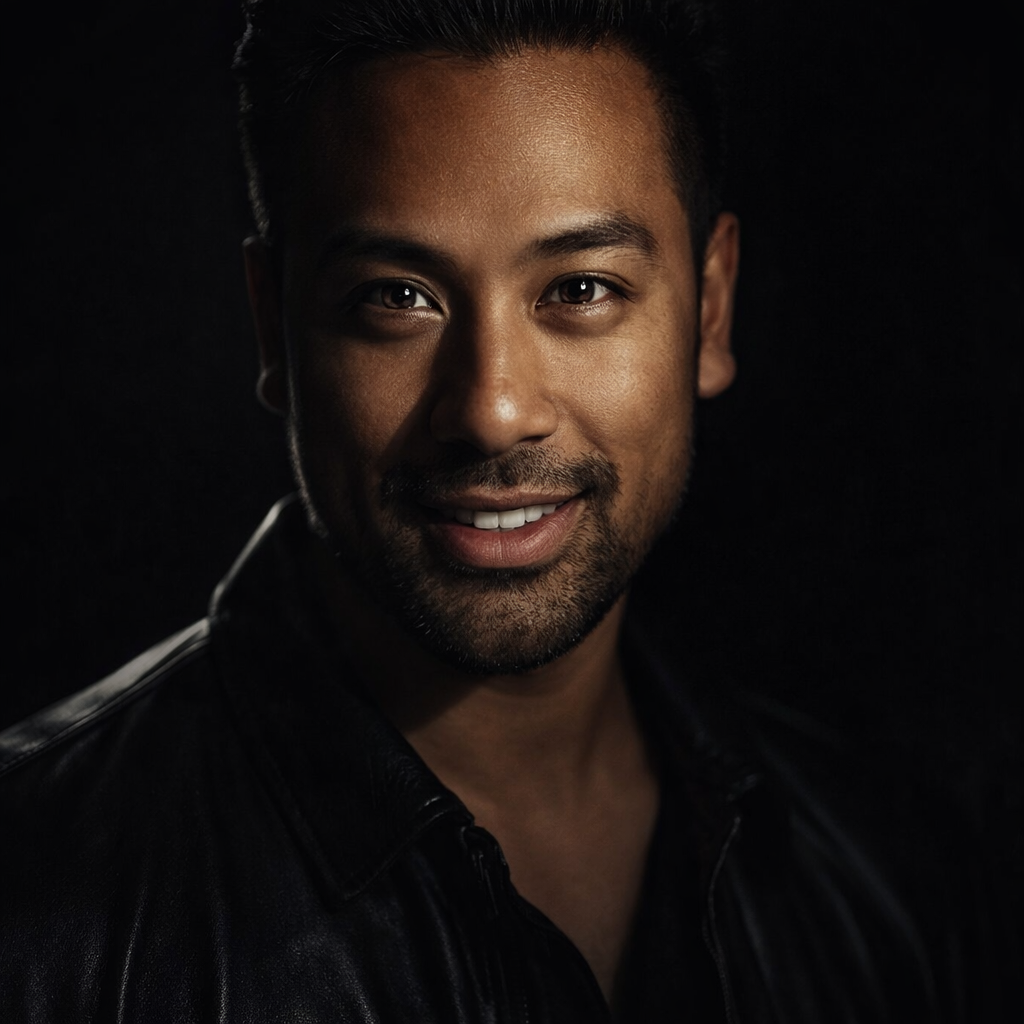
Toolpublic route

Qwen Image

Transform your ideas into unique images or modify existing ones with the Qwen Image AI generator, perfect for creators and marketers seeking distinctive visuals.

Instant resultsFree downloadWorks on mobile

Preset route

Choose the public starting point before you open Studio

Open Studio →

Or choose a popular preset:

Sample compare

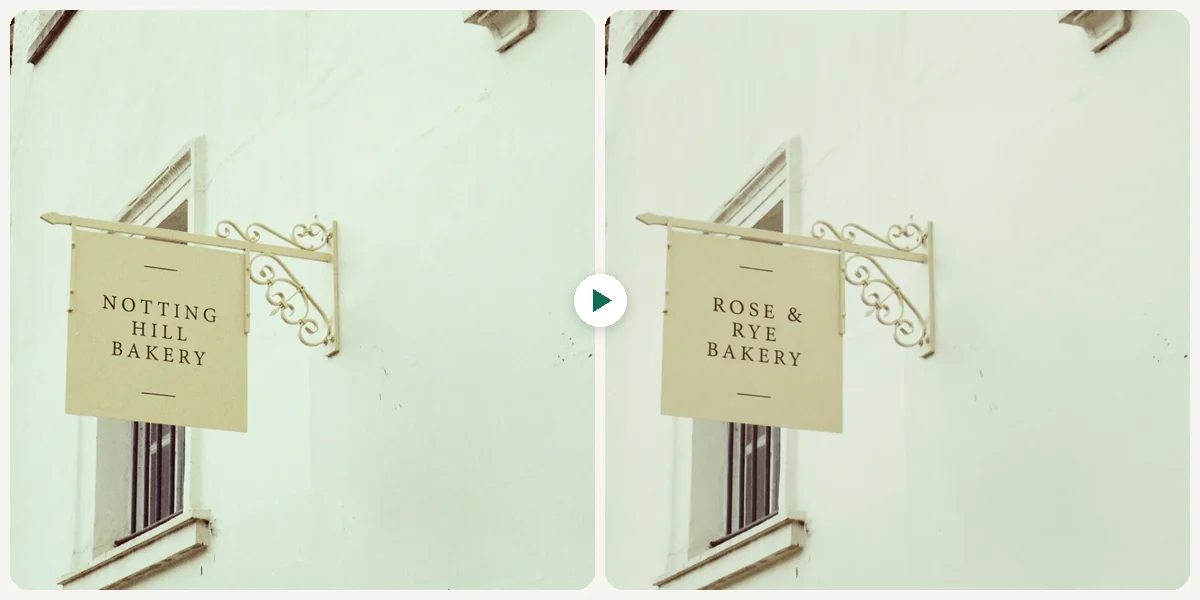
See the promise before you move into execution

Qwen Image example result beforeBefore
Qwen Image example result afterAfter

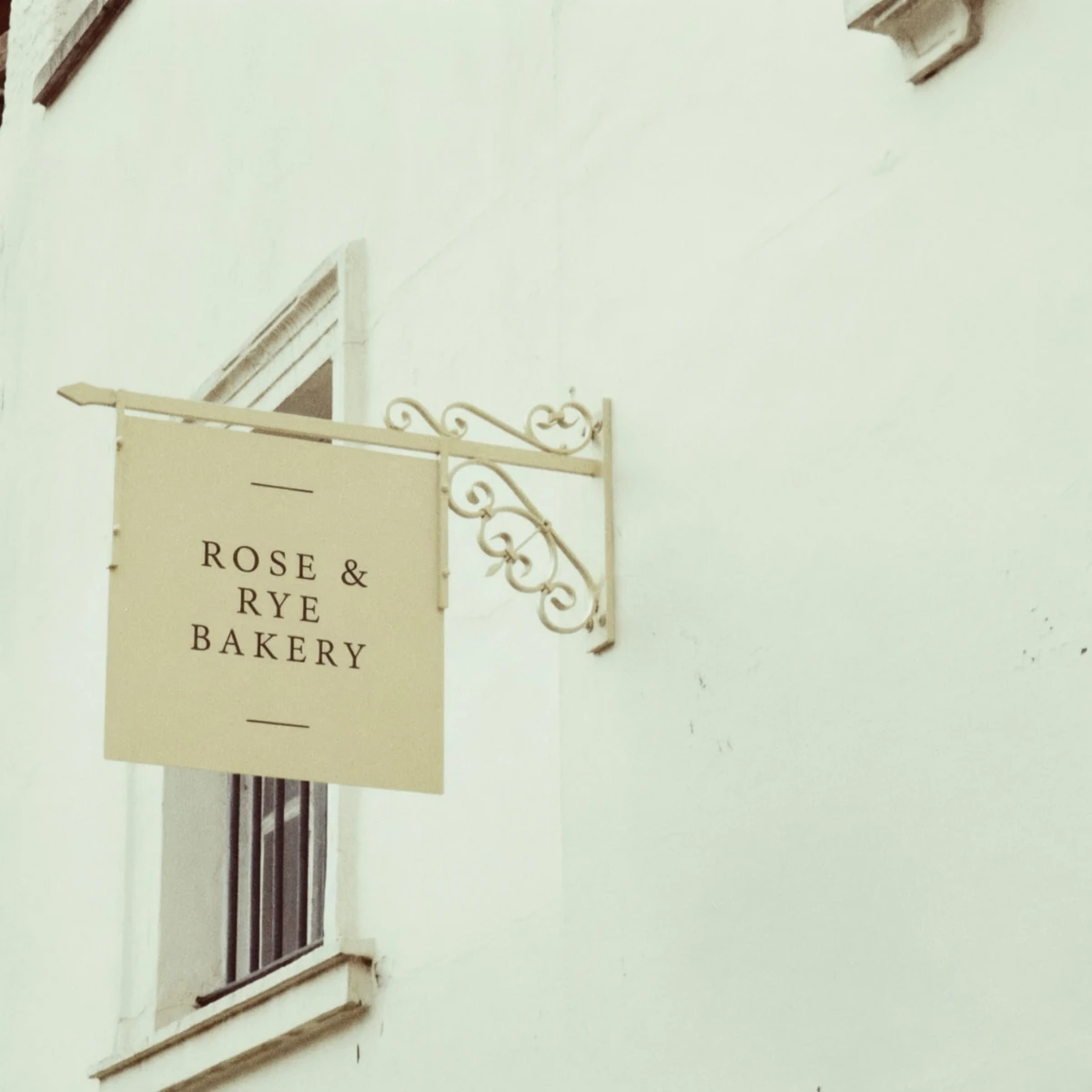
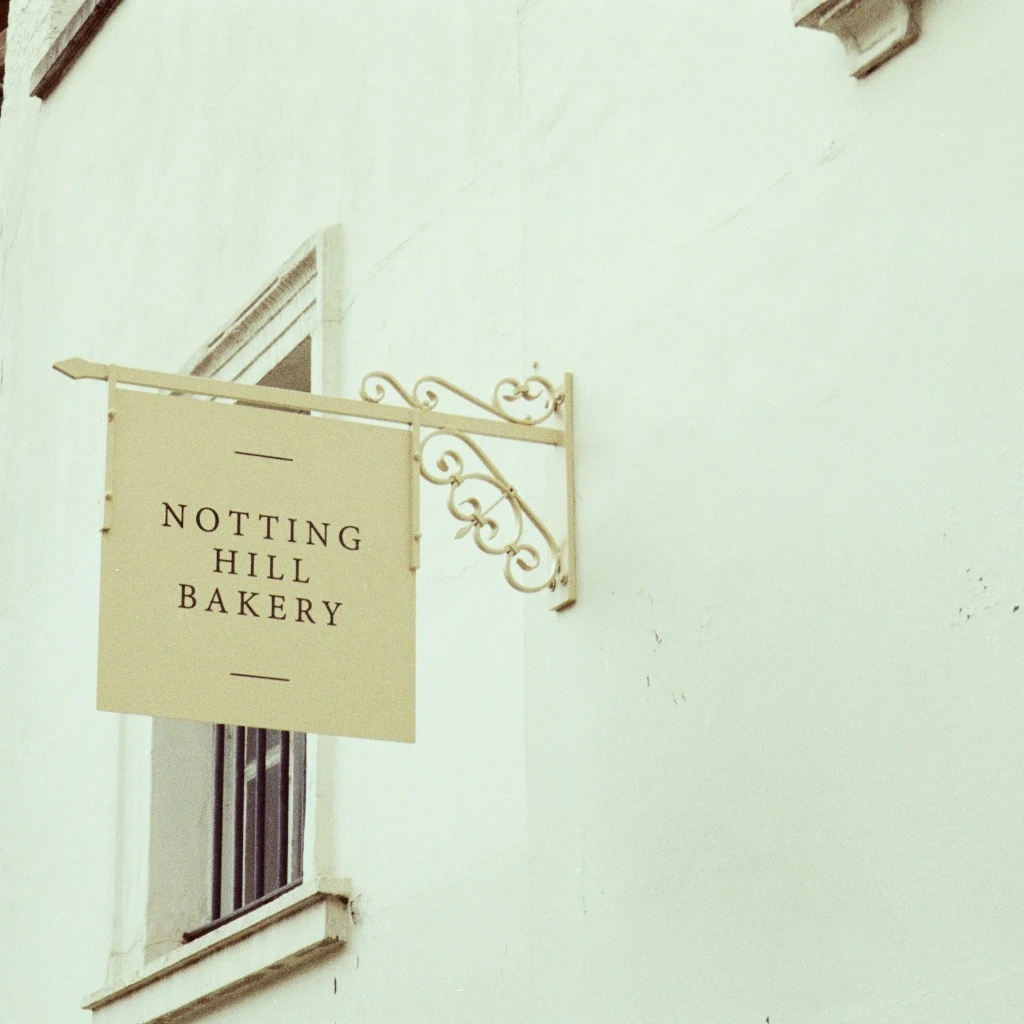
Qwen Image example result

The public page explains the workflow. `/studio` remains the execution layer.

Sample Results

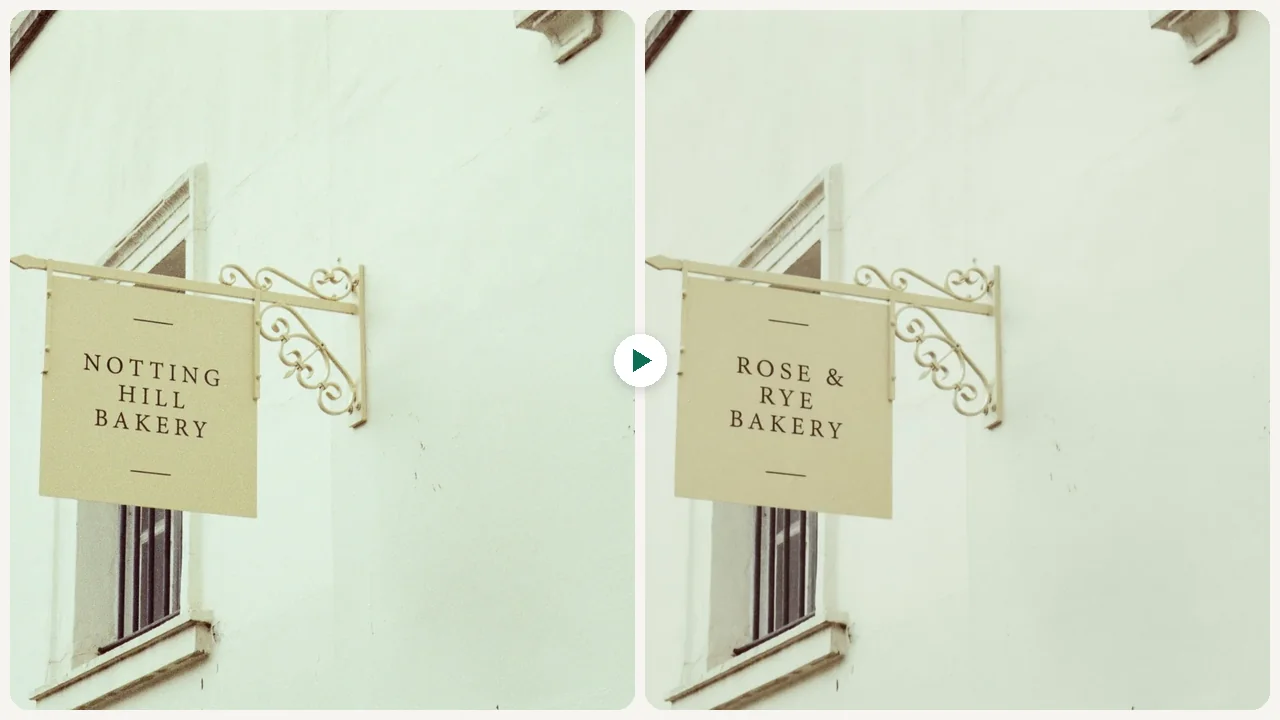
See what this tool can do with real photos.

Before - Qwen Image example resultBefore
After - Qwen Image example resultAfter

Qwen Image example result

User Reviews

4.8

Based on 334 reviews

5 stars
74%
4 stars
16%
3 stars
5%
2 stars
3%
1 stars
2%
T.N.

Tom N.

Entrepreneur

"Built my entire pitch deck with AI-generated visuals. The investor said our materials looked more polished than Series B companies."

J.W.

Jenny W.

Freelance Designer

"Delivered a client project 2 days early because I didn't have to manually edit 30 product images. The AI batch processing is solid."

A.P.

Anna P.

Project Manager

"Our weekly newsletter images used to be an afterthought. Now the whole team generates polished visuals in minutes."

What Is Qwen Image?

Qwen Image is an AI generator free online that helps you create or refine visual content effortlessly. Whether you're starting from a textual idea or want to enhance an existing photo, this qwen image ai generator provides the flexibility to achieve your vision. It's ideal for designers needing quick mockups, social media managers generating engaging posts, or anyone looking to visualize concepts without complex software. Upload an image to modify its style or elements, or simply type a description to generate a brand new scene. This tool streamlines the creative process, making high-quality image generation accessible to everyone.

Why Choose This Tool

Generate from Text

Quickly visualize concepts by typing a simple description, bringing your ideas to life instantly.

Edit Existing Images

Upload your photos and guide Qwen Image to alter elements, styles, or compositions with text prompts.

Creative Control

Maintain artistic direction by combining your initial visual input with detailed text instructions for refined output.

Diverse Style Options

Explore various aesthetic possibilities, from photorealistic to artistic, without needing specialized design skills.

Save Time & Effort

Eliminate the need for complex editing software or lengthy manual design processes for visual content.

Accessibility for All

Create professional-looking images regardless of your design experience, making visual content creation inclusive.

Tired of Generic Stock Photos and Complex Editing?

Finding the perfect image that truly matches your vision can be a time-consuming struggle, often resulting in bland visuals or hours spent learning intricate design software. Relying on limited stock photo libraries rarely captures the unique essence of your message, leaving your content looking uninspired.

How It Works

1

Upload or Describe

Start by uploading an image you want to modify or type a detailed text prompt for a new creation.

2

Refine with Text

Add specific text instructions to guide the Qwen Image generator on desired changes or stylistic preferences.

3

Generate and Download

Review the generated image, make any further adjustments, and then download your unique visual.

Who Is This For?

Popular use cases for this tool.

palette

Visuals for Content Creation

Content Creators can generate unique images for blog posts, articles, or marketing materials based purely on textual descriptions. Qwen Image allows you to visualize abstract concepts or specific scenes when no suitable stock photo exists.

shopping-bag

Refining Product Photography

E-commerce Sellers can upload existing product photos to enhance their quality, adjust lighting, or modify backgrounds. Qwen Image helps make product listings more professional and appealing without extensive manual editing.

sparkles

Design Concept Exploration

Designers and Artists can quickly prototype visual ideas by either uploading a rough sketch or providing a detailed text prompt. Qwen Image assists in exploring various design directions and iterations efficiently for new projects.

Frequently Asked Questions

What is Qwen Image?

Qwen Image is an AI-powered tool designed to help users generate new images from text descriptions or modify existing images. It provides a flexible platform for creative expression, allowing for detailed adjustments or entirely new visual concepts. This tool simplifies the process of bringing visual ideas to life without requiring specialized design skills.

Is Qwen Image AI generator free online?

Yes, Qwen Image AI generator is available for free online use. You can access its core features and generate or edit images without any cost. This makes it an accessible option for individuals and small businesses looking to enhance their visual content.

What kind of images can I create with Qwen Image?

You can create a wide range of images, from realistic scenes and product mockups to abstract art and stylized illustrations. Qwen Image's versatility allows it to interpret diverse textual prompts and visual inputs. This means you can generate visuals for social media, marketing materials, personal projects, and more.

Can I edit my own photos using Qwen Image?

Absolutely. Qwen Image allows you to upload your existing photos and then use text prompts to guide modifications. You can change backgrounds, alter elements, adjust styles, or even add new objects to your uploaded images. This feature provides a simple way to refine and customize your personal or professional visuals.

What input types does Qwen Image support?

Qwen Image supports two primary input types: text prompts and image uploads. You can either type a detailed description of the image you want to create from scratch, or you can upload an image and then use text to describe how you want it to be modified. This dual input system offers maximum flexibility for your creative workflow.

How does Qwen Image handle complex prompts?

Qwen Image is designed to interpret and respond to complex and detailed text prompts. Providing specific descriptions, including style, subject, colors, and mood, will help the AI generate a more accurate and nuanced image. Experimenting with different levels of detail can lead to surprising and high-quality results.

Are there any limitations on image size or resolution?

While Qwen Image aims to provide high-quality output, there might be practical limits on the initial upload size and the final generated resolution for optimal performance. Specific details on maximum dimensions or file sizes are usually provided within the tool's interface or help section. Generally, it produces images suitable for web and digital use.

Can I use images generated by Qwen Image commercially?

Generated images are typically suitable for commercial use, but it's always advisable to review the platform's specific terms of service regarding commercial rights. This ensures compliance and clarity on how you can integrate the visuals into your marketing or product designs. Always check the latest usage policies.

Do I need design experience to use Qwen Image?

No, you do not need any prior design experience to effectively use Qwen Image. The tool is built with a user-friendly interface that simplifies the image creation and editing process. Its intuitive text-based input makes it accessible for beginners and experienced users alike to achieve professional-looking results.

How long does it take to generate an image?

Image generation time can vary depending on the complexity of your prompt, the server load, and your internet connection. Simple requests usually complete within a few seconds, while more intricate creations might take slightly longer. The platform is optimized for efficient processing to deliver results quickly.

What if I don't like the generated image?

If the initial output isn't exactly what you envisioned, you can easily refine your prompt or adjust your uploaded image. Experiment with different keywords, add more descriptive details, or try slightly different angles. Qwen Image allows for iterative adjustments to help you achieve your desired outcome.

Is my uploaded image data kept private?

User privacy is important. Uploaded images are typically processed securely to generate your desired output and are not generally used for training purposes or shared publicly without your consent. Always refer to the platform's privacy policy for explicit details on data handling and security measures.