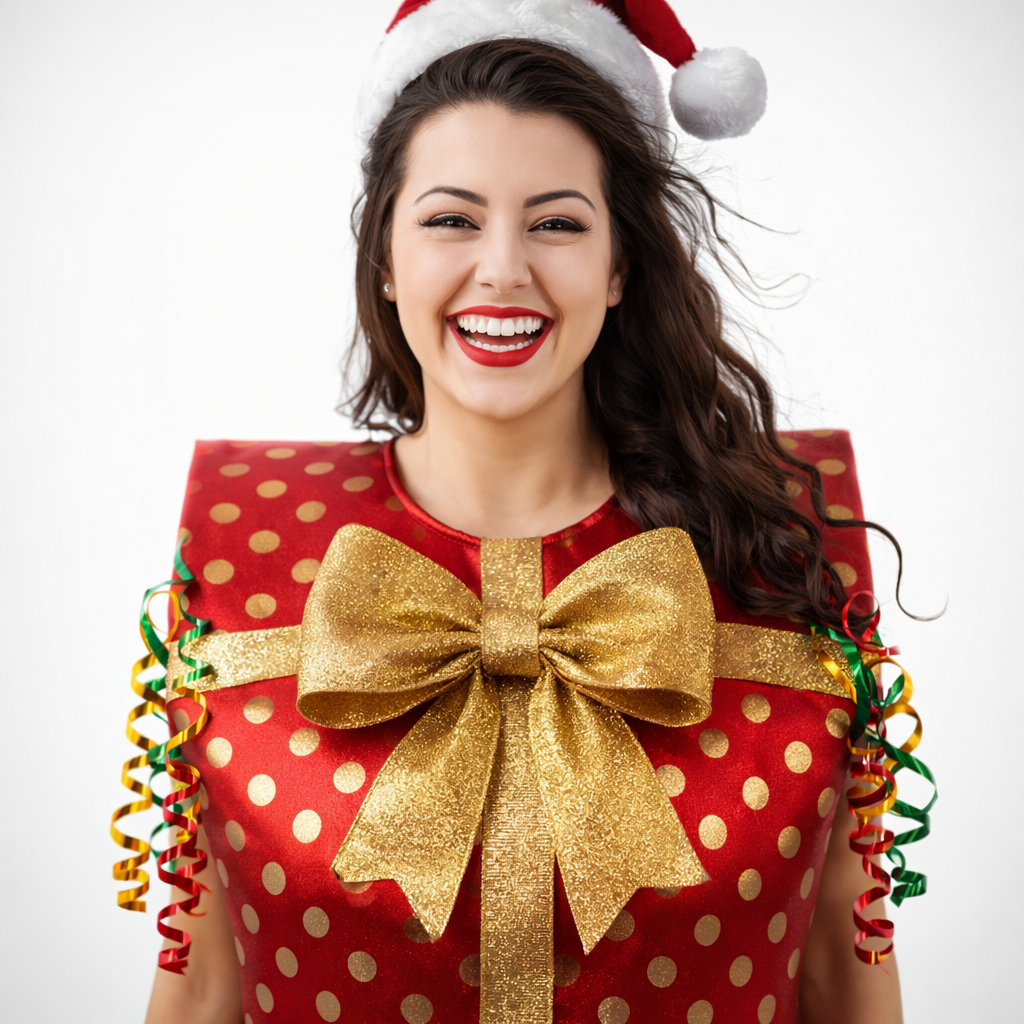
AI Christmas Photo Generator

Upload a photo and get a Christmas version of you: by the fireplace, at a Christmas market, baking cookies or out in the snow. Made for holiday cards, social posts and gifts.
Free to try · 4 free credits daily
9 styles
~10–30 seconds
Sign in after your first result
AI Christmas Photo Generator AI result example✦ AI Result
Upload your photo
Try with an example:
Example photo 1
Choose style
4 credits per image · 1 free try, sign up free to download
Model: FLUX.1 Kontext Pro · Usually 10-30 seconds
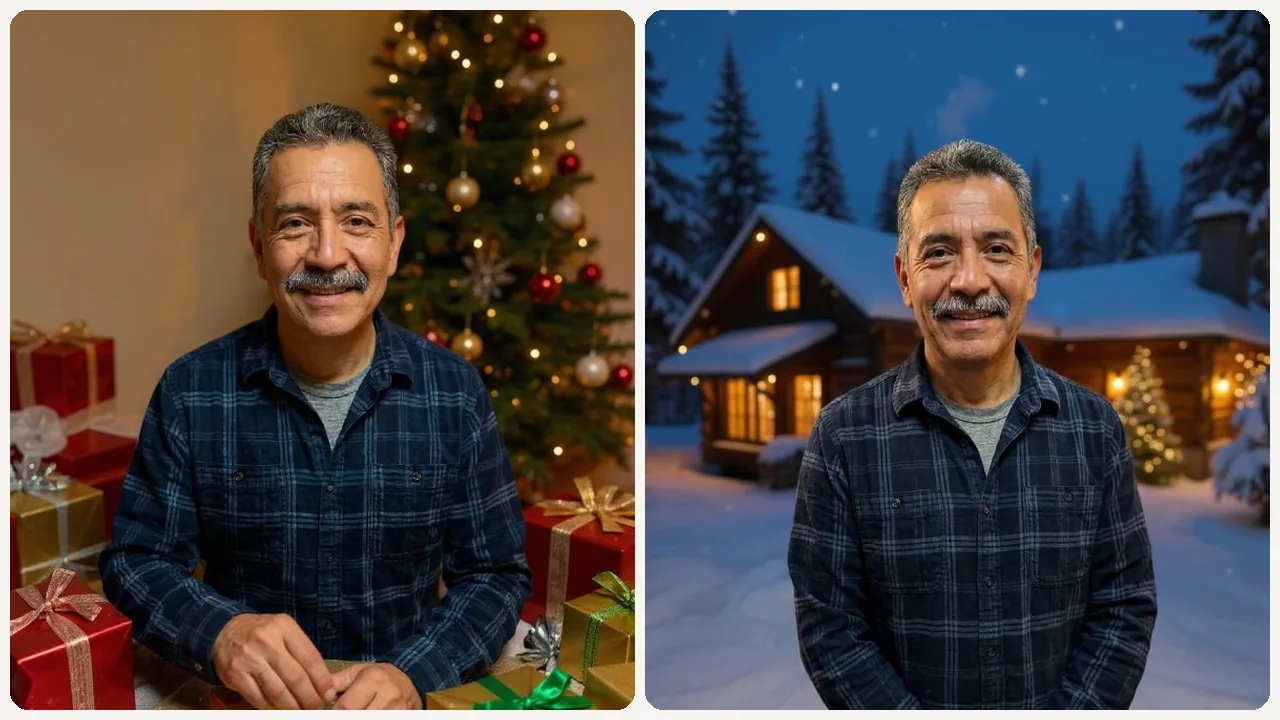
Before & After

See the transformation

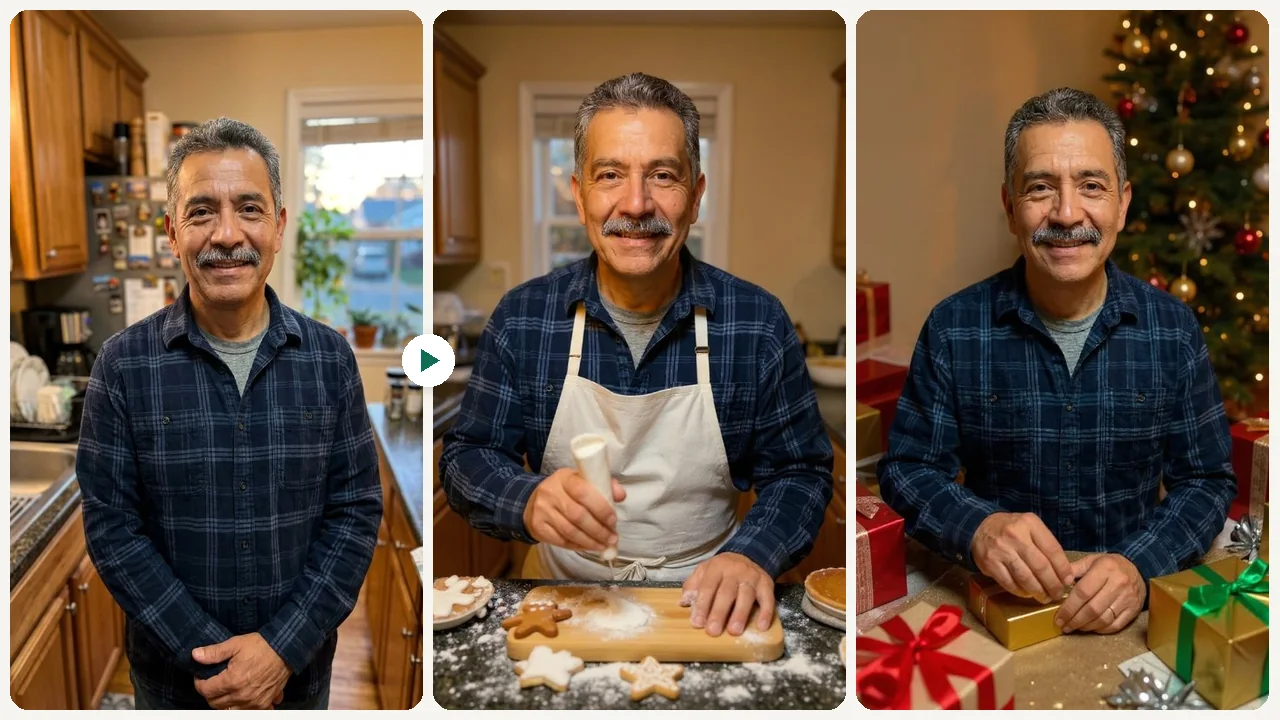
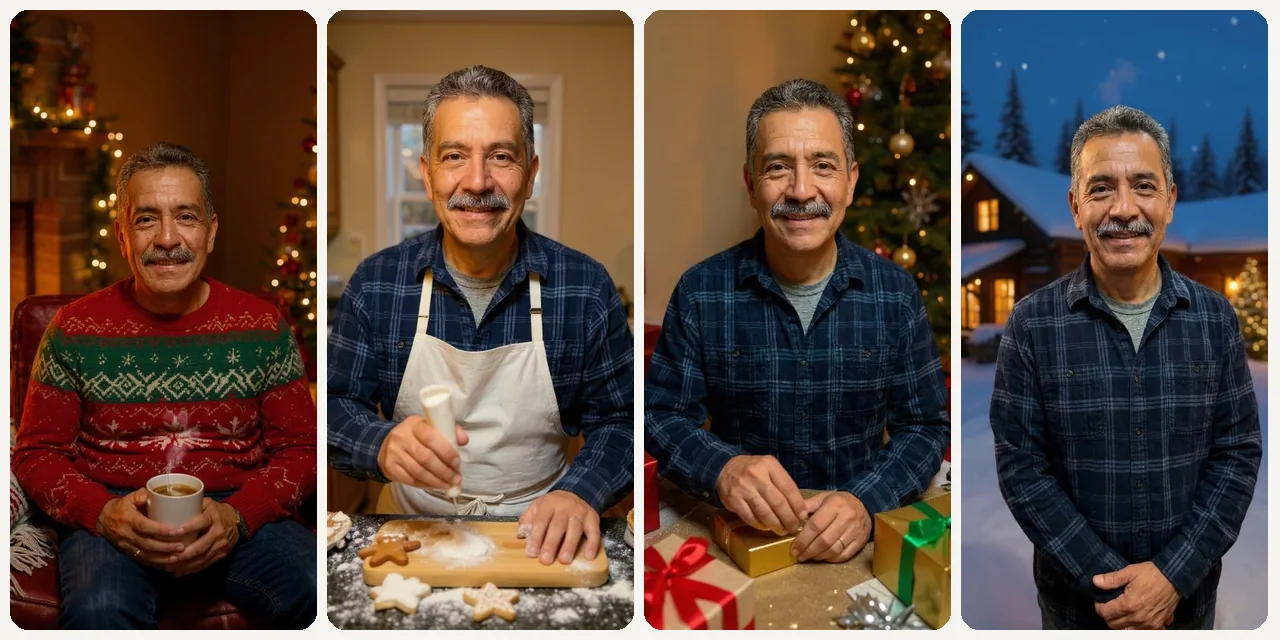
Original photo before AI Christmas Photo Generator - Cozy styleOriginal photo before AI Christmas Photo Generator - Holiday Baking styleOriginal photo before AI Christmas Photo Generator - Gifts styleOriginal photo before AI Christmas Photo Generator - Snowy Cabin style
Original photo
Before
AI result in Cozy style - AI Christmas Photo GeneratorAI result in Holiday Baking style - AI Christmas Photo GeneratorAI result in Gifts style - AI Christmas Photo GeneratorAI result in Snowy Cabin style - AI Christmas Photo Generator
AI result
After
Cozy Style
AI Christmas Photo Generator · Eidora AI
What Is This Tool
AI Christmas Photo Generator overview

What Is AI Christmas Photo Generator?

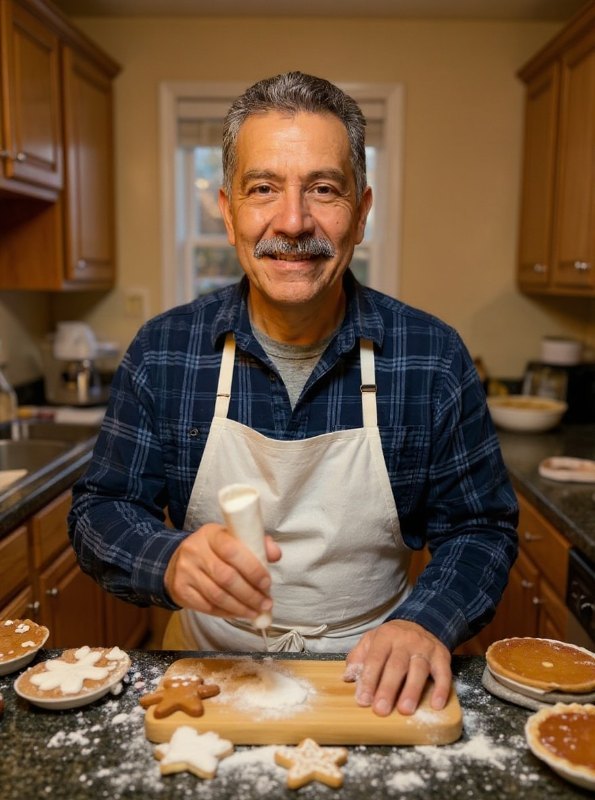
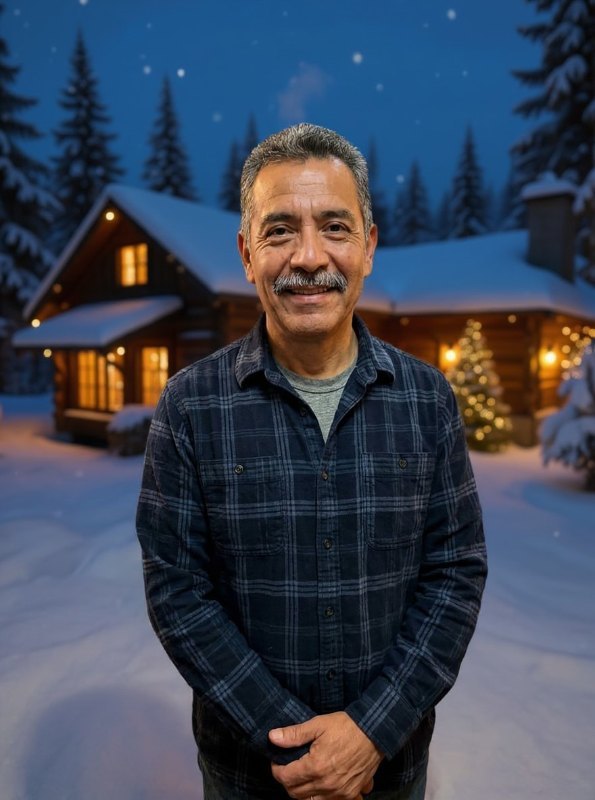
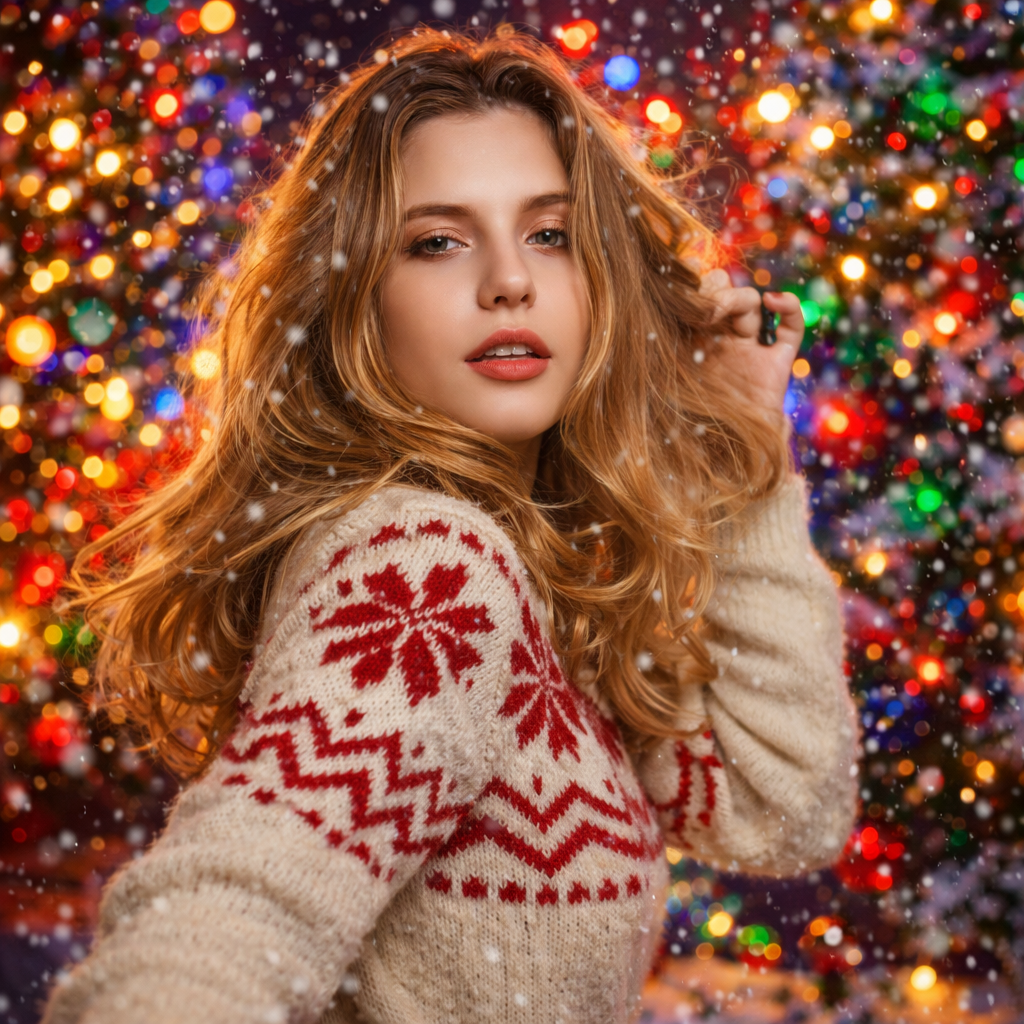
Our AI Christmas Photo Generator places you into 9 distinct holiday scenes — from fireplace-lit living rooms with knit blankets and cocoa to European Christmas market stalls glowing under string lights. Upload a portrait and pick a style, and the AI redraws your photo as a full Christmas scene with its own setting and lighting, while trying to keep the accessories you already wear, such as glasses, hats or earrings. Each run makes one image, usually in 10 to 30 seconds. Each of the 9 styles produces a visibly different result: Cozy wraps you in warm amber tones, Snow Play puts you outdoors in crisp daylight, and Market Street shifts to blue-hour evening light with bokeh. Ideal for families creating one-of-a-kind holiday cards, small businesses sharing festive team photos, or creators building a festive content calendar without booking a single photoshoot. Want last December's viral look instead? Try the AI Christmas photo trend: the candy cane glam shoot, with your face.

Use Cases

What you can create

AI Christmas Photo Generator use case - Personalized Family Holiday Cards

Personalized Family Holiday Cards

Families can easily turn their favorite everyday photos into charming Christmas cards. Avoid the hassle of scheduling a photoshoot or struggling with editing software to create unique greetings.
AI Christmas Photo Generator use case - Festive Small Business Marketing

Festive Small Business Marketing

Small business owners can quickly generate seasonal visuals for their holiday promotions and social media campaigns. Turn team or staff photos into festive Christmas scenes to share with customers.
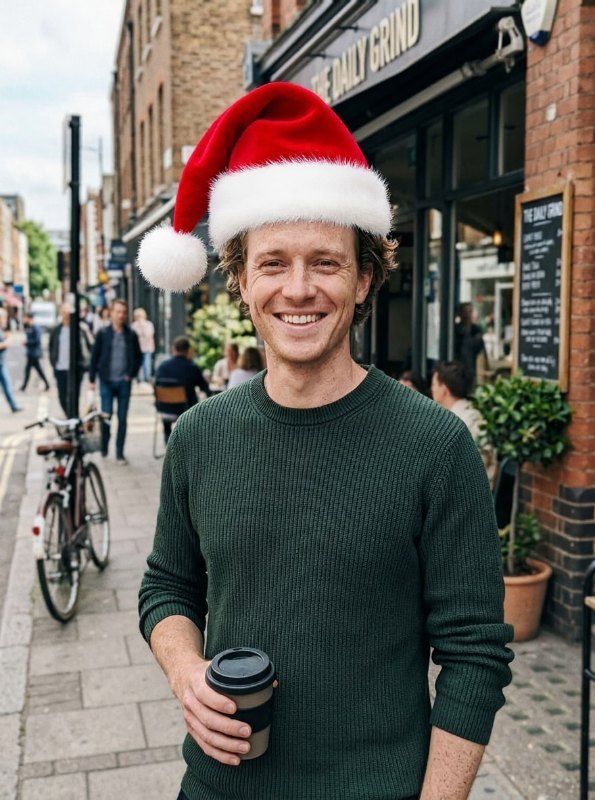
AI Christmas Photo Generator use case - Engaging Social Media Profiles

Engaging Social Media Profiles

Individuals and influencers can refresh their social media presence with holiday-themed profile pictures or post images. Pick a scene and turn a photo you already like into a festive version of it.

Why Eidora

Built different, built better

Holiday Photos Without a Photoshoot
Turn an everyday photo into a Christmas scene without photo-editing software or design experience.
Personalized Christmas Cards
Create truly unique and memorable holiday cards featuring your own family, friends, or pets in festive settings.
Diverse Festive Themes
Choose from 9 Christmas scenes, including cozy fireside rooms, snowy outdoor play, holiday baking, a Christmas market street and a snowy cabin.
How it works

Three steps. About a minute.

AI Christmas Photo Generator: Upload Your Photo
  1. Upload Your Photo

    Select the image from your device that you wish to transform into a festive Christmas scene.

  2. Choose Your Christmas Theme

    Pick one of the 9 styles (Cozy, Snow Play, Festive Group, Holiday Baking, Gifts, Market Street, Soft, Snowy Cabin, Snow Travel), then press Generate.

  3. Generate & Download

    Wait about 10 to 30 seconds, then preview and download your Christmas photo.

Try AI Christmas Photo Generator Now
✦ Try It Free Now
FAQ

Frequently
asked questions

Everything you need to know. Can't find what you're looking for?
Still have questions?
Our support team is happy to help.
Contact Support
Yes. You can try one photo without signing up. A free account gets 16 credits to start and 4 free credits every day, and each photo uses 4 credits. Paid plans start at $9.9/month for 300 credits.
Photos with clear subjects and good lighting tend to yield the best results. Portraits and family photos work best. The tool focuses on integrating your subject naturally into the chosen Christmas theme, so a well-composed original image helps achieve a more seamless transformation.
None of the 9 styles is a Santa suit or elf costume. Some styles do change the outfit: Festive Group dresses everyone in knitted Christmas sweaters, and Cozy uses a holiday sweater. To ask for a Santa outfit, describe it in the Custom tab; the AI tries to follow it, but results can vary.
Yes. Snow Play, Snowy Cabin and Snow Travel redraw your photo as a snowy Christmas scene with you in it. The tool does not lay snow over your original photo; it makes a new image with its own setting and lighting.
There are no pet-specific styles, and the tool does not add accessories like Santa hats or reindeer antlers. You can upload a pet photo and try any of the 9 scenes, but the styles are written with people in mind, so results with pets can vary.
The result is one image you can download, with a clarity suited to web pages and social media. There is no resolution setting, and the output is not guaranteed to match your original photo's resolution or to be print quality.
A Christmas photo usually takes 10 to 30 seconds, a little longer at busy times.
No special software or design skills: it works in your browser. You can try one photo without signing up; A free account gets 16 credits to start and 4 free credits every day, and each photo uses 4 credits.
Permitted uses depend on your rights in uploaded photos, applicable law, and the selected third-party model or provider terms. Verify those terms and the consent of pictured people before publishing or selling an output.
Run it again with the same style or pick another one; each run uses 4 credits. A sharper, well-lit photo usually helps.
There are 9 Christmas styles: Cozy, Snow Play, Festive Group, Holiday Baking, Gifts, Market Street, Soft, Snowy Cabin and Snow Travel, from fireside scenes to snowy outdoor trips. If none fits, describe the scene you want in the Custom tab.
Your uploads, prompts and results are saved privately to your history so you can view and download them later, and only you can open them (if you are not signed in, they are tied to your browser session). To create a result, your input is sent to the AI model provider that runs the generation. We do not sell your content or use it to train AI models.
Start with daily credits
Ready to create
your masterpiece?
9 styles · 4 credits per image · Free to try · 4 free credits daily
Free to try · 4 free credits daily
~10–30 seconds
Instant download