Visualize Before You Buy
See exactly how new furniture, paint colors, or decor styles will look in your actual room before you spend any money, preventing costly mistakes and regrets.
ai room designer free online
Upload a photo of your room and instantly visualize it with new styles, furniture, and layouts. Perfect for homeowners, renters, and designers planning a refresh or renovation.
Use our AI Room Designer free online tool to upload your room photo and visualize new designs. Explore styles, layouts, and furniture ideas instantly fo...
Sample results
What can this tool do?
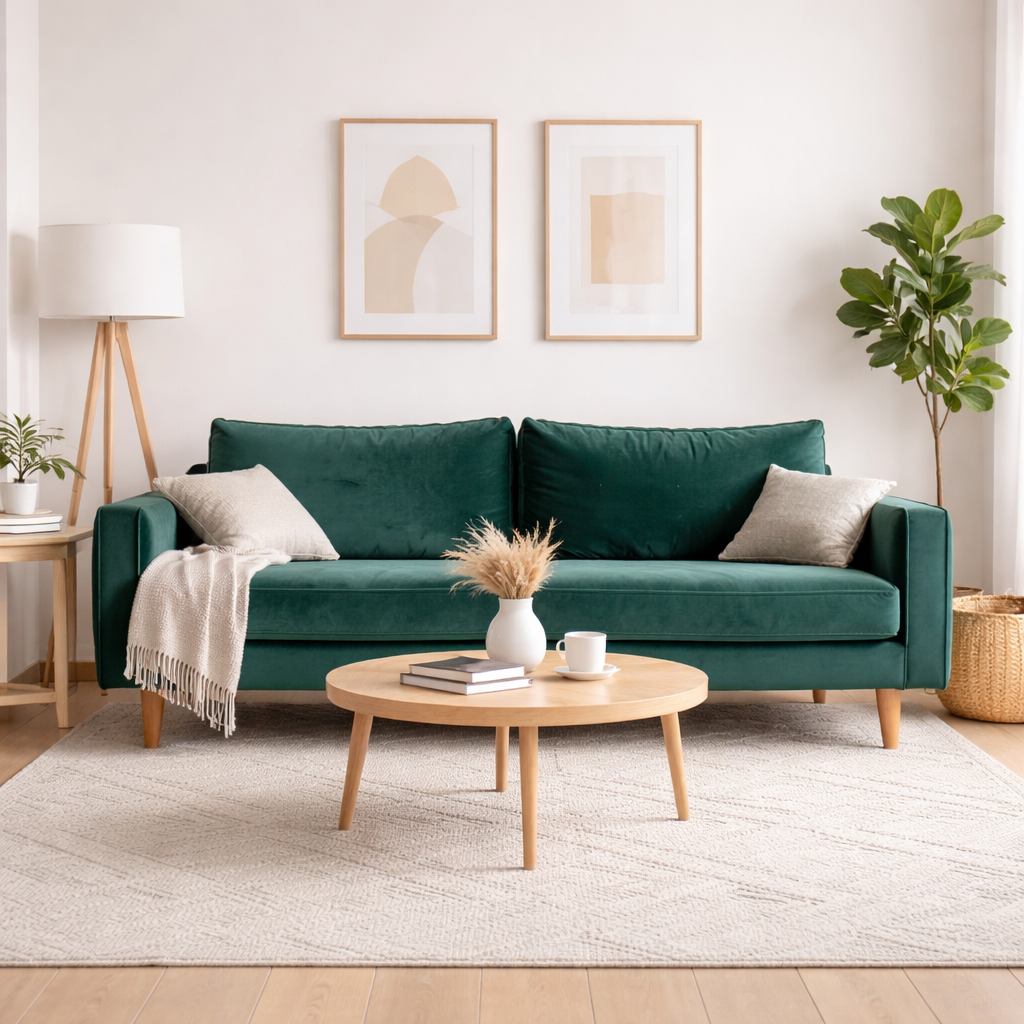
Our AI Room Designer is an intuitive online tool that transforms your existing room photos into stunning new designs. Simply upload an image of any space – be it a living room, bedroom, kitchen, or office – and choose from a variety of design styles to see instant makeovers. This tool is invaluable for anyone looking to redecorate, renovate, or stage a property without the guesswork. Homeowners can experiment with different aesthetics before making costly purchases, renters can visualize temporary changes, and real estate agents can showcase potential transformations to clients. It eliminates the need for complex software or hiring a designer for initial concepts, making interior design accessible and frustration-free.
Traditional interior design planning involves endless mood boards, costly software, or hiring expensive professionals. It's frustrating to commit to purchases without a clear vision, often leading to wasted money and disappointment when the final look doesn't match your expectations. Stop hoping for the best and start seeing it beforehand.
Why choose this tool?
See exactly how new furniture, paint colors, or decor styles will look in your actual room before you spend any money, preventing costly mistakes and regrets.
Experiment with numerous interior design themes like modern, minimalist, bohemian, industrial, and more to find the perfect aesthetic for your space.
Get redesigned room concepts within seconds, drastically cutting down the time traditionally spent on planning and mood boarding.
The user-friendly interface allows anyone to become an interior designer, regardless of their prior experience or artistic talent.
Streamline your renovation or redecoration process by quickly generating and comparing design options, avoiding expensive professional fees for initial concepts.
Download and share your generated designs with family, friends, or contractors to gather feedback and ensure everyone is on the same page.
How to use
Take a clear picture of the room you want to redesign and upload it to our platform.
Select from a wide range of interior design styles or functions (e.g., living room, bedroom, office) that you envision for your space.
Our AI will instantly generate stunning new design possibilities based on your uploaded image and chosen style.
Use cases
Homeowners can upload a photo of their current living room, bedroom, or kitchen to explore different design styles. This helps visualize potential renovations and furniture arrangements before making any commitments.
Real estate agents can upload photos of vacant or outdated properties to virtually stage them with appealing designs. This helps potential buyers envision the space's full potential and makes listings more attractive.
DIY decorators can experiment with different decor ideas, color palettes, and furniture layouts in their own rooms. Upload a photo to instantly see how new styles would fit before buying any items.
FAQ
An AI Room Designer is an online tool that uses artificial intelligence to re-envision and redesign your room based on an uploaded photo. It allows you to apply different interior design styles, furniture layouts, and decor elements virtually, helping you visualize potential changes before making any real-world commitments. It's like having a virtual interior designer at your fingertips.
Yes, AI Room Designer is free to try. Free users get 6 credits per day to generate room designs. For more, plans start at $9.9/month.
You can design virtually any room in your home or office. This includes living rooms, bedrooms, kitchens, dining rooms, bathrooms, home offices, nurseries, and even outdoor spaces like patios or balconies. Simply upload a clear photo of the area you wish to transform.
Absolutely not! Our AI Room Designer is built for everyone, regardless of their design background. The interface is intuitive and user-friendly, allowing you to easily upload photos, select styles, and generate professional-looking designs with just a few clicks. No complex software or design knowledge is required.
The AI generates highly realistic and contextually appropriate design suggestions based on your uploaded room and chosen style. While it provides excellent visualizations, the accuracy can depend on the quality of your input photo and the clarity of your design preferences. It serves as a fantastic starting point for your design journey.
Currently, our AI Room Designer primarily focuses on generating new designs and furniture based on the selected style. While you upload your room photo, it doesn't support uploading individual furniture pieces to integrate into the AI-generated design. However, the generated designs can inspire you on how your existing pieces might fit into a new aesthetic.
You can upload common image file types such as JPG, JPEG, and PNG. For best results, ensure your image is of good quality, well-lit, and shows the entire room or the specific area you wish to redesign clearly. High-resolution images tend to yield better design outcomes.
Yes, once your new room design is generated, you will have the option to download the image. You can then easily share it via email, social media, or messaging apps with friends, family, or contractors to get feedback or collaborate on your design ideas.
Start now