AI LinkedIn Photo Generator
Create a cleaner, sharper LinkedIn profile image from your selfie with better framing, wardrobe, and background choices.
 ✦ AI Result
Model: FLUX.1 Kontext Pro · Usually 10-30 seconds
See the transformation
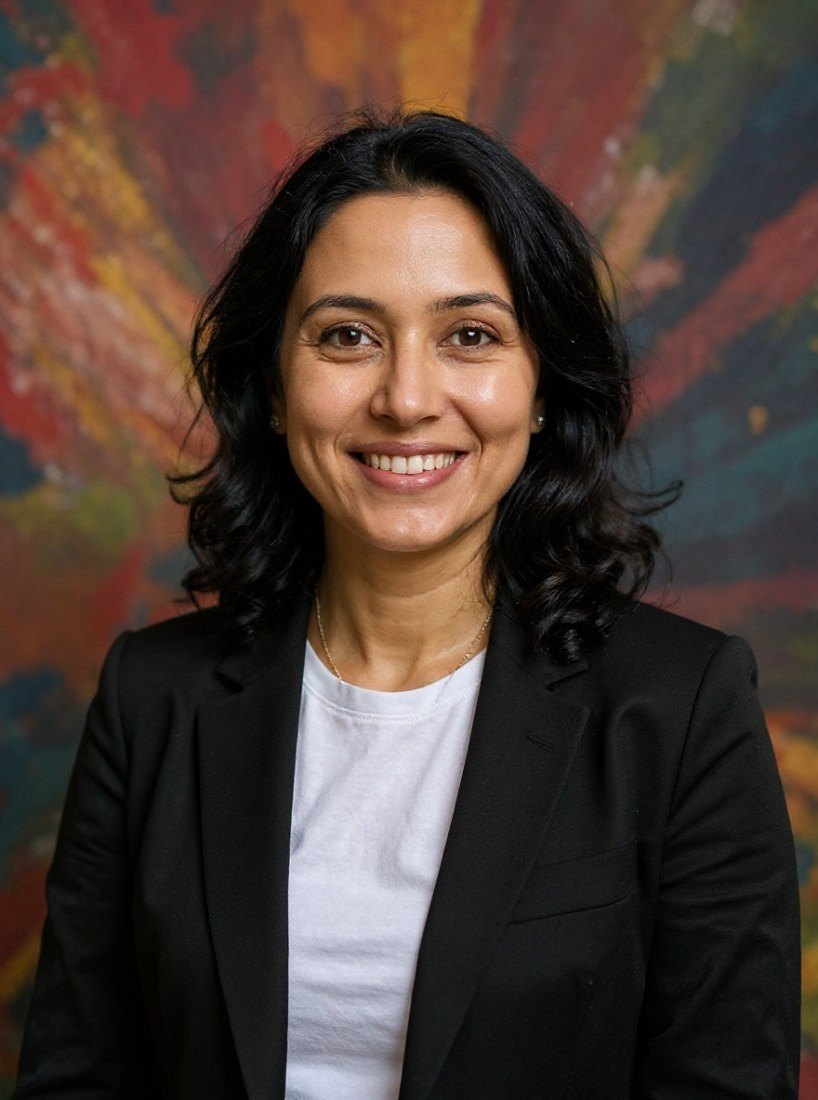
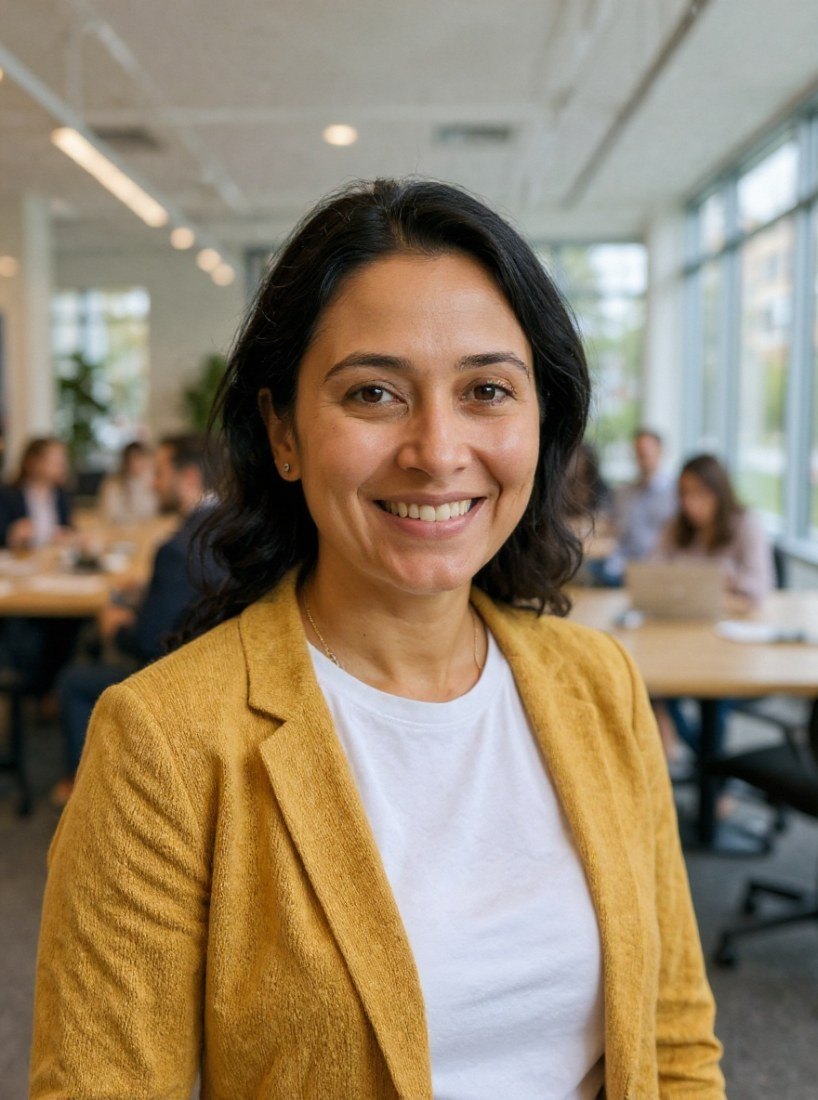

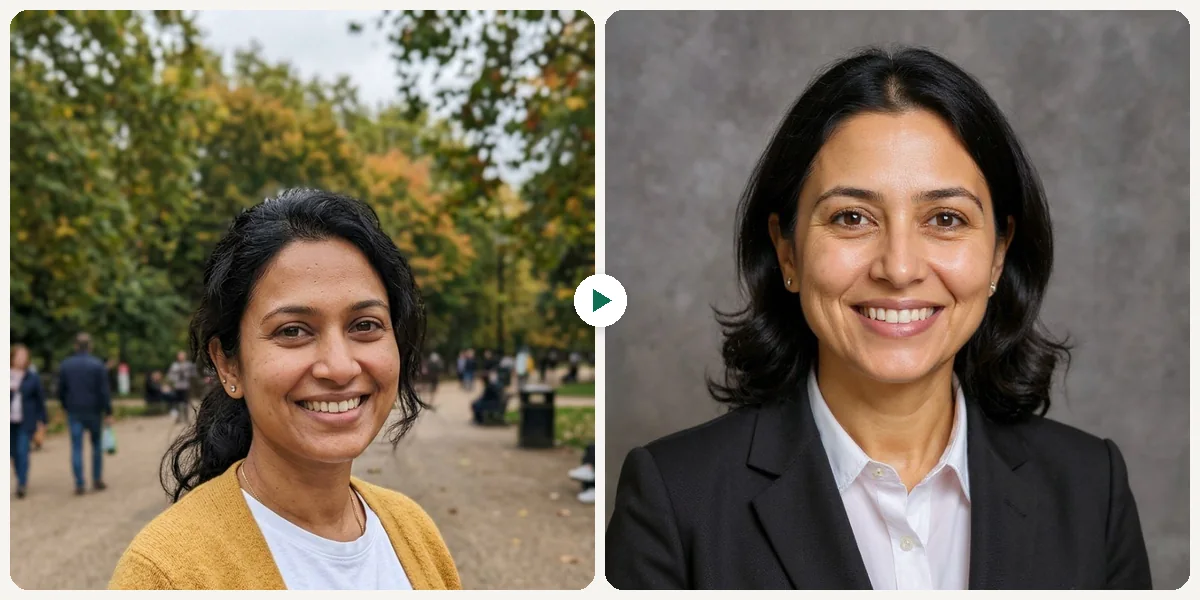
What Is AI LinkedIn Photo Generator?
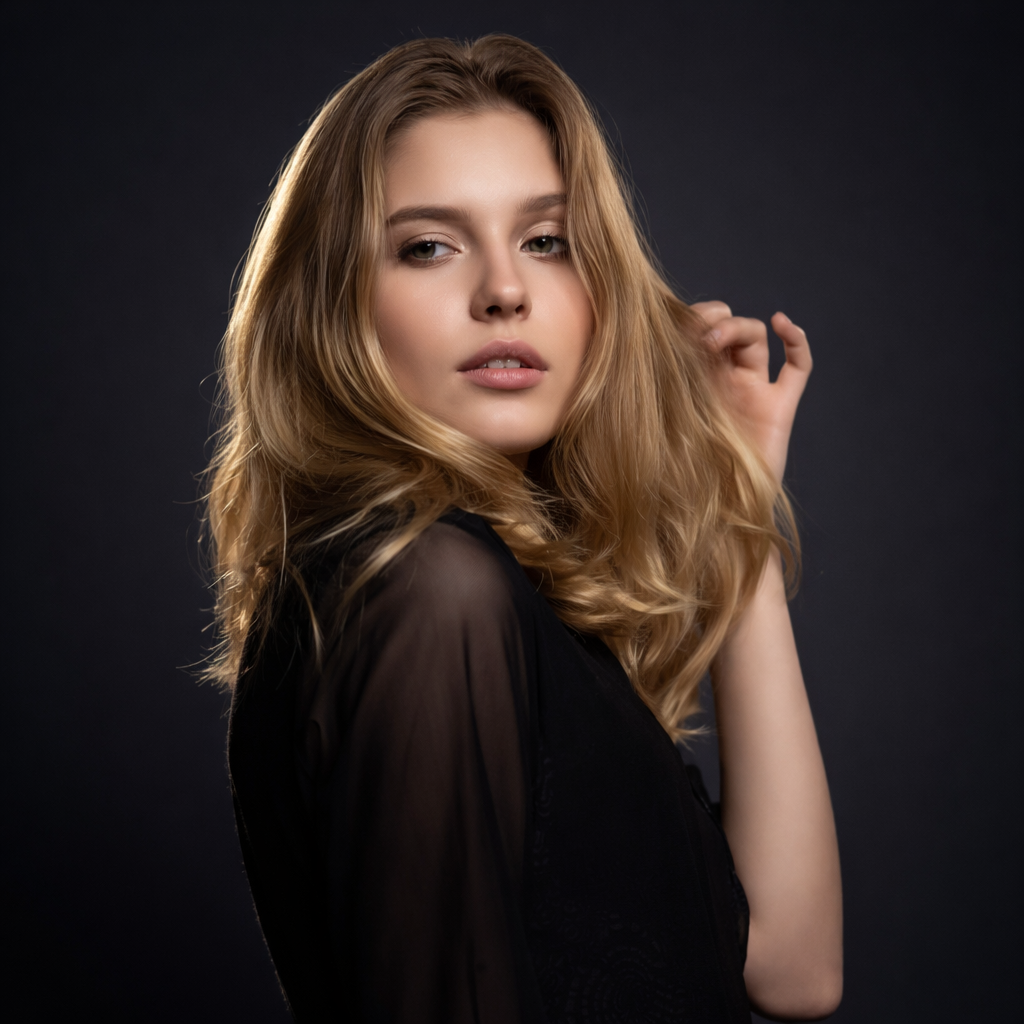
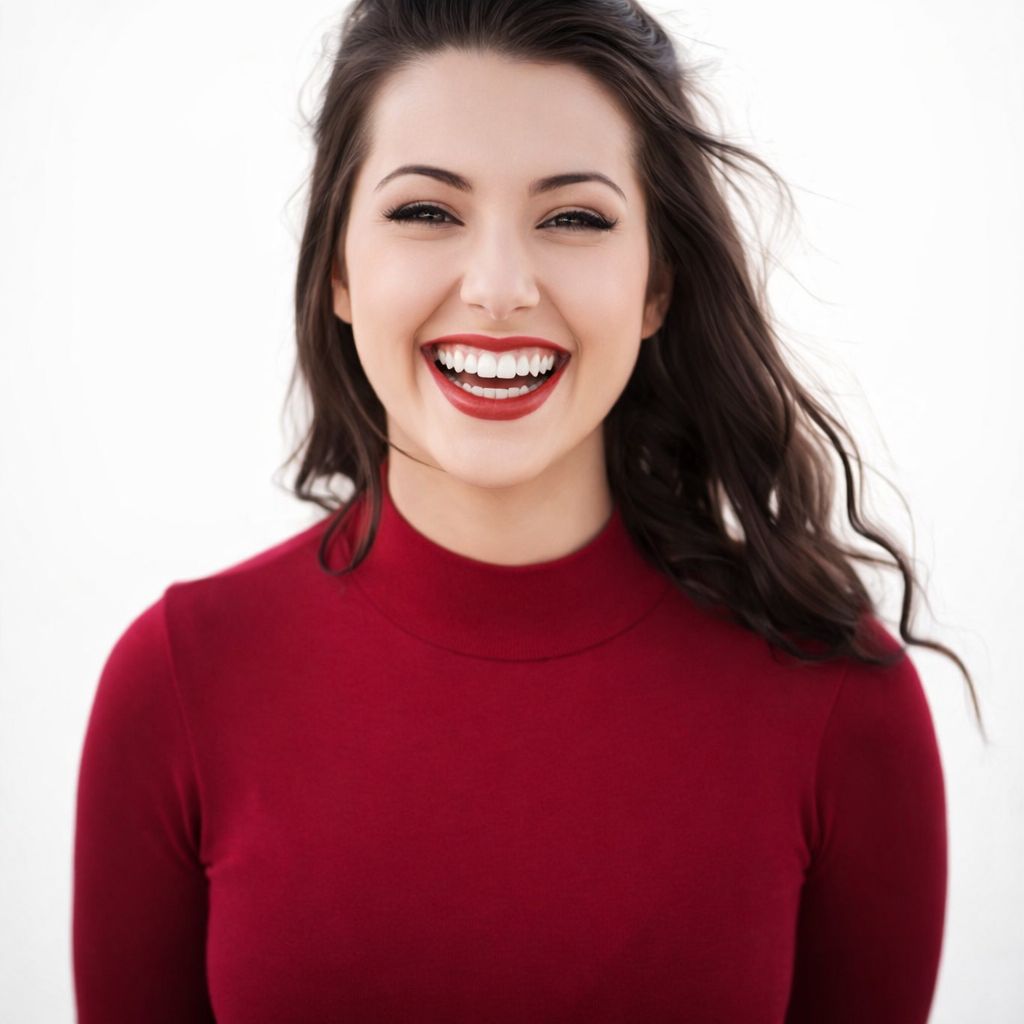
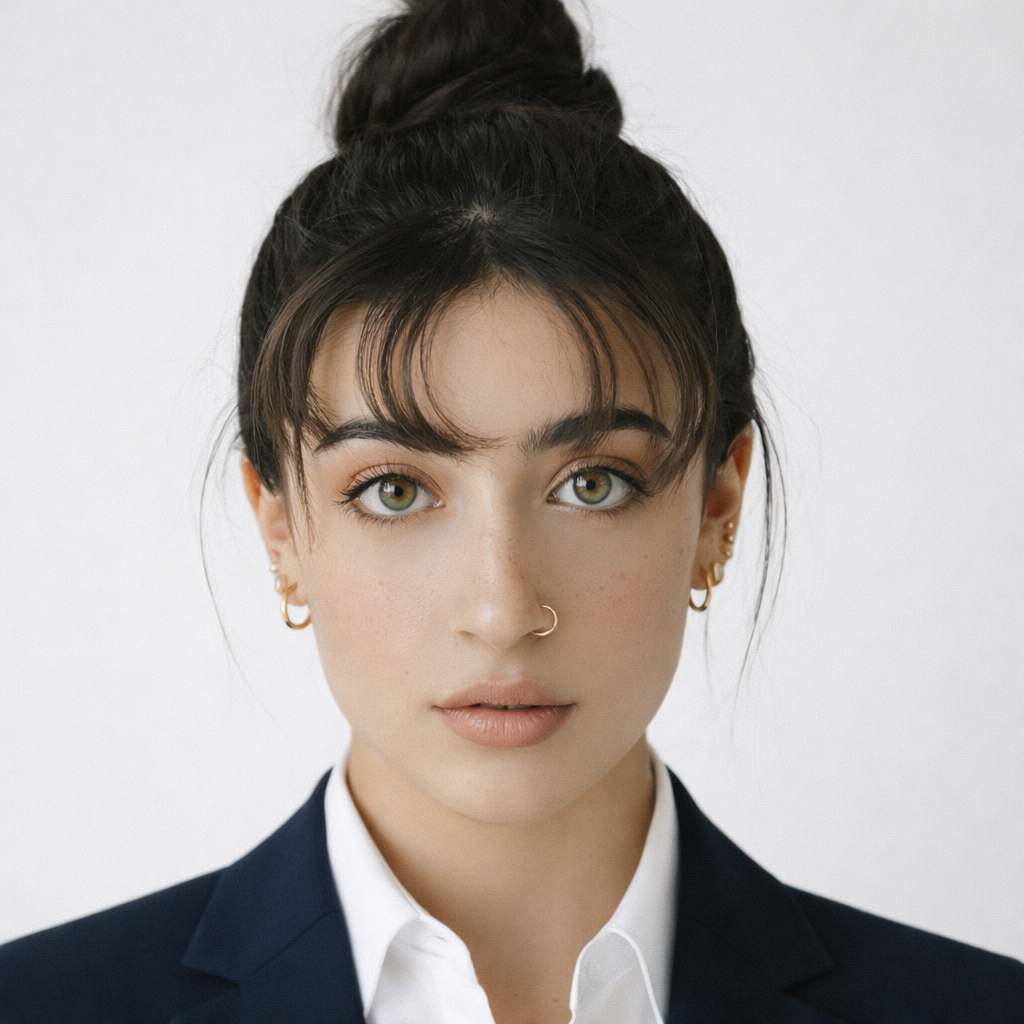
An AI LinkedIn photo generator turns your selfie into a professional profile photo in one of nine settings. Classic gives a dark-suit portrait on a gray studio backdrop; Modern a clean, bright backdrop with contemporary attire; Elegant a dark backdrop with sculpted light; Urban Corporate a softly blurred glass-and-steel office; Creative a bold, colorful wall; Open Office a bright coworking space; Outdoor a park or city street in daylight; Gallery Minimalist a plain white wall; and Academic blurred bookshelves. Use the Female/Male tab to match the attire to you. Each photo is edited by FLUX.1 Kontext, an image-editing model from Black Forest Labs, and keeps your face recognizable. LinkedIn crops your photo to a circle, so pick a result with your head and shoulders centered.
What you can create
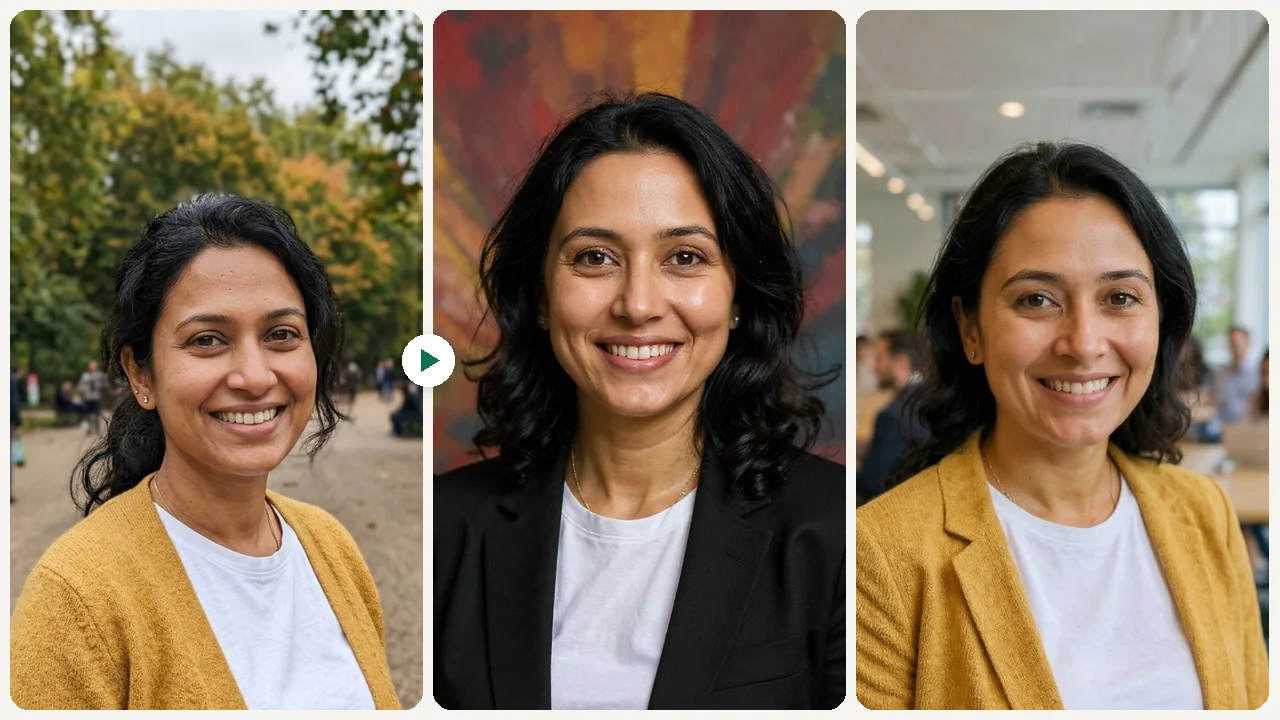
Job Seekers
Stand out to recruiters with a clean, professional LinkedIn profile photo that builds instant credibility.

Founders & Consultants
Project competence and approachability on your LinkedIn profile to attract clients and investors.
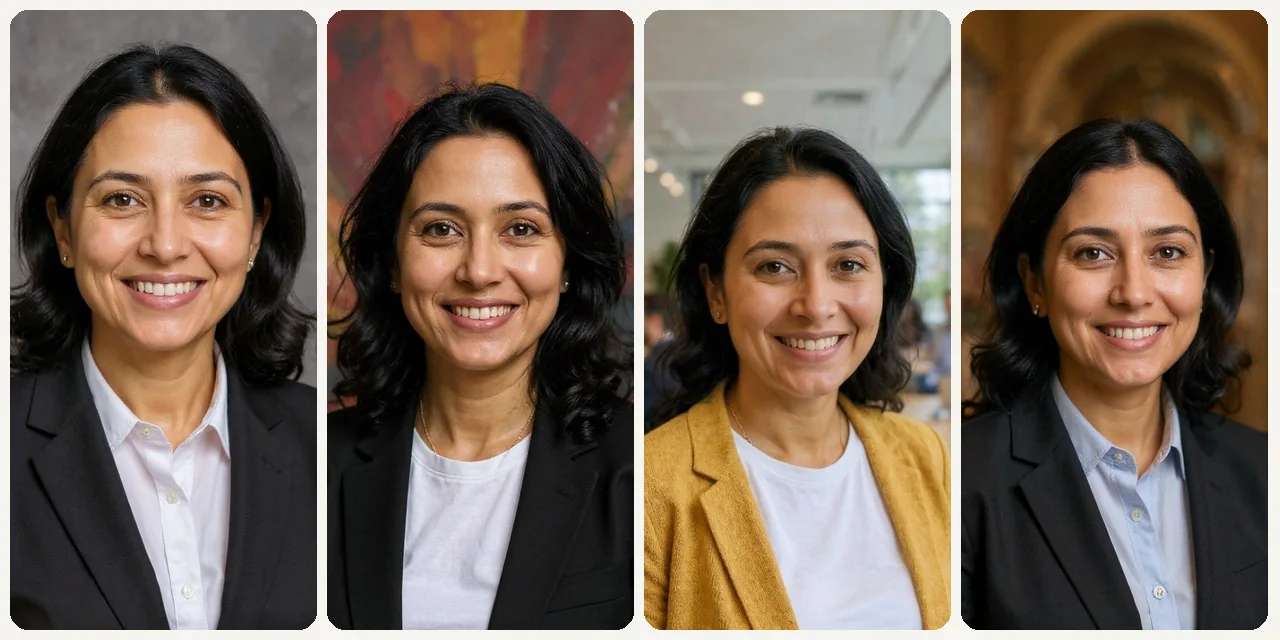
Career Changers
Update your visual identity to match a new role, industry, or personal brand.
Built different, built better
Three steps. About a minute.
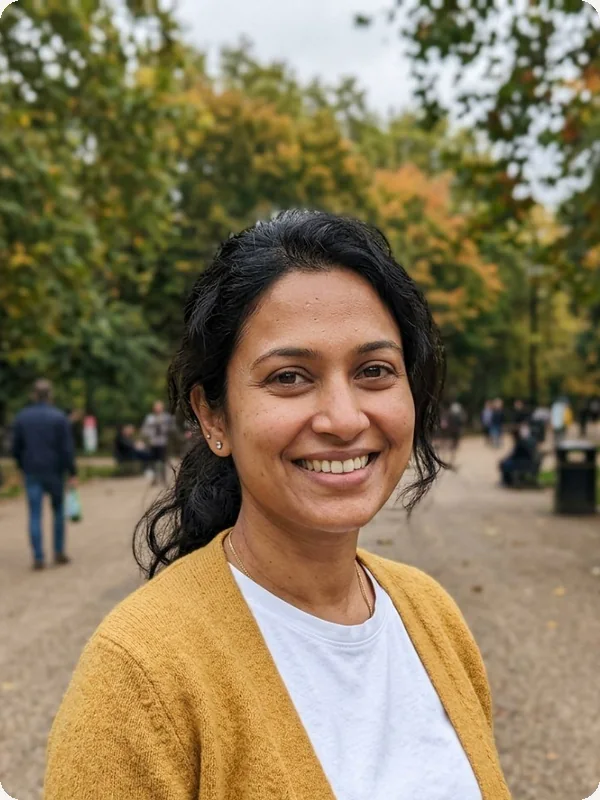
Upload a Selfie
Upload a clear portrait selfie.
Choose a Preset
Pick one of nine settings, such as Classic, Open Office or Academic, and generate.
Download Your Photo
Download the version that feels credible and approachable.
Frequently
asked questions
Everything you need to know. Can't find what you're looking for?

your masterpiece?