Image → video
Open the full StudioImage to video. Animate the still.
Add a picture, say how it should move and pick one of 19 video models. Your picture becomes the first frame, and the button shows the credits before you press.
Input A pictureOutput VideoMiniMax H3 25 credits
 Sample
Add your photo first: Generate unlocks once it is in.
Video needs a plan or a credit pack.Open the full Studio
01 · Samples and style references
Stills that want motion.
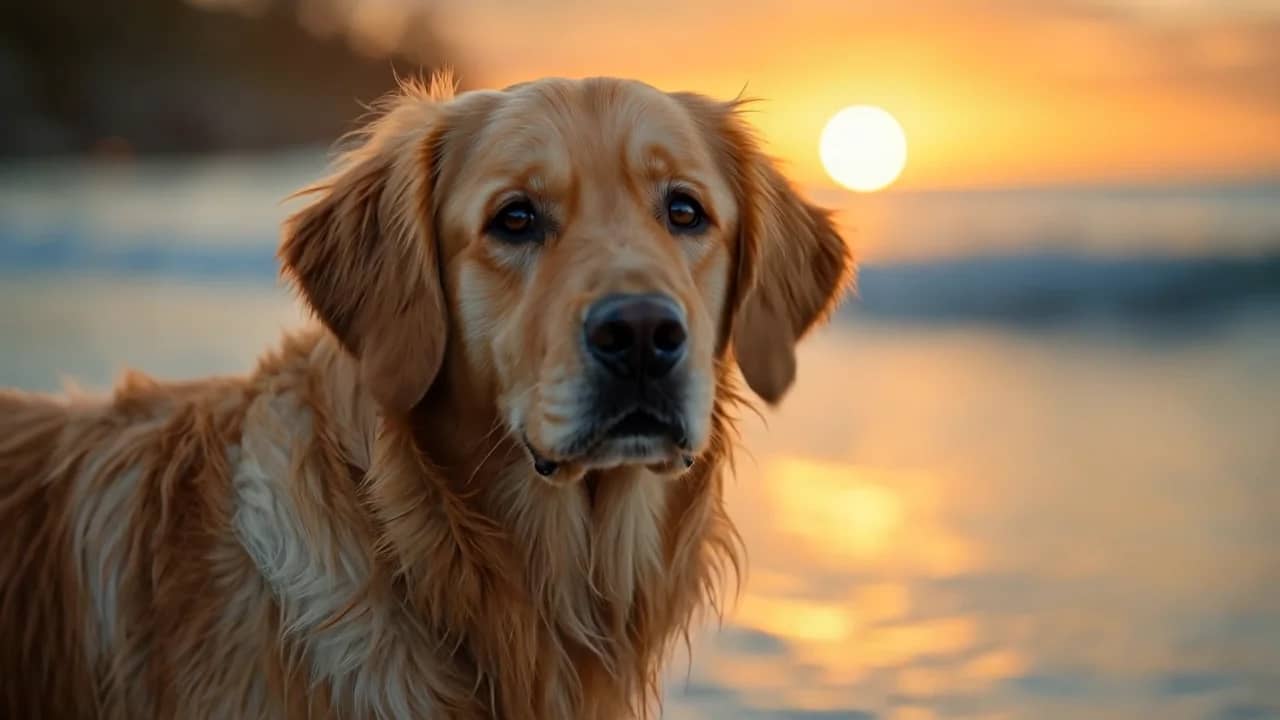
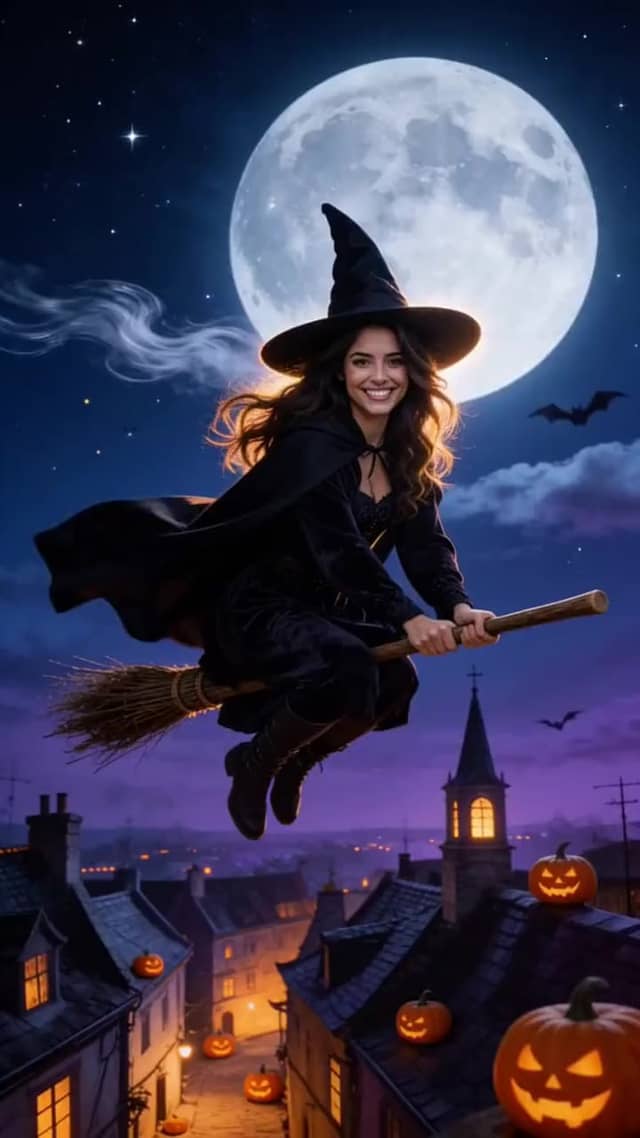
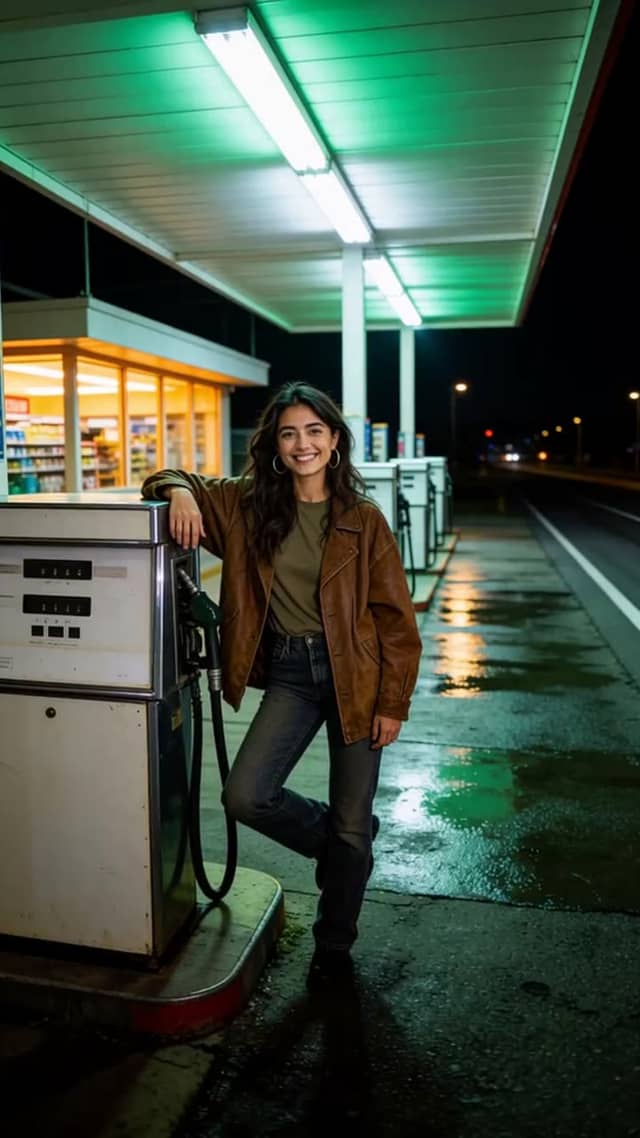
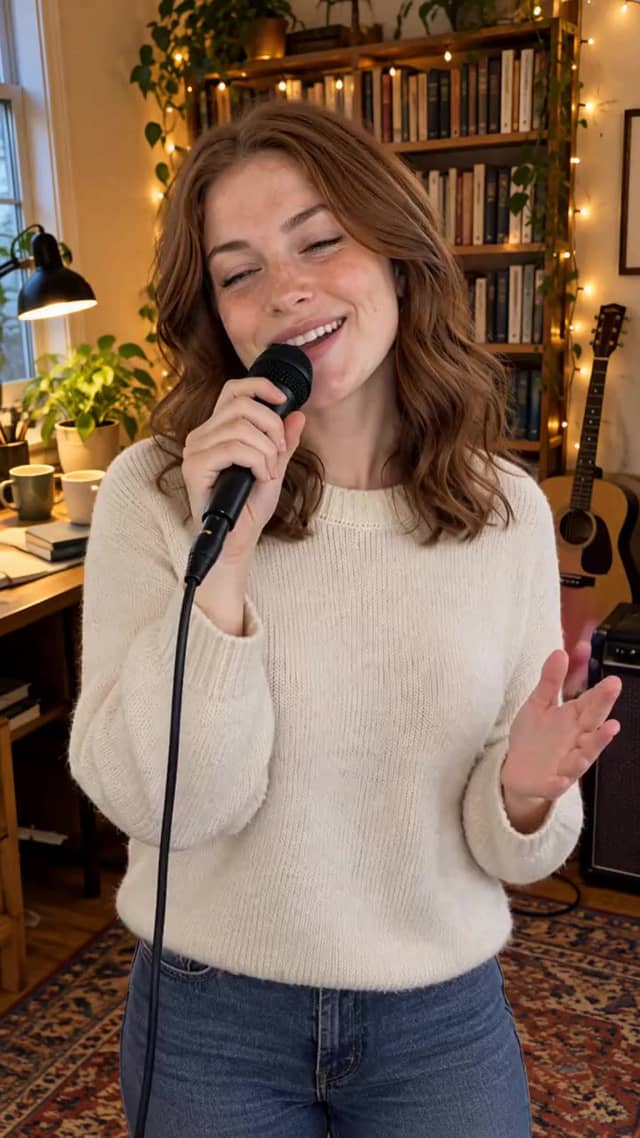
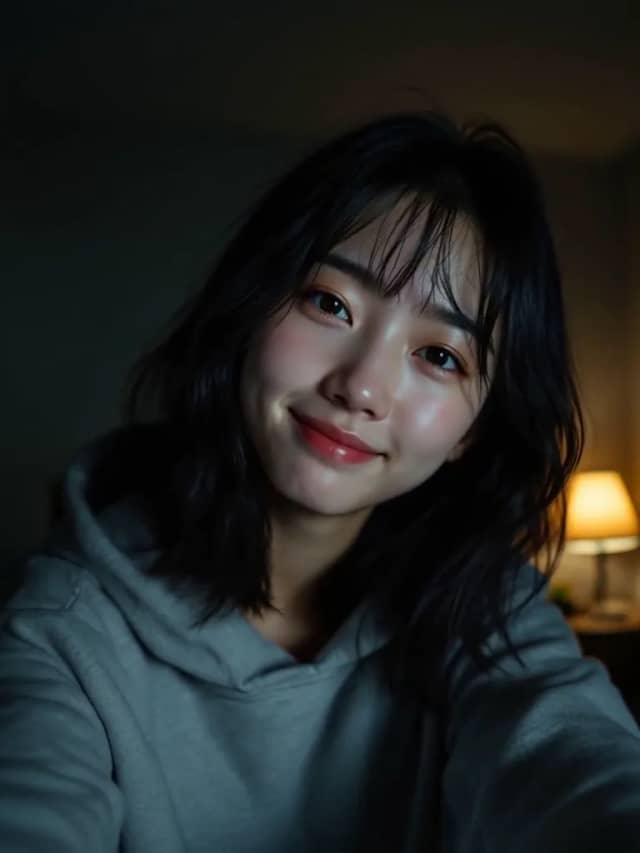
Clips made on Eidora from a single picture, each labeled with its model. None was made on this page.


02 · How it works
Still. Motion. Roll.
Add the picture once. The price on the button is the price of the run.
Add a still
One clear picture works best: a product, a portrait or a landscape. JPG, PNG or WebP, up to 10 MB.
Say how it moves
Write the camera move and what happens in the frame. Pick one of 19 models, from 20 to 170 credits a clip.
Generate & keep
The clip starts on your picture and keeps its shape. It lands under the box and in your History; failed runs are refunded.
What it is
What is image to video on Eidora?
Image to video turns one still picture into a short moving clip. You give the model a picture and a line about the motion; it keeps the picture as the first frame and works out what happens next: hair moving in the wind, a slow push-in on a product, waves rolling onto a beach. Because the picture fixes the look, you get far more control over the result than with words alone.
Image to video on Eidora runs in the box at the top of this page and in the full video Studio, with the same models and the same prices. Some models run only this way, such as Vidu Q4 and Wan 2.6 Flash, which are built to bring a picture to life. Clips are 5 to 8 seconds long and take a few minutes; the box shows the wait for the model you pick.
Video needs a paid plan or a credit pack. A new account gets 6 credits at sign-up for still images, so you can make or fix the picture first and animate it once it is right. The price of every clip is printed on the Generate button; Pricing lists the plans and packs.
If you do not have a picture yet, start with text to video, or make the first frame with text to image. If one person or product must stay the same across several clips, reference to video takes up to four pictures of them instead of a single first frame.
03 · Use cases
Where image to video earns.
Product motion
Turn a product photo into a slow turn or push-in for a product page, an ad or a marketplace listing, without a new shoot.
Portraits and memories
Bring a portrait or an old family photo to life with a gentle smile, a blink or a turn of the head.
Landscapes and travel
Clouds drifting, water moving, lights coming on in a city at dusk: short establishing shots from a single photo.
Art and illustration
Animate a painting, a poster or a character design you made, keeping its exact style and colors.
04 · Models
Models that animate a still.
Every model here starts from your picture. The prices are the ones the Generate button charges with a picture added.
Video · 6 s · Sound
MiniMax H3
Natural motion with sound, best value
25 credits · Plan or packVideo · 5 s · Sound
Kling 4.0
The newest Kling: sharper motion, with sound
75 credits · Plan or packVideo · 5 s · Sound
Vidu Q4
Brings one picture to life
40 credits · Plan or packVideo · 8 s · Sound
Veo 3.1
Google's flagship video model, with sound
135 credits · Plan or packAll 19 models in this mode
- Veo 3.1 Lite20 credits
- MiniMax H325 credits
- Seedance 2.0 Mini25 credits
- Wan 2.6 Flash25 credits
- Grok Imagine 1.530 credits
- PixVerse V630 credits
- Veo 3.1 Fast35 credits
- Vidu Q440 credits
- Gemini Omni Flash45 credits
- Wan 345 credits
- Kling 3.0 Turbo50 credits
- MiniMax H3 Max55 credits
- HappyHorse 1.160 credits
- Kling 370 credits
- Runway70 credits
- Kling 4.075 credits
- Seedance 2.0110 credits
- Veo 3.1135 credits
- Seedance 2.5170 credits
Guide
Animating a still into usable AI video: craft, credits, privacy
Choose a picture that will move well
The picture decides most of the result, so choose it with care. A good image to video source is sharp, evenly lit and has one clear subject. Busy group photos, tiny faces and heavy filters give the model less to work with. If a photo is soft or small, run it through the AI image enhancer first.
Think about where the motion will go. A person who will walk needs space in front of them; a car that will drive needs road ahead. The clip keeps the shape of your picture, so crop to 9:16 for vertical social clips or 16:9 for wide ones before you upload.
Write the motion, not the picture
The model already sees your picture, so the prompt only needs to say what changes: “She turns to the camera and smiles, slow push-in, hair moving in a light breeze.” Describing the clothes or the background again adds nothing and can pull the model away from the picture. One action and one camera move per clip keeps the motion clean.
For products, slow and steady works best: a 360-degree turn, a push-in to a detail, light sweeping across a surface. For landscapes, name the parts that move (clouds, water, leaves) and keep the camera calm. If the first clip moves too much, ask for less: “subtle motion, the camera barely moves.”
Pick the model, see the price
MiniMax H3 is the default: natural motion with sound at a low price. Kling 4.0 is the newest Kling, with sharper motion. Vidu Q4 is built to bring one picture to life, and Veo 3.1 is Google's flagship, with 8-second clips and sound. Each model has a page with a sample and a comparison under AI models.
Prices in this mode run from 20 to 170 credits per clip and are fixed per model. Credits come from a plan or a credit pack, and a run that fails is refunded automatically. Plans and packs are on Pricing; billing questions are in Help.
Privacy and where your clips go
Pictures you upload are deleted automatically 30 days after upload and are never used to train AI models. Your clips are saved to your History, where you can watch and download them; how long they stay depends on your plan. The Privacy policy has the details.
For one-tap effects on a photo, such as a dance, a hug or a seasonal look, the video trends do it with a fixed recipe. This page is for when you want to write the motion yourself.
05 · Questions
Mode questions. Straight answers.
Is image to video free on Eidora?
No. Image to video on Eidora needs a paid plan or a credit pack. A new account gets 6 credits at sign-up for still images, so you can prepare the picture first. The price of each clip is on the Generate button; see Pricing.
How many credits does it cost to animate a picture?
Image to video on Eidora costs 20 to 170 credits per clip, depending on the model. The price is fixed and shown on the button before you press it. A run that fails is refunded automatically.
What kind of picture works best?
A sharp, well-lit JPG, PNG or WebP up to 10 MB, with one clear subject and room for the motion. Crop it to the shape you want first: the clip keeps your picture's shape.
Do I have to write a prompt?
A picture is enough to start, but a short line about the motion gives you much more control, for example “slow push-in, leaves moving in the wind”.
Will the person in my photo still look like themselves?
Usually, if the face is clear and the motion is calm. Big turns, fast moves and small faces are where likeness slips. For a person who must stay the same across several clips, use reference to video.
Where do my clips go, and are my photos kept?
Clips are saved to your History. Uploaded pictures are deleted after 30 days and are never used to train AI models; see the Privacy policy.
Explore
Keep creating. Same studio.
Ready
Add the still. Animate.
The composer is at the top of this page. The price is on the button, and failed runs are refunded.