Image Color Changer
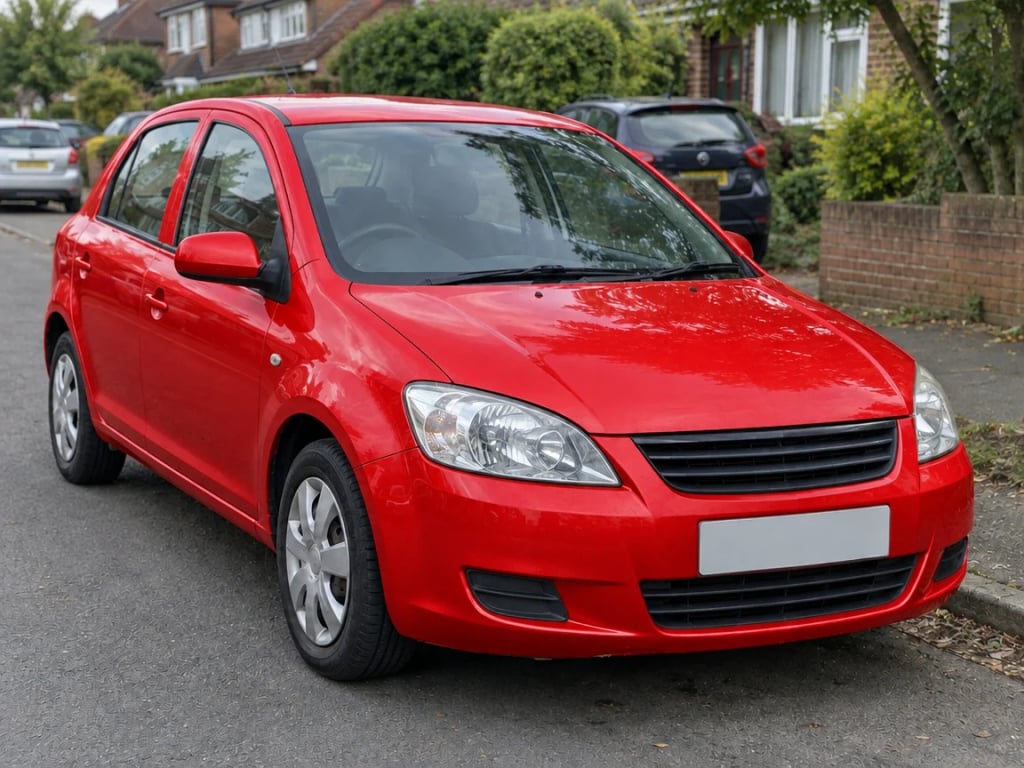
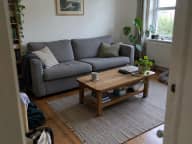
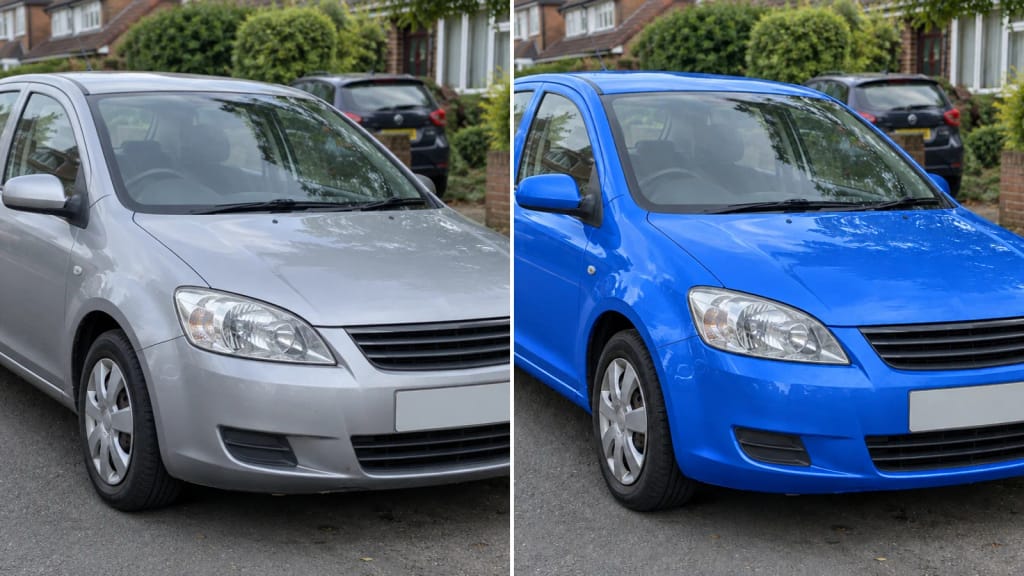
Upload a photo, pick a color, and the AI recolors one object in it: a car, a sofa, a hoodie, a pair of shoes. Its shape, texture and shadows stay, and so does everything else in the picture.
 ✦ AI Result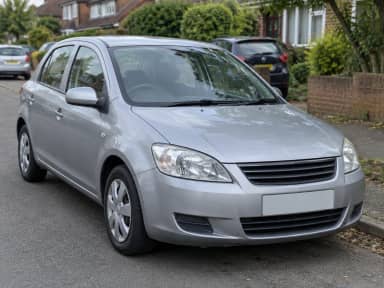
By uploading, you confirm you have the right to use this photo (see Acceptable Use).

Model: GPT Image 2.5 · Usually 20-60 seconds
Eidora's Image Color Changer recolors one object in a photo, such as a car, a sofa, a jacket or a pair of shoes, in the color you pick from 6 colors, and keeps its shape, texture and shadows while the rest of the picture stays as it was. GPT Image 2.5, OpenAI's image model, recolors one photo per run. Sign up free to start; each image uses 4 credits.
See the transformation
What Is Image Color Changer?
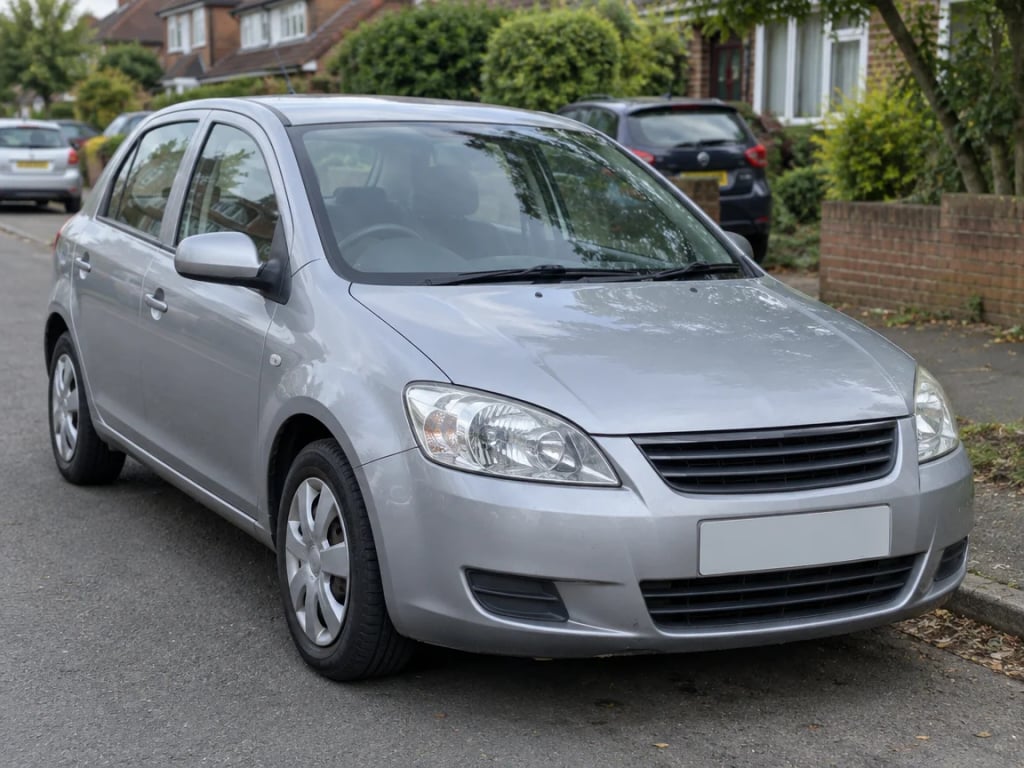
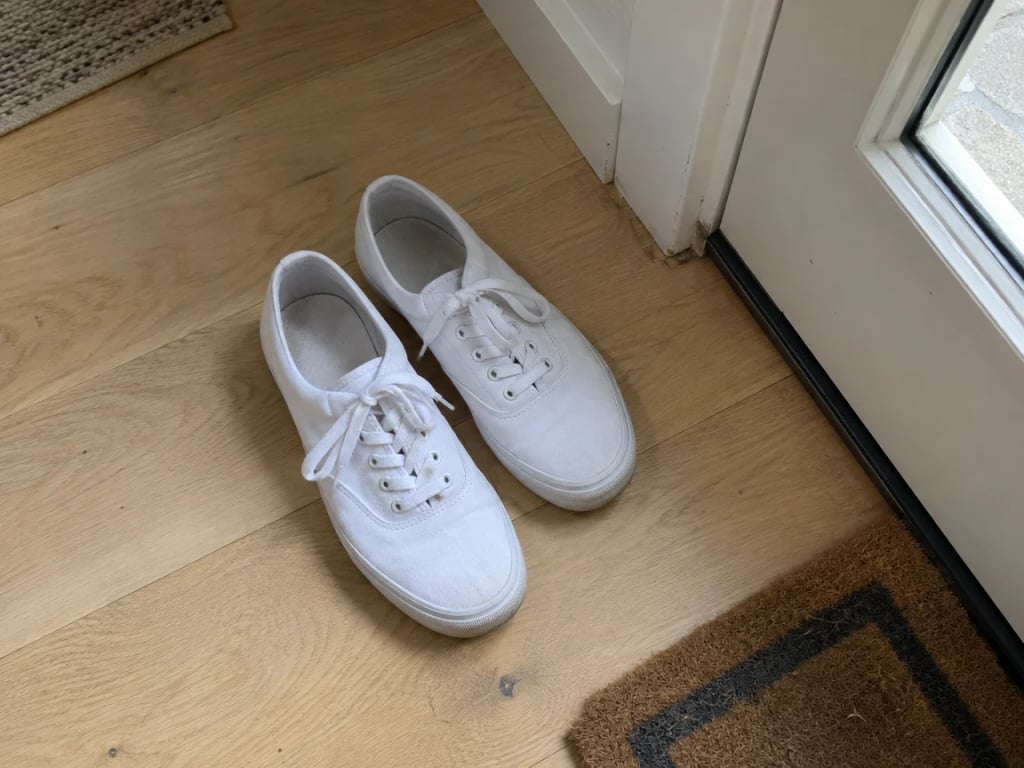
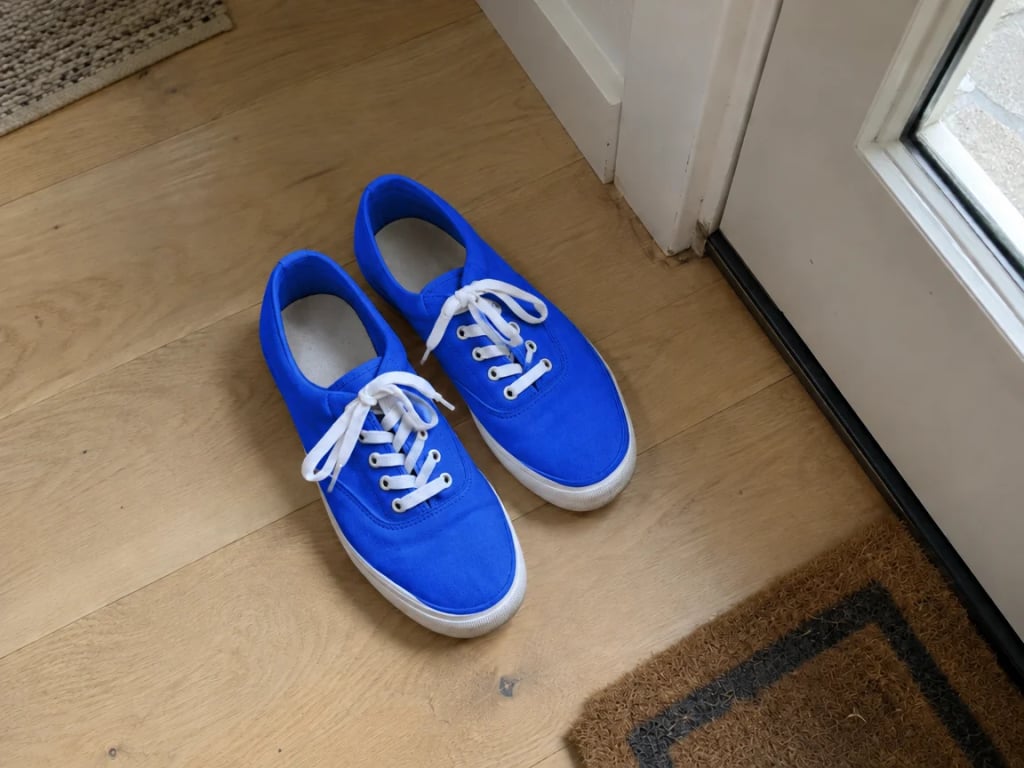
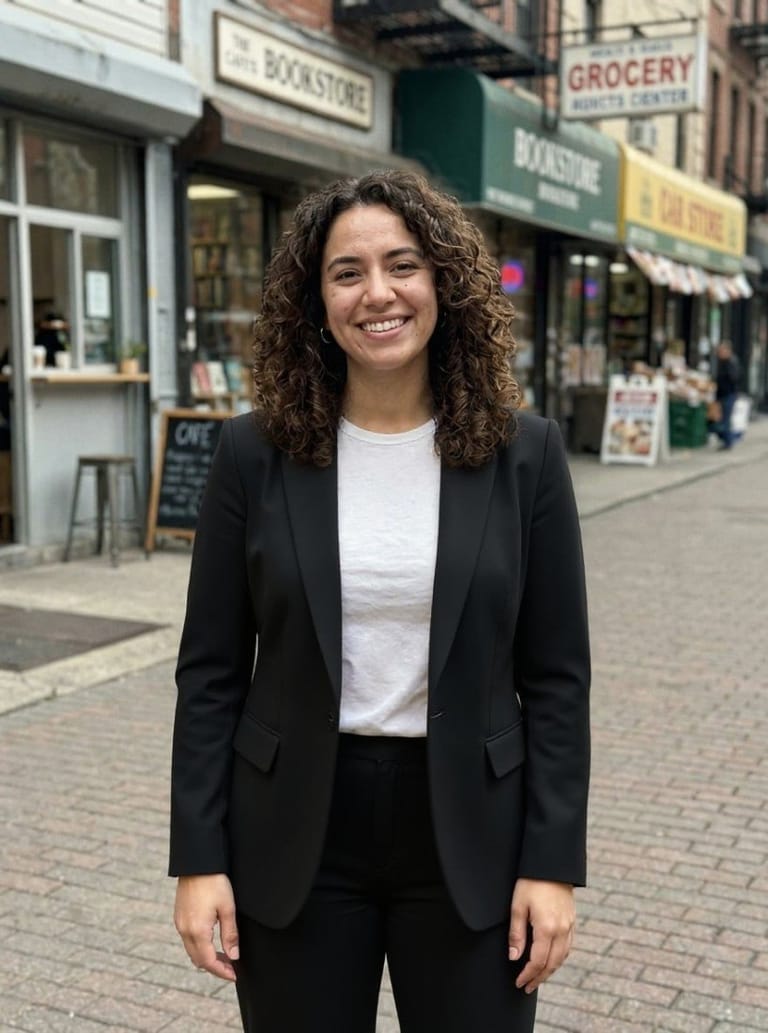
An image color changer changes the colour of one object in a photo and leaves the rest of the picture as it is. Upload a photo of a car, a sofa, a jacket, a bag, a bike or a pair of shoes, pick one of 6 colours (Red, Blue, Green, Yellow, Black or White), and the AI recolors the whole object while keeping its shape, material, folds, reflections and shadows, so it looks like the same object in a new colour. By default it recolors the main object of the photo; in a photo of a person that is their top or outer garment. To pick another object, such as the door, the wall or the bag, switch to the Custom tab and name it. Each run makes one image, usually in under a minute. It recolors one object per run and is not a pixel-exact colour replacement: for a brand-exact shade, treat the result as a preview.
What you can create
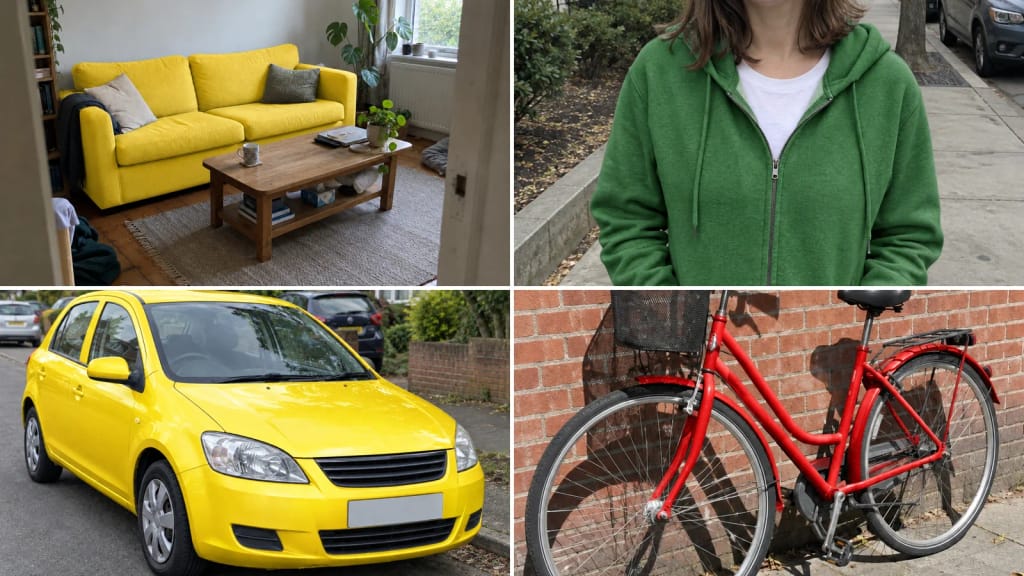
Car, Furniture and Home Ideas
See a car in another paint colour, or a sofa, chair or door in another shade, before you commit to buying or painting.
Fashion and Product Photos
Show one jacket, bag or pair of shoes in several colours from a single photo, for a listing, a mock-up or a post.
Design and Social Content
Match an object to a brand colour for a mood board or a post, and test colour ideas quickly.
Built different, built better
Three steps. About a minute.
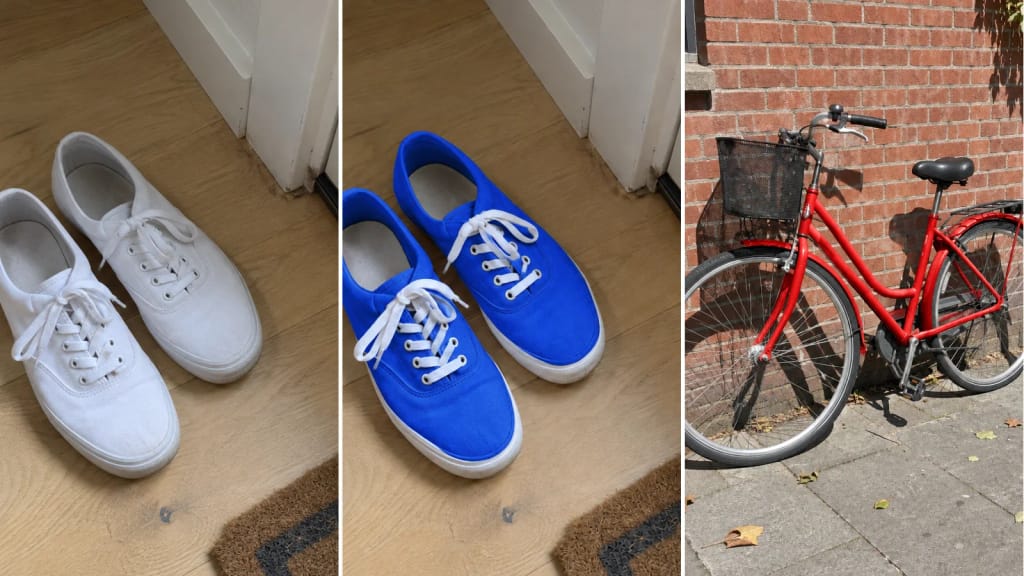
Upload a Photo
A clear photo where the object you want to recolor is large and easy to see. A phone photo is fine.
Pick a Colour
Choose Red, Blue, Green, Yellow, Black or White. To recolor a specific object, open the Custom tab and name it, for example "the door".
Download and Compare
Download the result. To compare colours, run the same photo again with another colour, one colour per run.
Frequently
asked questions
Everything you need to know. Can't find what you're looking for?


your masterpiece?