One photo, a whole photoshoot
7 Pose AI
Upload one photo and get a vertical collage of you in seven different poses, same face, same outfit, in a clean studio. Free still first, then a 4-second video.
JPG, PNG or WebP up to 10 MB.
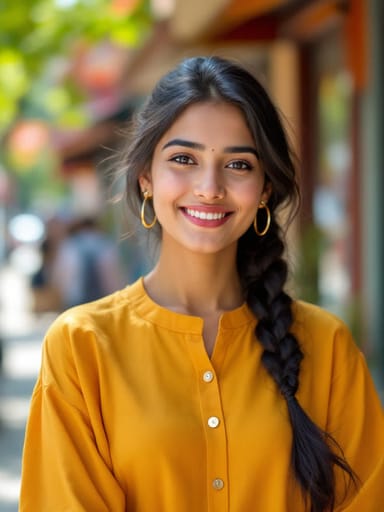 Made from this photo
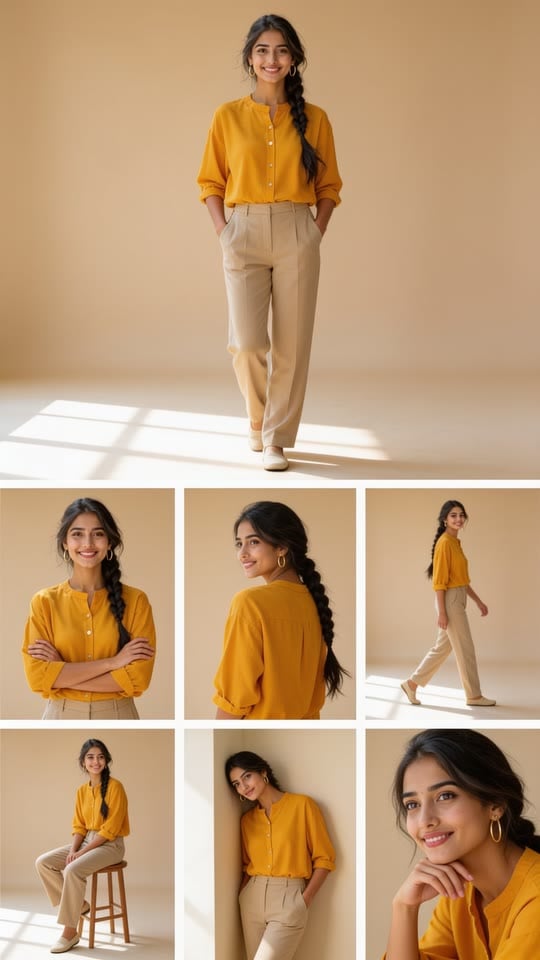
From one photo to seven poses
Real results made on this page. Nothing below is retouched.
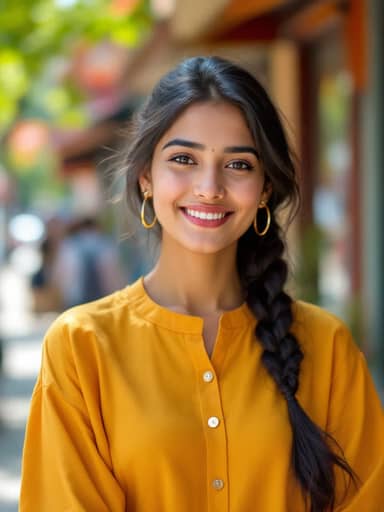 4-sec video
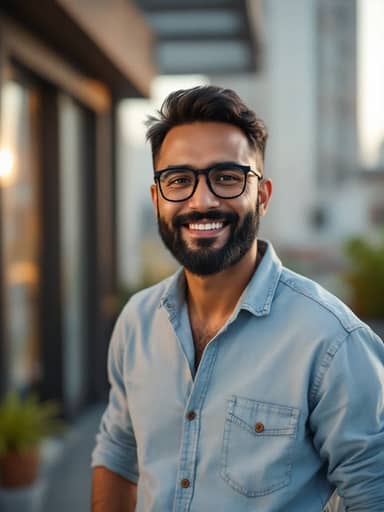 4-sec video
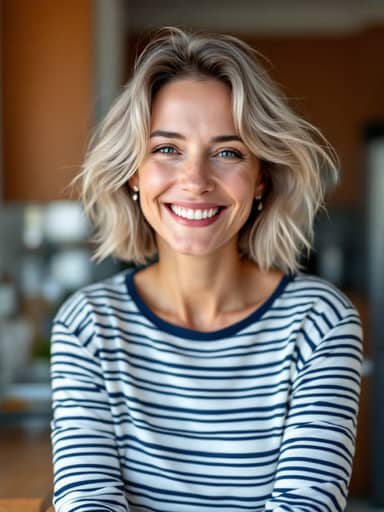 4-sec video
How to make your 7 Pose AI video
Upload a photo of yourself
A clear, well-lit photo with your face visible works best. Half-body photos keep the outfit most accurate, but a selfie works too.
Create your 7 poses
Usually in 20 to 60 seconds you get a vertical collage: seven photos of you in seven poses. A free account comes with 16 credits.
Bring the poses to life
Turn the collage into a 4-second vertical video for 40 credits: a blink, a smile and a breeze in every photo. Download it and post.
What is 7 pose AI?
7 pose AI is a photo trend from India's Instagram and YouTube tutorials: people upload one photo to an AI chat app's image editor and ask for seven photos of themselves in seven different poses, keeping the same face and clothes. The result looks like a mini photoshoot from a single picture.
This page makes that collage from your own photo in one step: seven poses in one vertical image you can post right away, then a short video if you want it.
How to make the 7 pose AI photo
In a chat app: attach a clear photo of yourself, paste a prompt asking for seven different poses with the same face and outfit, and send. If you get the wrong number of photos or the face changes between them, try again.
Here it is one step: upload the photo above and press the button. The prompt, the seven poses and the layout are already set, and the collage keeps your face, hair and outfit in every photo.
- A prompt to start from in any image app: "Make a vertical photo collage of seven photos of me in seven different poses: standing with hands in pockets, arms crossed, looking over my shoulder, walking, sitting on a stool, leaning on a wall and a close-up with my chin on my hand. Same face, same outfit, clean beige studio, soft light. No text."
Tips for the best result
The model keeps the face from your photo, so the photo matters more than anything else.
- Use one person per photo, facing the camera, in good light.
- Skip sunglasses and hats; glasses you wear every day stay on.
- Half-body photos keep your real outfit in every pose.
- If the face drifts, try a sharper photo taken from the front.
Not an official template
This is an unofficial take on a trend for fun and creative posts. It is not affiliated with Google, any AI chat app, Instagram, YouTube or any creator who made the original tutorials, and uses no pictures from them.
7 Pose AI questions
Is 7 pose AI free?
The still collage runs on a free account: it starts with 16 credits and gets 4 more every day; each still uses 4 credits. Videos use 40 credits and need a paid plan or a credit pack: the one-time $4.99 Starter pack (100 credits) covers two videos, with no subscription.
How do I make the 7 pose AI photo?
Upload one clear photo of yourself above and press the button; the prompt is already written. You get one vertical collage with seven photos of you in seven poses, and you can turn it into a 4-second video if you like.
What are the seven poses?
One large photo standing with hands in pockets, then arms crossed, looking back over the shoulder, walking toward the camera, sitting on a stool, leaning on a wall, and a close-up with the chin on one hand, all in the same beige studio.
Do I need a prompt or a chat app?
No. The collage is made with the Seedream model and the video with Vidu, with the prompt already built in. Eidora is not affiliated with Google, any AI chat app or any social app.
Will it still look like me?
The collage keeps your face, skin tone, hairstyle, facial hair, glasses and outfit in all seven photos and only changes the pose and the background. A sharp, well-lit photo taken from the front keeps the likeness best; if the face drifts, try another photo.
What kind of photo works best?
One person, face clearly visible and well lit, no sunglasses. Half-body photos keep the outfit most accurate; from a selfie the model completes the rest of the outfit with plain trousers and shoes. Group photos get merged into one figure, so crop to one person first.
How long does it take?
Usually 20 to 60 seconds for the still and 30 to 90 seconds for the video. Keep the tab open while the video renders.
Can I post the result on Instagram and YouTube Shorts?
Yes. Results are vertical 9:16, the format Reels, Stories and Shorts expect. Stills made on a free account carry a small eidora.io badge in the corner; paid plans and credit-pack holders get clean results, and videos never carry it.
What happens to my photo?
Your upload and results are kept privately in your history so you can download them again; only you can open them. To make the result, the photo is sent to the AI model provider that renders it. We don't sell your content or use it to train AI models.
Your photo, the 7 Pose way. About 30 seconds for the still.
Create my 7 poses