Image · effect

AI Image Enhancer

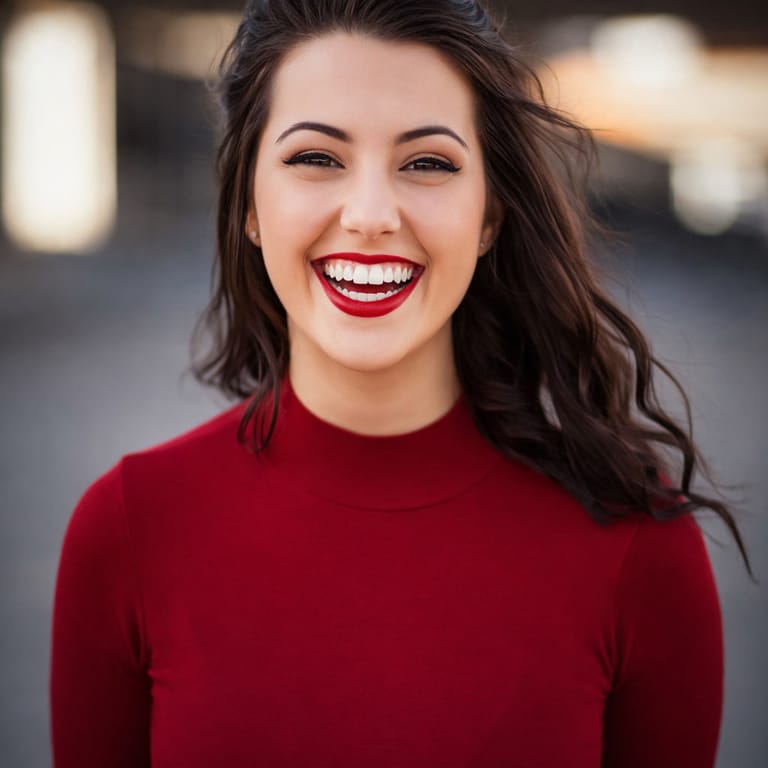
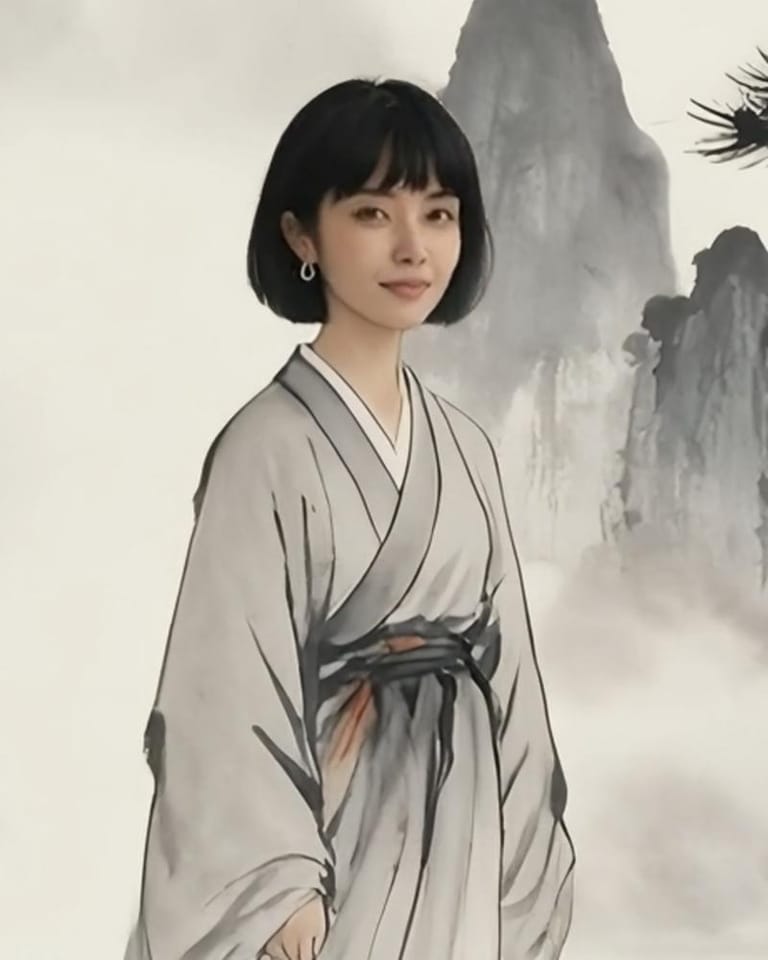
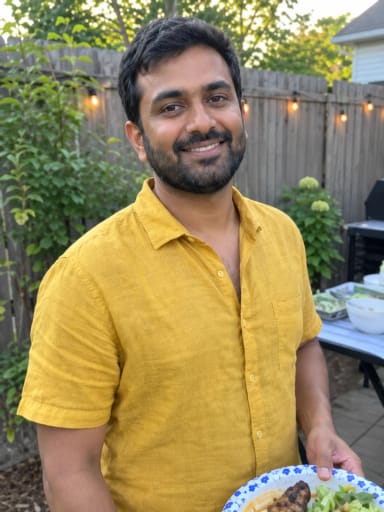
Upload a soft, grainy, dark or heavily compressed photo and Eidora's AI image enhancer gives it back sharp and clean: clear eyes, real skin texture and hair, the same person and the same scene. Free to start with a free account.

4 credits per imageGPT Image 2.5

Example result
Upload your image

By uploading, you confirm you have the right to use this photo (see Acceptable Use).


Try with an example:
Example 1Example 2Example 3
Result preview
Example
An example made with this tool. Upload your image, then press the button below to make yours.
You download the original output file.
4 credits per image · sign up free · first image free
Model: GPT Image 2.5 · Usually 20-60 seconds

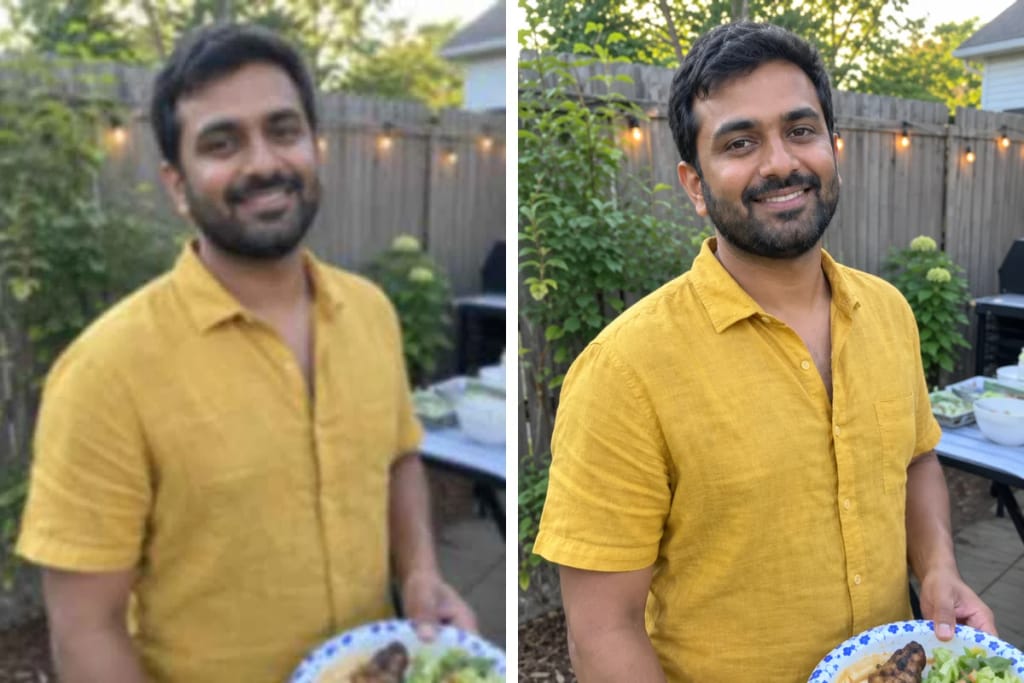
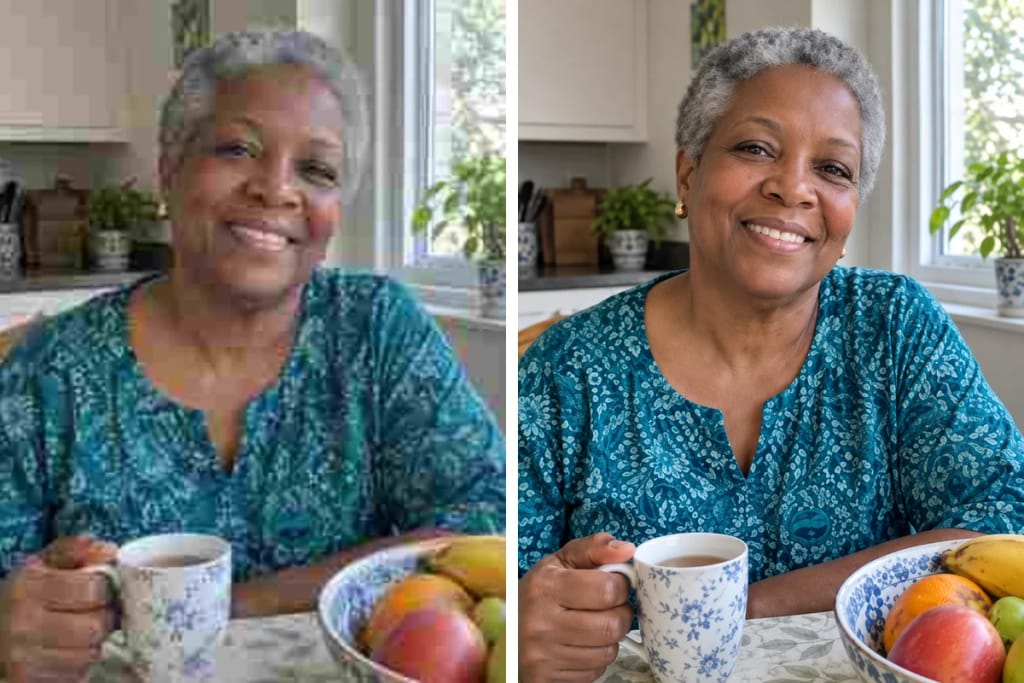
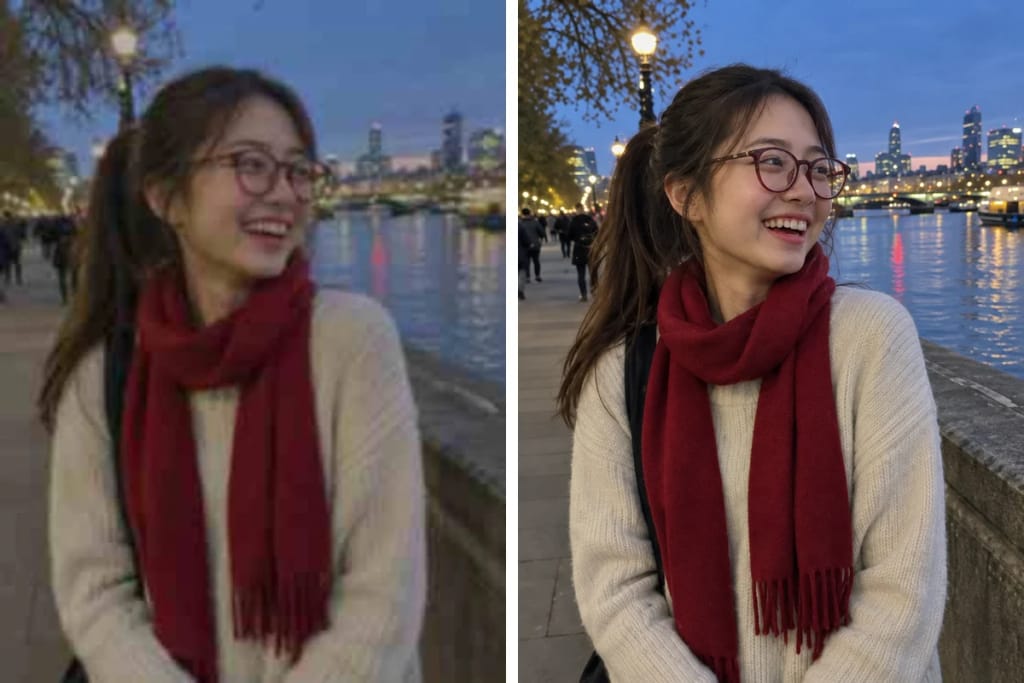
Eidora's AI Image Enhancer takes one blurry, grainy, dark or heavily compressed photo and returns the same photo sharp and clean: blur, noise and compression blocks go, and eyes, hair, skin texture and fabric come back. The people stay the same people, with the same face, clothes, pose and background, and nothing is added or removed. It runs on GPT Image 2.5, OpenAI's image model, usually in 20 to 60 seconds; in our test on six low-quality photos of fictional people, all six kept the same person. Sign up free to start; each photo uses 4 credits.

Before & After

See the transformation

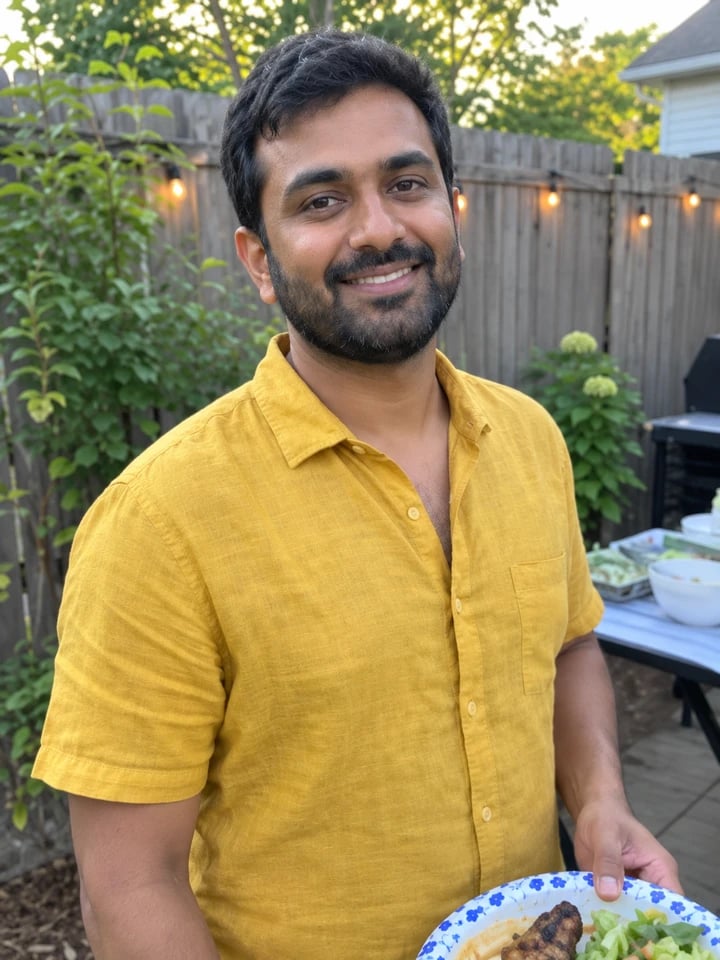
Original photo before AI Image Enhancer - Auto Enhance style
Original photo
Before
AI result in Auto Enhance style - AI Image Enhancer
AI result
After
Auto Enhance Style
AI Image Enhancer · Eidora AI
What Is This Tool
AI Image Enhancer overview

What Is AI Image Enhancer?

An AI image enhancer fixes the photos you almost deleted: the one that came out soft, the one taken in a dim room, the one that has been forwarded so many times it turned into blocks. Upload it and Eidora's AI Image Enhancer gives you back the same photo, sharp and clean. Blur, grain and compression blocks go; eyes, eyelashes, separate strands of hair, real skin texture and the weave of a sweater come back. Everything else stays where it was: the same people with the same faces, the same clothes, pose, background and framing, and a background that was softly blurred stays softly blurred. A dark photo gets a little brighter, still the same place and time. It works best on photos of people. It is not a plain enlarger: small photos come back at about twice their size, and the result stops at about 1.5 million pixels. For a pure 2× enlargement that redraws nothing, use the Image Upscaler; for faded or scratched prints, AI Old Photo Restoration.

Use Cases

What you can create

AI Image Enhancer use case - Photos From the Family Chat

Photos From the Family Chat

Pictures that were forwarded until they turned blocky come back clean enough to print.

Low-Light Phone Shots

Dinner, a party, an evening walk: grainy dark photos come back clearer and a little brighter.

Profile Pictures

Turn a soft selfie into a sharp profile picture that still looks like you.

Why Eidora

Built different, built better

Still the Same Person
Same face, eyes, smile, glasses and hair. No beauty filter, no slimmer face, no new makeup.
Detail That Was Lost
Blur, grain and chat-app compression blocks go; eyes, hair, skin texture and fabric come back.
One Button
No sliders and no settings. Upload the photo and press Generate.
How it works

Three steps. About a minute.

AI Image Enhancer: Upload the Photo
  1. Upload the Photo

    The blurry, grainy, dark or compressed photo you want to fix. JPG, PNG or WebP.

  2. Press Generate

    Auto Enhance is already selected. Usually in 20 to 60 seconds the sharp version is ready. Each photo uses 4 credits.

  3. Compare and Download

    Slide between before and after, then download the enhanced photo.

Try AI Image Enhancer Now
✦ Try It Free Now
FAQ

Frequently
asked questions

Everything you need to know. Can't find what you're looking for?
Still have questions?
Our support team is happy to help.
Contact Support
Free to try: a free account starts with 6 credits, enough to try this tool once (4 credits per photo), with 2 left over. Free results carry an eidora.io watermark. After that, credits start at $1.99: a new account can buy 40 credits for $1.99 once, within 72 hours of signing up; credit packs start at $4.99 for 100 credits and plans at $9.9/month. Once you have paid, your results have no badge.
Upload the photo to Eidora's AI Image Enhancer and press Generate; Auto Enhance is already selected and there is no prompt to write. Usually in 20 to 60 seconds you get the same photo back sharp and clean, and you can download it.
It is built not to. The prompt keeps each person's face shape, eyes, nose, mouth, expression, age, skin tone, hair, glasses and jewellery, and it never beautifies or slims anyone. In our test on six low-quality photos of fictional people (a dark selfie, a neon-lit selfie, a backlit man in glasses, a full-length street photo and two more), all six kept the same person. Because the AI redraws the fine detail, tiny things such as a stray hair can differ a little from the real moment.
Soft or slightly out-of-focus photos, grainy low-light photos, small photos, and photos that turned blocky after being sent through chat apps. It works best on photos of people. It cannot rescue a photo where the face is a few pixels wide or hidden by heavy motion blur.
Small photos come back at about twice their width and height, and the result stops at about 1.5 million pixels, for example 1024 × 1536. A large photo is not made larger. For a pure 2× enlargement that redraws nothing, use the Image Upscaler, which uses 1 credit.
No. The clothes, background, objects, framing and shape of the photo stay as they were, and a background that was softly blurred stays softly blurred. Writing on signs that was too blurry to read stays unreadable rather than being turned into made-up words.
A dark photo is brightened a little so faces are easy to see, while the light and mood of the place stay, so an evening photo still looks like evening.
Usually 20 to 60 seconds, a little longer at busy times.
Your uploads, prompts and results are saved privately to your history so you can view and download them later, and only you can open them. To create a result, your input is sent to the AI model provider that runs the generation. We do not sell your content or use it to train AI models.
Your first one is free
Ready to create
your masterpiece?
4 credits per image · Free to try · no card needed
Free to try · no card needed
~20–60 seconds
Sign up free · first image free