MiniMax H3

Upload one photo and MiniMax H3 turns it into a 6-second video with sound. Pick a motion style, press Generate, and keep your face, clothes and background.
Paid plans and credit packs
3 styles
~2–5 minutes
25 credits per image
ExampleMade with this tool
After
✦ Make a MiniMax H3 Video
✦ AI Result
Original photo
Original
Upload your photo

By uploading, you confirm you have the right to use this photo (see Acceptable Use).

Try with an example:
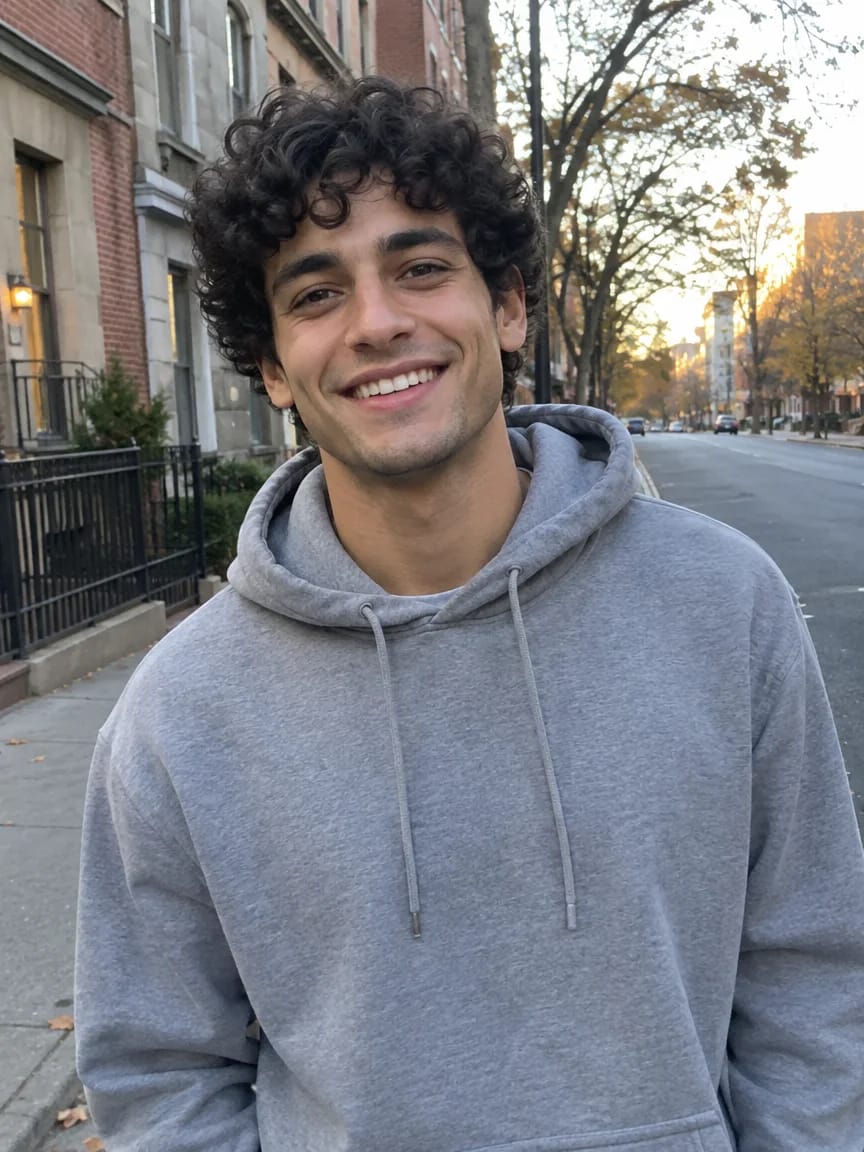
Example photo 1
Choose style
25 credits per image · needs a credit pack (from $4.99)
Model: MiniMax H3 · Videos usually take 2-5 minutes

Eidora's MiniMax H3 page runs MiniMax's H3 video model on your photo: upload one picture, pick one of 3 motion styles (Animate Photo, Cinematic Camera or Turn and Smile) and get one 6-second 768P video with sound, usually in 2 to 5 minutes. It needs an account to start and a paid plan or a credit pack to run, because each video uses 25 credits.

Before & After

See the before & after

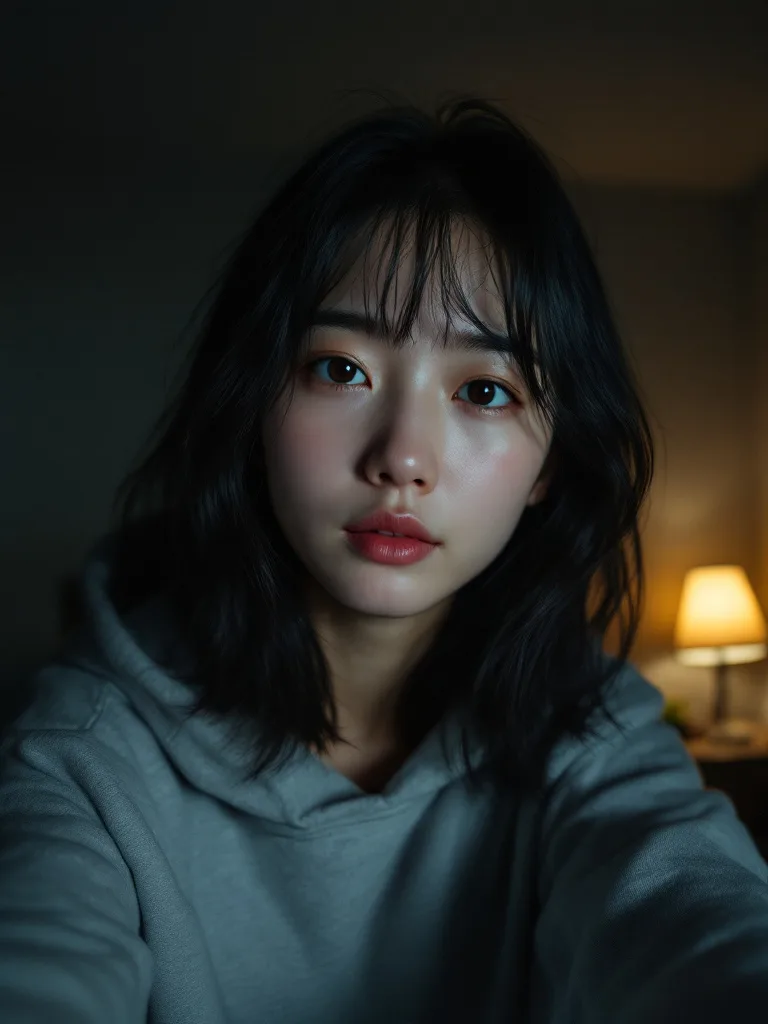
Original photo before MiniMax H3 - Animate Photo style
Original photo
Before
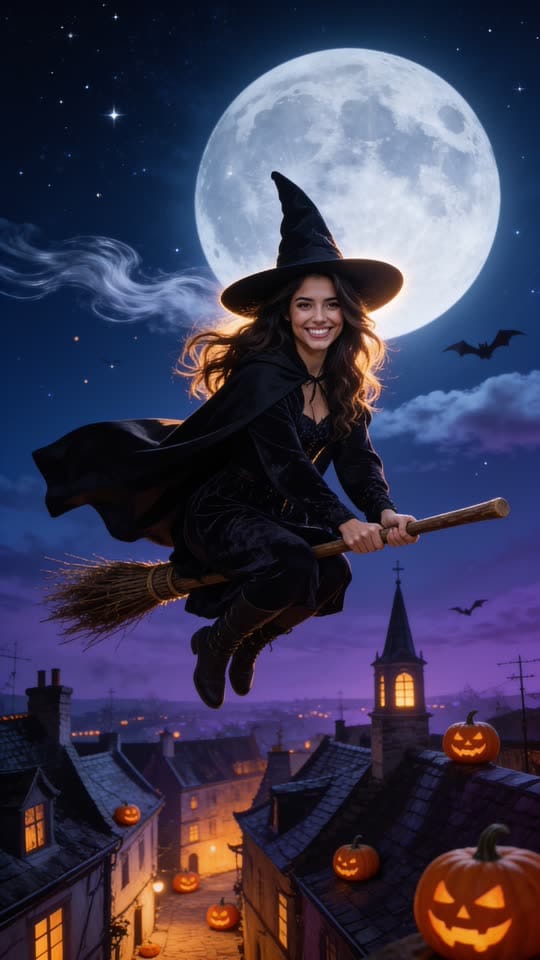
AI result
After
Animate Photo Style
MiniMax H3 · Eidora AI
Model positioning
MiniMax H3 overview

About this model

MiniMax H3 is MiniMax's image-to-video model. It keeps the person in your photo recognisable while adding natural motion, and its clips come with sound. Eidora runs it through kie.ai: one photo in, one 6-second 768P video out. It is a short-clip model, not an editor.

  • Keeps the face and clothes from your photo
  • 6-second clips with sound
  • Natural small movements and slow camera moves
  • Works from a phone selfie or a full-body photo
Best for: Making a photo of a person move for a social post, a profile video or a short memory clip.
Use Cases

What you can edit

MiniMax H3 use case - Social Posts and Stories

Social Posts and Stories

Turn a profile picture or a favourite photo into a short moving clip for Reels, Shorts or a story, without filming anything new.

Profile and Intro Videos

Give a team page, a creator profile or a video intro a moving portrait that looks like the person and not like a stock clip.

Photos You Want to Keep Alive

Bring a family photo or a travel portrait to life for a little while, with a natural smile and a little movement.

Why Eidora

Built different, built better

Your photo, moving
Upload one photo and get a short video of the same person, with natural blinks, a smile and a little head movement.
Sound included
Each 6-second clip comes with sound, so it is ready to post without adding audio first.
Keeps the face
The motion styles tell the model to keep the same face, hair, skin tone and clothes as your photo.
How it works

Three edits. Clear results.

MiniMax H3: Upload a Photo
  1. Upload a Photo

    Upload one clear photo of a person, facing the camera. A selfie, a half-body shot or a full-body shot all work.

  2. Pick a Motion Style

    Choose Animate Photo, Cinematic Camera or Turn and Smile, then press Generate. Sign up or log in when asked; your photo stays.

  3. Download Your Video

    Your 6-second video usually takes 2 to 5 minutes. Download the MP4, or pick another style and run it again.

Try MiniMax H3 Now
✦ Start Now
FAQ

Frequently
asked questions

Everything you need to know. Can't find what you're looking for?
Still have questions?
Our support team is happy to help.
Contact Support
MiniMax H3 is MiniMax's AI video model. On this page it turns one photo into a 6-second 768P video with sound. Eidora is not affiliated with MiniMax.
Yes. Your photo and the motion style you pick are sent to MiniMax H3 through kie.ai, a model hosting provider, and the clip it returns is what you download.
This video tool runs on paid plans and credit packs. Pro is $9.9/month for 300 credits, and each video uses 25 credits; credit packs start at $4.99 for 100 credits. Ultra and Max add more credits. Paid results have no badge.
Yes. You need an account to generate. You can open the page, upload a photo and pick a style first; pressing Generate then asks you to sign up or log in, your photo and choices are kept, and the video starts after you sign in.
Each run makes one 6-second video at 768P with sound, downloaded as an MP4. For a longer video, make several clips and join them in an editor.
A MiniMax H3 video usually takes 2 to 5 minutes, a little longer at busy times.
One person facing the camera in decent light: a selfie, a half-body shot or a full-body shot. A sharp photo keeps the face best, and a photo with several people or heavy shadow gives less predictable results.
MiniMax H3 often moves the camera closer during the 6-second clip, so a full-body shot may end as a half-body shot.
The motion styles ask the model to keep the same face, hair, skin tone and clothes. In our tests on 3 different photos (a dark selfie, a full-body street shot and a woman with glasses) the face stayed recognisable, but AI video can drift, so check the clip before you post it.
Sometimes. MiniMax can refuse a photo it takes for a well-known real person or a protected character. If a run is refused or fails, the credits are returned and you can try another photo.
No badge is added to videos. MiniMax H3 video is included in paid plans and credit packs, which never add a badge to results.
It depends on your rights in the photo, applicable law and the model provider's current terms. An Eidora plan changes generation limits and history retention; it does not grant extra intellectual-property rights.
Starter pack: 100 credits for $4.99
Ready to create
your masterpiece?
3 styles · 25 credits per image · Paid plans and credit packs
Paid plans and credit packs
~2–5 minutes
25 credits per image