AI Christmas Card Generator

AI Christmas
Card Generator

Type your greeting and Eidora designs a finished Christmas card around it, in one of 6 styles from classic red and gold to watercolor, kids and a party invitation. Add a family photo if you like, then download and print.

6 styles
~20–60 seconds

By uploading, you confirm you have the right to use this photo (see Acceptable Use).

Art style
Aspect ratio
Inspiration — click to try
Inspiration 1
Inspiration 2
Inspiration 3
Inspiration 4
4 credits per image · sign up free · first image free
Model: GPT Image 2.5 · Usually 20-60 seconds

Eidora's AI Christmas Card Generator designs a whole Christmas card from the words you type, in one of 6 styles: Classic Red & Gold, Winter Watercolor, Modern Minimal, Kids & Whimsical, Elegant Gold Foil or a Christmas party invitation. It writes only your words, spelled as you typed them, or "Merry Christmas" if you give none, and it can place a family photo you upload in the design. Cards run on GPT Image 2.5, OpenAI's image model, usually in 20 to 60 seconds. Sign up free to start; each card uses 4 credits.

Prompt & Result

From prompt to image

Made from a text prompt

Prompt
Input
AI result in Classic Red & Gold style - AI Christmas Card GeneratorAI result in Winter Watercolor style - AI Christmas Card Generator
AI result
After
Classic Red & Gold Style
AI Christmas Card Generator · Eidora AI
What Is This Tool
AI Christmas Card Generator overview

What Is AI Christmas Card Generator?

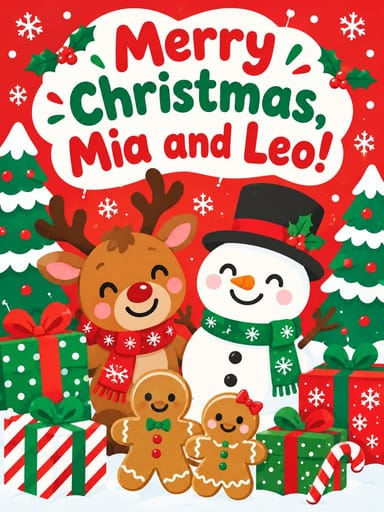
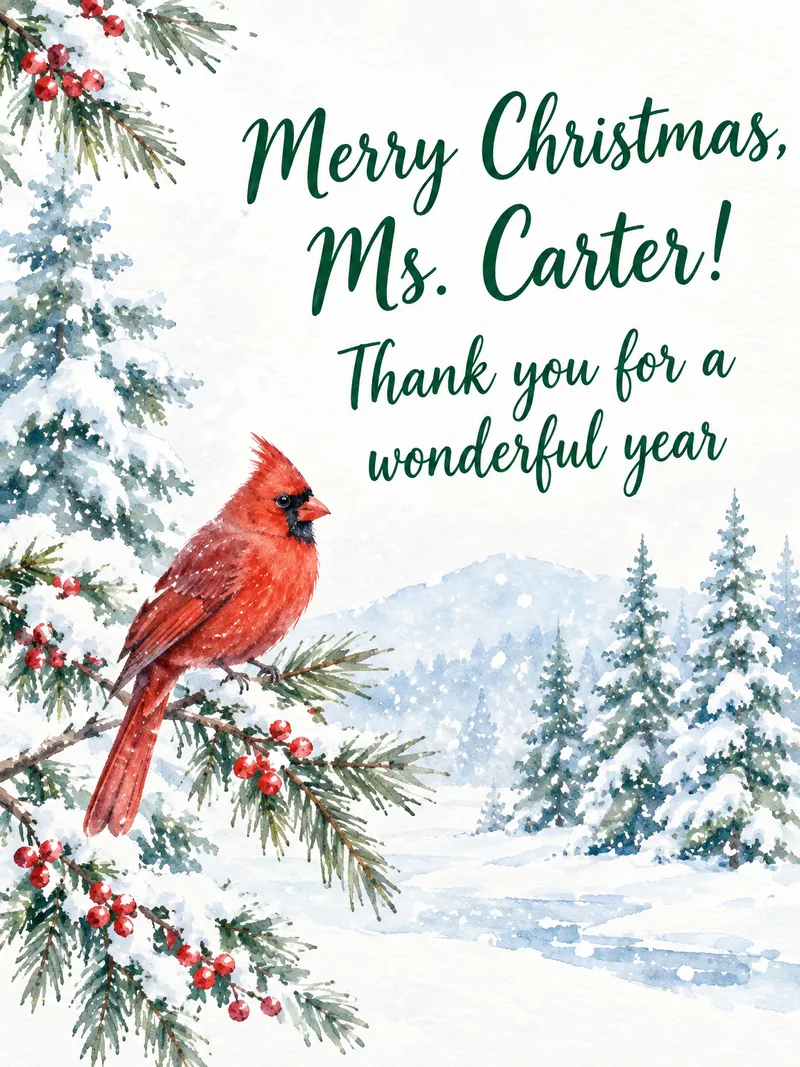
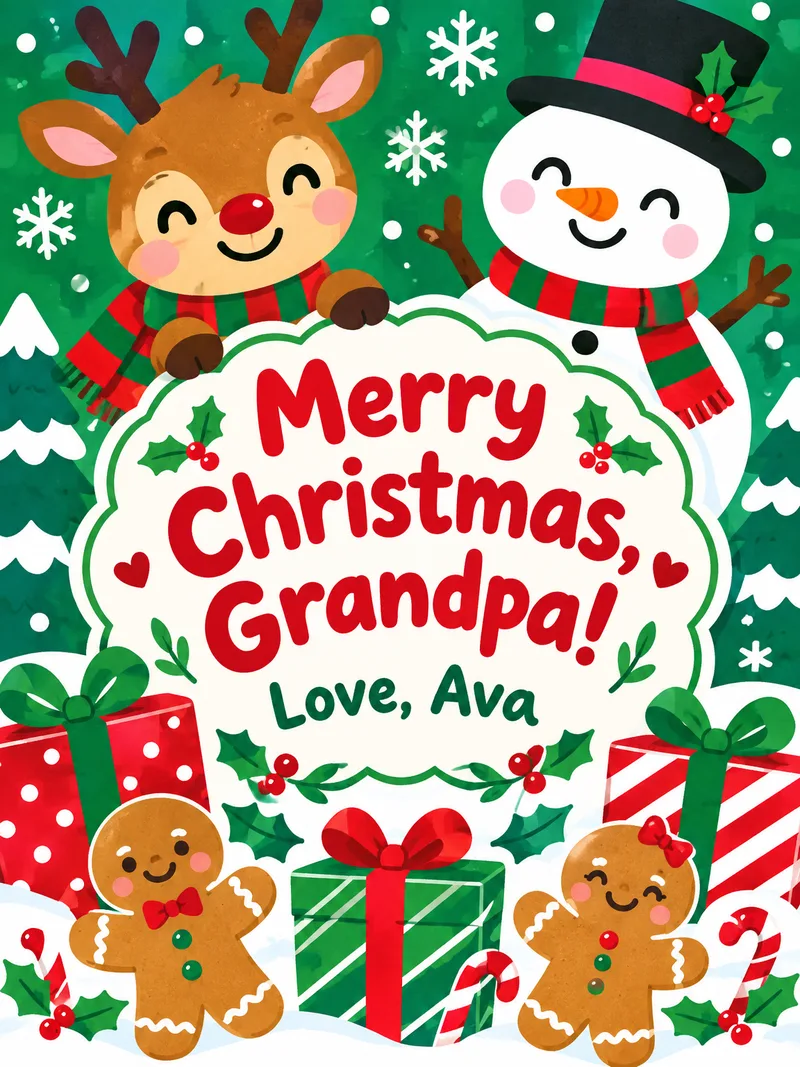
This AI Christmas Card Generator designs the whole card, picture and lettering together, around the words you type. Classic Red & Gold uses gold holly, berries and ornaments on deep red; Winter Watercolor paints snowy pines and a red cardinal; Modern Minimal is one line-drawn tree on off-white with clean type; Kids & Whimsical draws a smiling reindeer, a snowman and gingerbread cookies; Elegant Gold Foil puts a gold wreath on navy or forest green; Party Invitation lays out your event details under string lights. Write the exact greeting and sign-off you want, such as "Merry Christmas from the Johnsons"; the card shows only those words. Upload a family photo and it is framed in the design with every face kept. For a Christmas portrait of your family first, use the AI Christmas Photo Generator, then add your words under the result.

Use Cases

What you can create

AI Christmas Card Generator use case - Family Christmas Cards

Family Christmas Cards

A card that says "Merry Christmas from the Johnsons" in your choice of style, to send to everyone you know.
AI Christmas Card Generator use case - Business and Team Greetings

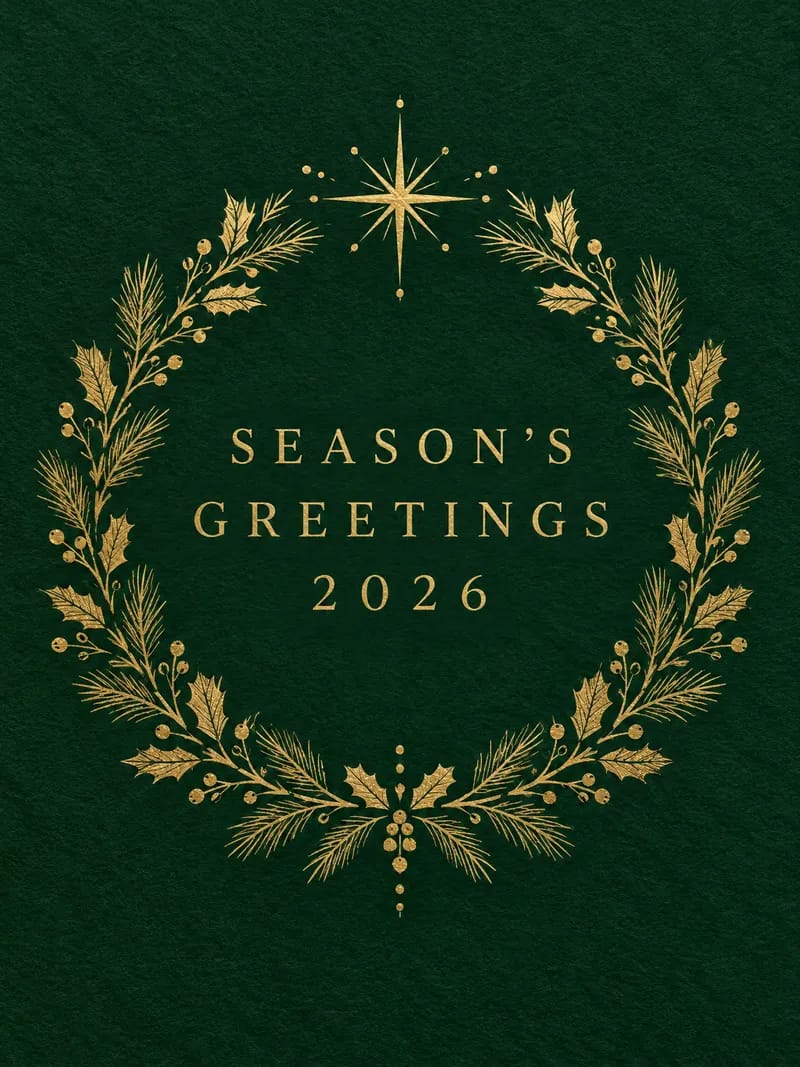
Business and Team Greetings

A polished holiday card for customers or colleagues, with your company name spelled right.
AI Christmas Card Generator use case - Party Invitations

Party Invitations

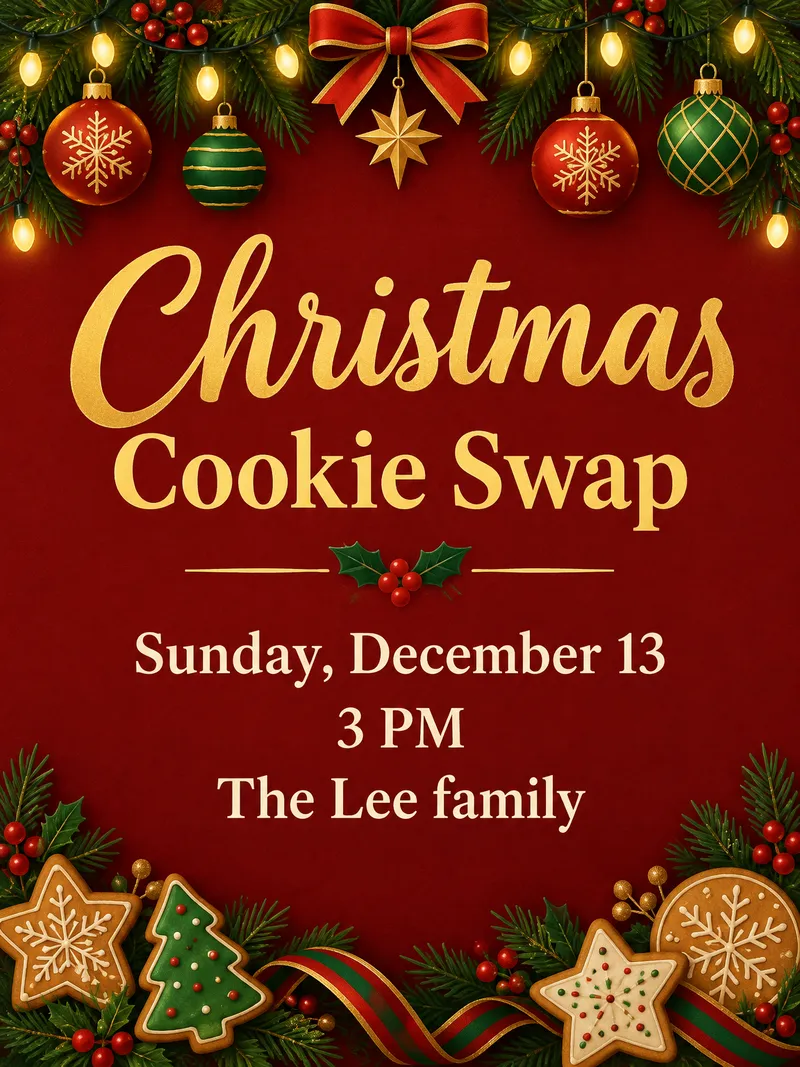
A Christmas party, cookie swap or office party invitation with your date, time and place, ready to text or post.

Why Eidora

Built different, built better

Words Spelled Right
Your greeting and names appear exactly as you type them, with no made-up text around them.
A Finished Design
Picture, border and lettering come as one card, ready to post, text or print, with no template to fill in.
Cards and Invitations
Six looks, from classic red and gold to a kids card and a Christmas party invitation with your date and place.
How it works

Three steps. About a minute.

AI Christmas Card Generator: Type Your Greeting
  1. Type Your Greeting

    Write the exact words for the card, such as "Merry Christmas from the Johnsons", or party details. Add a photo if you want one in the design.

  2. Pick a Style

    Choose Classic Red & Gold, Winter Watercolor, Modern Minimal, Kids & Whimsical, Elegant Gold Foil or Party Invitation, then press Generate. A card uses 4 credits.

  3. Download and Share

    Download the card to text, post or print. Change a word and generate again for a new version.

Try AI Christmas Card Generator Now
✦ Try It Free Now
FAQ

Frequently
asked questions

Everything you need to know. Can't find what you're looking for?

Still have questions?
Our support team is happy to help.
Contact Support
Free to try: a free account starts with 6 credits, enough to try this tool once (4 credits per card), with 2 left over. Free results carry an eidora.io watermark. After that, credits start at $1.99: a new account can buy 40 credits for $1.99 once, within 72 hours of signing up; credit packs start at $4.99 for 100 credits and plans at $9.9/month. Once you have paid, your results have no badge.
Type the exact words you want on the card into Eidora's AI Christmas Card Generator, pick one of 6 styles and press Generate. In about 20 to 60 seconds you get a finished card design with your words in it, ready to download. Add a family photo if you want it framed in the card.
Yes, that is what the tool is built for: it writes only the words you type, spelled as you typed them, and nothing else. If you leave the words empty, the card says "Merry Christmas". Check names before you print, and generate again if you change your mind.
Yes. Upload a photo and it is framed in the card design, with every person and pet kept as they are. For a full Christmas portrait of your family first, use the [AI Christmas Photo Generator](/tools/ai-christmas-photo-generator).
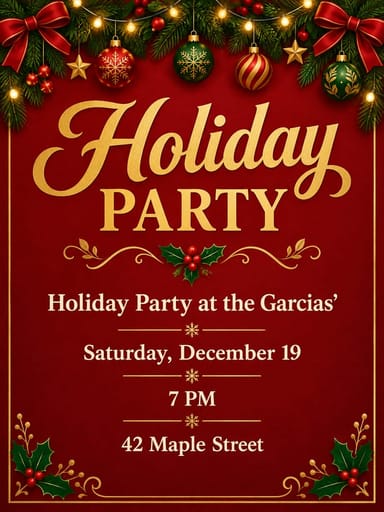
Yes. Pick Party Invitation and type the details, for example "Holiday Party at the Garcias' · Saturday, December 19 · 7 PM · 42 Maple Street". The invitation shows exactly those details under string lights and ornaments.
You can download the card as an image and print it at home or at a photo shop. It is sized for screens and small prints; for a large print, check the result at full size first.
There are 6: Classic Red & Gold, Winter Watercolor, Modern Minimal, Kids & Whimsical, Elegant Gold Foil and Party Invitation. Each one keeps your words exactly as typed.
A card usually takes 20 to 60 seconds, a little longer at busy times.
Permitted uses depend on your rights in uploaded photos, applicable law, and the selected third-party model or provider terms. Verify those terms and the consent of pictured people before publishing or selling an output.
Your uploads, prompts and results are saved privately to your history so you can view and download them later, and only you can open them. To create a result, your input is sent to the AI model provider that runs the generation. We do not sell your content or use it to train AI models.
Your first one is free
Ready to create
your masterpiece?
6 styles · 4 credits per image · Free to try · no card needed
Free to try · no card needed
~20–60 seconds
Sign up free · first image free