JPG, PNG or WebP up to 10 MB.
Eidora's AI Christmas Video Generator turns one family photo into a 6-second vertical Christmas video of the same people by a lit tree and a fireplace, smiling while snow falls outside. One press makes it: the Christmas scene is drawn with GPT Image 2.5, OpenAI's image model (usually 10 to 30 seconds), then filmed on MiniMax H3 (usually 2 to 5 minutes per video). Videos use 25 credits each, the scene included, and need a paid plan or a credit pack: a new account can buy 40 credits for $1.99 once, enough for one video, and the one-time $4.99 Starter pack covers four videos.
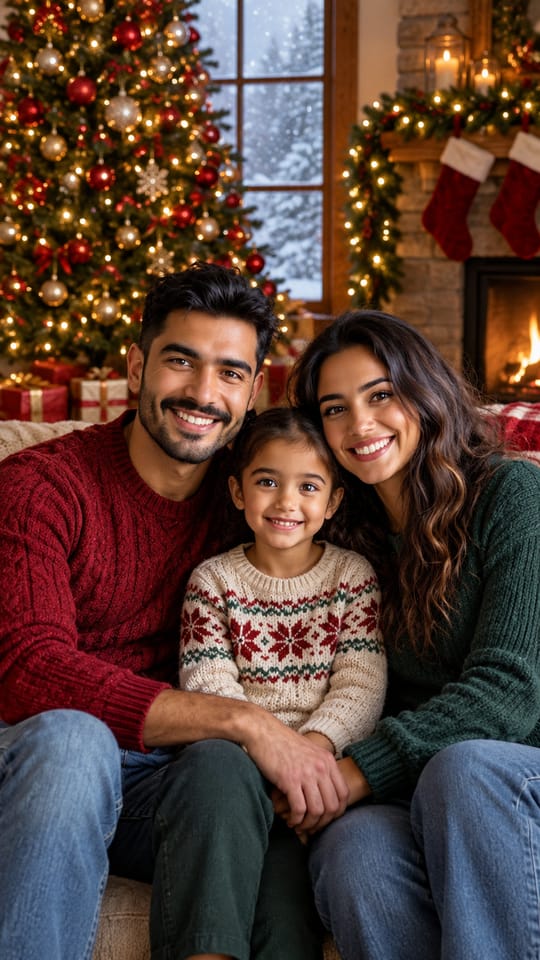
 Made from this photo
From one photo to a Christmas video
Real results made on this page. Nothing below is retouched.
 6-sec video
 6-sec video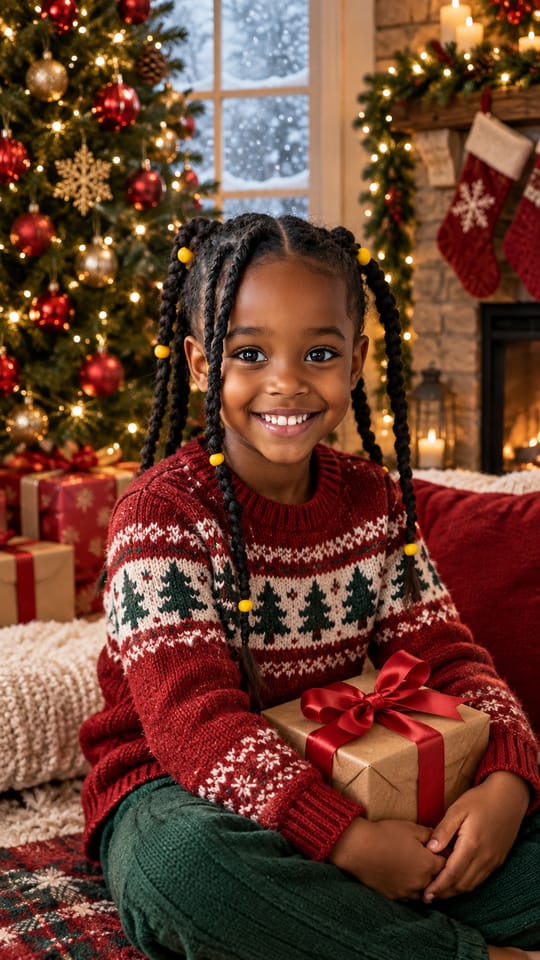

How to make your AI Christmas Video Generator video
Upload a photo
A clear, well-lit photo with every face visible: your family, your kids, or you and your pet.
Make your Christmas video
The Christmas scene is drawn from your photo in about 10 to 30 seconds, then filmed as a 6-second vertical video in about 2 to 5 minutes. Each video uses 25 credits.
Download and post
Download the video, add a Christmas song in TikTok, Reels or Facebook, and send it to the family.
What is an AI Christmas video?
A short clip made from a photo you already have: the same people in a Christmas scene, moving a little, the kind of video people post to Facebook, Reels and the family chat in December instead of a card.
How this maker does it
One press makes it. First the scene: your family in cozy Christmas knitwear by a lit tree and a fireplace, snow falling outside the window, every face, skin tone and hair kept. Then that scene is filmed as a 6-second vertical video: smiles, a glance at each other and back at the camera, twinkling lights, a slow push-in.
- Same people throughout: nobody new appears and nobody changes into anyone else.
- A pet stays the same pet, markings included.
- Silent video, so you pick the song in TikTok, Reels or Facebook.
Make your own
Upload a photo · No prompt to write · 25 credits · 2 to 5 minutes
Make my Christmas videoMore Christmas from your photo
For a still Christmas card portrait, a photo with Santa or matching pajamas on Christmas morning, use the AI Christmas Photo Generator. For a card with your own words, use the AI Christmas Card Generator.
Tips for the best Christmas video
The scene keeps the faces from your photo, so the photo matters most.
- Every face visible, in good light, nobody cut off at the edge.
- Skip sunglasses and hats.
- Two to five people fit the vertical frame best.
People also search for this as
- ai christmas video
- ai christmas video maker
- christmas video from photo
AI Christmas Video Generator questions
Is there an AI that turns my family photo into a Christmas video?
Yes. Eidora's AI Christmas Video Generator, on this page, takes one photo of your family, your kids or you and your pet and makes a 6-second vertical Christmas video of the same people by a lit tree, smiling while snow falls outside. It runs in your browser, so there is nothing to install.
Is the AI Christmas video generator free?
No, there is no free version. Videos use 25 credits each, the Christmas scene they are filmed from included, and need a paid plan or a credit pack. A new account can buy 40 credits for $1.99 once, within 72 hours of signing up, enough for one video; otherwise the one-time $4.99 Starter pack (100 credits) covers four videos, with no subscription.
Is it a video or a photo?
A video: one press makes a 6-second vertical video on MiniMax H3, filmed from a Christmas scene drawn from your photo. You can download the video, and the scene it starts from is in your library too. The video is silent, so add a Christmas song when you post.
Will everyone's face still look like them?
That is the point: the scene keeps every person's face, skin tone, hair and glasses, and a pet keeps its breed and markings. The video is made from that scene and moves gently, so it is the same people from the first frame to the last.
Can I include my dog or cat?
Yes. A pet in your photo stays in the video with the same breed, coat and markings.
Does it work on my phone?
Yes. It runs in your phone's browser, such as Safari or Chrome: pick a photo from your camera roll, press the button, then download the video to post. There is no app to install.
What kind of photo works best?
A clear, well-lit photo with every face visible and nobody cut off at the edge. Families of 2 to 5 people work best in the vertical frame.
How long does it take?
Usually 10 to 30 seconds for the Christmas scene, then 2 to 5 minutes for the video. You can leave the page; the video goes into your library when it is done.
Does the video come with music?
No. Eidora videos are silent. Add a Christmas song from TikTok's, Instagram's or Facebook's audio library when you post, or use music you have the rights to.
What happens to my photo?
Your upload and results are kept privately in your history so you can download them again; only you can open them. To make the result, the photo is sent to the AI model provider that renders it. We don't sell your content or use it to train AI models.
Your photo in, your own AI Christmas Video Generator video out. 25 credits, 2 to 5 minutes.
Make my Christmas video