GPT Image 2
From 4 credits · Best for posters and signs with readable text
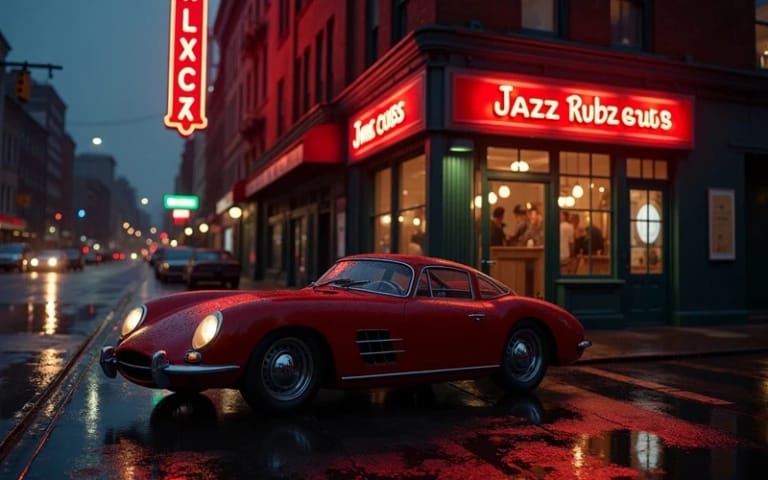
Create images from a text prompt with OpenAI's GPT Image 2, or upload a photo and describe the change. It follows detailed prompts and writes readable text into images.
By uploading, you confirm you have the right to use this photo (see Acceptable Use).
Model: GPT Image 2 · Usually 20-60 seconds
Eidora's GPT Image 2 page runs OpenAI's image model of that name: type a prompt to create an image, or upload a photo and describe the change. Both usually take 20 to 60 seconds. It follows detailed prompts closely and writes readable text into images such as signs and posters. Sign up free to start; each image uses 4 credits, from the 6 credits a free account gets.
From prompt to image
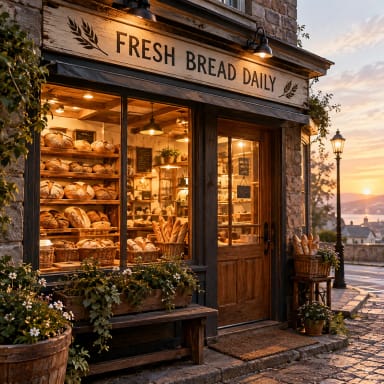
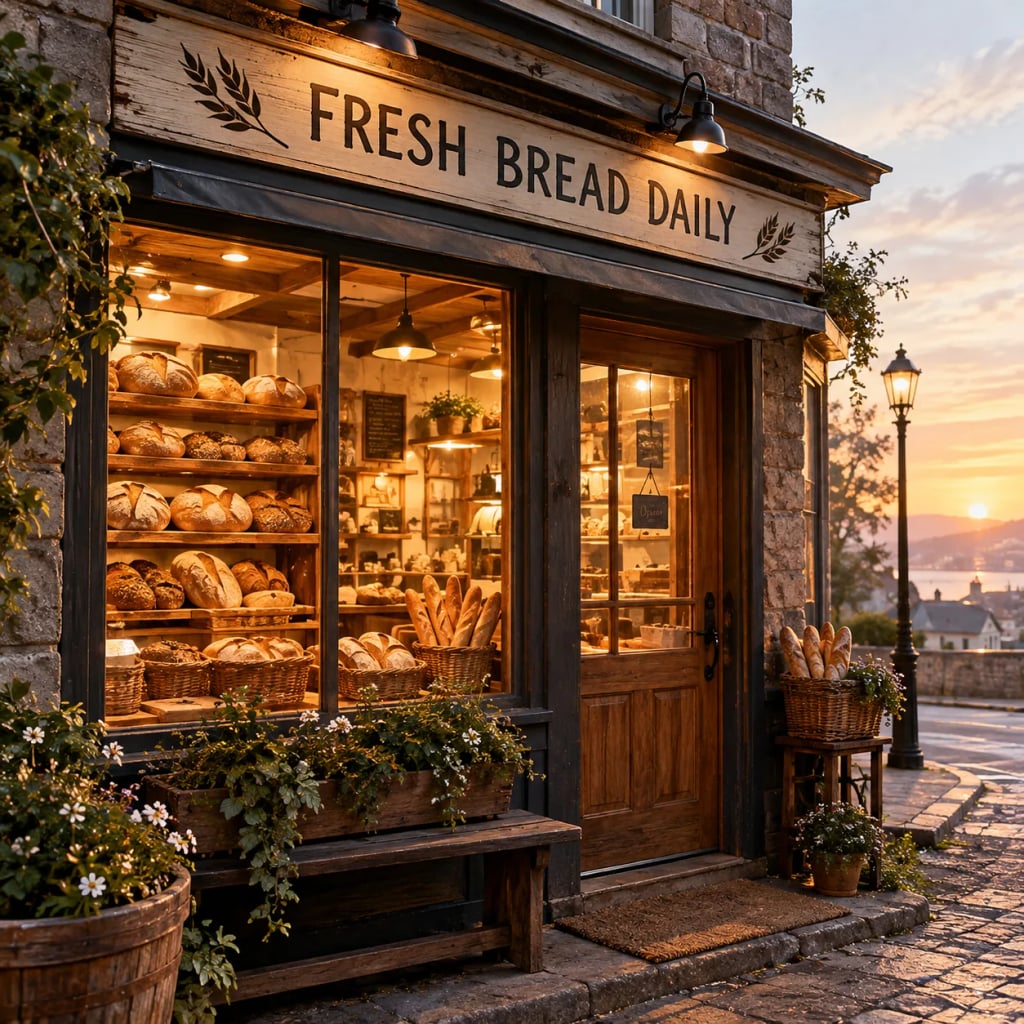
“A small corner bakery at dawn, warm light glowing from the window, fresh loaves on wooden shelves, a hand-painted sign above the door that reads "FRESH BREAD DAILY", photorealistic”
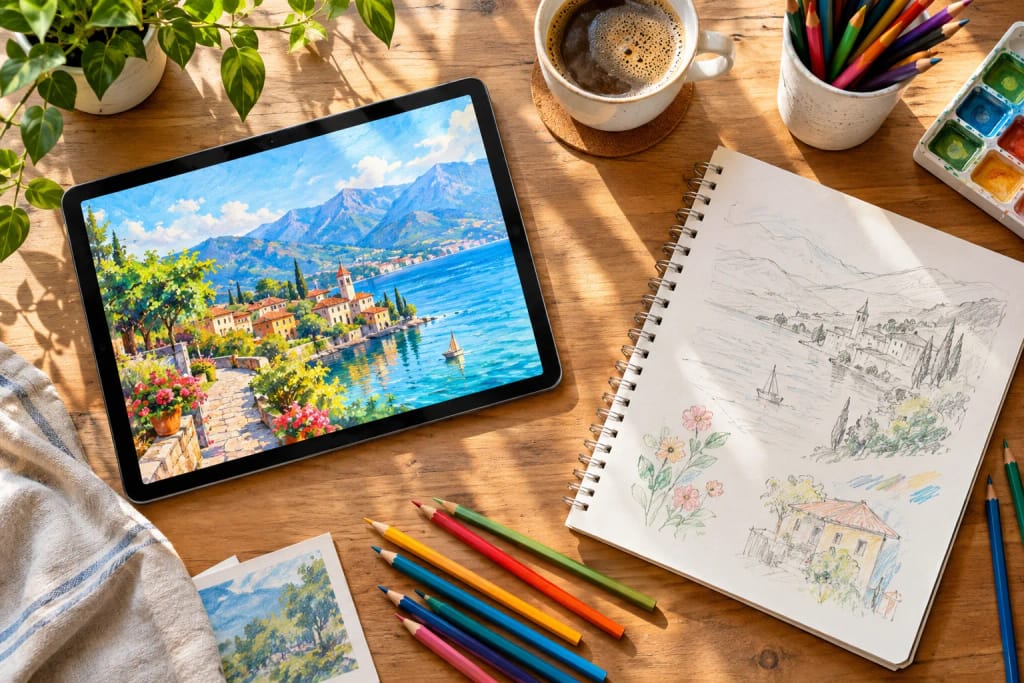
About this model
GPT Image 2 is OpenAI's image generation and editing model. Compared with GPT Image 1.5, which Eidora also offers: GPT Image 2 is the newer version and costs 4 credits an image here, against 8 for GPT Image 1.5, so a free account can use it. We have not measured a quality gap between them, and we found no head-to-head comparison from OpenAI, so we do not claim one is better. Pick GPT Image 2 for the lower price and the newer model; pick GPT Image 1.5 if you already like its look.
- Follows long, detailed prompts
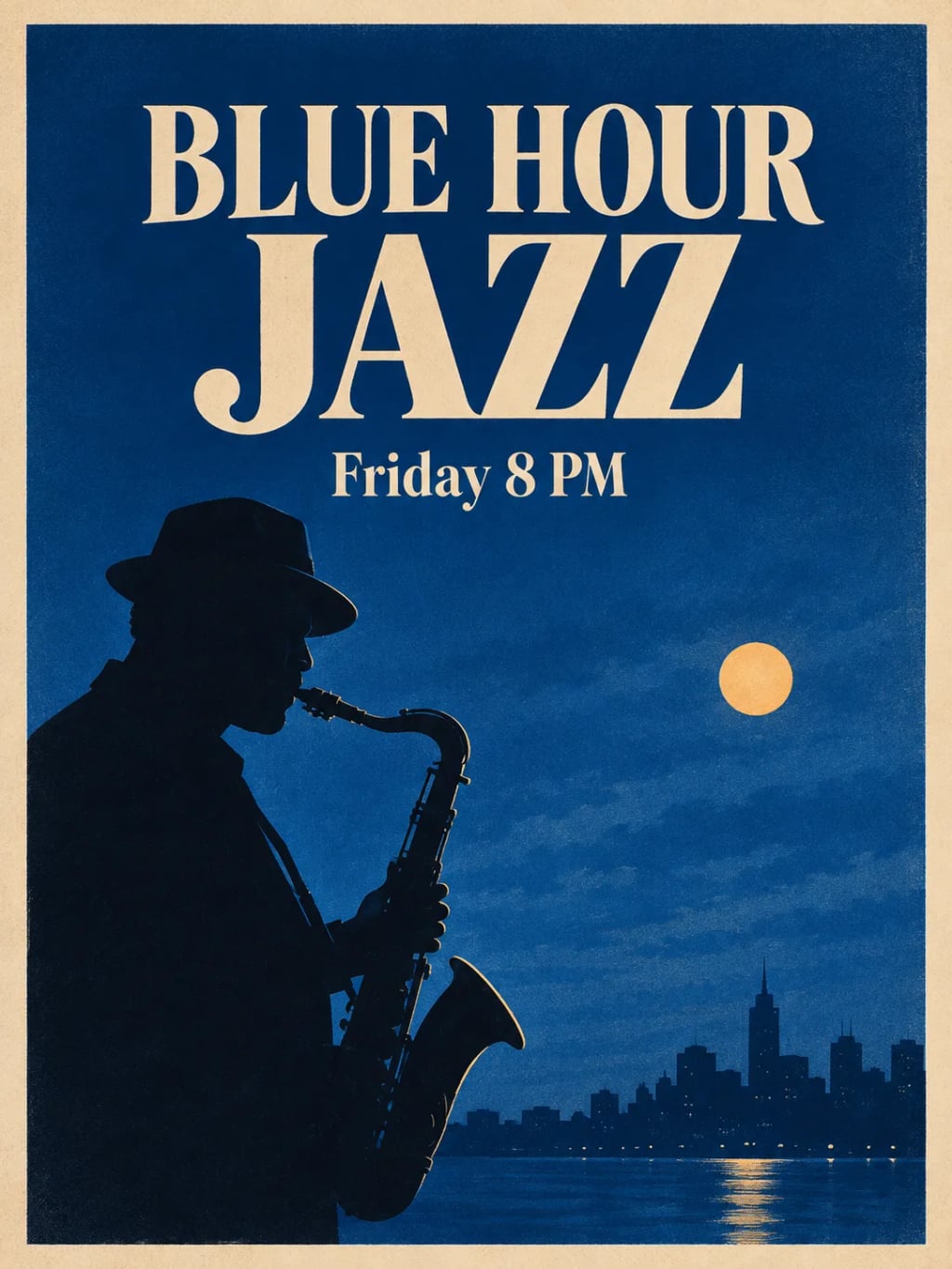
- Readable text inside images
- Edits an uploaded photo from a description
- 4 credits an image
What you can create
Posters and Flyers
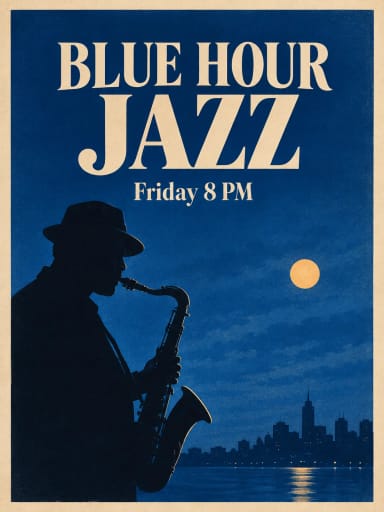
Event organisers can describe a poster with its headline and date in quotes and get a layout to start from. Check every letter before you print or post it.
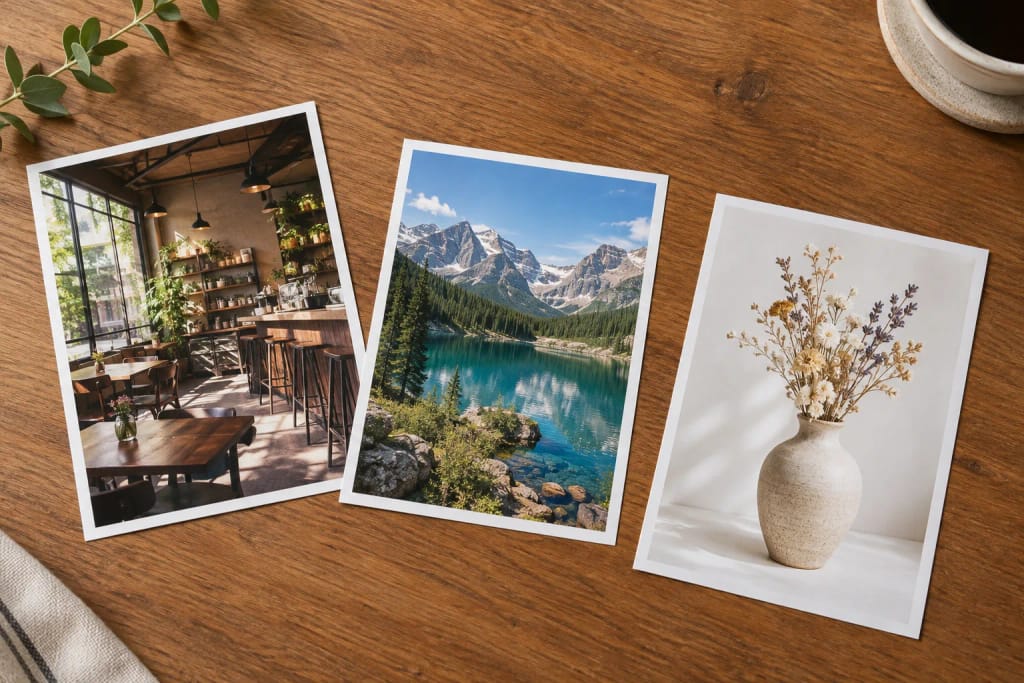
Shop and Product Mockups
Small business owners can picture a storefront with its sign, or a product on a clean background, before they pay for a photo shoot or a sign.
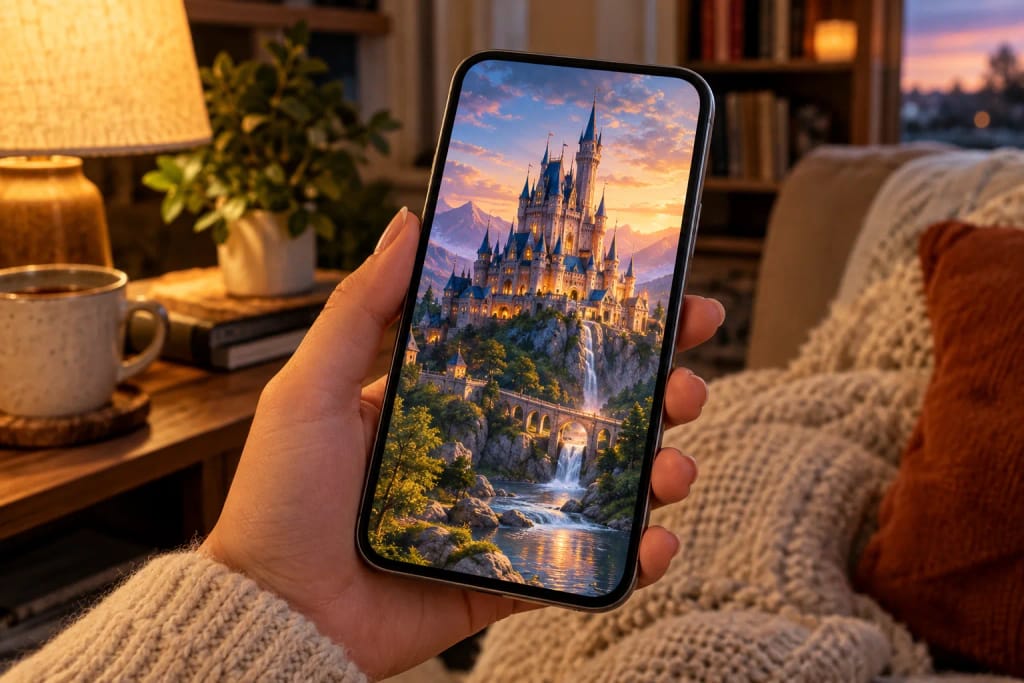
Social and Blog Visuals
Creators can make a header image or a post graphic in the shape they need, or upload a photo and change its background.
Built different, built better
Three steps. About a minute.
Write Your Prompt
Describe the image: the subject, the light and the style. Put any words that must appear in quotes. You can also upload a photo and describe the change.
Generate
Pick the shape and press Generate. It usually takes 20 to 60 seconds.
Check and Download
Check the result, especially any words in it, and download the image. Not quite right? Run it again.
Frequently
asked questions
Everything you need to know. Can't find what you're looking for?

your masterpiece?